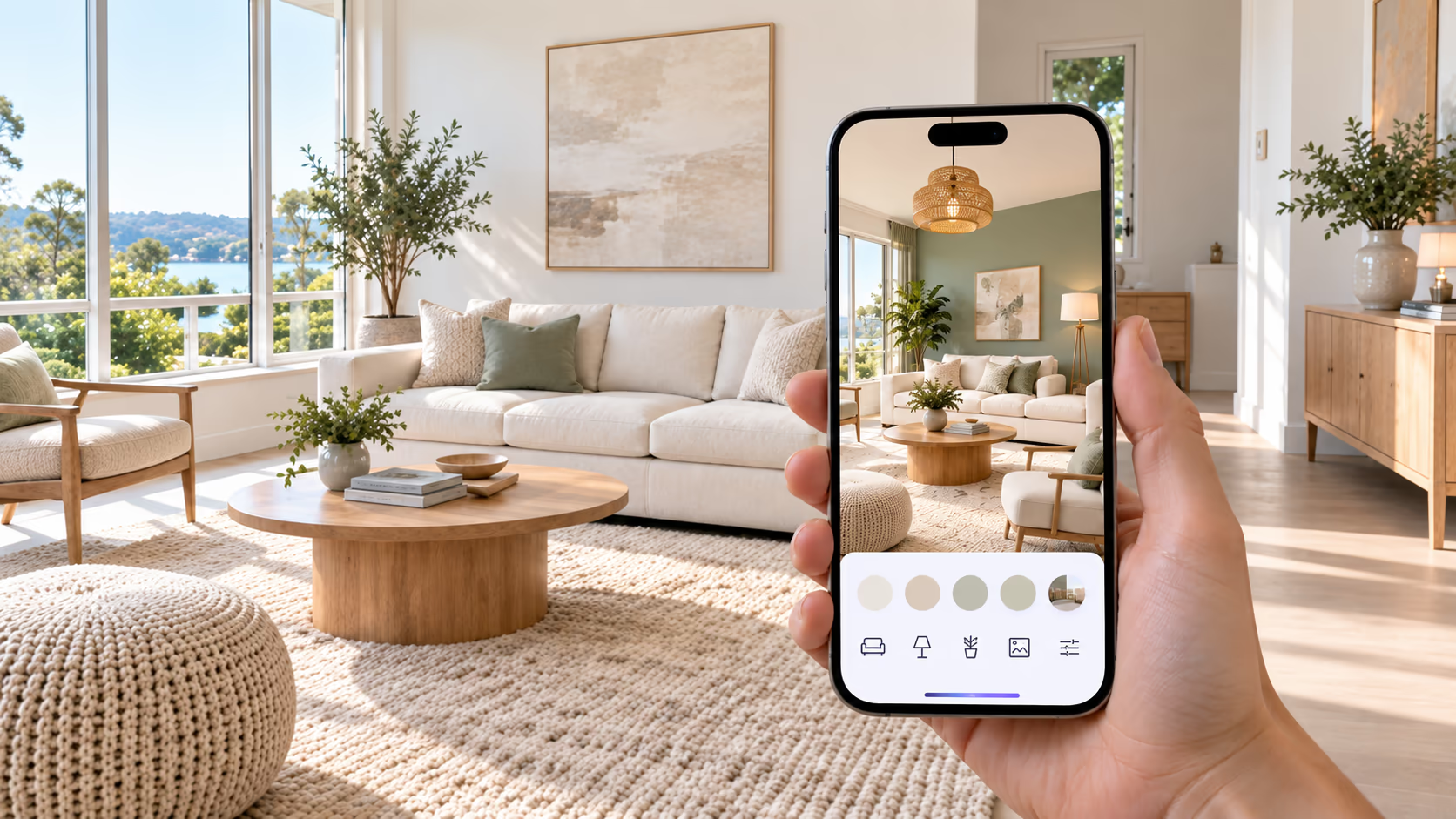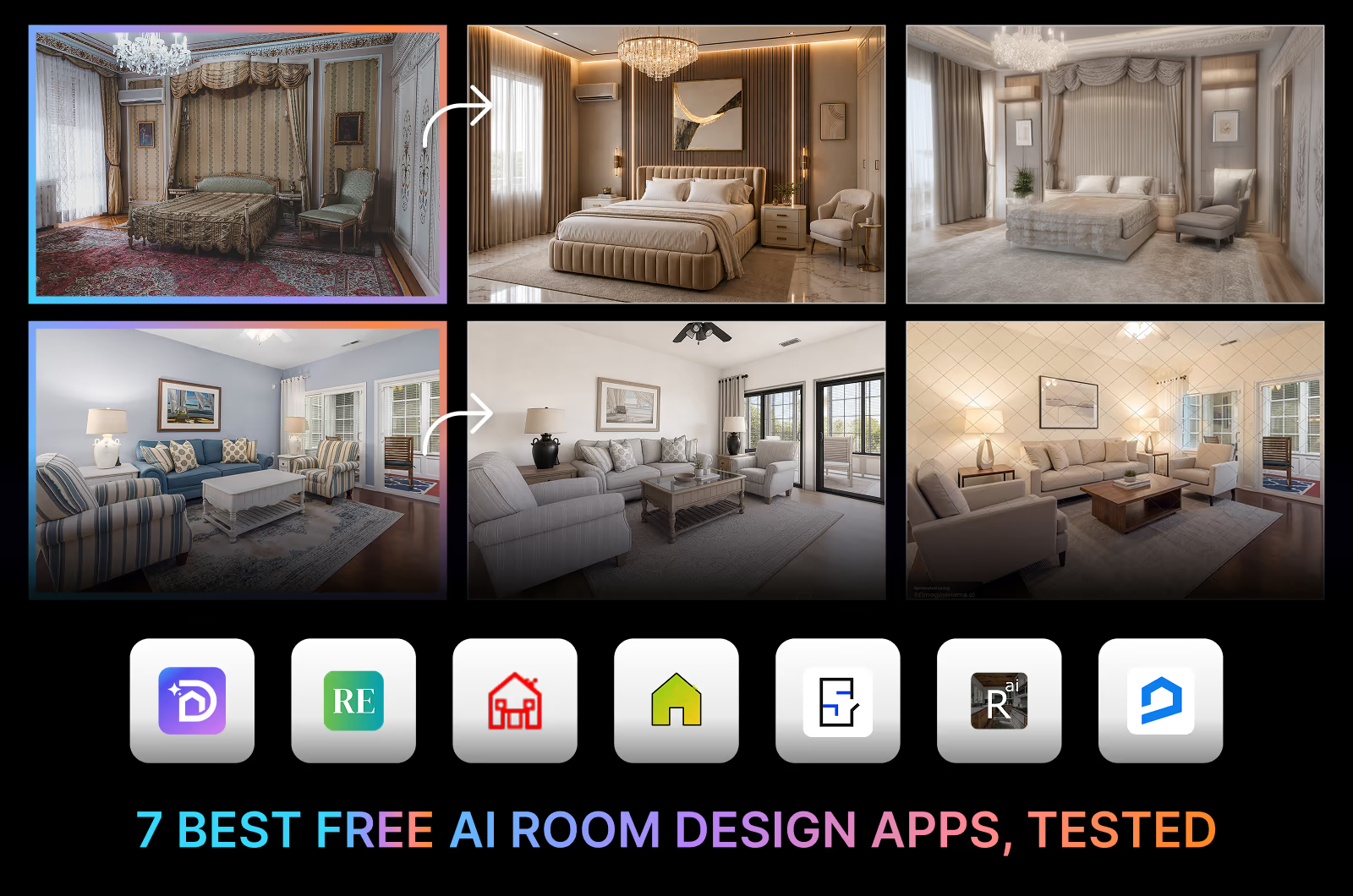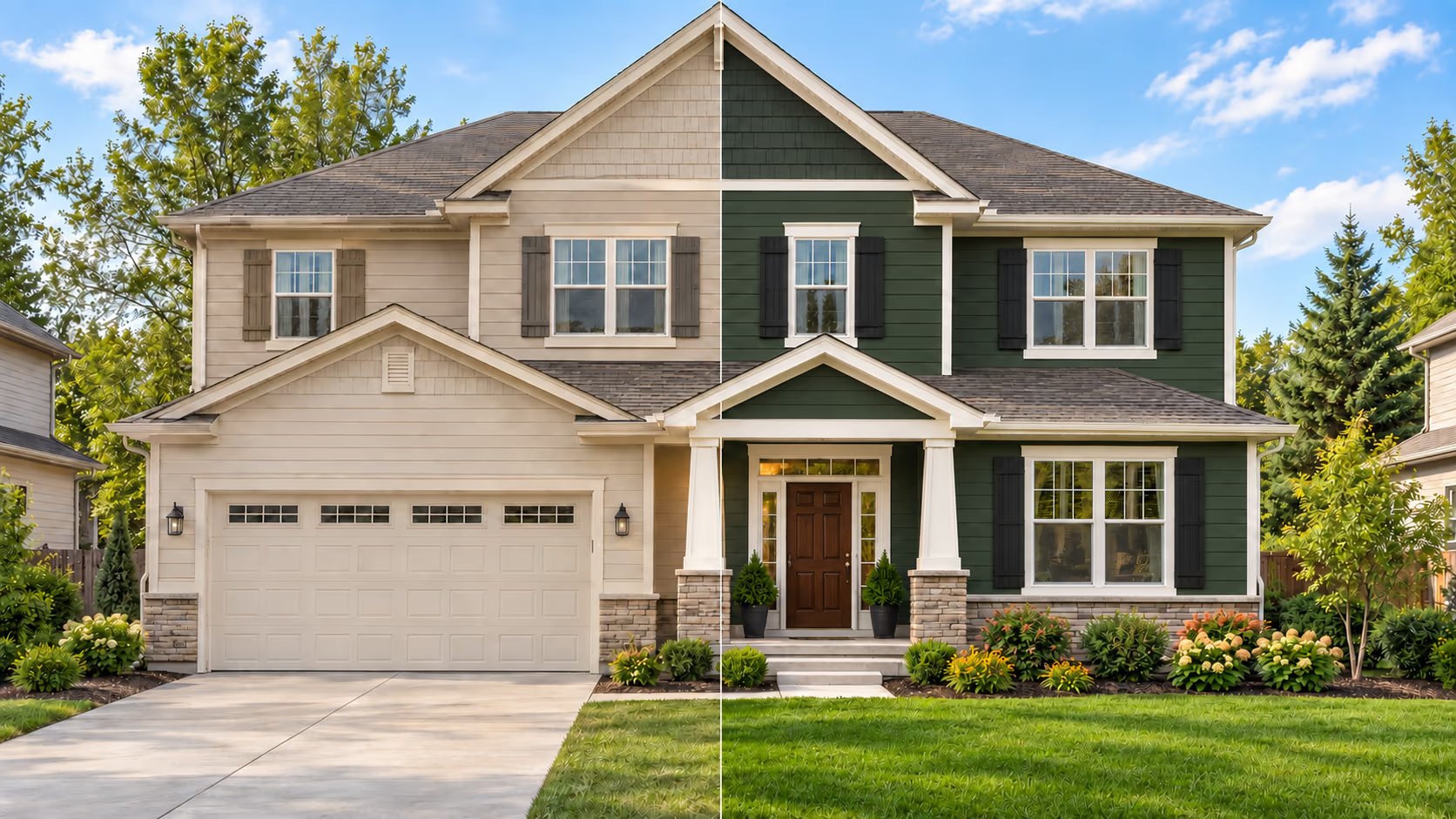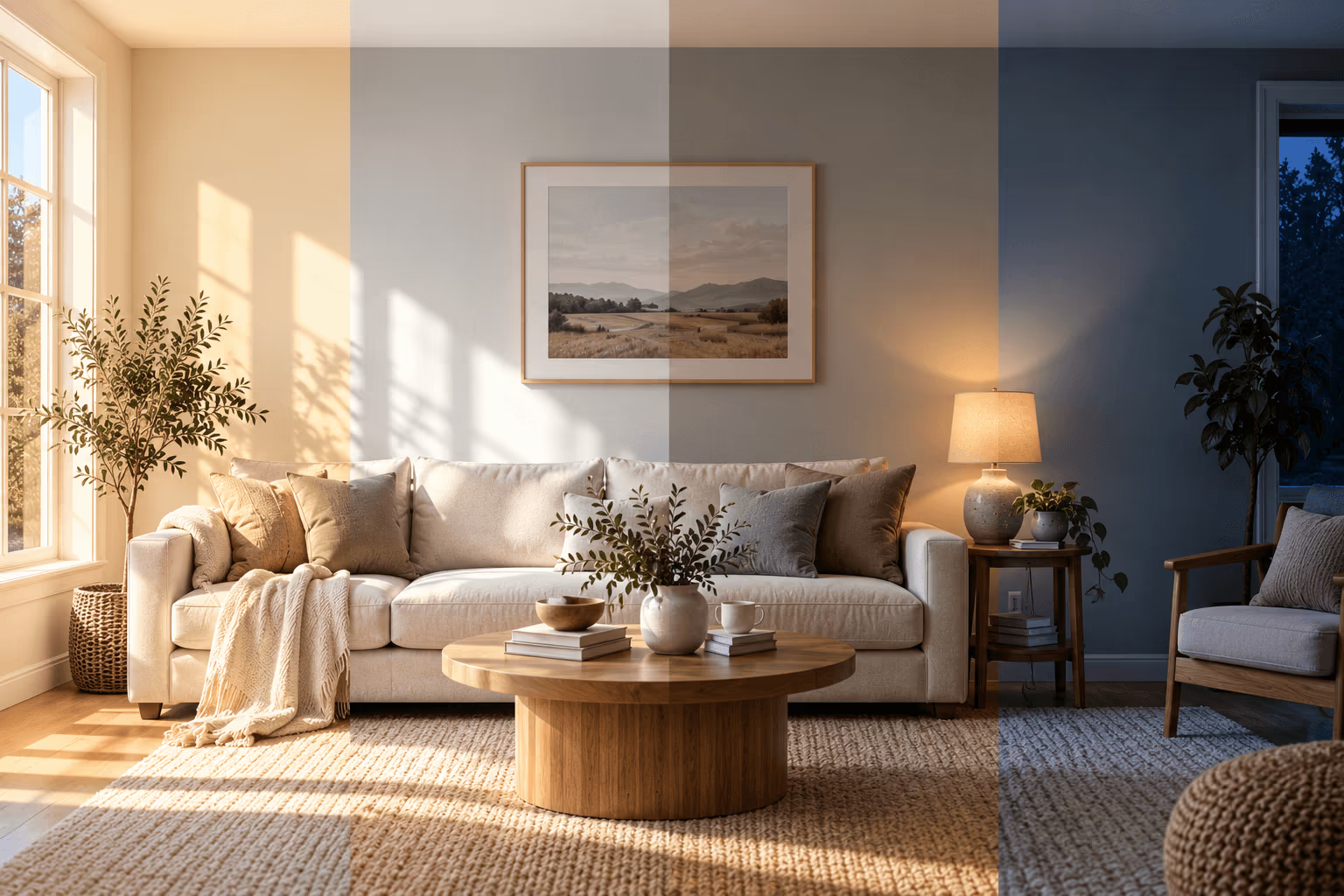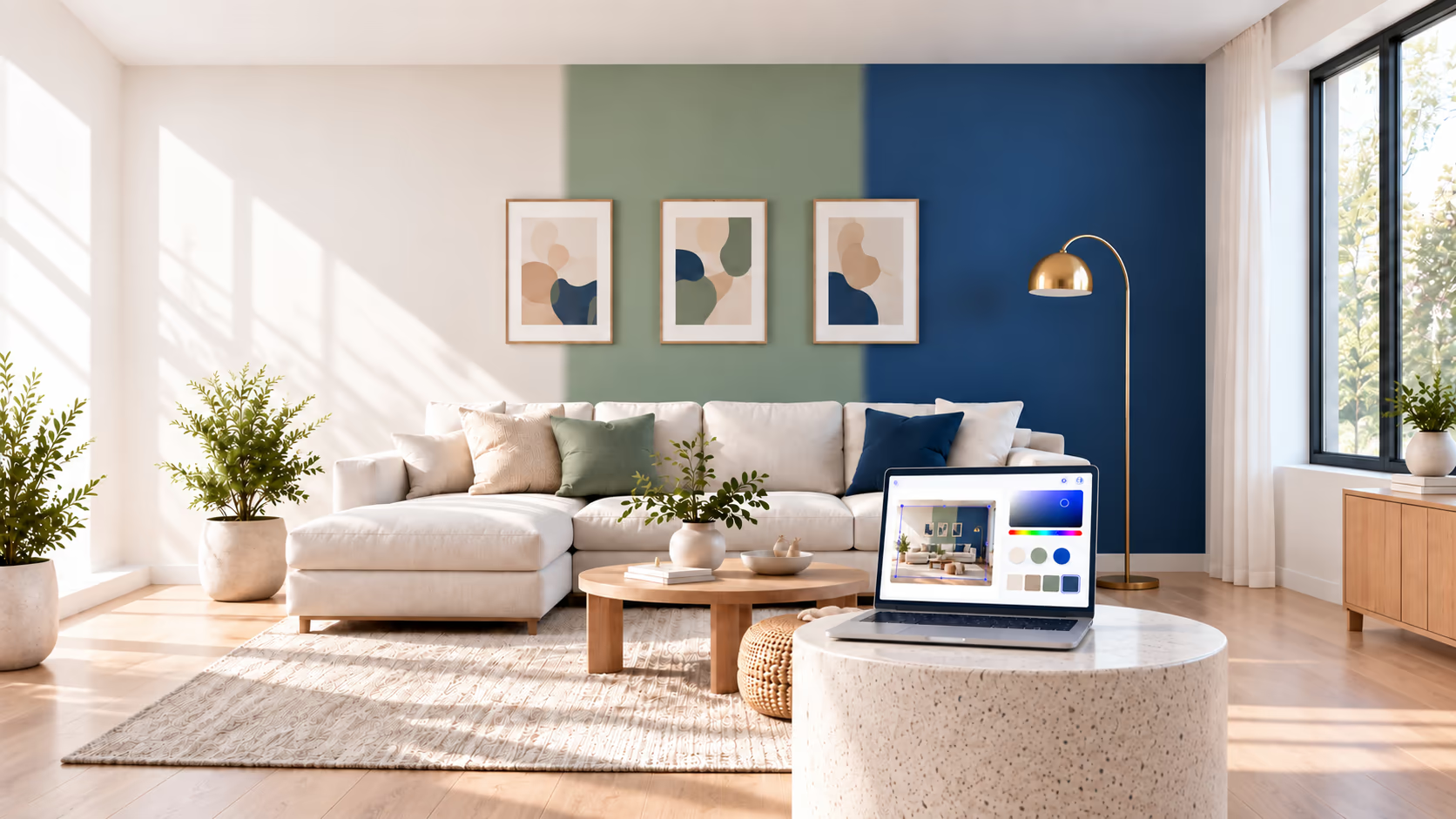
The best paint visualizer app for your project depends on what you need to keep unchanged. A useful wall-color preview should let you judge a shade beside your existing floor, furniture, and trim. A room redesign preview answers a different question: how could that color work if you changed the rest of the space?
This guide helps homeowners and interior designers choose between those workflows. It compares browser-based visualizers and mobile apps, explains how to bring a brand's digital color into DecorAI, and provides a same-photo comparison of four options.
A paint color visualizer shows how a color may look in your room before you buy paint. Use DecorAI Surface Painting to try any HEX color on your own photo, or a paint brand's visualizer when you need its official colors. Always test your final choice with a physical paint sample.
What Is a Paint Color Visualizer?
A paint color visualizer applies a digital color to a room image so you can see it before buying paint. Some apps recolor selected surfaces; others generate a revised image with AI. Neither method measures the finished color on your actual wall. The distinction matters because a convincing image can still contain inaccurate colors or unintended room changes.
How We Chose These Paint Color Visualizers
We reviewed official product pages for photo uploads, paint libraries, surface selection, comparison features, and access conditions. We focused on interior projects, and we kept what each brand says apart from what we saw in our own test.
We prioritized wall recoloring that preserves the room and color names and codes that help with purchasing. The entries describe features, not a ranking of accuracy. A large brand color library does not mean the preview looks better.
Best Paint Color Visualizers at a Glance
DecorAI makes one of the apps in this comparison. We tested four of these apps, including ours, on the same photo, and we list where DecorAI falls short.
| App or browser visualizer | Best for | Your photo | Built-in branded colors |
|---|---|---|---|
| DecorAI | Custom wall colors with related room edits | Yes | No; custom HEX, RGB, or HSL input |
| Remodel AI Paint AI | Comparing colors from multiple paint brands | Yes | Yes; brand names and codes |
| RoomLab | Comparing up to 9 wall colors together | Yes | Custom colors; no branded library confirmed |
| Sherwin-Williams Color Visualizer | Previewing Sherwin-Williams colors in your room | Yes | Yes; Sherwin-Williams |
| Benjamin Moore Personal Color Viewer | Defining several paintable surfaces | Yes; sign-in required | Yes; Benjamin Moore |
| PPG Paints Visualizer (now Pittsburgh Paints) | Browser-based PPG color previews | Yes | Yes; PPG |
| Valspar Color Visualizer | Valspar color planning | Yes | Yes; Valspar |
| Behr Color Visualizer | Behr colors in your room | Yes | Yes; Behr |
| Dunn-Edwards InstaColor | Manually selecting areas to recolor | Yes | Yes; Dunn-Edwards |
Check that the preview changes only the wall color. Compare the floor, furniture, and trim with your original photo. Save the paint name and code for later.
Same Room Photo Test: Four Paint Visualizer Apps
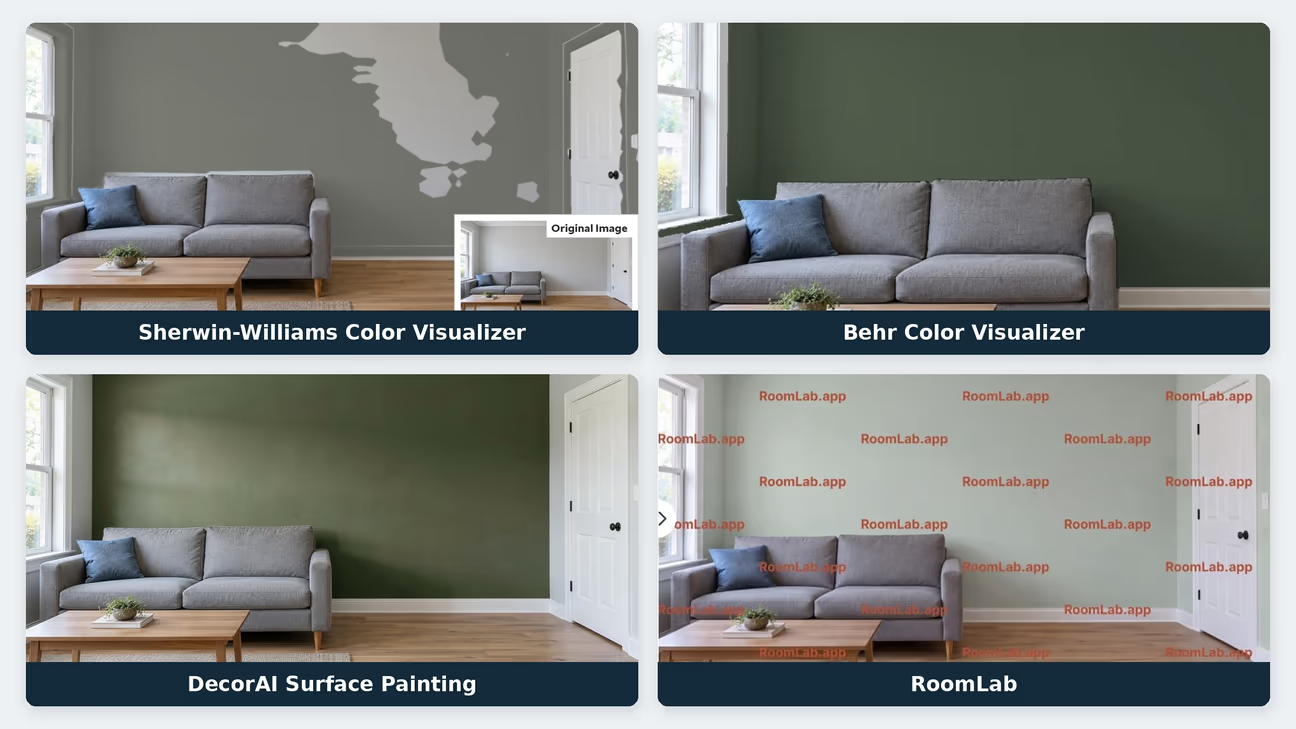
We uploaded the same AI-generated room image to Sherwin-Williams Color Visualizer, Behr Color Visualizer, DecorAI Surface Painting, and RoomLab. Different shades were used, so this test compares wall coverage, visible changes to nearby surfaces, and the preview experience rather than exact paint-color accuracy.
Behr used Royal Orchard PPU11-01. DecorAI used HEX #5E6B59 and generated its preview in 30 seconds. RoomLab's selected preview used HEX #B8C4B8, with results generated in 60 seconds. These generation times were recorded by the tester; Behr and Sherwin-Williams were not timed.
The Sherwin-Williams image shows the first attempt, with unpainted wall patches and color spilling onto some trim. Behr also shows a small selection spill near the window. DecorAI and RoomLab broadly retained the room layout, although the DecorAI result changed the wall's texture and shading. RoomLab's free preview included watermarks, and downloading required a purchase.
DecorAI: Custom Colors and Room Edits
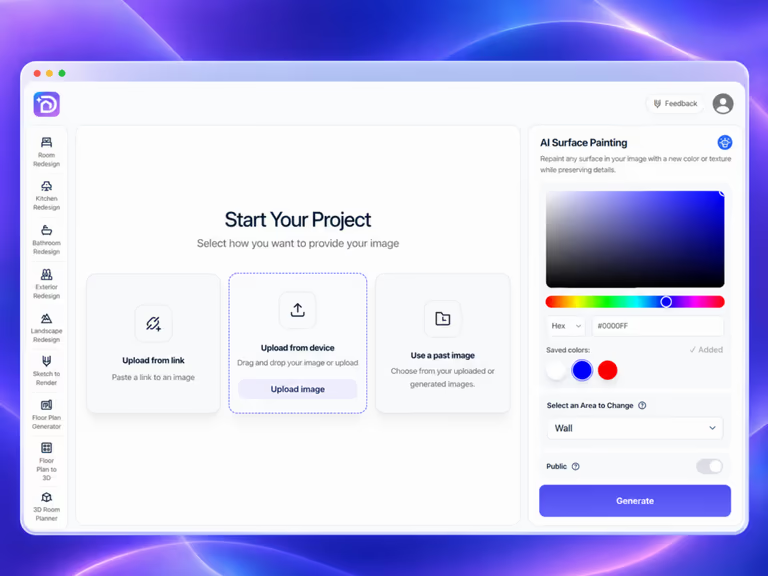
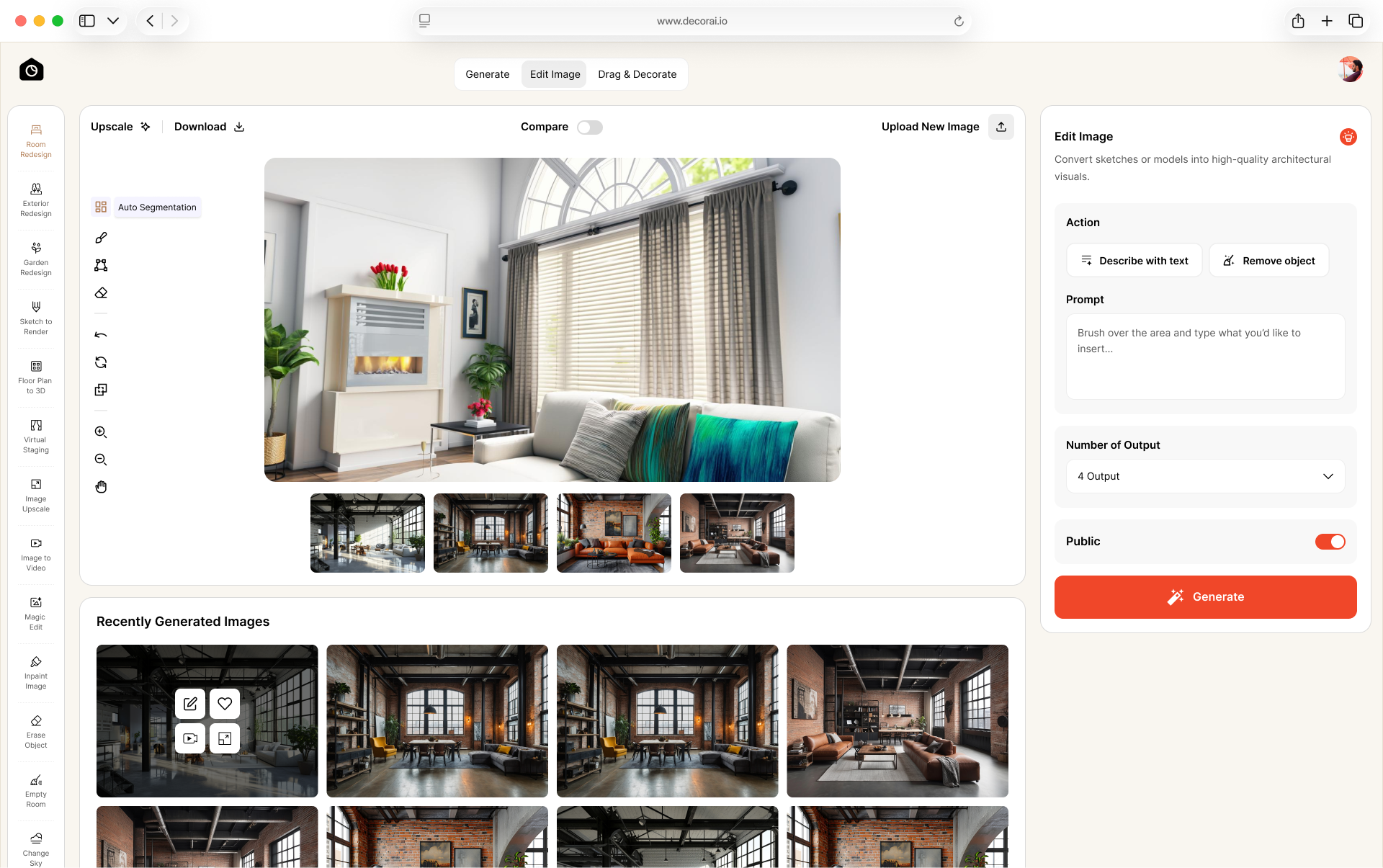
DecorAI is an AI home design app with 175 design styles. For paint projects, Surface Painting lets you preview a new color on a selected surface using a color picker, HEX, RGB, HSL, or a saved color.
To preview a manufacturer's shade, copy its published HEX value and enter it into the Surface Painting color picker. DecorAI has no paint library or manufacturer product codes. The digital value provides a visual reference rather than an exact match to the finished paint.
To change furniture, flooring and decor too, use Room Redesign on the same photo. Room Redesign has a Thinking Mode that helps you develop design ideas. Other features include Inpaint Image, Magic Edit, Erase Object, Relight, and image upscaling.
New users get a 1-day free trial with 3 designs. The trial asks for a card so your account keeps working when the trial ends, and you can cancel any time. The monthly plan is $24.
Best fit: Homeowners and interior designers who want to preview a custom wall color and explore furniture, flooring, and decor changes in the same app.
Where it falls short: In our test it changed the wall's texture and shading. It has no paint brand library, the trial needs a card and lasts 1 day, and it makes pictures, not measured plans.
Browse the DecorAI inspiration gallery for room design ideas.
Remodel AI Paint AI: Branded Paint Color Previews

Remodel AI Paint AI uses a library of real paint colors with brand names and codes. Its official page also describes suggestions for similar colors from other manufacturers. This is useful when you like a color direction but have not chosen a paint supplier. You can keep the purchasing details attached to the shade rather than identifying it only from a screenshot.
The app supports interior surfaces including walls, cabinets, doors, ceilings, and trim. Remodel AI says its previews respect existing shadows and lighting; check your own result for changes around edges and objects.
Best fit: Comparing branded shades across manufacturers. Confirm the exact color is available in the paint product and region where you will buy it.
RoomLab: Comparing 9 Wall Colors
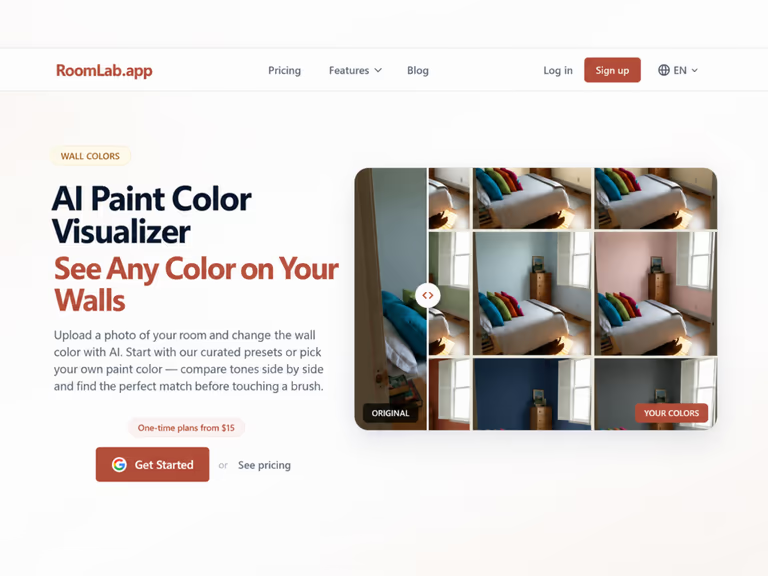
RoomLab's wall-color feature accepts a room photo and offers presets or a custom color. Its official page describes comparing up to 9 options side by side. That format helps when you want to assess several color directions using the same image. Its wall-color feature focuses on walls. Check other surfaces separately rather than assuming the same workflow supports them.
RoomLab lists a $15 one-time plan with 150 credits, advertised as 15 images or three videos. It also lists one free image generation for new accounts, without a payment card. Monthly subscriptions are also available. Prices and allowances can change.
Best fit: Comparing multiple wall-color options; a built-in manufacturer color library was not confirmed.
Sherwin-Williams Color Visualizer: Brand Colors on Your Photo
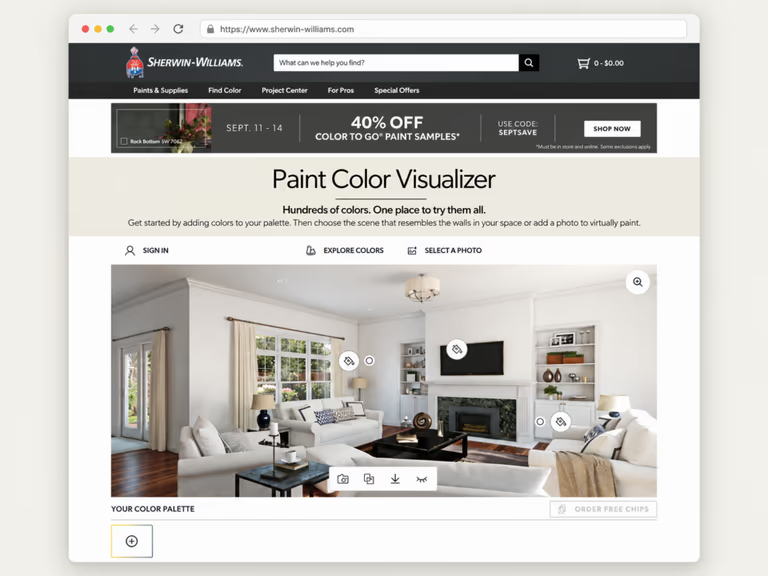
Sherwin-Williams Color Visualizer lets you upload a room photo and preview colors from the brand's collection. We used this browser visualizer in our same-room test. The first attempt left unpainted wall patches and applied color to some trim, so check the selected area before judging the shade.
Sherwin-Williams also offers the separate Color Expert mobile app for color recommendations and sample ordering.
Best fit: Previewing Sherwin-Williams colors in your own room photo.
Benjamin Moore Personal Color Viewer: Separate Surfaces
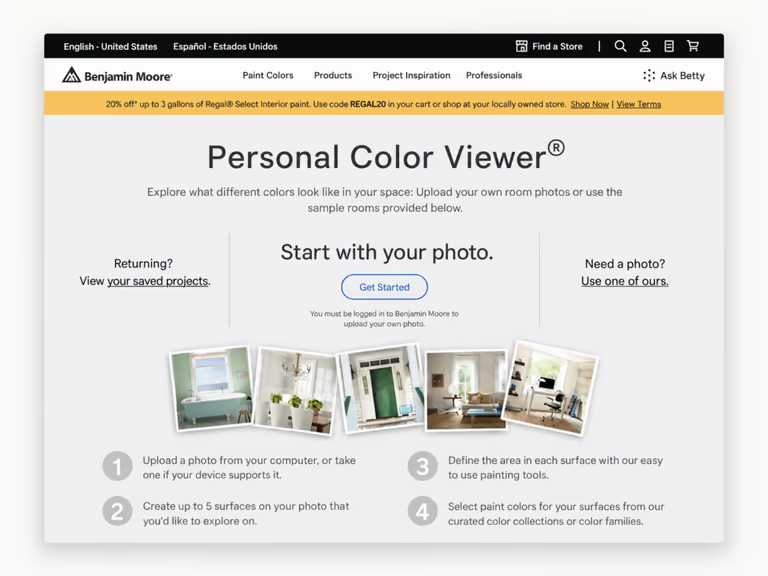
Personal Color Viewer lets you define up to five paintable surfaces in a photo and apply Benjamin Moore colors to them. That makes it useful for comparing wall and trim combinations within one room.
Benjamin Moore's official page describes a collection of 3,500-plus colors. It also states that you must log in to upload your own photo.
Best fit: Benjamin Moore projects where you want control over several selected areas. Allow time to define the surfaces before judging the preview, especially around doors, windows, and furniture.
PPG Paints Visualizer: PPG Colors in Your Browser
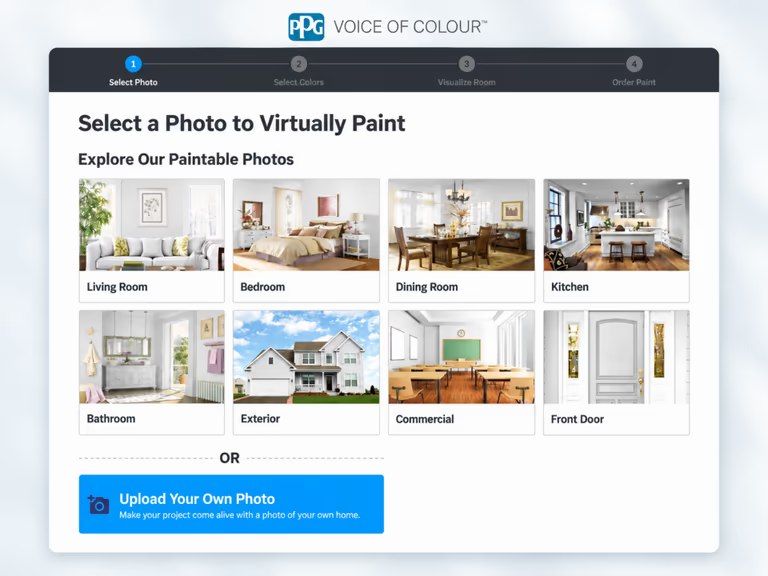
PPG Paints is now Pittsburgh Paints, and the visualizer moved to its new site. It accepts your room photo or an inspiration image. After choosing colors, you click or tap the photo to apply them. Its official page also describes receiving an email containing selected colors and the colorized image.
Its automatic edge detection finds wall boundaries, and an edit function lets you correct the selected area.
Best fit: PPG color selection in a browser.
Valspar Color Visualizer: Valspar Color Planning
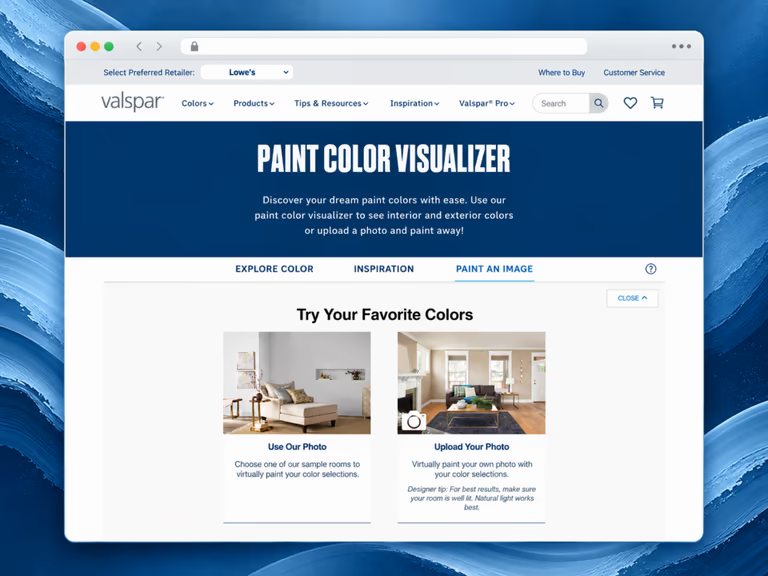
The Valspar Color Visualizer lets you preview Valspar colors in an uploaded room photo or a sample room. You can upload a photo of your home or begin with one of the available sample rooms. Choose your favorite shades, then apply them to the selected image.
Using your own photo shows how a shade may look with the room's furniture, flooring, trim, and lighting.
Best fit: Valspar projects. Save the color name and number with the image.
Behr Color Visualizer: Behr Colors on Your Photo
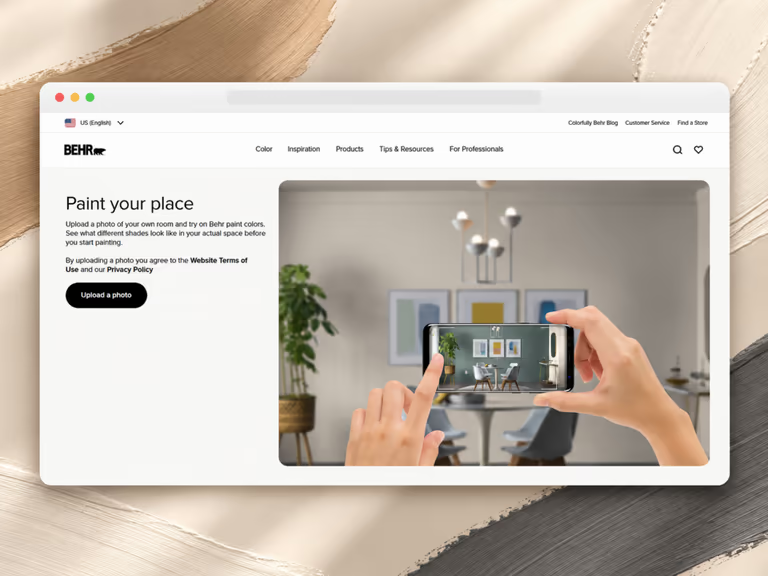
The Behr Color Visualizer helps you see how Behr paint colors may look before you start painting. You can work with a sample room or upload a photo of your own space. The sample rooms give you a quick way to try different shades when you do not have a suitable photo. Available spaces include bedrooms, bathrooms, kitchens, dining rooms, living rooms, offices, children's rooms, laundry and mudrooms, and entryways.
Uploading your own photo gives you a more personal result. You can see how a Behr color may look beside your furniture, flooring, lighting, and other colors already in the room. This can help you narrow your choices before testing paint samples.
Best fit: Behr color selection using your existing room.
Dunn-Edwards InstaColor: Manual Area Selection
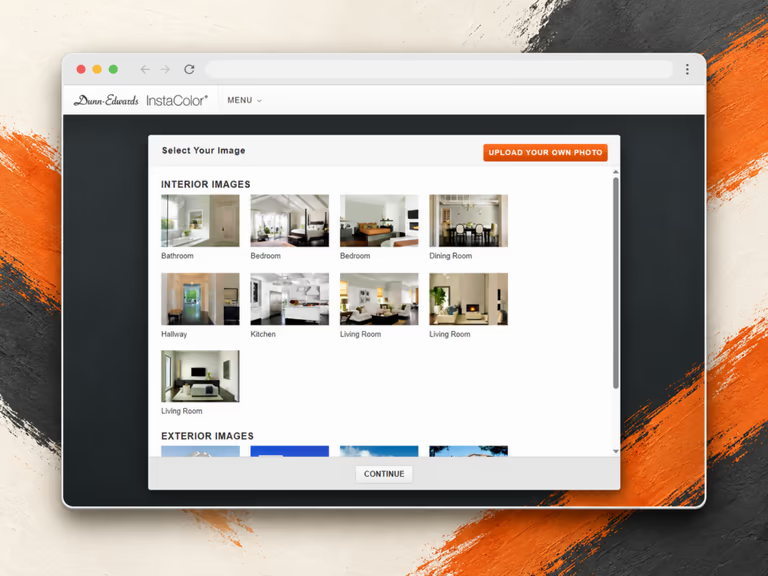
Dunn-Edwards InstaColor lets you try Dunn-Edwards paint colors on a photo of your own space or one of the images in its library. The image library includes bathrooms, bedrooms, kitchens, dining rooms, hallways, living rooms, and several house exteriors. You can search for a color by its name or number. Colors can also be found through popular shades, color families, prepared collections, and saved favorites.
After choosing an image, use the selection, shape, paint, and erase tools to mark the area you want to color. You can save or download the finished project and share it by email or social media.
Best fit: Dunn-Edwards paint projects where you want to mark specific areas. Check the boundary carefully after applying a color; a neat selection is part of producing a useful preview.
How to Use DecorAI for a Paint Preview
1. Open Surface Painting
Go to DecorAI Surface Painting. Start with the surface-specific workflow when you want to assess paint without introducing a full redesign.
2. Add a Clear Room Photo
Upload an original, unfiltered image. Keep the camera level and show the target wall with some flooring, furniture, and trim. Those details give you a reference when checking what changed.
Three available options:
- Upload an image from your device
- Add an image using a link
- Choose one of your previous images
3. Copy the Brand's HEX Value
Find the chosen color's published HEX value on the manufacturer's website, where available. Copy it into the Surface Painting color picker. The picker also accepts RGB and HSL.
A paint product code is not a HEX value. Enter the digital color value in the picker, and save the brand, color name, and product code in your project notes. If the brand does not publish a digital value, do not label a sampled screenshot color as an official equivalent.
4. Select the Intended Surface
Open the Select an Area to Change menu. If you choose Specify my own area, type the exact surface, such as "the wall behind the sofa".
Open the area menu and choose:
- Wall
- Ceiling
- Floor
- Specify my own area
5. Generate and Inspect the Preview
Generate the result and compare it with the original. Check the wall color, surface boundaries, and whether the floor, furniture, or room structure changed unexpectedly. Save the image alongside the color reference so you can trace the choice later.
From a Digital Preview to a Paint Sample
Use the previews to narrow several related shades to one or two candidates. Compare lighter, darker, warmer, and cooler versions while keeping the original room photo unchanged. This makes the color difference easier to judge.
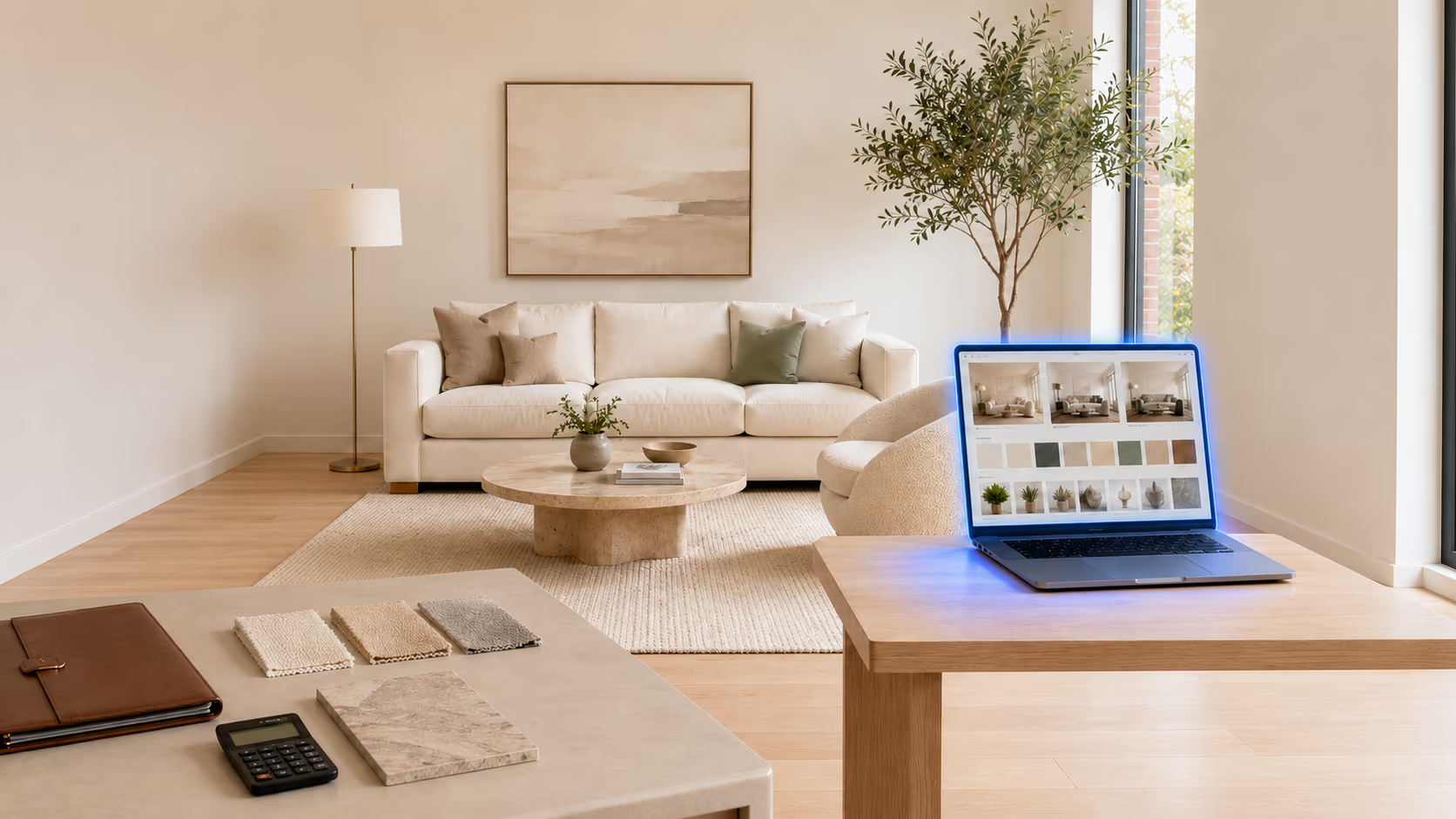
Then get physical samples of the named paints and assess them on the actual surface, following the manufacturer's directions. Choose the finish as well as the color. For the lighting checks, read our guide to how light affects paint color.
Keep one record containing the preview, manufacturer, color name, product code, and intended finish. A HEX value describes a digital color; it does not tell you how the paint covers or how shiny the finish is. Use the digital shortlist to guide the sample stage rather than skipping it.
Frequently asked questions
A paint color visualizer is a digital tool that shows how different paint colors may look in a sample room or a photo of your own space.
Yes. Many paint brands provide free visualizers. Some AI tools also offer free trials or a limited number of free images. Access terms may change over time.
Yes. Most tools in this guide allow you to upload a personal room photo. Some may require an account or work only on certain devices.
Enter a published HEX, RGB, or HSL value in Surface Painting. Do not enter a manufacturer's product color code as though it were a digital color value. Keep that code separately for purchasing.
They can provide a helpful preview, but they cannot show the exact final result. Lighting, screen settings, wall texture, nearby colors, and paint finish can change how a shade appears.
Which Paint Visualizer App Should You Choose?
Choose the workflow that matches your next decision. DecorAI suits custom colors and related room edits. Remodel AI Paint AI suits comparisons across named paint brands. RoomLab suits side-by-side wall-color ideas.
If you have already chosen a manufacturer, begin with its visualizer. That keeps your preview connected to a purchasable shade. A brand visualizer can also use AI, as Color Expert does, so the useful distinction is between color selection and a wider redesign.
See your chosen shade on your own wall. Upload a room photo to DecorAI Surface Painting and enter the brand's published HEX value to preview it beside your furniture, flooring, and trim.
Try DecorAI Room Redesign
Upload your room photo and explore fresh wall colors with furniture, flooring, and decor that bring the look together.