AI Exterior Design
On Your Real House
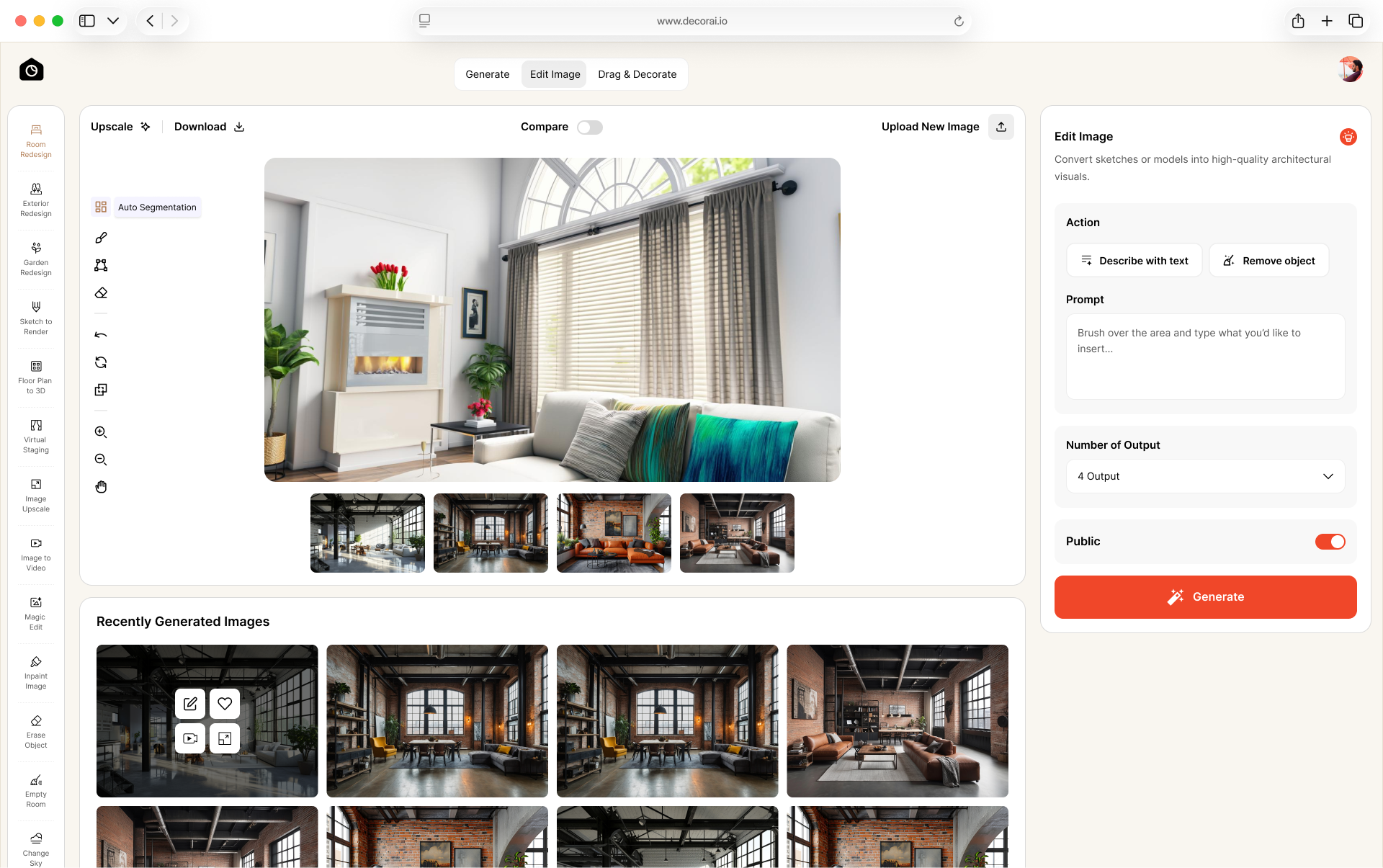
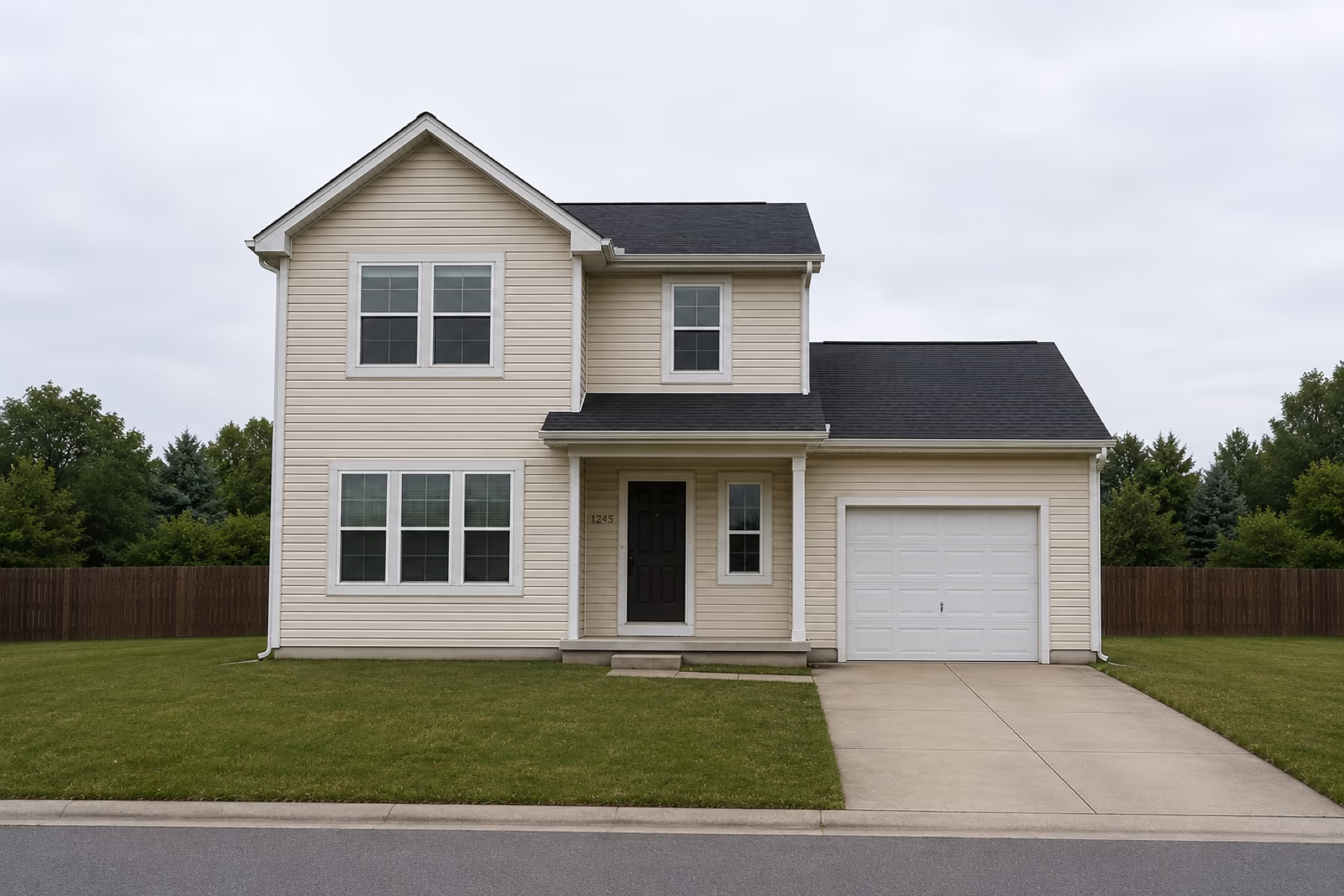
Upload a photo of your house and try new paint, siding, roof looks, doors, and styles. Keep the existing house shape, windows, and doors in place while you explore new looks.
Plan Your Exterior Design with AI
Get exterior options on your own house photo, compare looks, and decide with less guesswork.

AI Exterior Design That Fits Your Real Home
Every house is different. DecorAI helps you explore paint, materials, and style on the home you already have, so ideas stay tied to your real exterior.
Redesign Your House Exterior
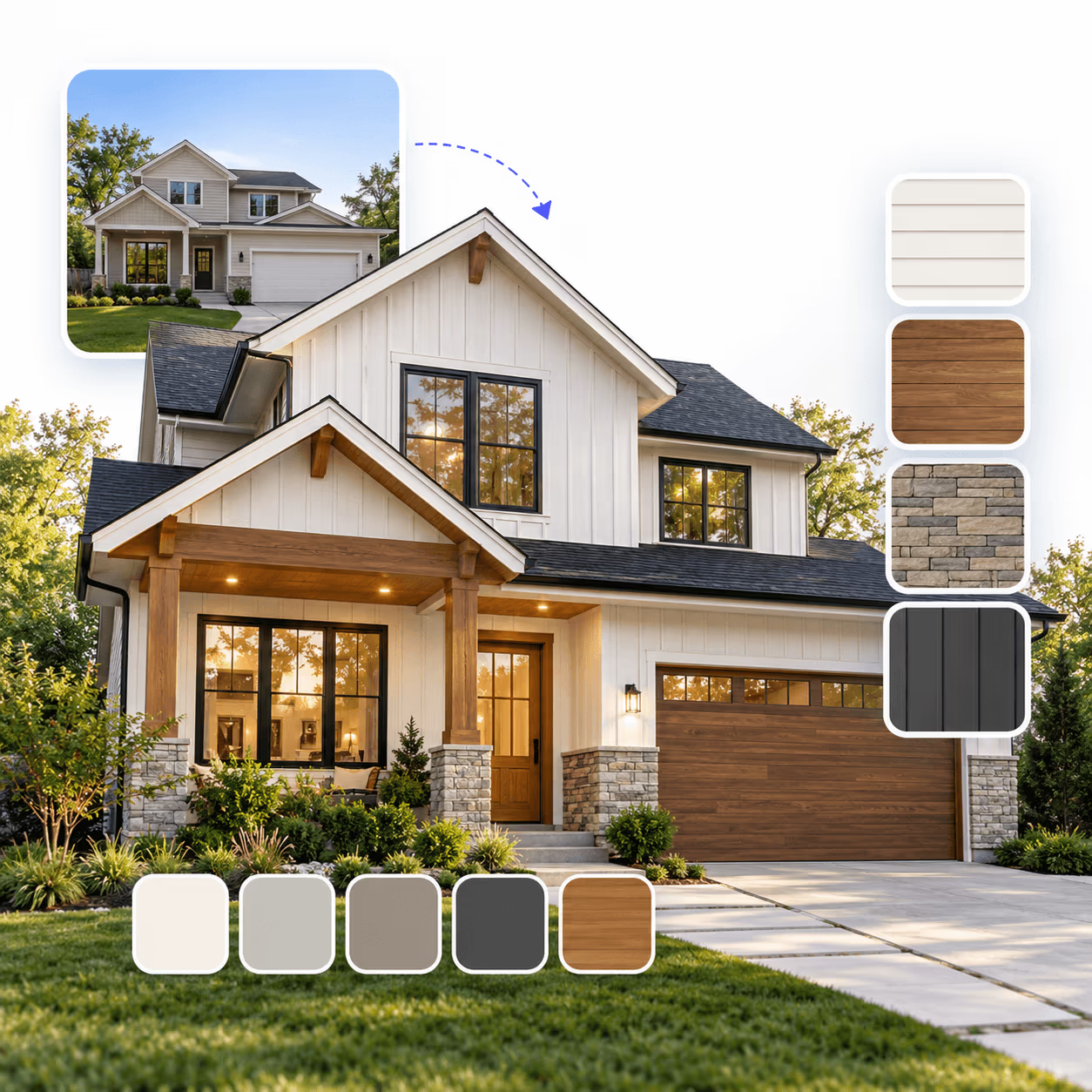
Upload a photo of your house and preview a new exterior without changing the basic shape of the building. See new paint, siding, and material options on the house you already have.
- Try new siding and cladding
- Change exterior paint colors
- Preview brick, stone, and other exterior materials
- Keep your existing house recognizable
Change Siding, Roofs, and Exterior Details
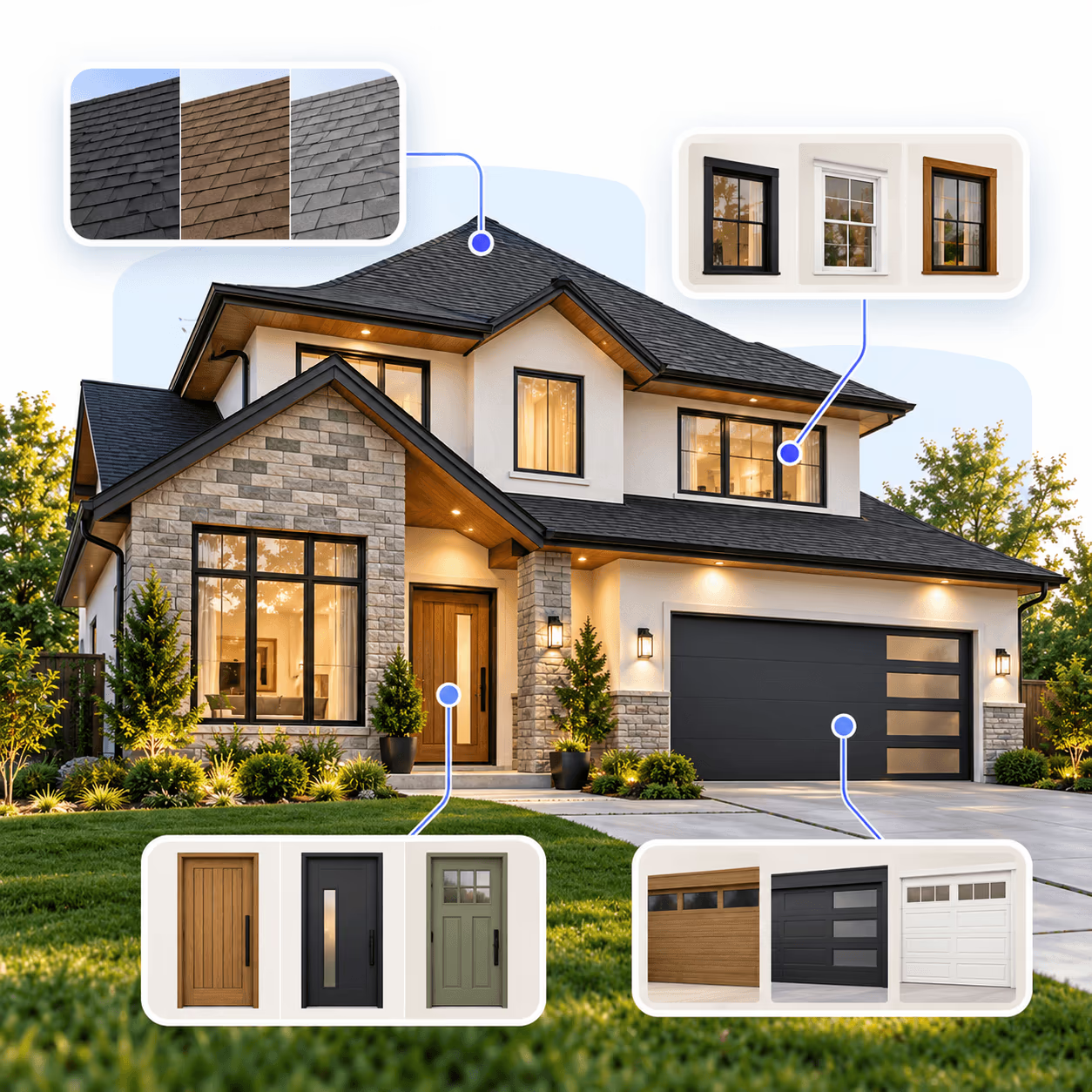
Small exterior details change how the whole house looks. Update the roof, windows, doors, and trim directly on your own home.
- Explore different roof looks
- Change the front door and garage door
- Try new window and shutter styles
- Adjust trim and exterior finishes
Explore Exterior Styles on Your Home
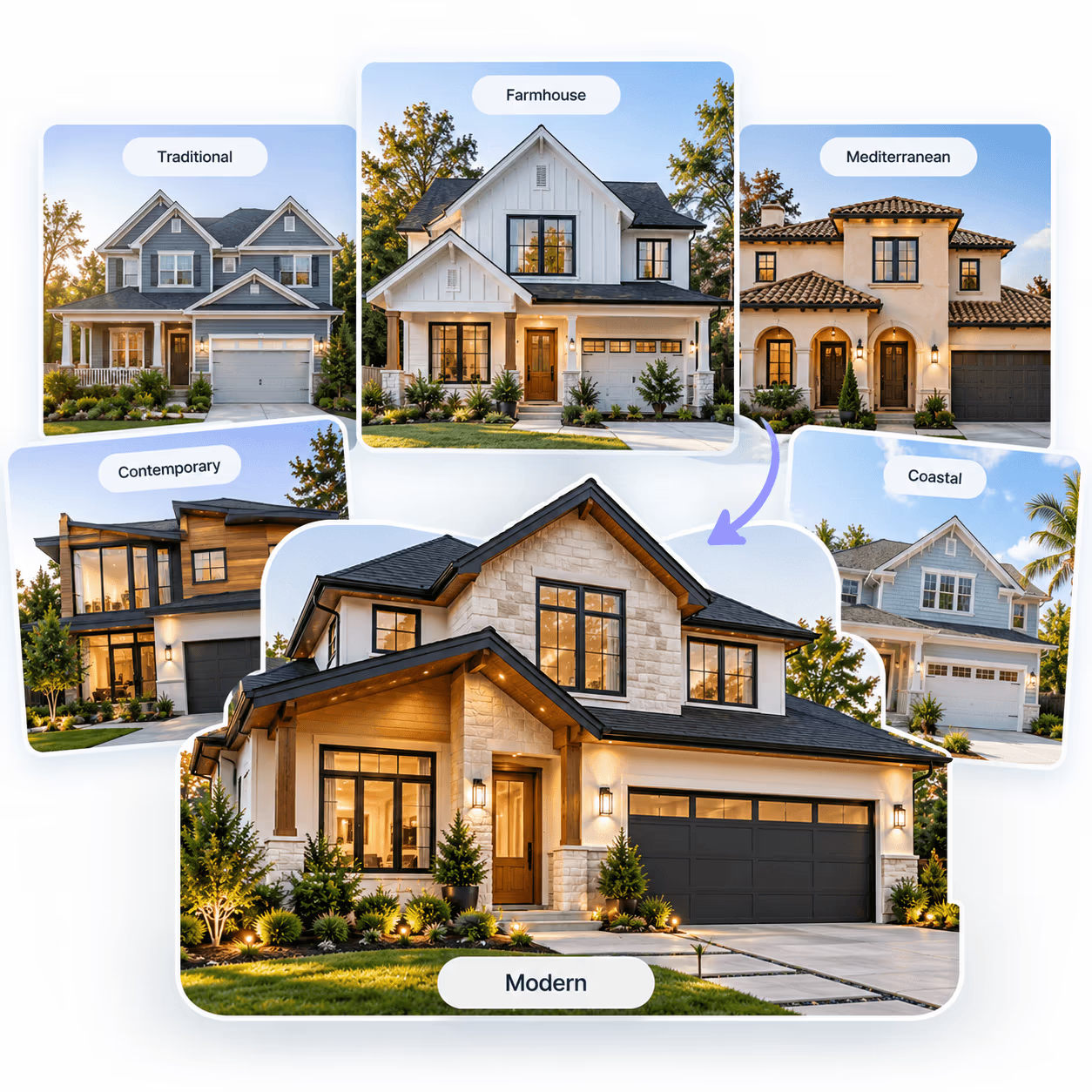
Explore different exterior design directions on the same photo, from modern to farmhouse. Compare styles while your house keeps its real structure.
- Explore modern exterior design
- Try farmhouse and traditional looks
- Test different color and material combinations
- Compare several directions before you renovate
Redesign the Outside Without Moving the Structure
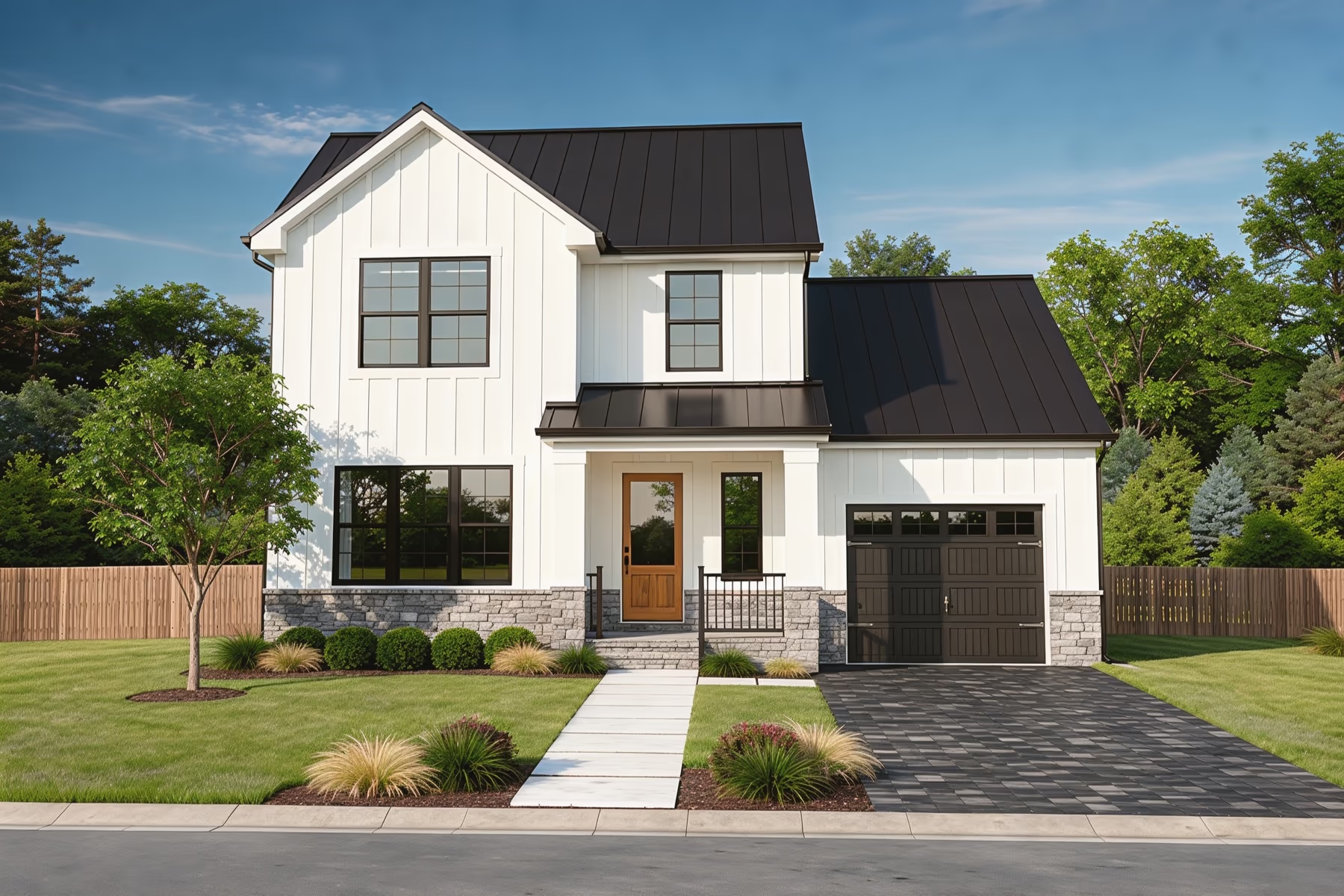
Focus on one area of the house exterior, or combine a few. This section is for the building itself, not the yard.
- 1Roof lookColor and style as a visual preview, not a structural plan.
- 2Siding & claddingVinyl, fiber cement, board-and-batten, brick, stucco, stone, and similar looks.
- 3Windows & shuttersTrim, shutters, and window-adjacent details for a lighter refresh (visual preview).
- 4Front door & entryDoor style, color, and entry details that change curb appeal quickly.
- 5Garage doorStyle and color on the garage face.
- 6Stone & masonryVisual material looks on walls or accents.
- 7Paint & trimBody, trim, and accent colors on your real house.
House views
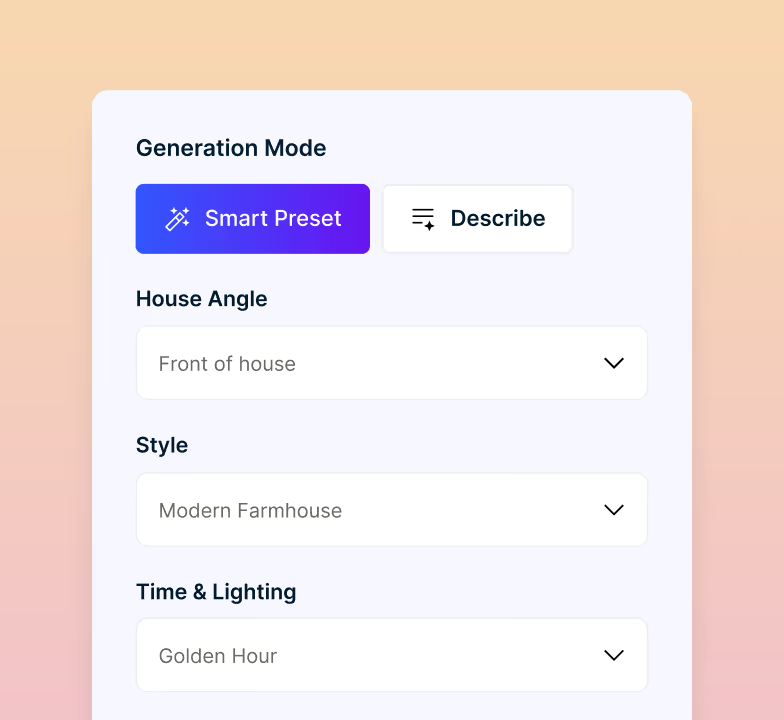
Choose Front, Side, Back, Corner, or Street View to match the photo you are using. (5 views)
Creativity levels
Stay close to the photo or push the look further with 5 levels.
Magic Edit
Tweak details after you generate without starting over.
Compare looks
Generate up to 4 exterior options in one run and pick a favorite.
Erase Object
Clear cars, bins, or other clutter when you want a cleaner view of the house.
Unlimited designs on paid plans
No per-image design caps once you subscribe. Video limits still apply. Commercial rights and private mode included.
Watermark-free downloads
Get clean images ready to share.
Change Sky
Adjust sky and lighting so the house reads in day, dusk, or clear weather.
Exterior is not Landscape
House exterior, paint, and materials here. Yards and planting on AI Landscape Design.
How to Get the Best AI Exterior Design Results
Good photos and clear choices make better exterior redesigns. Use these tips before you generate.
Shoot straight-on, not at an angle
Stand back and center the house in the frame so the roofline and window spacing stay straight. A wider lens can help fit more of the house in, but avoid tilting the camera up or using extreme wide-angle, since that stretches the exterior in the result.
Use even daylight
Avoid harsh night shots for first tests. Soft daylight helps materials and colors read clearly.
Clear cars and clutter
Move cars, bins, and large objects away from the house when possible for a clearer view of the exterior.
Start simple, then go bigger
Start with paint-only looks for a low-cost refresh. Try a full style change when you want a bigger curb appeal shift. Share the new look with family or a contractor. DecorAI does not replace codes, HOA, or construction drawings.
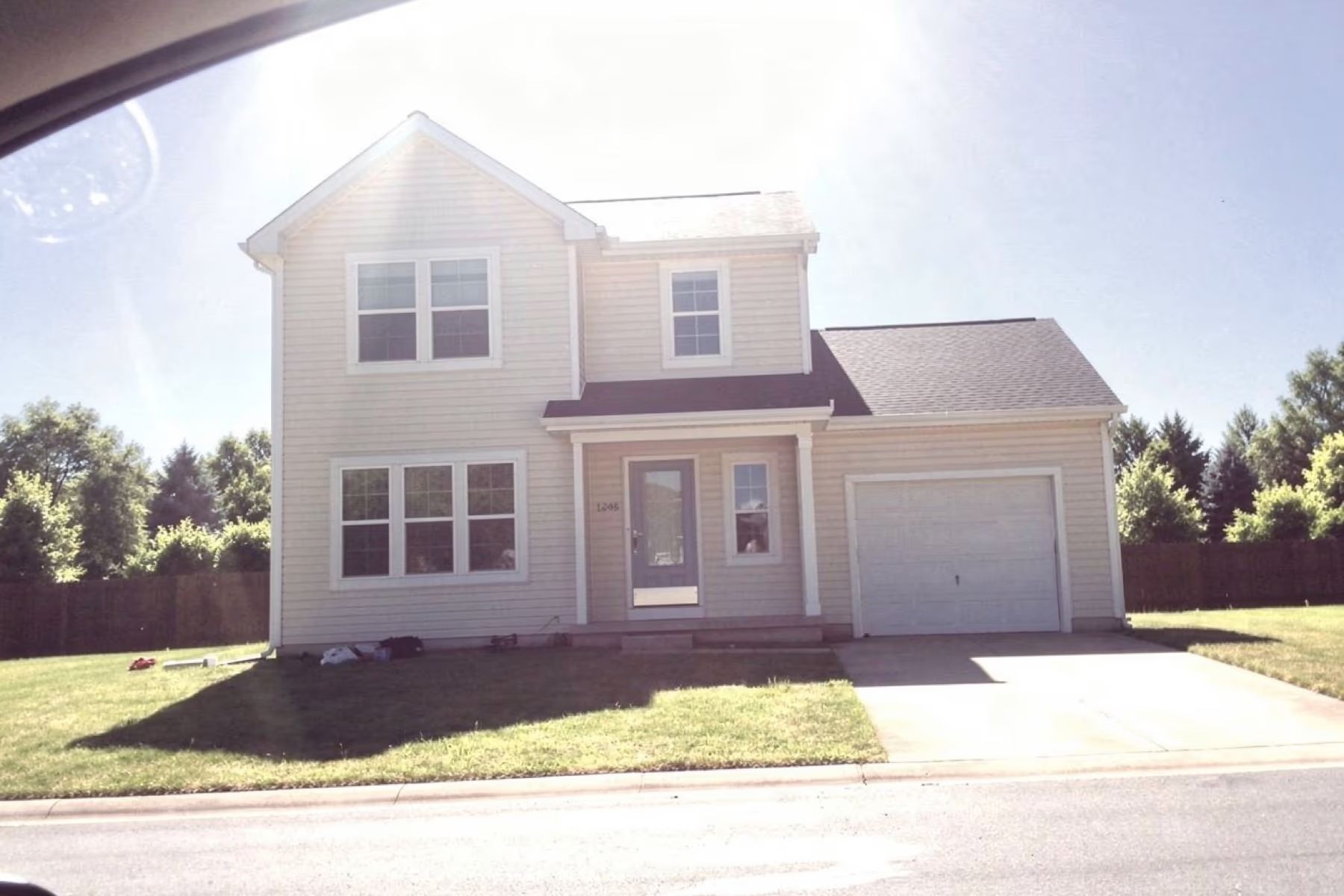 Poor photoGood photo
Exterior Redesign vs Landscape Design
What you need
Exterior Redesign
Landscape Design
Redesigns the house exterior (paint, siding, roof look, doors)
Redesigns yard, planting, and outdoor layout
Works best from a house photo
Works best from a yard photo
Keeps the house shape, windows, and doors recognizable
Pairs with Change Sky and Magic Edit for the house face
Each column shows full support, partial support, or no support. Based on our own testing.
Need both?
Redesign the house here, then use AI Landscape Design for the yard.
Design every part of your property with AI
The house exterior is one decision. The yard and planting around it are the rest of the curb appeal.
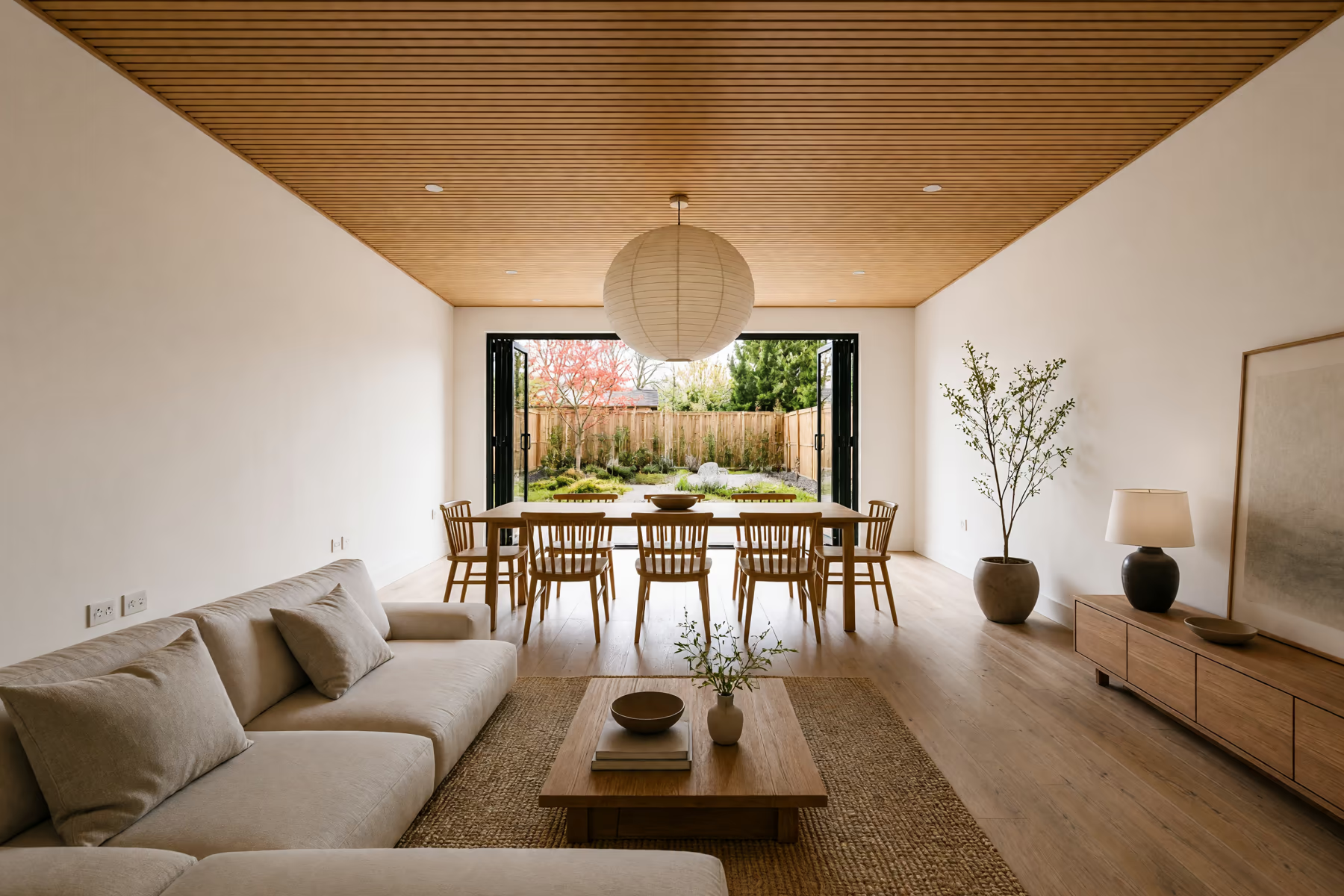
Home Design
Work through your whole home, from the living room to the front porch and backyard.
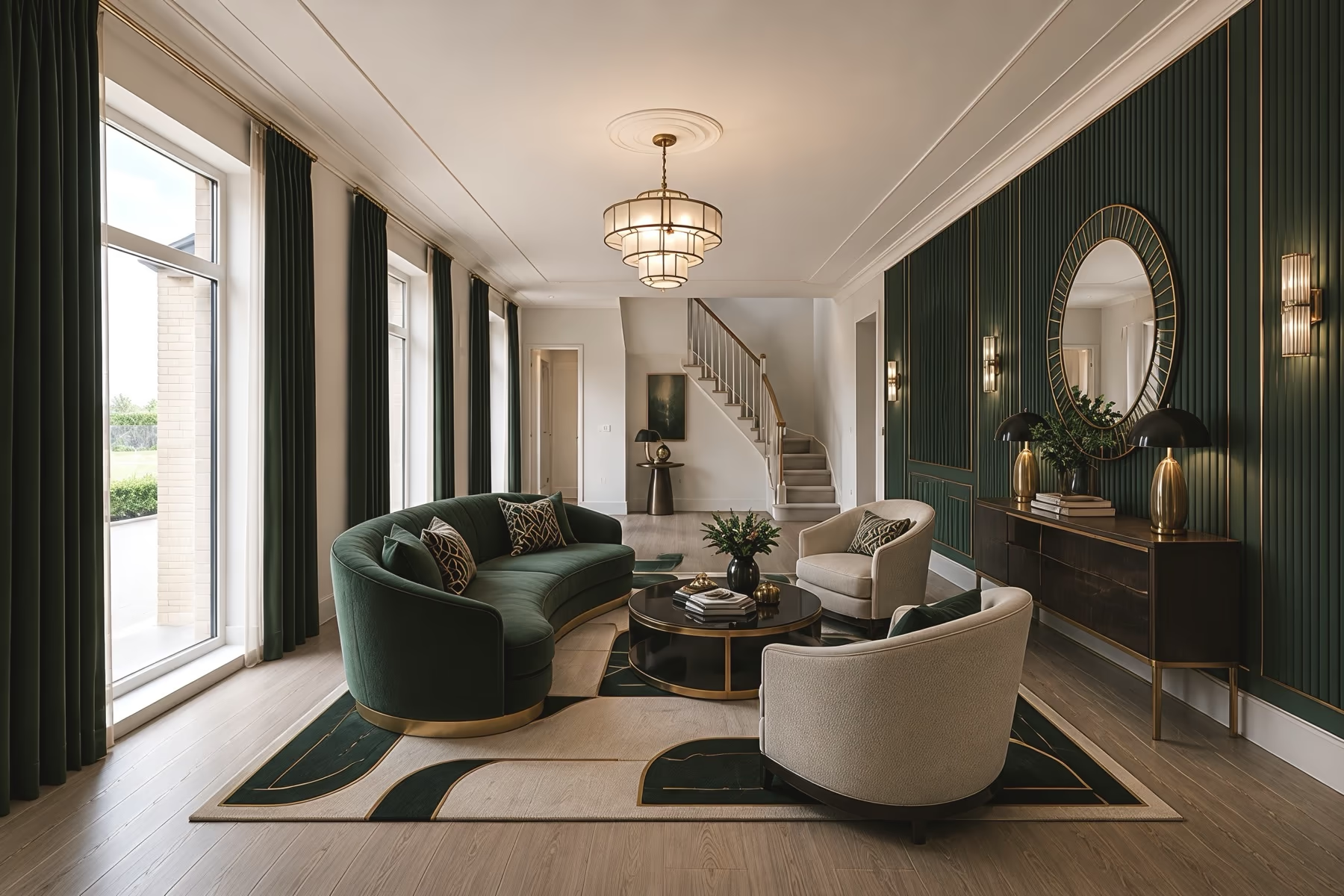
Interior Design
Try new furniture, wall colors and materials in the rooms you already live in.
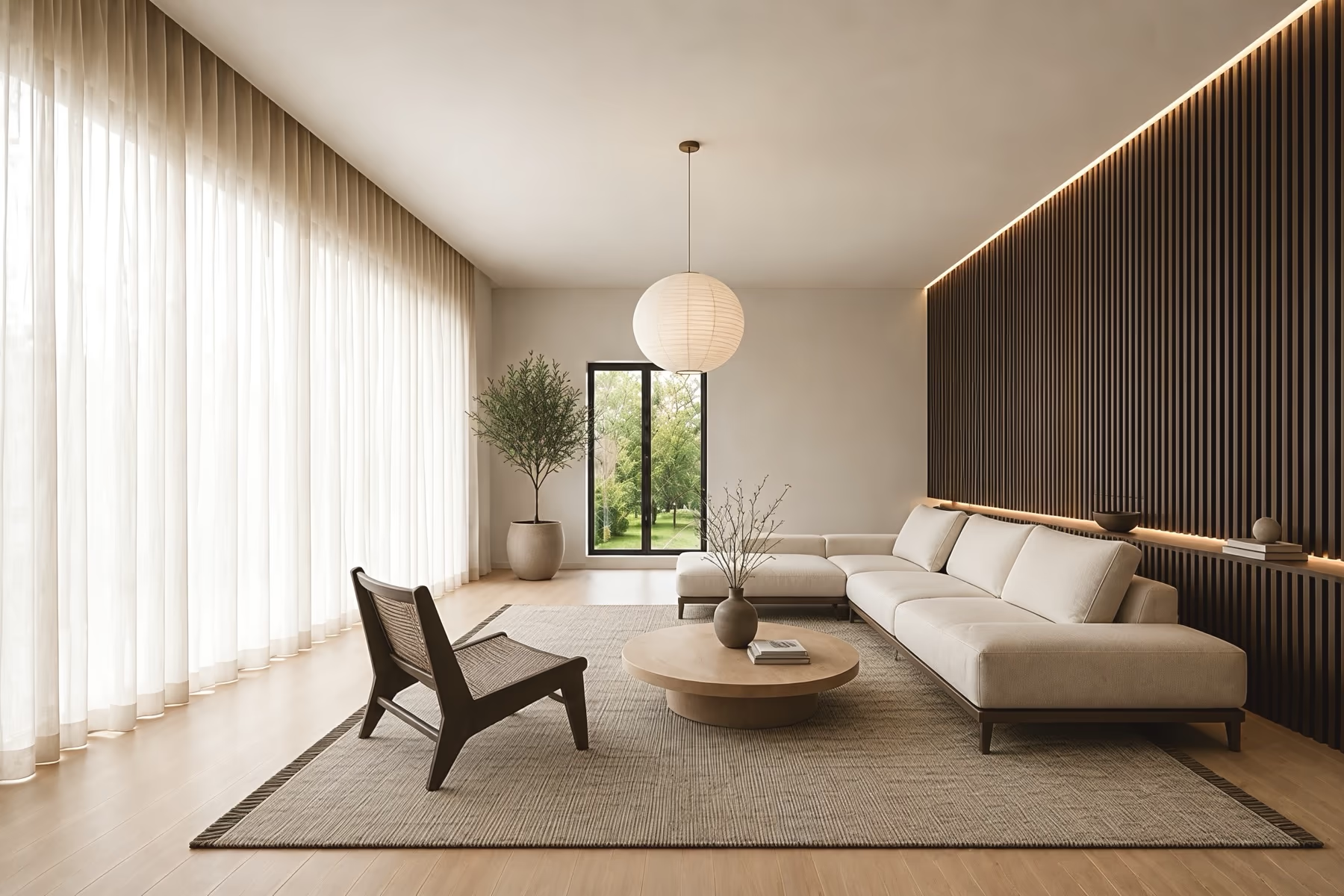
Room Design
Change one room at a time while the walls, windows and doors stay where they are.
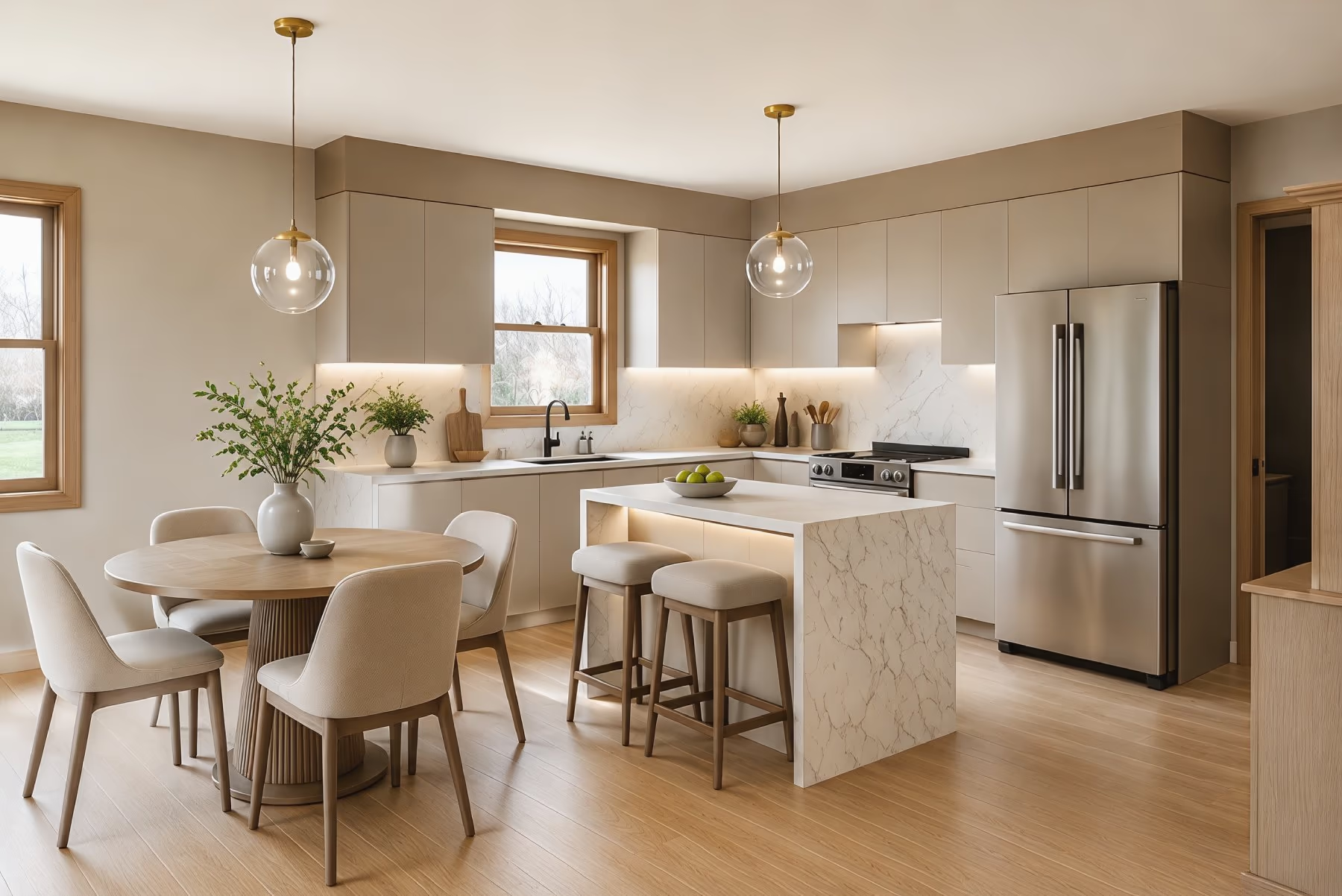
Kitchen Design
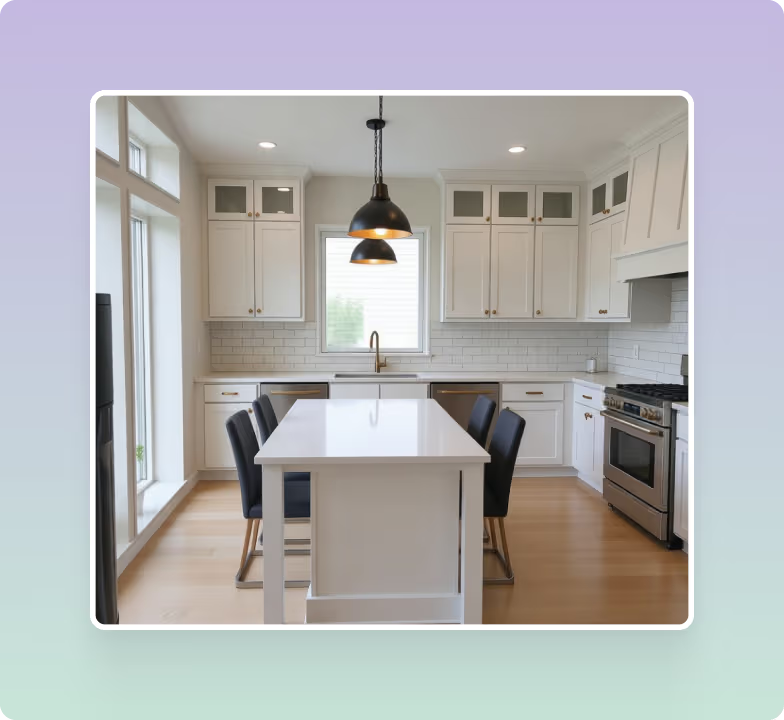
See new cabinet colors, countertops, backsplash tile and flooring in your own kitchen.
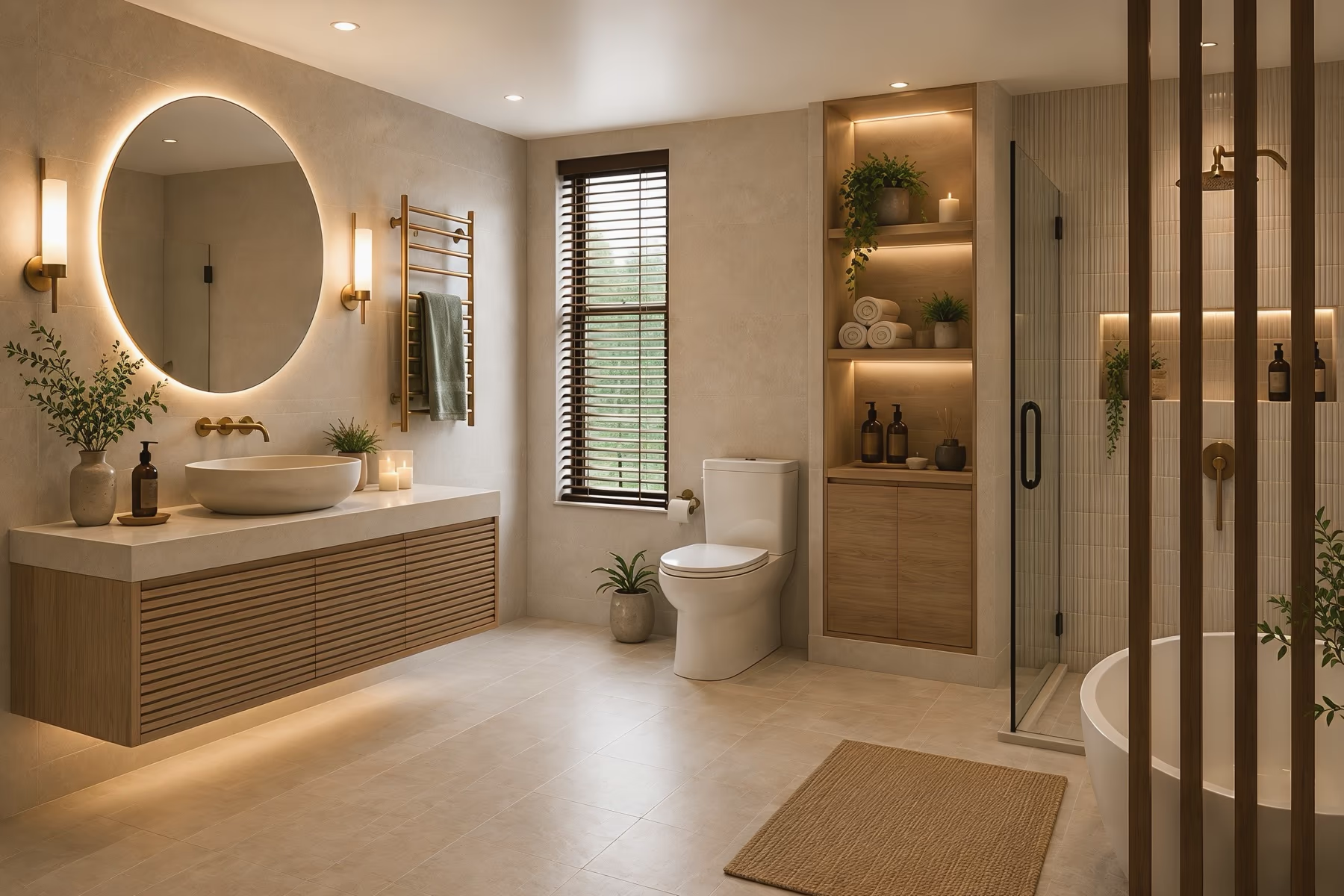
Bathroom Design
Pick a new vanity, wall tile, mirror and shower look before you start a remodel.
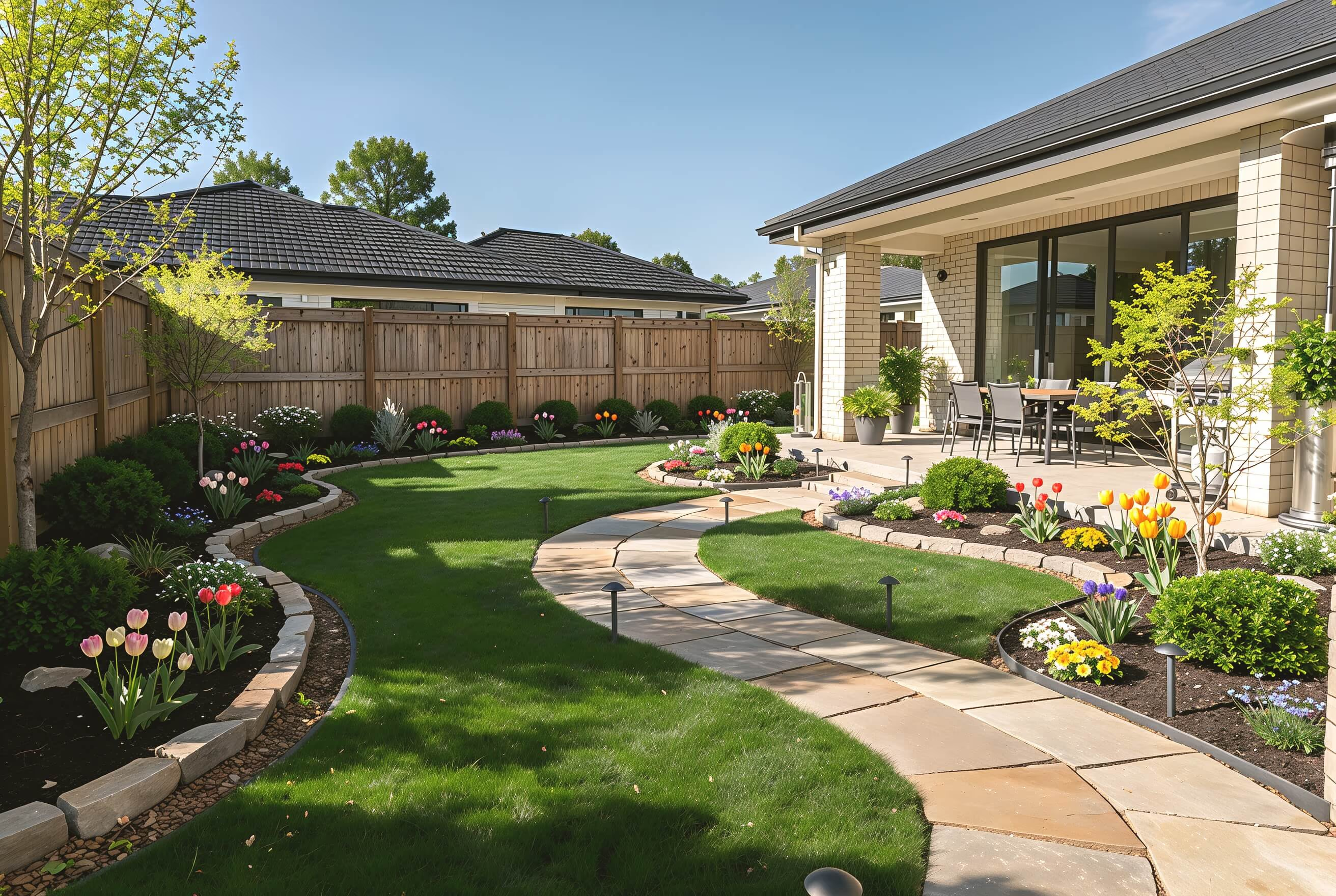
Landscape Design
Plan paths, patios, lawn and planting for your backyard or front yard.
Try Exterior Styles
See your home in Modern, Mediterranean, Craftsman, Contemporary, Modern Farmhouse, and 67 exterior styles in all. Explore new facade looks on your own house photo.
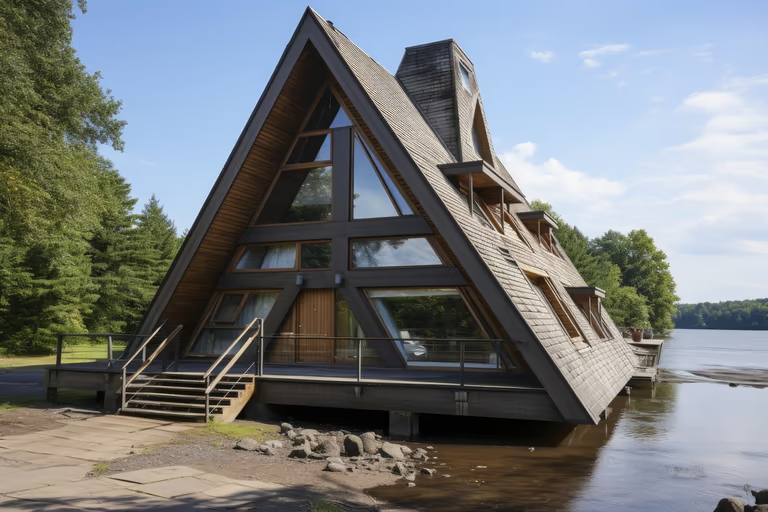 A-Frame
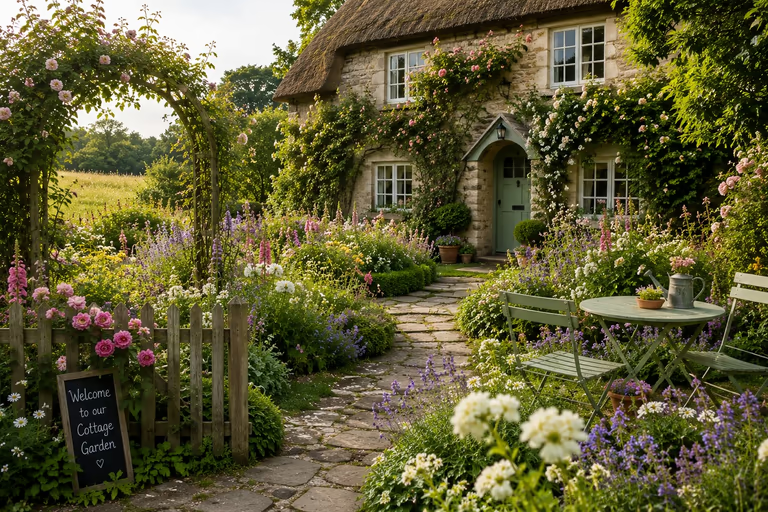 Cottage Garden
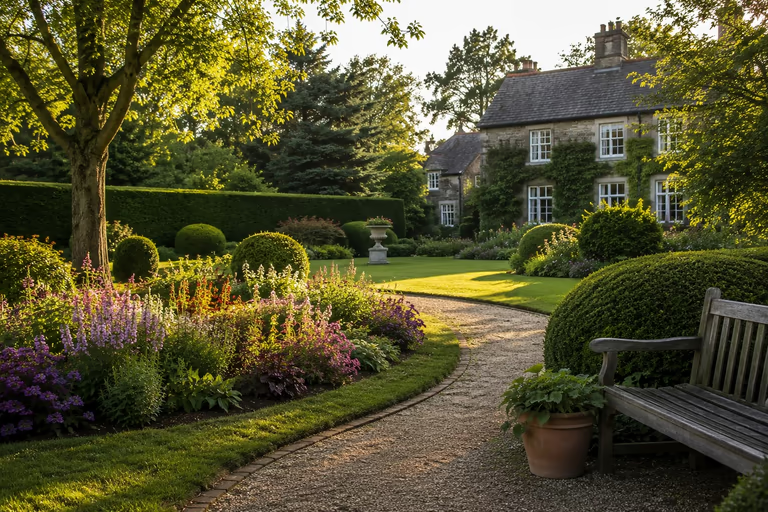 English Garden
 Japanese Garden
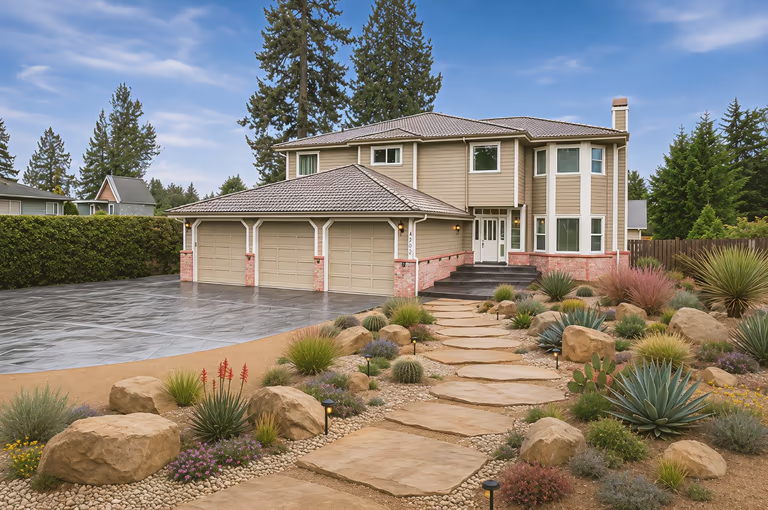 Xeriscape
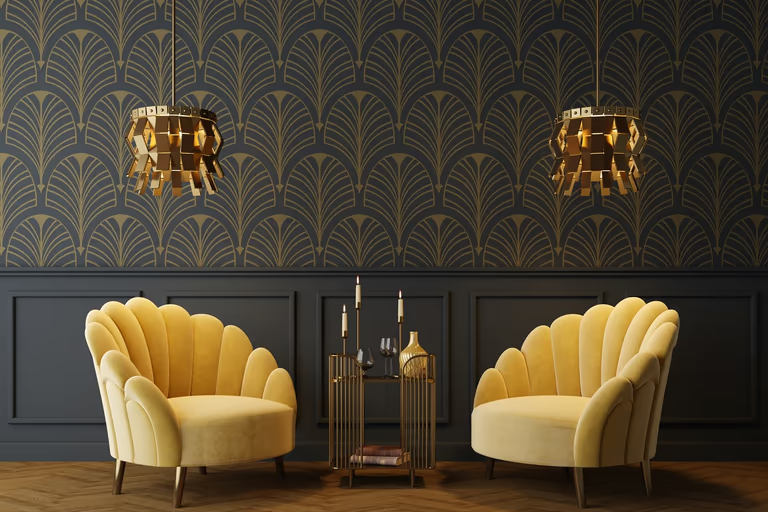 Art Deco
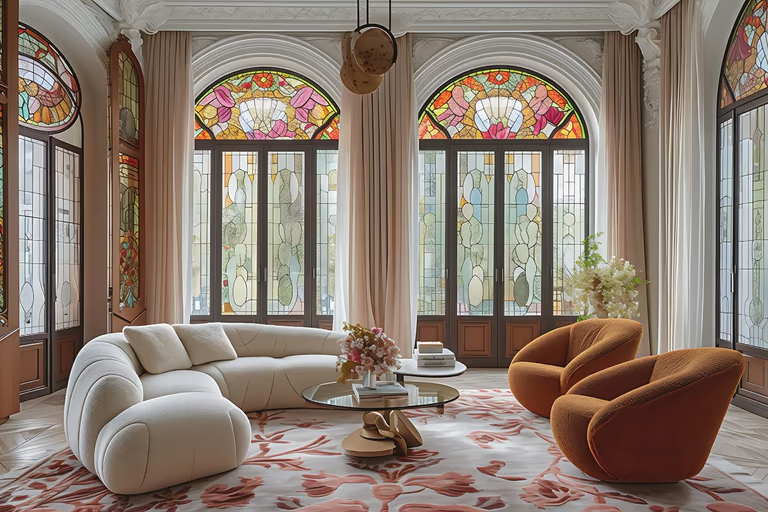 Art Nouveau
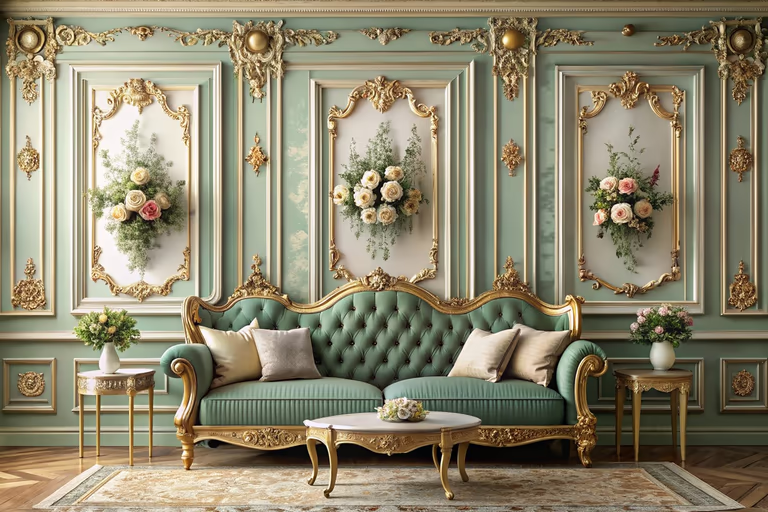 Baroque
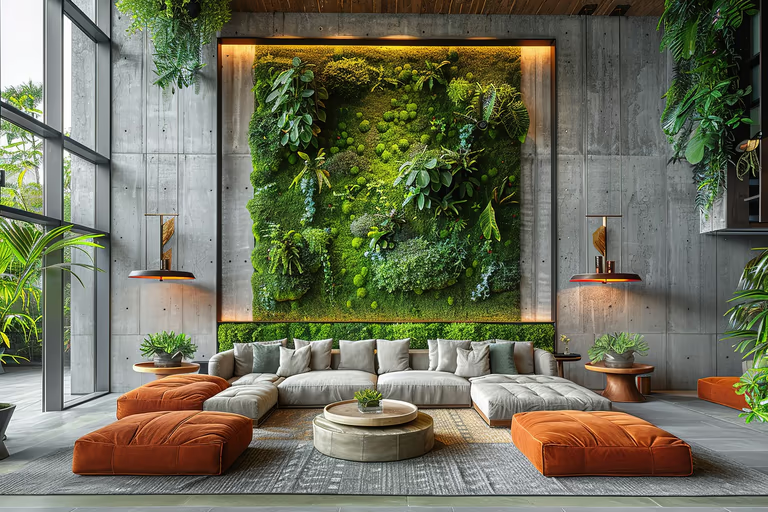 Biophilic
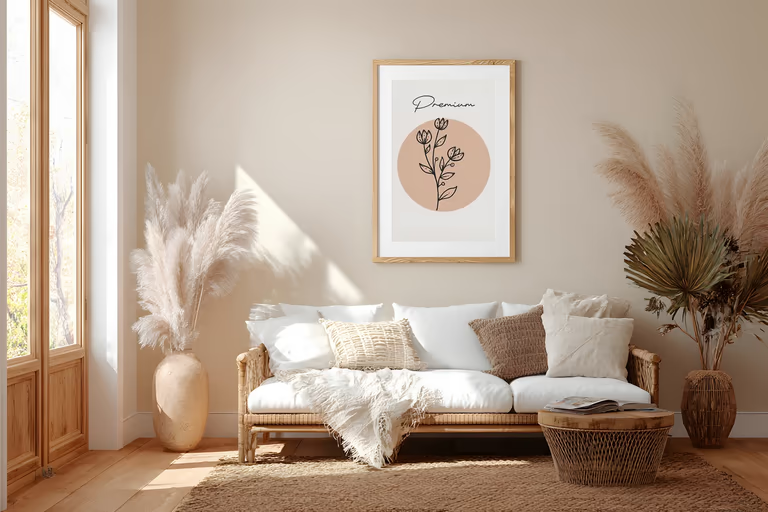 Bohemian
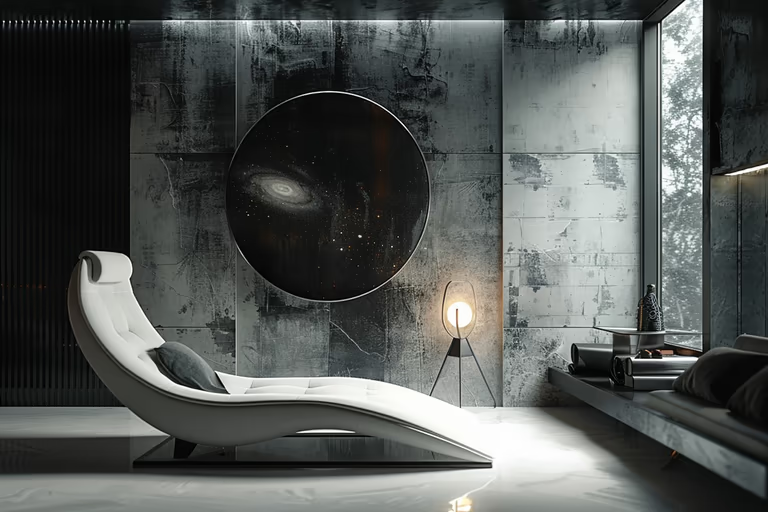 Brutalist
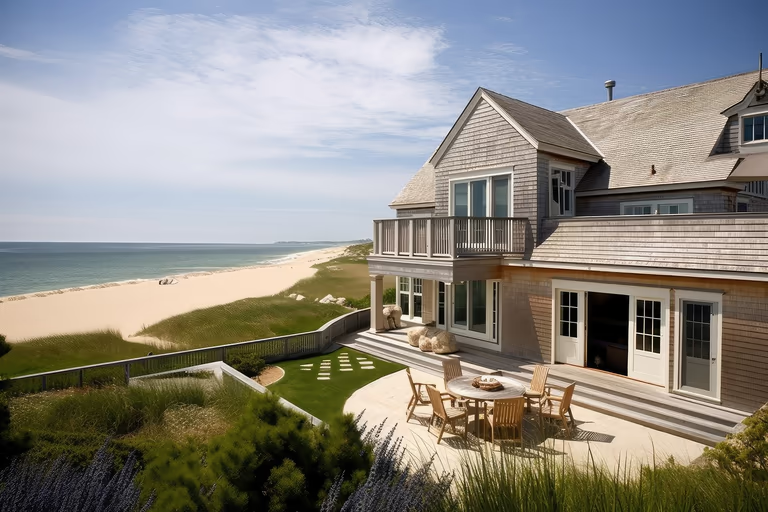 Cape Cod
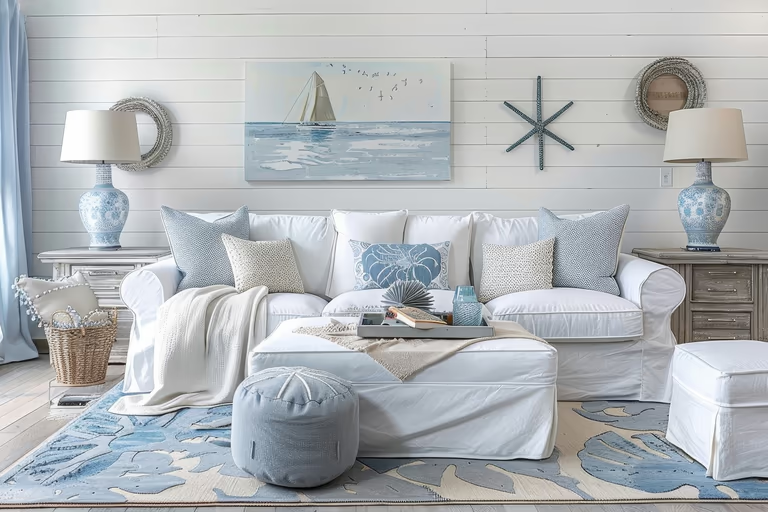 Coastal
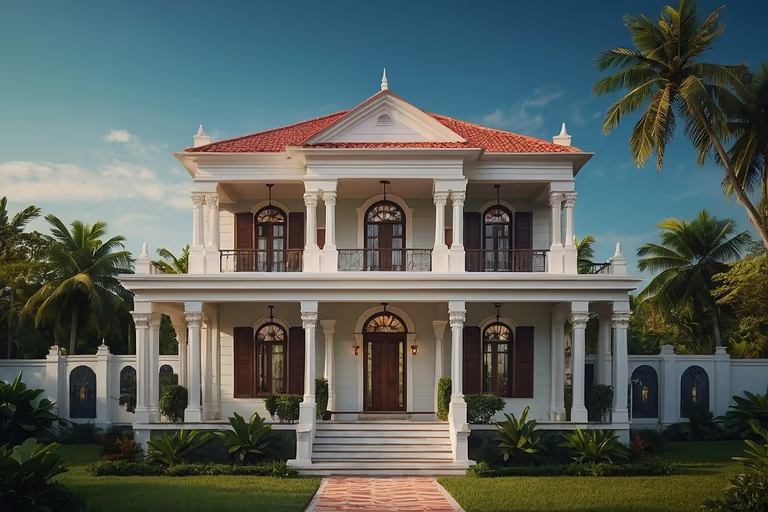 Colonial
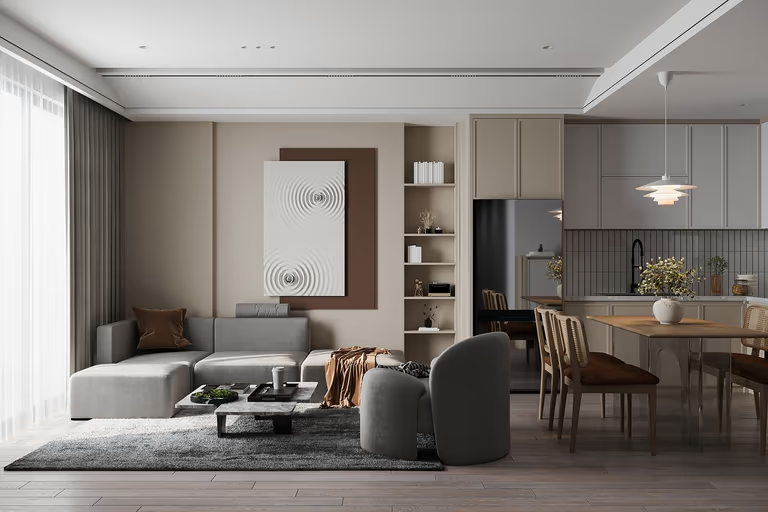 Contemporary
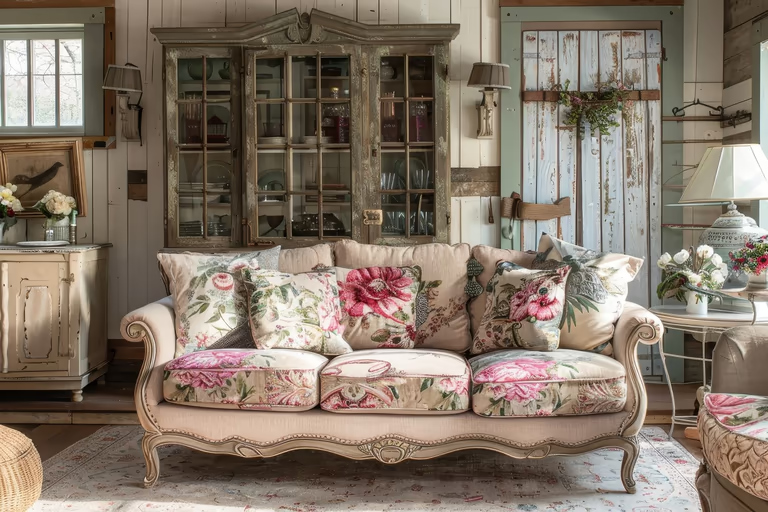 Cottagecore
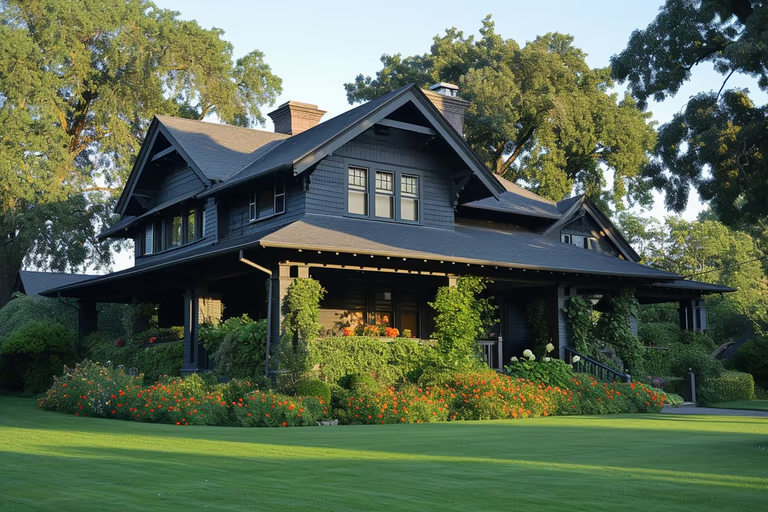 Craftsman
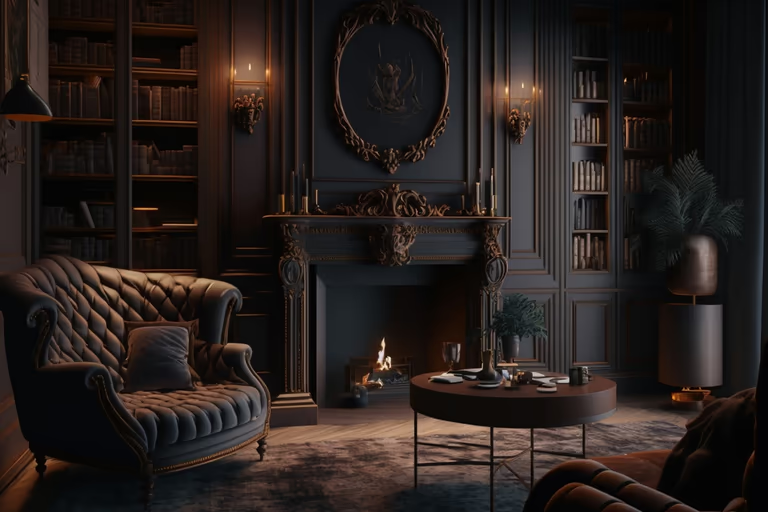 Dark Academia
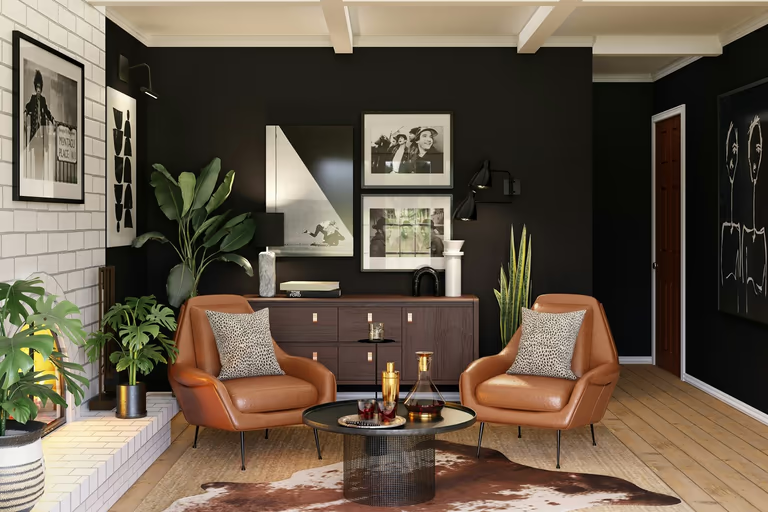 Eclectic
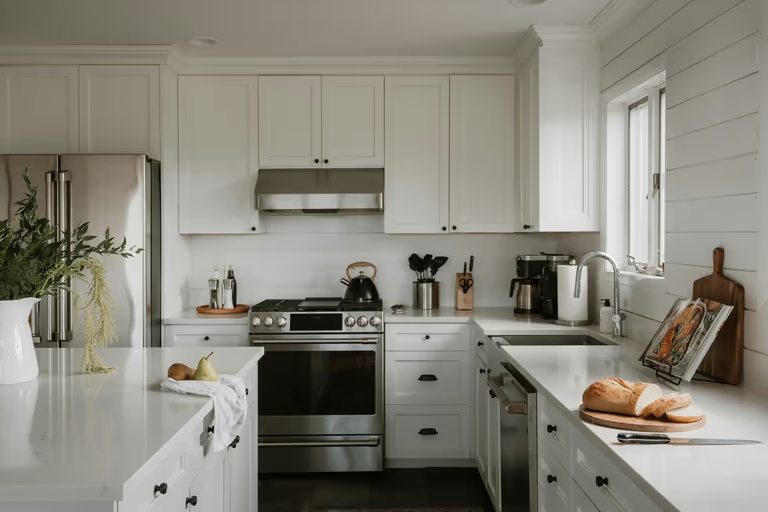 Farmhouse
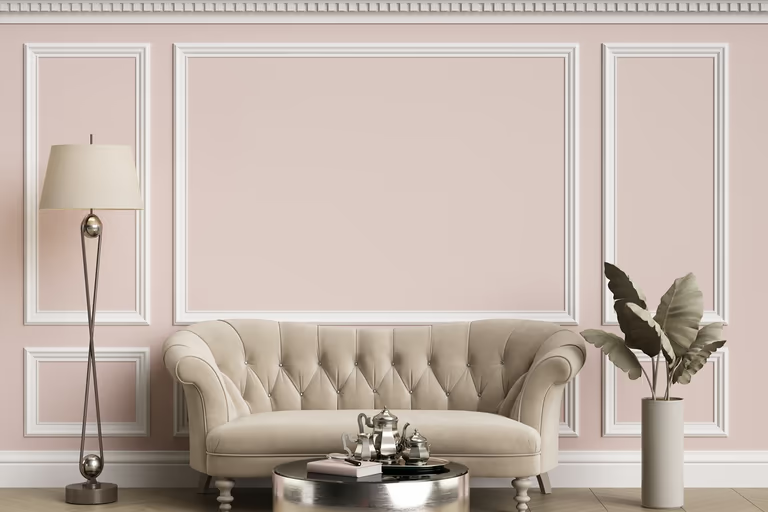 French Country
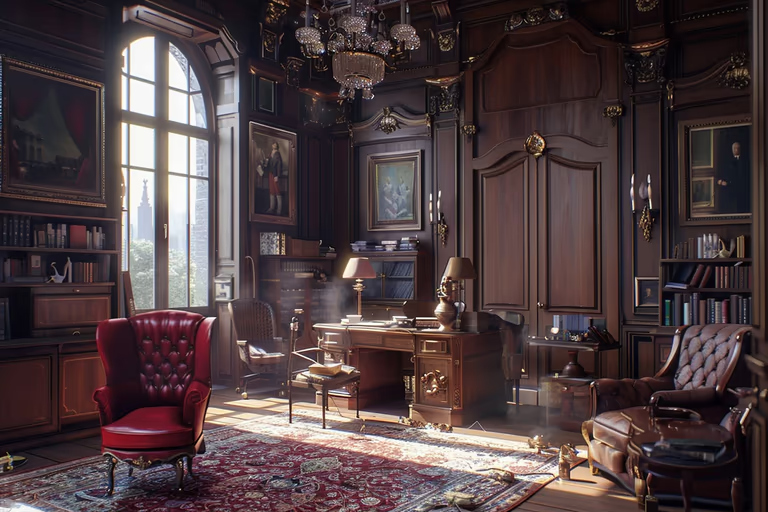 Gothic
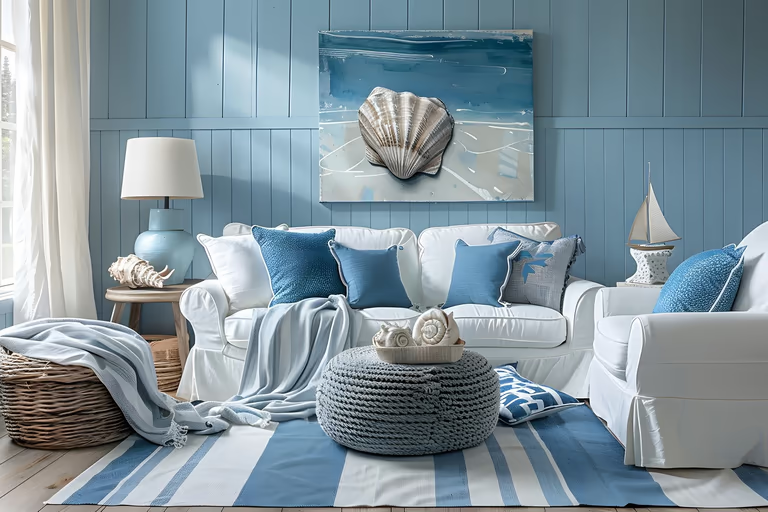 Hamptons
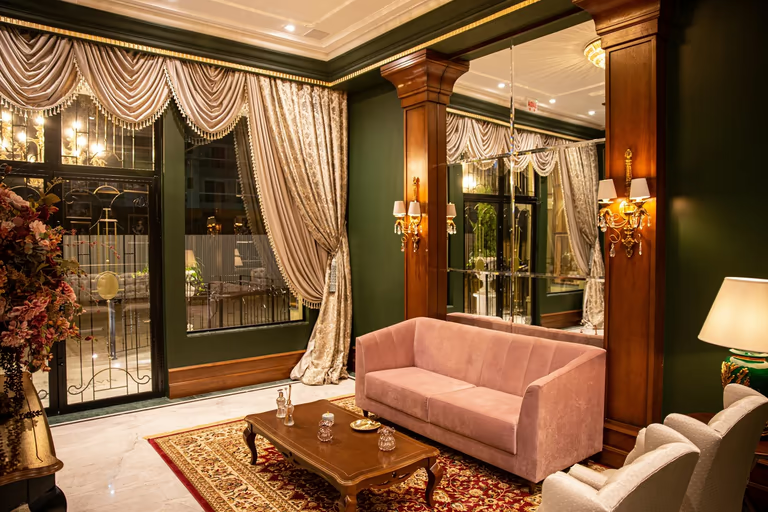 Hollywood Regency
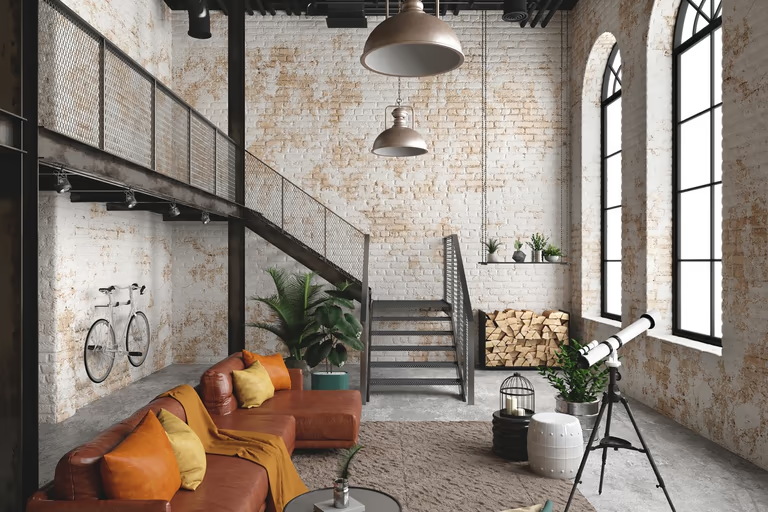 Industrial
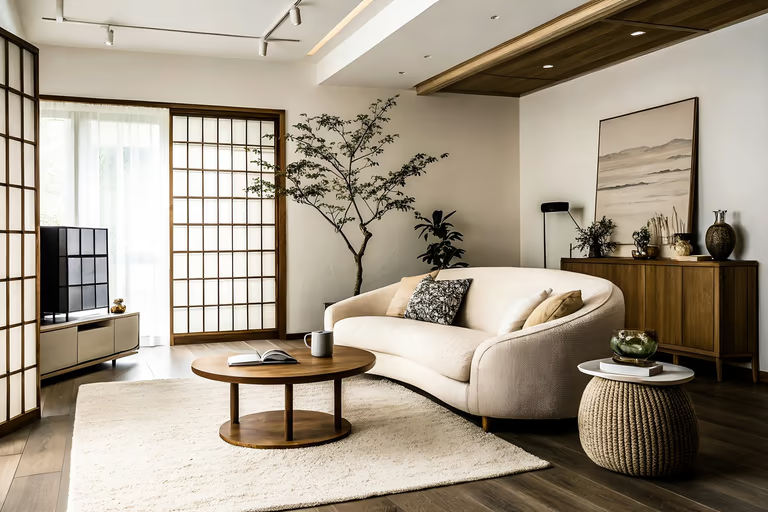 Japandi
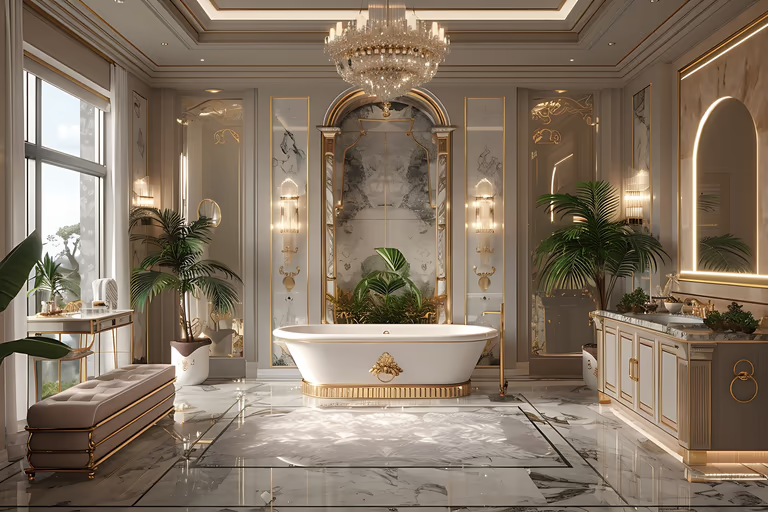 Luxury
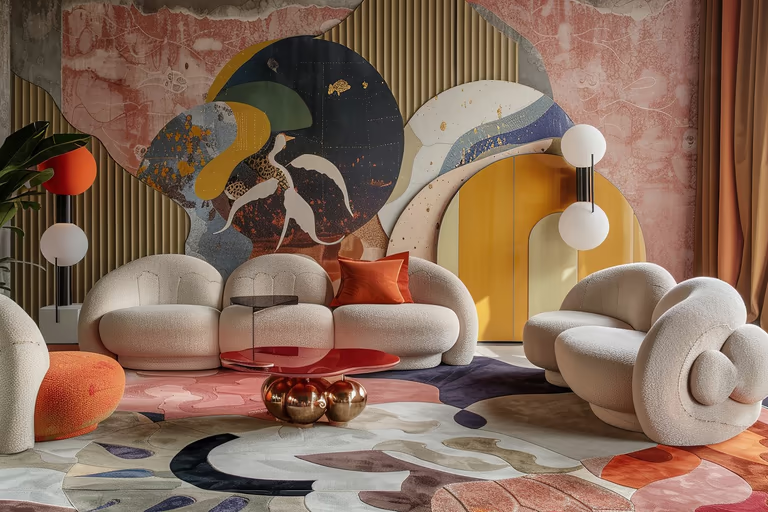 Maximalist
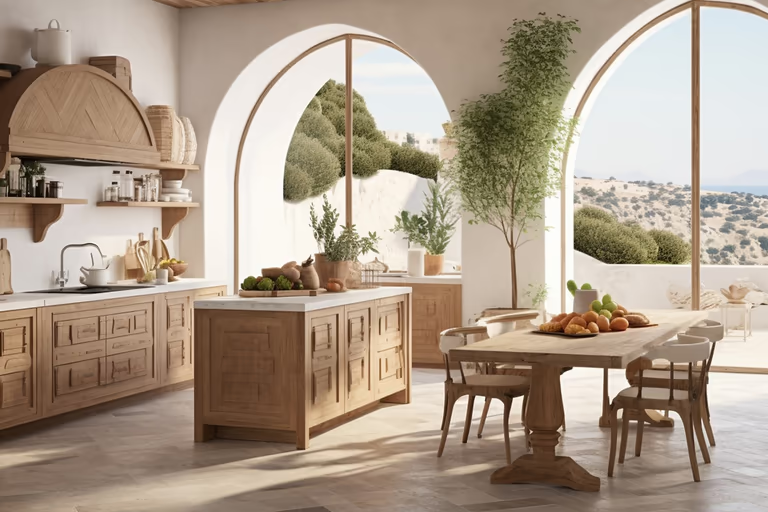 Mediterranean
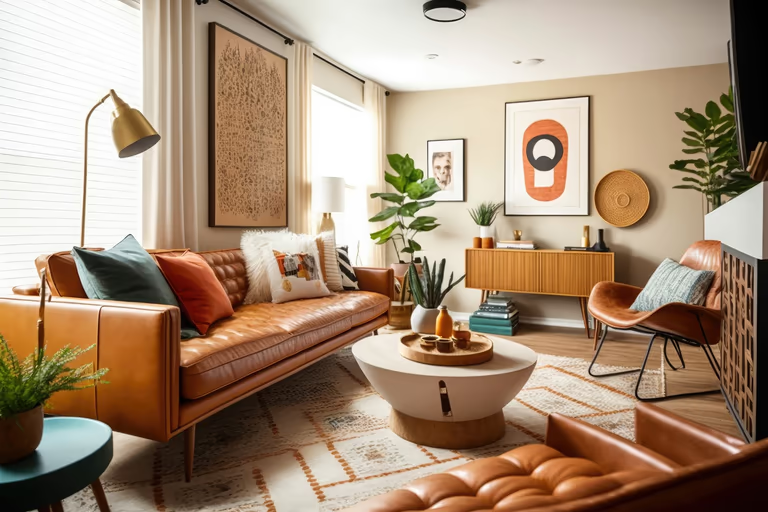 Mid-Century Modern
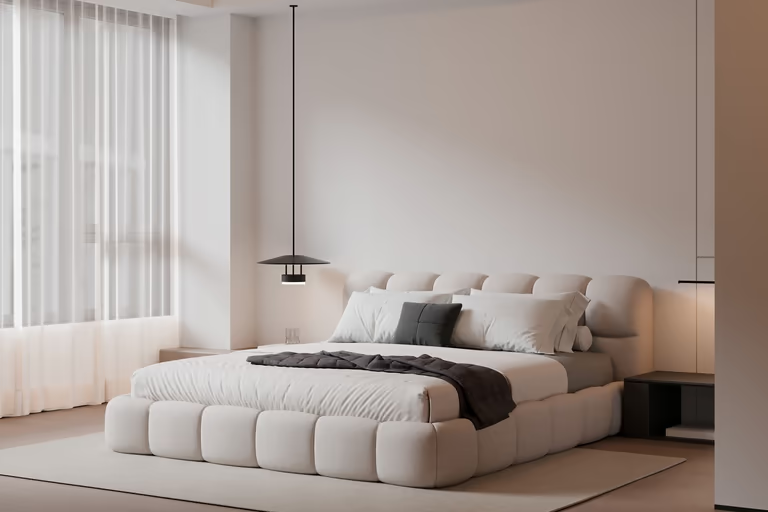 Minimalist
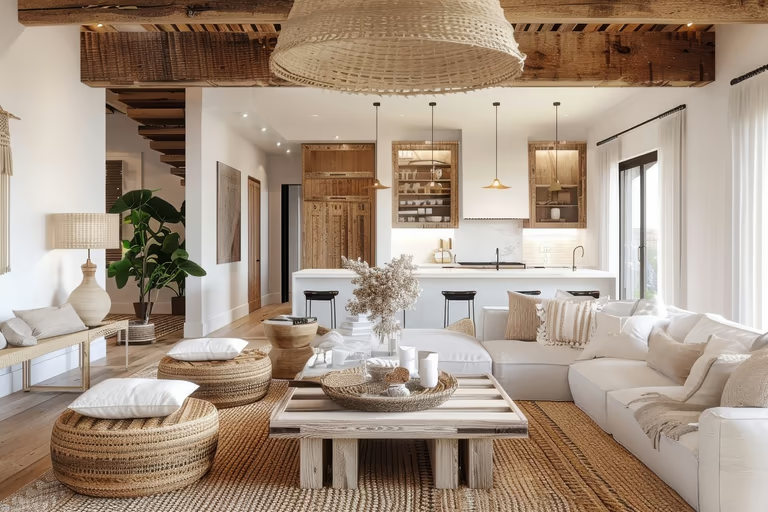 Modern Farmhouse
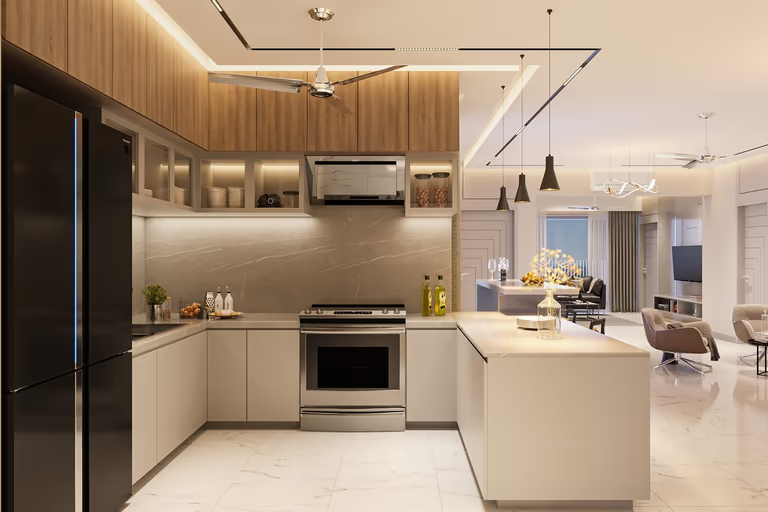 Modern
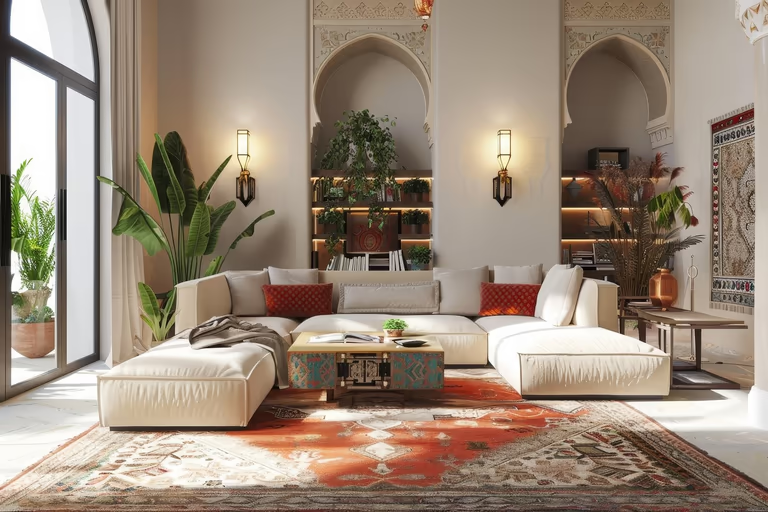 Moroccan
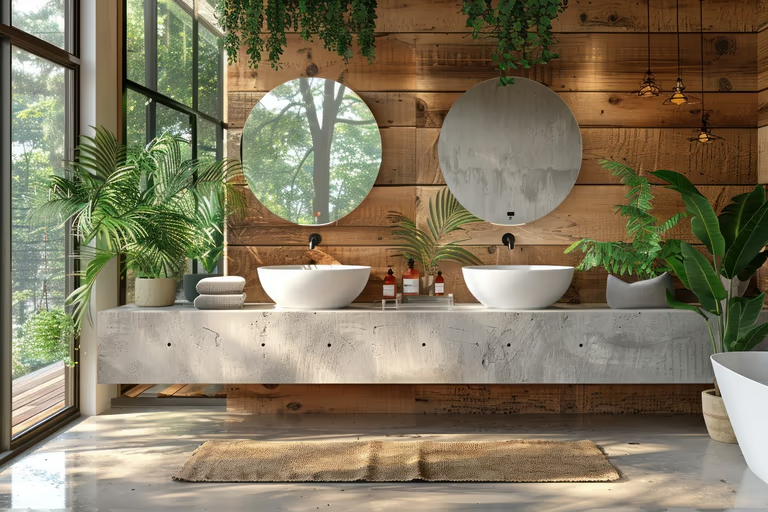 Organic Modern
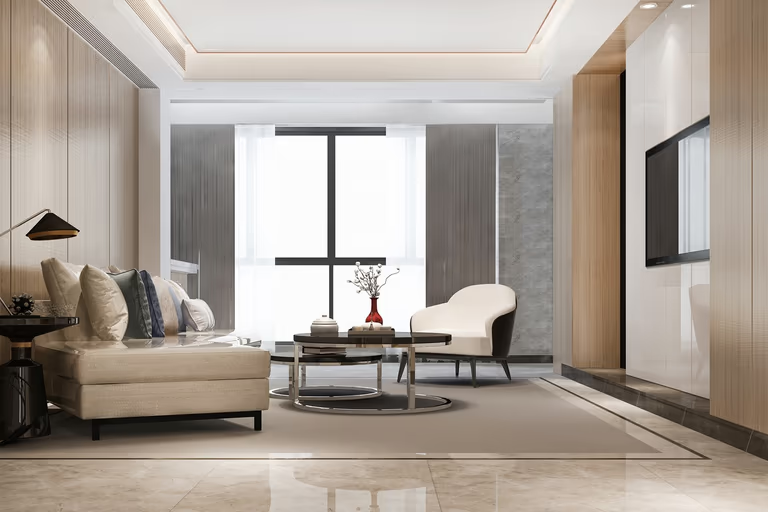 Quiet Luxury
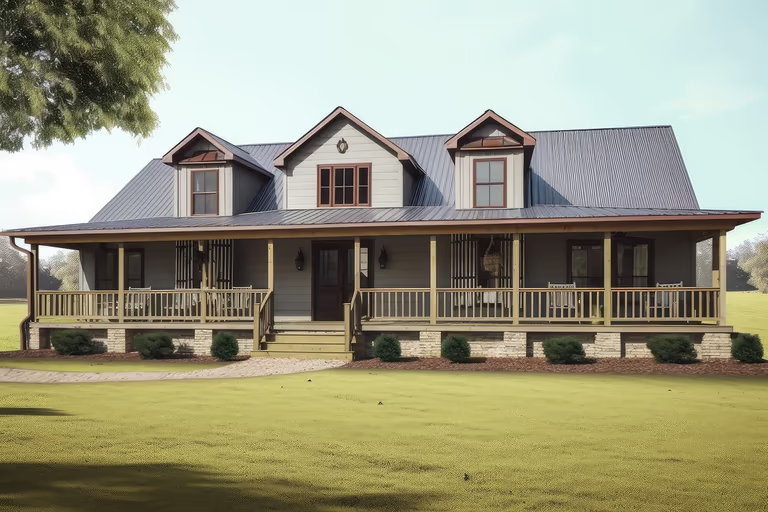 Ranch
Ranch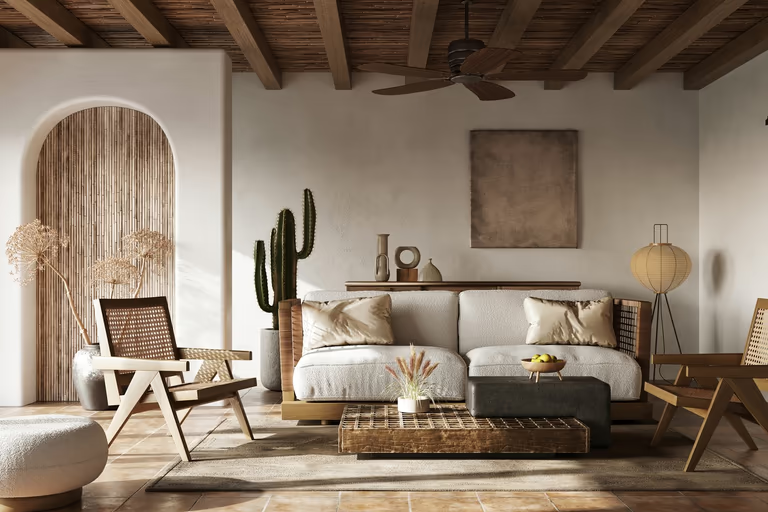 Rustic
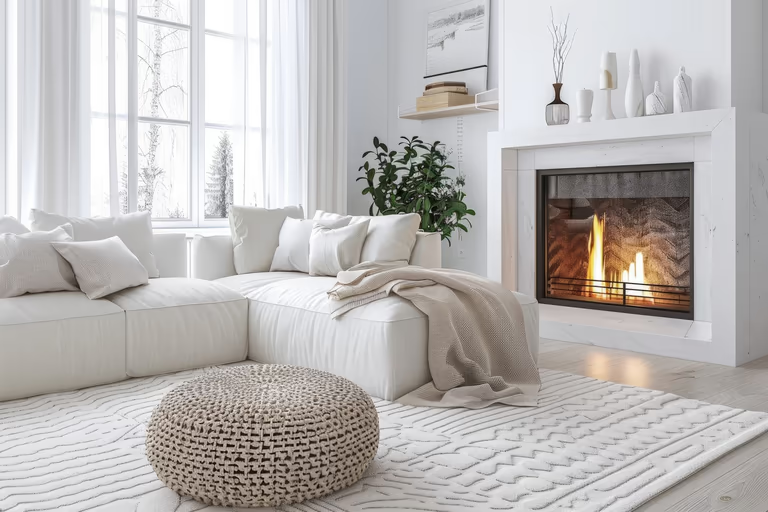 Scandinavian
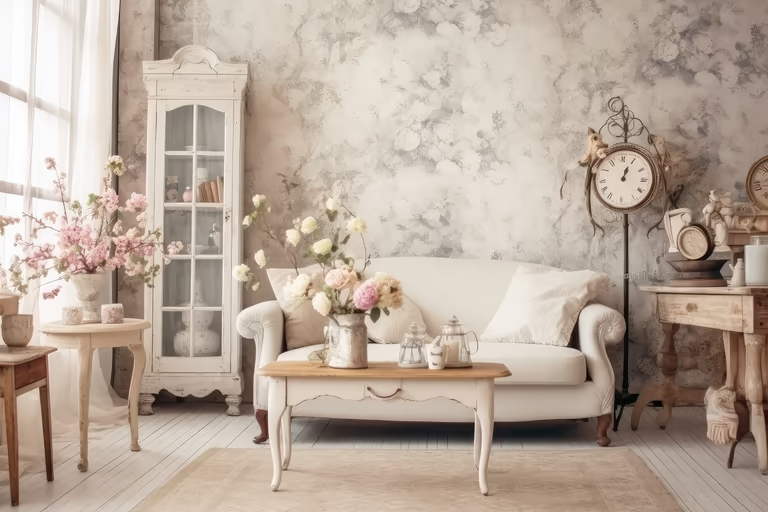 Shabby Chic
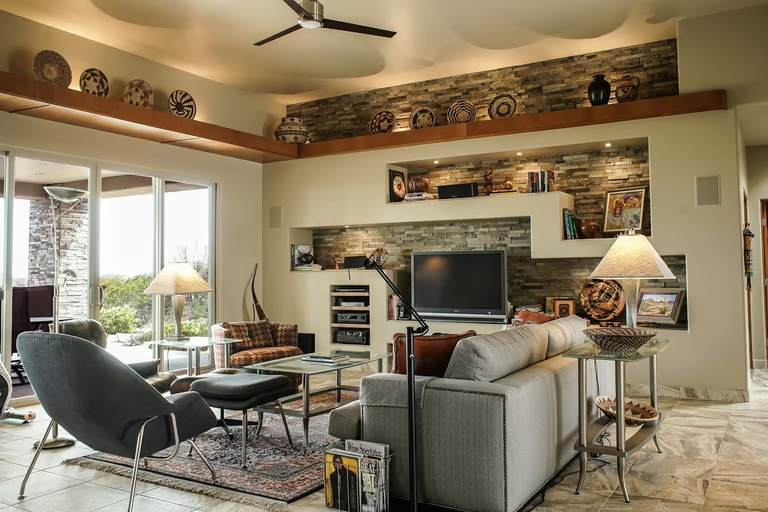 Southwestern
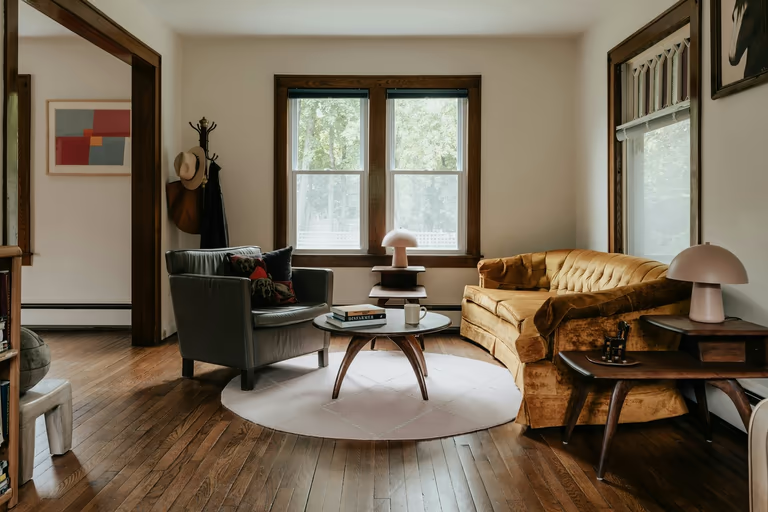 Traditional
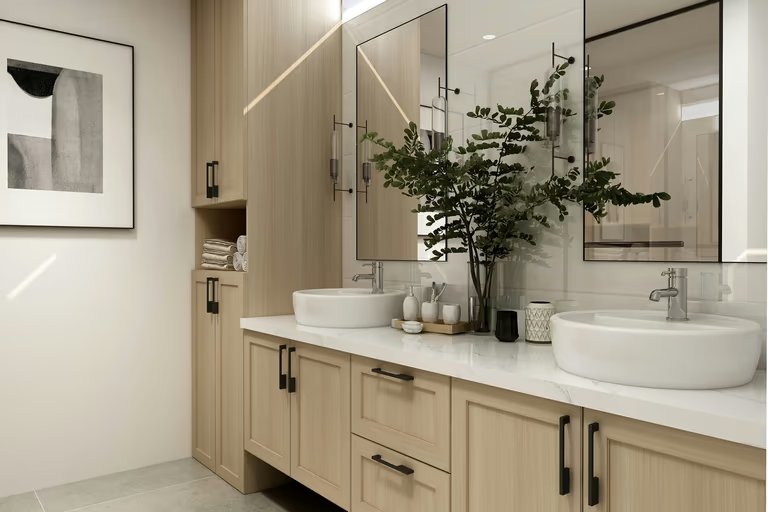 Transitional
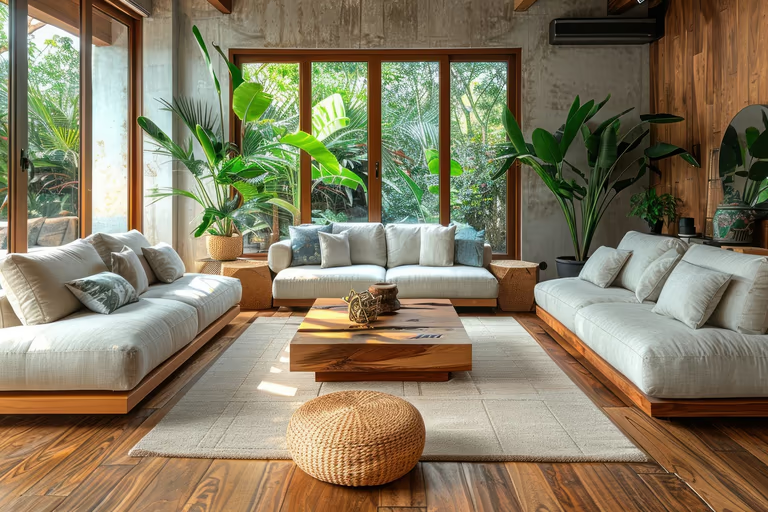 Tropical
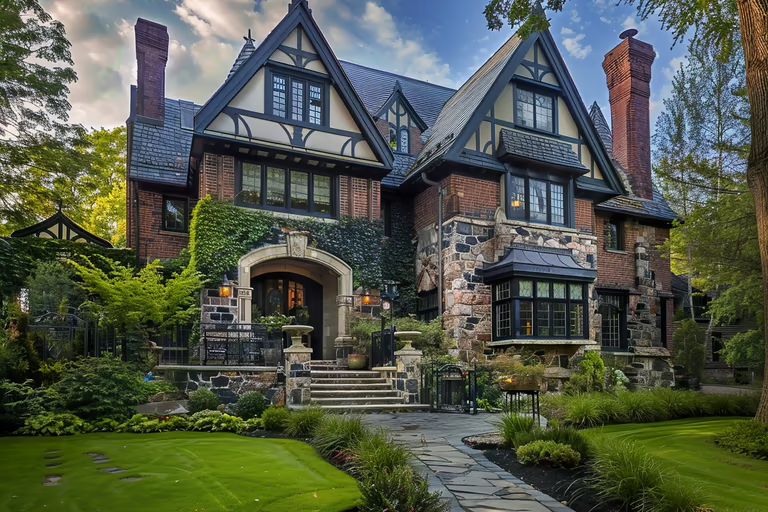 Tudor
Tudor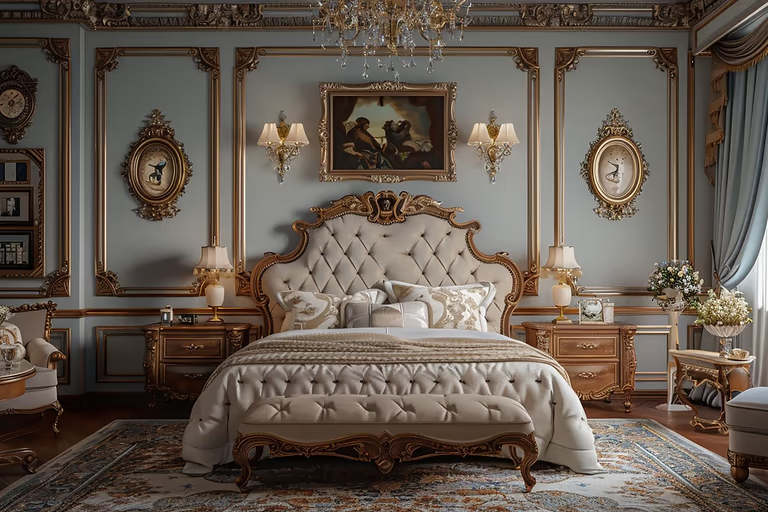 Victorian
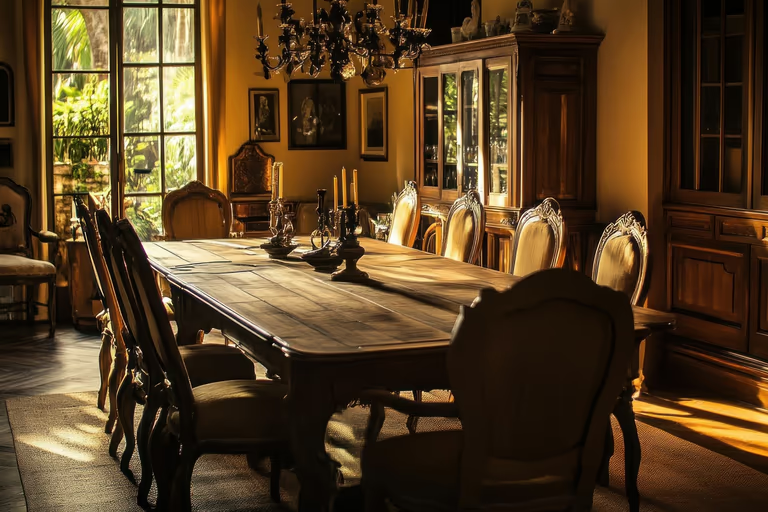 Vintage
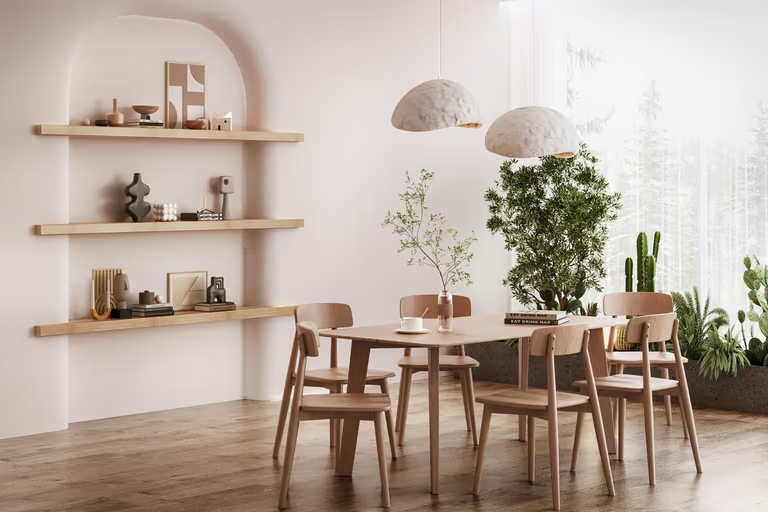 Wabi-Sabi
AI exterior design FAQs
Everything people ask before their first render.
What Is AI Exterior Design?
AI exterior design shows how the outside of your house could look with different roofing, siding, paint, doors, trim, materials, and styles. DecorAI creates new design ideas from a photo of your existing home, while keeping the house recognizable.
How Does AI Exterior Design Work?
Upload a photo of your house, choose an exterior style and preferences (including house view), or describe your idea. DecorAI then creates up to 4 design options in about 30 seconds.
Does AI exterior design keep my windows and house shape?
Yes. The house shape, windows, and doors stay in place so the home still looks like yours while styles, colors, and materials change. It is a visual redesign of the outside, not a structural plan.
What is the difference between exterior redesign and landscape design?
Exterior redesign focuses on the house itself: paint, siding, roof look, doors, and similar. Landscape design focuses on the yard and outdoor layout. Use Exterior Redesign for the building, and AI Landscape Design for planting and outdoor spaces.
Can AI change roof color or style?
You can preview roof color and style looks on your photo. This is a visual guide, not a structural roof plan.
Can I redesign the front door, shutters, or garage door?
Yes. Those details often change curb appeal quickly, and you can test them as part of an exterior redesign.
Which Photo Works Best for AI Exterior Design?
Use a clear image showing the full front of the house, roofline, and both corners. Soft daylight works best. On a phone, try 0.5x / ultra-wide so more of the house is in the frame. An open view without cars, bins, or large plants usually gives a cleaner result.
Is it accurate enough to show a contractor?
It is useful for direction when you talk through a new look. It is not a construction drawing, material takeoff, or bid document.
Does DecorAI replace an architect or check codes and HOA rules?
No. DecorAI does not check building codes, HOA rules, permits, or engineering. Use it to explore looks, then confirm plans with the right professionals.
Which house views are supported?
DecorAI supports 5 house views: Front, Side, Back, Corner, and Street View.
Will the AI Keep My Actual House?
Yes. AI uses the visible rooflines, windows, and wall proportions as a guide. The result should still look like your property, but some small details may change.
What Exterior Styles can I Choose from?
The exterior list runs to 67 styles, including Modern, Contemporary, Modern Blend, International Style, Minimalist, Mediterranean, Modern Farmhouse, Farmhouse, French Country, and Craftsman. You can also pick No Style and simply let the AI improve the image you already have.
Is there a free trial, and what does unlimited cost?
You start with 3 free designs on a 1-day trial. Paid plans start at $24 per month for unlimited AI designs (AI video has separate limits). Half-yearly is $120 for 6 months. Yearly is $240.
Can I see the House at Different Times of Day?
Yes. Lighting offers daylight, golden hour, night and overcast, and you can change the sky and the season on top of that. A render that only ever looks good at golden hour is telling you very little, so check it under flat light too.
Does DecorAI Show Different Roofing Options?
Yes. You can change the roof color and try materials such as asphalt shingles, metal, or tile. Change one option at a time, then compare the roof and siding together to find a combination that suits your house.

Try AI Home Design Free
Upload a photo of your space and redesign it with AI in seconds. Explore styles, change details, and visualize your ideas before you make them real.
Start Free Trial