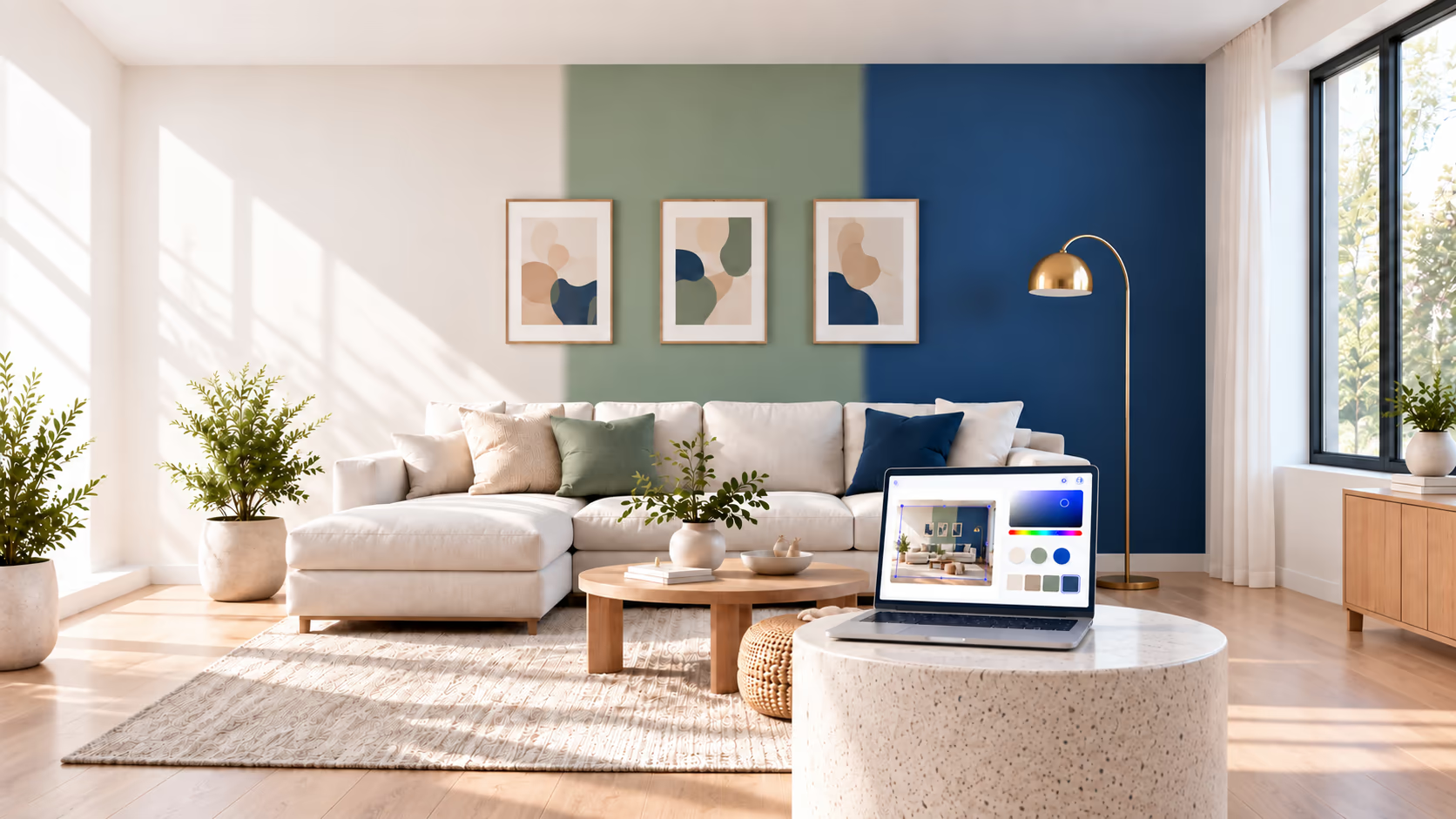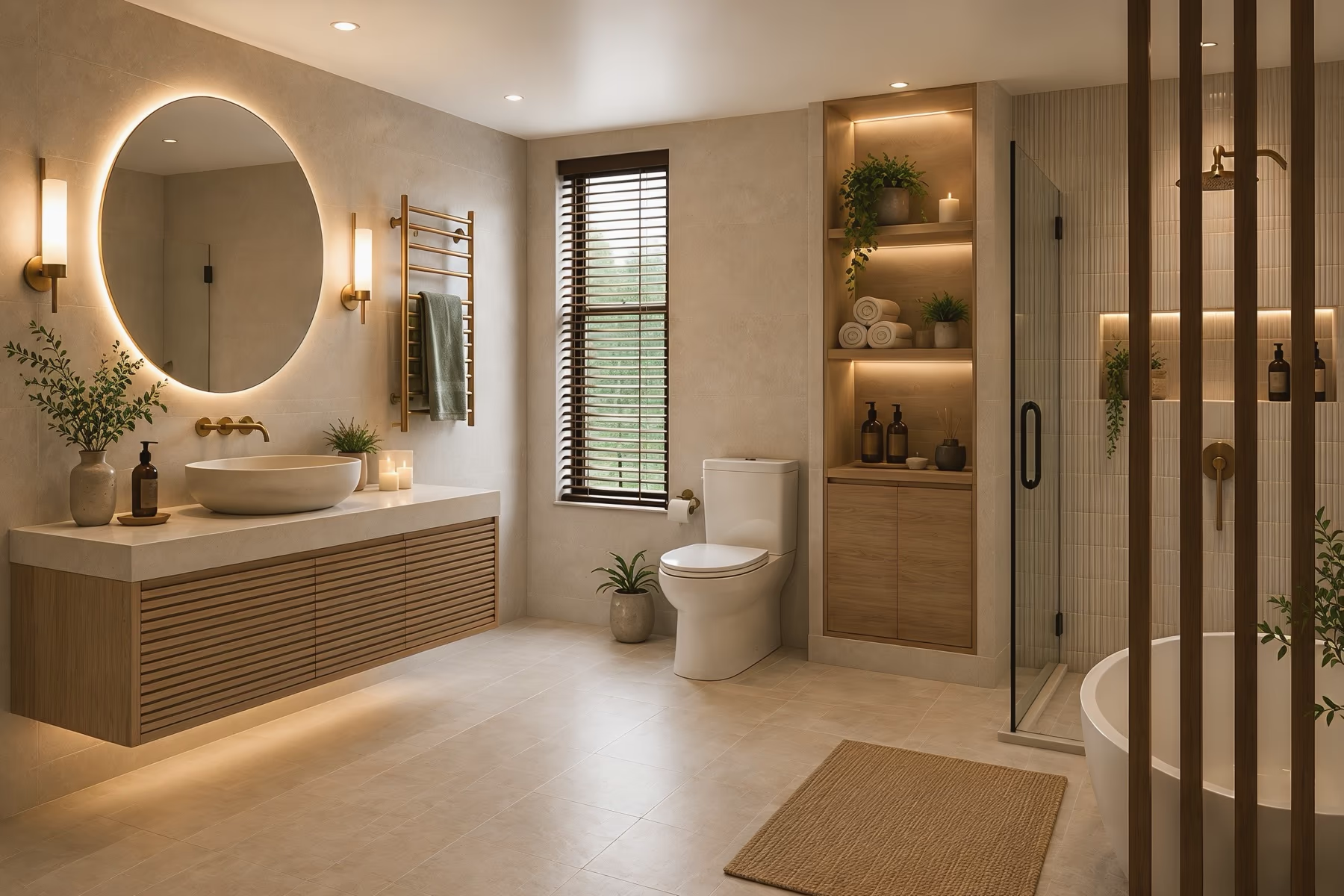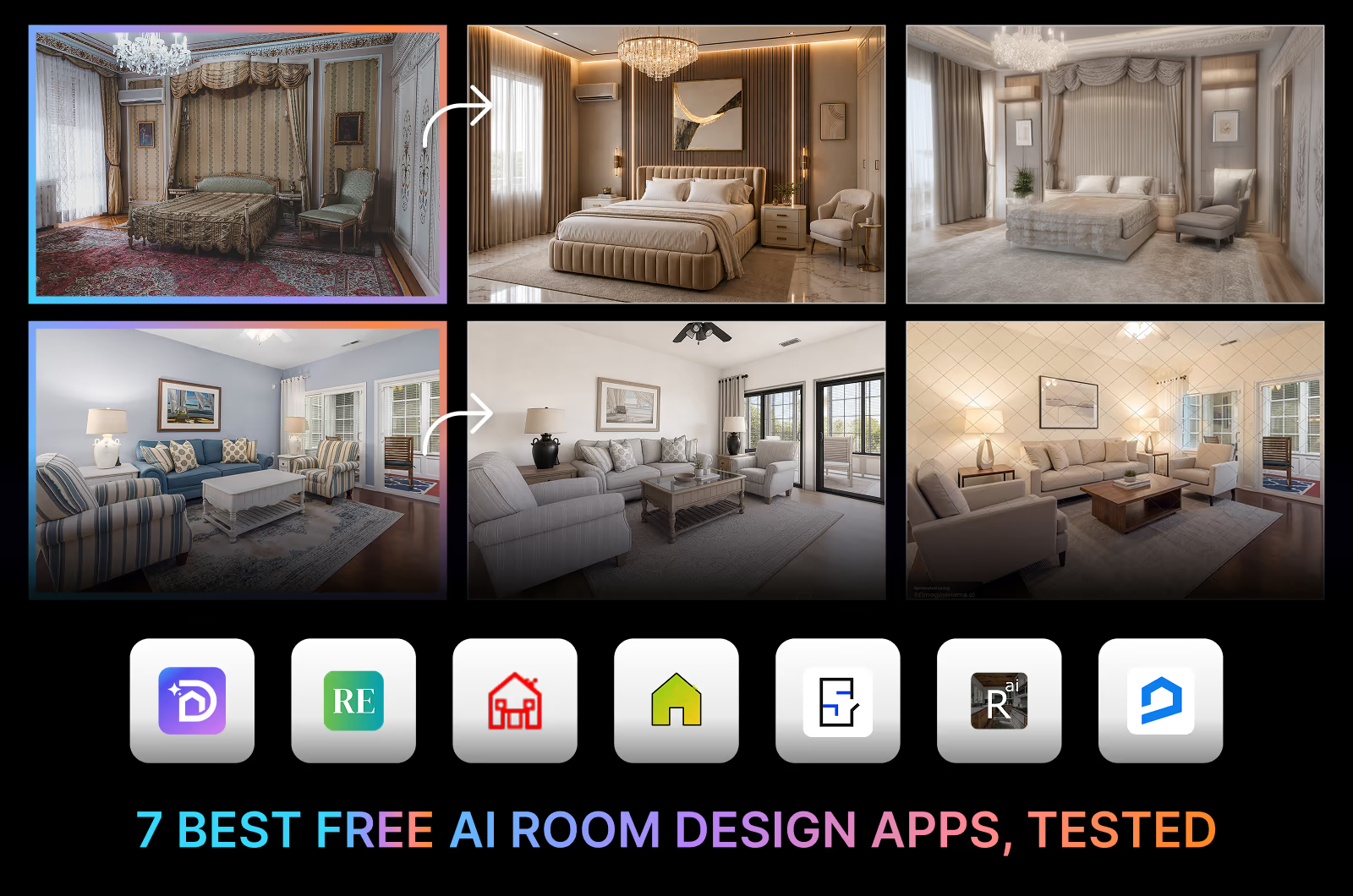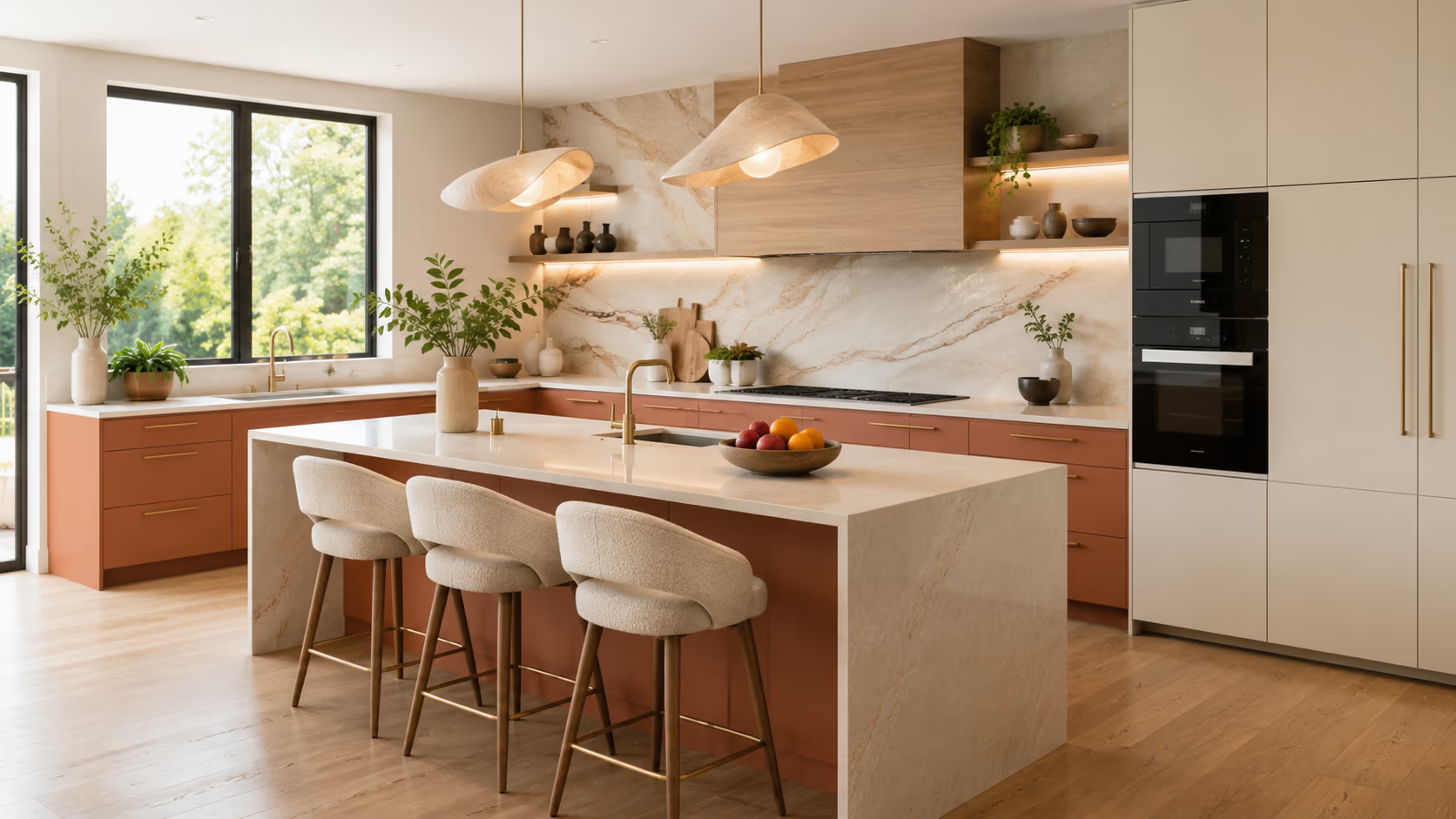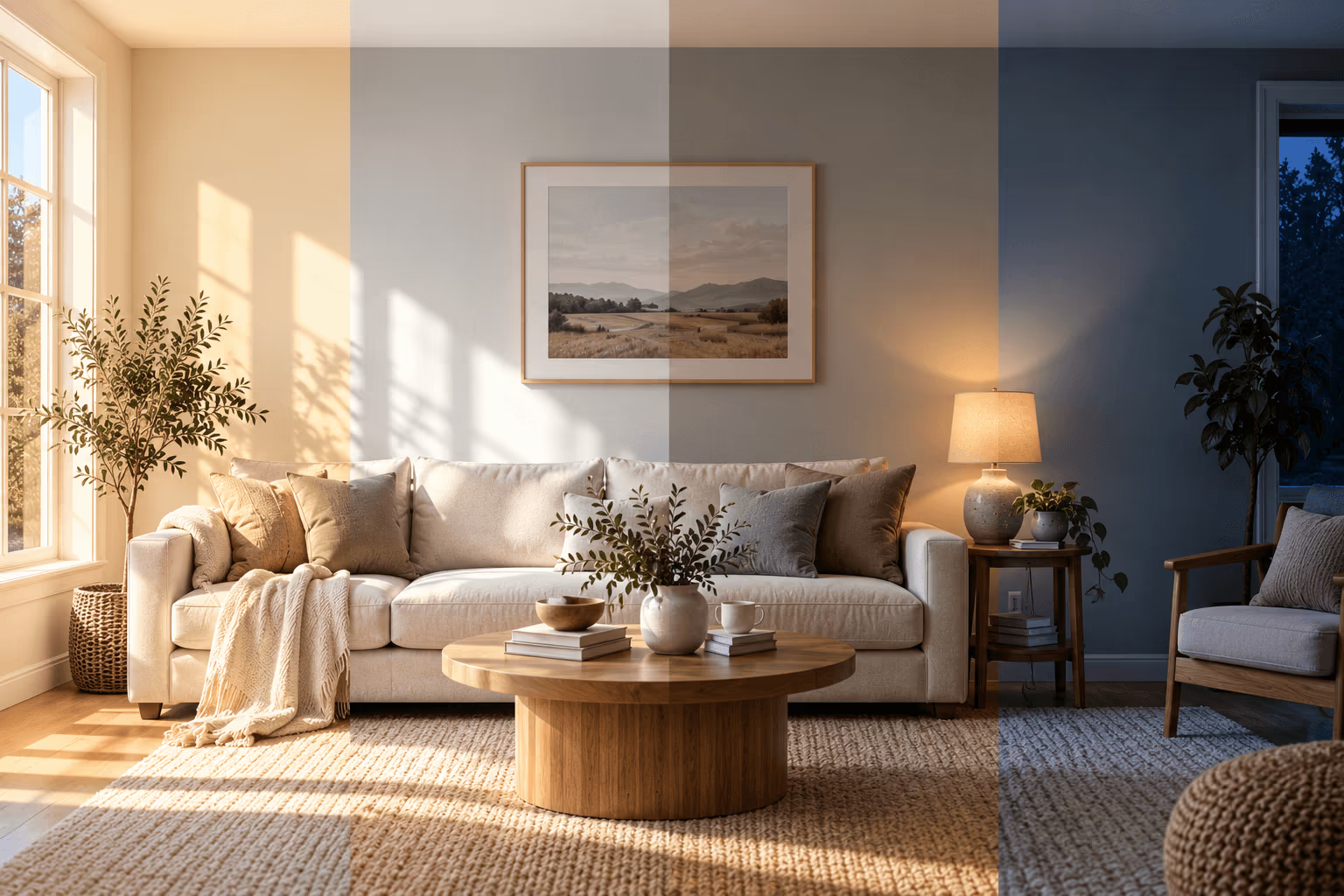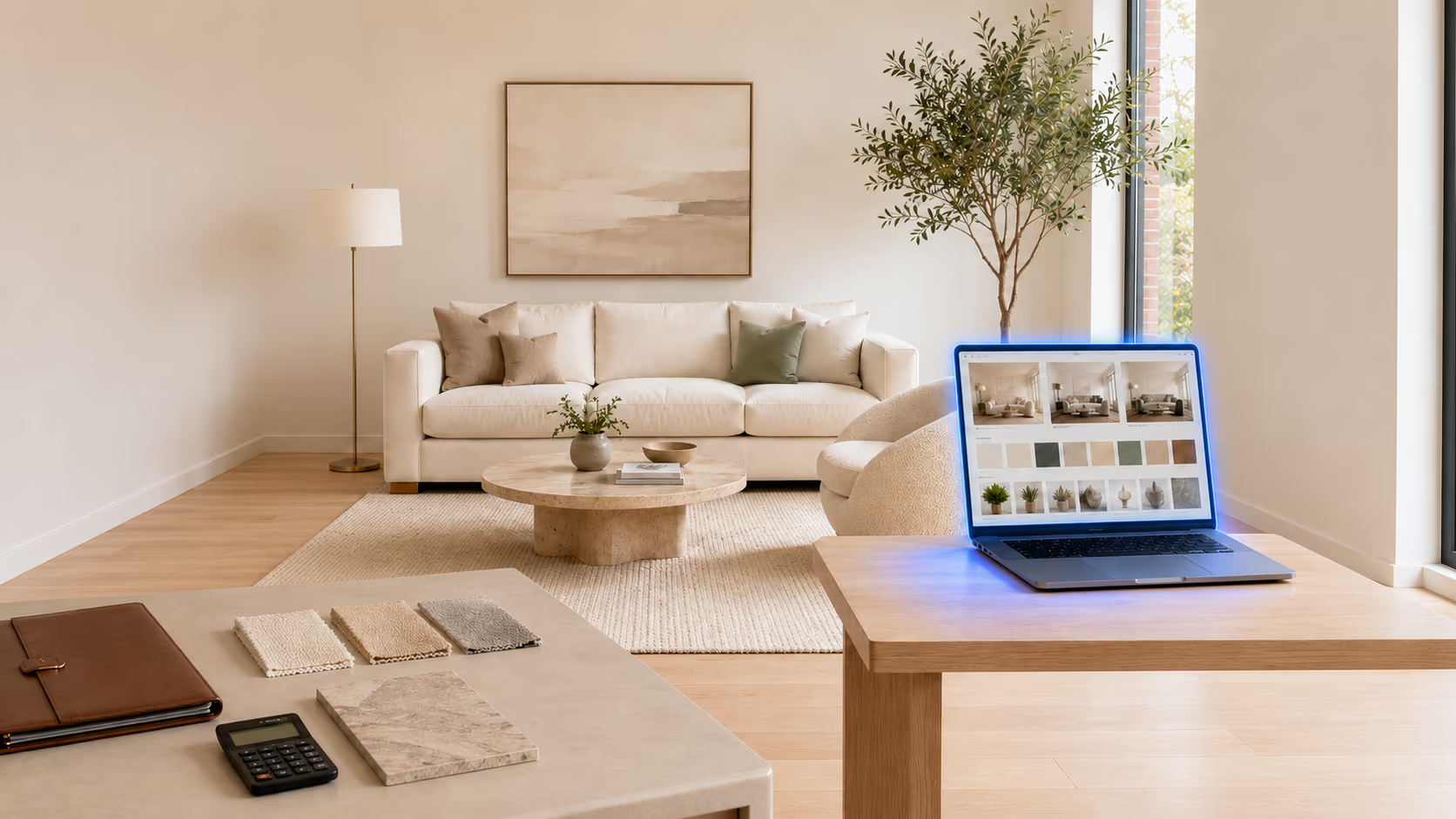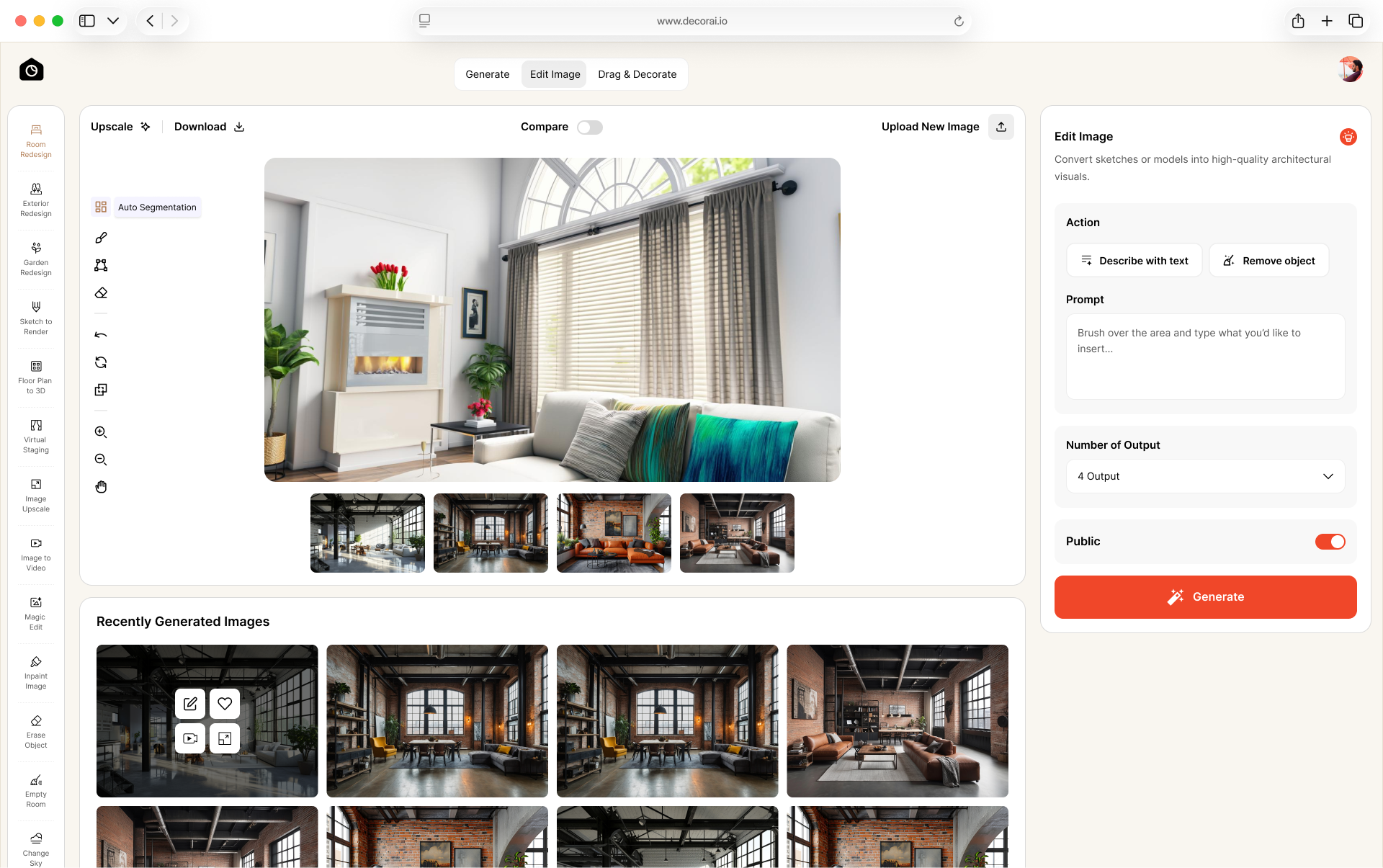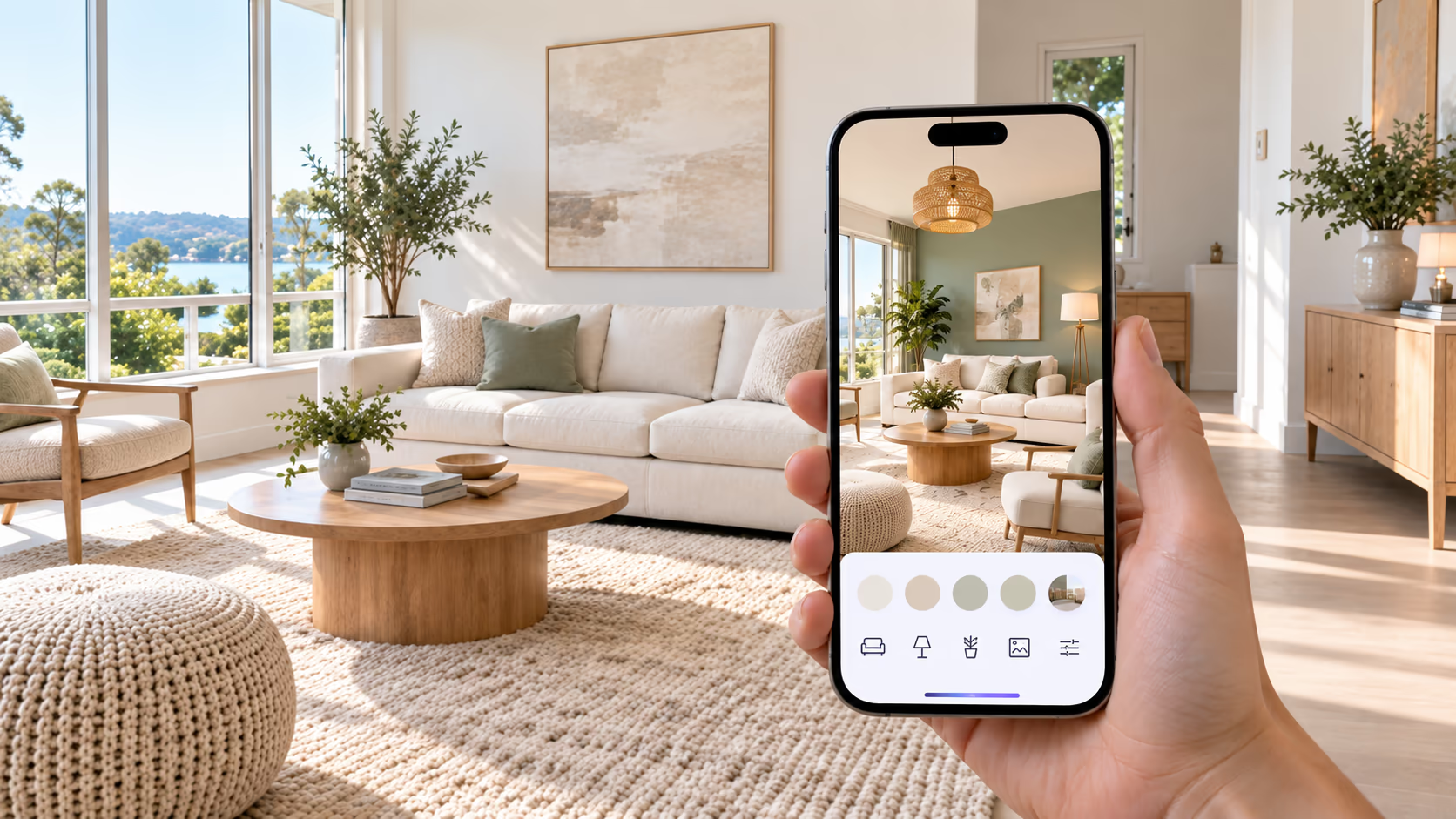
AI is changing how people plan their home decor. You no longer need to rely only on inspiration photos or imagine how separate ideas may look together. A home decor AI app helps you upload a photo of your room and quickly see different design ideas in the same space. You can compare furniture, colors, materials, wall finishes, layout ideas, and room styles before buying anything. Some apps can also create ideas for kitchens, bathrooms, home exteriors, and gardens.
But an AI image is not a building plan. It can show what a room might look like, but it cannot confirm measurements, product sizes, or whether a major change is safe.
This guide explains what home decor AI apps can do, where they have limits, and how to use them before decorating or renovating.
A home decor AI app lets you upload a room photo and see it with different furniture, colors, materials, and styles. It is useful for finding ideas and comparing options before you buy, but the result is only a room preview. Always check real measurements, product details, material samples, and building requirements before making a final decision.
What Is a Home Decor AI App?
A home decor AI app creates decorating ideas from a photo of your room. Upload an image, choose a style or describe the changes you want, and the app creates a new version of the space. Some apps can also remove objects, change selected surfaces, redesign kitchens and bathrooms, or create ideas for home exteriors and gardens. It helps you see an idea in your own space before making the real change.
For example, you can ask for:
- A warm modern style
- Lighter wall colors
- New furniture and lighting
- Different flooring
- A Scandinavian or Japandi look
- A brighter and more open space
What Can AI Do for Home Decor?
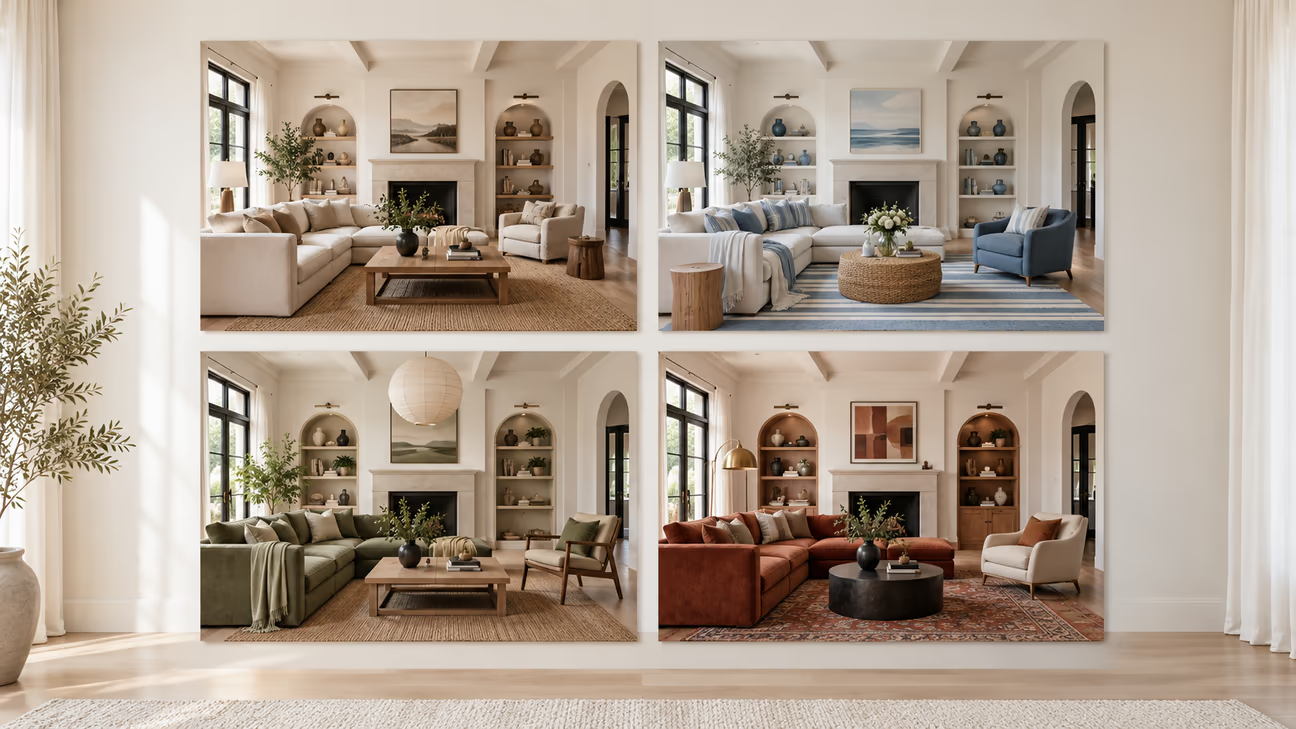
AI decorating apps are most useful when you already have a room and want to compare different options.
Redesign a Room From a Photo
This is the main feature of most home decor AI apps. Upload a photo of your living room, bedroom, kitchen, dining room, or home office. The app uses that photo as the starting point and creates a different version of the room.
This gives you a clearer idea of how a new style may work in your own space. You do not have to rely only on product photos or rooms that have a different size and layout. You can also create several versions of the same room and compare them before choosing a direction.
Compare Different Room Styles
You may like several decorating styles but feel unsure which one suits your room. Seeing these styles in your room can make the choice easier. You may also find that you prefer parts of two different styles rather than following only one.
If you need ideas before starting, browse the DecorAI inspiration gallery. It includes AI-generated rooms, kitchens, bathrooms, exteriors, landscapes, and virtual staging examples. AI can show the same space in styles such as:
- Modern
- Scandinavian
- Japandi
- Coastal
- Farmhouse
- Minimalist
- Industrial
- Traditional
- Mid-century modern
- Art Deco
Try New Furniture Ideas
AI can show a room with a different sofa, bed, table, chair, cabinet, rug, or storage unit. This can help you choose a furniture style, shape, or color before shopping.
For example, you can compare:
- A light sofa with a dark sofa
- A round table with a rectangular table
- Open shelves with closed storage
- Modern furniture with traditional furniture
- A large rug with a smaller rug
Change Wall Colors and Finishes
A new wall color can change the whole feeling of a room. AI can help you compare several colors without painting the wall first.
You can try:
- Warm white
- Cream or beige
- Sage green
- Light blue
- Dark navy
- Terracotta
- An accent wall
- Wallpaper
- Wood paneling
- Textured finishes
The preview can help you remove colors that do not suit the room. However, the final paint may look different because of lighting, wall texture, screen settings, and paint finish. Always test your final choice with a physical sample.
Refresh an Outdated Room
A room does not always need a full renovation. A few smaller changes may be enough. AI can show the room with:
- Updated furniture
- Better lighting
- New curtains
- A different rug
- Wall art
- New colors
- Modern materials
- Fewer decorative items
- Improved storage
This can help you decide whether a simple update will work or whether the room needs a larger makeover.
Plan Kitchen and Bathroom Ideas
Some AI platforms include tools made for kitchens and bathrooms. These previews can help you choose a style and create a shortlist of materials.
You can compare:
- Cabinet colors and styles
- Countertops
- Backsplashes
- Flooring
- Wall finishes
- Bathroom tiles
- Vanities
- Lighting
- Fixtures
For more ideas, visit the AI kitchen inspiration gallery or try the DecorAI kitchen design tool on your own kitchen photo. AI cannot confirm plumbing, electrical work, ventilation, measurements, or installation requirements. These details still need proper planning.
Visualize Outdoor Spaces
Some platforms also work with home exteriors, patios, yards, gardens, and other outdoor spaces. The DecorAI exterior inspiration gallery shows styles for homes and commercial buildings. You can also see yard and garden ideas in the landscape design gallery. You can compare:
- Exterior colors
- Siding and wall materials
- Doors and windows
- Outdoor furniture
- Patios and paths
- Plants and garden styles
- Front-yard ideas
- Backyard layouts
What Home Decor AI Apps Cannot Do
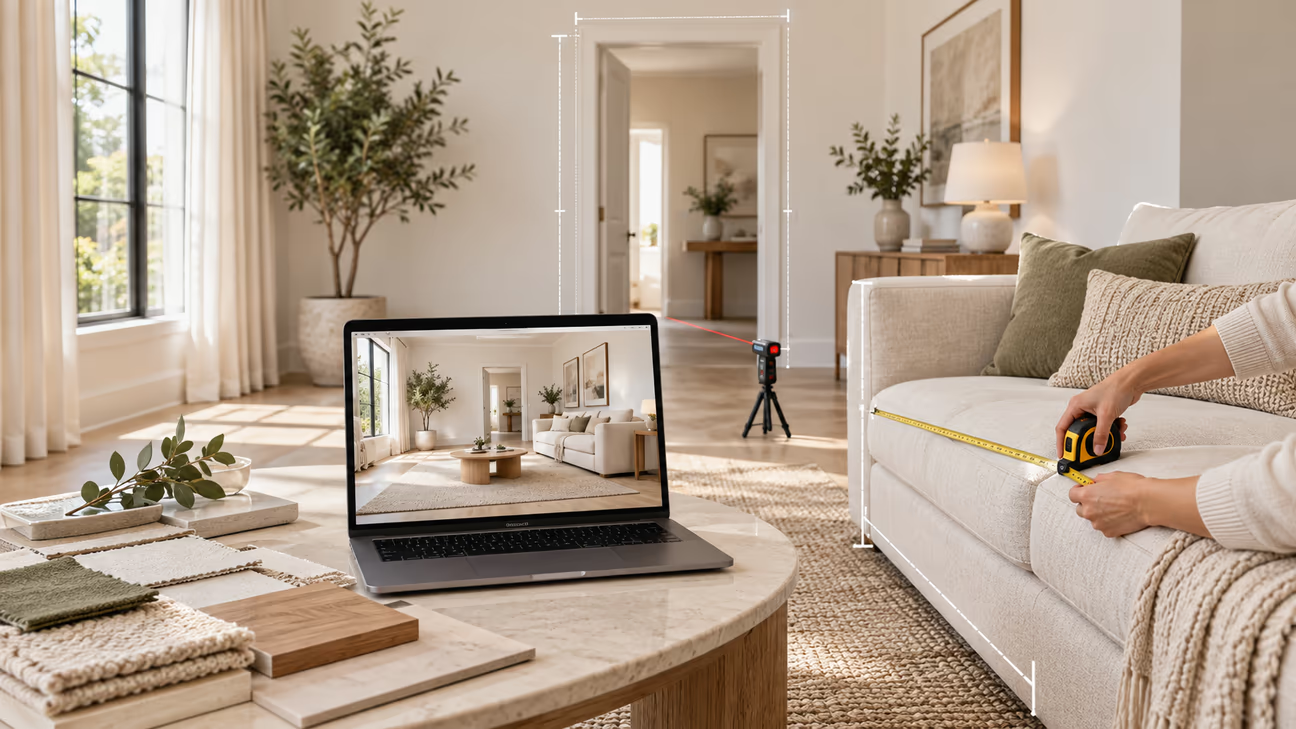
AI can create a convincing picture, but that picture is not always an accurate plan. You need to understand these limits before using a generated image for a real project.
AI Cannot Confirm Exact Measurements
A generated room may look well balanced even when the furniture size is not realistic. A sofa may look smaller than it really is. A coffee table may leave too little walking space. A kitchen island may appear suitable but create a narrow gap in the actual room.
Use the image to choose a style or general arrangement. Use real measurements to confirm what will fit.
AI Cannot See Hidden Room Details
An app can only study the information visible in the photo. It cannot see what is behind a wall or under the floor. For this reason, an AI image cannot prove that a renovation is safe or possible.
A room photo may not show:
- Electrical wiring
- Plumbing
- Structural supports
- Wall damage
- Uneven floors
- Moisture or hidden leaks
- Exact ceiling height
- Material condition
AI May Create Products That Do Not Exist
An AI room may include attractive sofas, lamps, tables, artwork, or cabinets. However, these items may not be real products that you can buy. Use them as style references. Look for real products with a similar shape, color, and material.
If an app provides shopping links, check the product page carefully. Confirm its size, materials, price, delivery area, and stock before ordering.
AI May Change Parts of the Room
AI design tools are improving, but they may still change details that you wanted to keep. Compare every result with the original photo. Do not rely on an image that no longer matches the real structure of the room.
Check the result for changes to:
- Windows
- Doors
- Fireplaces
- Built-in storage
- Ceiling lines
- Wall shapes
- Stairs
- Room proportions
AI Cannot Replace Technical Advice
AI can help you decide how you want a room to look. It cannot inspect the property or take responsibility for building work. AI is useful for early ideas. Technical decisions need proper checks.
Speak with a qualified professional before making changes involving:
- Structural walls
- Plumbing
- Electrical systems
- Gas lines
- Ventilation
- Building codes
- Major kitchen or bathroom work
Why Can an AI Room Look Better Than the Real Space?
AI-generated rooms are made to look attractive. The app may create soft lighting, clean surfaces, balanced furniture, and a good camera angle. Your real room may have different daylight, shadows, clutter, ceiling height, or proportions. Materials may also look less perfect in everyday use.
This does not make the generated image useless. It simply means that you should use it as a design idea, not as a promise of the final result.
Instead of asking whether your room will look exactly like the image, ask:
- Which wall color do I like?
- Which furniture style works best?
- Does the room need more lighting?
- Would a larger rug improve the space?
- Which materials work well together?
- What parts of this design can I recreate?
This turns an attractive AI image into a useful decorating plan.
When Should You Use a Home Decor AI App?
A home decor AI app is most useful when you are deciding what to change.
When Choosing a Style: Compare different styles in your own room before selecting one.
Before Buying Furniture: Compare suitable shapes, colors, and styles. Then measure your room before choosing a real product.
Before Changing Wall Colors: Try light, dark, warm, and cool shades. Test your final choices with physical paint samples.
Before Renovating: See whether new paint, furniture, lighting, or materials could improve the room without a complete renovation.
When Creating a Design Brief: Save your favorite results and share them with a designer, architect, decorator, or contractor.
When Staging an Empty Room: Add virtual furniture and decor to show how an empty space could look when furnished.
Use AI to compare decorating ideas and choose a clear direction. Before buying furniture or starting work, confirm room measurements, product sizes, materials, paint samples, and technical requirements.
How to Get Better Results From a Home Decor AI App
A good result starts with a good room photo and clear instructions.
Use a Clear Photo
Take the photo in good natural light. Make sure the main walls, floor, windows, and furniture are visible. A wide photo usually gives the app more information about the room.
Keep the Camera Straight
Hold the camera level and avoid extreme angles. A heavily tilted or stretched photo can make the room proportions difficult to understand.
Remove Unnecessary Clutter
You do not need to empty the room, but removing people, bags, clothes, and small clutter can create a cleaner starting image.
Describe What You Want
Do not use a broad instruction such as "Make my room better." Give the app clearer details. For example: "Create a warm modern living room with a cream sofa, light oak furniture, neutral walls, soft lighting, and a large textured rug."
Mention the room type, preferred style, colors, materials, furniture, and mood.
Create More Than One Version
The first result may not be the best one. Generate several options and compare them. One version may have the right colors. Another may show better furniture or lighting. You can use the strongest parts from each result to shape your final plan.
Check What the AI Changed
Compare the result with your original photo and check the parts listed in "AI May Change Parts of the Room" above. If something important changed, try another result or fix that area with an editing tool.
How to Use AI Before Buying Furniture or Materials
Start with a clear photo of your room and create two or three design options. Choose the furniture, colors, materials, and finishes you like from each version. You do not need to copy one design exactly. You can combine ideas from several results.
Next, measure the room. Write down the wall lengths, door and window positions, available floor space, walking space, furniture dimensions, and ceiling height where needed.
Now look for real products that match your chosen style. Check each product's size, materials, price, stock, and delivery details. AI helps you choose the direction. Real measurements and product details help you make the final decision.
How DecorAI Helps With Home Decorating
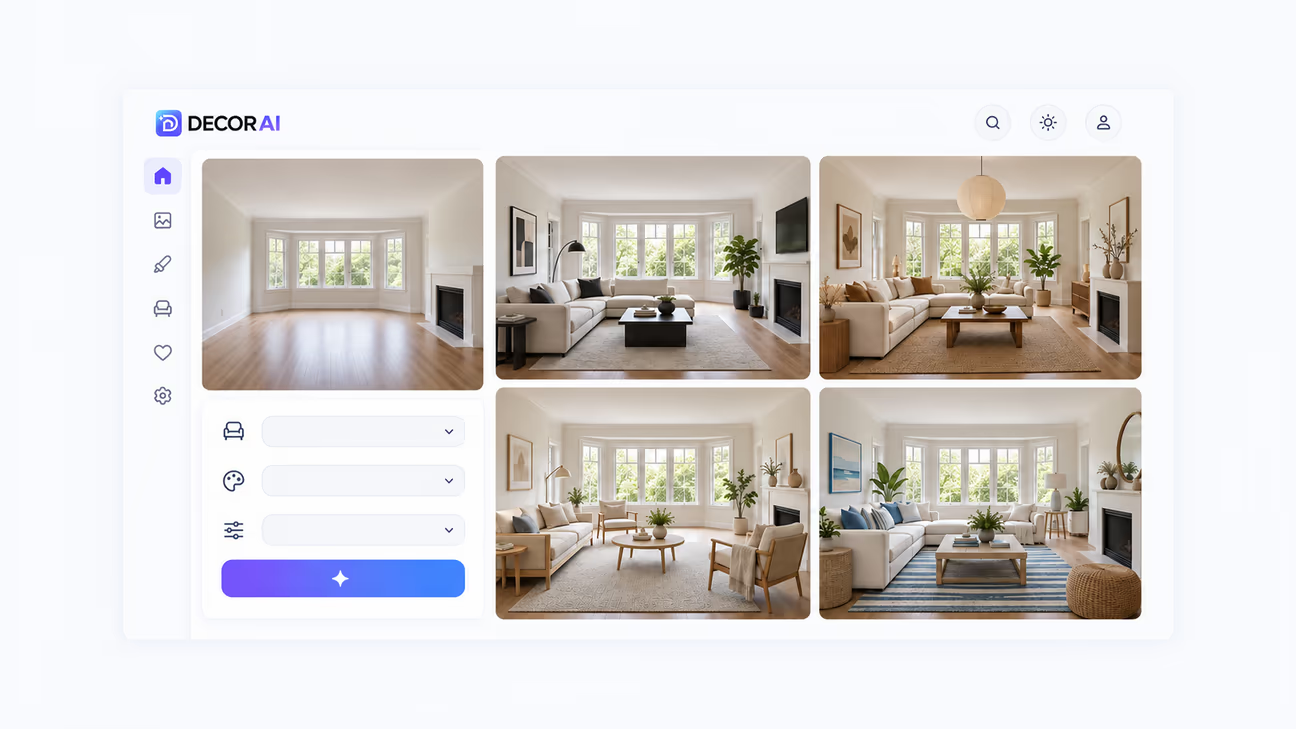
DecorAI lets you begin with a photo of the space you already have. Upload a room, kitchen, bathroom, exterior, or garden photo. Then choose a style or describe the result you want. This AI interior design tool supports 175 design styles.
It also includes 20+ tools for interiors, exteriors, landscapes, virtual staging, focused editing, surface changes, and image improvement. New users get a 1-day free trial with 3 full-quality designs. The trial asks for a card so your account keeps working when the trial ends, and you can cancel any time. The monthly plan is $24 and includes unlimited AI image designs. Visit the DecorAI pricing page to check current plans and features.
You can use DecorAI to:
- Redesign a complete room
- Compare several styles
- Change furniture and decor
- Test colors and materials
- Furnish an empty space
- Remove unwanted objects
- Paint or texture a surface
- Change the lighting
- Redesign a kitchen or bathroom
- Create exterior and garden ideas
- Upscale images up to 4x with Image Upscale
Redesign Your Room With DecorAI
Turn your room photo into fresh design ideas and compare different looks before making real changes.
AI Home Decor vs Pinterest Mood Boards
Pinterest and AI decorating apps solve different parts of the same problem. Pinterest is useful for collecting ideas. You can save rooms, furniture, colors, materials, and decorating styles that you like.
The main problem is that most Pinterest images show someone else's home. Their room size, floor, windows, lighting, and furniture may be very different from yours. A home decor AI app can apply a similar direction to your own room photo.
For example, you may save several warm Scandinavian living rooms. Visit the DecorAI Pinterest profile to find more room styles, color ideas, and decorating inspiration. Then use an AI app to see how those ideas may look in your own space.
AI Home Decor vs an Interior Designer
AI apps and interior designers provide different types of help. An AI app is useful for quick ideas. You can compare several styles, colors, and furniture options without waiting for a design consultation.
An interior designer can provide deeper planning. A professional can consider:
- Your lifestyle
- Exact measurements
- Room function
- Budget
- Furniture sizes
- Materials
- Lighting
- Walking space
- Building requirements
- Installation needs
If you are planning a major renovation, use AI to show your preferred style and ideas. Then work with a qualified designer, architect, or contractor on the practical details.
Are Home Decor AI Apps Worth Using?
Home decor AI apps are useful for testing room ideas before spending money. They let you compare furniture, colors, materials, and styles in your own space. Use them for early planning, then confirm measurements, products, samples, and technical requirements before making final decisions.
Ready to see new ideas in your own space? Upload a room photo to DecorAI and compare different decorating styles before you buy or renovate.
Frequently asked questions
A home decor AI app turns a room photo into a new design idea. It can create realistic makeovers, try different styles, and change furniture, wall colors, flooring, and decor. Some apps like DecorAI can also furnish empty rooms or show exterior and renovation ideas.
Yes. Upload a clear photo of your room, and the AI reads the space, including walls, floors, windows, and furniture. Then the app creates a new design based on your space.
Yes. AI can show different furniture styles, colors, and placements in your room. With DecorAI, you can also add custom furniture by choosing from available options or uploading a photo of the furniture you want to use. Always check the real product size before buying.
Many decorating apps let you try paint colors. DecorAI lets you try different paint colors on walls, ceilings, floors, and other areas. You can pick a color, enter its HEX, RGB, or HSL code, or use a saved color.
They are useful for ideas, but the results are not always exact. Furniture size, colors, room details, or materials may look different in real life.
Some home decorating AI apps offer free designs or limited features, while others need a paid plan. Many also offer free trials. DecorAI gives new users a 1-day free trial with 3 designs. The trial asks for a card so your account keeps working when it ends, and you can cancel any time.