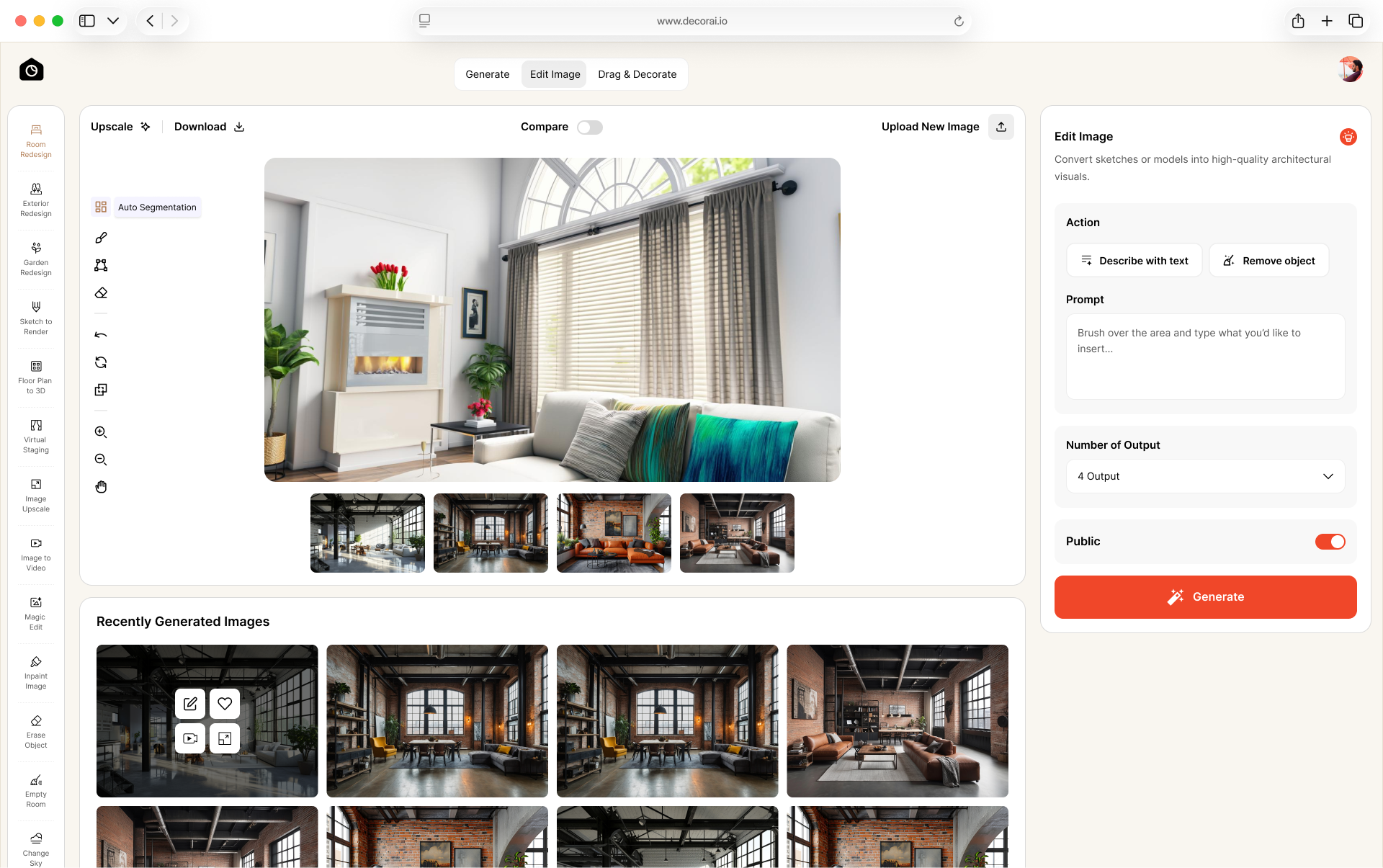
Virtual Staging AI for Real Estate Photos
Physical staging can cost a lot and take time. With AI virtual staging, you can upload a room photo and add furniture on the screen without renting or moving any furniture.
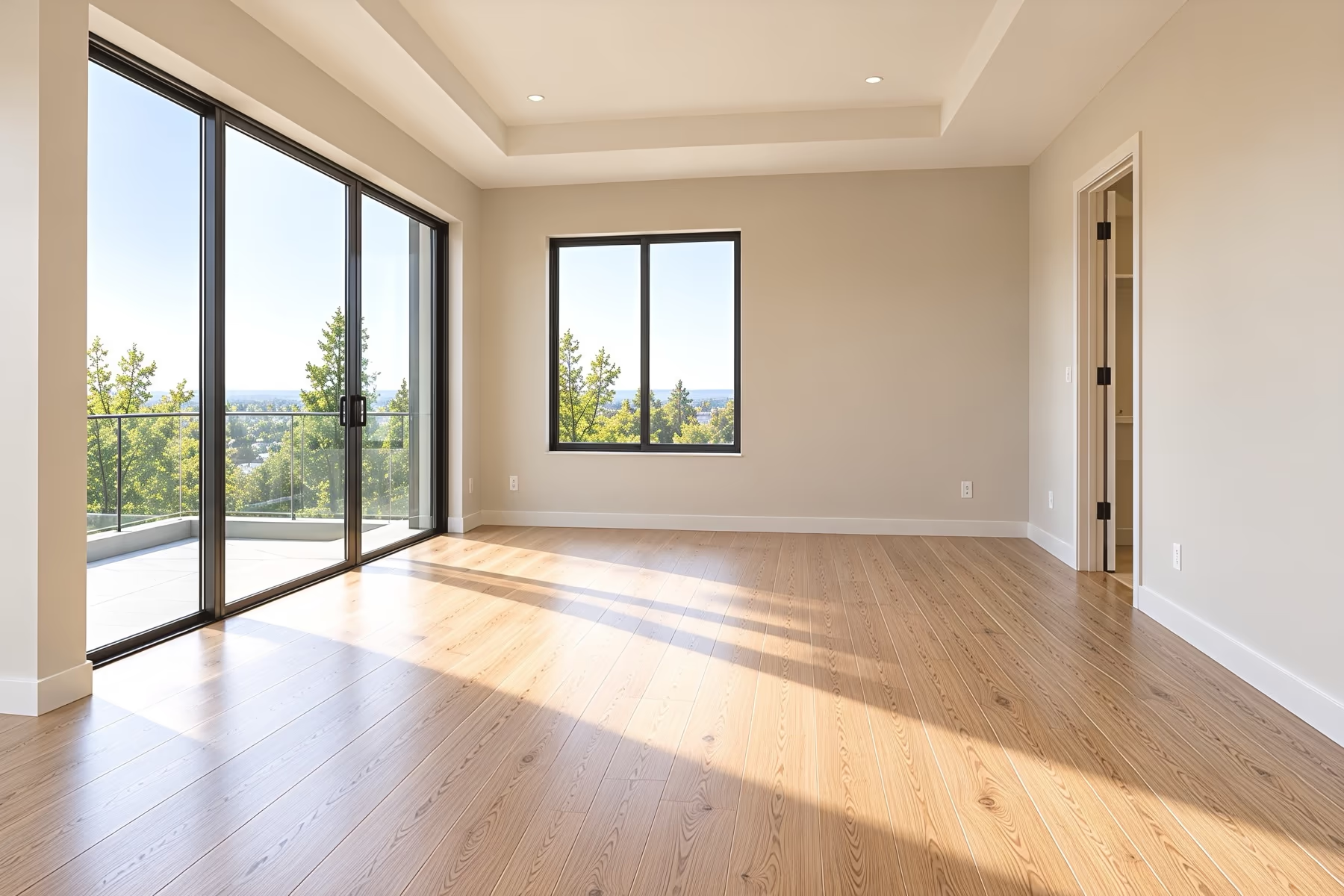
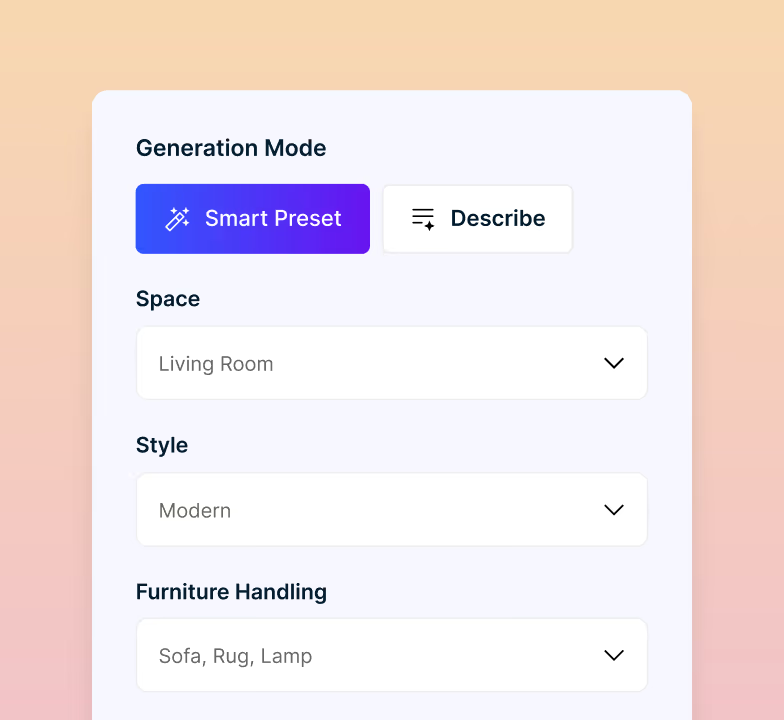
Stage an Empty Room in 3 Easy Steps
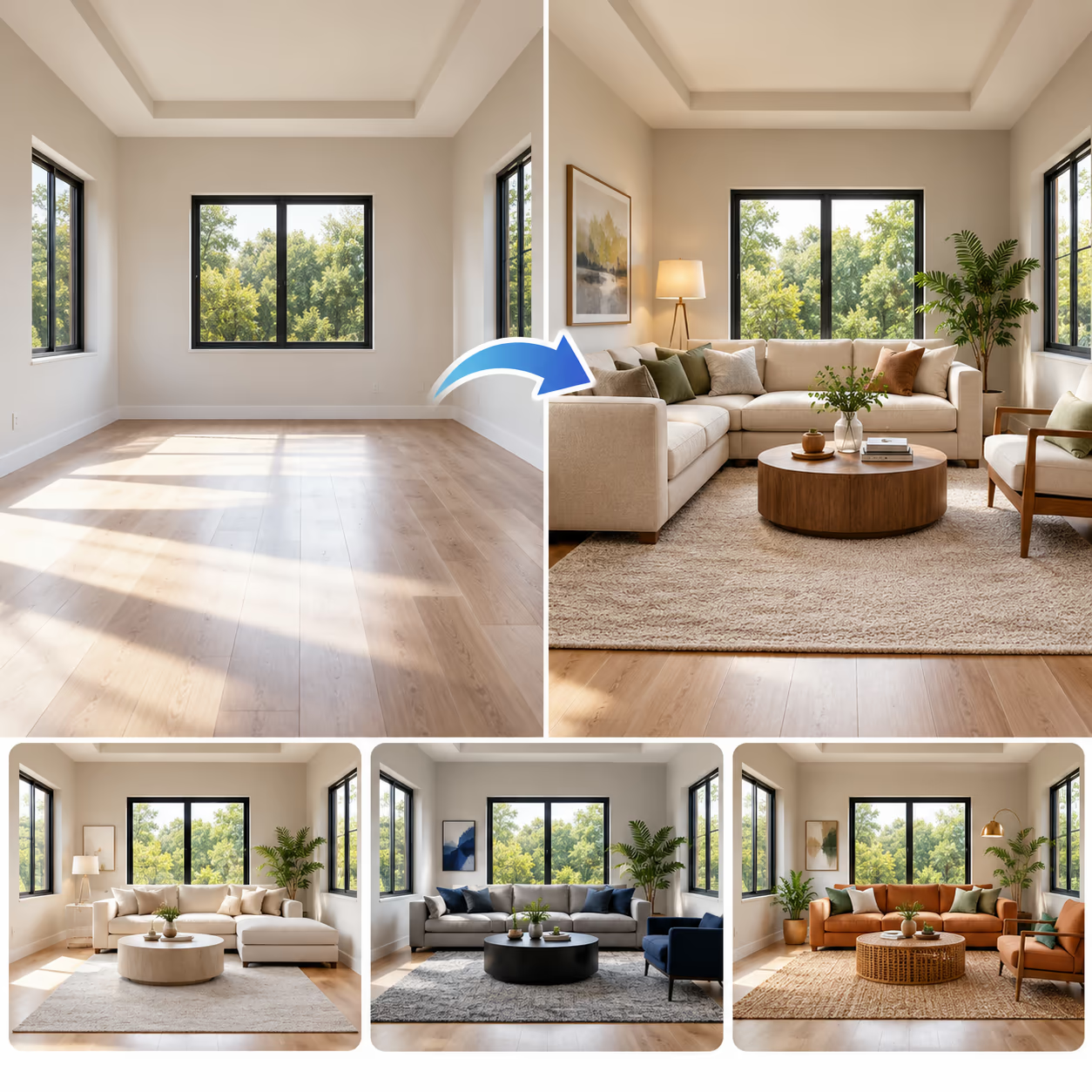
Add your room photo, choose a style, and create up to 4 realistic staged rooms with AI. No furniture rental, delivery booking, or design experience is needed.

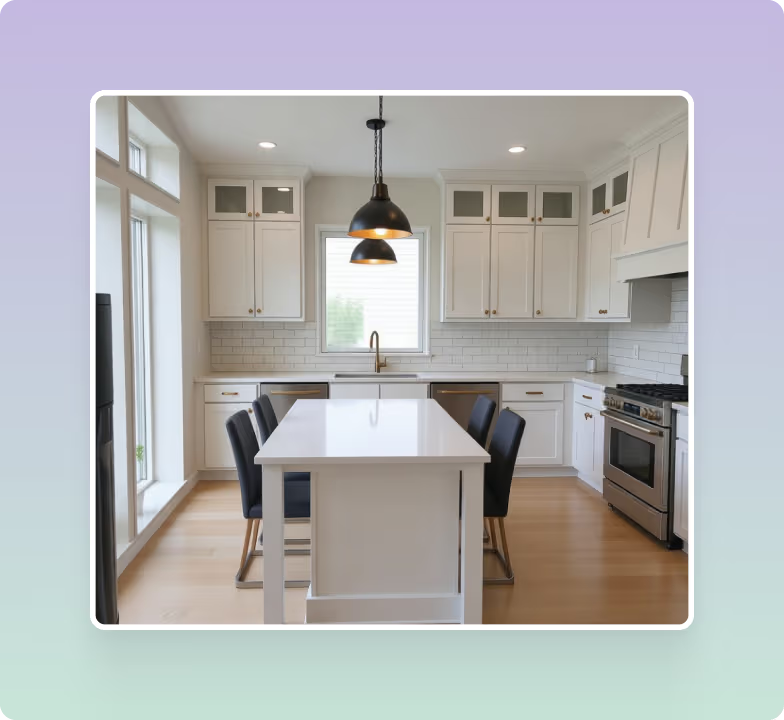
Blank Spaces, Furnished on Screen
An empty room can be difficult to understand. Without furniture, buyers may struggle to judge its size or imagine how it could be used. Virtual staging AI adds digital furniture and decor to show the room’s potential.
Give Empty Rooms a Fresh New Look
An empty room can be hard to picture as a finished space. Add sofas, beds, tables, chairs, rugs, and decor to a plain room photo. See how the space could look with real furniture in it.
- Compare how the furniture is arranged
- Fill large or unused spaces with furniture
- Create a warm and welcoming look
- generate up to 4 realistic staged versions
Stage With Your Favorite Style
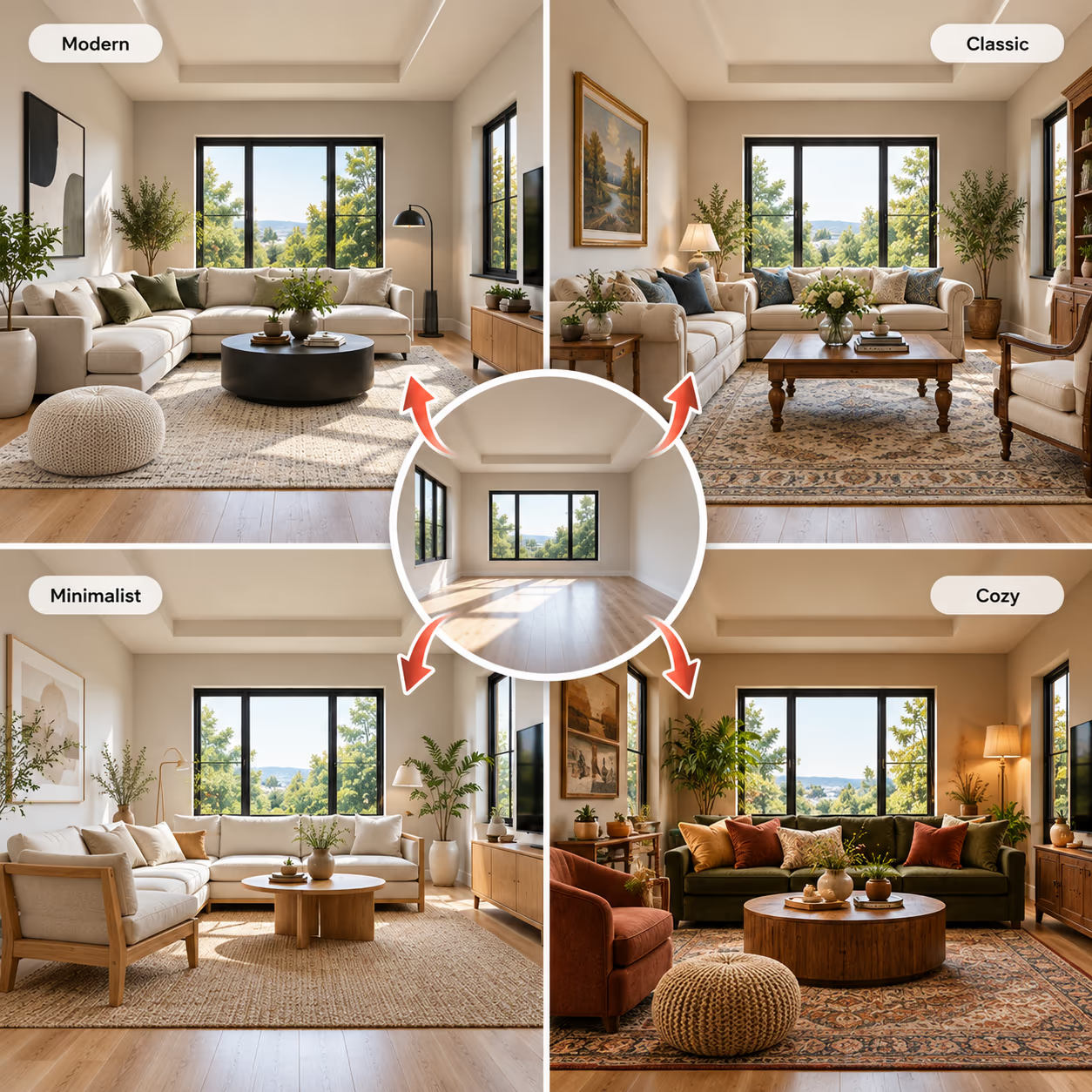
An empty room can be hard to picture as a finished space. Add furniture and decor to show people how the room could look and feel.
- 175 styles across the DecorAI platform
- Try a modern, classic, simple, or cozy look
- Match the style to the property
- Create different looks for the same room
Make Real Estate Photos Look Better
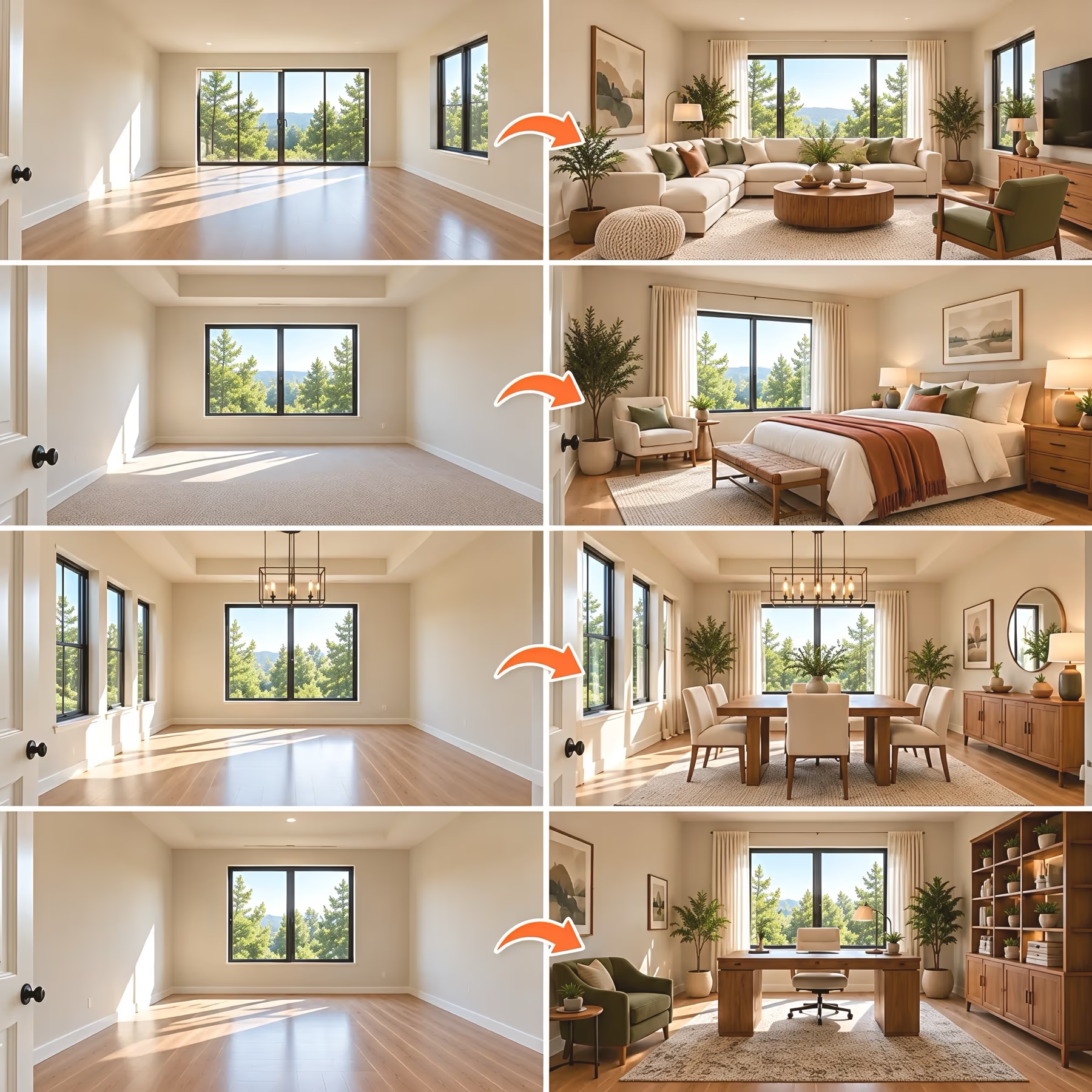
Add furniture and decor to property photos to show buyers how each room could look. Create staged photos without renting or moving real furniture.
- Show how each room looks
- Help buyers picture the space
- Create staged photos without real furniture
- Make listings more attractive
Compare Different Furniture Options
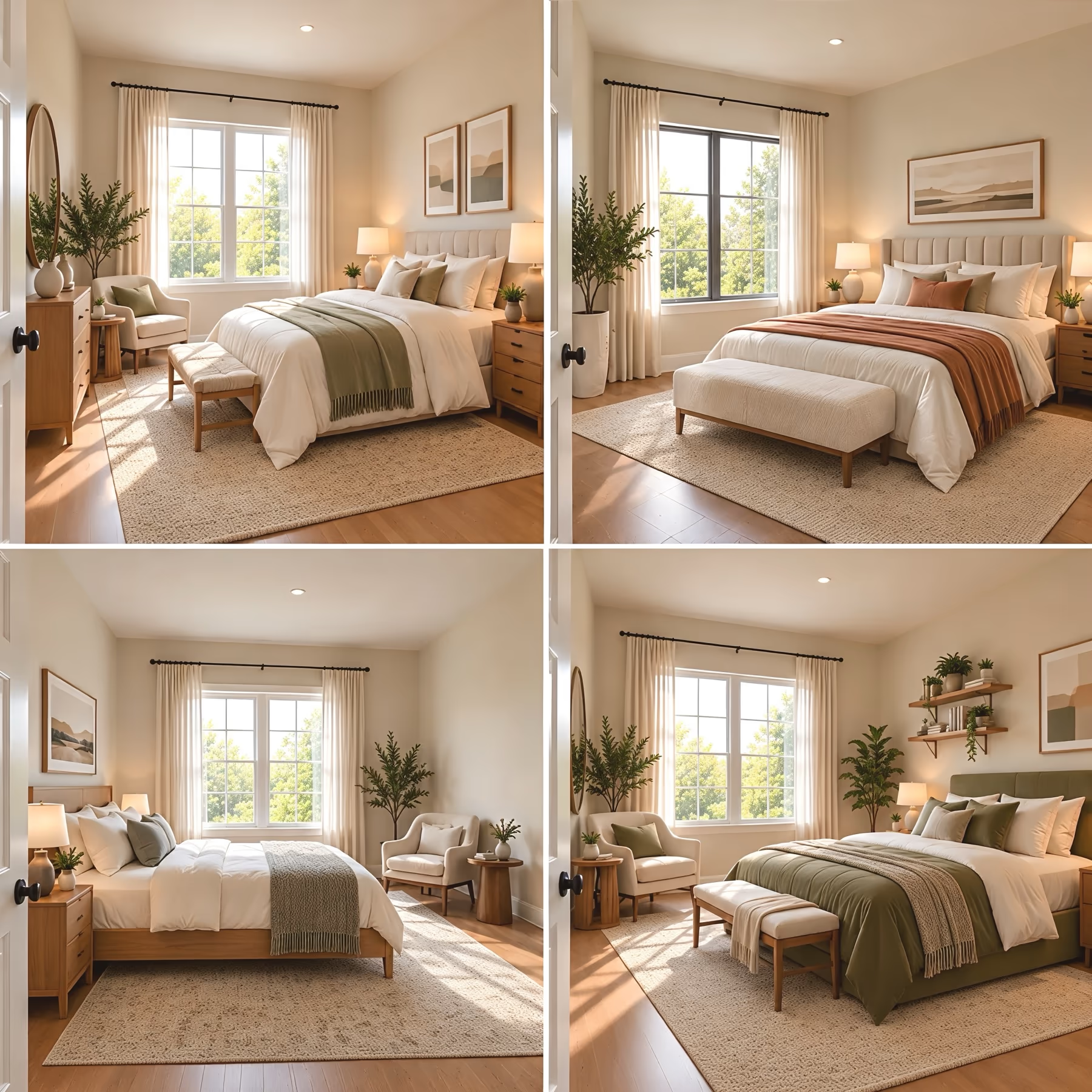
Create different versions of the same room and compare them side by side. DecorAI gives you up to 4 results with each generation, so you can try different furniture setups and layouts.
- Try different sofas, beds, tables, and chairs
- Compare different furniture setups
- Test different layouts
- Pick the version that fits the space best
Stage or Restyle Any Room
Add furniture and decorations to an empty room photo, or change items in a furnished room photo. Try new curtains, rugs, wall art, lights, flooring, or wall colors. To change just one part, select that area in the photo.
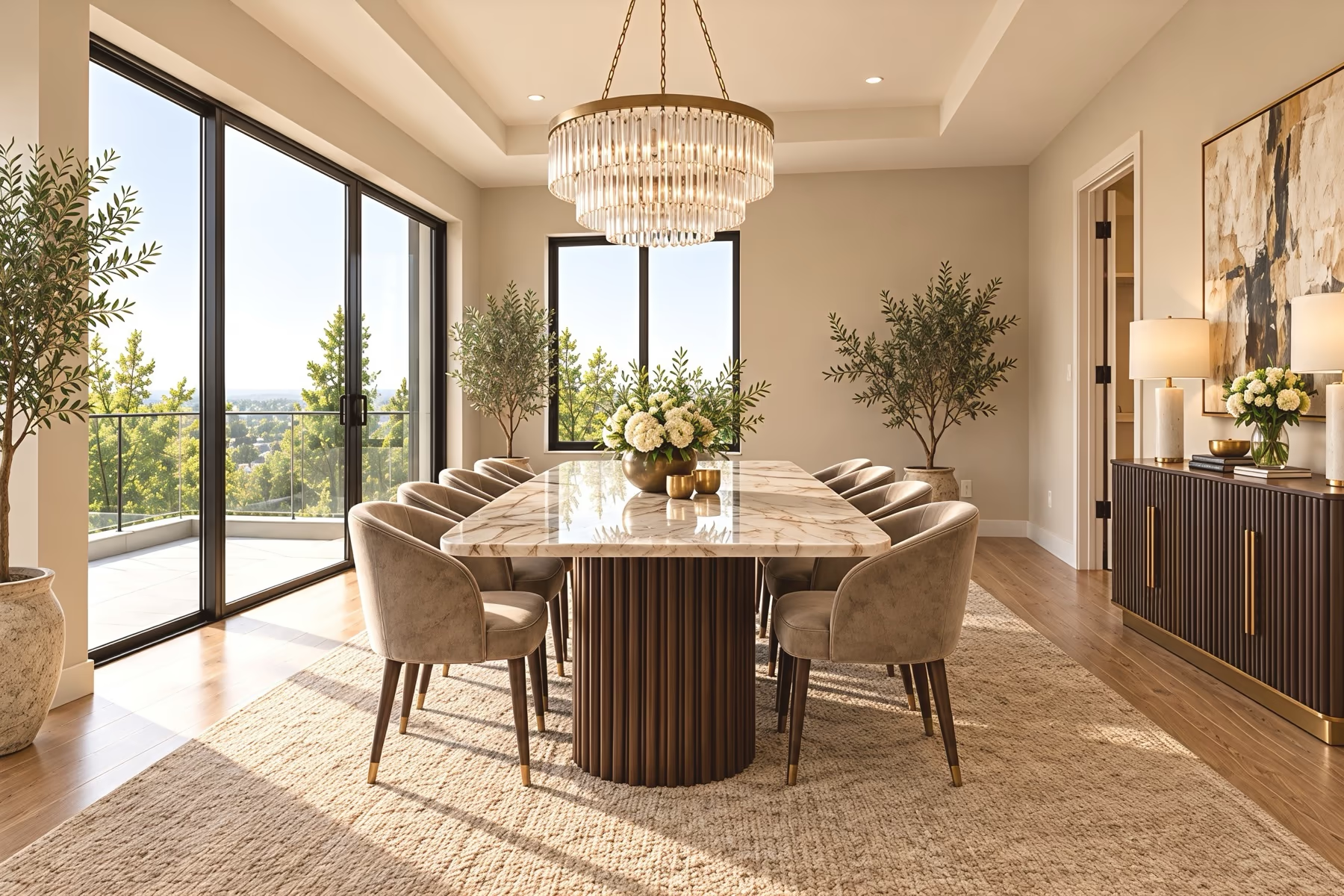
- 1Ceiling & LightsChandeliers, pendants and ceiling lights
- 2Wall ArtPaintings, prints, mirrors and frames
- 3Plants & DecorPlants, vases, flowers and lamps
- 4Walls & PaintWall colors, textures and finishes
- 5SideboardSideboards, consoles and shelves
- 6Dining TableSize, shape, wood, stone and glass
- 7SeatingDining chairs, benches and stools
- 8Rugs & FlooringRugs, wood, tile and carpet
Add or Remove Furniture
Add a decoration to an empty spot, or remove an unwanted item from your property photo.
Magic Edit Brush
Mark one part of the image and describe the changes you want. The edit focuses on that area without changing the full room.
Surface Editor
Change surfaces such as walls, floors, counters, and other materials.
Change Wall Colors
Try different wall colors to make the staged room brighter, warmer, cooler, or more modern.
Adjust the Lighting
Make the room brighter or change the lighting mood to create a better property photo.
Add Home Decor
Add rugs, plants, artwork, cushions, lamps, and other small details to complete the room.
Describe Your Staging Idea
Describe the furniture, colors, materials, and room style you want. DecorAI uses your words to guide the design.
Create a Staging Video
Turn your furnished room photo into a short video with camera movement.
Keep Property Photos Private
Use private mode to keep your property photos and staged designs visible only to you.
Get Better Virtual Staging Results
Start with a clear, bright room photo. The right camera angle, lighting, and staging instructions can make the final image look cleaner and more realistic.
Take a Photo From the Door
Stand near the door or in a corner. Hold the camera at chest level to show the floor, walls, and windows.
Keep the Room Bright
Open the curtains and turn on the lights so the room is easy to see. Avoid camera flash and strong sunlight.
Empty Before You Stage
Remove old furniture and clutter from the photo before adding new furniture. This gives AI a clear space to work with.
Tell AI What You Want
Tell AI what furniture, colors, and style you want in the room. Clear instructions help guide the design.
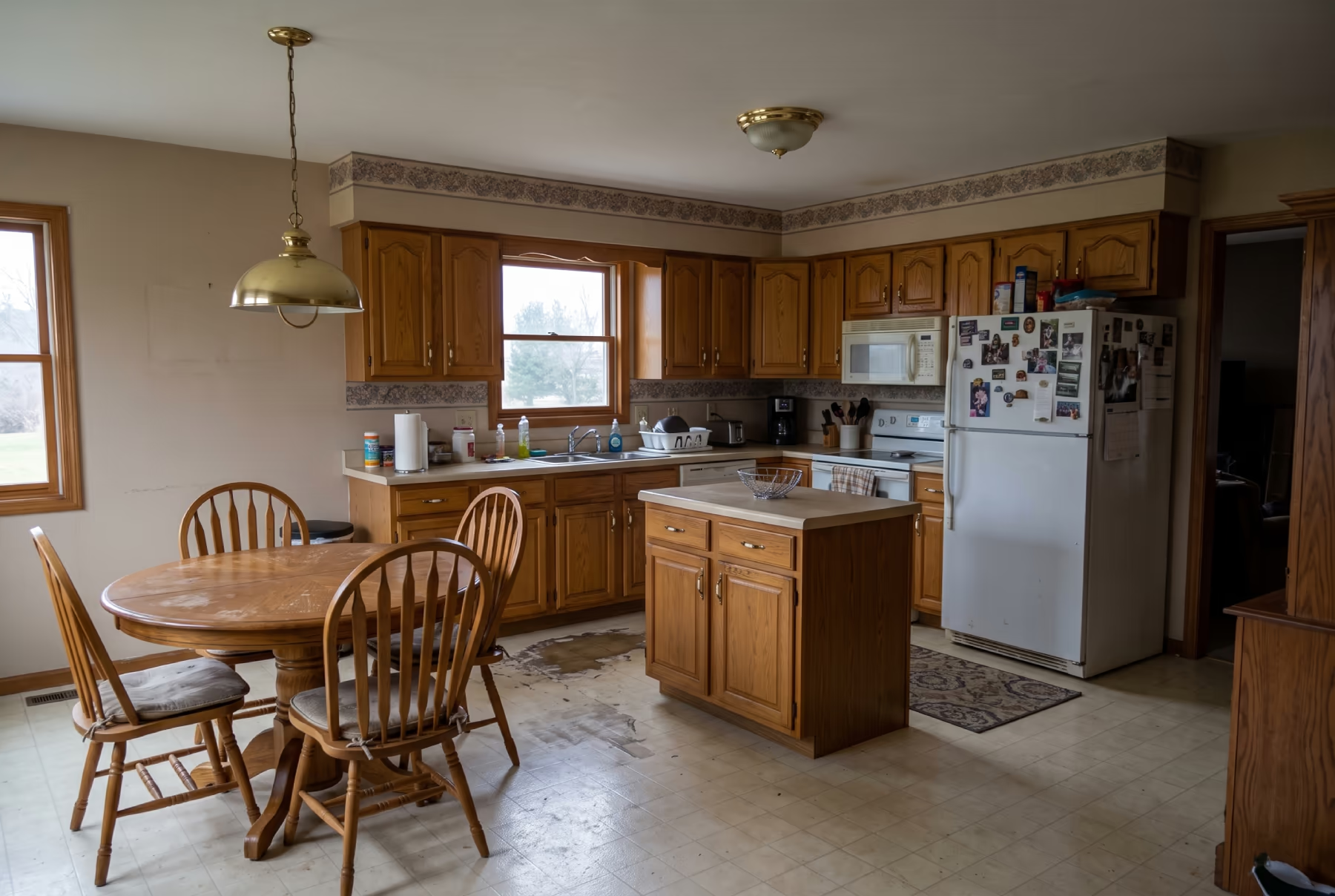 Poor photo
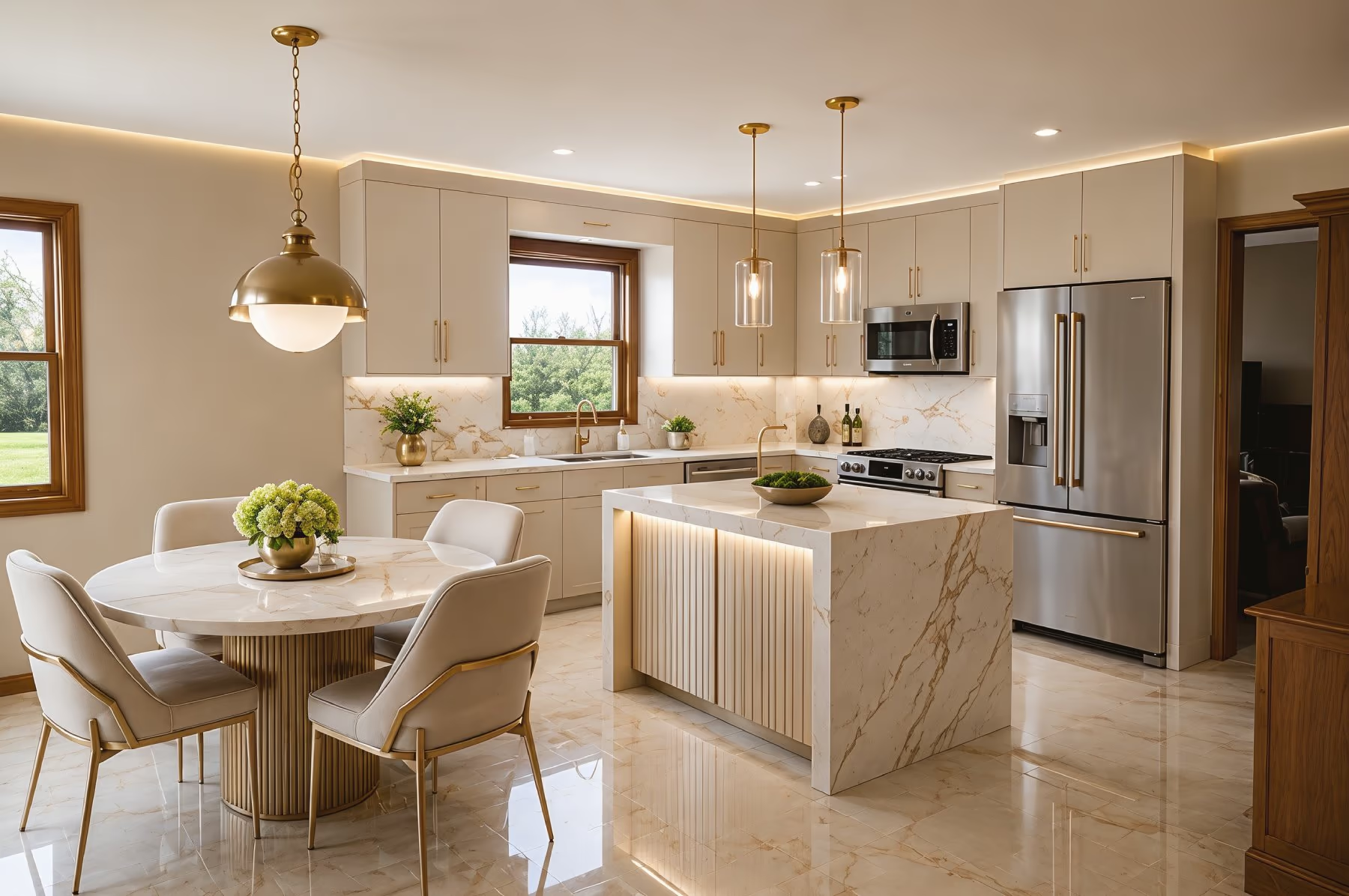 Good photo
Virtual Staging vs Physical Staging
What you need
Physical staging
Staging agency render
Get results the same day
No furniture rental or delivery
Restage in a different style for free
Empty an occupied room
Costs under $25 a month
Commercial license included
Buyer sees it in person
Each column shows full support, partial support, or no support. Based on our own testing.
One platform for every space.
No design experience needed. See your space in a new style in about 30 seconds.
Design More of Your Property With DecorAI
Try DecorAI’s tools for kitchens, bathrooms, and exteriors. Each tool offers options made for that space.
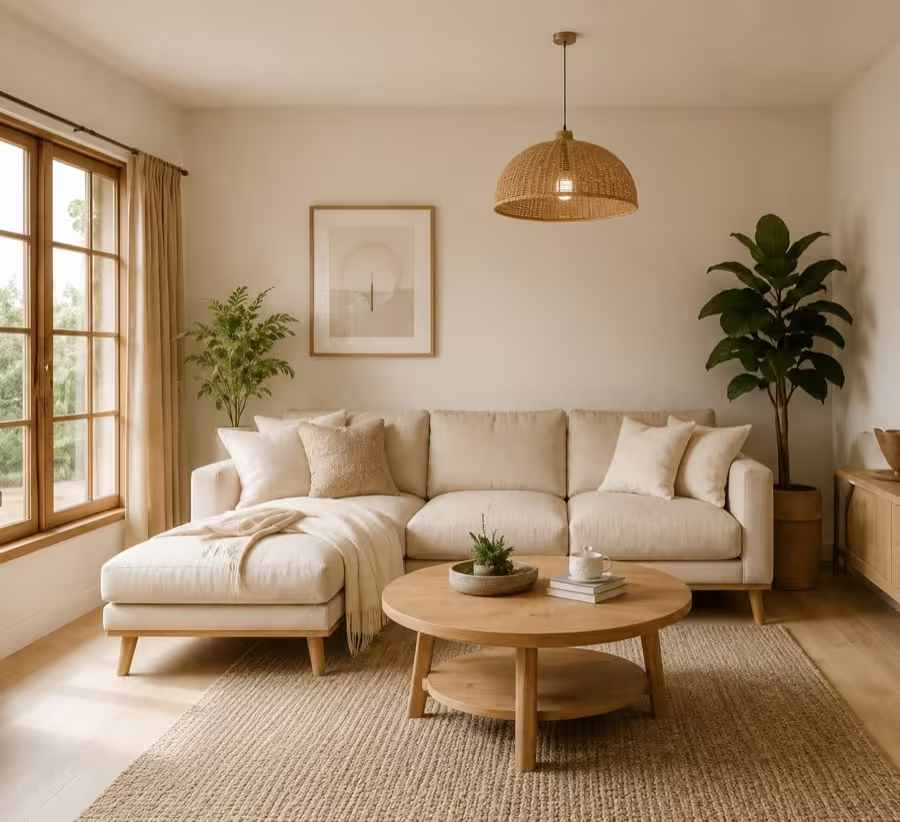
Interior Design
The full picture: every room type, and the tool built for each.
Room Design
Generate decor and furnishing ideas for your rooms with 175+ styles.

Exterior Design
Try new siding, roof colors, windows and doors on a photo of your home exterior.
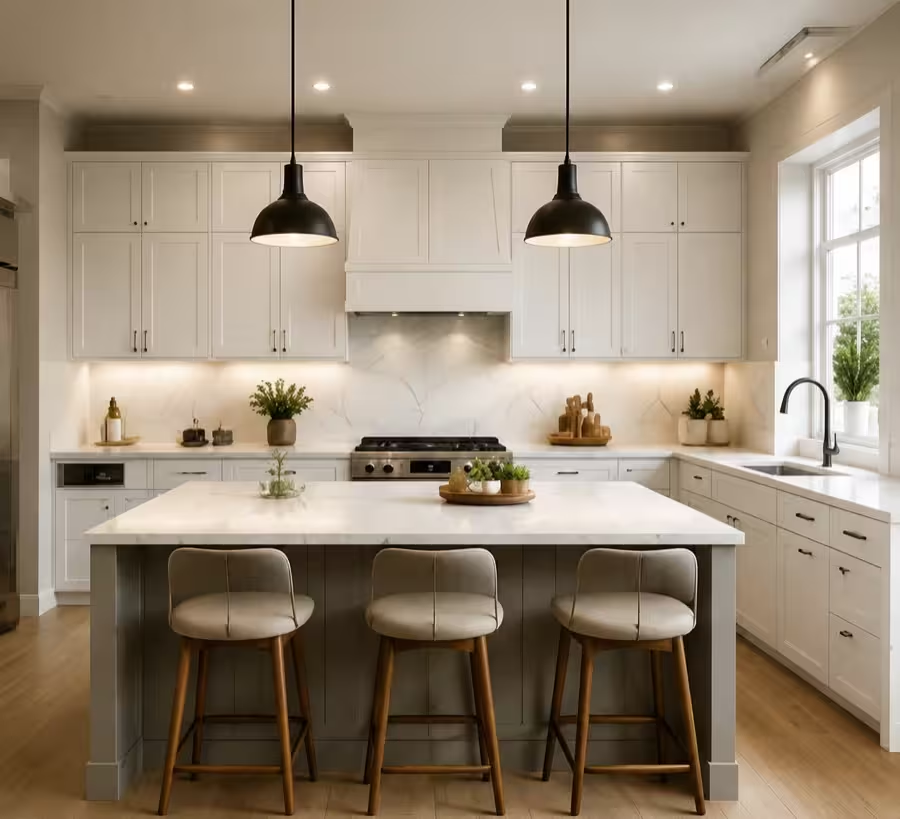
Kitchen Design
Reimagine your kitchen layout, cabinets, and finishes with AI.
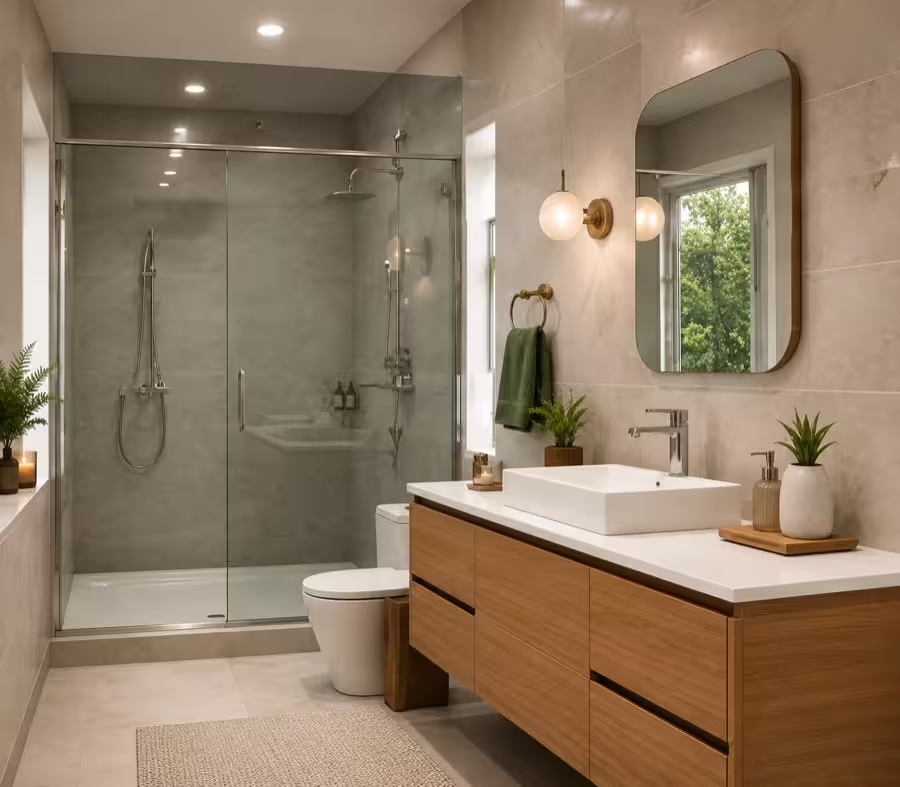
Bathroom Design
Try new vanities, tile, fixtures and wall colors on a photo of your bathroom.
Interior Design Software
Every DecorAI tool for rooms and interiors in one place, from staging to floor plans.
Find the Right Staging Style
Use AI virtual staging to see the same room in Modern, Scandinavian, Coastal, Mid-Century, and other styles. Compare the looks and choose the one that suits your property best.
 A-Frame
 Cottage Garden
 English Garden
 Japanese Garden
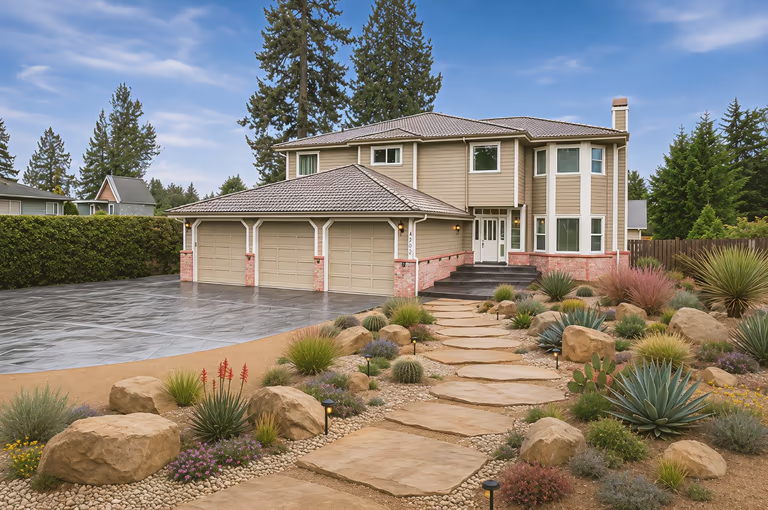 Xeriscape
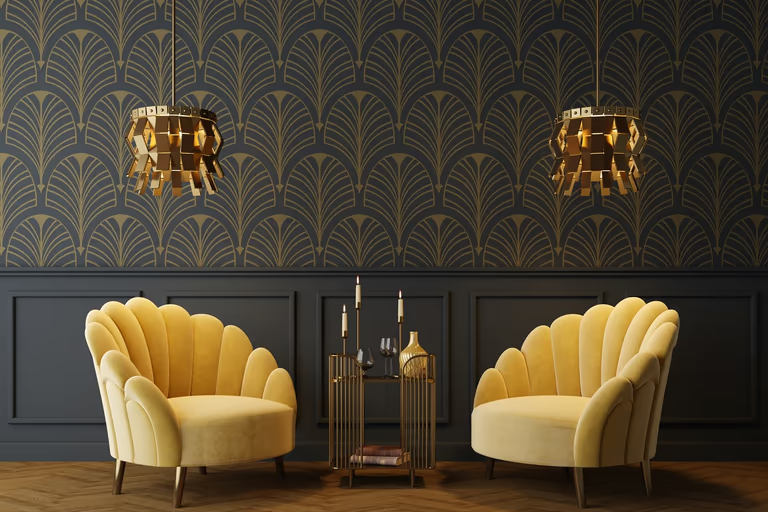 Art Deco
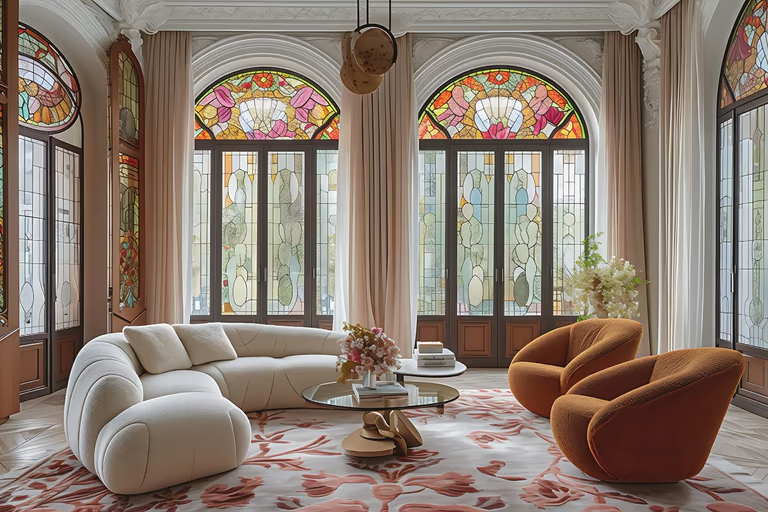 Art Nouveau
 Baroque
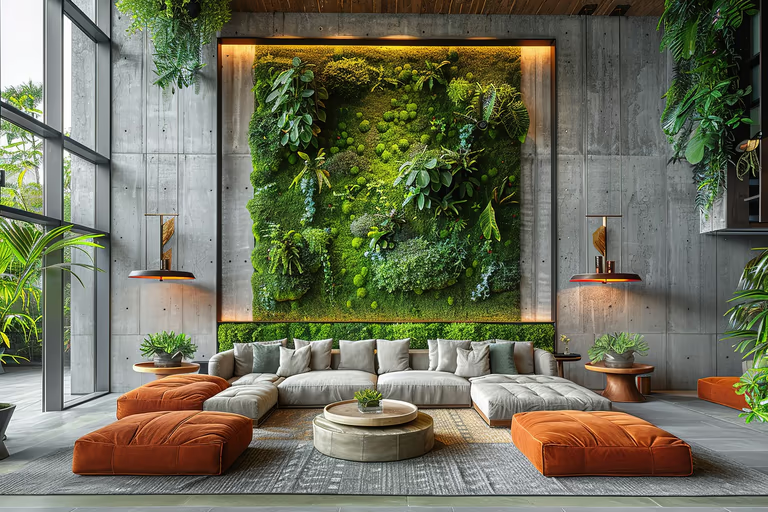 Biophilic
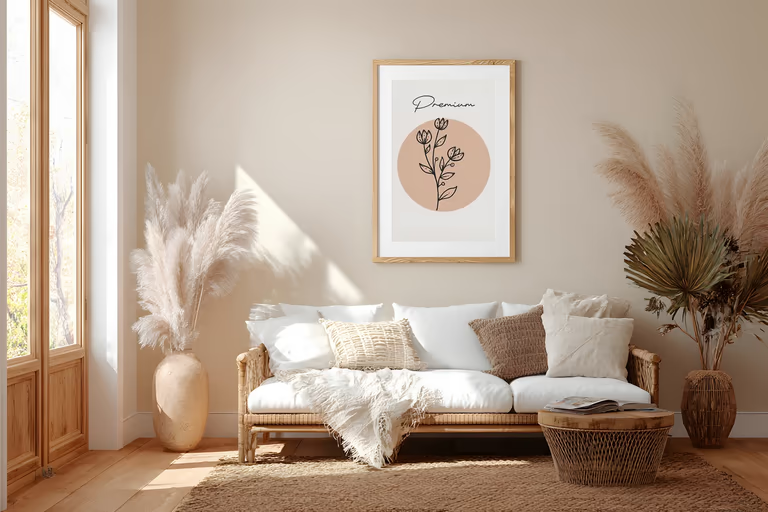 Bohemian
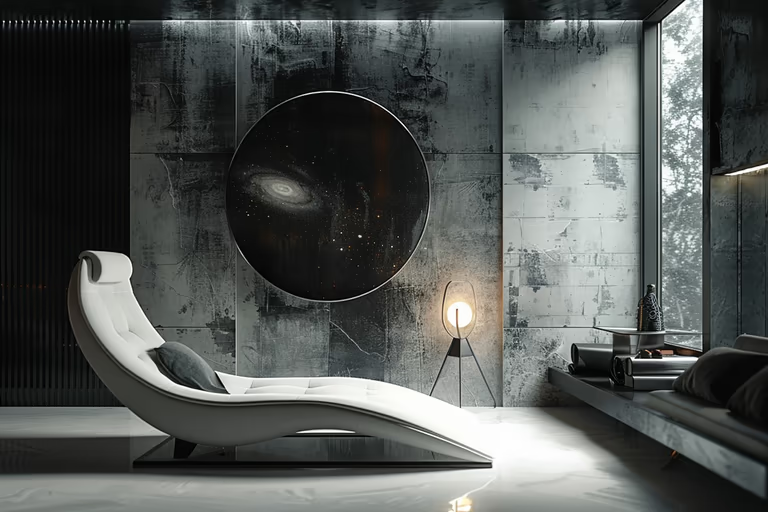 Brutalist
 Cape Cod
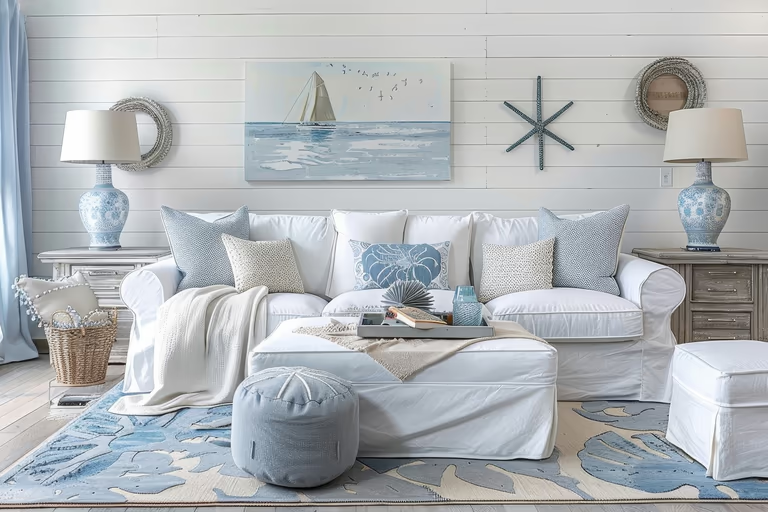 Coastal
 Colonial
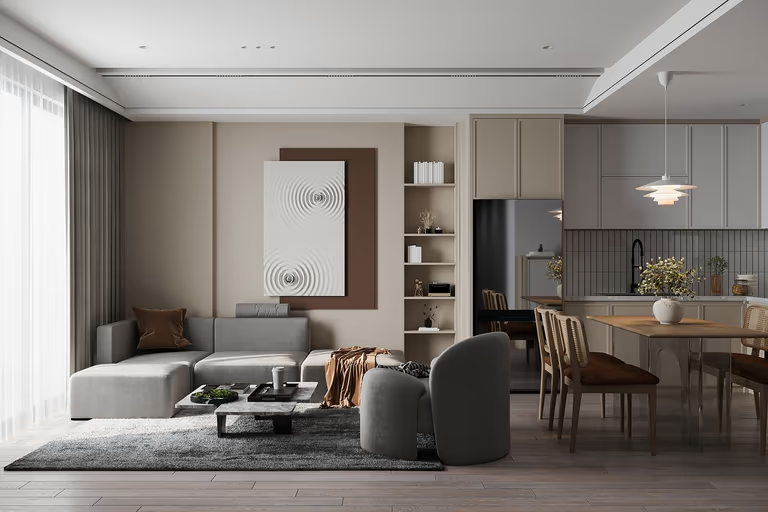 Contemporary
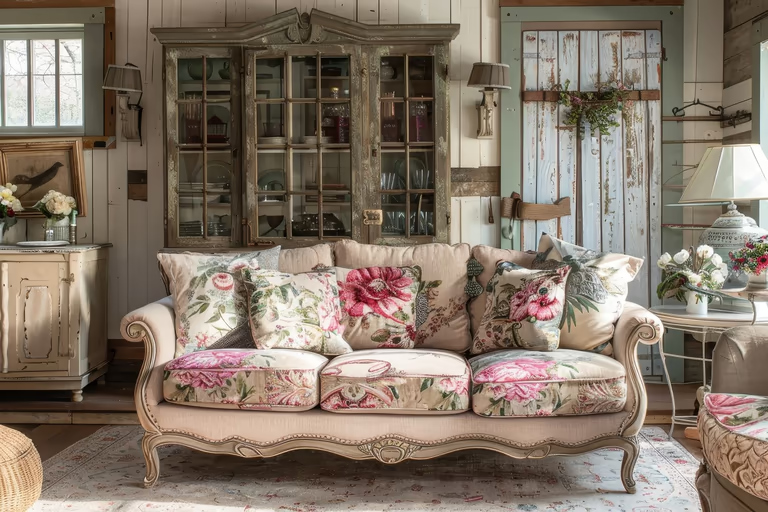 Cottagecore
 Craftsman
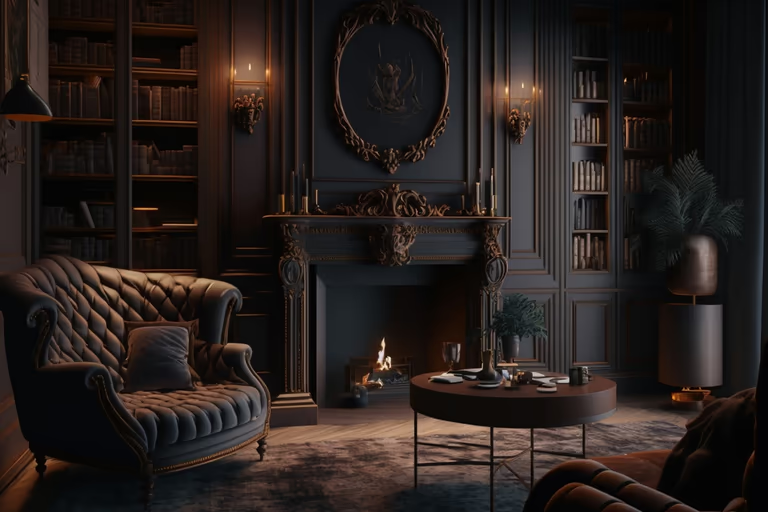 Dark Academia
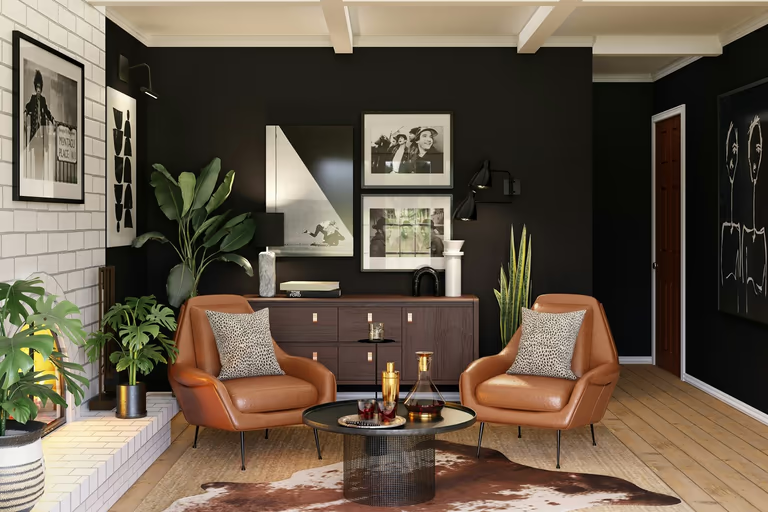 Eclectic
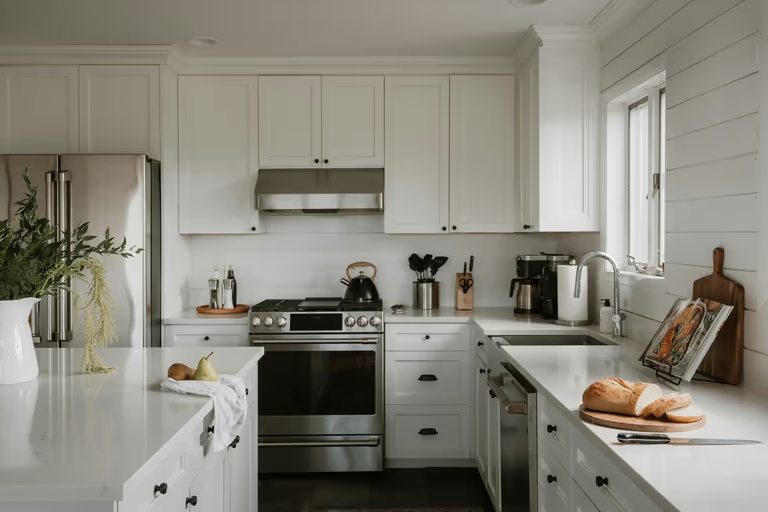 Farmhouse
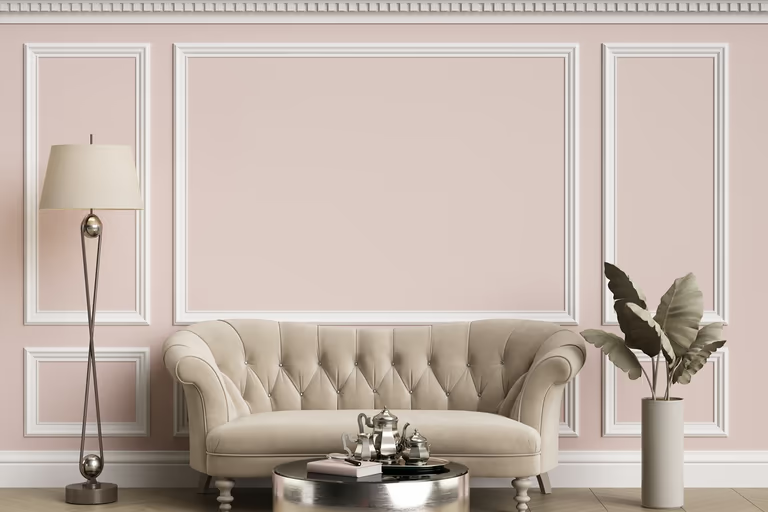 French Country
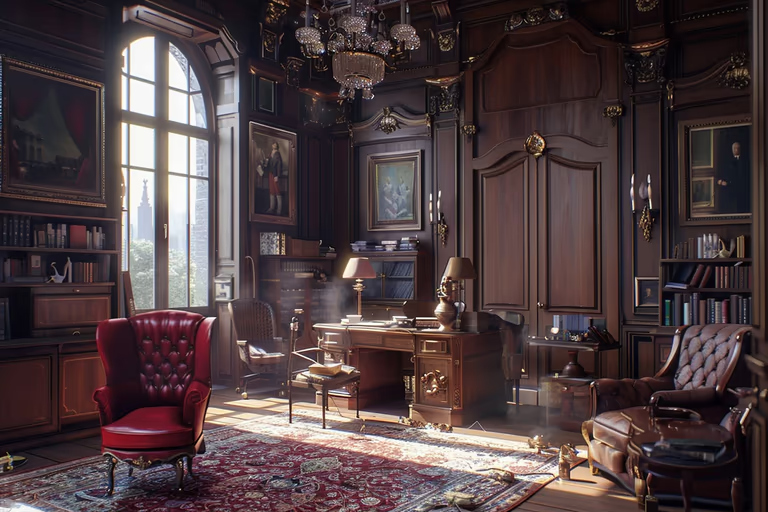 Gothic
 Hamptons
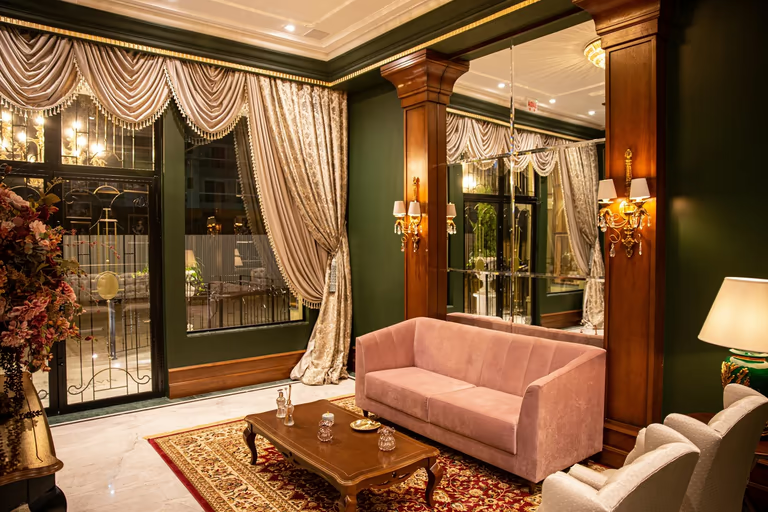 Hollywood Regency
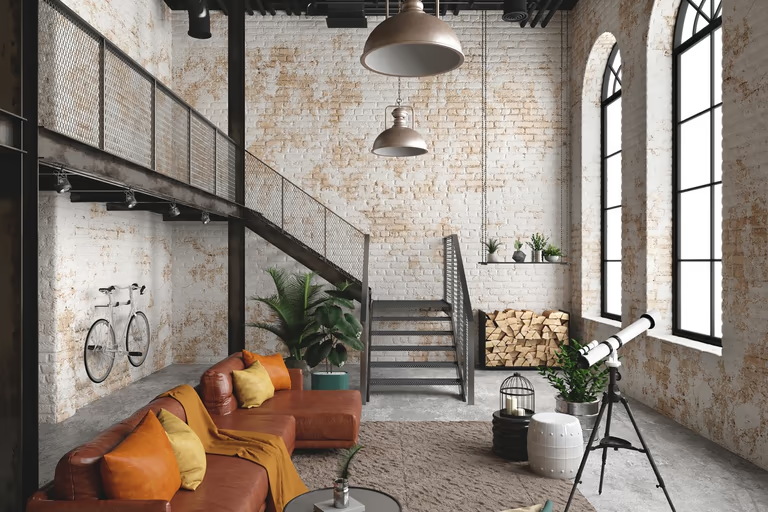 Industrial
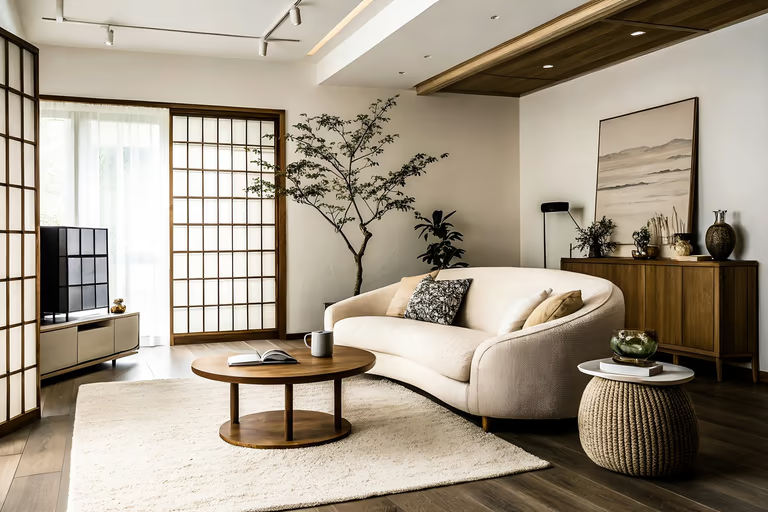 Japandi
 Luxury
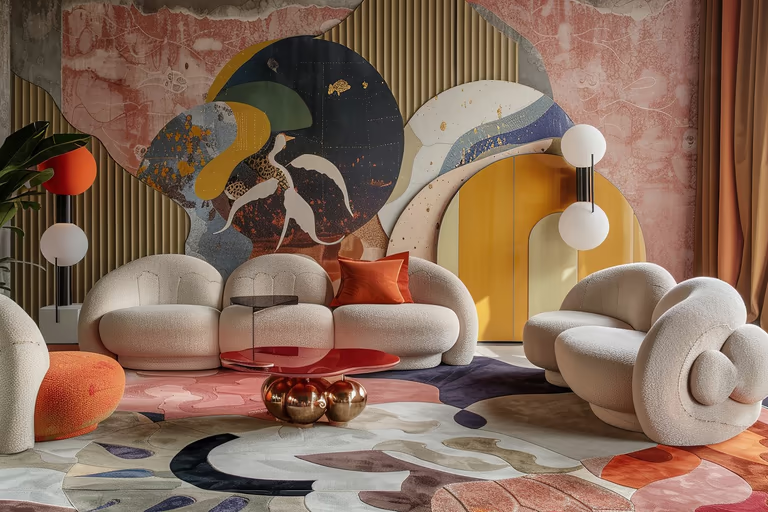 Maximalist
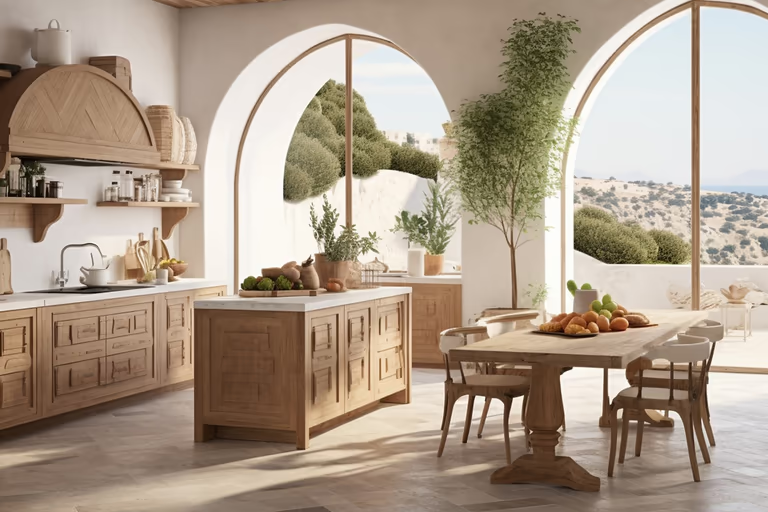 Mediterranean
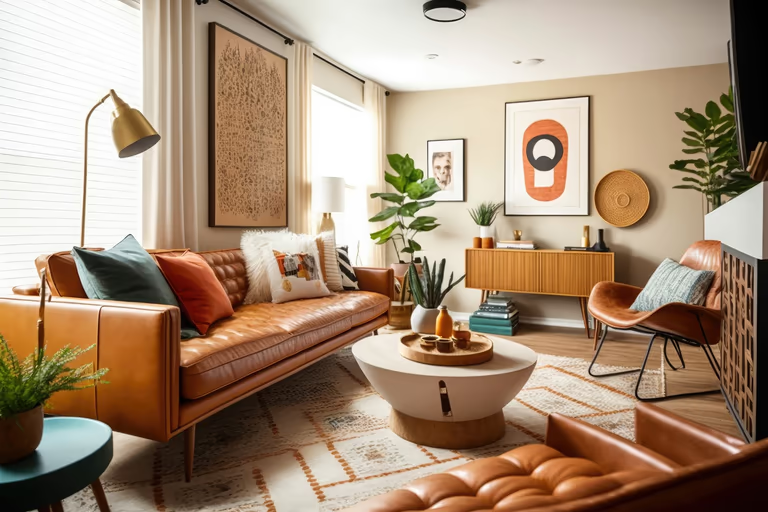 Mid-Century Modern
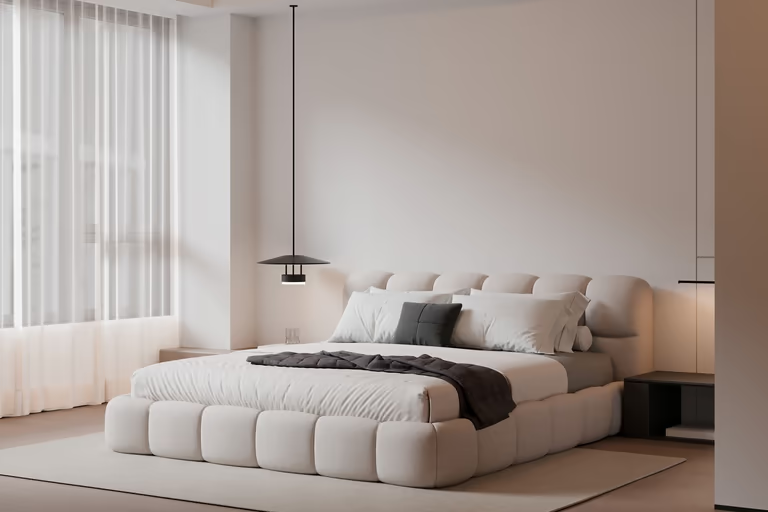 Minimalist
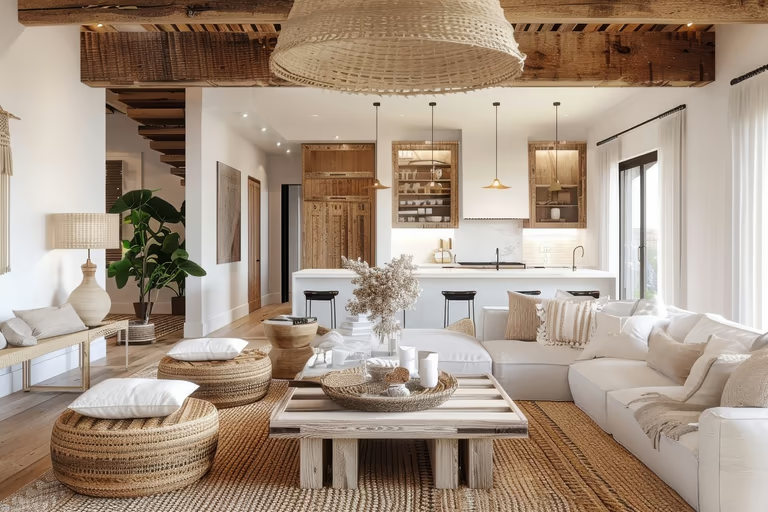 Modern Farmhouse
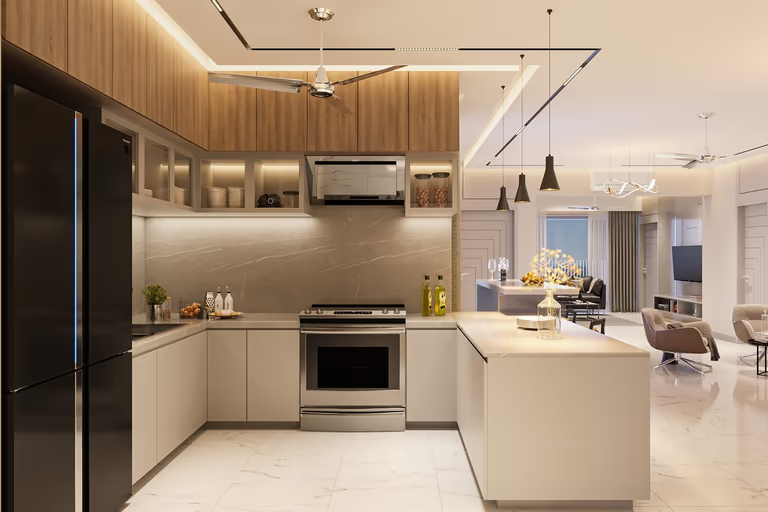 Modern
 Moroccan
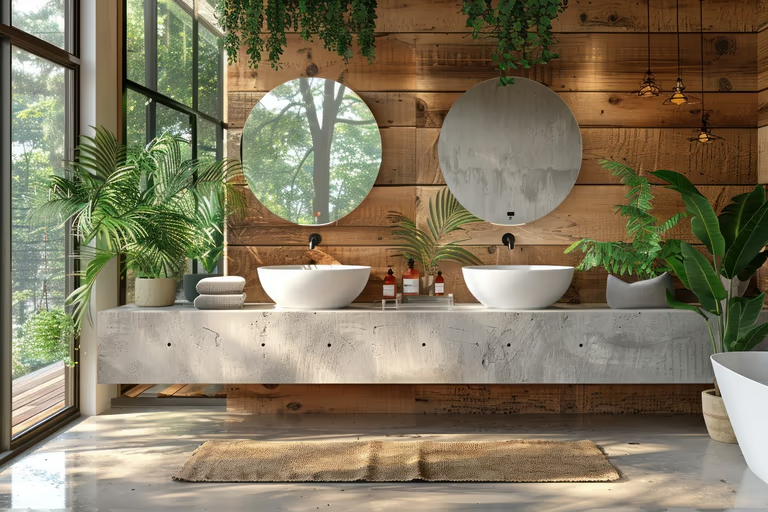 Organic Modern
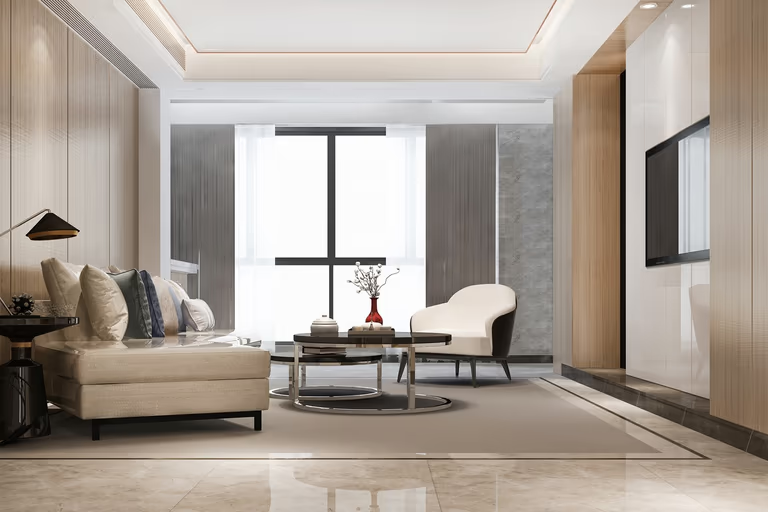 Quiet Luxury
 Ranch
Ranch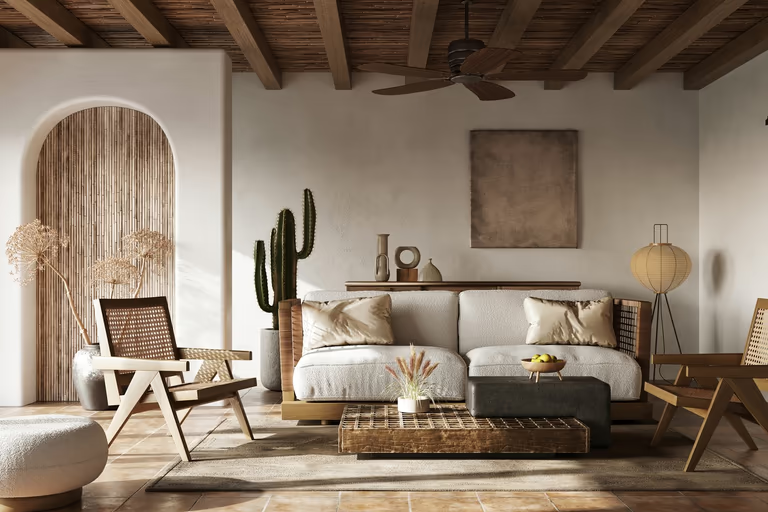 Rustic
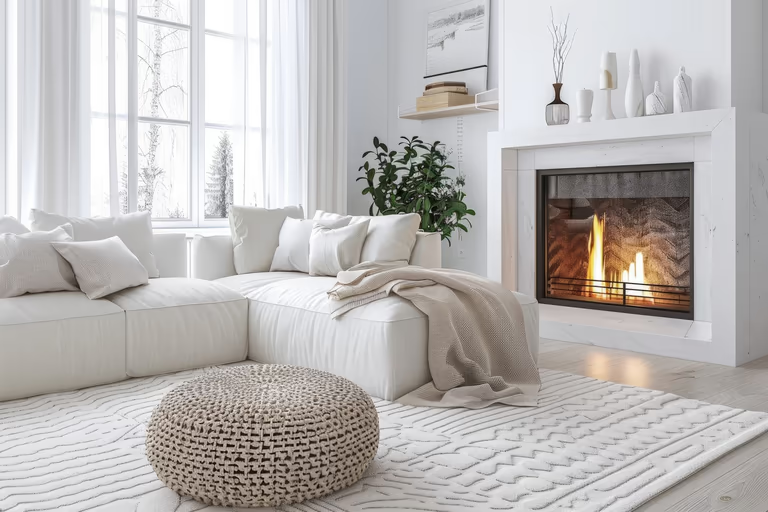 Scandinavian
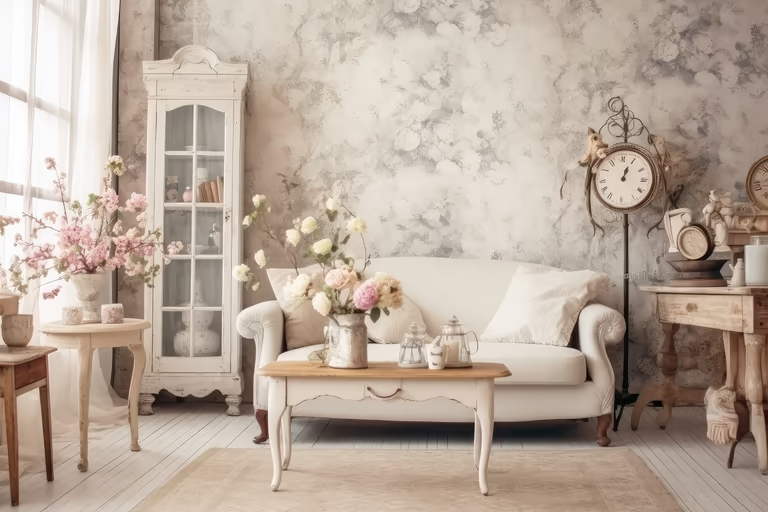 Shabby Chic
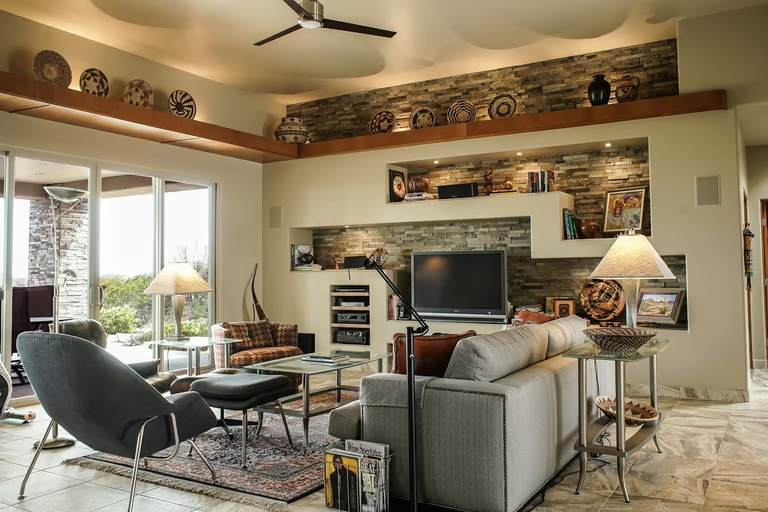 Southwestern
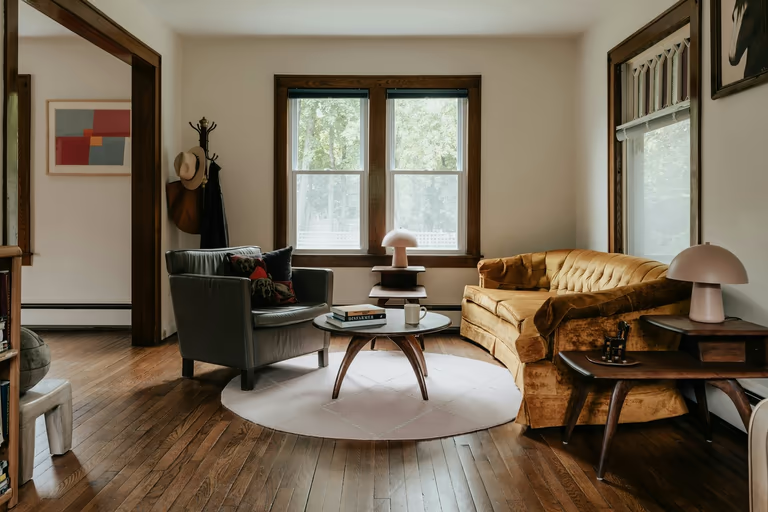 Traditional
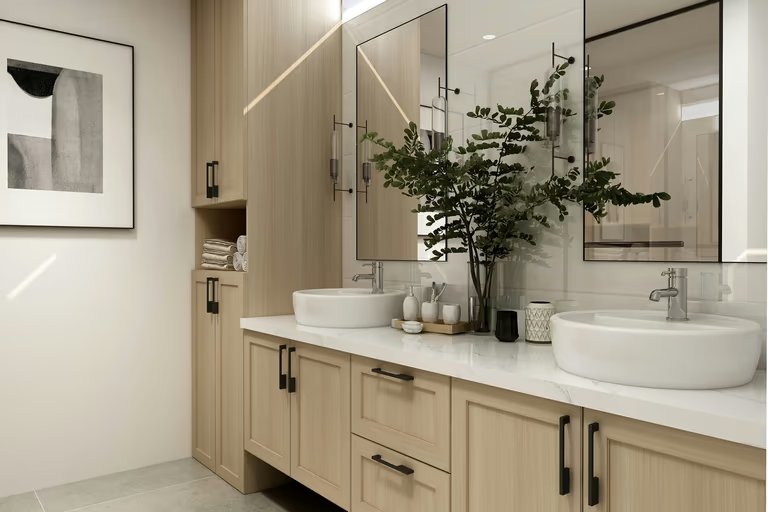 Transitional
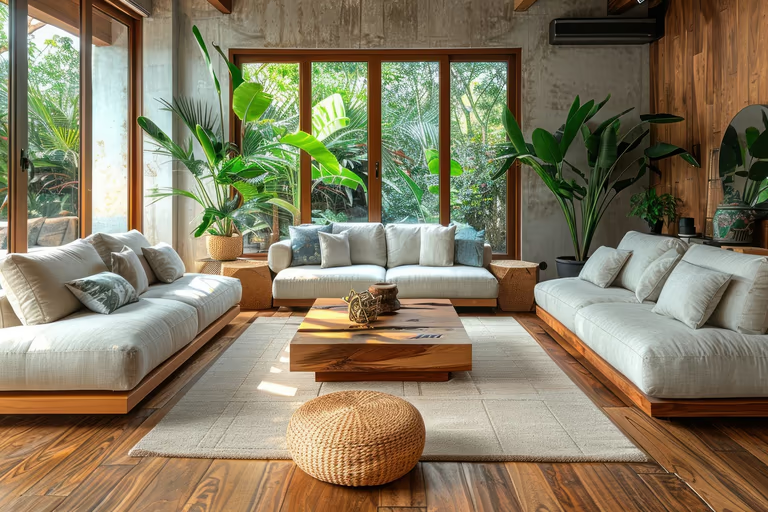 Tropical
 Tudor
Tudor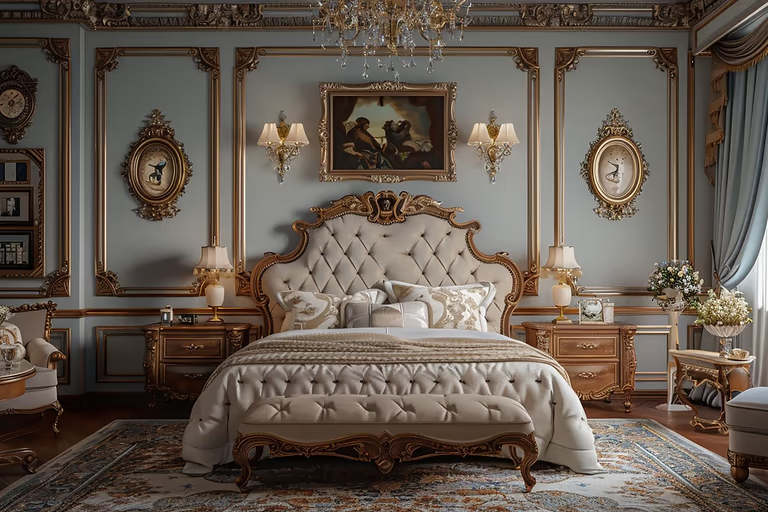 Victorian
 Vintage
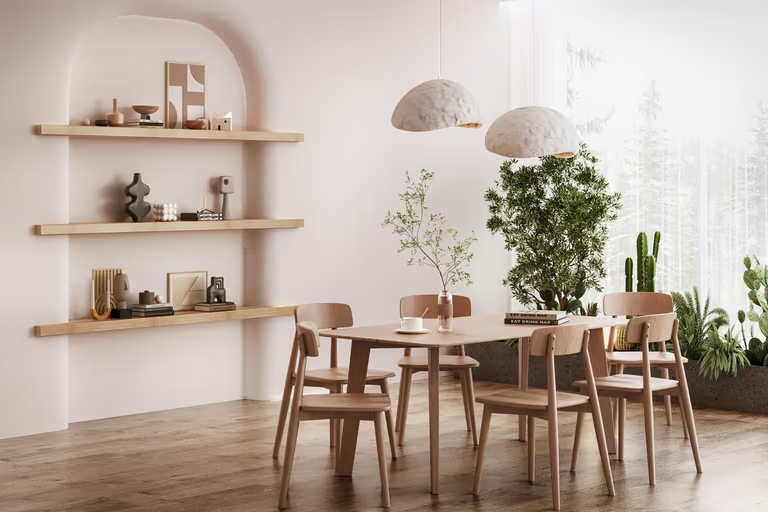 Wabi-Sabi
Virtual Staging AI FAQs
Have questions about DecorAI’s virtual staging AI tool? Get clear answers about furniture removal, staging styles, image quality, costs, creation time, and listing rules.
What is Virtual Staging AI?
Virtual staging AI adds digital furniture and decor to a room image. It helps to show how an empty or furnished space could look with a new design.
How does virtual staging AI work?
Upload a room photo. Use Empty Room to remove the old furniture, then add new furniture in a style your buyers may like. Make the final image up to four times larger for printing.
What type of room image works best?
Use a clear a bright image that shows most of the room. Include the walls, floor, windows, and room corners, and avoid dark areas or very bright windows.
Does virtual staging work with furnished room?
Yes. You can stage an occupied room, but removing the current furniture first can create a cleaner result.
How do I remove existing furniture?
You can try the same room in different styles and compare the results. DecorAI offers 175 styles and creates up to four versions in each run.
Does DecorAI keep the original room layout?
Yes. DecorAI uses the room in your image as the base for the staged design. It keeps the visible walls, doors, windows, ceiling, and room shape while adding or changing furniture and décor.
How long does DecorAI take to staged a room?
A redesign usually takes about 30s. The exact time may depend on the room image and the changes you request.
What resolution are the staged images?
DecorAI lets you make a staged image up to 4x larger for clear online or printed use. You can also download the finished image without a watermark with DecorAI's paid plan.
How much does virtual staging cost compared to physical staging?
Virtual staging usually costs less because you do not need to rent furniture, arrange delivery, or hire people to set up the room. Physical staging gives you one room design, while DecorAI lets you try different styles for different buyers. Check DecorAI's pricing page for its current plans.
Do I need to label a listing image as virtually staged?
Yes. Clearly label the image as virtually staged so buyers can easily understand which furniture and décor were added digitally. This keeps the listing clear and honest. Since rules can vary by property website and local real estate board, always check their requirements before publishing.

Try AI Home Design Free
Upload a photo of your space and redesign it with AI in seconds. Explore styles, change details, and visualize your ideas before you make them real.
Start Free Trial