AI Garden Design for Your Existing Yard
A garden is a place to relax and spend time with family in the soft afternoon light. Upload a photo to DecorAI to find best AI garden design ideas for your backyard, front or side yard, garden, patio, or terrace before making changes.
Design Your Garden in 3 Simple Steps
Start with a clear photo. Choose a style, adjust your settings, and generate ideas for your space. No design experience is needed.

Find a New Look for Your Garden with DecorAI
Turn simple garden ideas into pictures. Try landscaping changes, give existing areas a fresh look, and see how your ideas work together to make garden planning easier.
Redesign Your Existing Garden
Not sure which look to choose for your garden? DecorAI uses your photo to create new design ideas without drawing by hand. Compare different looks before buying plants, furniture, or other garden items.
- Start with a photo of your own garden
- No need to draw a design by hand
- Create up to 4 designs at a time
- Use it online without downloading an app
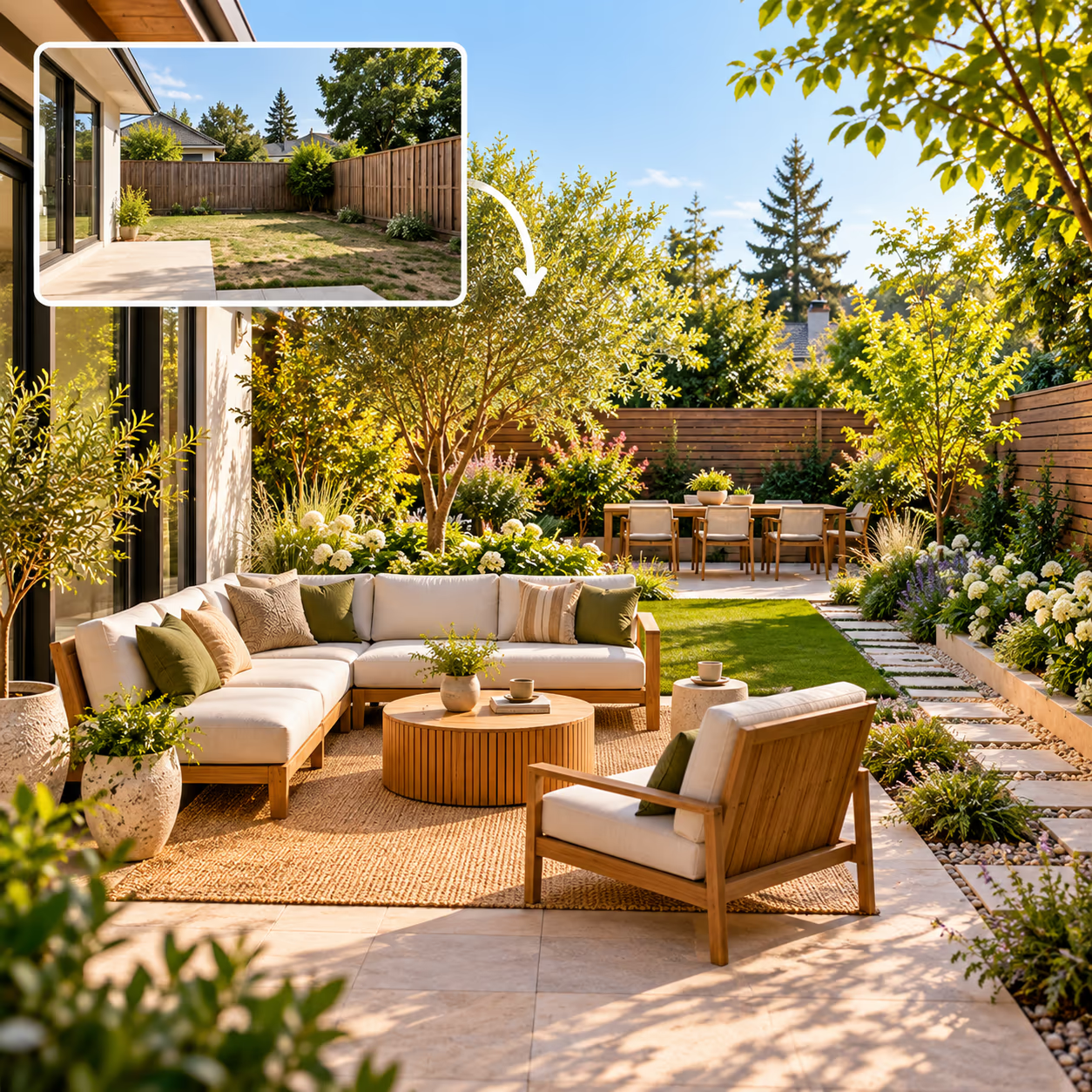
Different Styles for Small and Large Spaces
See how your outdoor space could look in a style you like, from a simple modern garden to a colorful cottage garden. DecorAI works with small yards, narrow spaces, and large backyards.
- 67 garden and landscape styles
- Modern, Cottage, Japanese Zen, and more
- 11 outdoor space types
- Small yards to large gardens
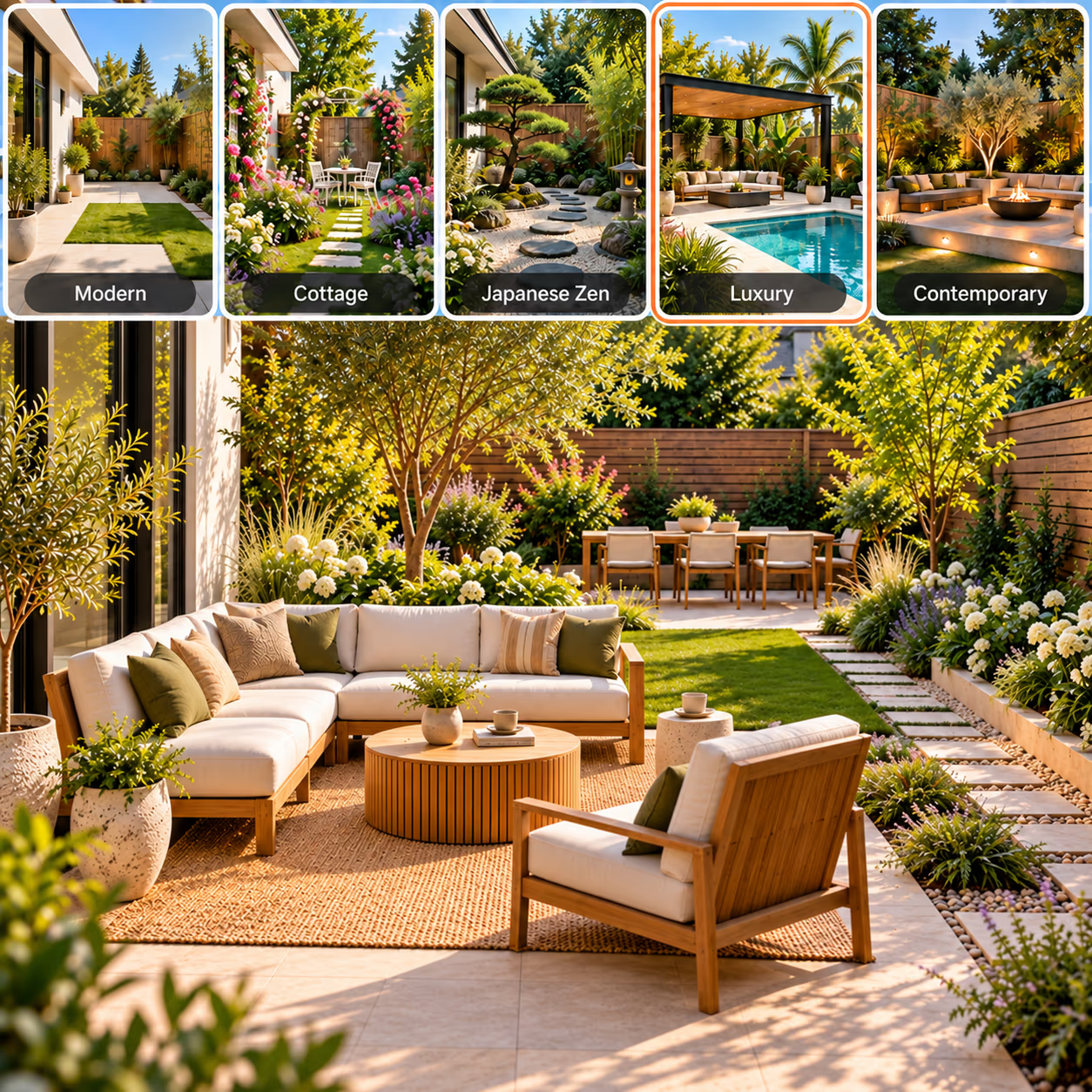
See Your Garden in Every Season
Give your garden picture a seasonal look with fresh spring colors, bright summer flowers, warm autumn leaves, or a quiet winter setting and find the look you enjoy most.
- Choose spring, summer, autumn, or winter
- Try different seasonal colors
- See changes in leaves and flowers
- Compare seasonal looks on your photo
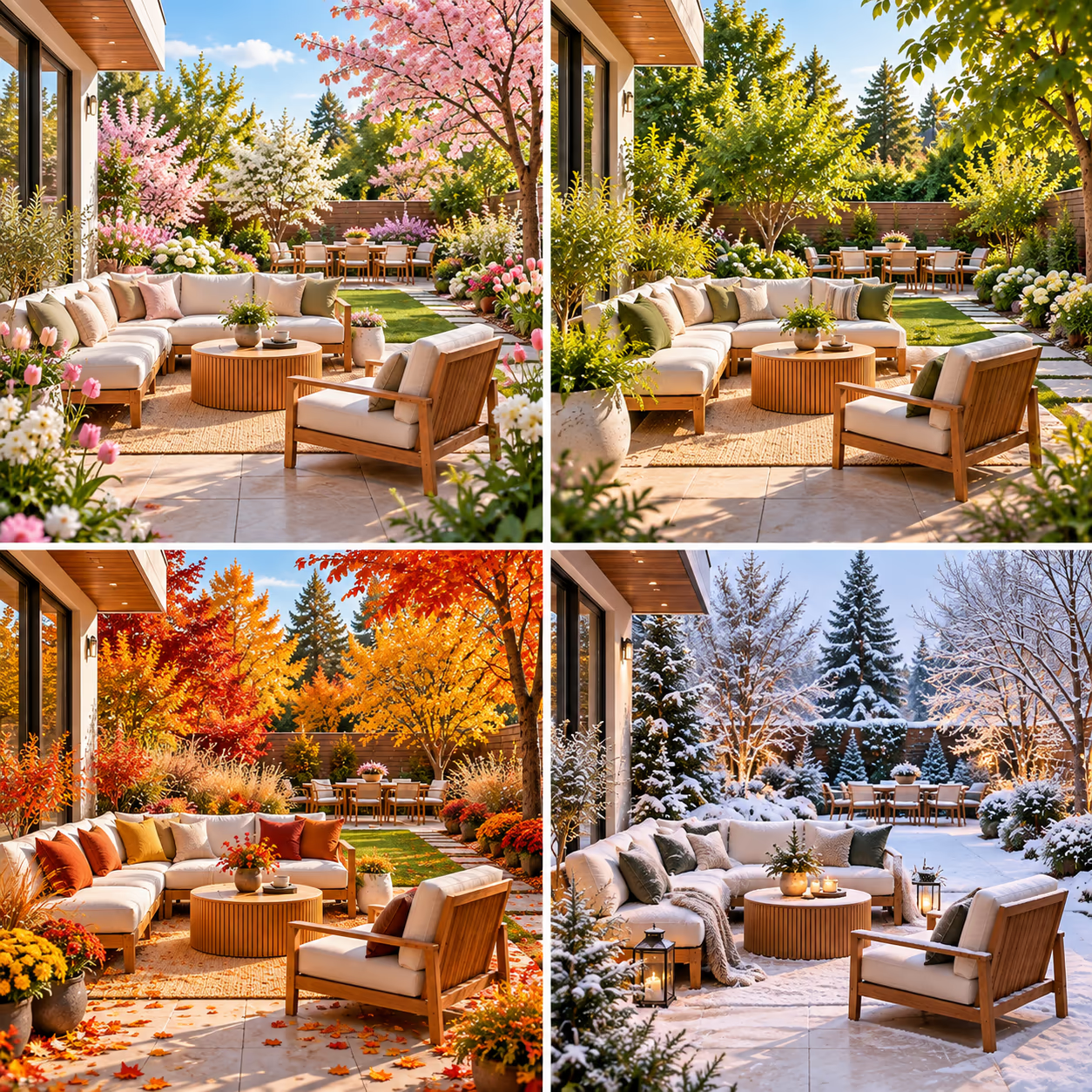
Add Plants, Paths, and Outdoor Furniture
Give your garden a fresh look and make it easier to use. See how flower beds, trees, paths, seating, and decorations could fit in your space. Try adding, removing, or changing things in the picture without changing your real garden.
- Add flower beds, shrubs, and trees
- Try stone, gravel, or paved paths
- See seating areas and garden furniture
- Try plant pots, fences, and water features
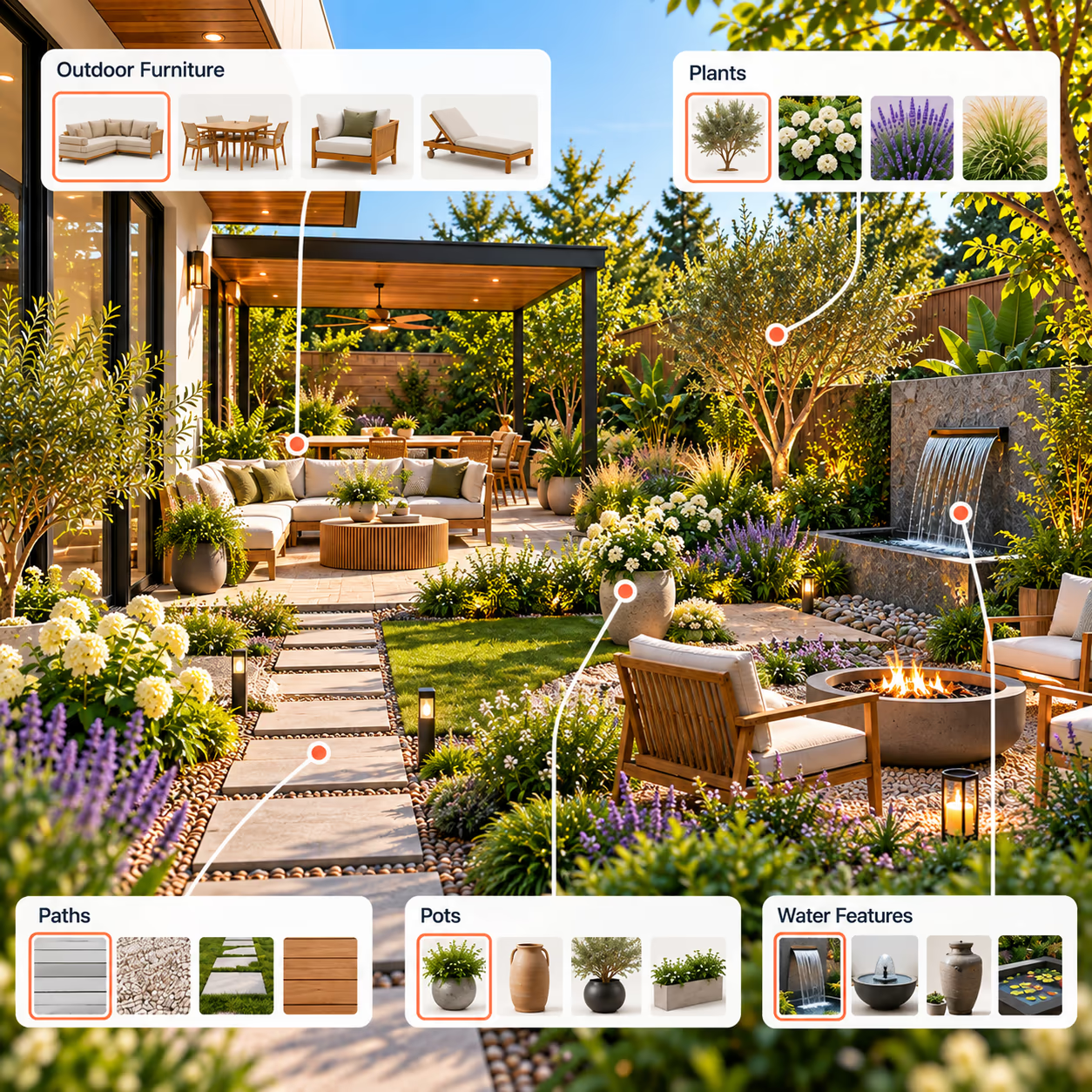
Give Your Garden a New Look
Use your photo to try new landscaping, layout and outdoor styling ideas. Design a garden, backyard, patio, terrace, courtyard, vegetable garden, beach garden or meditation garden, and see a fresh direction before making real changes.
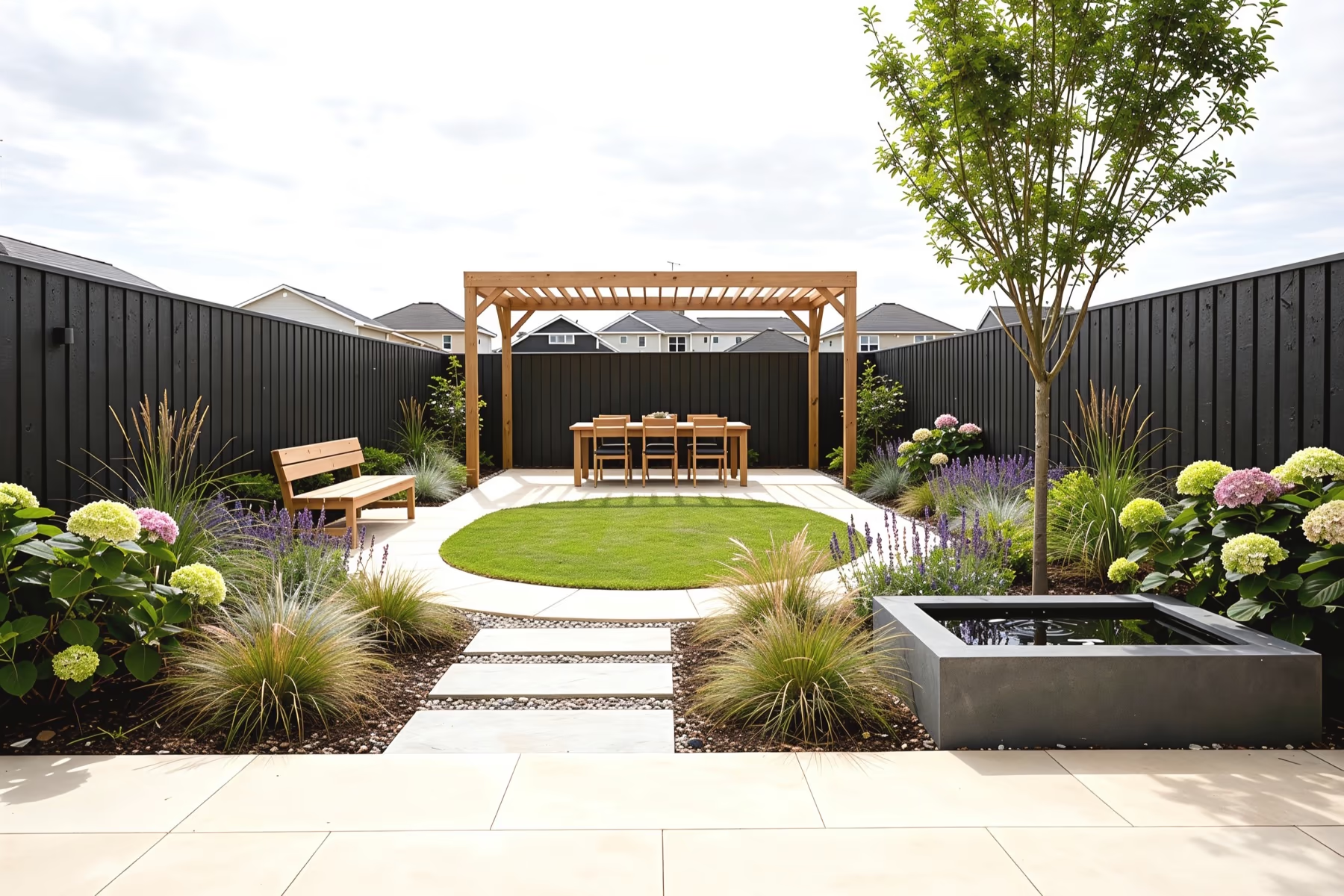
- 1LawnShape, size, turf and edging
- 2Planting BedsShrubs, perennials and flower color
- 3Paving & PathsStone, gravel, paver and pattern
- 4FencingFence style, color and screening
- 5Water Featureponds, fountains, and water features
- 6TreesSpecies, size and placement
- 7SeatingBenches, dining sets and loungers
- 8PergolaPergola, arbor and garden room
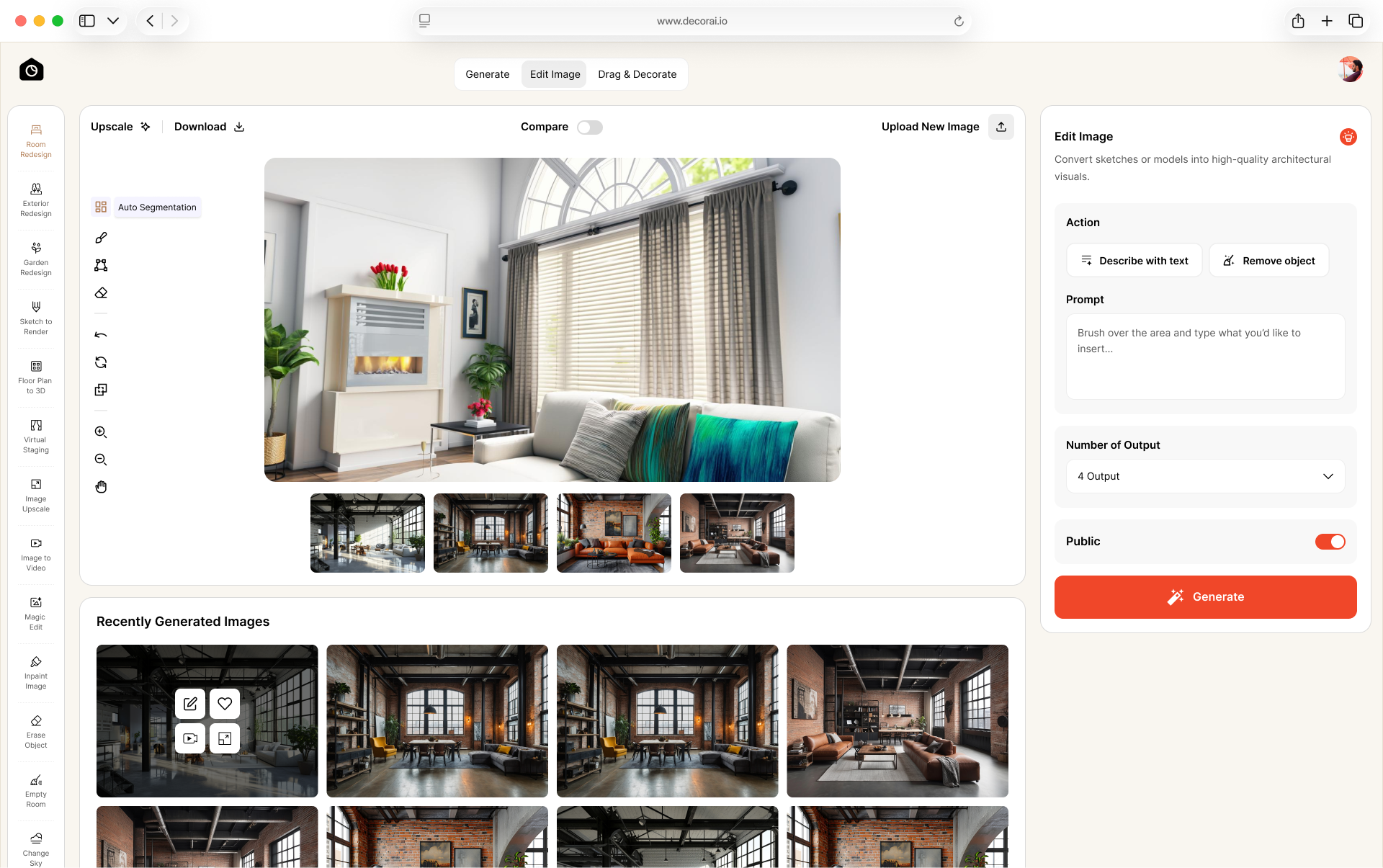
Magic Edit Brush
Brush over an area and describe what you want to add, remove, or replace.
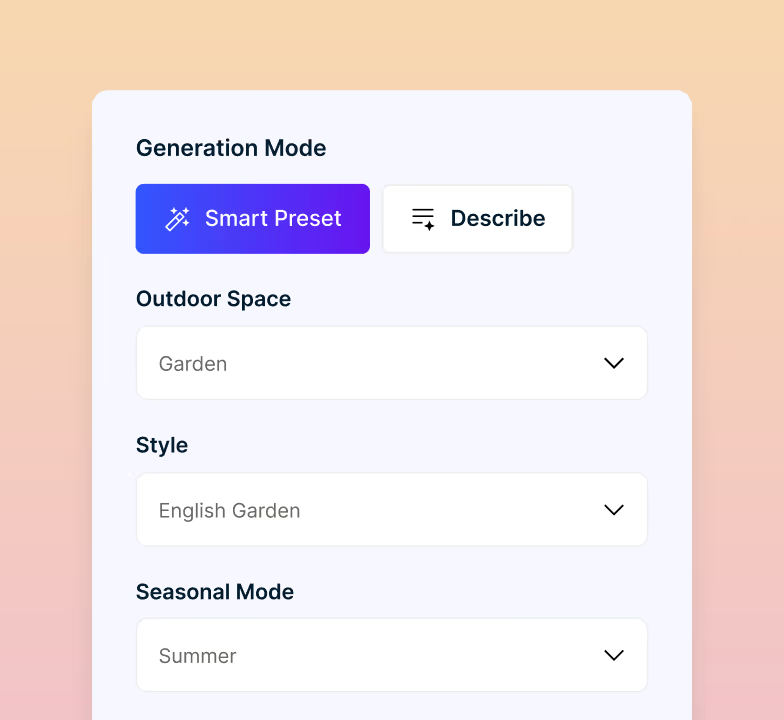
Smart Preset Mode
Choose a garden style, season, and creativity level to create a new design.
Multiple Variations
Create different garden designs from one photo. Compare the ideas and choose the look you like.
Custom Instructions
Use a custom prompt to describe exactly how you want your garden to look, including specific features, styles, materials, plants, or design ideas.
4x Image Upscaling
Upscale for sharper, higher-resolution results for printing, presentations, client proposals, mood boards, or detailed project planning.
Save and Share
Download your designs and share them with family, clients, or a landscaper.
How to Get Better Garden Designs
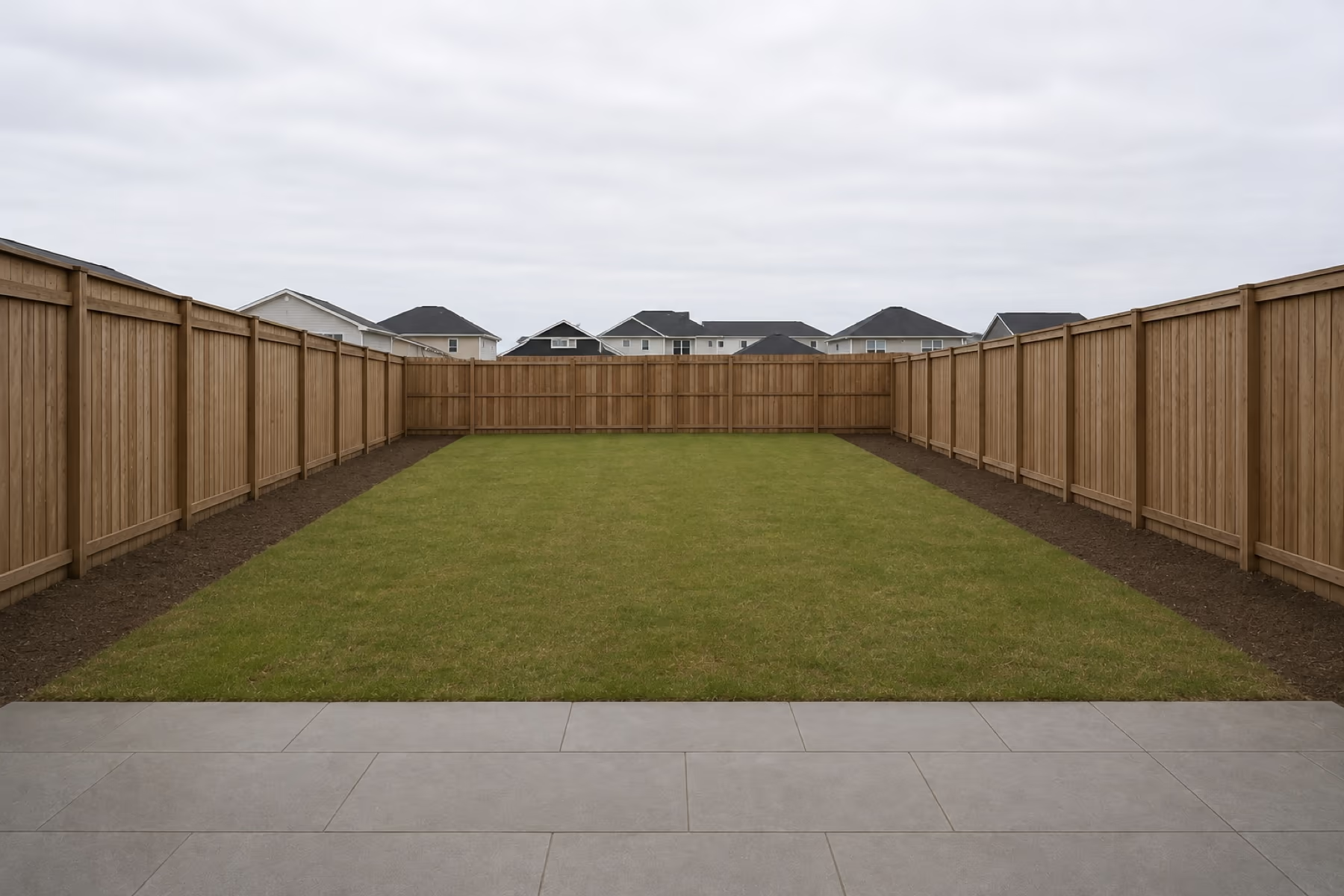
A few simple steps before uploading your photo can help the AI understand your outdoor space better and create more accurate, realistic landscape design results.
Take a Full Garden Photo
Take a clear, wide photo that shows your whole garden, fences, paths, and other important parts.
Use Clear Natural Light
Use soft daylight so details are easy to see. Avoid strong shadows or very bright sunlight.
Remove Visual Clutter
Move tools, hoses, bins, and toys out of view so the garden is easier to see.
Mention What Must Stay
Name any trees, fences, paths, or patios that should stay. Check the result, as AI may still change them.
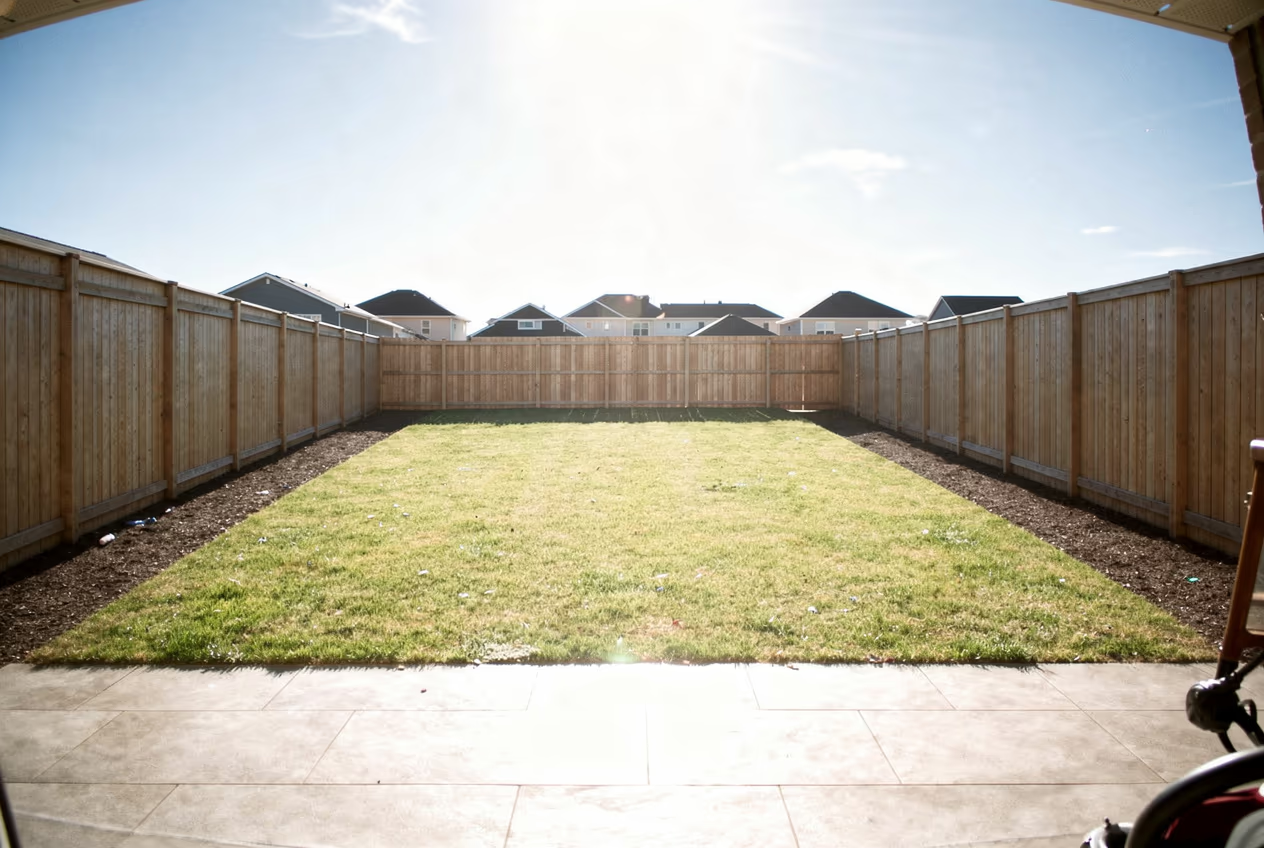 Poor photoGood photo
AI Garden Design vs Traditional Garden Planning
What you need
Garden designer
Trial and error
Start with your garden photo
See designs before making changes
Get a first design in under a minute
Preview different seasons
Try multiple design ideas quickly
Try different garden styles
No design experience needed
Photorealistic result
Save and share designs
Each column shows full support, partial support, or no support. Based on our own testing.
One platform for every space.
No design experience needed. See your space in a new style in about 30 seconds.
Try a New Look for Your Home
Have ideas for other spaces? Use DecorAI to redesign your rooms and the outside of your house.
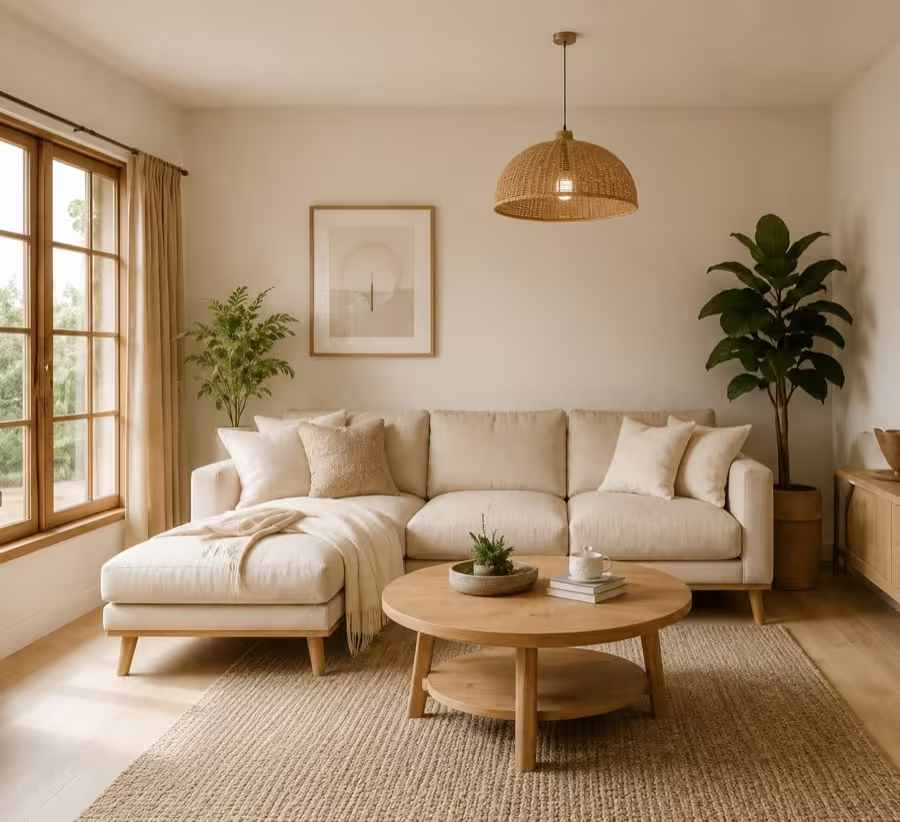
Interior Design
The full picture: every room type, and the tool built for each.
Room Design
Generate decor and furnishing ideas for your rooms with 175+ styles.
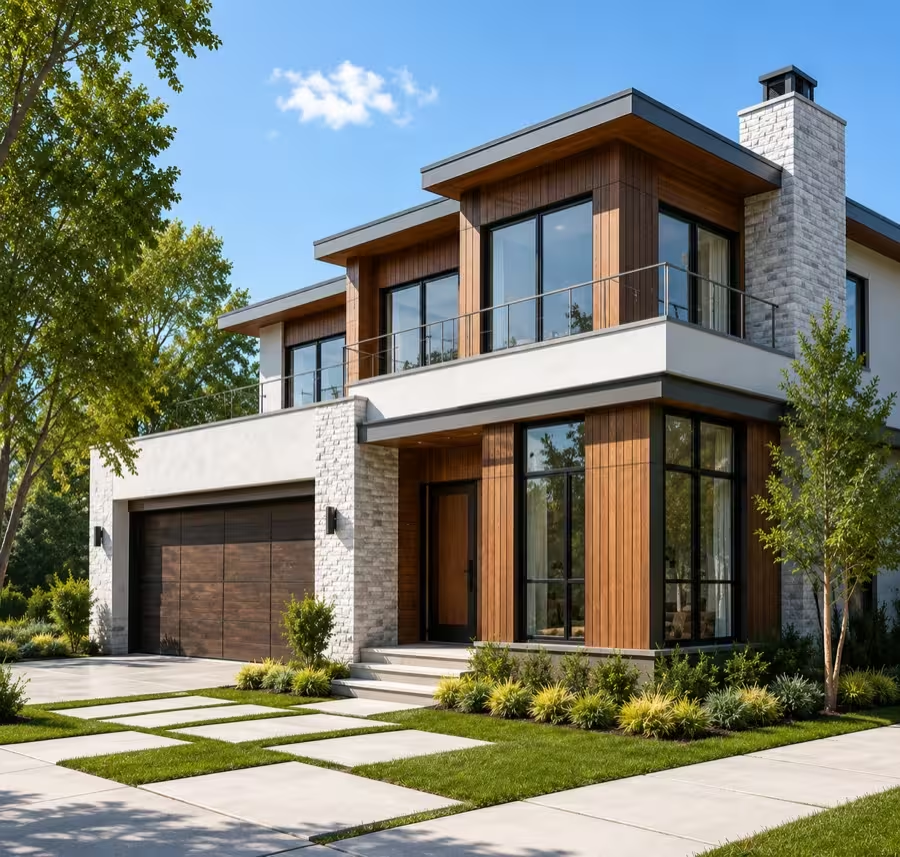
Exterior Design
Give a property's frontage a new look in seconds.
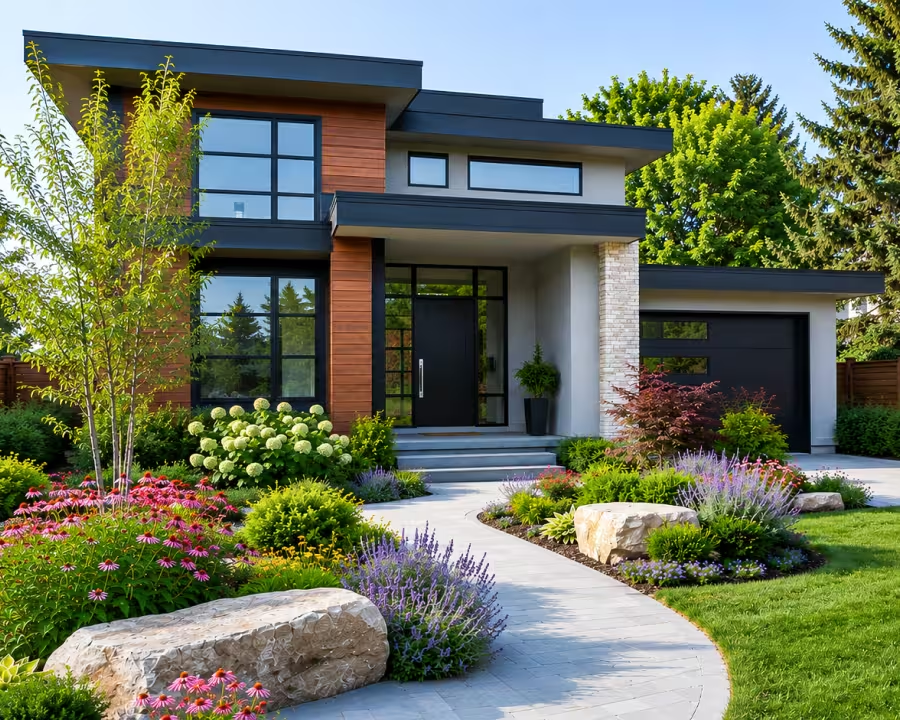
Landscape Design
The whole plot: paving, levels, paths, and boundaries.
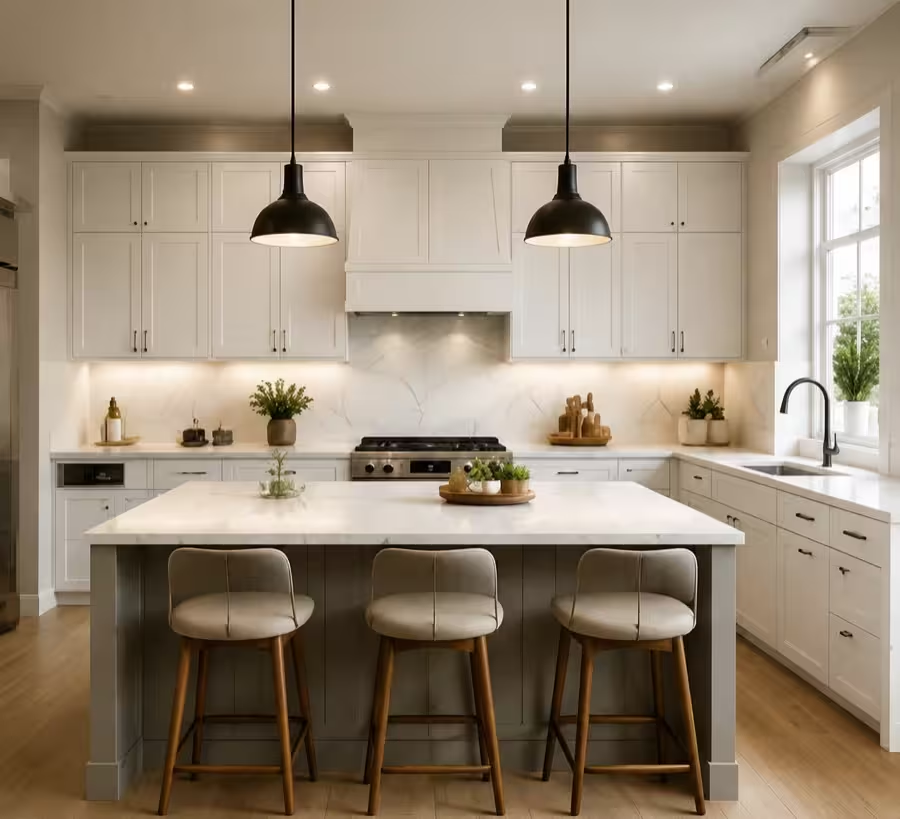
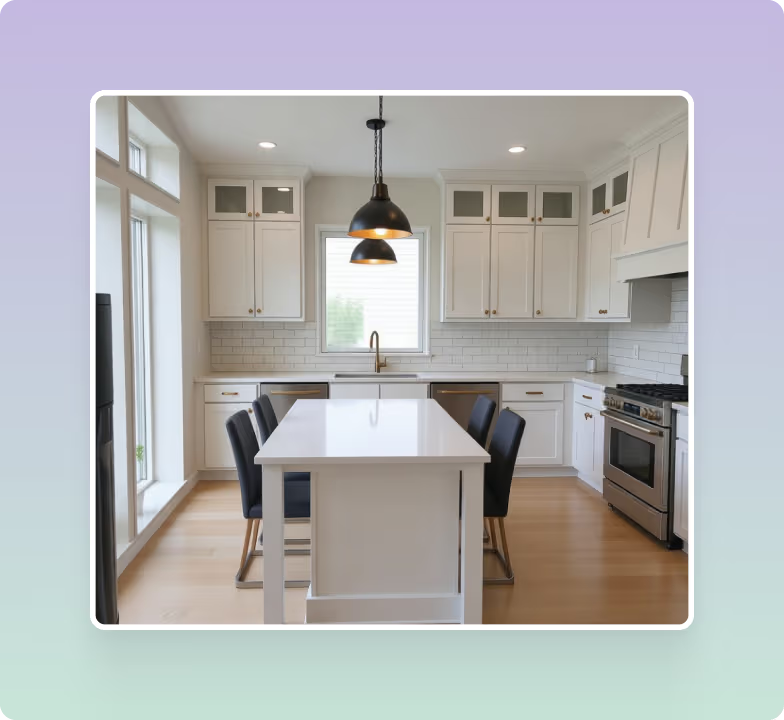
Kitchen Design
Reimagine your kitchen layout, cabinets, and finishes with AI.
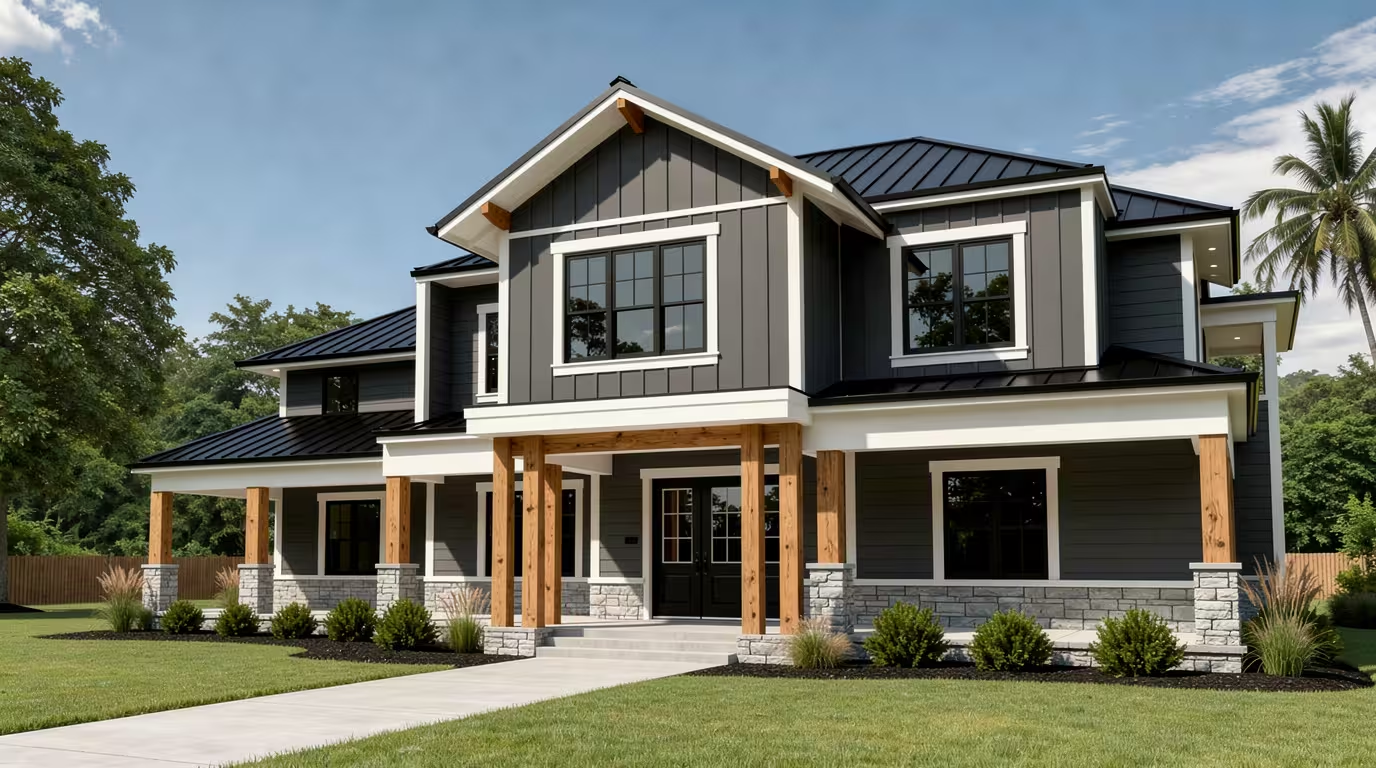
Exterior Design Software
Every AI tool for facades, yards and gardens.
Find a Garden Style You Like
Choose a style such as English, Cottage, Japanese, or Mediterranean. Apply it to your garden photo and compare the results to find your favorite look.
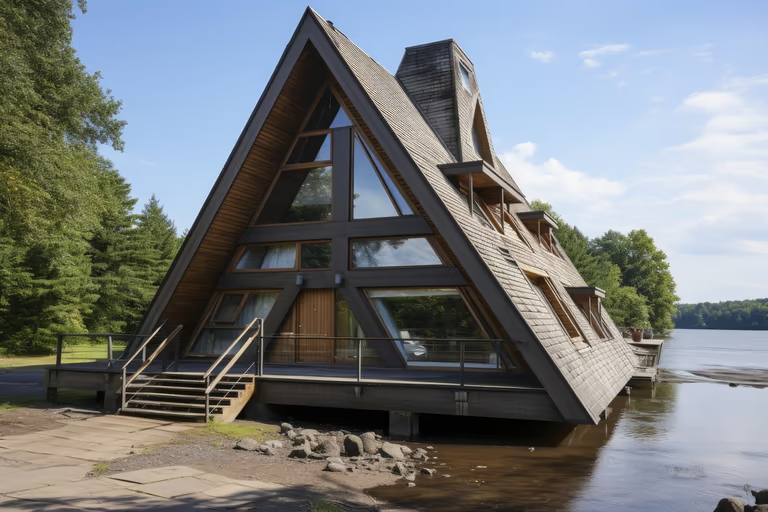 A-Frame
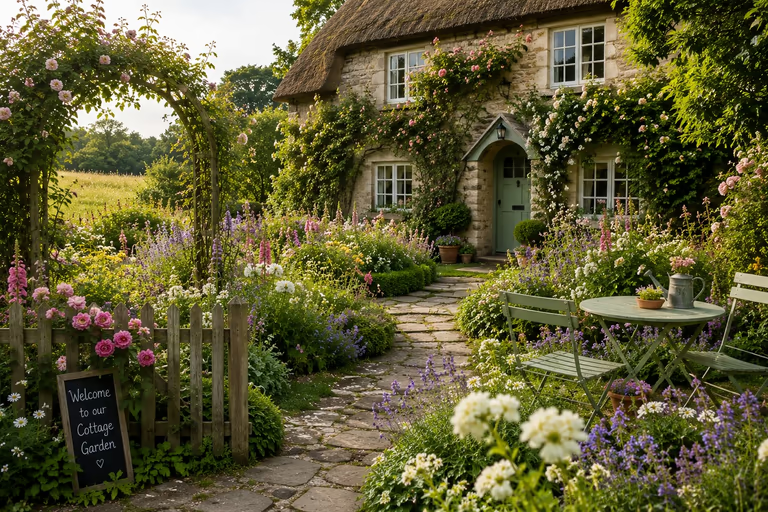 Cottage Garden
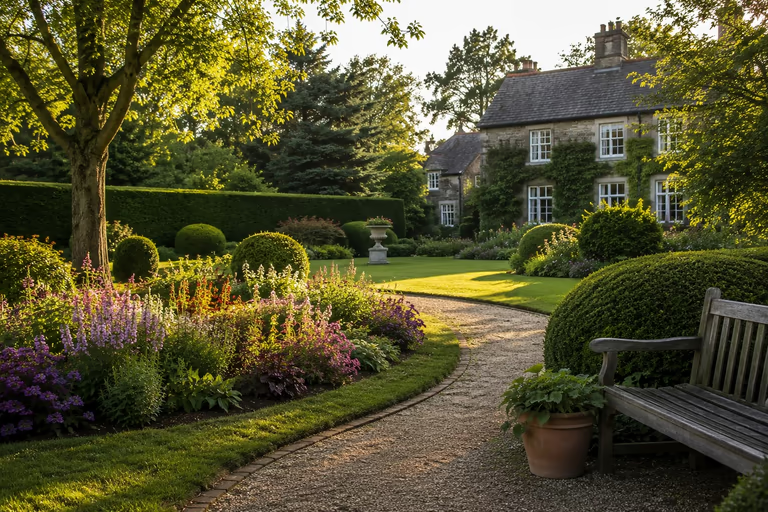 English Garden
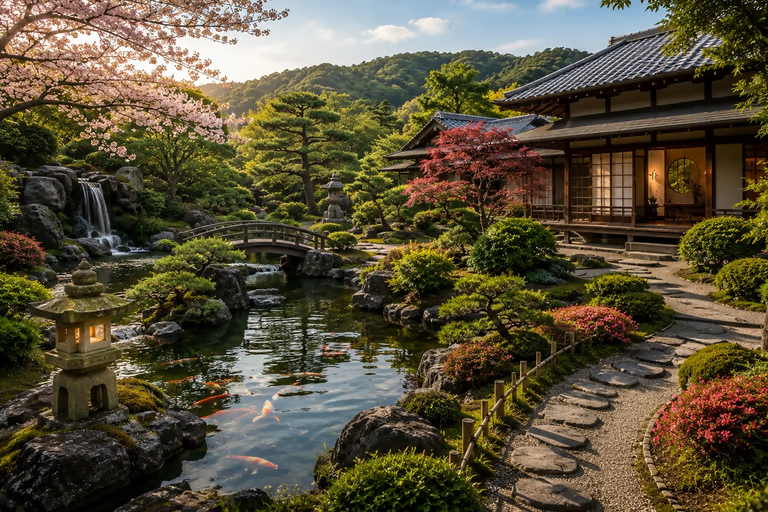 Japanese Garden
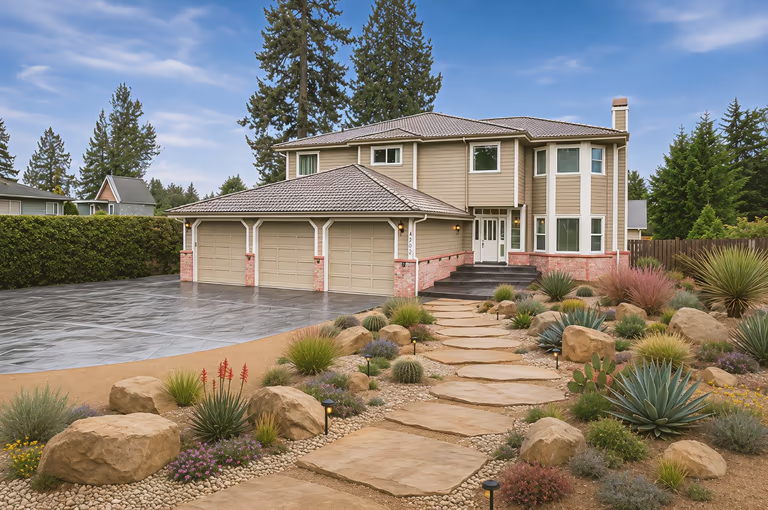 Xeriscape
 Art Deco
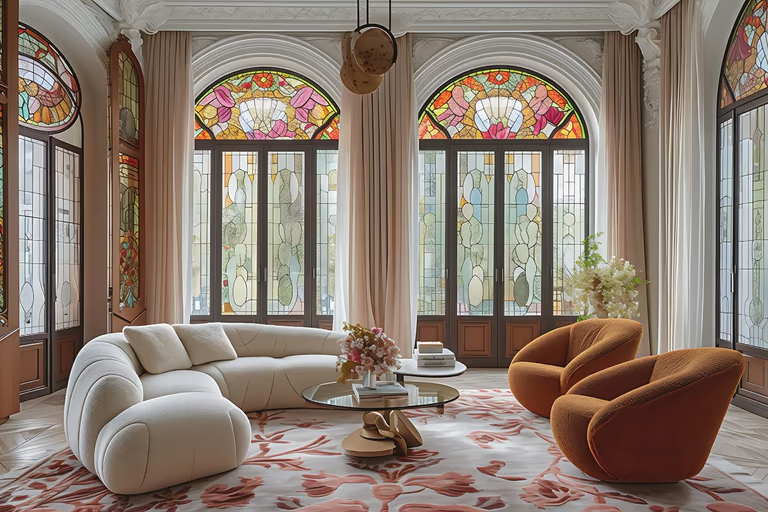 Art Nouveau
 Baroque
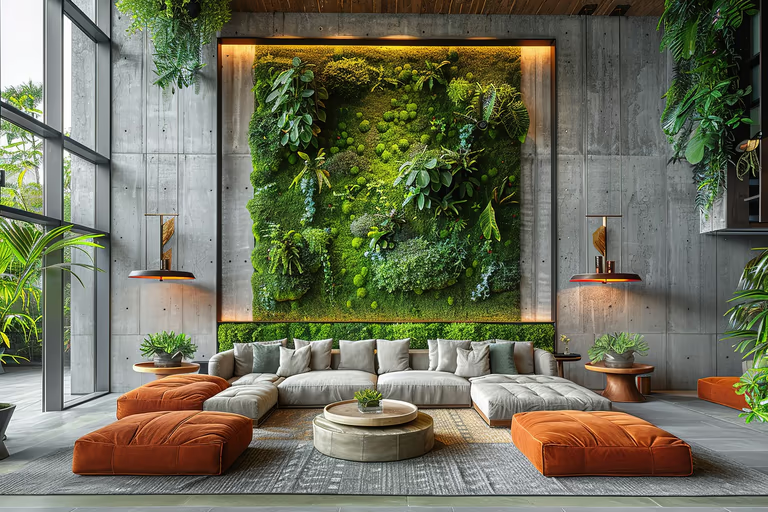 Biophilic
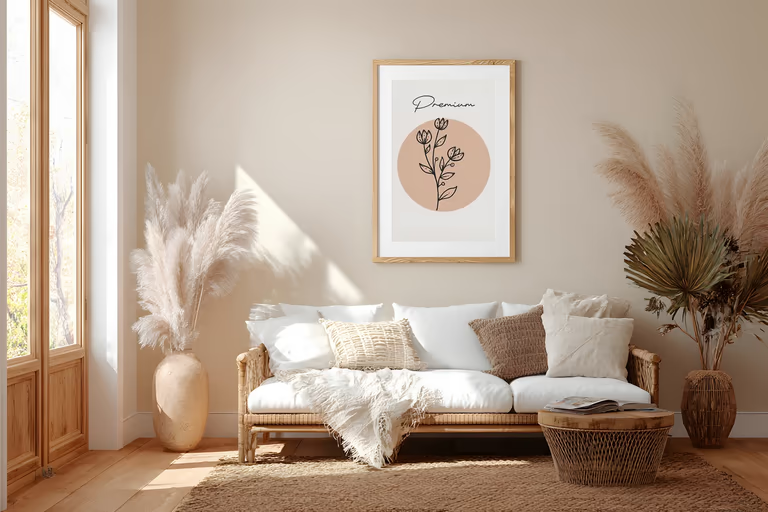 Bohemian
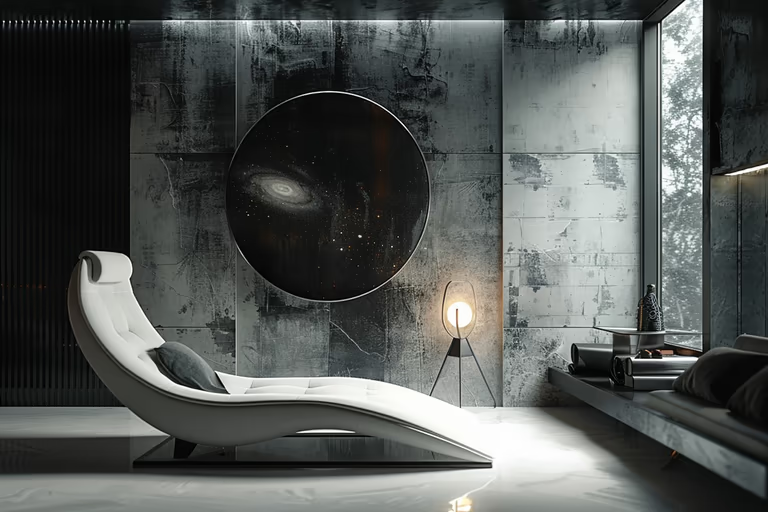 Brutalist
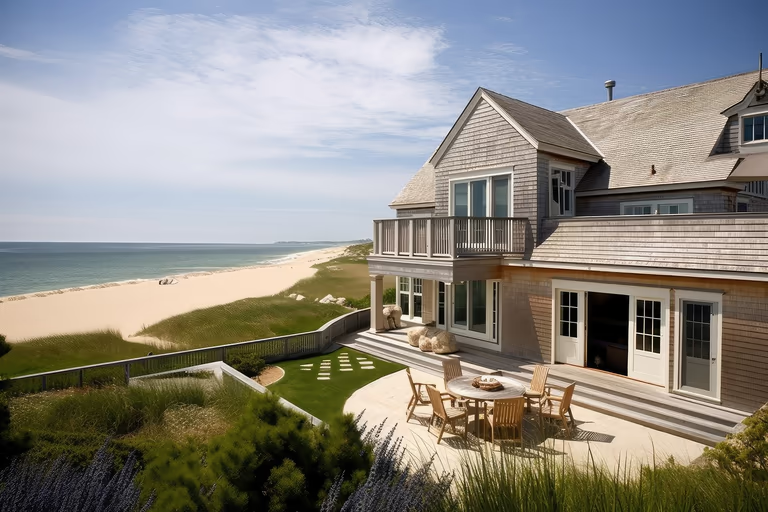 Cape Cod
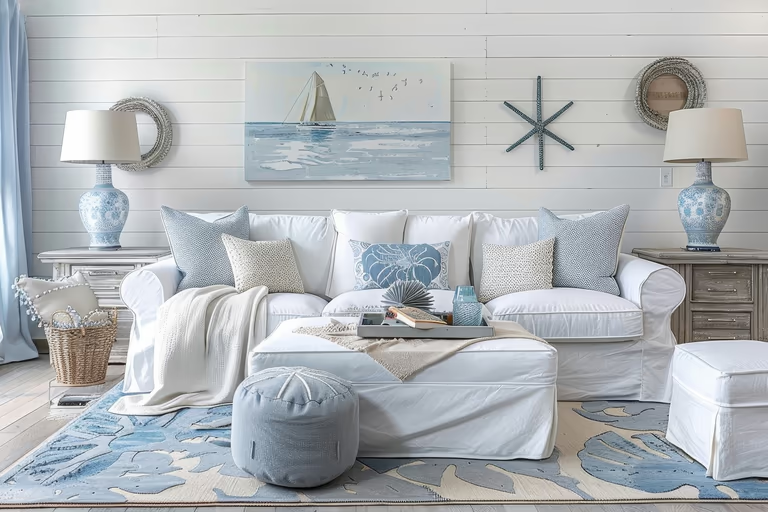 Coastal
 Colonial
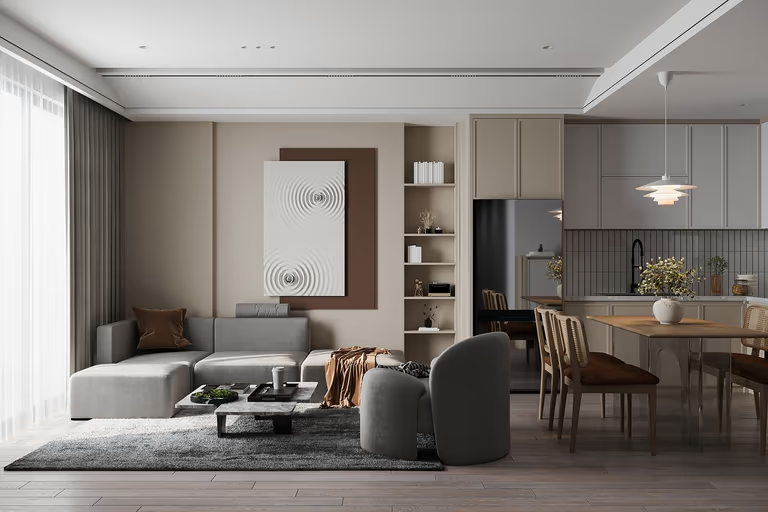 Contemporary
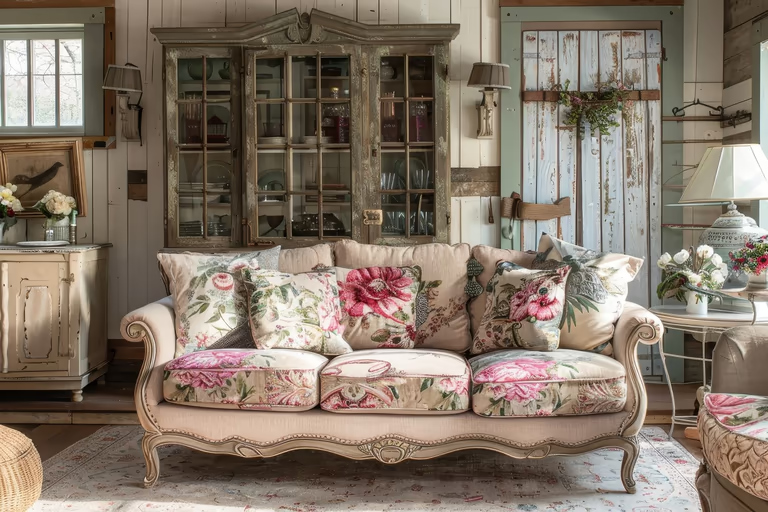 Cottagecore
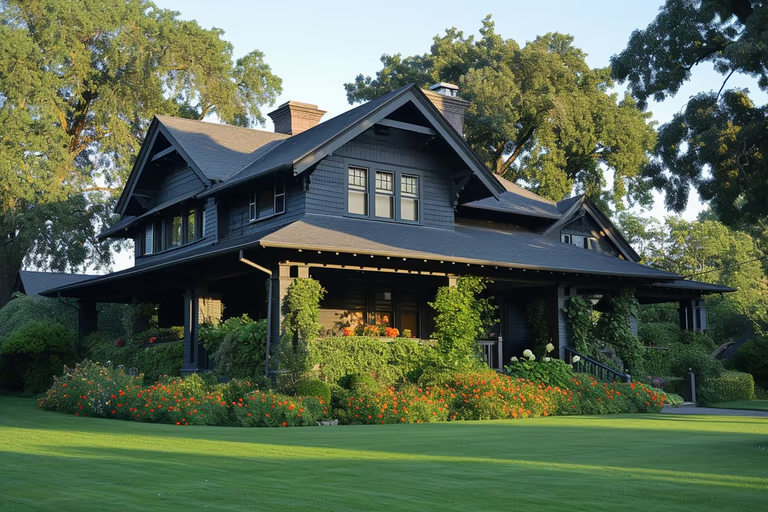 Craftsman
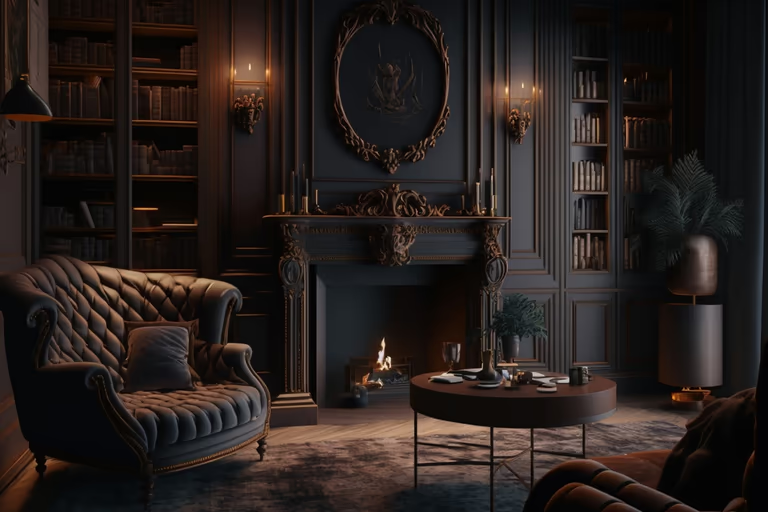 Dark Academia
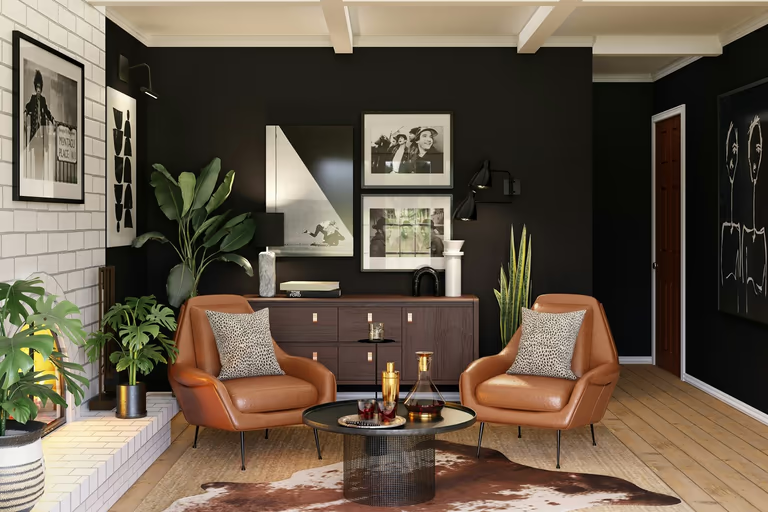 Eclectic
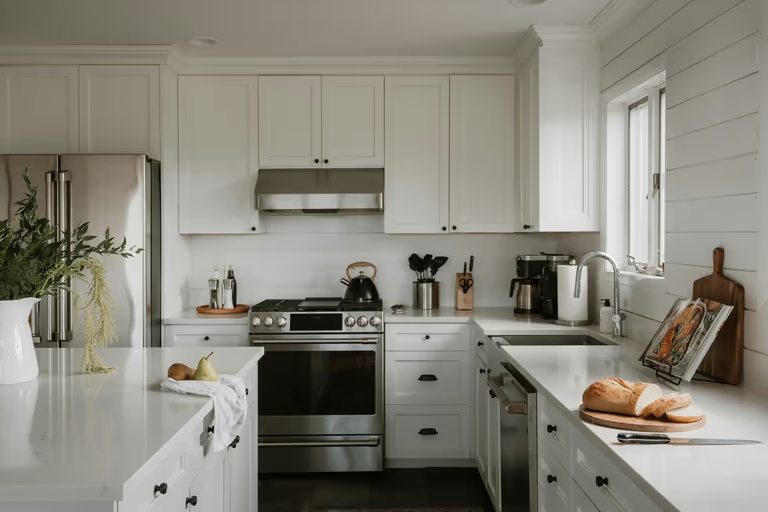 Farmhouse
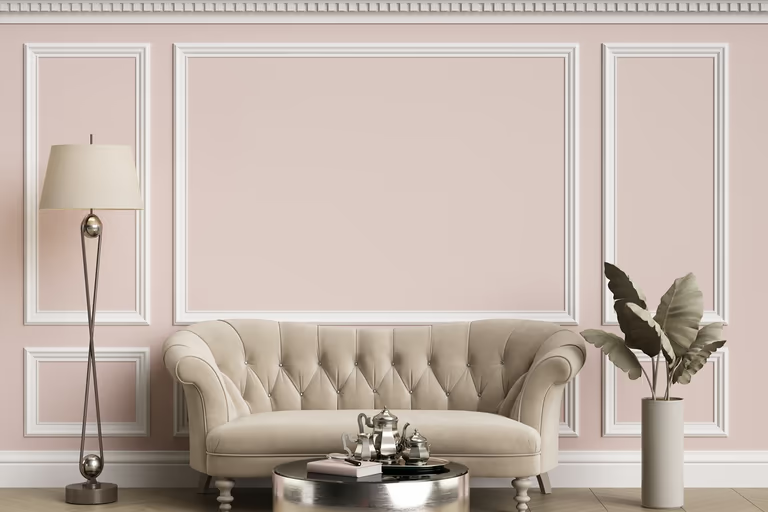 French Country
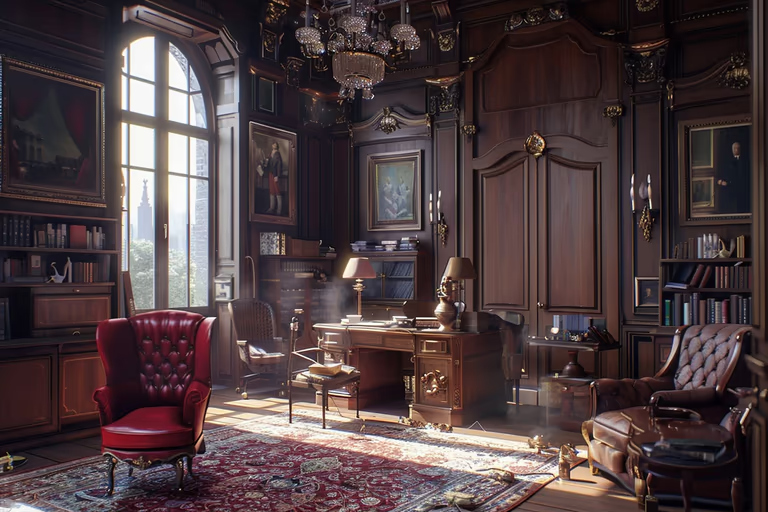 Gothic
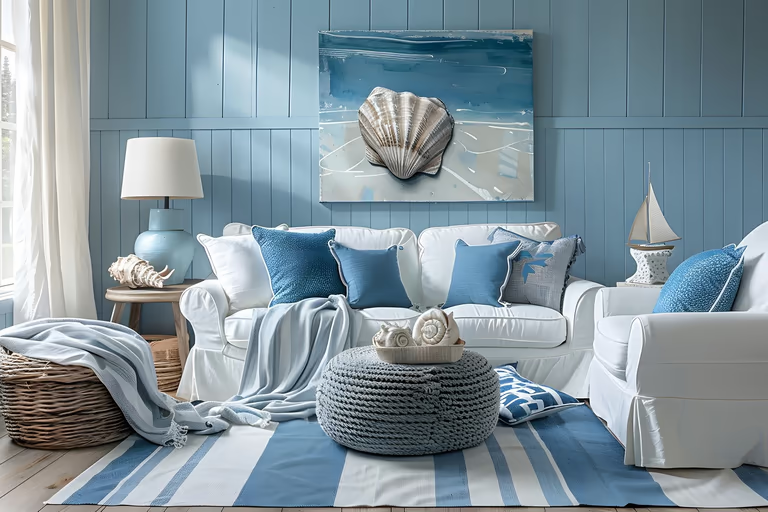 Hamptons
 Hollywood Regency
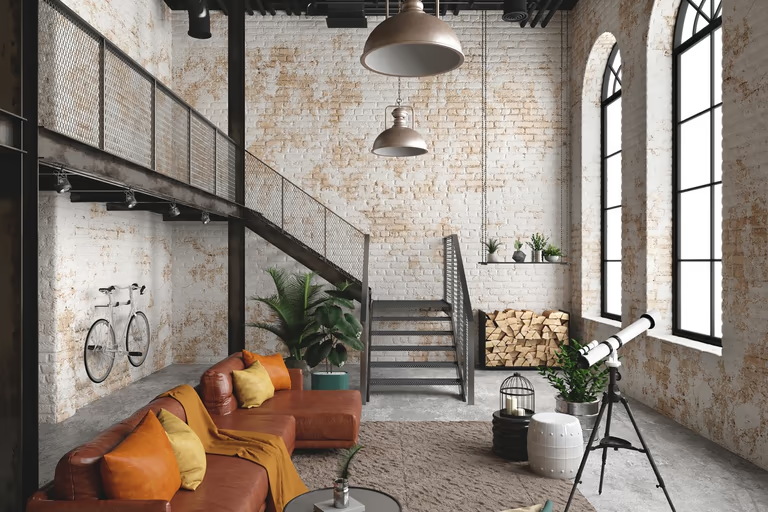 Industrial
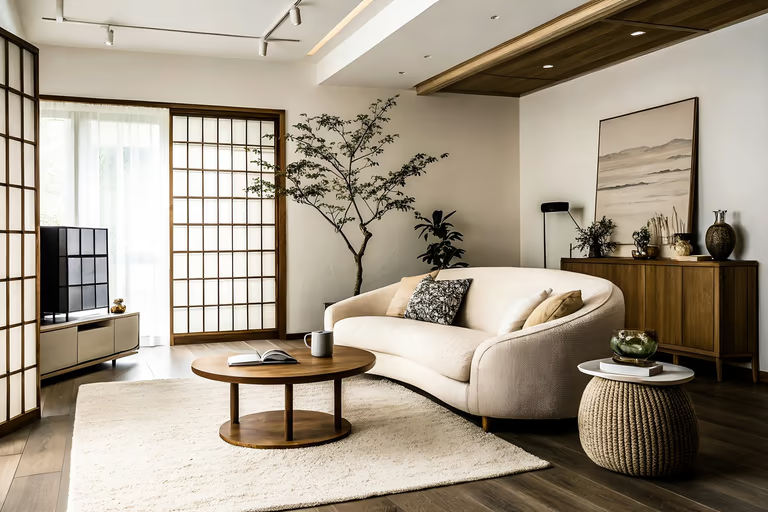 Japandi
 Luxury
 Maximalist
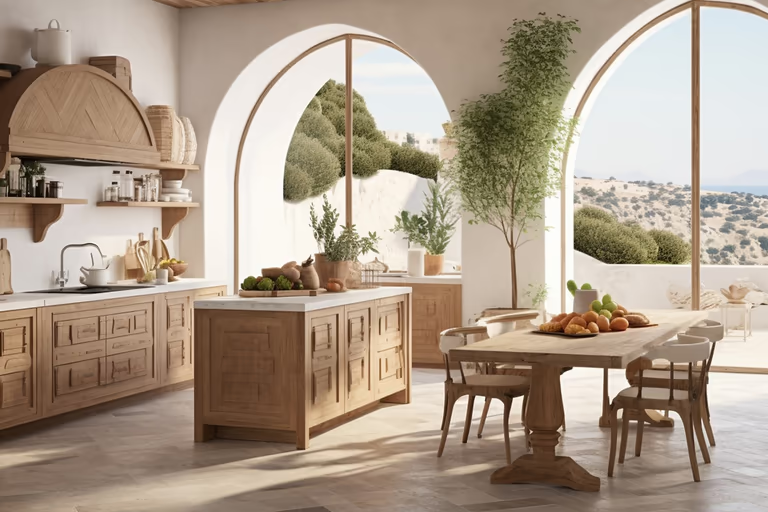 Mediterranean
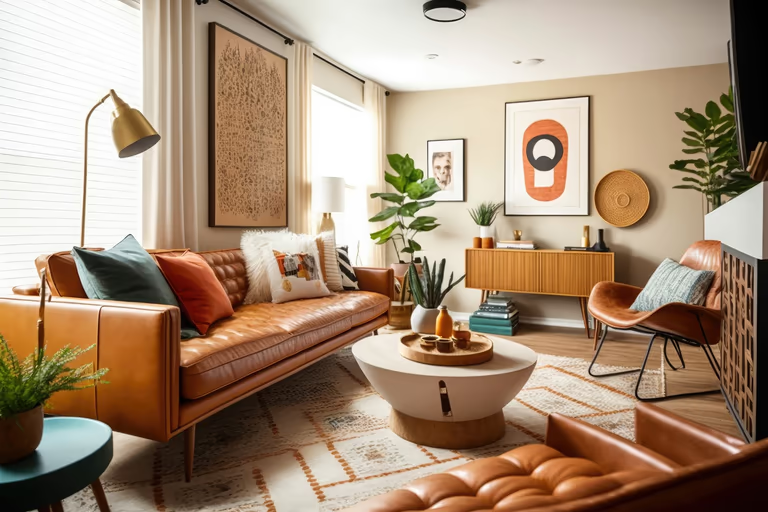 Mid-Century Modern
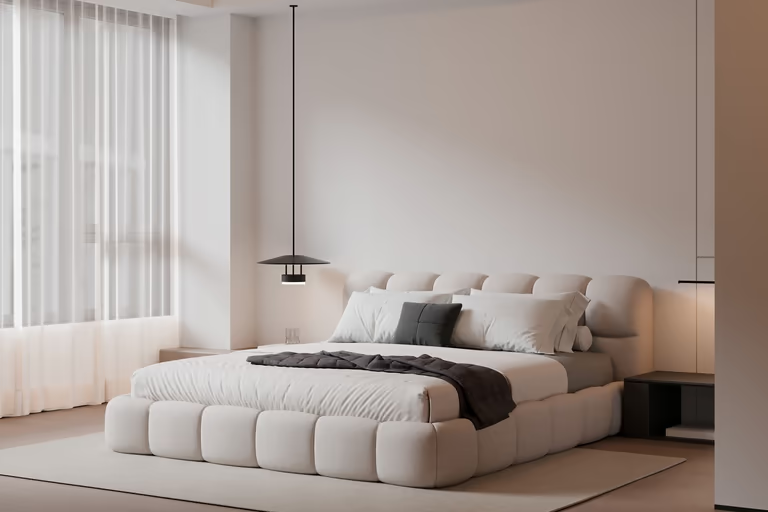 Minimalist
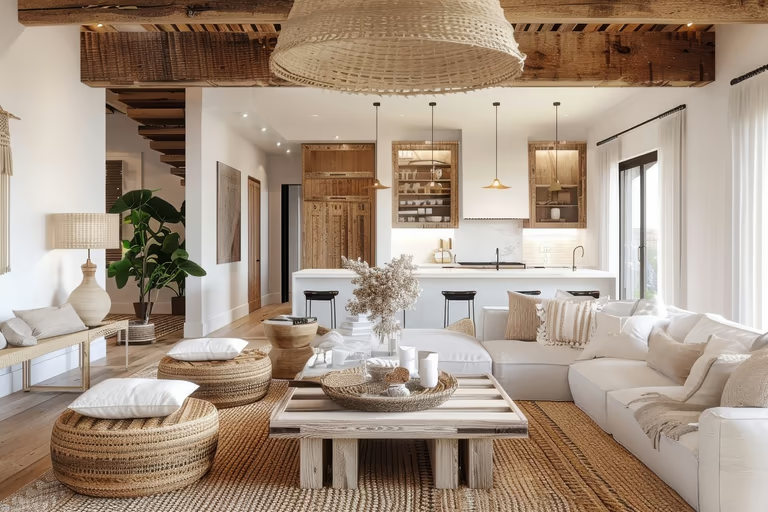 Modern Farmhouse
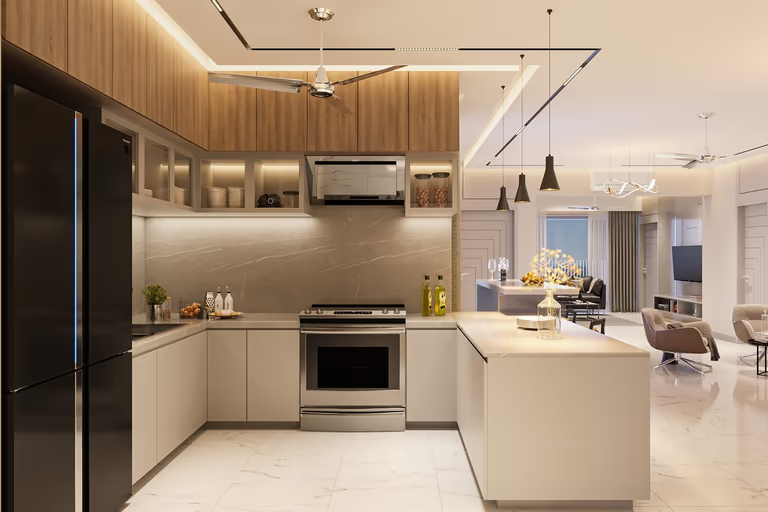 Modern
 Moroccan
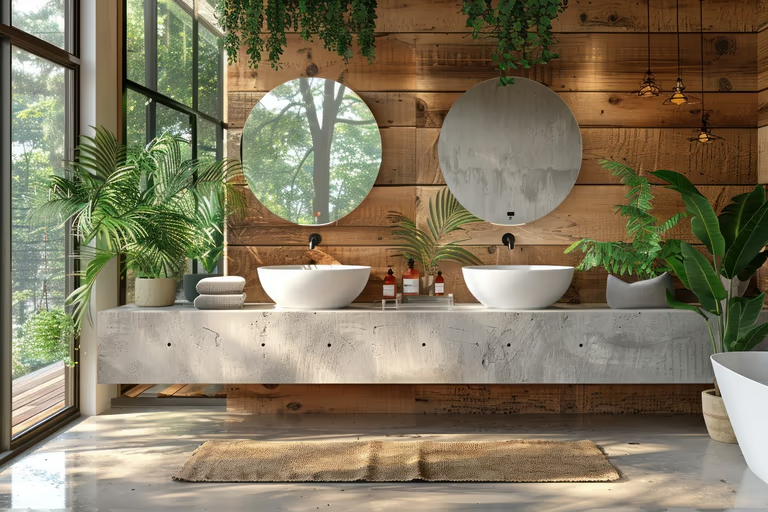 Organic Modern
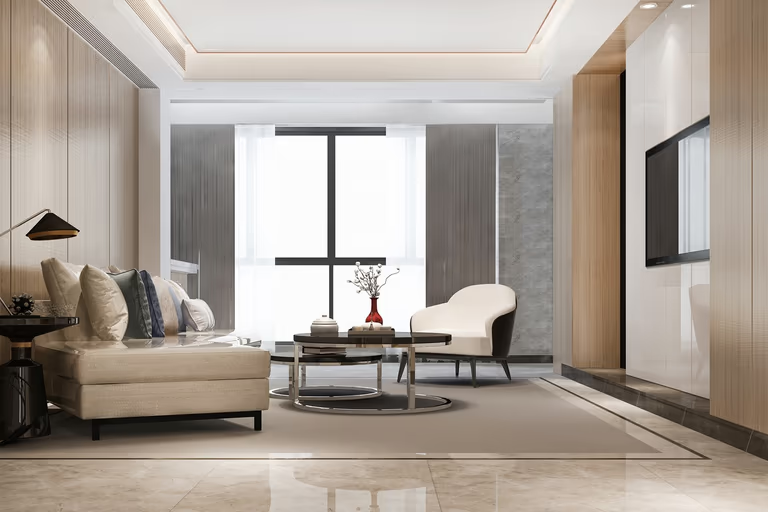 Quiet Luxury
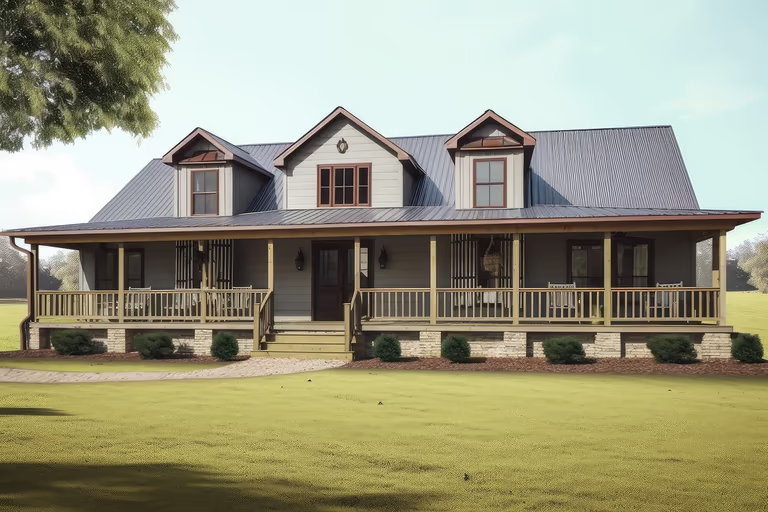 Ranch
Ranch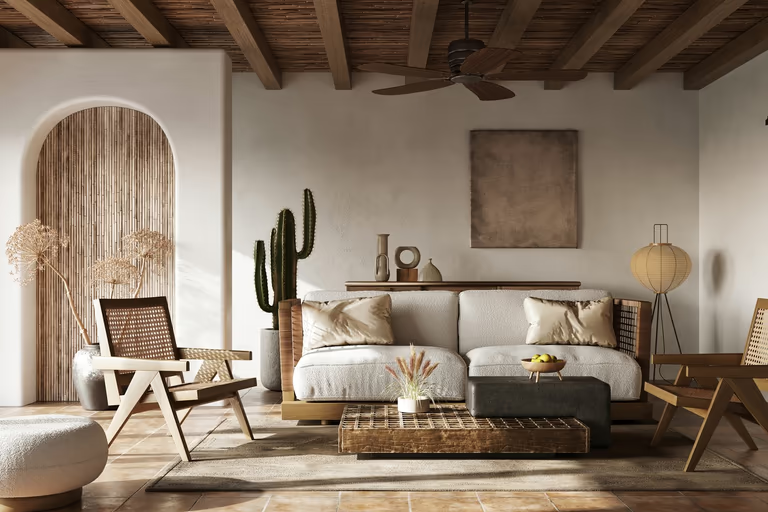 Rustic
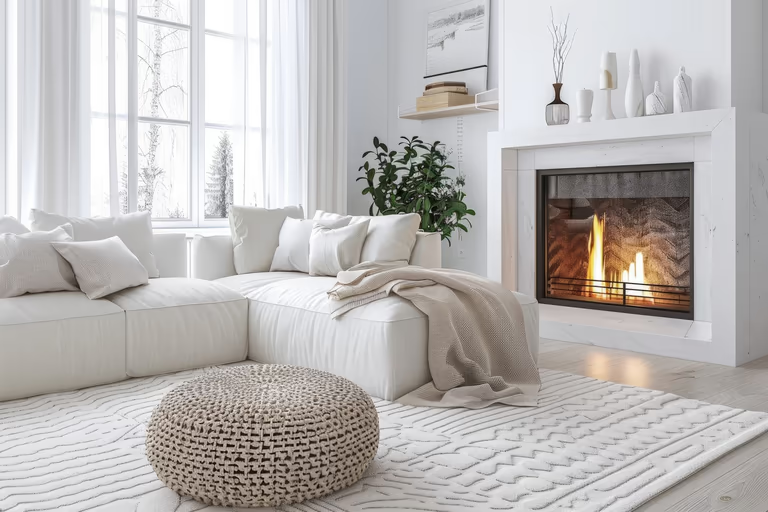 Scandinavian
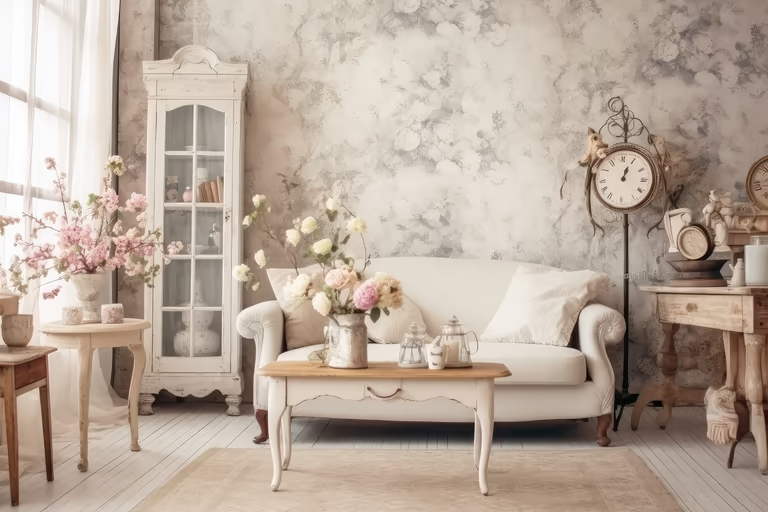 Shabby Chic
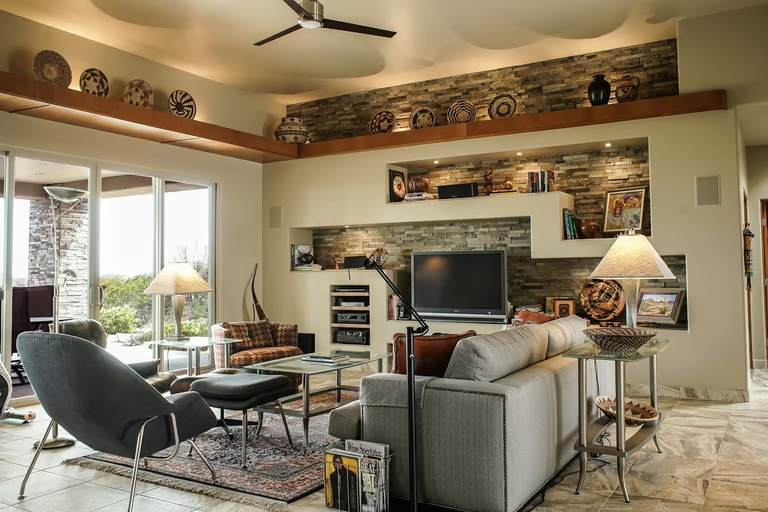 Southwestern
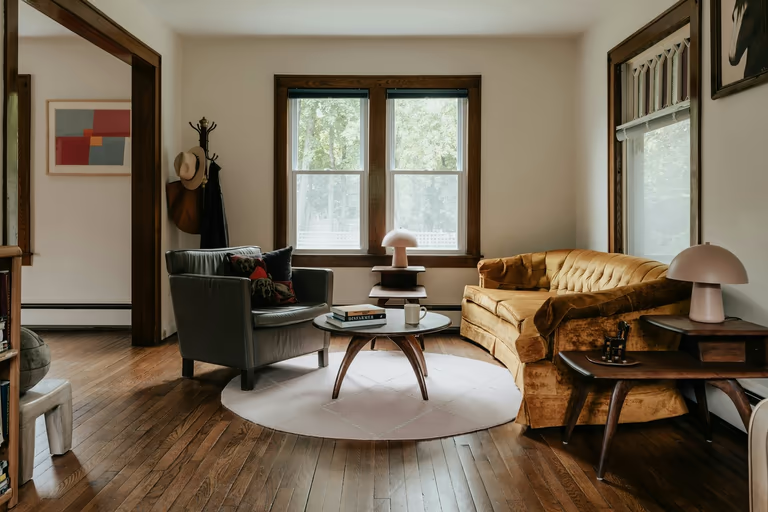 Traditional
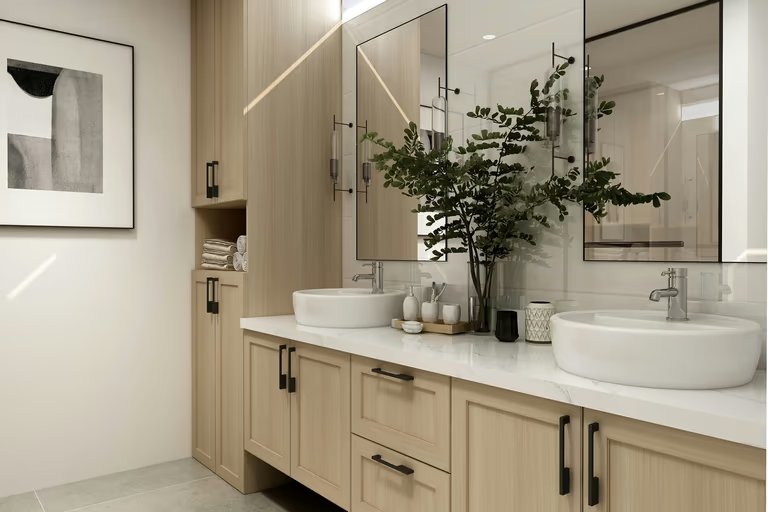 Transitional
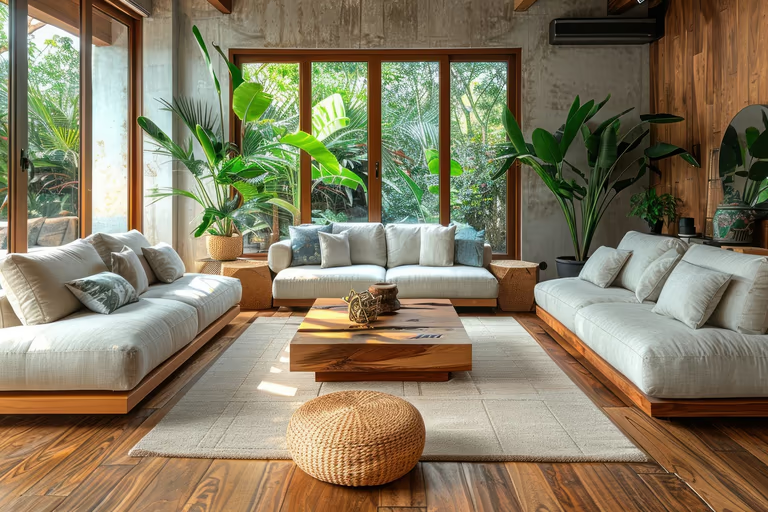 Tropical
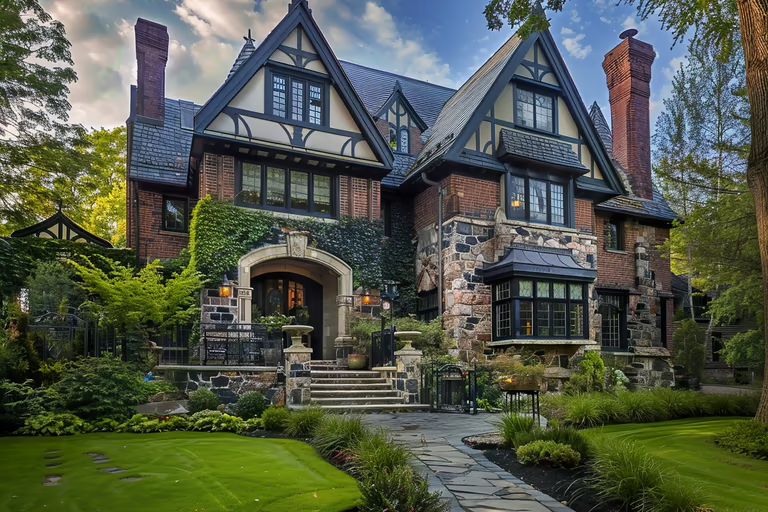 Tudor
Tudor Victorian
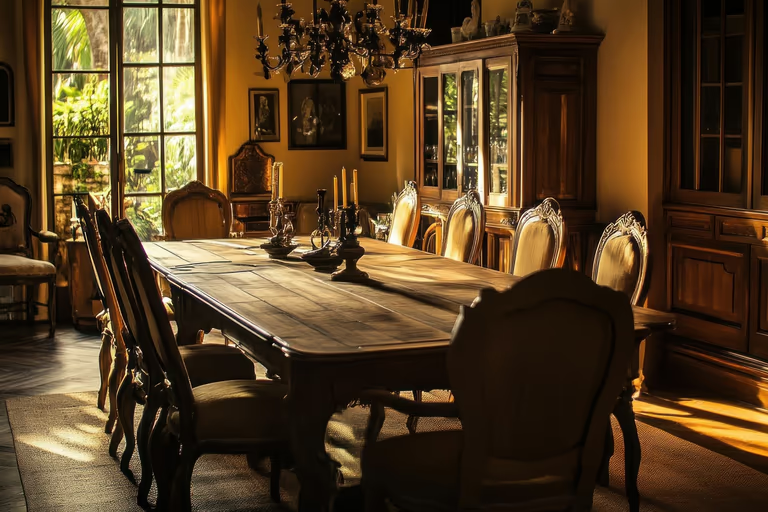 Vintage
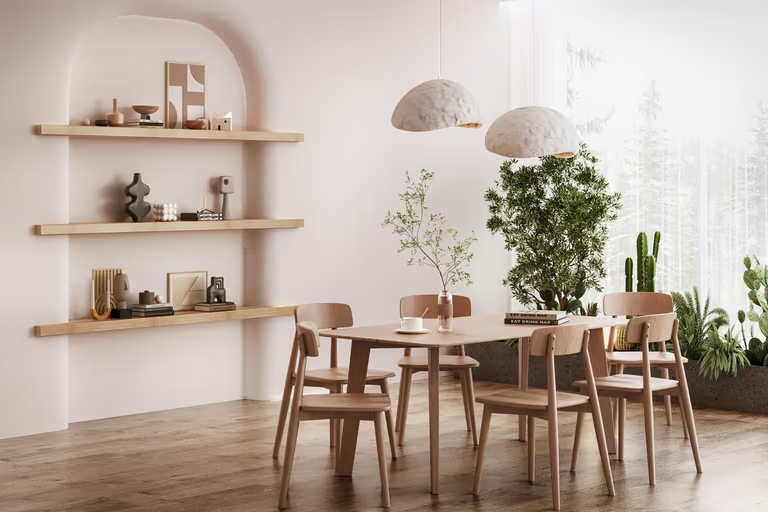 Wabi-Sabi
AI Garden Design FAQs
Get simple answers about AI garden design, garden styles, free options, and how AI can help you plan your outdoor space before making real changes.
What is AI garden design?
AI garden design is the process of using artificial intelligence to turn a photo of your outdoor space into new landscape ideas, helping you visualize gardens, backyards, yards, and different landscape styles.
How does an AI landscape generator work?
An AI landscape generator analyzes your uploaded photo and creates new design concepts based on your selected style, season, and preferences.
Can I use an AI landscape generator from a photo?
An AI landscape generator from photo helps you upload an existing garden, backyard, or yard image and create a redesigned version using your real outdoor space.
Is there an AI garden design free option?
DecorAI gives you 3 free designs after you sign up. After using your free designs, you can choose the $24 monthly plan for unlimited designs across all tools.
What photo works best for AI garden design?
A clear, wide photo works best for AI garden design. Try to show the main outdoor area, boundaries, paths, plants, and other important features in good natural light.
Can AI landscaping create different design styles?
AI landscaping can generate different visual styles for the same outdoor space. Compare modern, tropical, Japanese, Mediterranean, cottage, minimalist, and other landscape design ideas.
Can I see my garden in different seasons with AI?
Yes. You can preview your garden design in Spring, Summer, Autumn, or Winter, helping you compare how your outdoor space could look throughout the year.
Can I use DecorAI for yard design without design experience?
No design experience is needed to use DecorAI for AI yard design. Simply upload a clear photo, choose your preferences, and DecorAI will create visual yard design ideas for you.
What can an AI garden design tool change?
An AI garden design tool can visualize changes to plants, landscaping, pathways, materials, colors, and the overall garden style. Your results depend on your photo, selected settings, and custom prompt.
Can AI landscape design keep my existing trees and fences?
You can use a custom prompt to tell the AI landscape design tool which trees, fences, paths, or other features you want to stay unchanged in the new design.

Try AI Home Design Free
Upload a photo of your space and redesign it with AI in seconds. Explore styles, change details, and visualize your ideas before you make them real.
Start Free Trial