AI Room Design
See What Your Room
Can Look Like
Try different furniture, colors, decor, and styles in a photo of your room. See how your ideas could look before you buy, move, paint, or remodel anything.
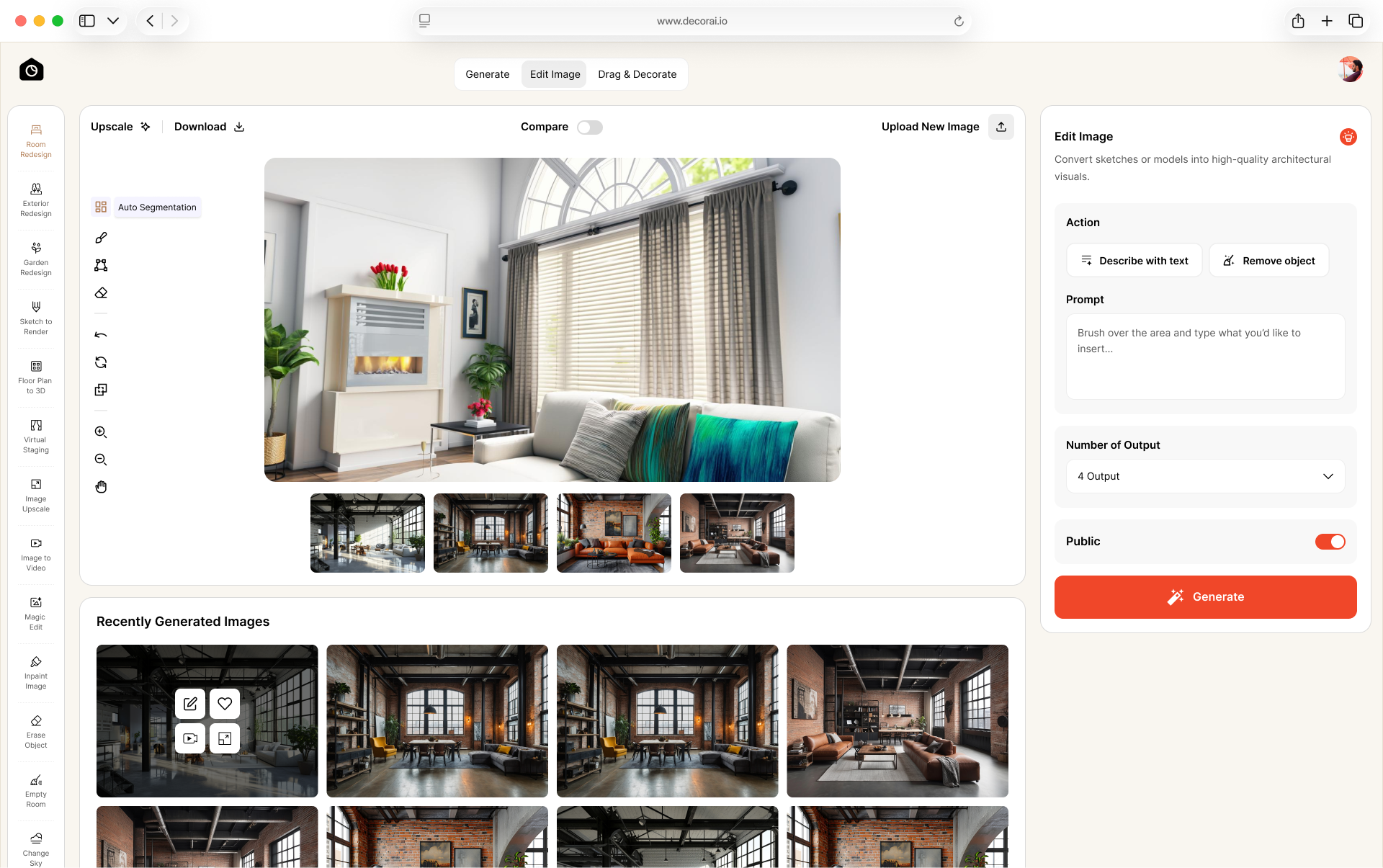
How to Use AI to Design a Room in Three Steps
No design experience or special software needed. Start with a photo of your room, tell DecorAI what you want, and compare the results.

Redesign Your Room Your Way
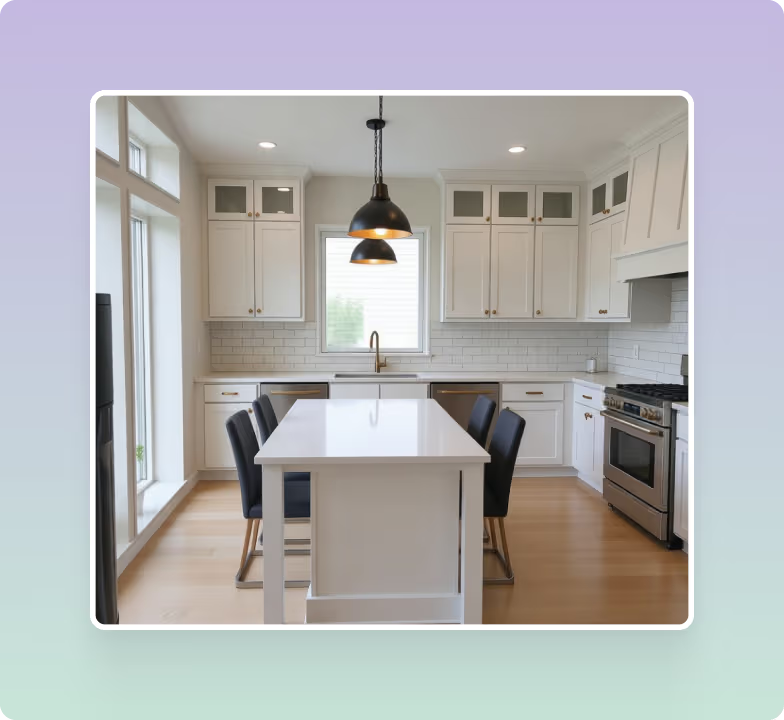
Many room design tools work with only a few common rooms. DecorAI also handles the awkward ones: a basement with no windows, a narrow hallway, a walk-in closet.
Design More Than Just Living Rooms and Bedrooms
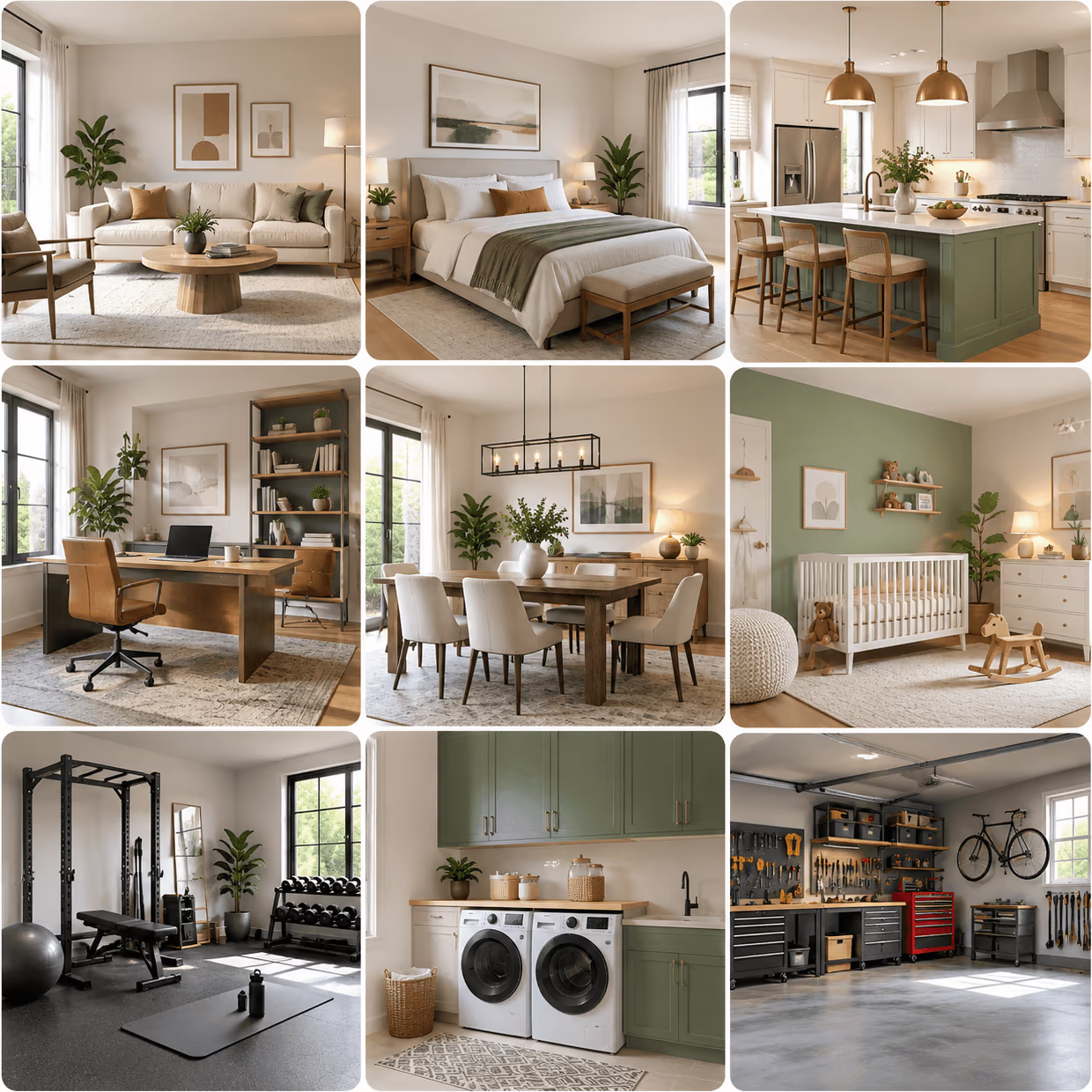
Start with living rooms, bedrooms, kitchens, home offices, and dining rooms. Then move on to laundry rooms, garages, attics and home gyms, and past the house to offices, cafes and wedding halls.
- 41 home spaces, including bedrooms, nurseries, gyms, attics, and garages
- 48 commercial spaces, including offices, cafes, clinics, salons, stores, and hotel rooms
- 40 event spaces, including wedding halls, conference rooms, booths, and party spaces
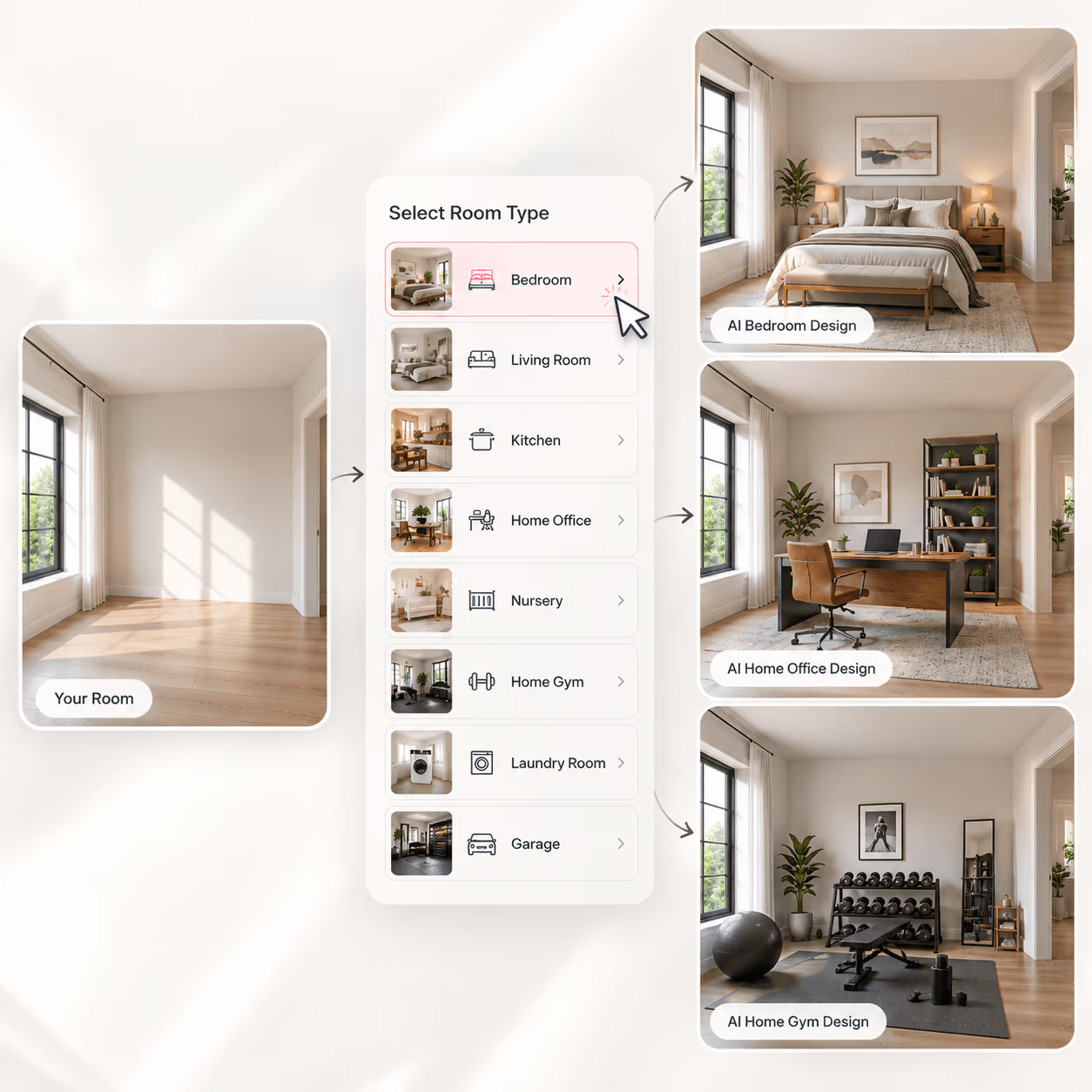
Try the Same Room as a Home Office, Then a Gym
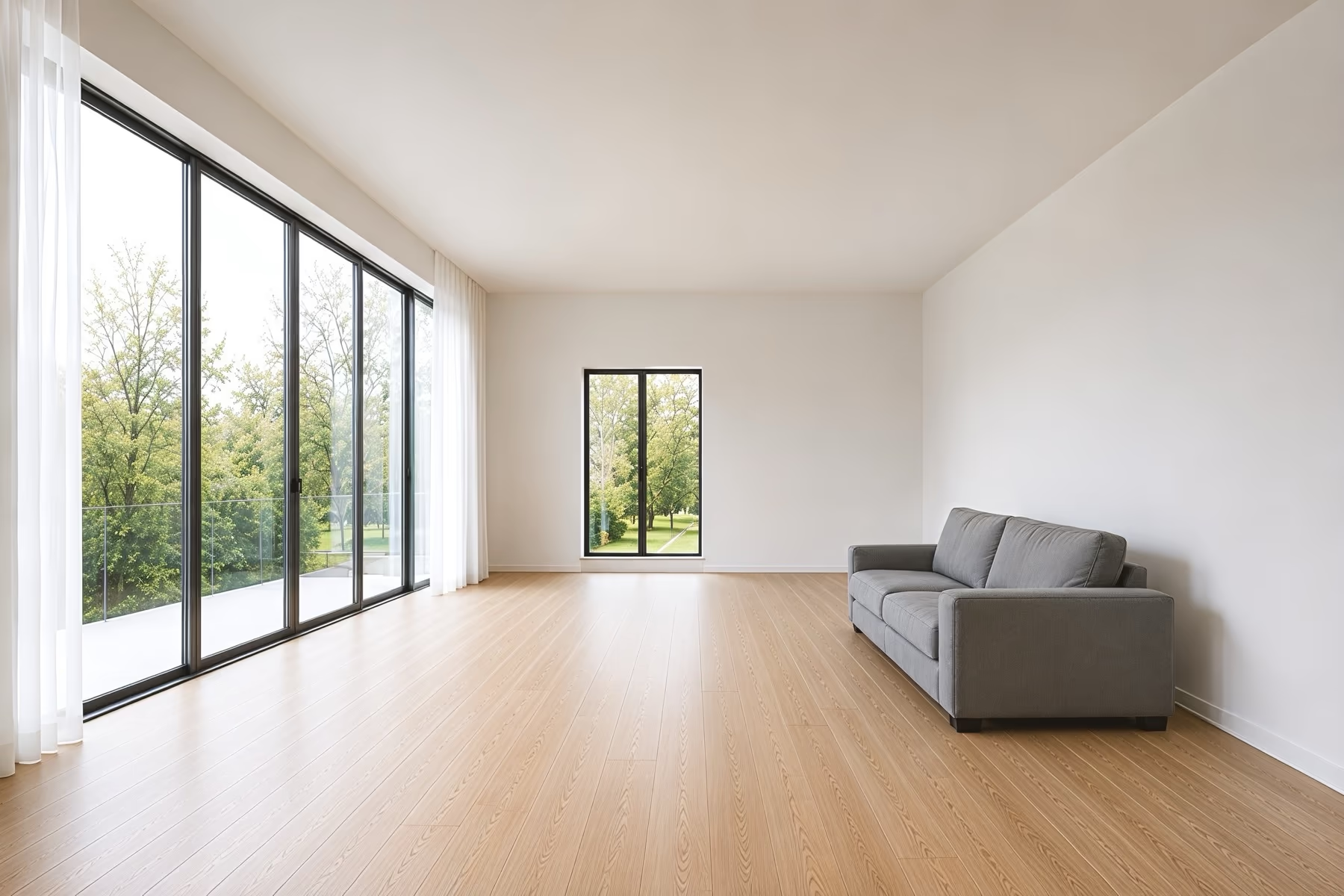
Tell DecorAI how you want to use the room, and it will furnish it for you. The same room can become a bedroom, a home office with a desk and shelves, or a home gym with equipment and a mat. The window, door, and floor stay in the same places.
- Choose a different room type anytime
- Keep the existing room structure
- Compare different versions of the same space
- Pick furniture from the list or describe it in a prompt
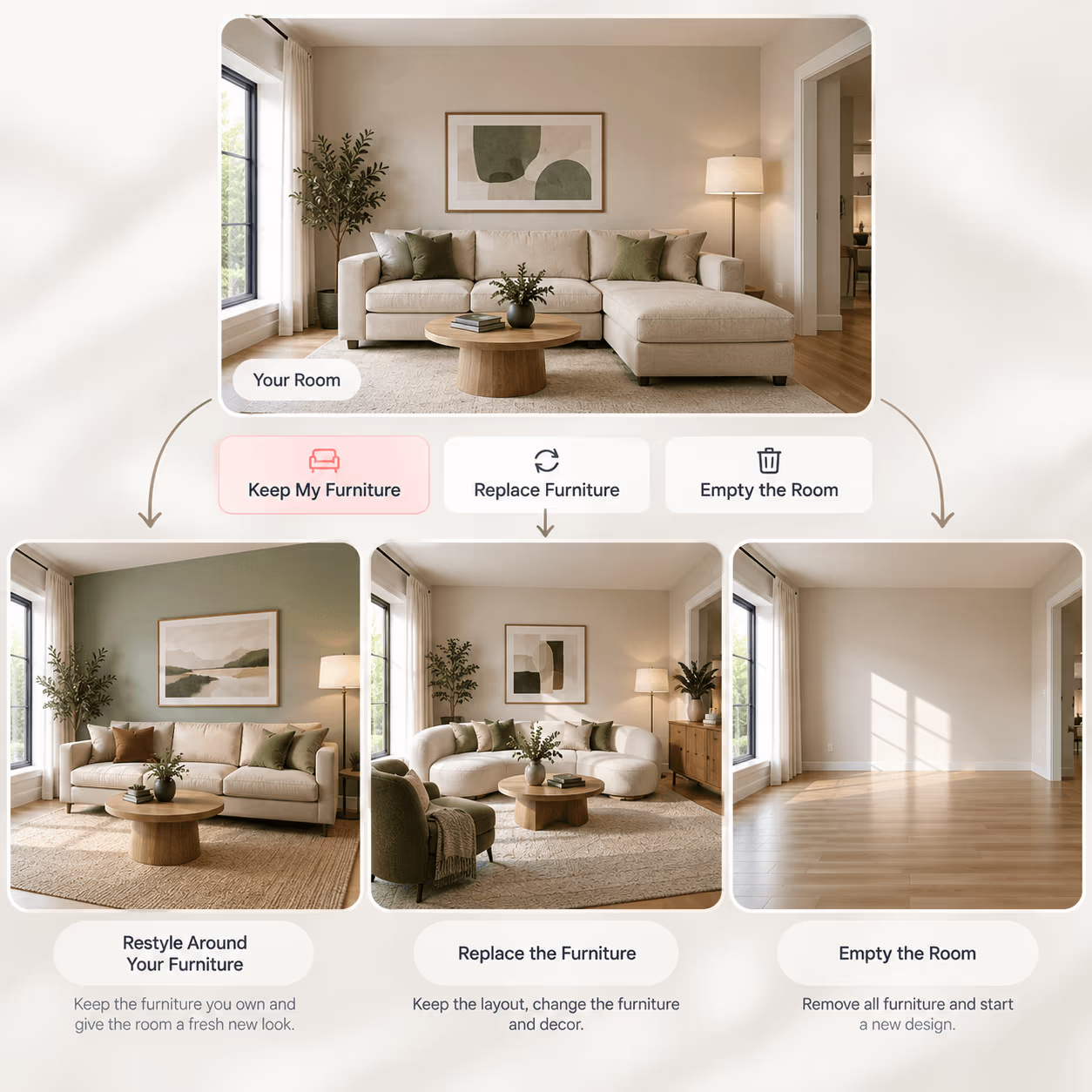
Keep the Furniture You Own, or Empty the Room
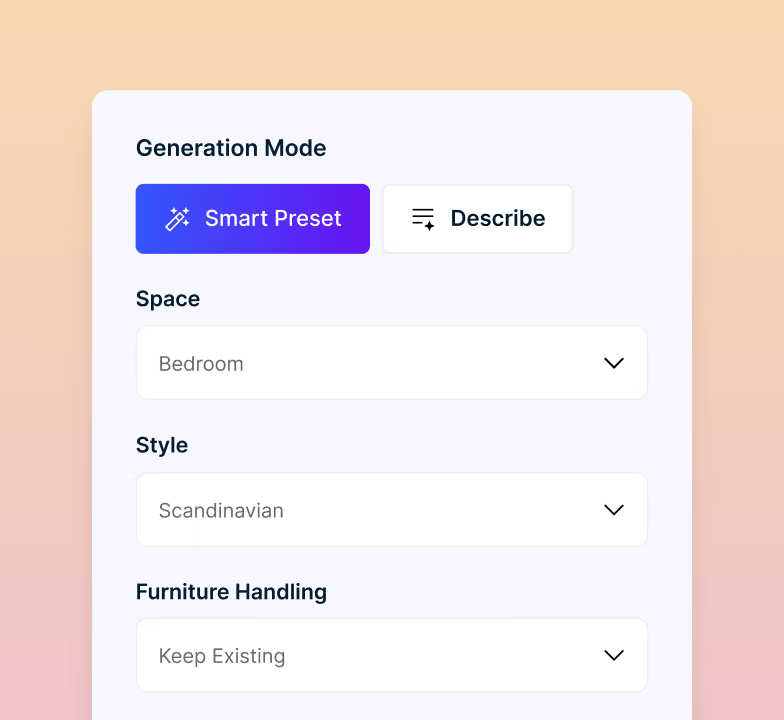
Before the redesign runs, choose how much of your existing furniture you want to keep. You can work around pieces already in the photo, replace them, or start with an empty room.
- Keep your sofa, table, or other pieces
- Change the furniture without changing the layout
- Remove the furniture and start fresh
- Control how much freedom AI has
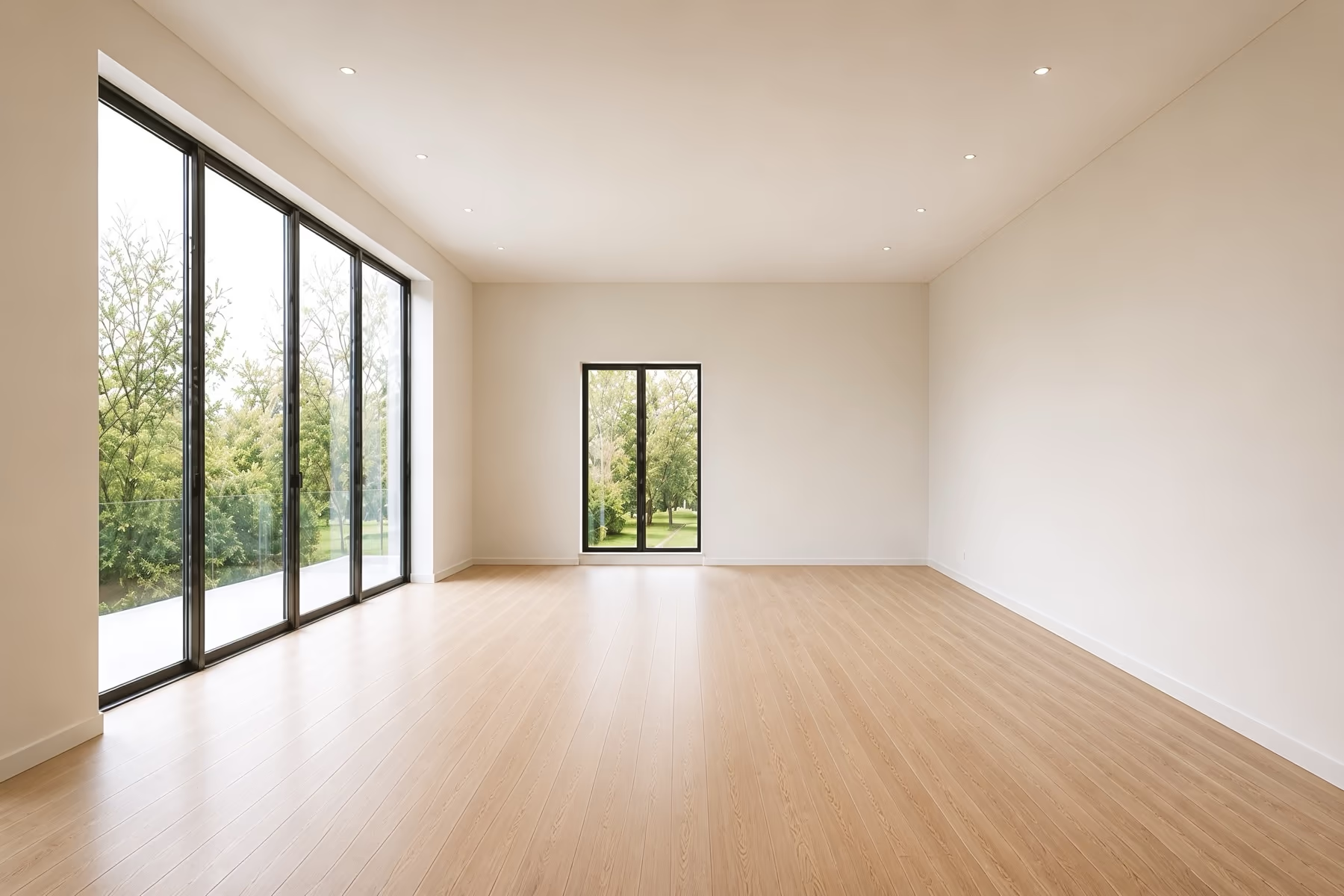
Change One Thing or the Whole Room
Change a single item, update one surface, or redesign the entire room. Select the areas you want to edit, and AI will focus on those changes while keeping the rest of your space close to the original.
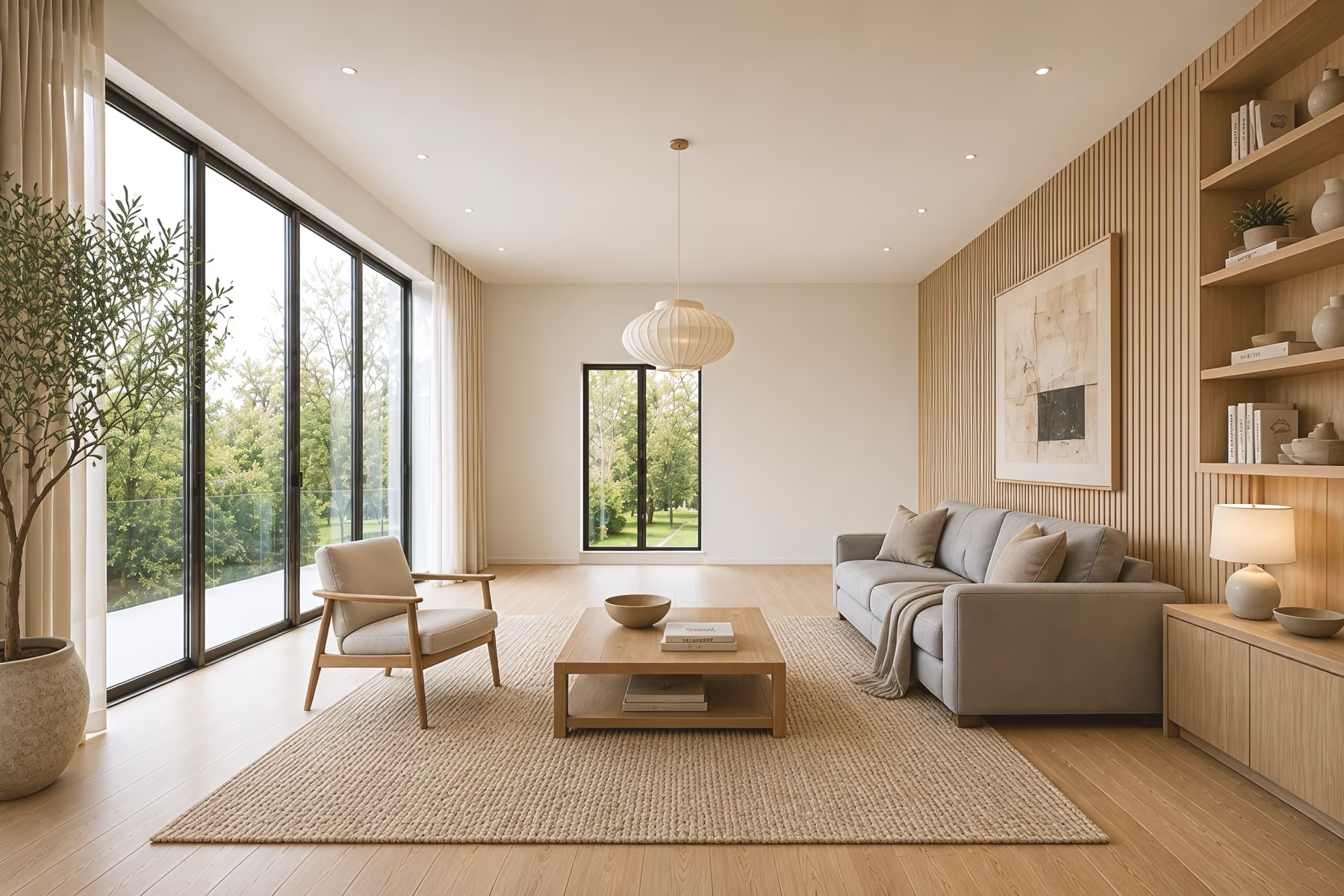
- 1Ceiling & LightsPendants, spotlights and ceiling finish
- 2WindowsCurtains, blinds, shutters and frames
- 3Walls & PaintColor, wallpaper, paneling and texture
- 4StorageShelving, cabinets and built-in units
- 5Wall DecorArt, mirrors and what sits on them
- 6FurnitureSofas, chairs and tables, swapped or moved
- 7TextilesRugs, cushions, throws and seat fabric
- 8FlooringWood, tile, vinyl, carpet and rug placement
Magic Edit Brush
Paint over a wall, floor, or furniture item and describe the change. AI edits only the area you selected.
Remove Any Object
Select unwanted furniture, clutter, or fixtures. AI removes the object and fills the empty area with a natural-looking background.
Lock What Stays
DecorAI lists the objects it finds in your photo. Pick the ones to keep exactly as they are, and the redesign changes everything around them.
Repaint One Surface
Change the color or material of one wall, floor, or cabinet front. Shadows and texture stay as they were.
Upscale to Print
Increase your design to 4 times its resolution for printing or client presentations.
Widen the Photo
Add more space around the edges of a narrow image to show a wider and more complete view of the room.
Fix the Lighting
Change the lighting or time of day to make a dark or poorly lit room image look clearer and brighter.
Keep Designs Private
Turn on private mode so only you can see the room images and designs saved in your DecorAI account.
Describe It Instead
Skip the style list. Type what you want and the AI follows your words instead of a preset.
Start With a Clear Photo of Your Room
A clear, bright, and well-framed image helps AI understand your space. Follow these simple tips to get more accurate and realistic AI room design results.
Shoot From a Corner
Take the photo from a corner and use about 0.5x zoom so two walls, the floor, and part of the ceiling are visible. This gives AI a wider, clearer view of the room.
Turn On the Lights
Open the curtains and turn on the room lights before taking the image. Better lighting helps AI show colors, furniture, and surfaces more clearly.
Move the Clutter
You do not need to clear the room first. DecorAI can handle everyday clutter, but moving loose items gives you a cleaner view of the space.
Keep One Room in Frame
Focus on the room or area you want to redesign. Avoid showing nearby hallways or other rooms unless they are part of the project.
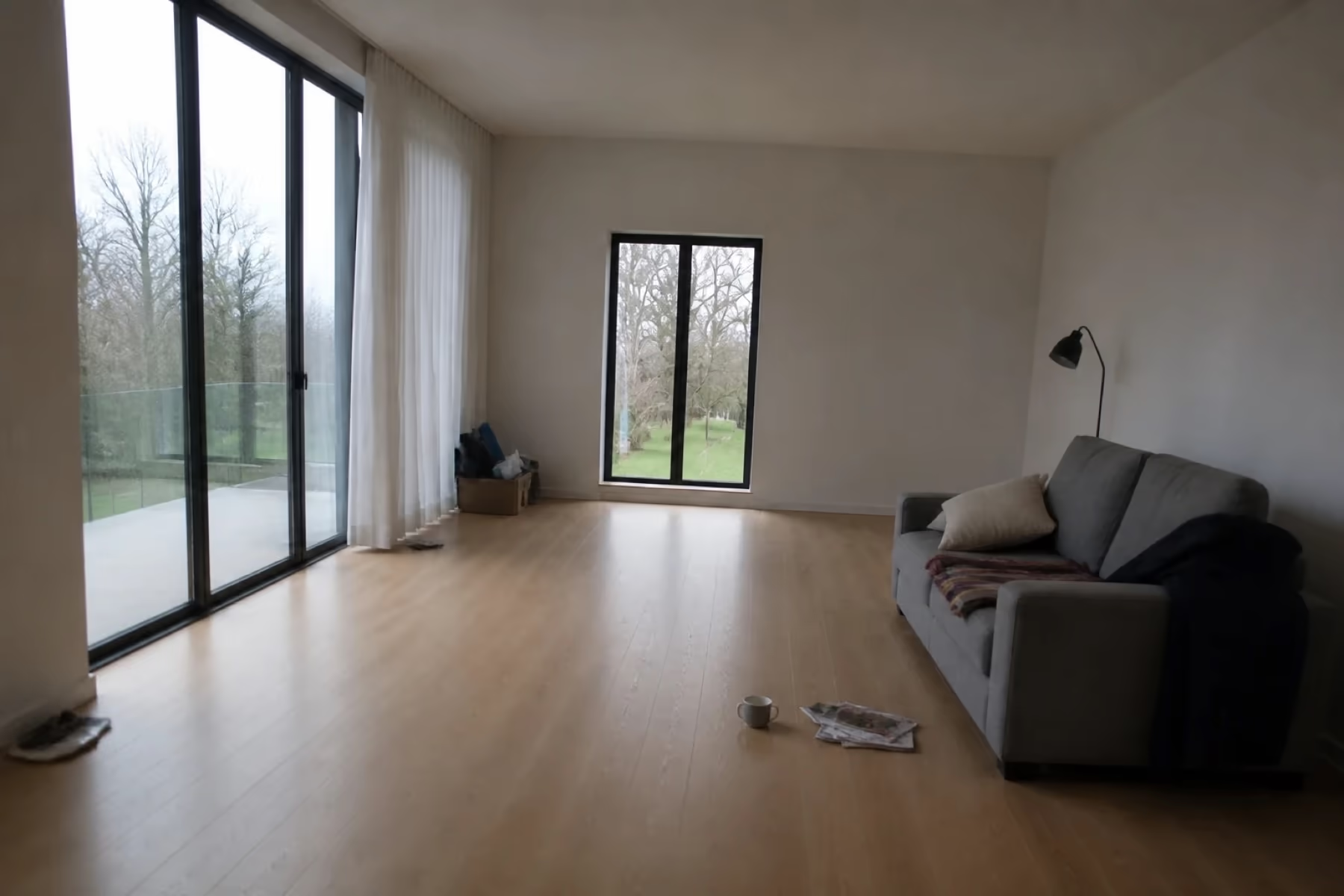 Poor photo
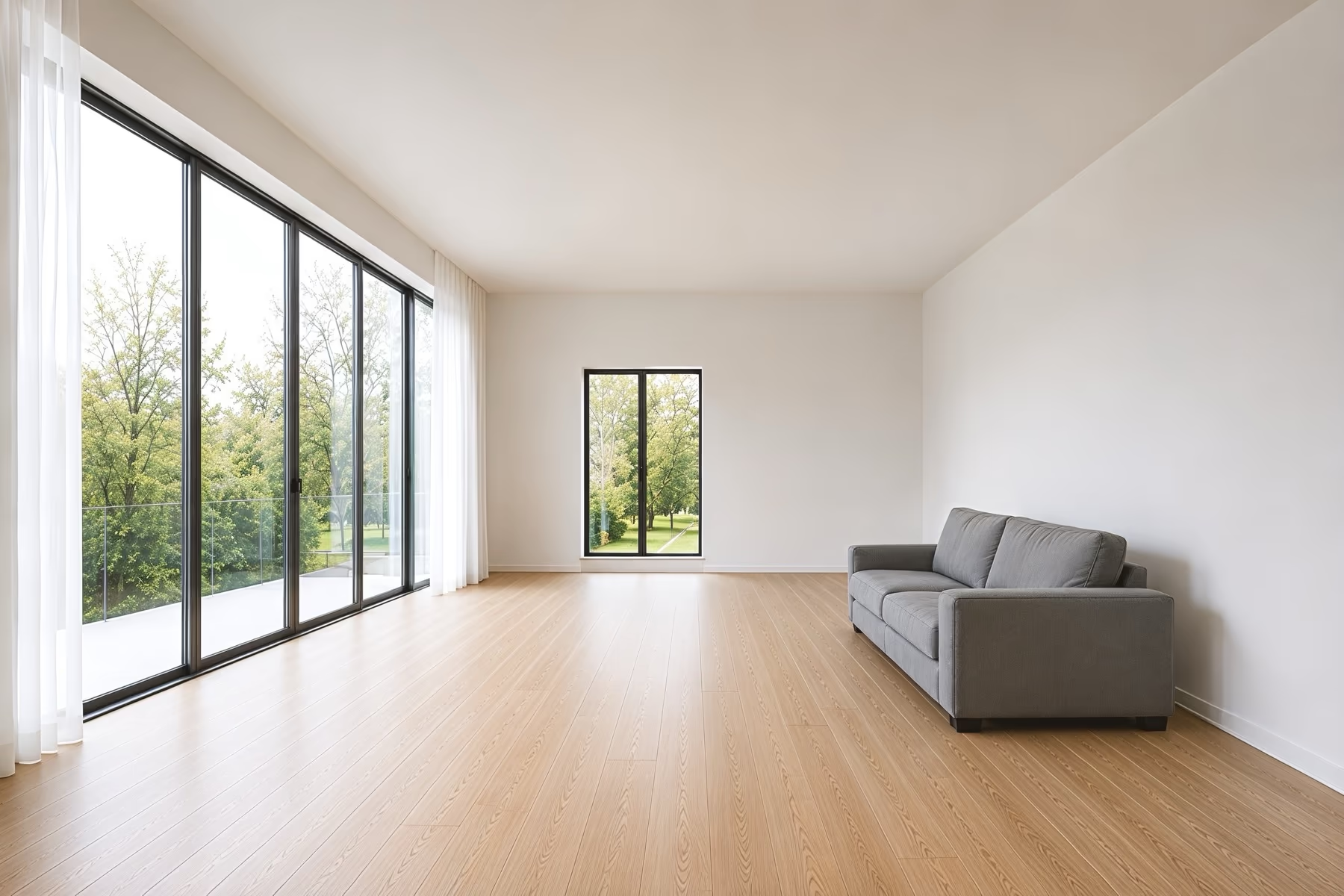 Good photo
AI Room Design vs Pinterest and a Designer
What you need
Interior designer
Mood boards and Pinterest
Shows your actual room
Covers unusual room types
Get a first design quickly
Try many styles quickly
Photorealistic result
Unlimited revisions
See it before you buy furniture
Costs less than one hour of design time
Each column shows full support, partial support, or no support. Based on our own testing.
One platform for every space.
No design experience needed. See your space in a new style in about 30 seconds.
Design every room in your home with AI
Kitchens and bathrooms are in here too, and they also have dedicated tools with controls built for cabinets, countertops, tile and fixtures.
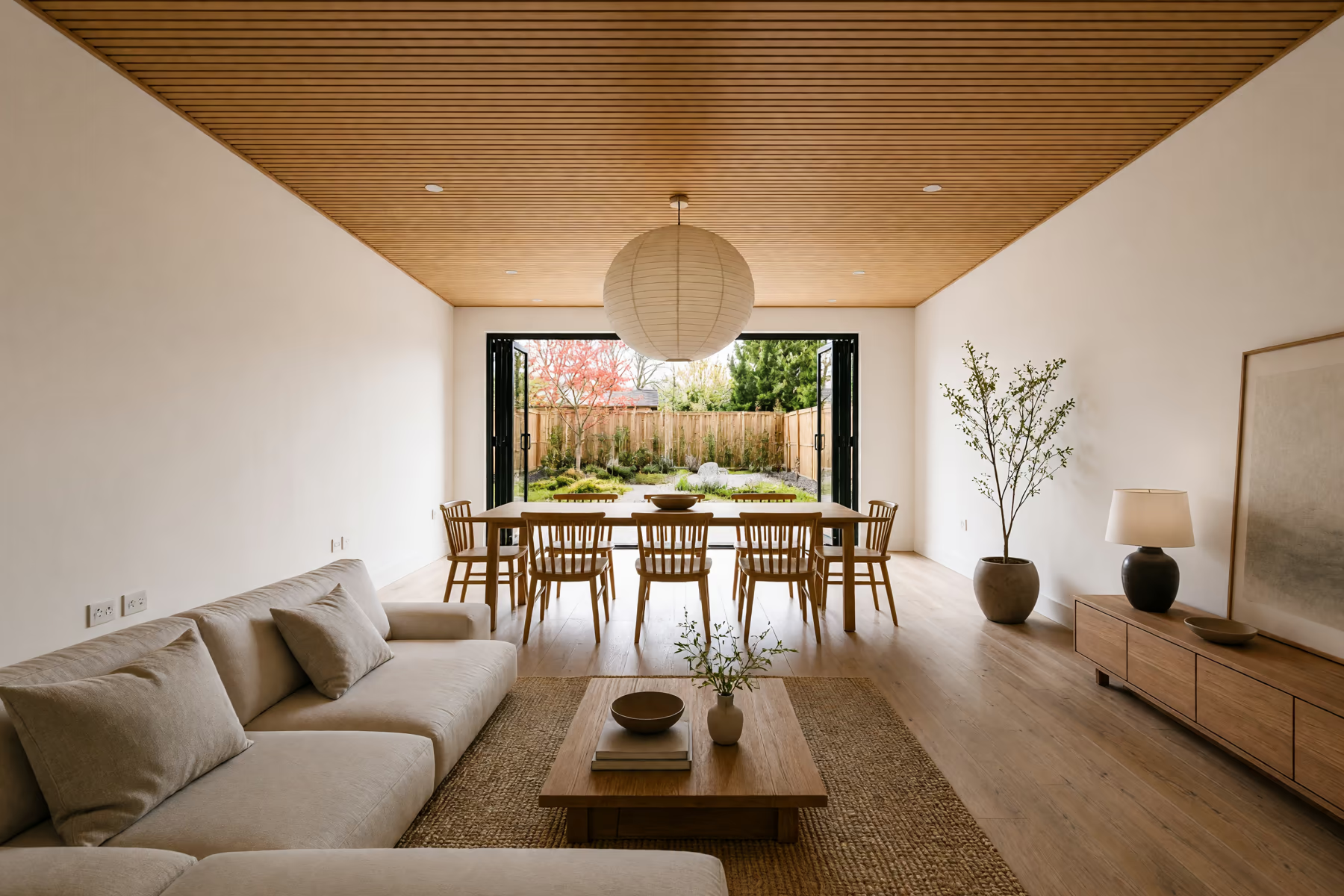
Home Design
Work through your whole home, from the living room to the front porch and backyard.
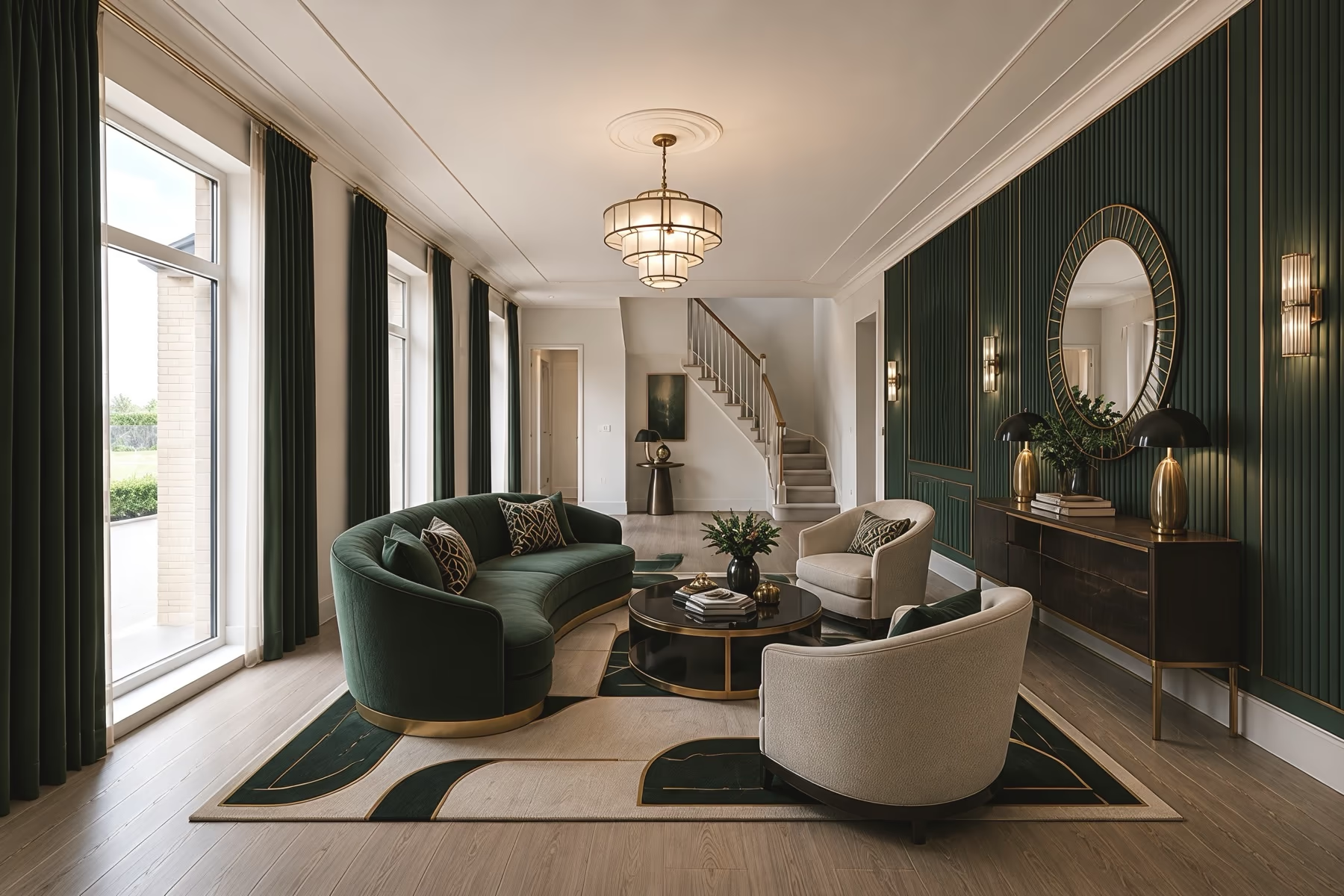
Interior Design
Try new furniture, wall colors and materials in the rooms you already live in.
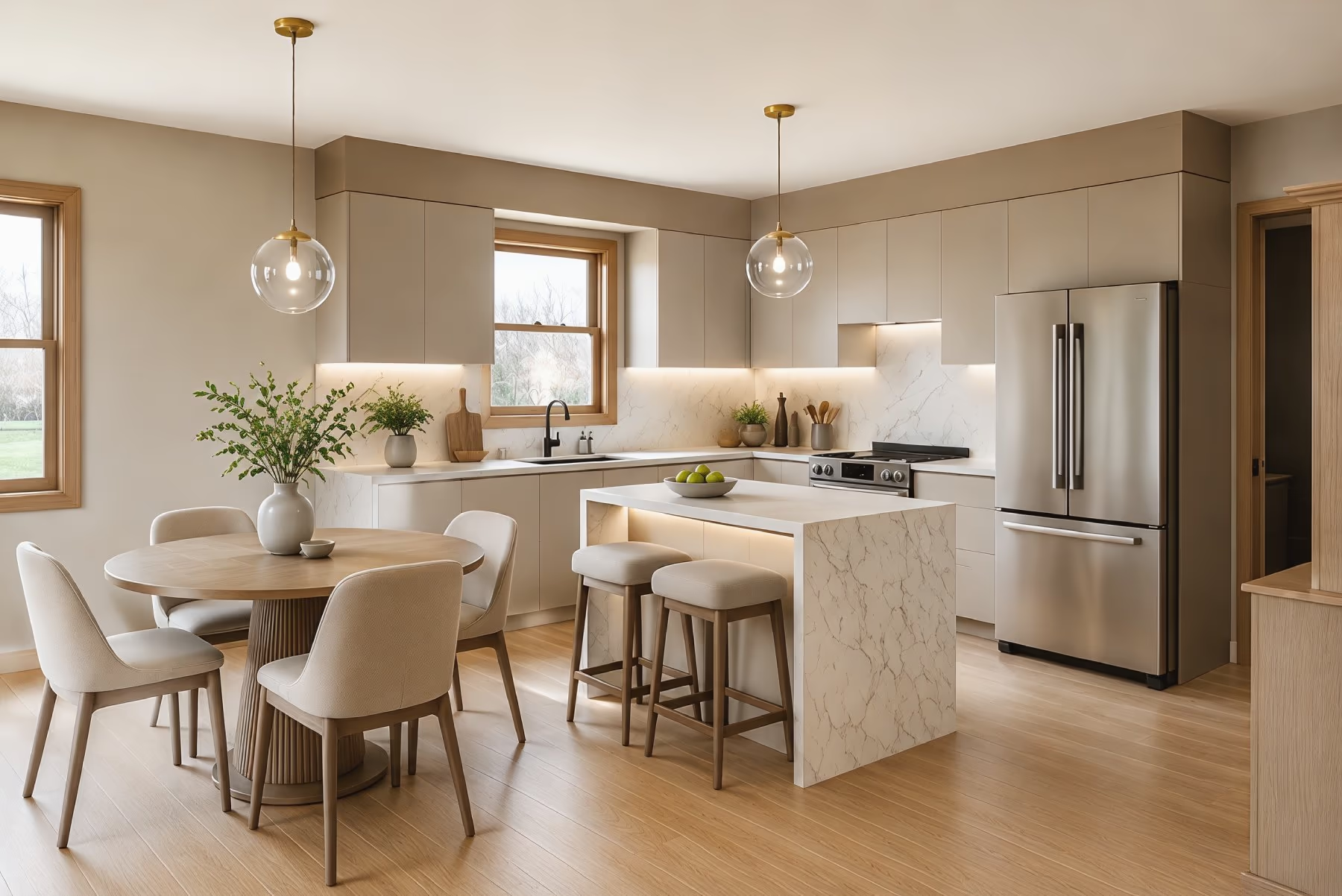
Kitchen Design
See new cabinet colors, countertops, backsplash tile and flooring in your own kitchen.
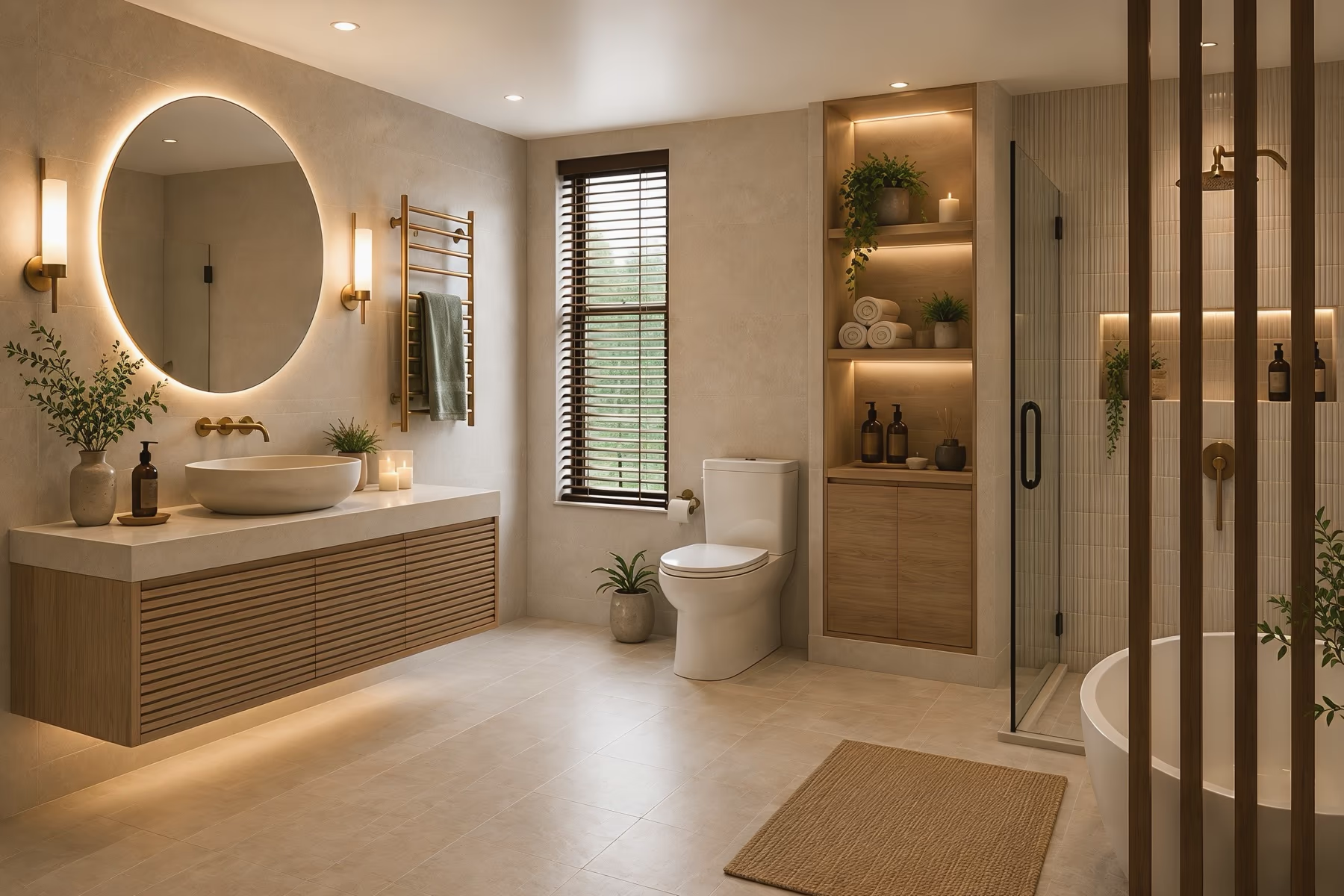
Bathroom Design
Pick a new vanity, wall tile, mirror and shower look before you start a remodel.
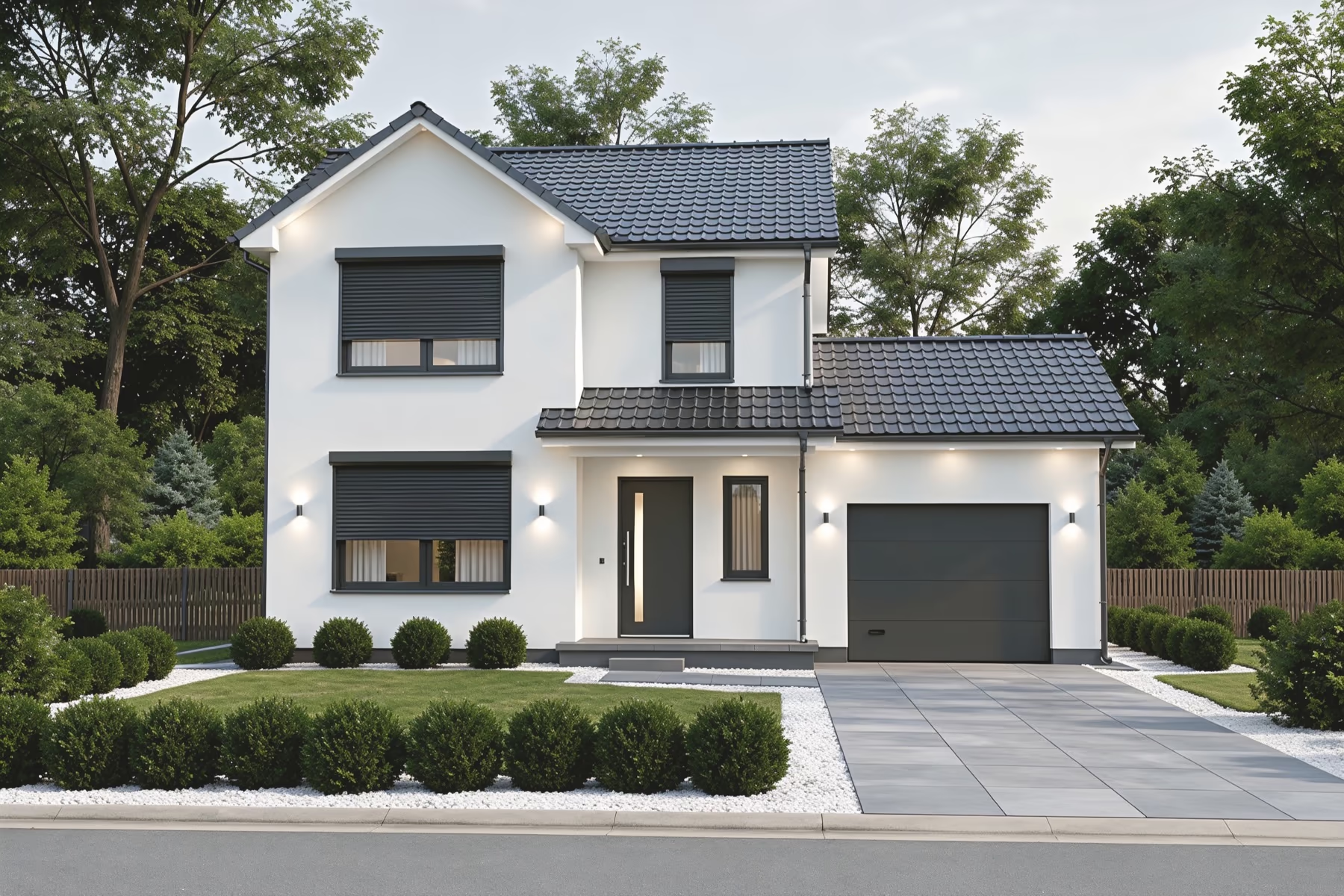
Exterior Design
Test siding, roof colors, paint and a new front door on a photo of your house.
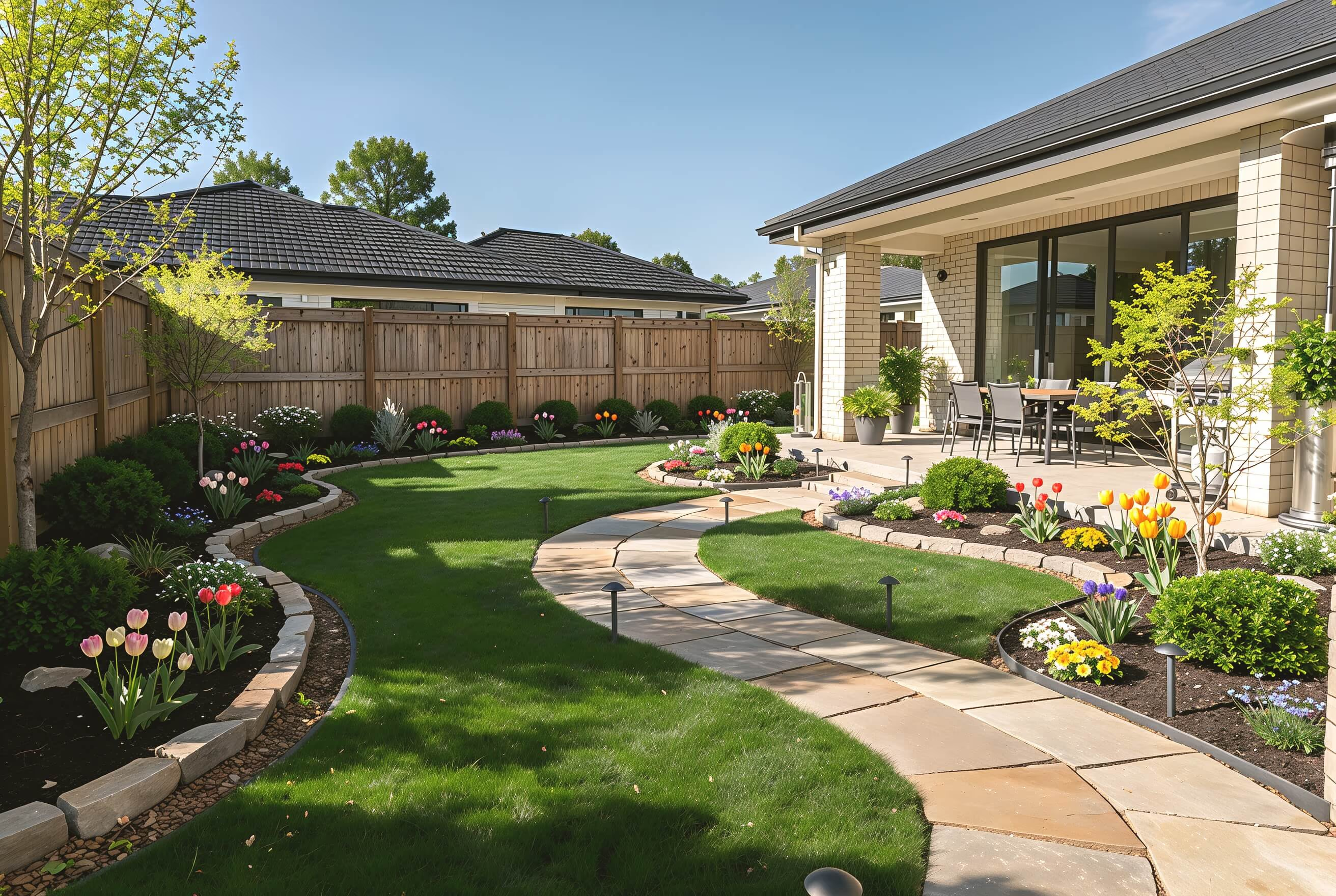
Landscape Design
Plan paths, patios, lawn and planting for your backyard or front yard.
Explore Design Styles
Choose from 54 interior styles, including Japandi, Mid-Century, Art Deco, and Coastal. Apply different looks to your room and compare the results side by side.
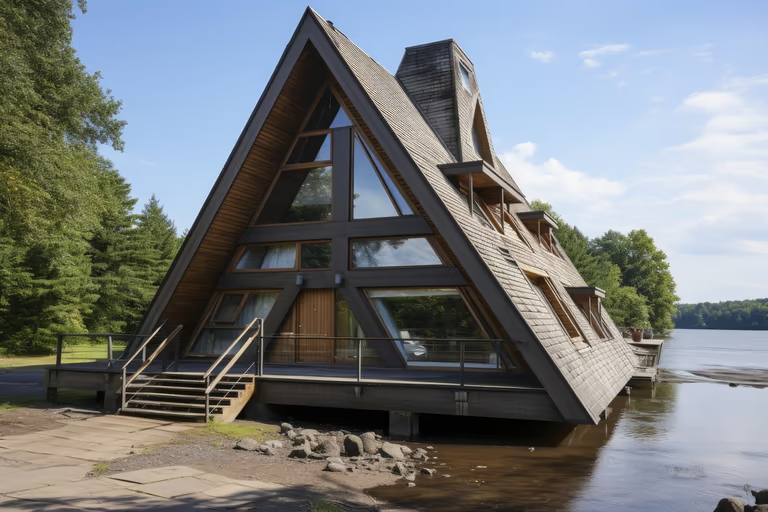 A-Frame
 Cottage Garden
 English Garden
 Japanese Garden
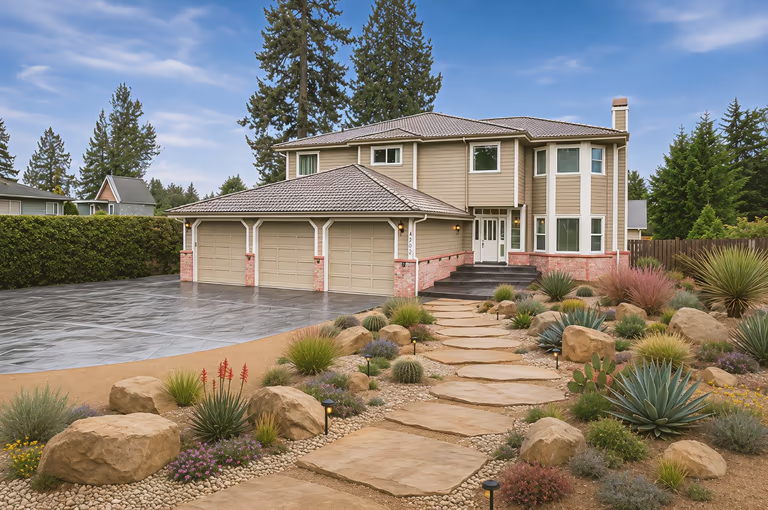 Xeriscape
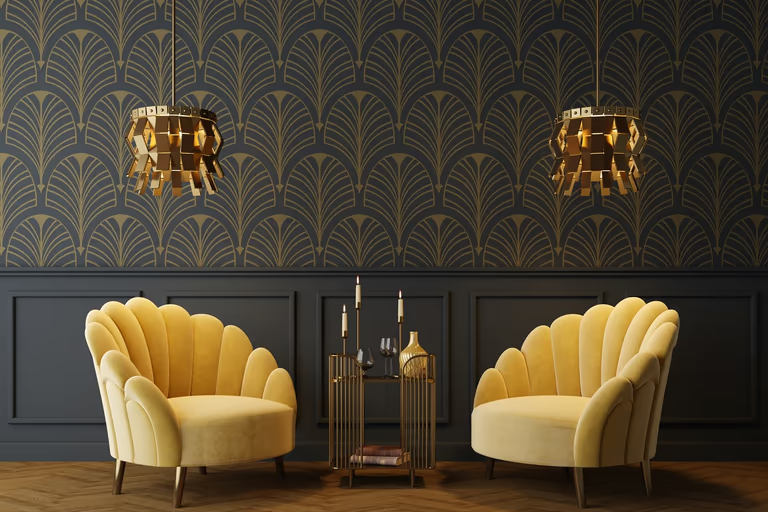 Art Deco
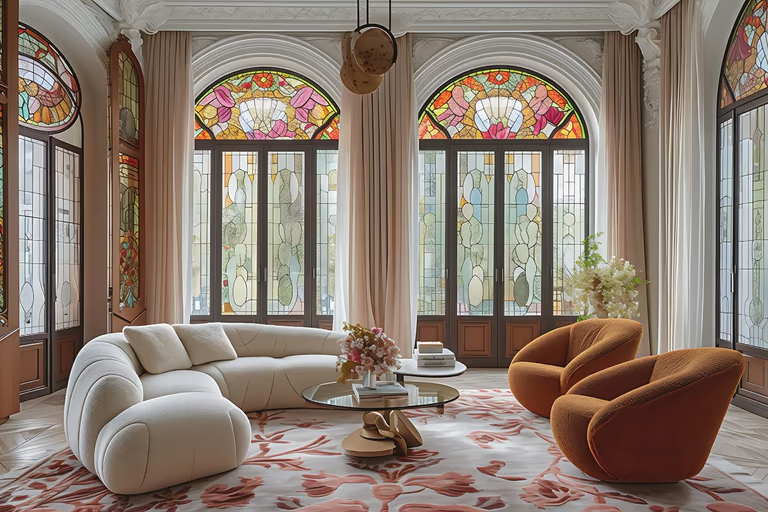 Art Nouveau
 Baroque
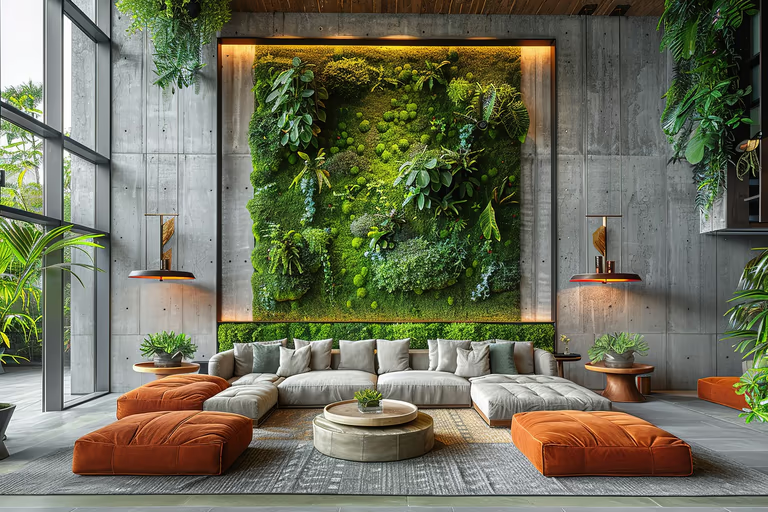 Biophilic
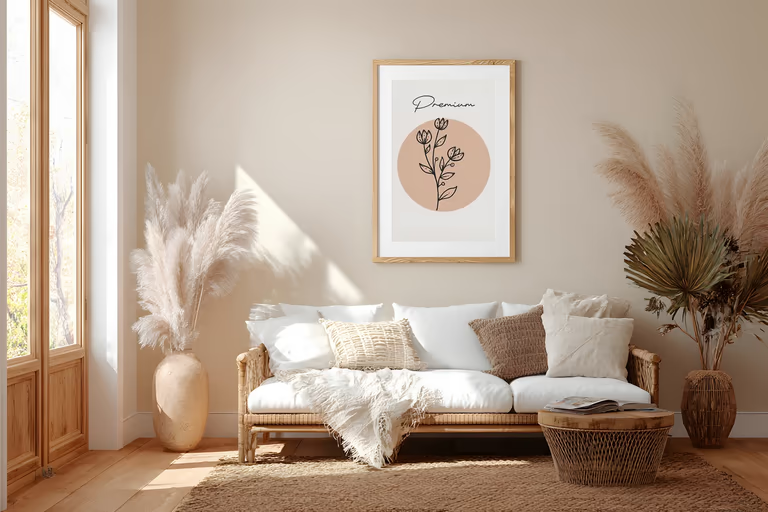 Bohemian
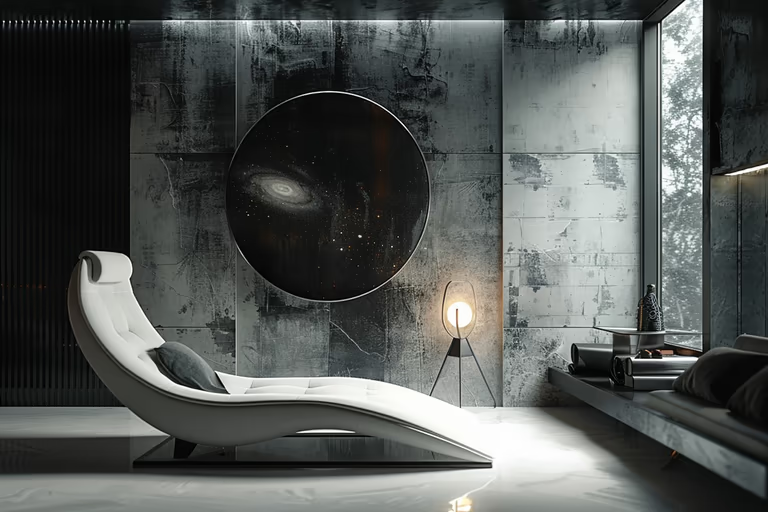 Brutalist
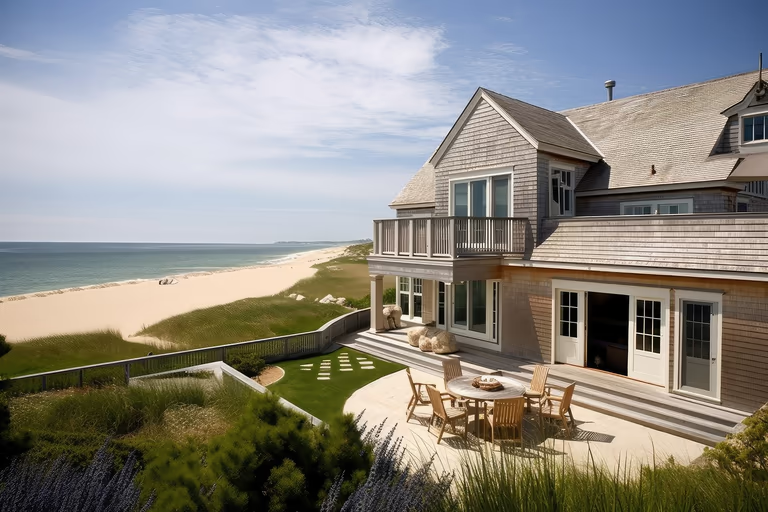 Cape Cod
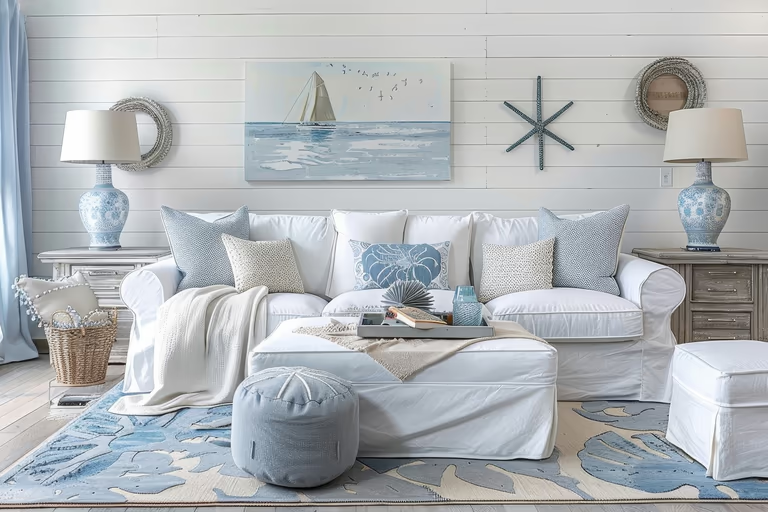 Coastal
 Colonial
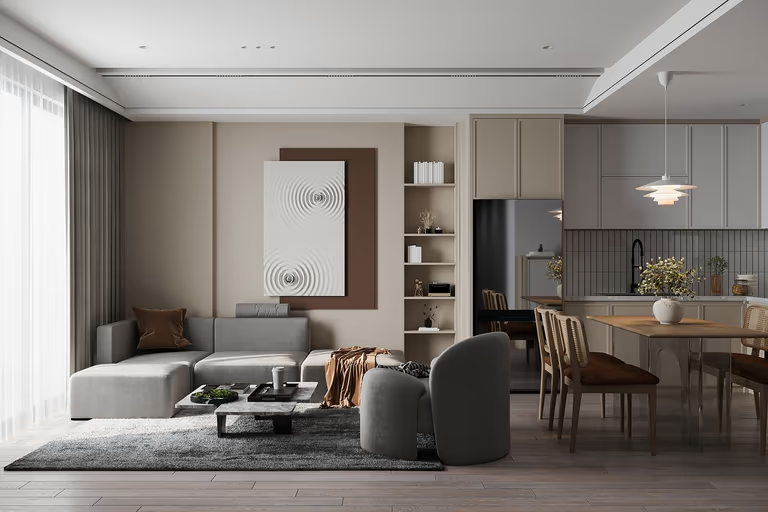 Contemporary
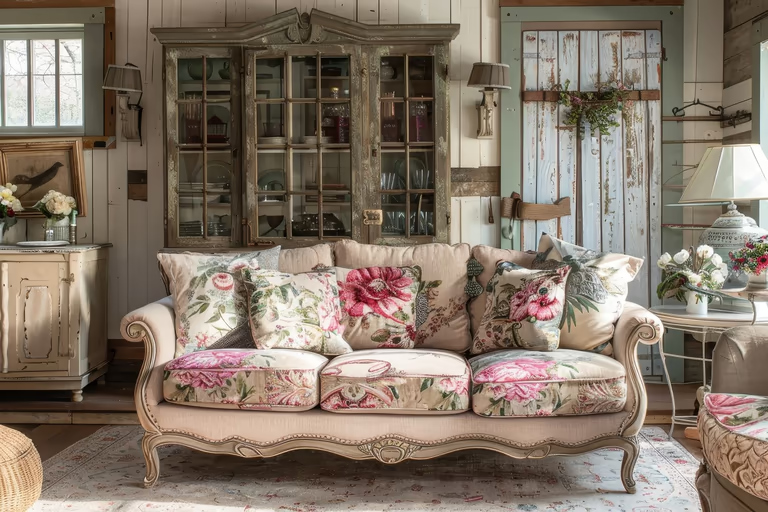 Cottagecore
 Craftsman
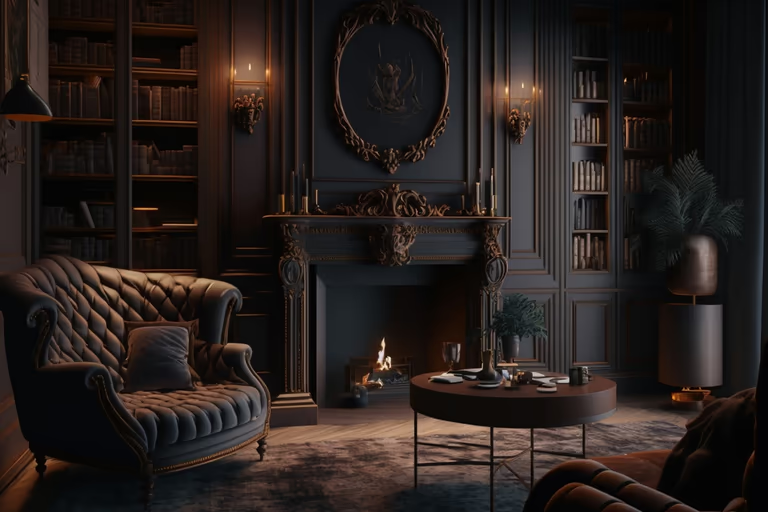 Dark Academia
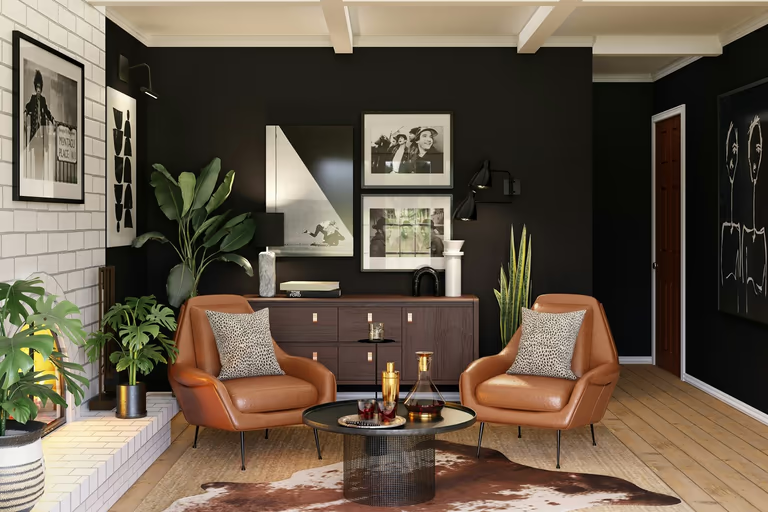 Eclectic
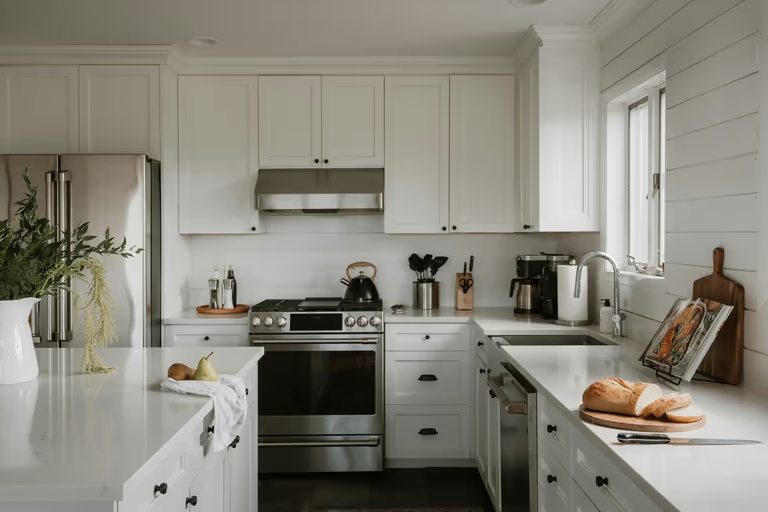 Farmhouse
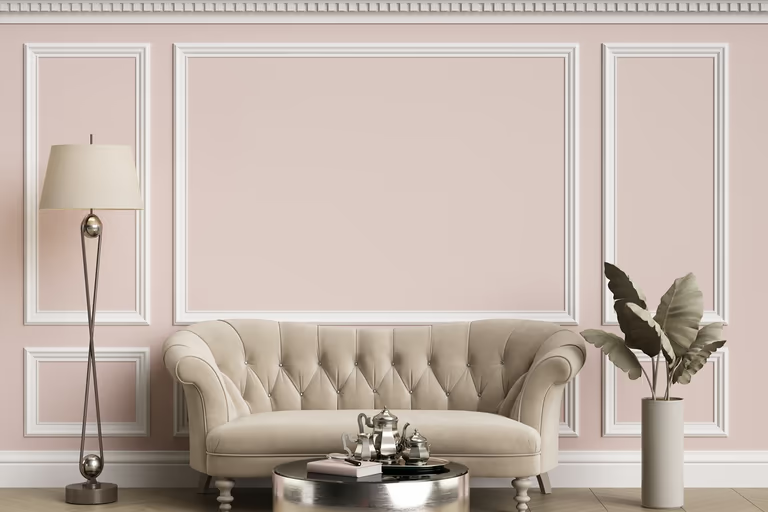 French Country
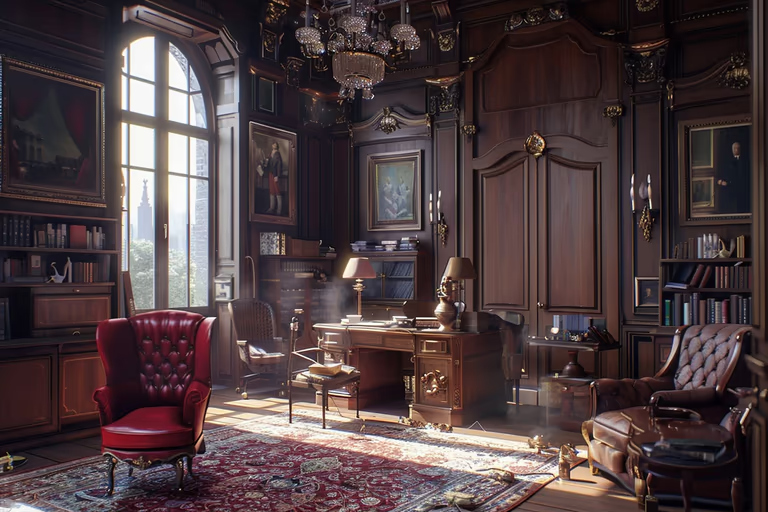 Gothic
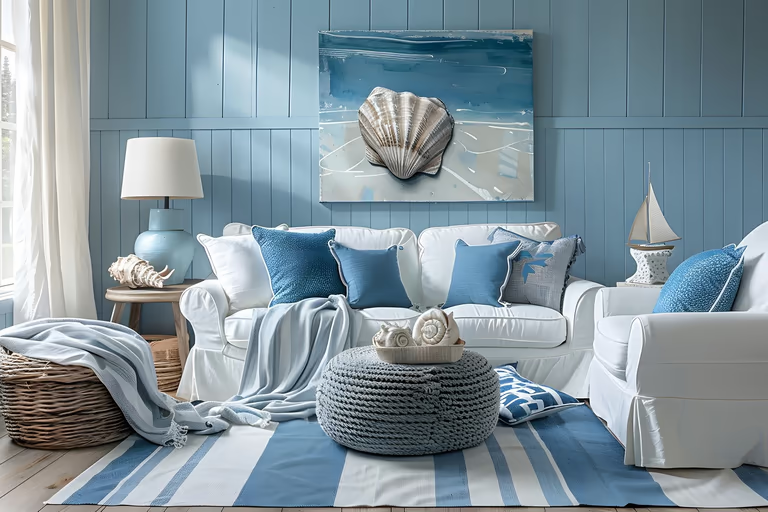 Hamptons
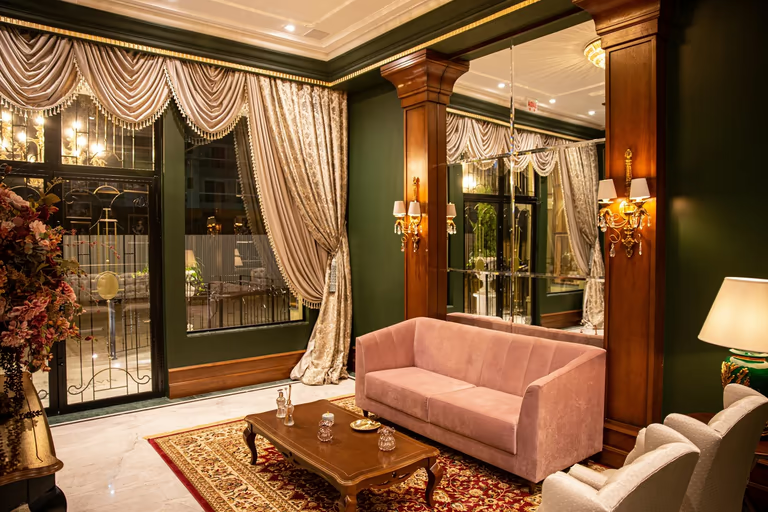 Hollywood Regency
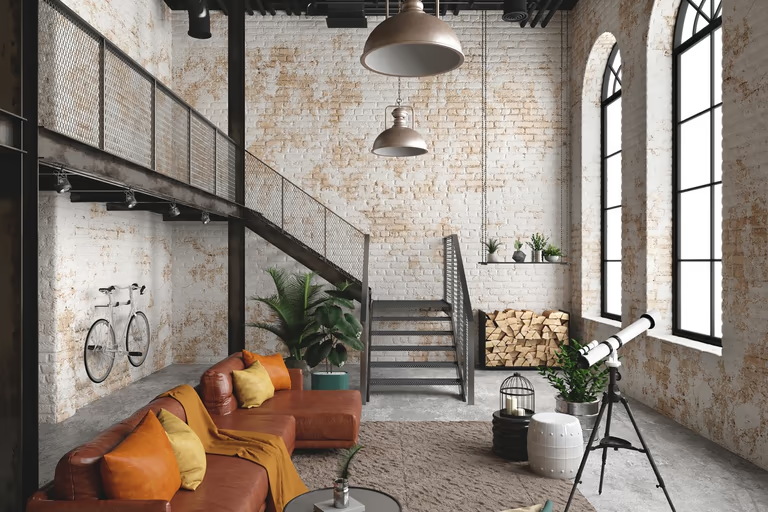 Industrial
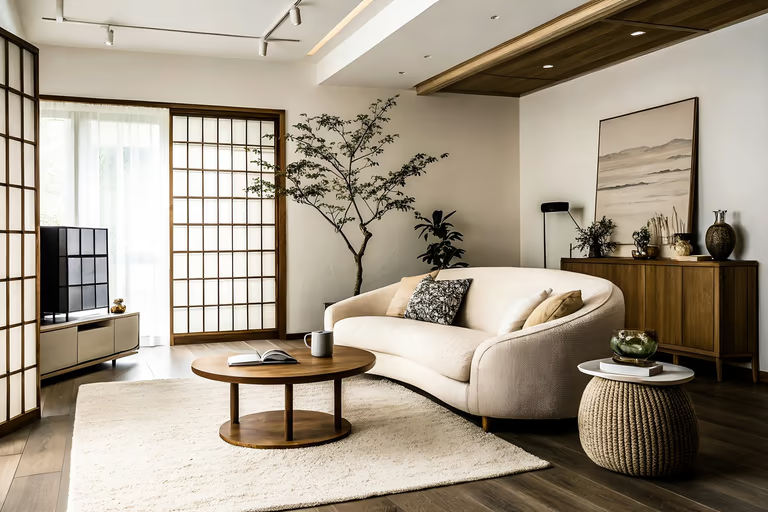 Japandi
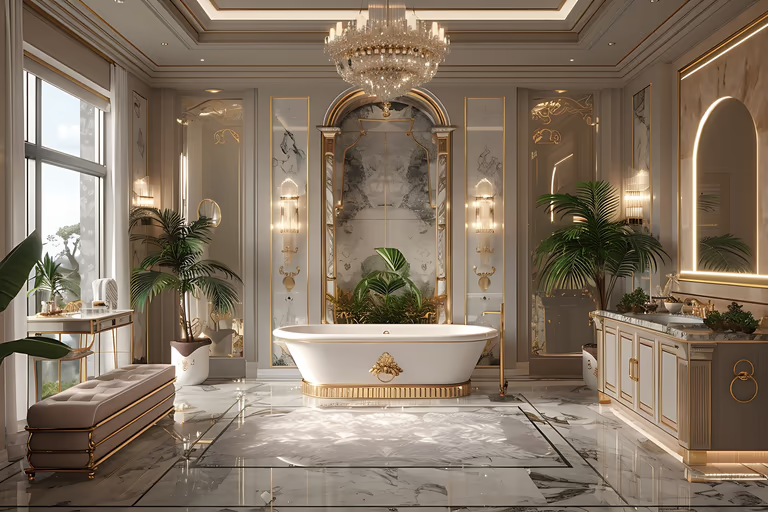 Luxury
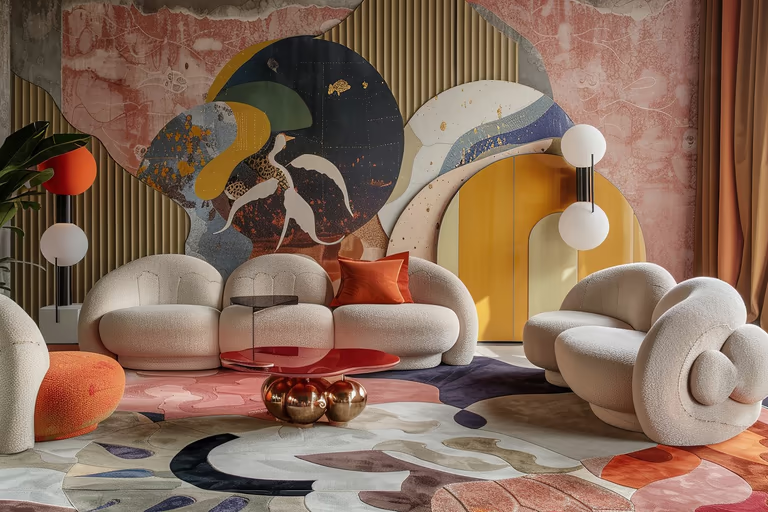 Maximalist
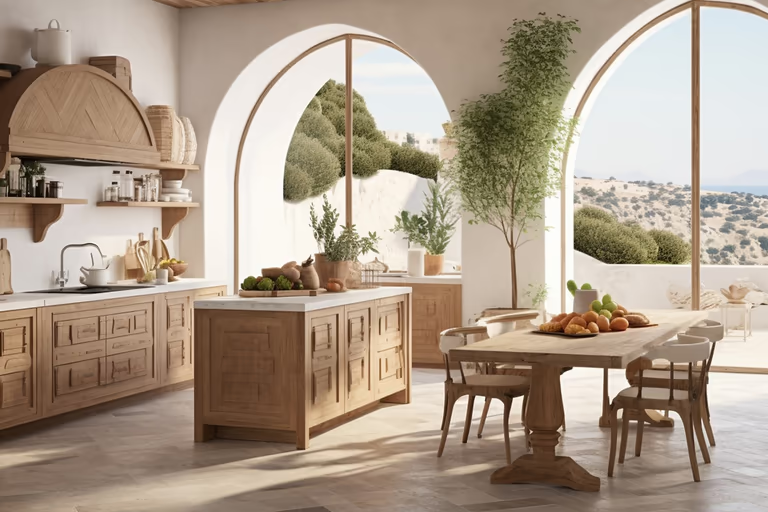 Mediterranean
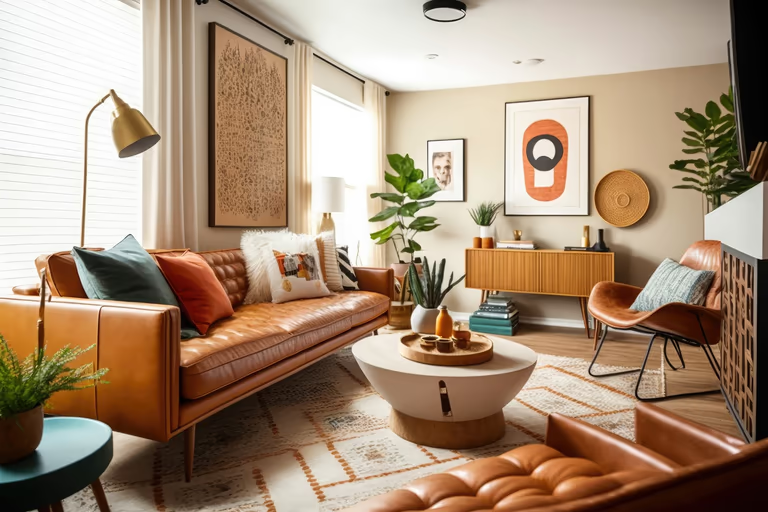 Mid-Century Modern
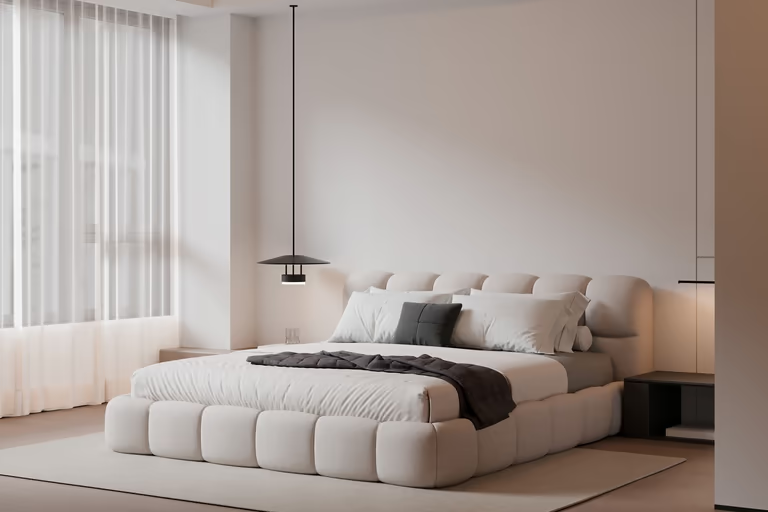 Minimalist
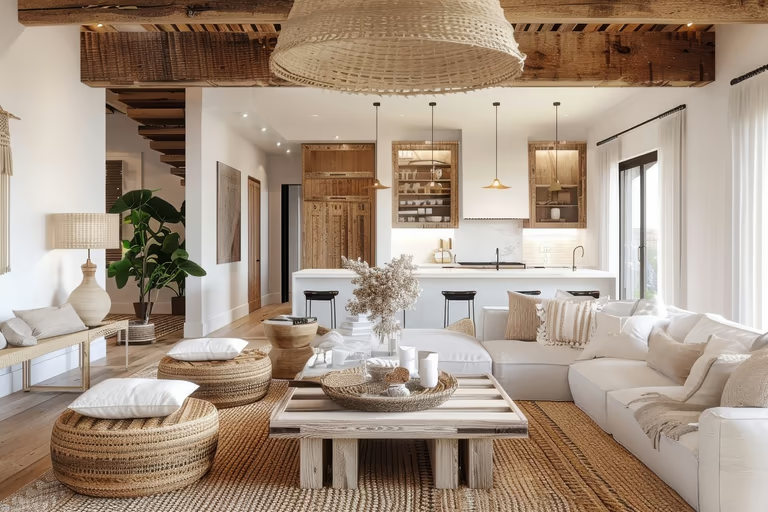 Modern Farmhouse
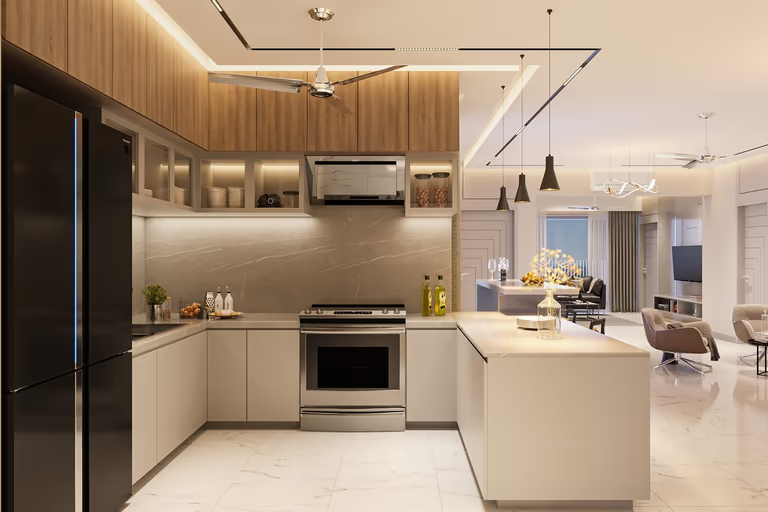 Modern
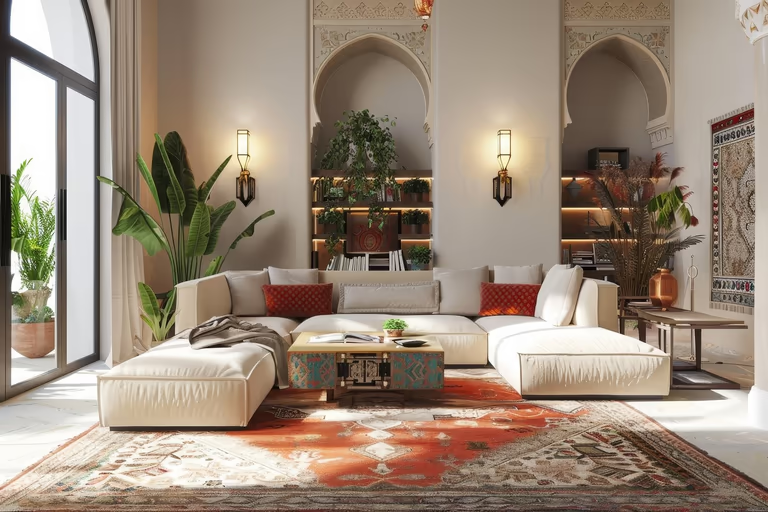 Moroccan
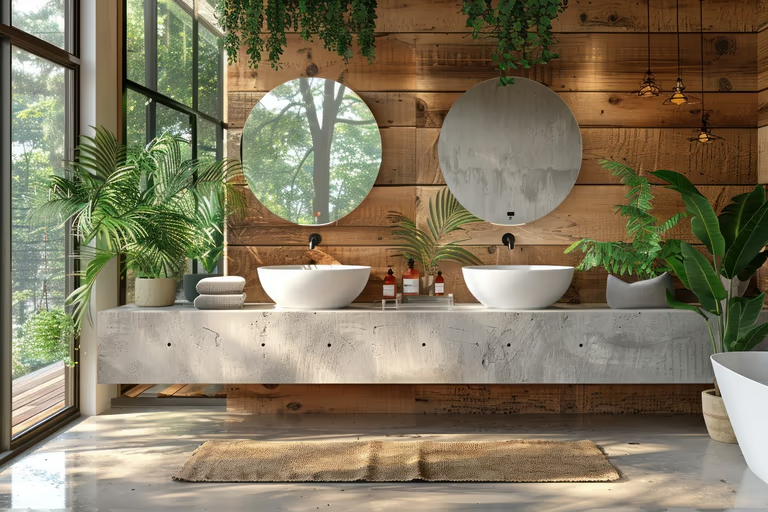 Organic Modern
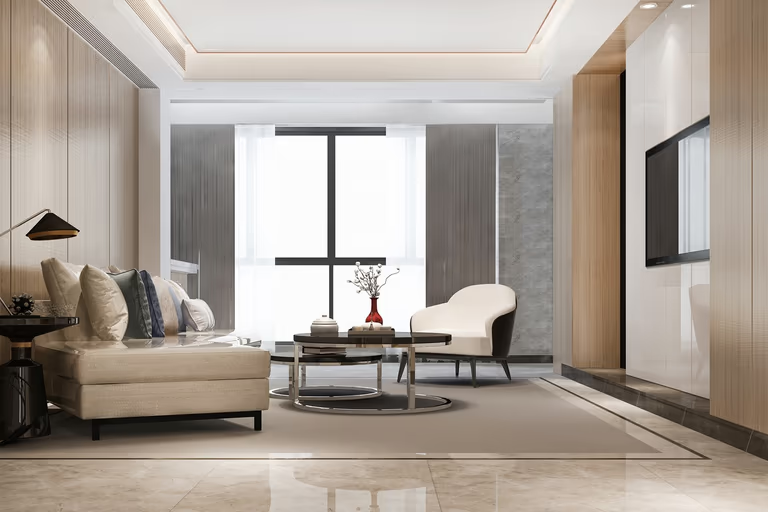 Quiet Luxury
 Ranch
Ranch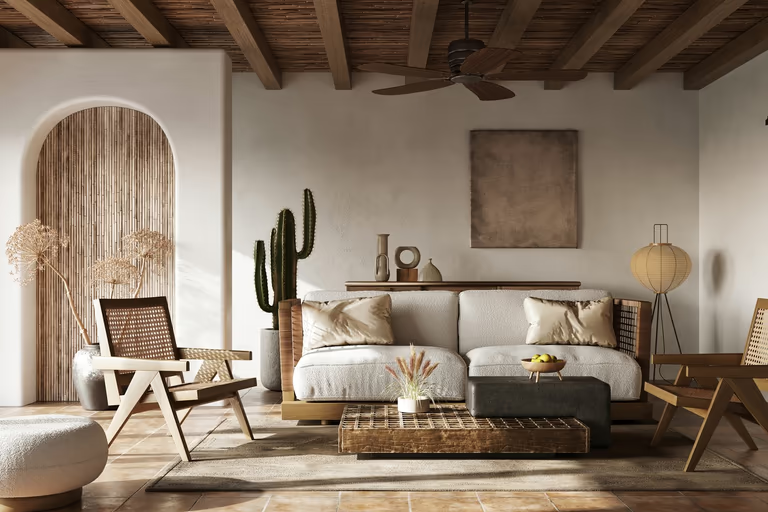 Rustic
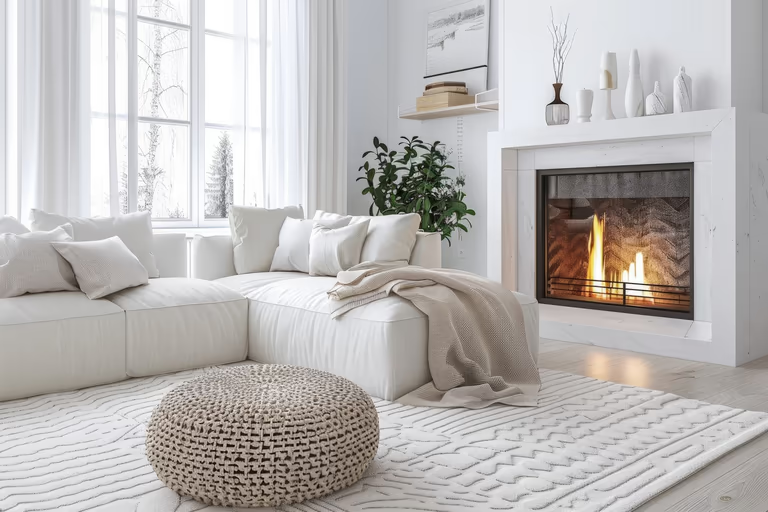 Scandinavian
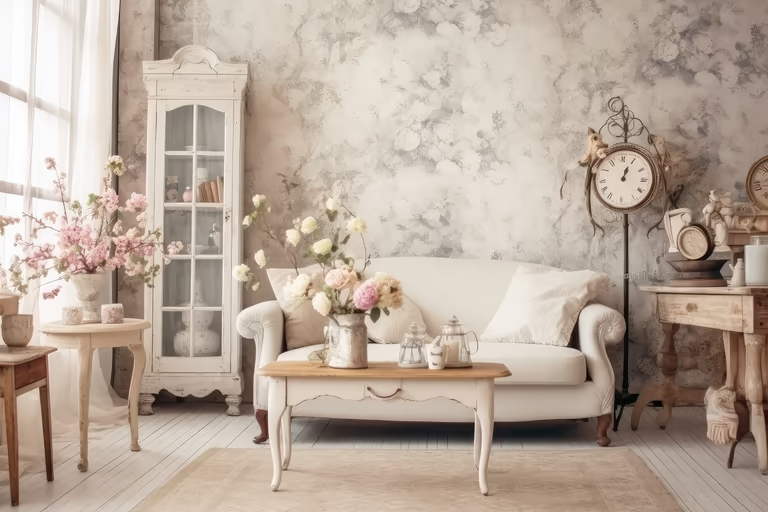 Shabby Chic
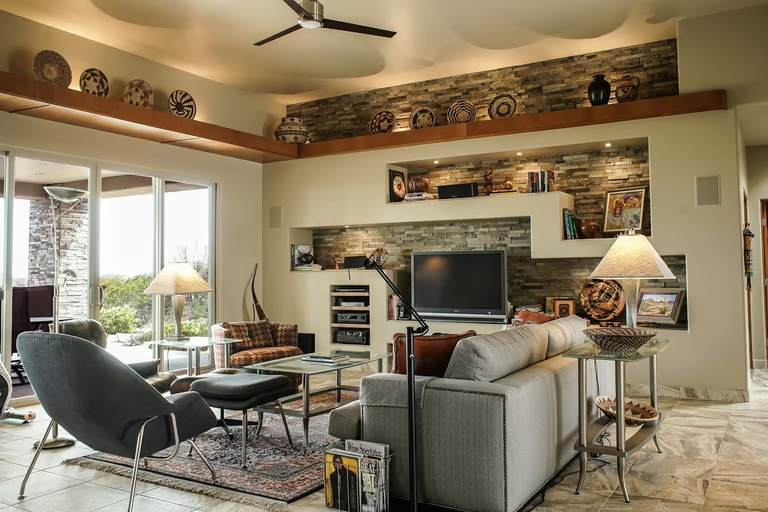 Southwestern
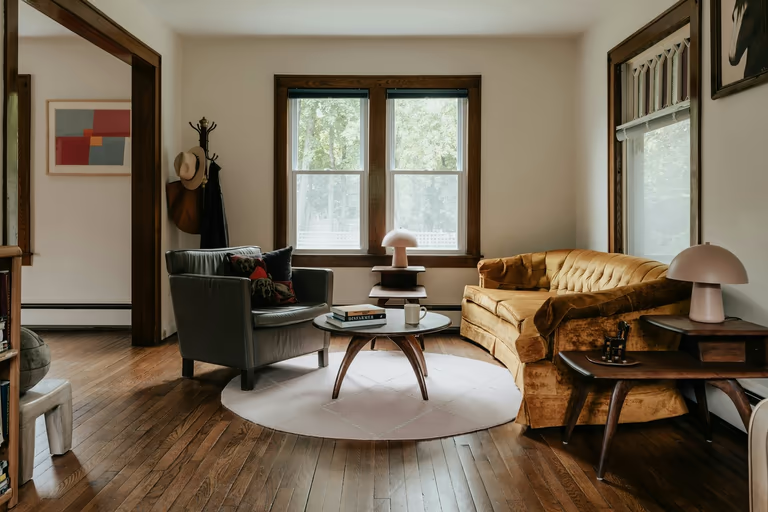 Traditional
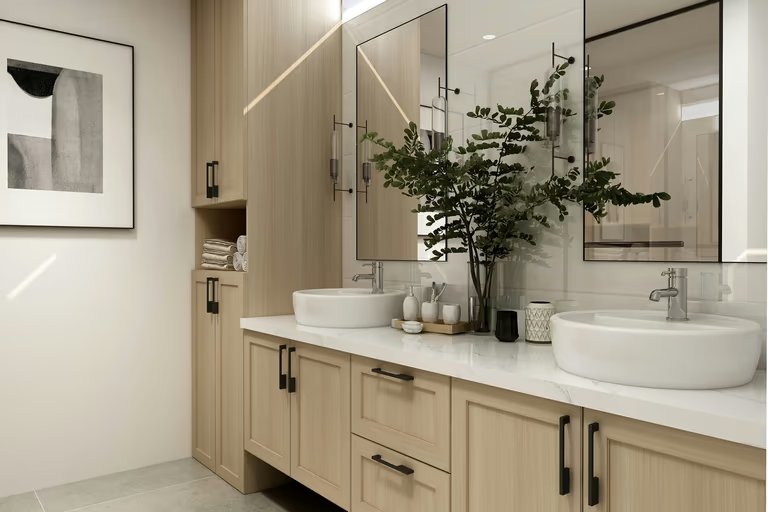 Transitional
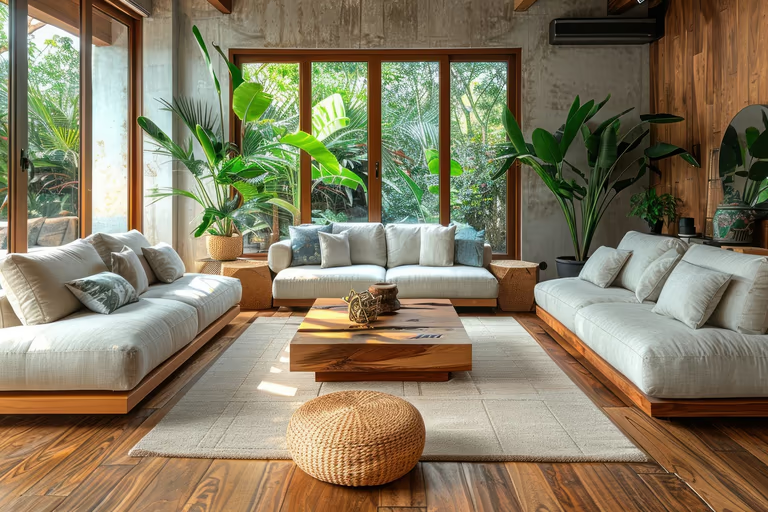 Tropical
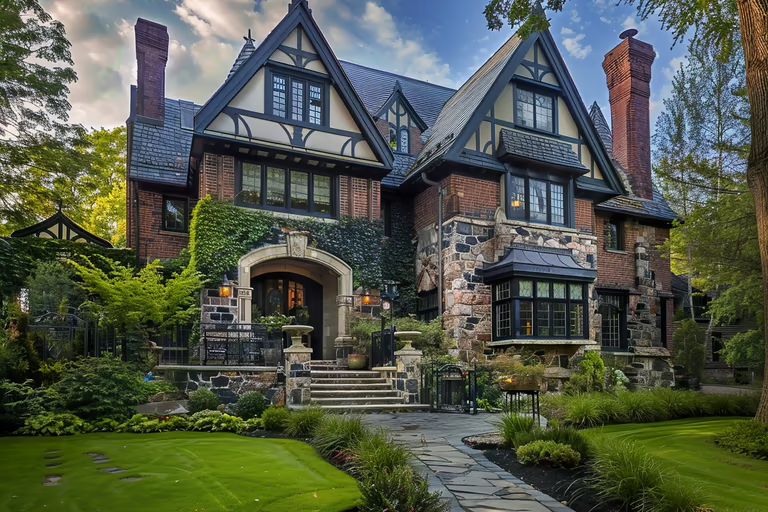 Tudor
Tudor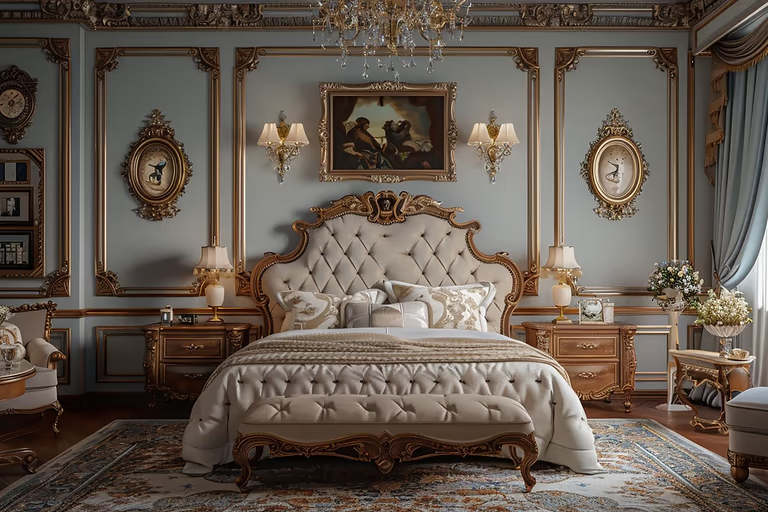 Victorian
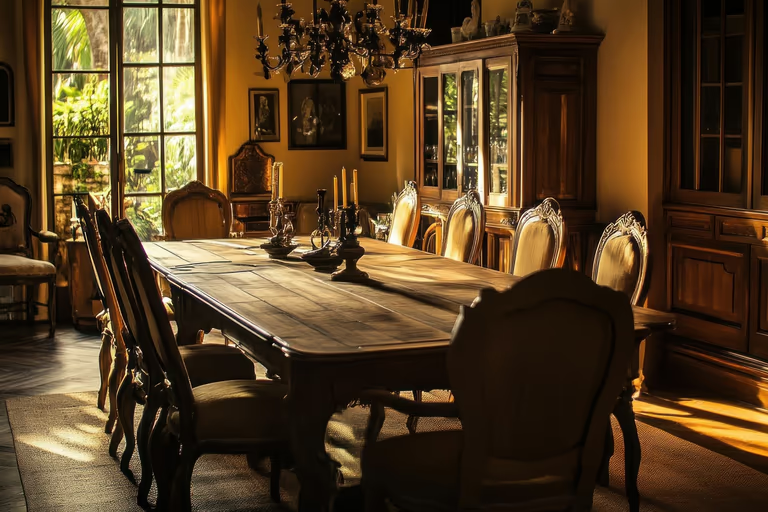 Vintage
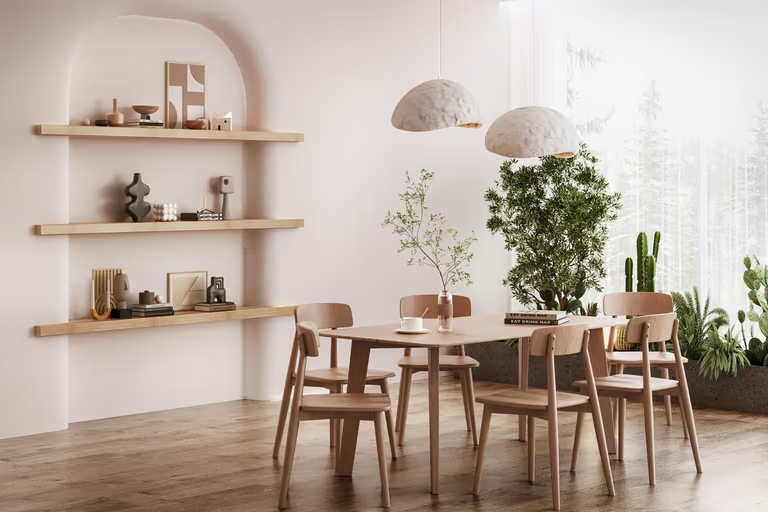 Wabi-Sabi
AI Room Design FAQs
Find clear answers about room photos, design styles, furniture changes, AI settings, pricing, and commercial use before creating your first design.
What is AI room design?
AI room design uses artificial intelligence to create room ideas from a photo. It can suggest different styles, colors, furniture, layouts, and decor for your space.
How does AI room design work?
Start with a picture of the room, pick a style, and the AI makes a new design. Some tools also let you type what you want instead of picking a style.
Can AI design a room from a photo?
A room photo is all you need. Upload it and DecorAI shows the space with different furniture, colors, finishes, and decor.
What room styles can AI generate?
DecorAI has 54 interior styles, from Modern and Scandinavian to Japandi, Art Deco, Wabi-Sabi, and Dark Academia. Every style works with your room photo.
Can AI redesign my bedroom?
You can use AI to try different bedroom styles, furniture ideas, wall colors, lighting, flooring, and decor while working from an existing room photo.
Can ChatGPT design my room?
Yes. ChatGPT can suggest layouts, colors, furniture, decor, and styles based on your room photo. DecorAI goes further by creating photorealistic redesigns of the room so you can see the ideas before making changes.
Can AI redesign my living room?
AI can create living room designs with different furniture, layouts, colors, lighting, and decor. With DecorAI you apply those ideas to your own room photo and see the result.
Can I tell AI how I want my room to look?
Yes. Type what you want in plain language: warm wood tones, a low sofa, and no ceiling light. Name real materials, colors, and pieces instead of a mood, and the AI has something concrete to work from. You can also set how far it is allowed to move away from what you asked for.
Can I use DecorAI for AI room design?
DecorAI lets you upload a room photo and create AI redesigns in different styles. It can help you visualize a new look before decorating or renovating.
Is AI room design free?
DecorAI offers a 1-day trial that includes 3 designs. A payment card is required to start the trial.

Try AI Home Design Free
Upload a photo of your space and redesign it with AI in seconds. Explore styles, change details, and visualize your ideas before you make them real.
Start Free Trial