AI Bathroom Design
Before You Remodel
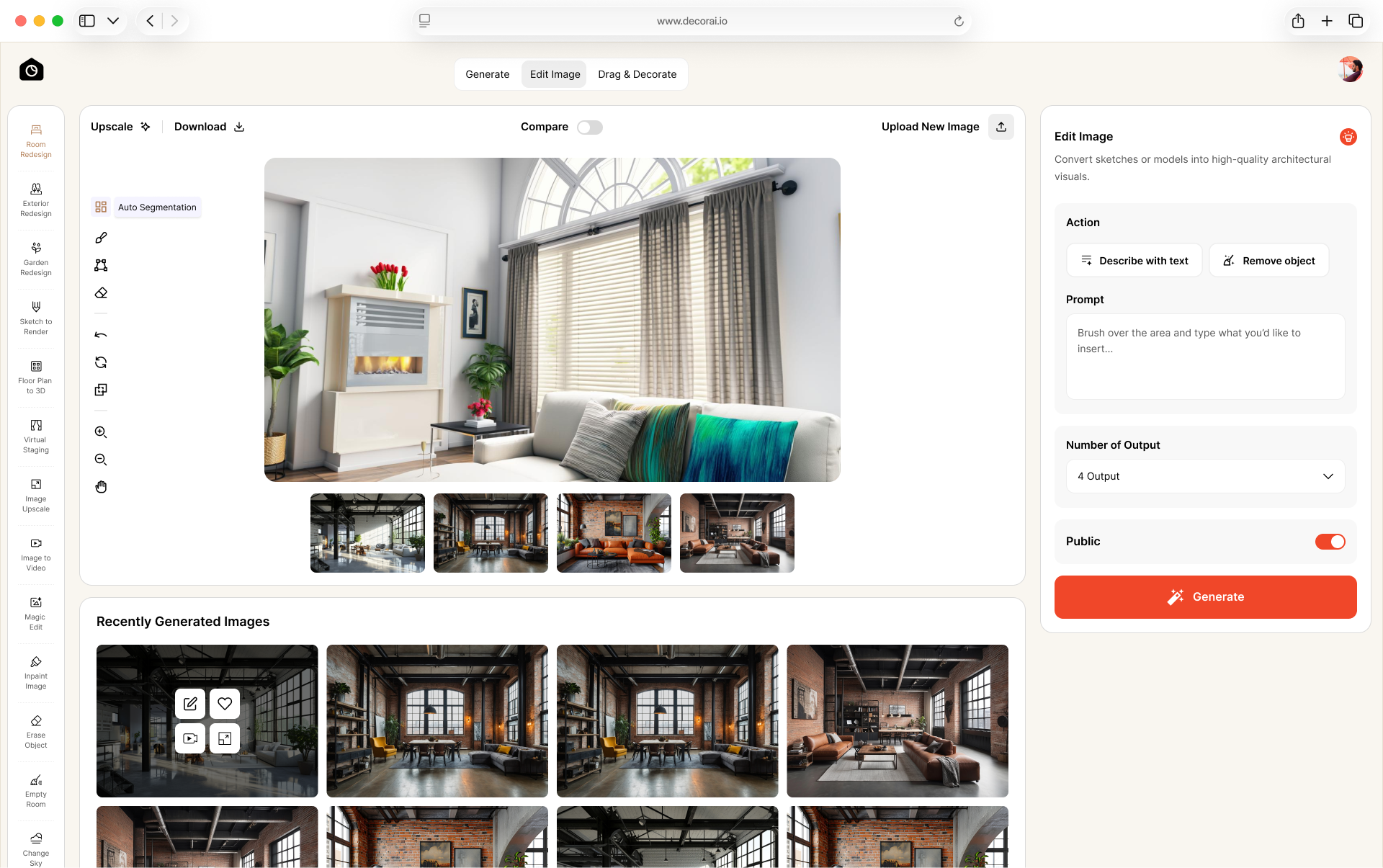
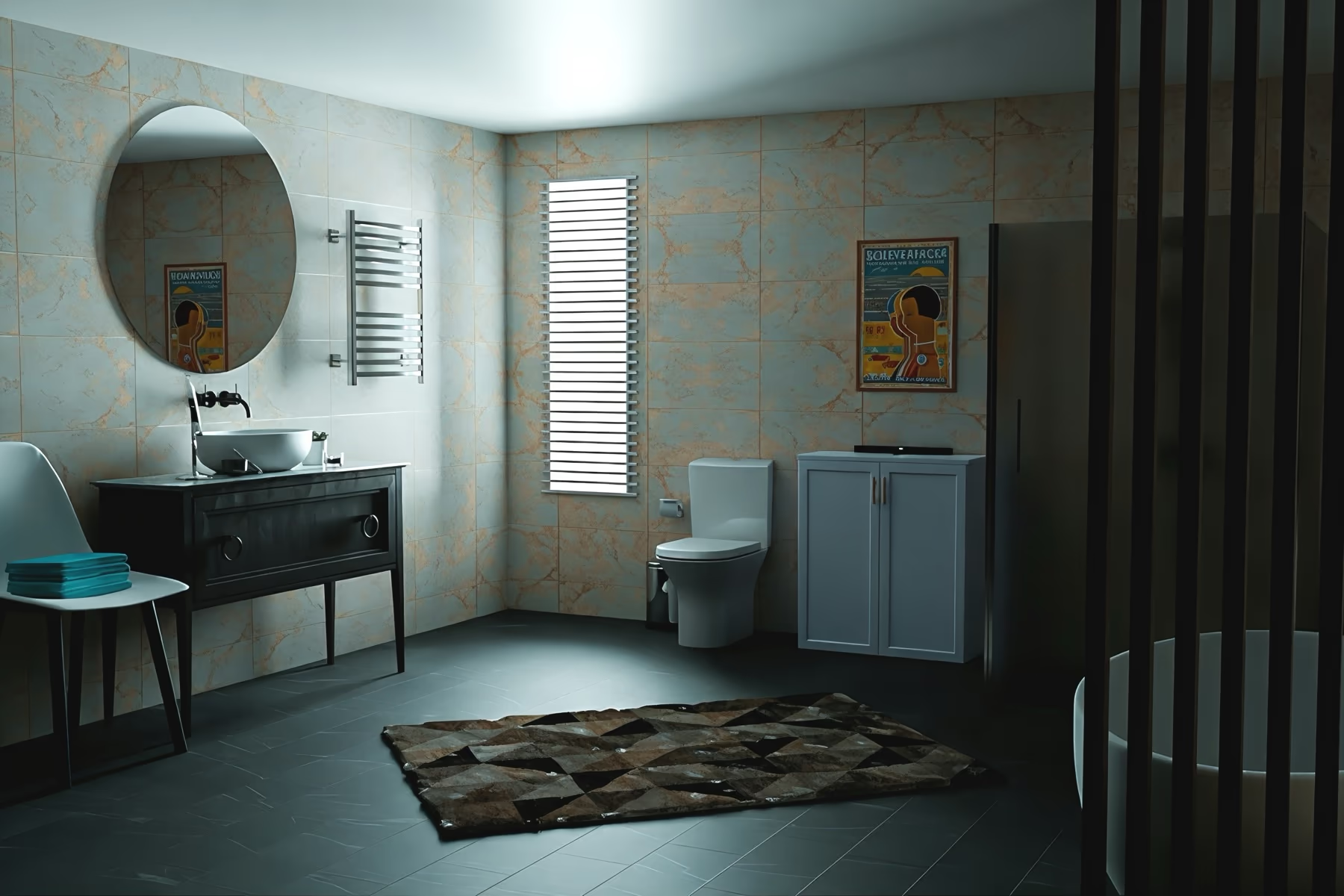
Upload a photo of your bathroom and try new tiles, vanities, showers, and lighting. Keep your existing layout and plumbing, or redesign the whole space.
From Your Photo to a New Bathroom in Three Steps
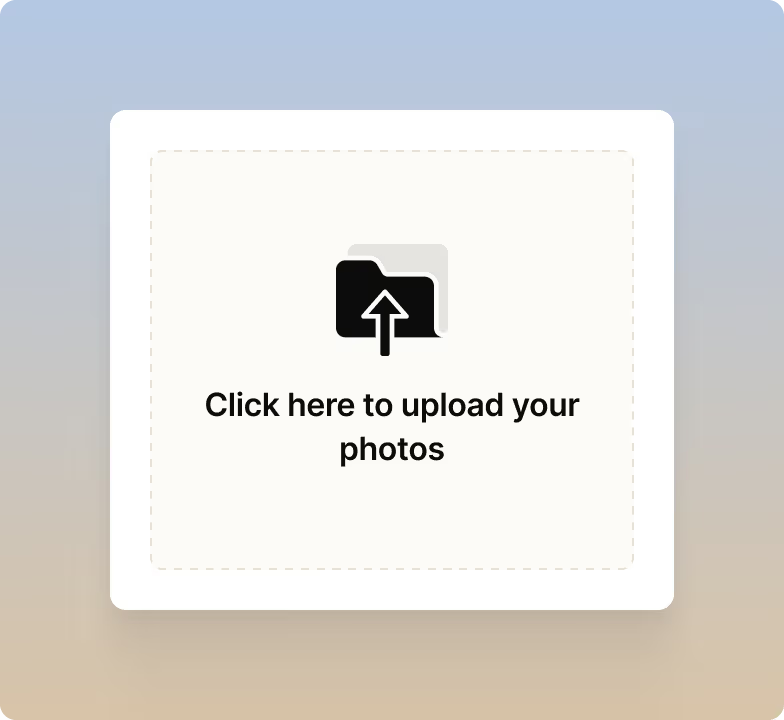
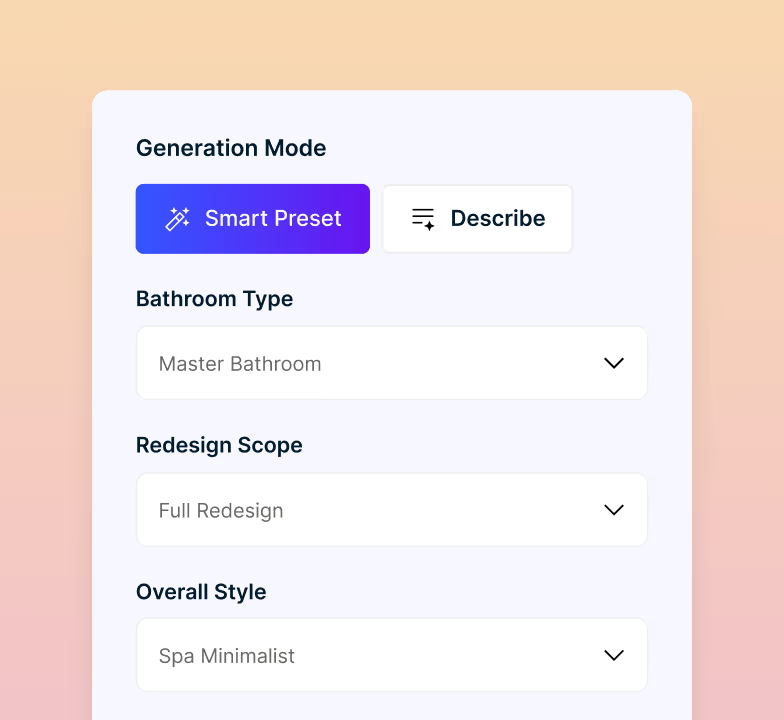
Start with your bathroom photo, choose what to change, select your settings, or describe your idea with text. The AI bathroom designer creates a design based on your choices. No design skills needed, with unlimited designs on paid plans.
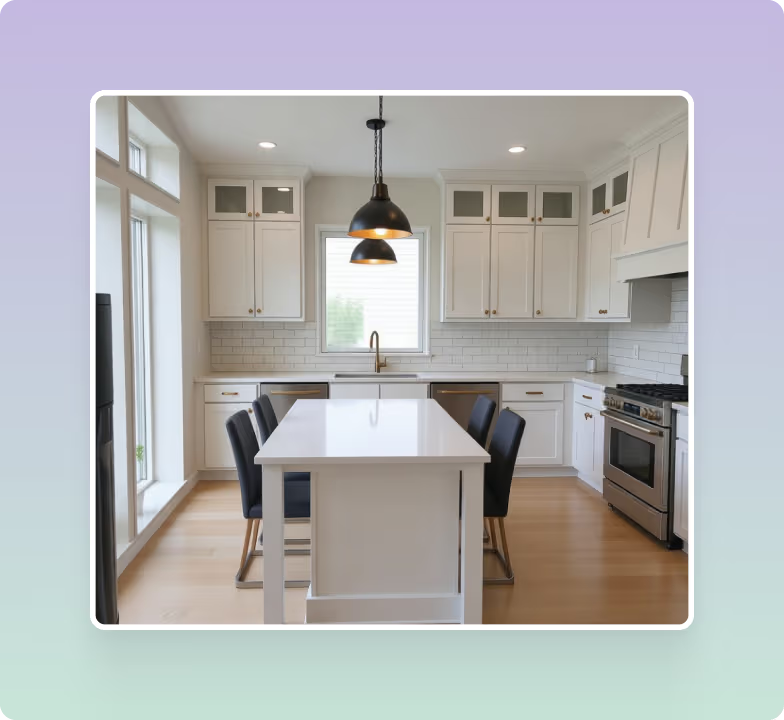
Works From Your Photo and Your Words
You are never stuck with one design. Change any setting and generate again, as many times as you want.
Redesign the Whole Bathroom or Change One Thing
Change the whole bathroom at once, or keep it small. Swap just the tiles, paint, and finishes. Or change only the vanity, basin, taps, and mirror. Anything you do not select stays exactly where it is.
- Change the whole bathroom at once
- Swap just the tiles, paint, and finishes
- Update only the vanity, basin, taps, and mirror
- Compare the results before you spend anything
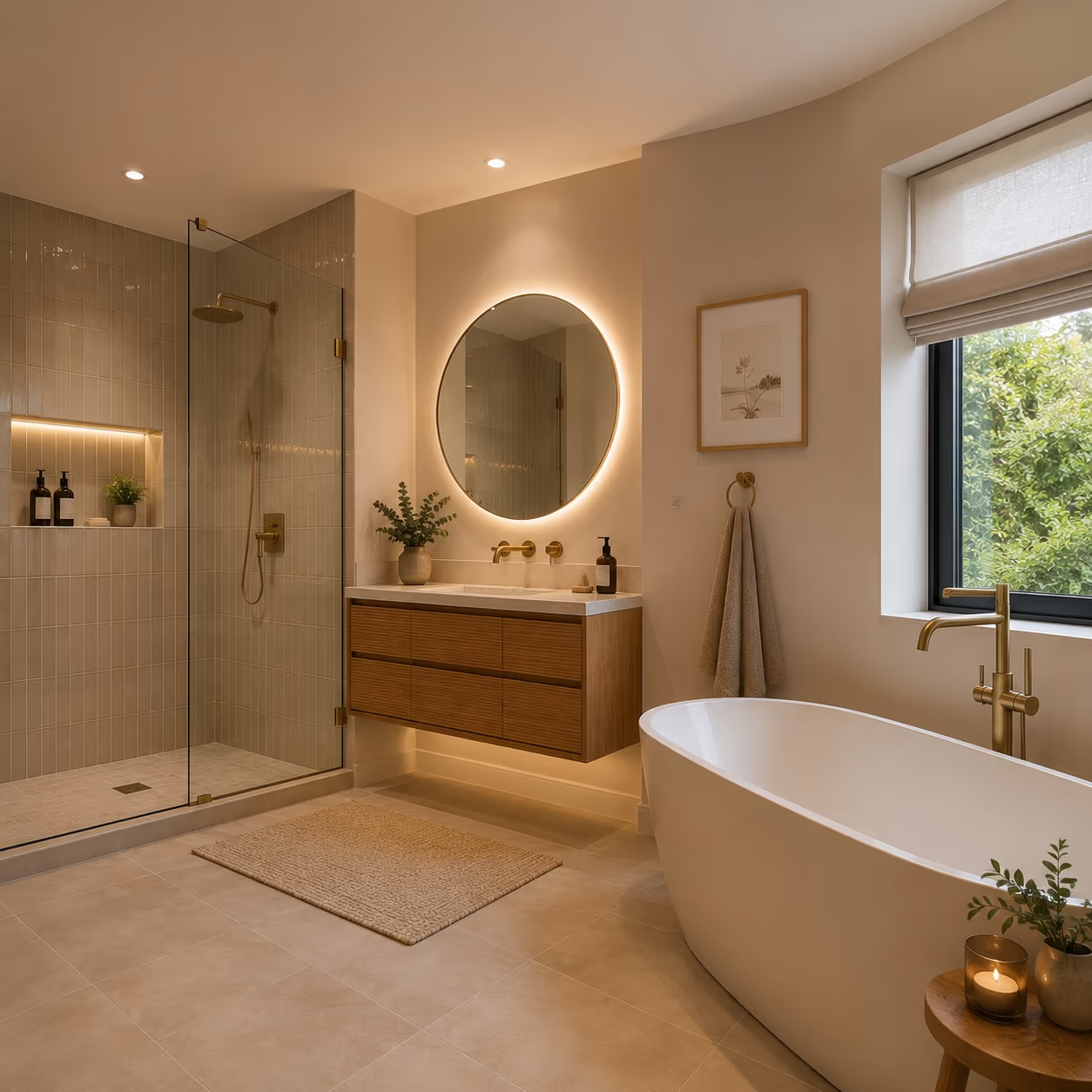
Keep Your Plumbing Where It Is
The AI keeps your bath, basin, and toilet in their original positions unless you ask for changes. Moving plumbing is the expensive part of a bathroom remodel, so leaving it as it is keeps the cost down.
- Bath, basin, and toilet keep their positions
- Ask for changes and the AI will move them
- No new pipework, so no plumber to pay
- Hand the result to a fitter as a reference
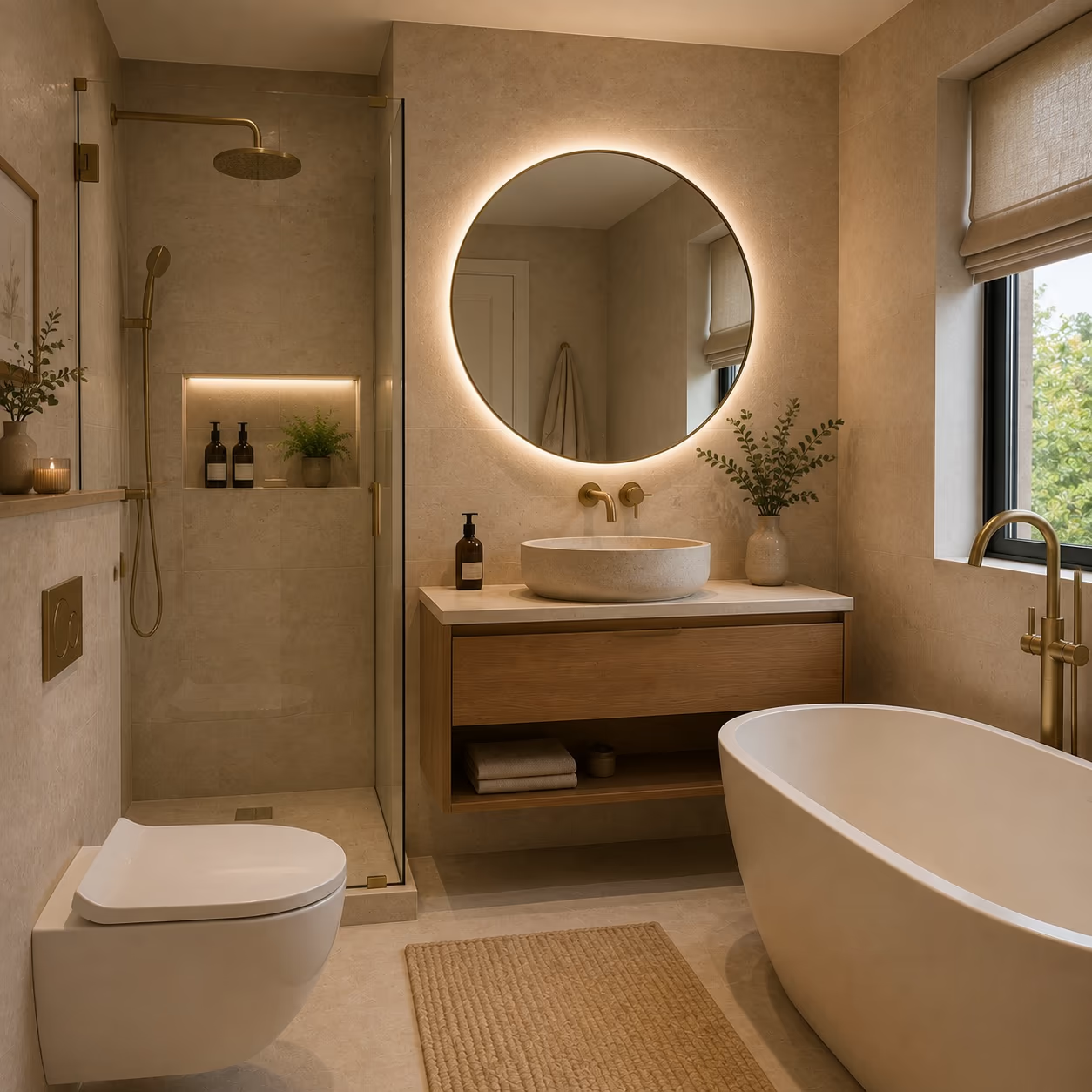
Works in Small Bathrooms
Small bathrooms can be hard to redesign because you work with the space you already have. Every detail needs to fit the existing room.
- Try a wall hung vanity to free up floor space
- See if lighter tiles open the room up
- Test a darker color without losing the light
- Swap a shower curtain for a clear glass screen
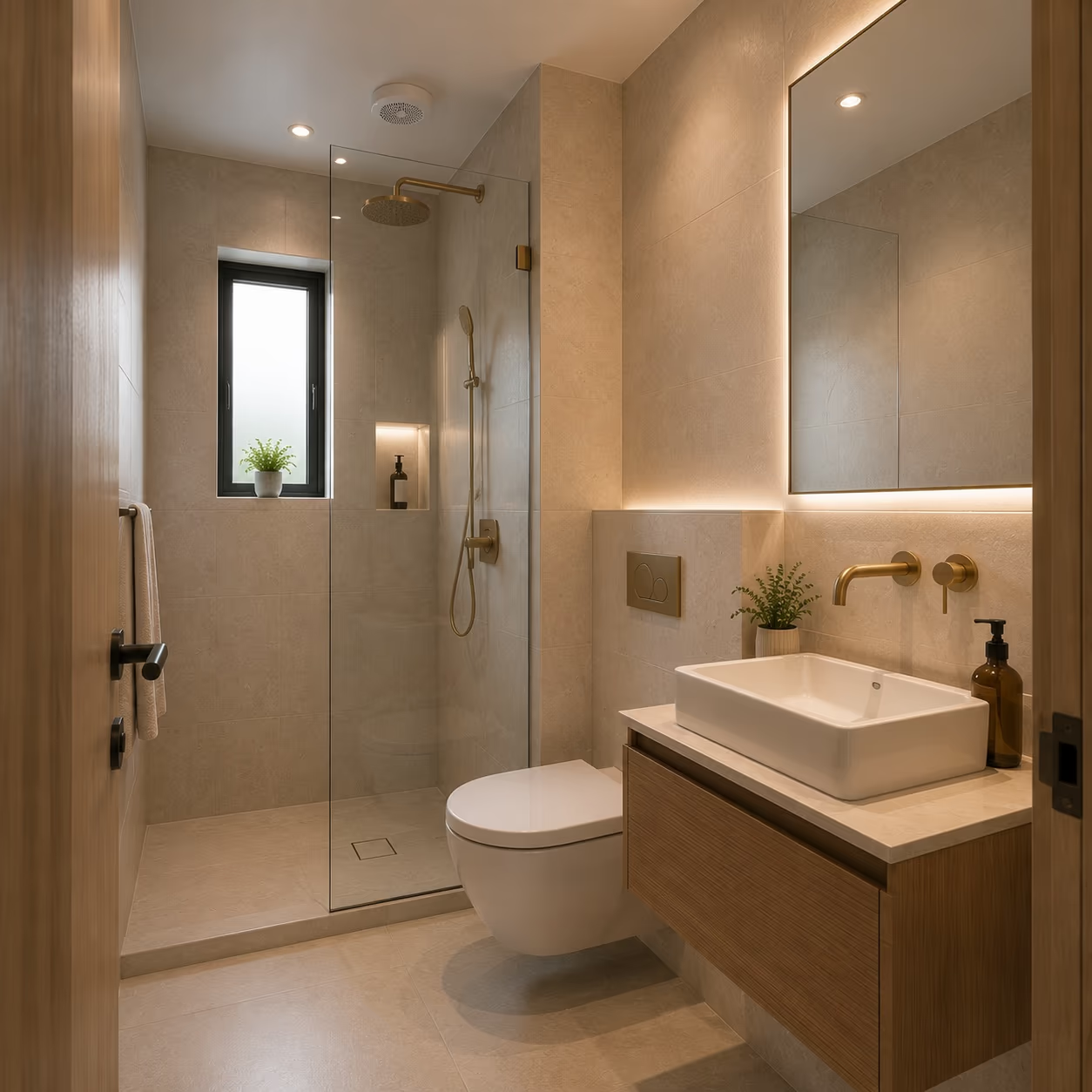
Change Anything in Your Bathroom
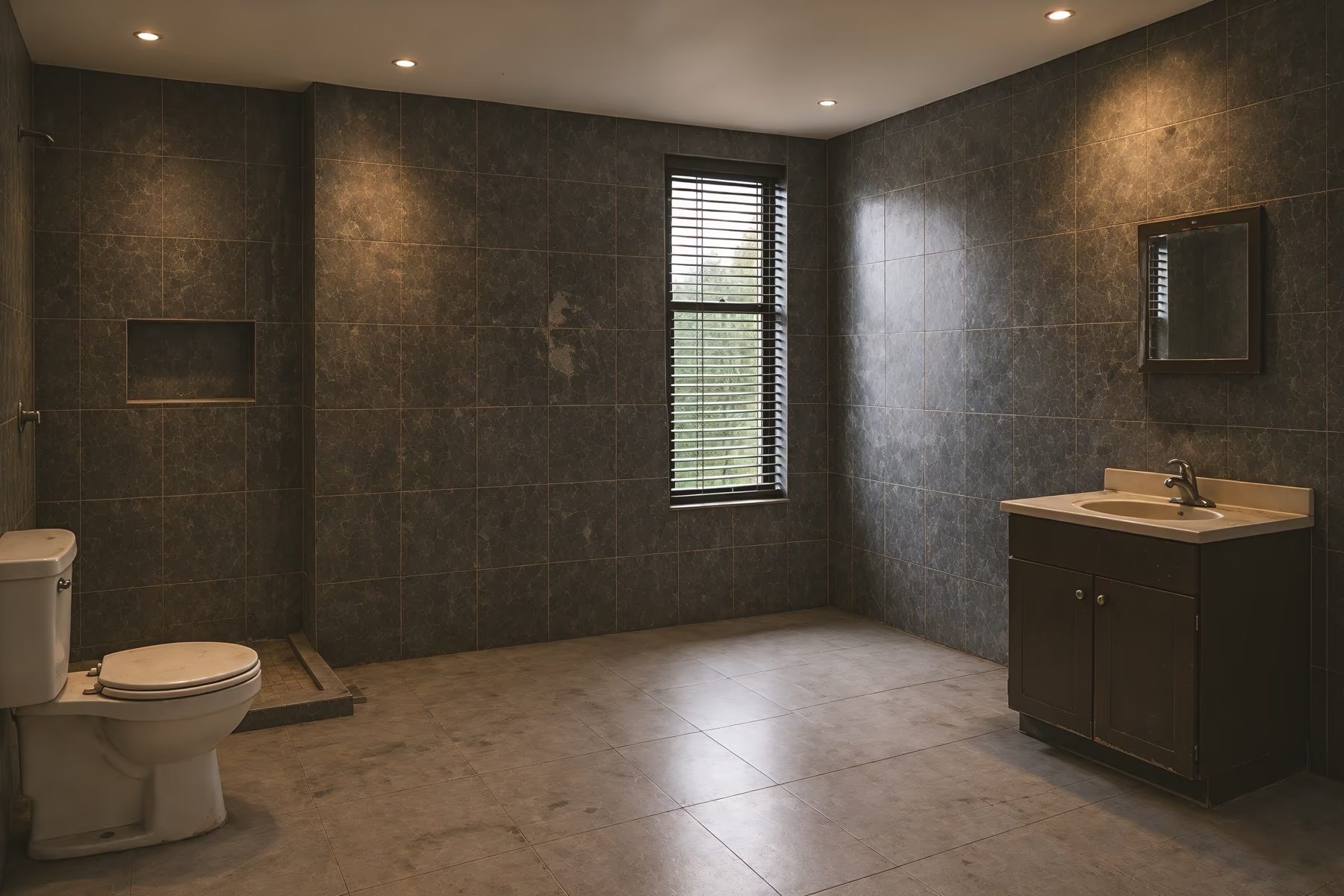
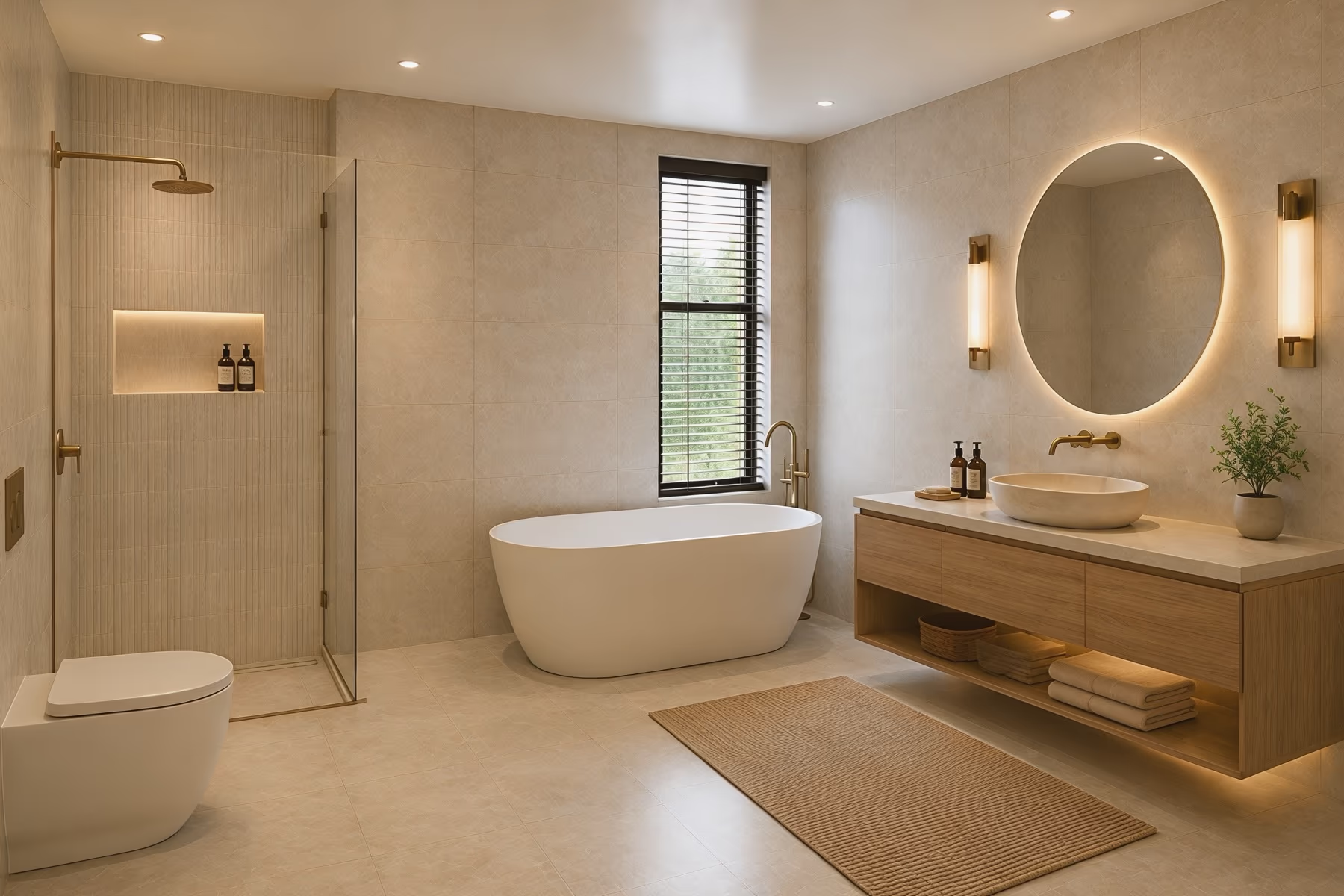
- 1Ceiling & LightsRecessed lights, spots and overall brightness
- 2Shower & FixturesEnclosure, glass, rain head and finishes
- 3Wall TileTiles, patterns, materials and colors
- 4BathtubFreestanding, alcove and soaking tubs
- 5Mirror & SconcesShape, frame, size and backlighting
- 6Countertop & SinkQuartz, marble, vessel or undermount
- 7Vanity & StorageDoor style, color, material and finishes
- 8FlooringLarge format, mosaic or wood look tiles
Start From Any Bathroom Photo
Use a photo from your device, an image link, or one you uploaded before. You do not have to upload the same photo twice.
Describe the Look You Want
Tell the AI in plain words. Mention the mood, the materials, the lighting, or the finish you have in mind.
Say What to Leave Out
Use the negative prompt to name the colors, objects, or materials you do not want in the result.
Control How Far the AI Goes
Pick Strict, Precise, Balanced, Creative, or Imaginative to set how closely the AI follows your instructions.
Upscale up to 4x
Zoom in to check the tile and the finishes, then download the ones you like.
Keep Editing After You Generate
The first design is not final. Open any result and keep changing it.
How to Get the Best Result
Small bathrooms are hard to photograph. Try to capture as much of the room as possible.
Shoot from the Doorway
Stand near the door and shoot from there. It is usually the only spot where the whole room fits.
Turn On the Lights
Bathrooms often have no windows or only small ones. Turn on all the lights to avoid dark corners and harsh shadows.
Clear the Bathroom
Move towels, bottles, and clothes out of the way so the AI can see the room clearly.
Start With a Preset, Then Describe
Our Smart Preset is the fastest option. Use Describe only if the preset doesn't match what you had in mind.
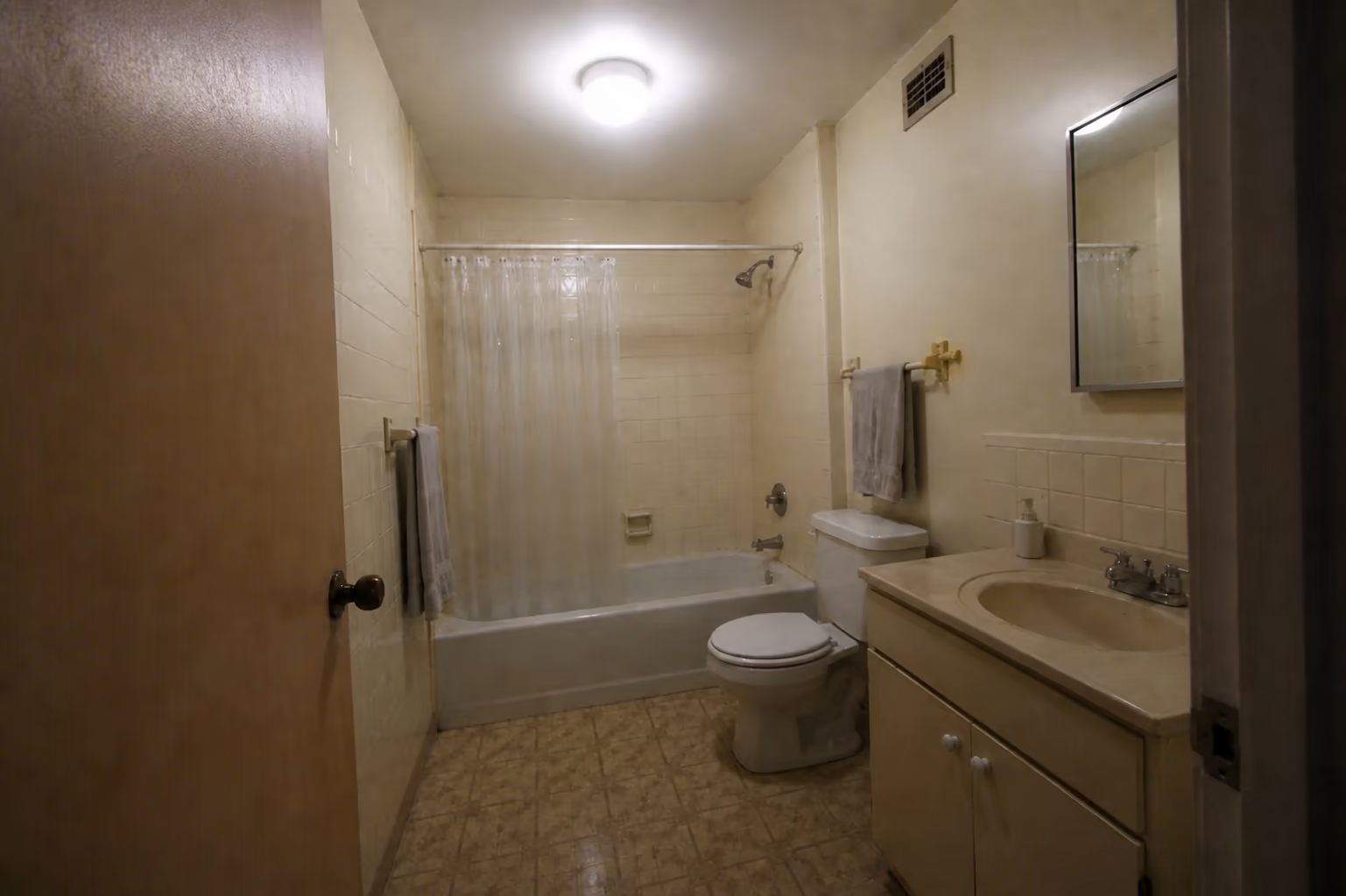 Poor photo
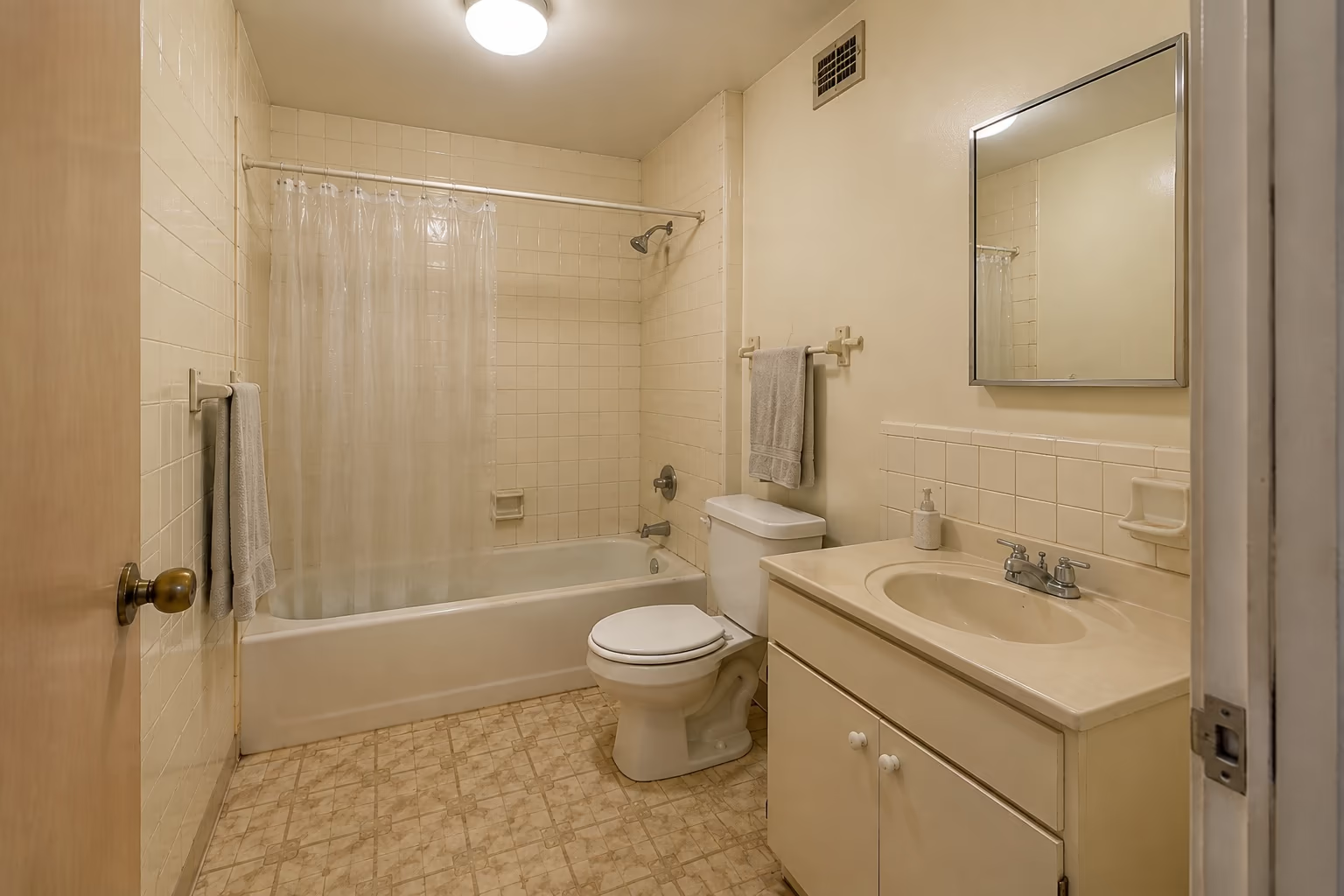 Good photo
AI Bathroom Design vs a Showroom Visit
What you need
Bathroom showroom
Designer or fitter
Uses a photo of your own bathroom
See a finished look the same day
Try a new style as many times as you like
No appointment and no site visit
Keeps your bath, basin and toilet in place
Costs under $25 a month
Each column shows full support, partial support, or no support. Based on our own testing.
One platform for every space.
No design experience needed. See your space in a new style in about 30 seconds.
Bathroom Remodel Cost Calculator
Set your room size, how far the work goes and where you live. You get a planning range, a cost per square foot, the labor share and how much to hold back for what demolition uncovers.
Design every room in your home with AI
Kitchens and bathrooms have their own tools, because the things that change in them are different.
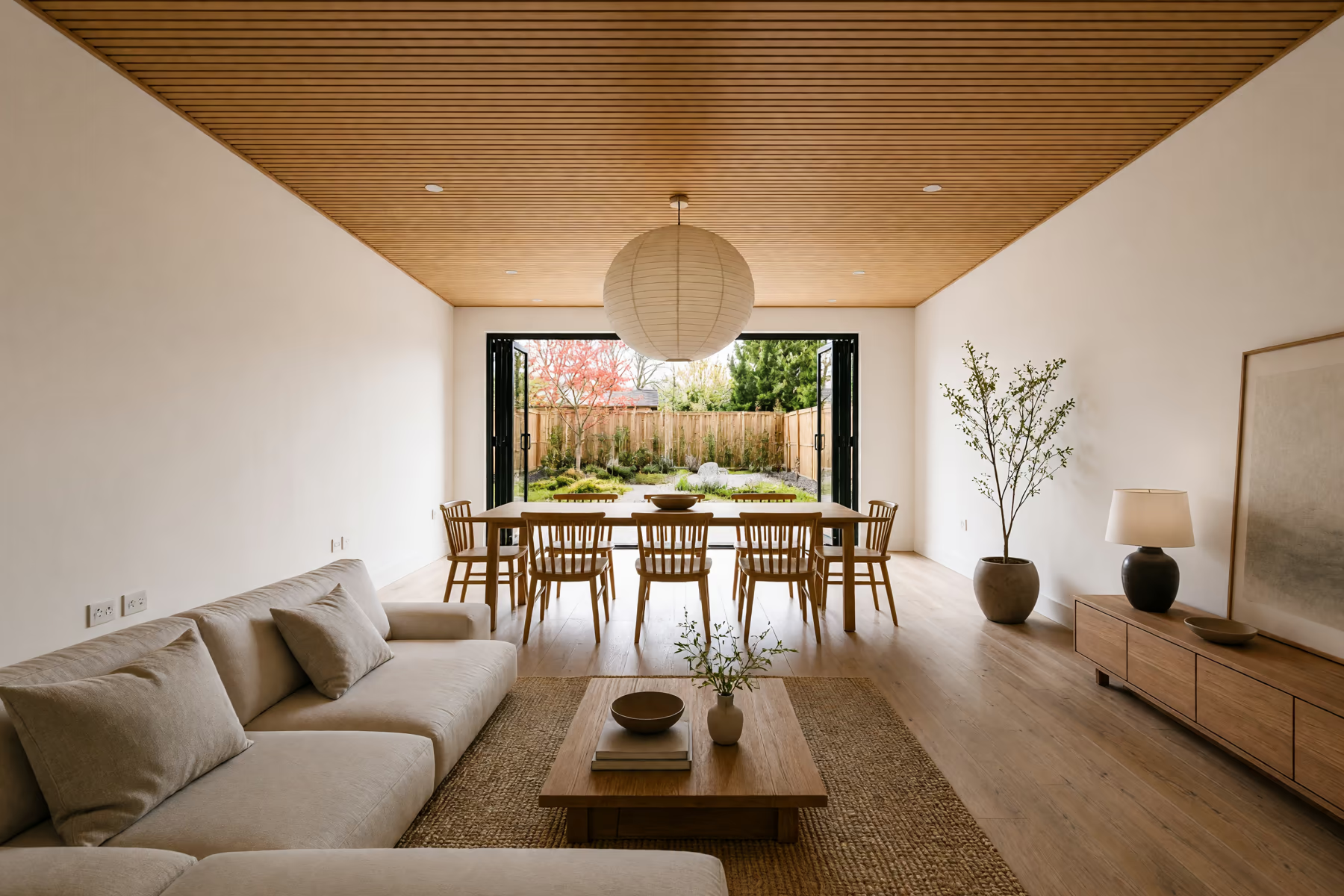
Home Design
Work through your whole home, from the living room to the front porch and backyard.
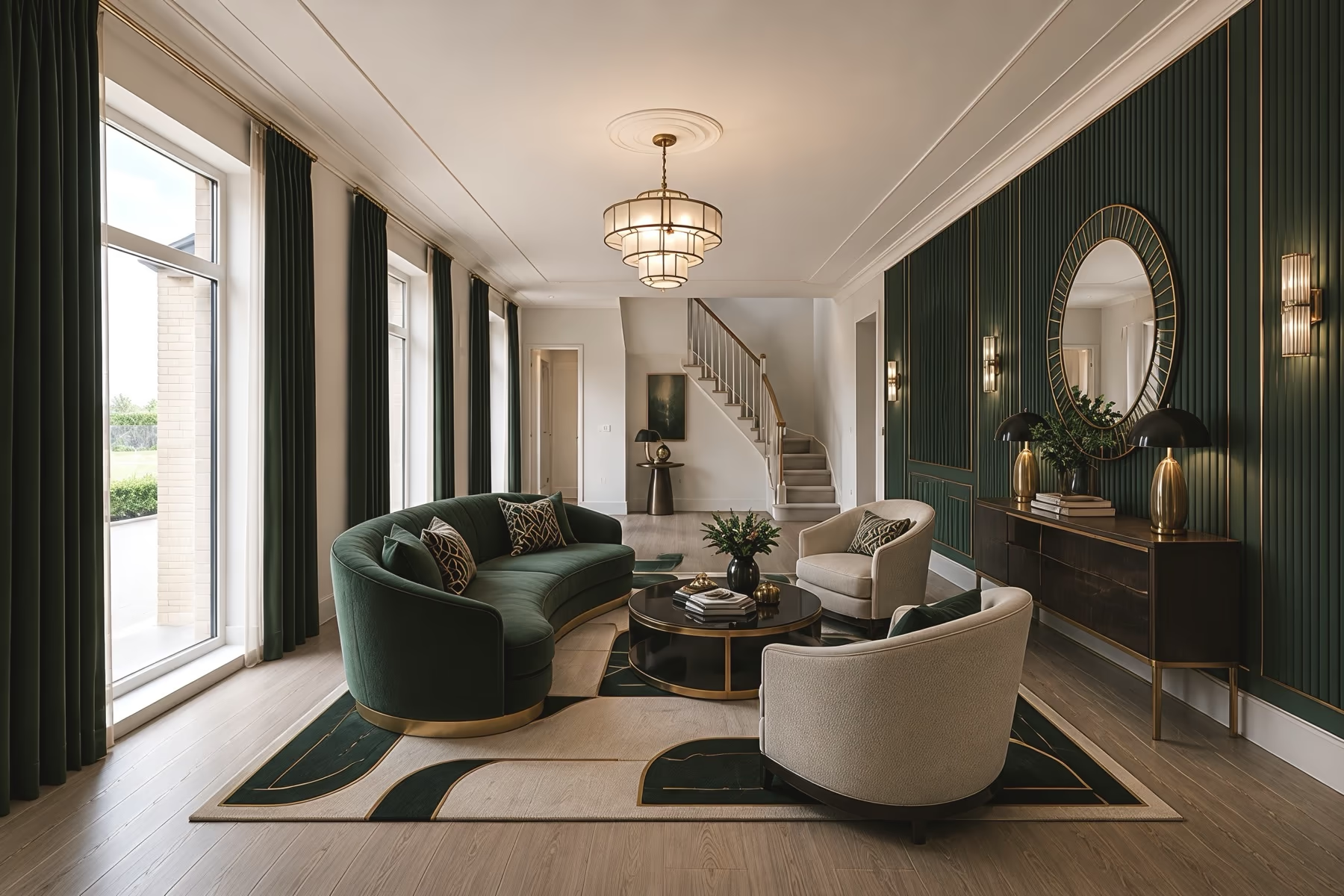
Interior Design
Try new furniture, wall colors and materials in the rooms you already live in.
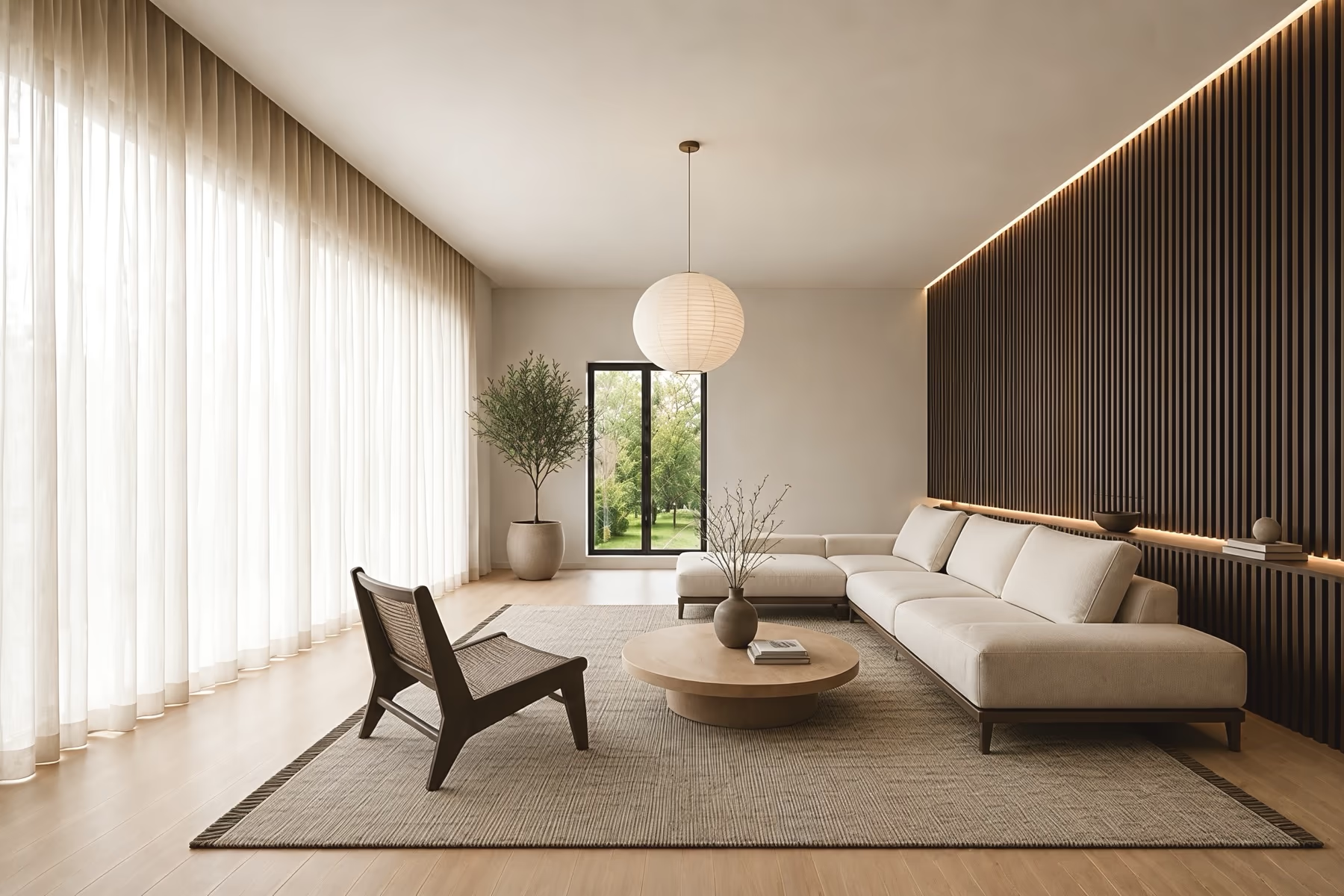
Room Design
Change one room at a time while the walls, windows and doors stay where they are.
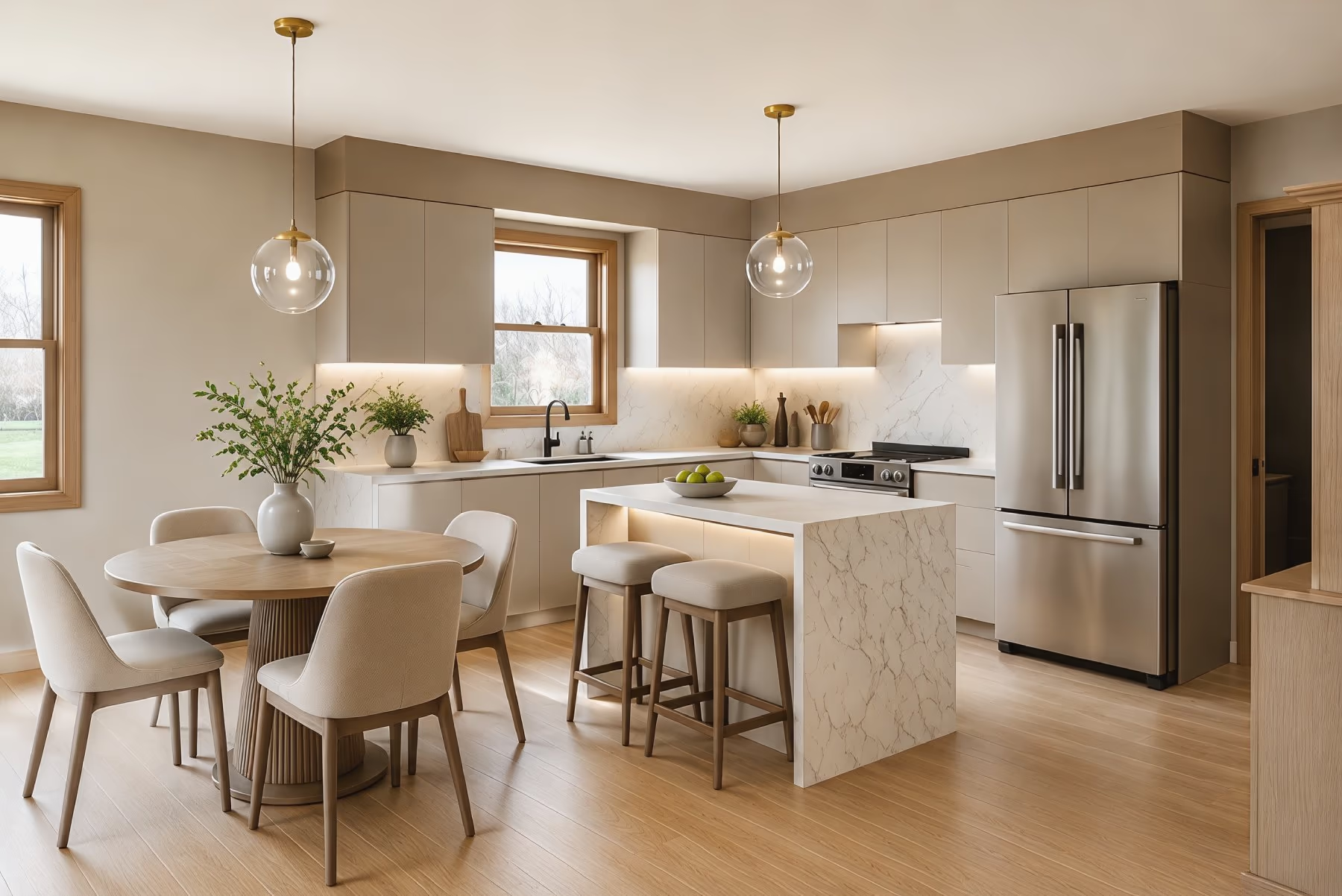
Kitchen Design
See new cabinet colors, countertops, backsplash tile and flooring in your own kitchen.
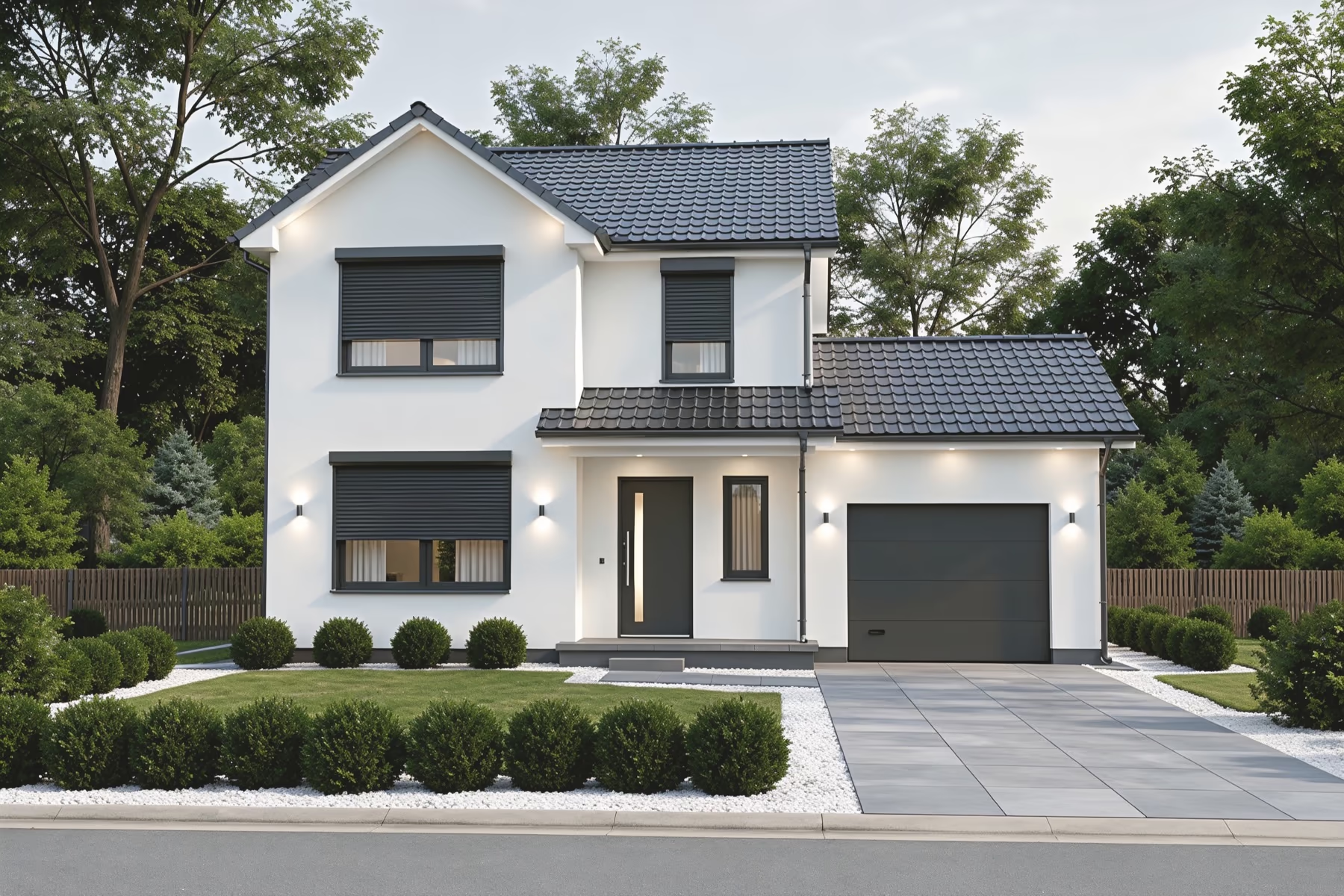
Exterior Design
Test siding, roof colors, paint and a new front door on a photo of your house.
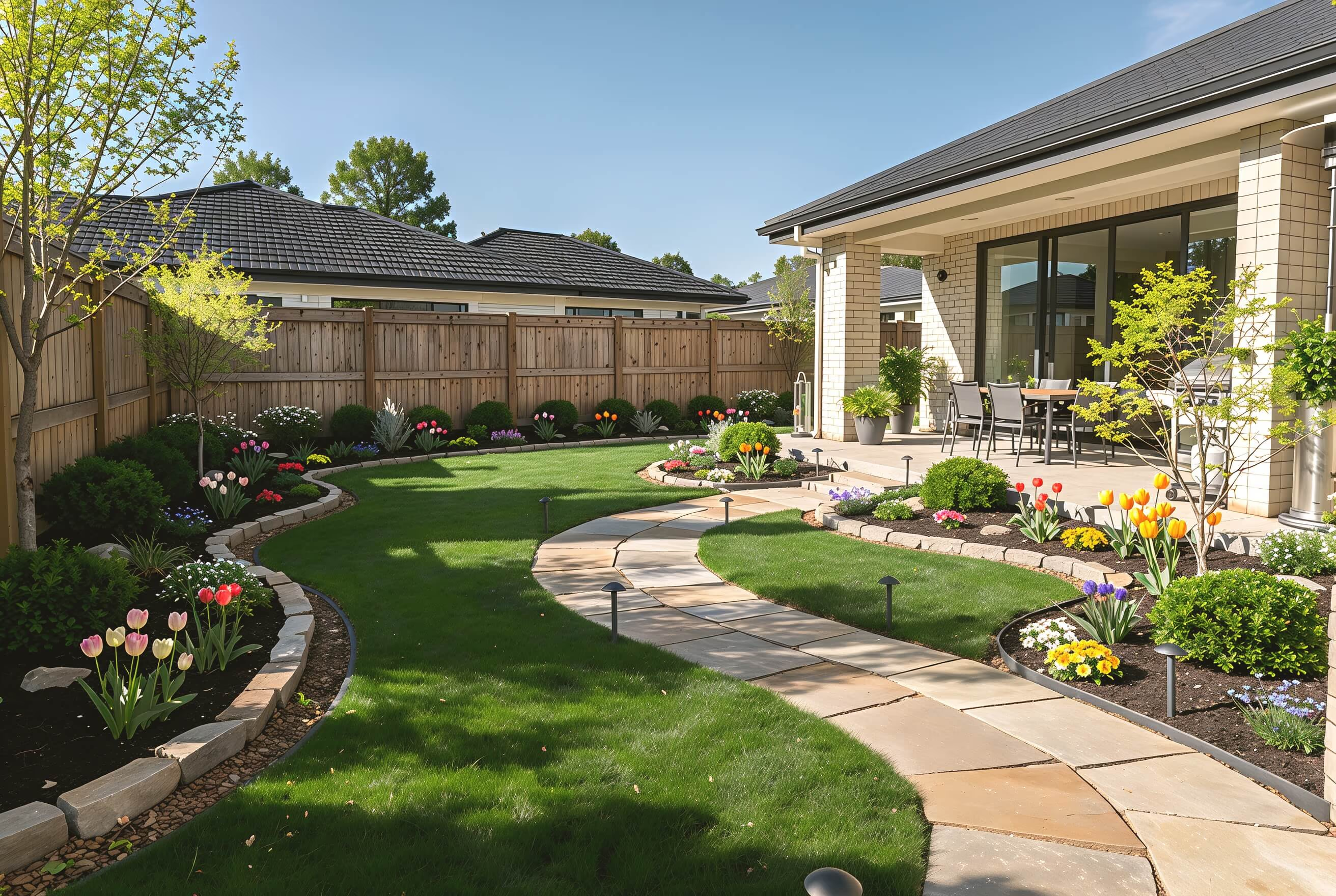
Landscape Design
Plan paths, patios, lawn and planting for your backyard or front yard.
Find Bathroom Styles
Change the feel of your bathroom with a new design style. Try Spa Minimalist, Japanese Zen, Coastal, Industrial, and more on your own photo.
 A-Frame
 Cottage Garden
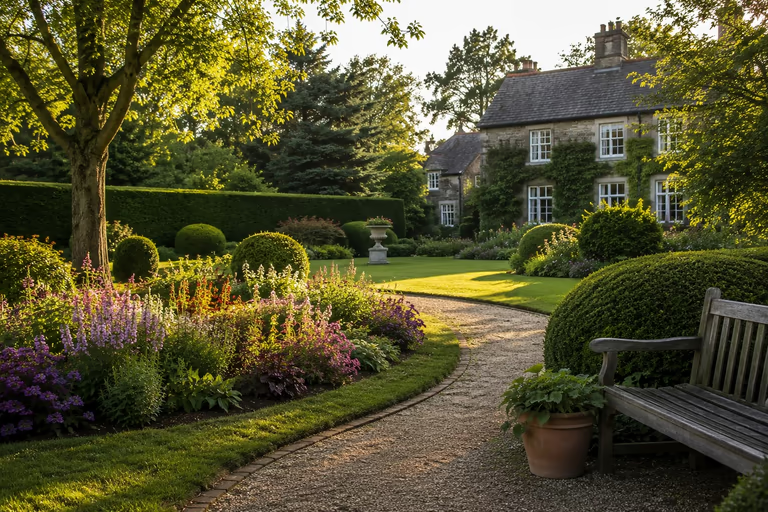 English Garden
 Japanese Garden
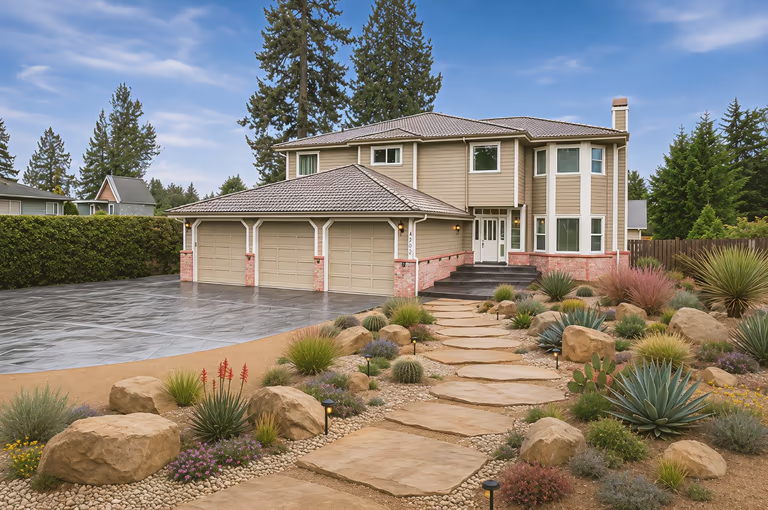 Xeriscape
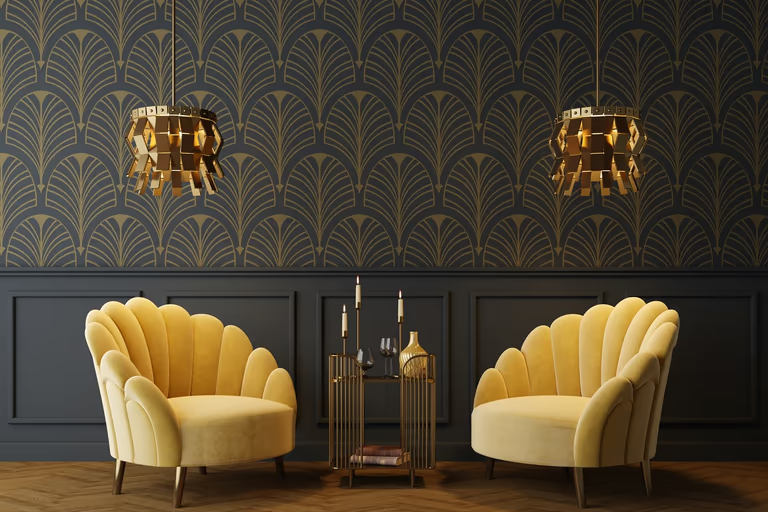 Art Deco
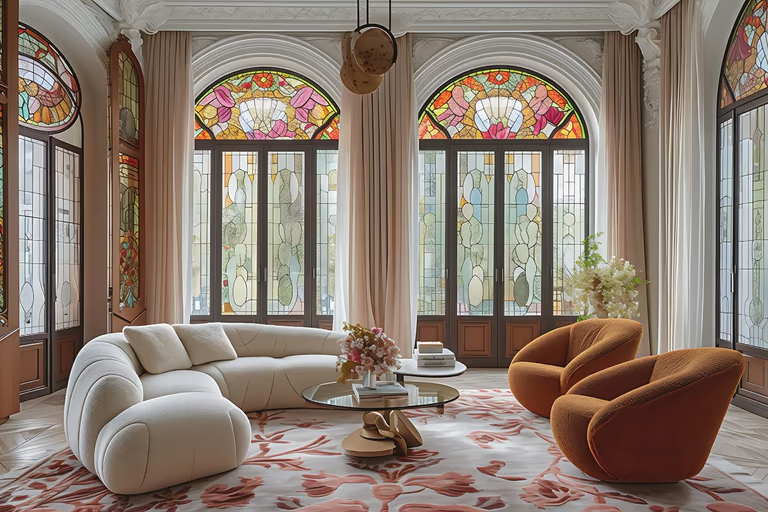 Art Nouveau
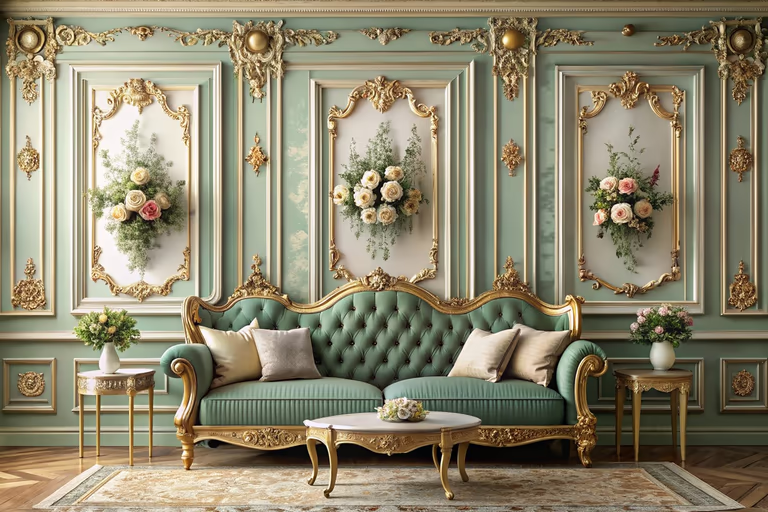 Baroque
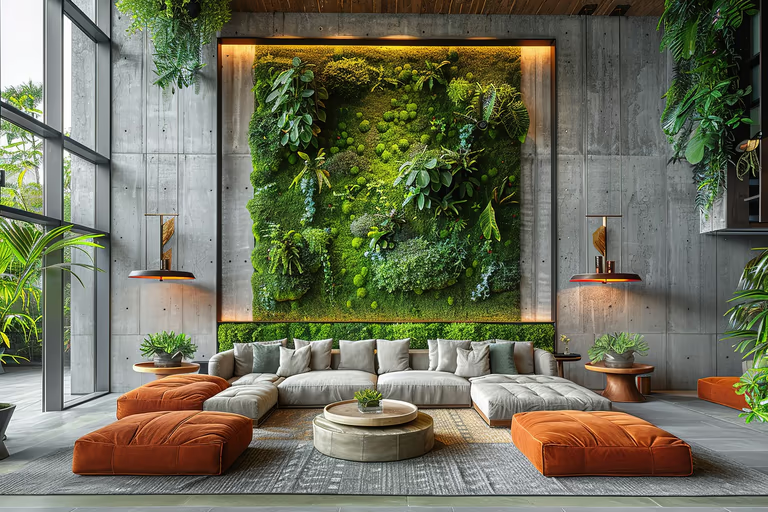 Biophilic
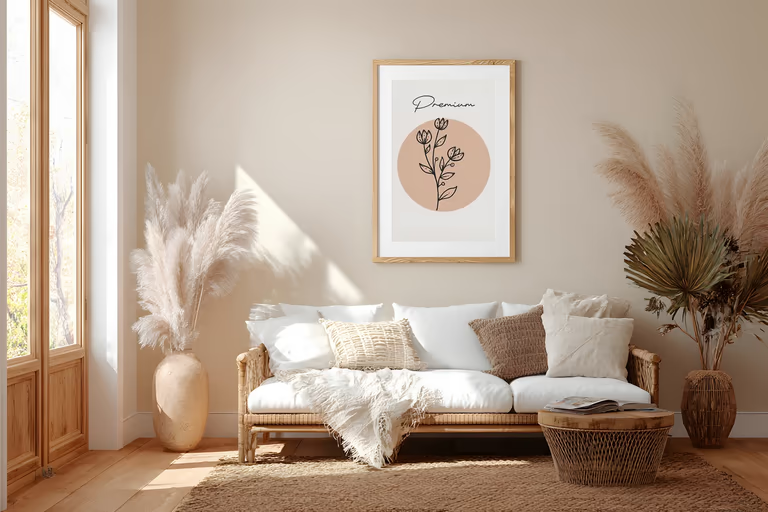 Bohemian
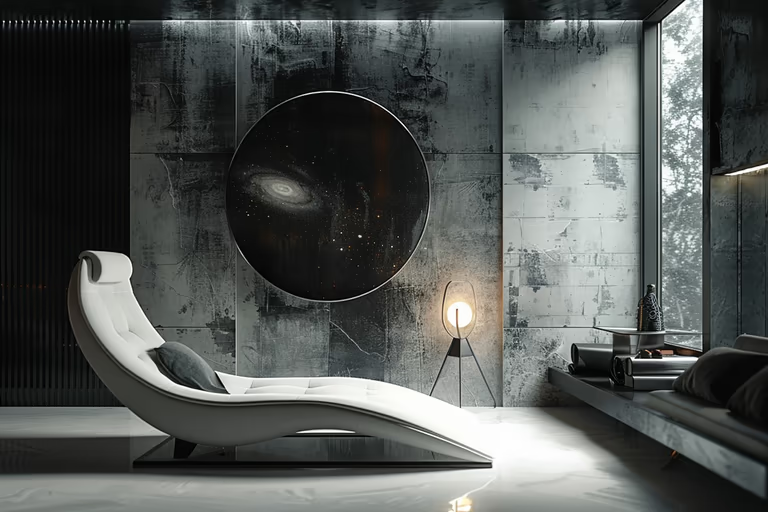 Brutalist
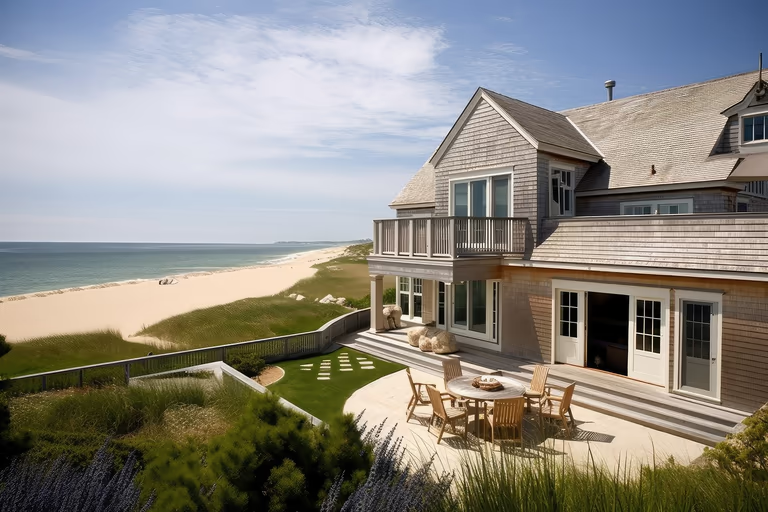 Cape Cod
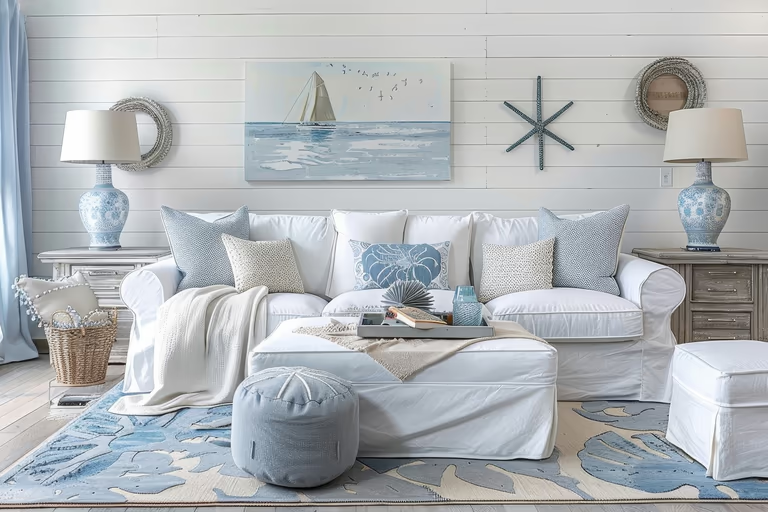 Coastal
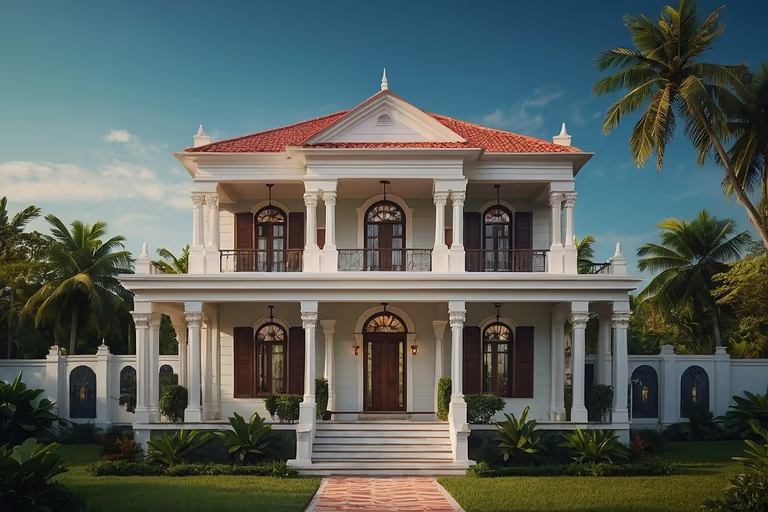 Colonial
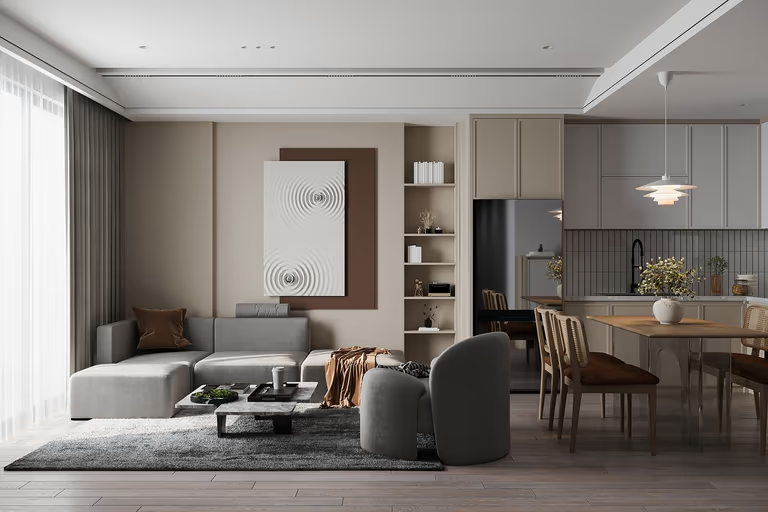 Contemporary
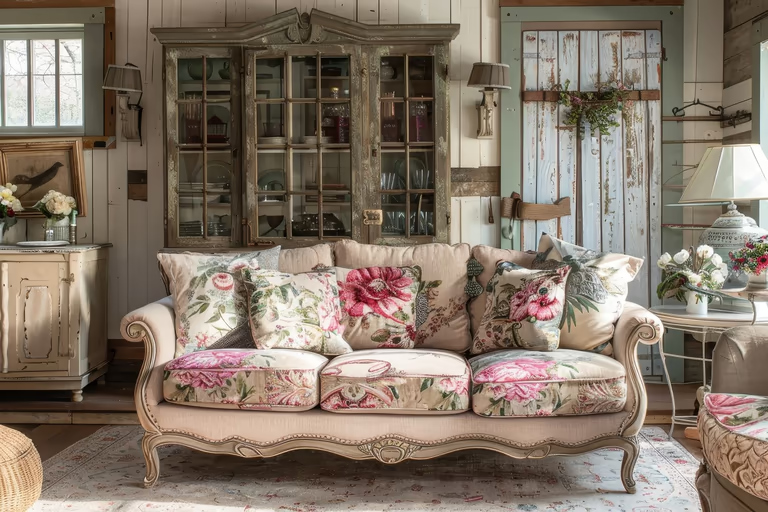 Cottagecore
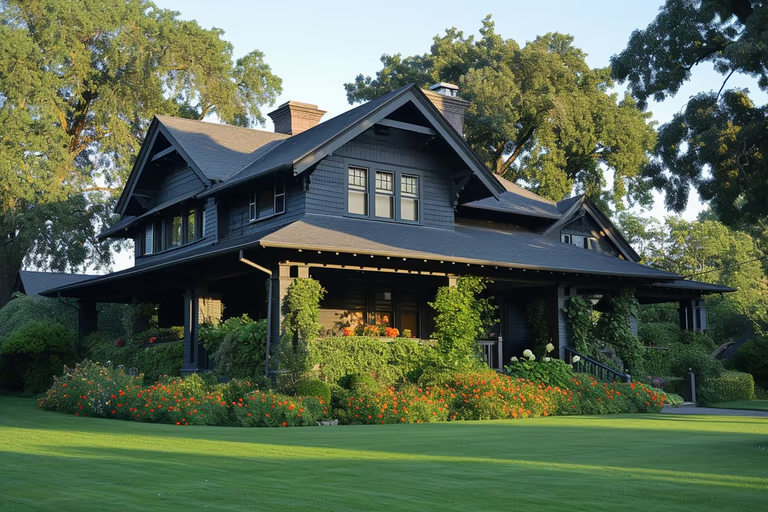 Craftsman
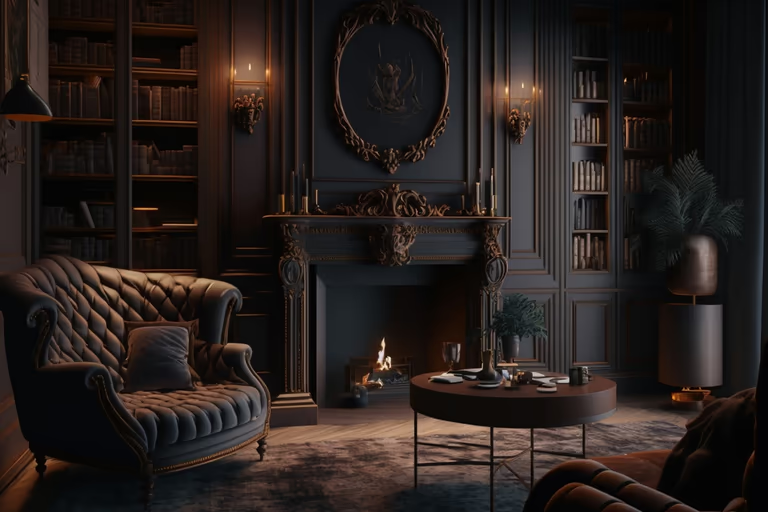 Dark Academia
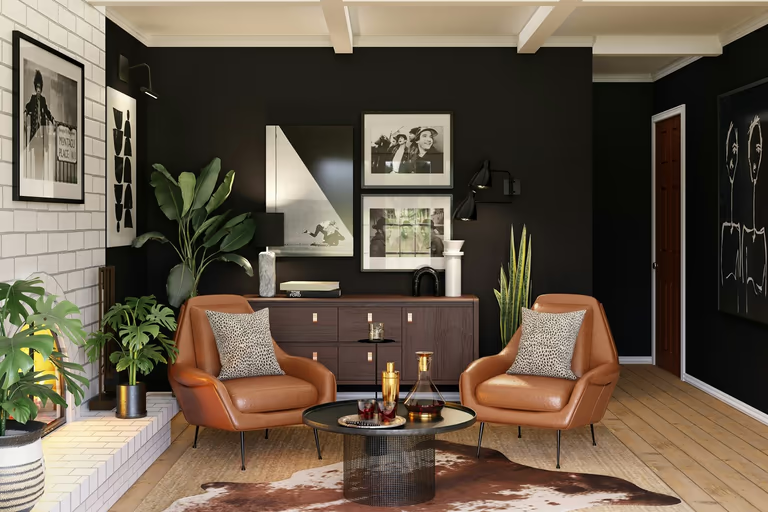 Eclectic
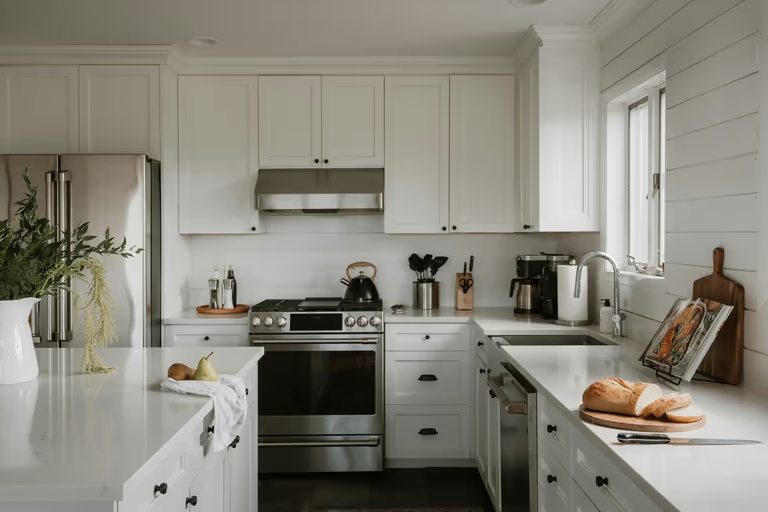 Farmhouse
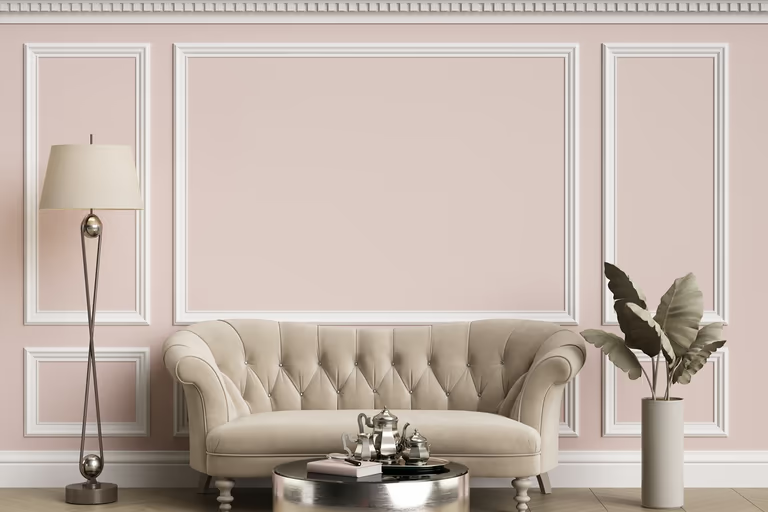 French Country
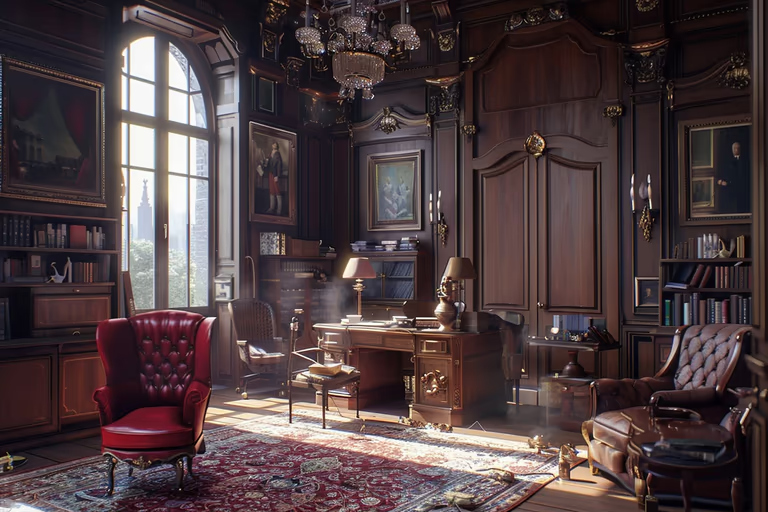 Gothic
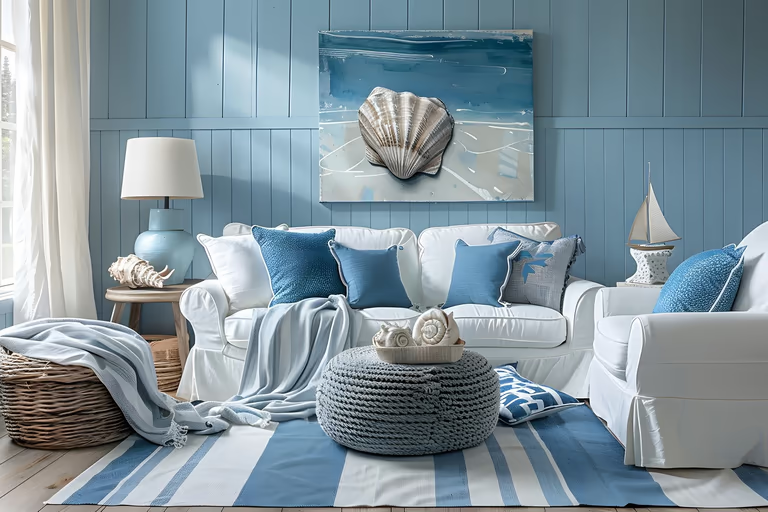 Hamptons
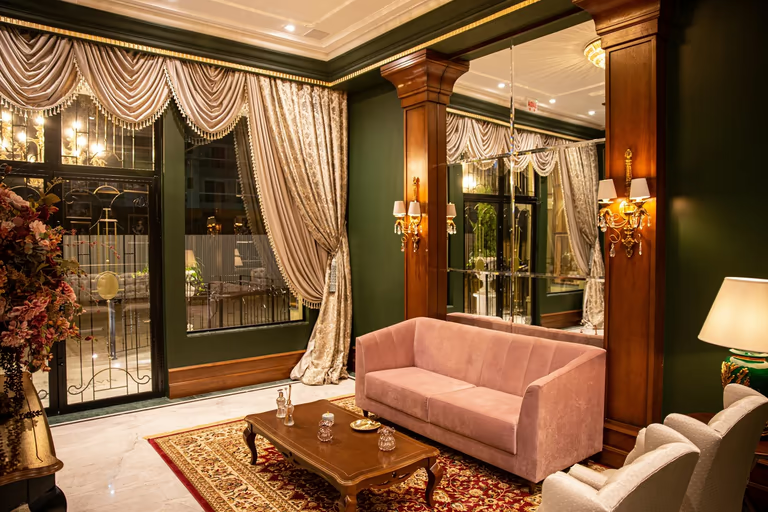 Hollywood Regency
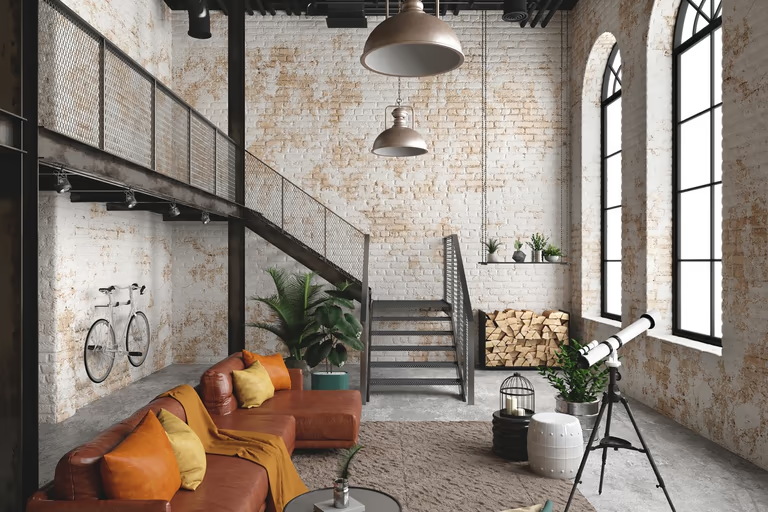 Industrial
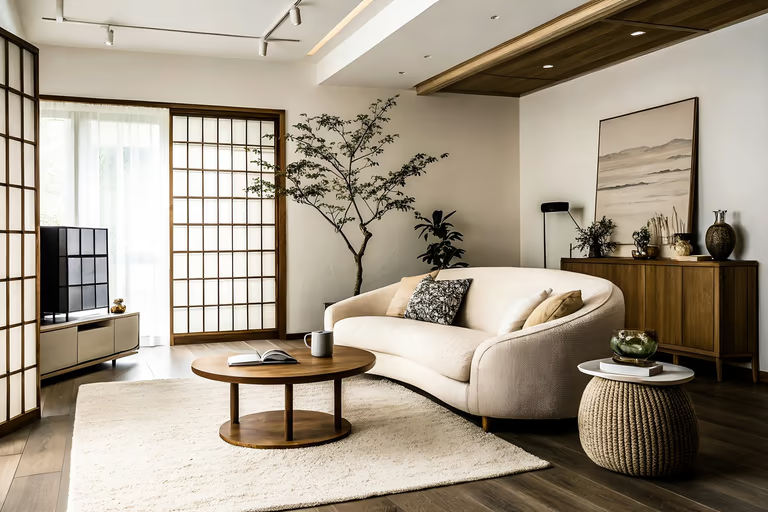 Japandi
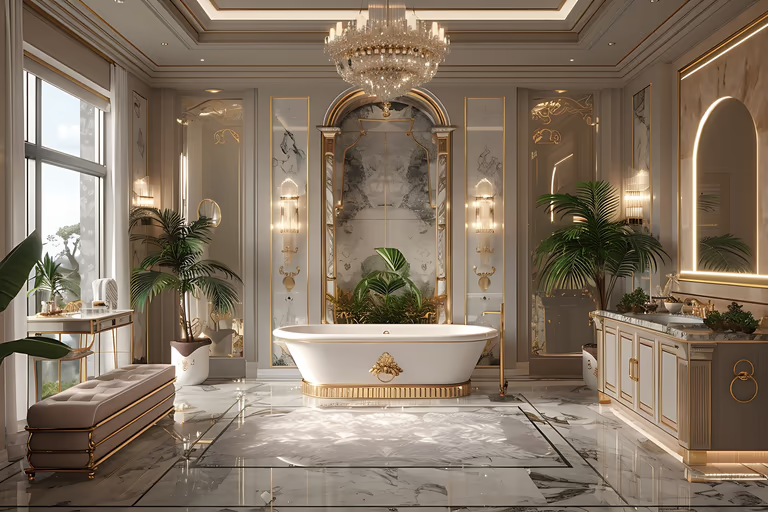 Luxury
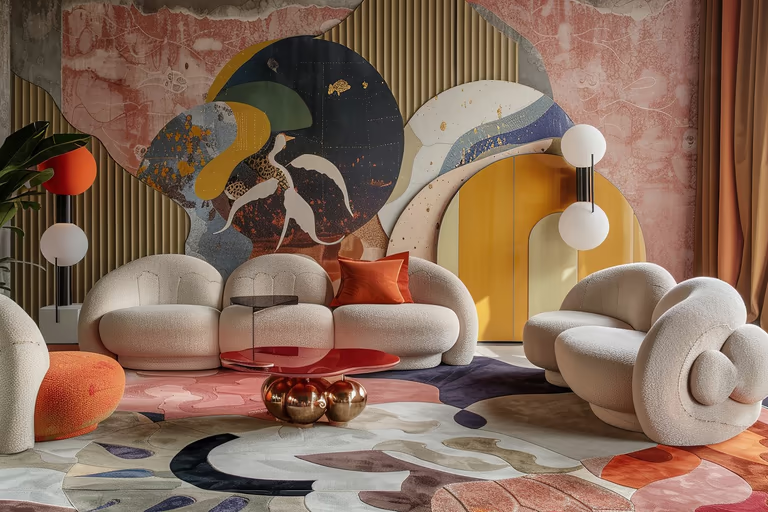 Maximalist
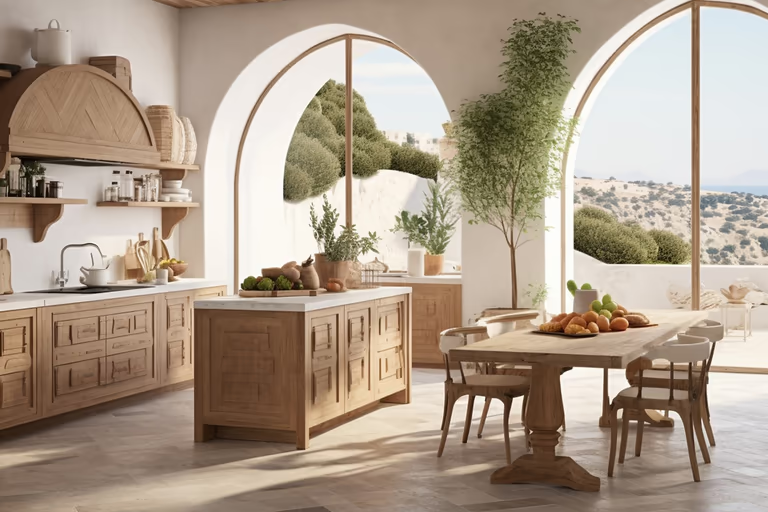 Mediterranean
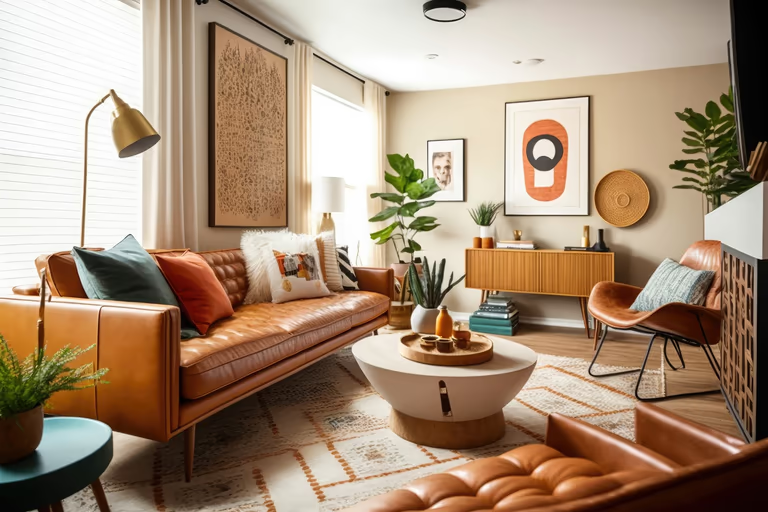 Mid-Century Modern
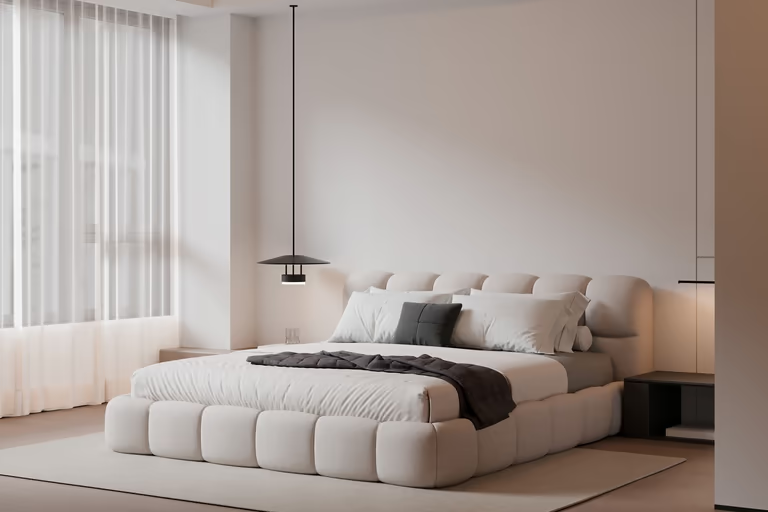 Minimalist
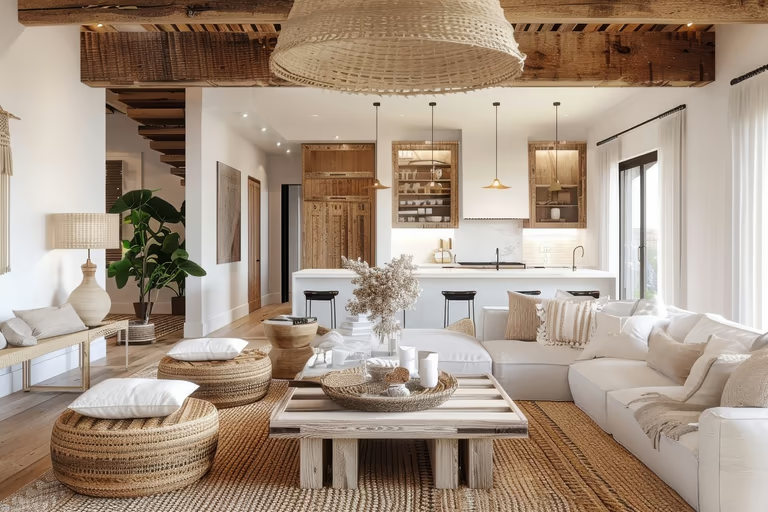 Modern Farmhouse
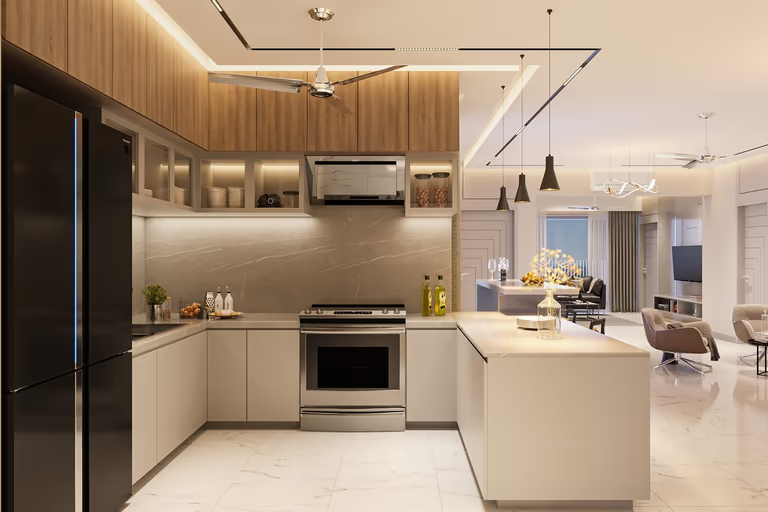 Modern
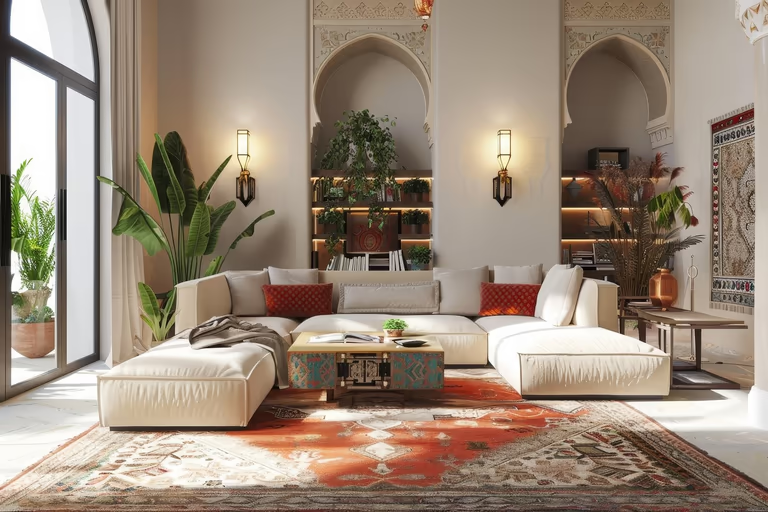 Moroccan
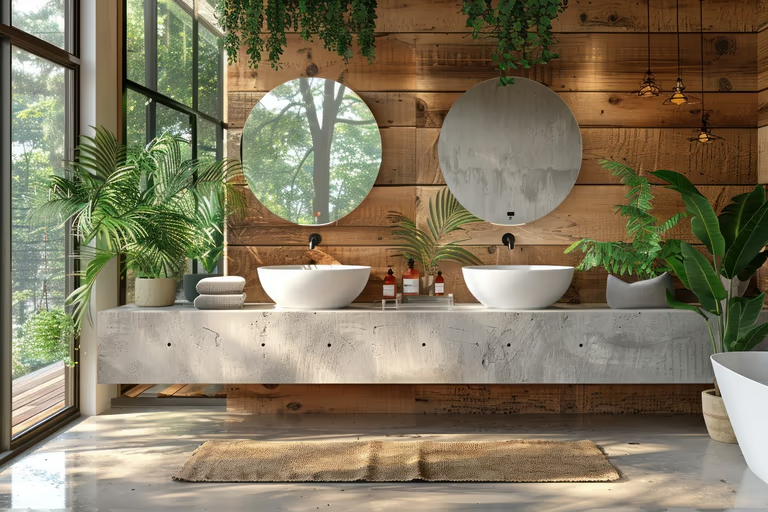 Organic Modern
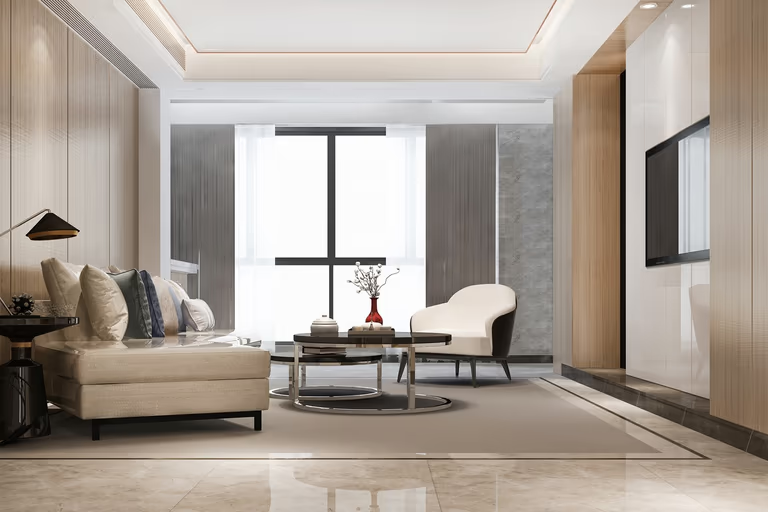 Quiet Luxury
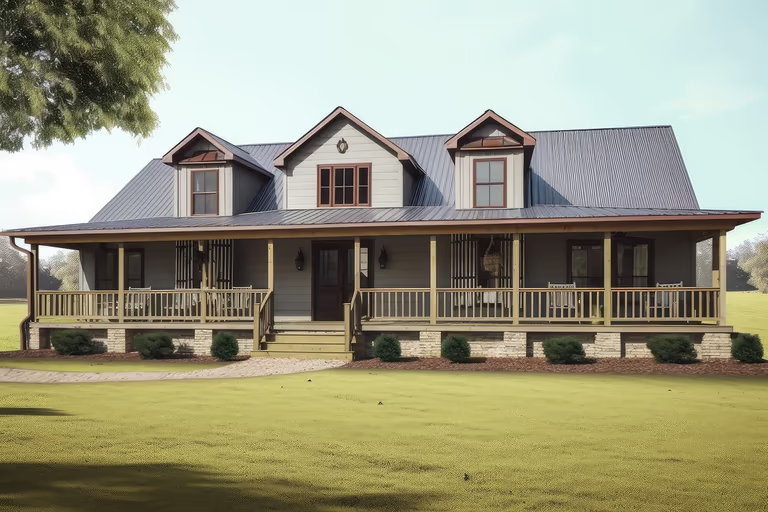 Ranch
Ranch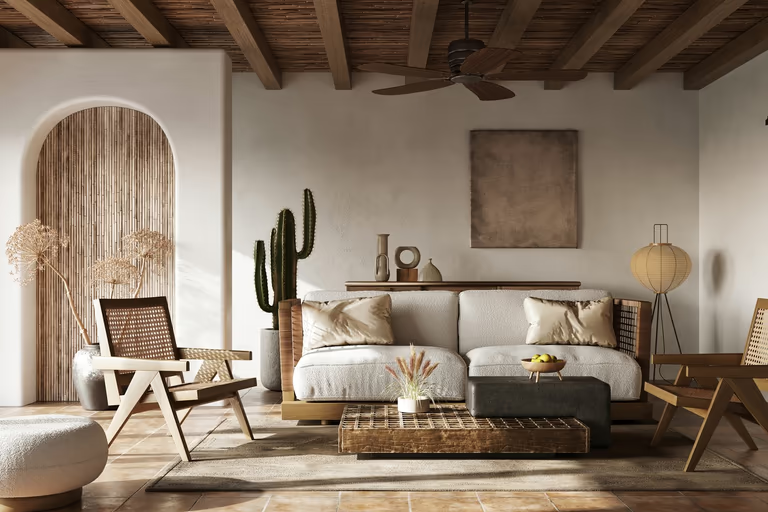 Rustic
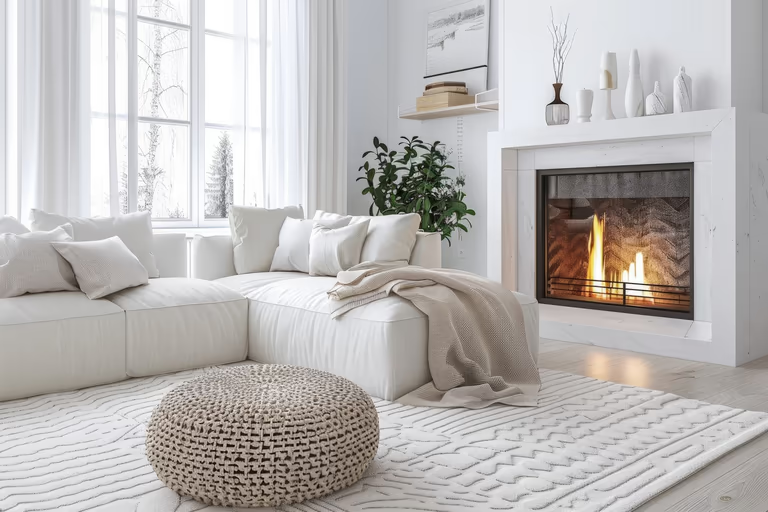 Scandinavian
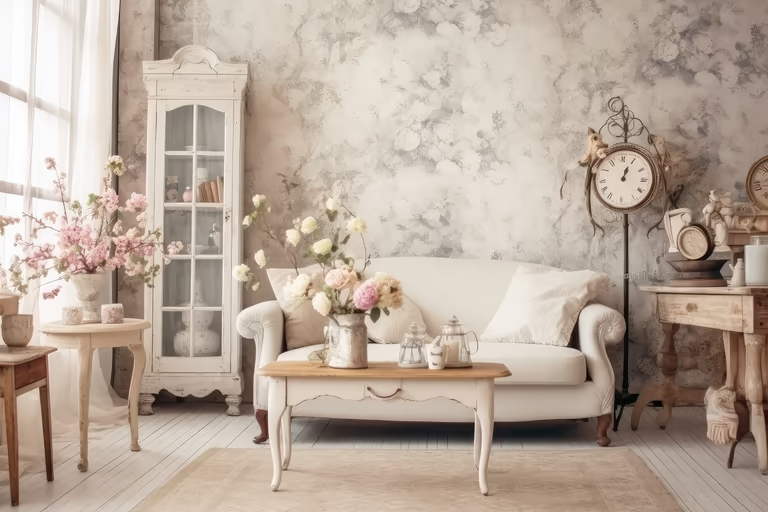 Shabby Chic
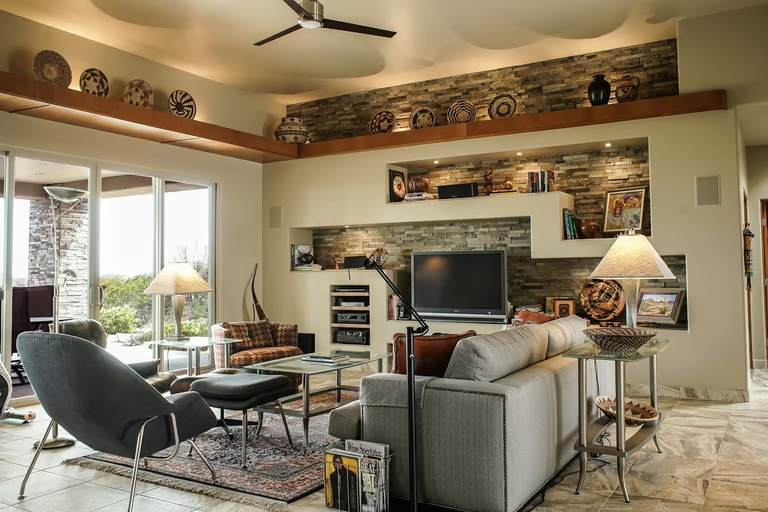 Southwestern
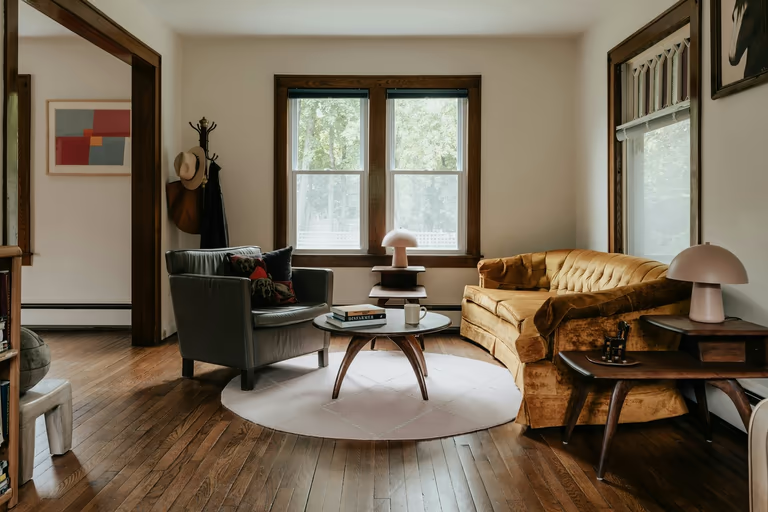 Traditional
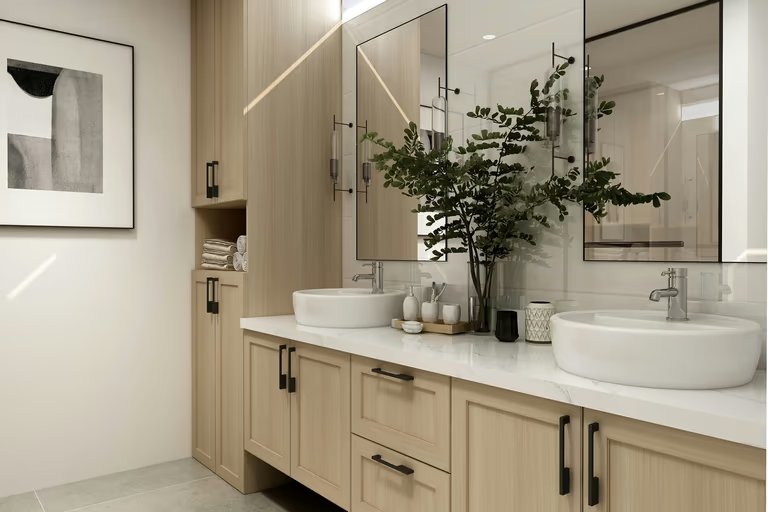 Transitional
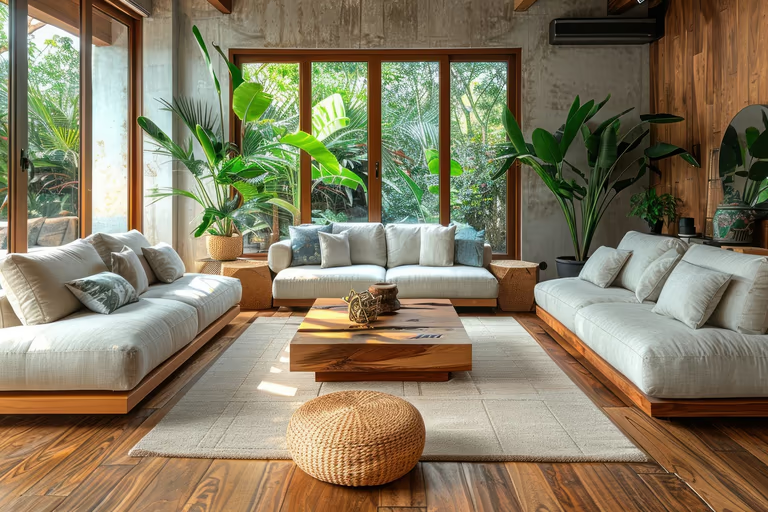 Tropical
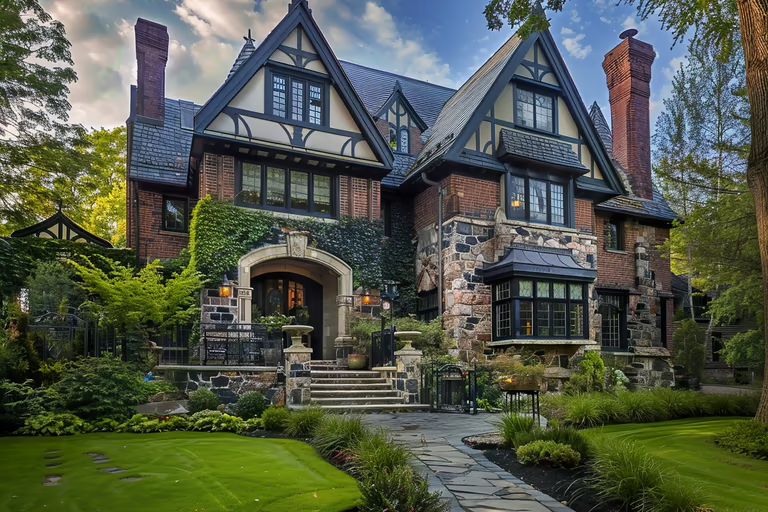 Tudor
Tudor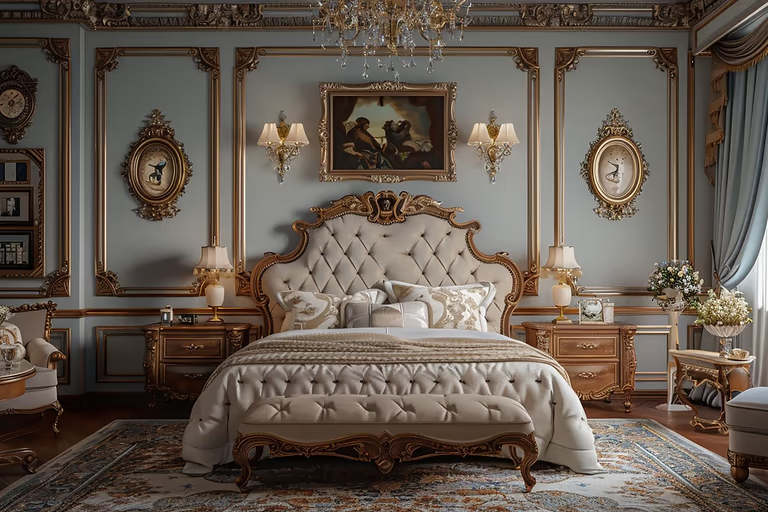 Victorian
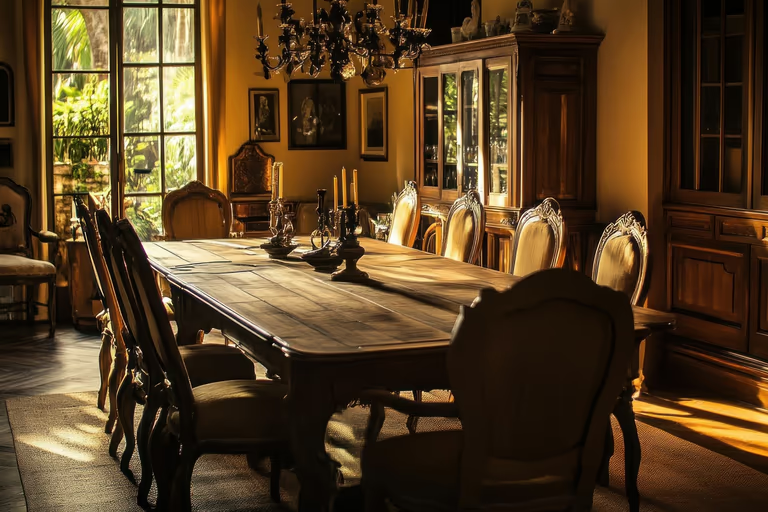 Vintage
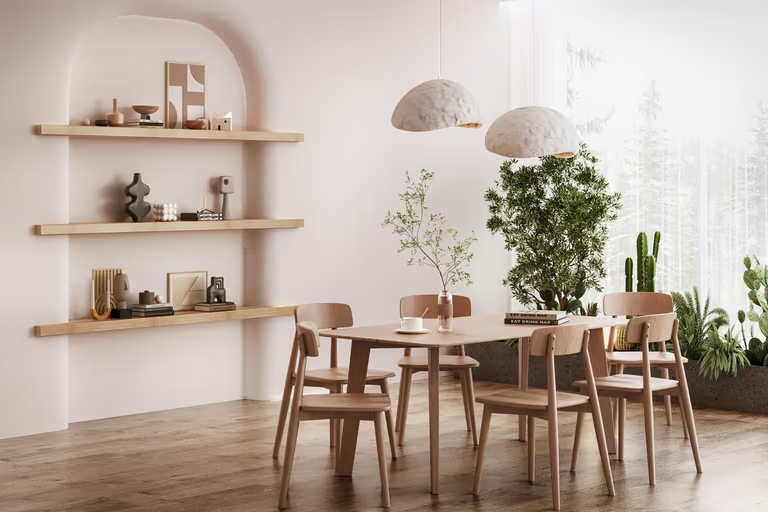 Wabi-Sabi
AI bathroom design FAQs
Get clear answers about DecorAI bathroom design, from choosing the right photo and creating new designs to pricing, plumbing, styles, and other common questions before you start.
What is AI bathroom design?
AI bathroom design uses AI to show how your bathroom can look with a new design. Upload your bathroom photo and see new styles, tiles, colors, lighting, and other changes before you start remodeling.
Can AI design my bathroom from a photo?
Yes. Upload your bathroom photo, choose bathroom type, style, tiles, colors, and lighting, and AI will create a new design for your bathroom.
How do you use AI to design a bathroom?
Upload one photo of the room, pick a style, and you Get up to 4 photorealistic versions back in about 30 seconds. Keep generating until something looks right, then change one thing at a time, swapping the tile or the vanity while the rest of the render stays put. There is nothing to install and no measuring or CAD work, so the whole thing runs from a photo taken on your phone.
What photo works best for AI bathroom design?
Use a clear, well lit photo taken from a corner so the vanity, shower, and floor are all visible. Avoid tight crops and steamed mirrors. Uploads accept JPG, PNG, WEBP, and HEIC files, and you can paste an image link instead of uploading if the photo is already online.
What bathroom styles can I create with AI?
You can create Spa Minimalist, Modern Luxury, Scandinavian, Japanese Zen, Industrial, Coastal, and Classic bathroom styles. If you are not sure which one fits your space, choose AI Decides and let DecorAI select a style for you.
Can I describe my bathroom design idea with text?
Yes. Use Describe with Text to write the bathroom look you want in simple words. You can describe materials, lighting, colors, or other details, and use a negative prompt to tell AI what you do not want.
Can I change just the tile or just the fixtures?
Yes. Redesign Scope lets you pick Full Redesign, Surface Only, or Fixtures Only. Surface Only changes tile, paint, and finishes while leaving the fittings alone. Fixtures Only swaps taps, showerheads, and hardware without touching your walls or floor, which is useful when the budget is limited.
Will the AI keep my bathroom's actual layout?
Yes. The redesign works from your photo, so the room keeps its real shape, window positions, and plumbing points. That is the difference from a generic AI image generator, which invents a bathroom that does not exist. You see your bathroom changed, not somebody else's bathroom entirely.
Can DecorAI help me redesign my bathroom without moving the plumbing?
DecorAI can give your bathroom a new look without moving the plumbing. Your bath, basin, and toilet stay in the same place, and you can change other parts of the design.
Can DecorAI generate multiple bathroom designs?
Yes. DecorAI can generate up to 4 bathroom designs at once from the same photo. You can try different settings, compare the results, then edit whatever you want.
Is DecorAI a free AI bathroom design generator?
You can try DecorAI with 3 free bathroom designs. After the free trial ends, you need to buy a paid plan for $24 per month. Then you can create unlimited designs without credits.
Which tool is best for AI bathroom design?
DecorAI is a strong choice for AI bathroom design because it turns your own bathroom photo into realistic design ideas in seconds. You can create multiple versions, edit, save and download.
What should I look for in the best AI bathroom design tool?
Look for photo-based design, easy to use, different redesign options, text prompts, style choices, lighting settings, creativity controls, and multiple design variations.
Do I need to hire a designer or 3D renderer for bathroom ideas?
No. If you choose DecorAI no need to hire an interior designer. It turns your bathroom photo into a quick, realistic visual design, so you can see different ideas yourself before hiring a designer, contractor, or professional 3D renderer.
Can I use AI bathroom design for client work?
Yes. Designers, renovation firms, and real estate agents use it to show clients an option before quoting or committing. Generate several directions from one photo, upscale the one the client picks to 4x resolution, and put it straight into a proposal or listing.

Try AI Home Design Free
Upload a photo of your space and redesign it with AI in seconds. Explore styles, change details, and visualize your ideas before you make them real.
Start Free Trial