How can we help you today?
Can I get a refund?
Yes, we issue refunds with a 30-day money-back guarantee. See our refund policy.
Can I cancel my subscription anytime?
Yes. You can cancel your DecorAI subscription at any time. To cancel, go to Manage Subscription, then click on Cancel Subscription. You will still have access to your plan until the end of your current billing period. Note that cancelling means you will lose your current launch pricing rate if you resubscribe later.
How do I upgrade or change my plan?
Go to Manage Subscription and select Upgrade Now. From there, you can upgrade, downgrade, or switch between monthly and half-yearly billing. Changes take effect at the start of your next billing cycle.
Can I use generated designs for commercial projects?
Yes, every DecorAI plan comes with commercial usage rights. You can use your generated designs for your personal and commercial projects.
Can I redesign my kitchen without starting a renovation?
Yes. Upload a photo of your existing kitchen, choose a style, and DecorAI will generate a photorealistic functional redesign instantly. You can visualize new cabinets, countertops, flooring, and layouts without touching a single wall.
Does DecorAI keep my roofline and layout?
Yes. DecorAI works from the real structure in your photo, so the steep A-frame pitch, the footprint, and the window positions stay accurate. It changes materials, colors, and finishes, not the bones of the house.
What is AI virtual staging and how much does it cost?
AI virtual staging uses artificial intelligence to furnish and decorate an empty room in seconds. Upload a photo of an empty space, select a style, and DecorAI generates a fully staged, photorealistic version. Virtual staging is included in all DecorAI plans starting at $24 per month.
Can I redesign my landscape and garden?
Yes. Upload a photo of your outdoor space and select from 55 landscape and garden styles across multiple outdoor presets or simply describe with a prompt. DecorAI will redesign your garden with new plants, trees, pathways, and seasonal elements in seconds.
What design styles does DecorAI support?
DecorAI supports 175 styles across different tools including modern, minimalist, Scandinavian, Japandi, rustic, bohemian, coastal, industrial, mid-century modern, farmhouse, luxury, and many more. The Exterior Redesign tool alone offers 67 styles, Room Redesign offers 54 styles, and Landscape Redesign offers 54 styles.
Can I get help if I am stuck?
Yes. Our support team is available to help you with any questions about using DecorAI. You can reach us through the support page and we will get back to you as quickly as possible.
How do I upload my space photo?
Open any tool page. You will have option to upload a photo via a link to the image or from your device. Also, you can simply drag and drop a photo to upload. Supported formats are JPG, PNG, WEBP, and HEIC. For best results use a well-lit photo taken straight-on, not at an angle.
What photo should I upload for best results?
Use a clear, well-lit photo of your space taken from a straight angle. Avoid dark rooms, heavy shadows, fisheye lenses, and cluttered spaces. The AI performs best when it can clearly see the walls, floor, and layout of the room. For best results with hand-drawn sketches, draw with black ink or pencil on a white background.
Which tool should I use for my project?
Use Room Redesign for living rooms, bedrooms, kids rooms, home offices, and many more. Use Kitchen Redesign for kitchens and Bathroom Redesign for bathrooms. Use Exterior Redesign for residential and commercial exteriors. Use Landscape Redesign for gardens and outdoor spaces. Go to your DecorAI dashboard to explore more tools.
Are AI videos limited?
Image designs are unlimited on every paid plan. AI video is the one metered feature: up to 20 videos a month on the monthly plan and up to 120 per six months on the half-yearly plan. The cost is shown before you generate, so you always know what a video will use.
Why did my generation fail?
Generations can occasionally fail because of image quality or server load. A failed image generation costs you nothing, and a failed video is not counted against your video allowance. Try uploading a clearer photo, or try again in a few minutes.
Can I redesign the same room in multiple styles?
Yes, and there is no limit. Image designs are unlimited on any paid plan, so you can generate as many versions of the same room as you like. Pick a different style each time and generate again from the same photo.
What is the difference between Magic Edit and Inpaint Image?
Magic Edit uses a text prompt to apply changes across the whole image. Inpaint Image lets you paint over a specific area of the photo and replace just that section. Use Inpaint when you want to change one specific object or area without affecting the rest of the image.
Can I use Sketch to Render with a hand-drawn sketch?
Yes. Take a clear photo of your hand-drawn room or exterior sketch and upload it. The AI will transform it into a photorealistic render. Make sure the sketch is clear and drawn on a white or light background.
How does the Image Upscale tool work?
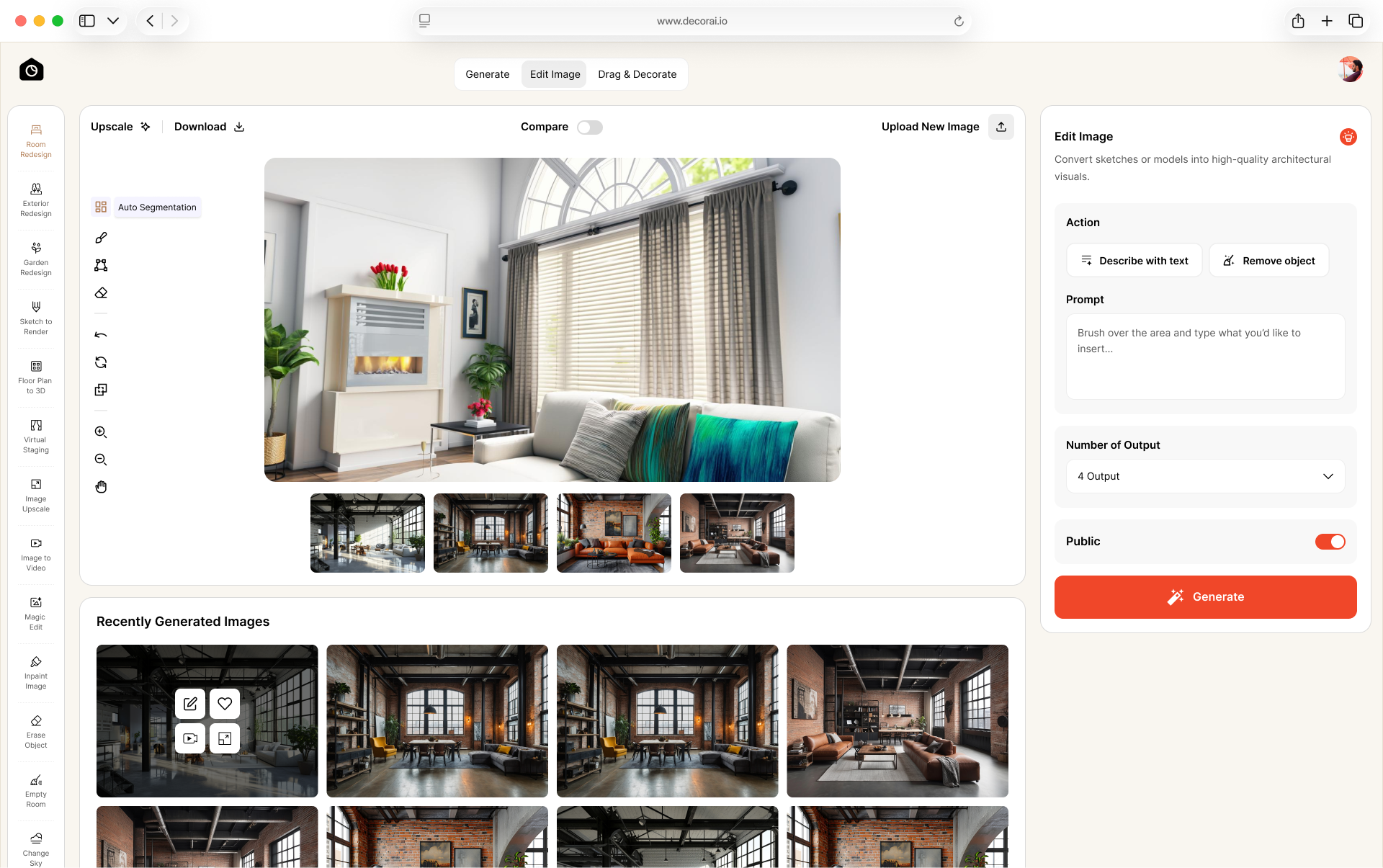
Go to Image Upscale tool. Click on Use a past image, then choose the generated image that you want to upscale and click Generate. The upscale tool will enhance it to up to 4x resolution and download automatically once the upscaling is finished. This is useful for printing, presentations, or sharing high quality images with clients.
What is Private Generation Mode?
When private mode is enabled your generated designs are not visible to anyone else and are not used in any public gallery. Your images stay completely private to your account.
How do I use the Change Sky tool?
Upload an exterior photo of your home and select one of the 14 available sky styles. Click on Generate, the AI will replace the existing sky while keeping the exterior and surroundings intact. This works best on photos with a clear horizon line.
How do I download my generated designs?
Open the design from your My Creations page and click the download button. You can select multiple designs and download them in a ZIP folder. Designs are downloaded as high-resolution JPG or PNG files depending on the tool used.
What resolution are the generated images?
Standard generations are high resolution. You can use the Image Upscale tool to increase resolution up to 4x for print quality or client-facing presentations.
I was charged but my plan has not updated. What should I do?
This can happen because of a payment processing delay. Wait a few minutes and refresh your account. If it has not updated within an hour, contact support with your payment confirmation and we will resolve it immediately.
Why does my generated design look distorted or unrealistic?
This usually happens when the uploaded photo is too dark, taken at an extreme angle, or heavily cluttered. Try uploading a cleaner, well-lit photo taken straight-on for better results.
Submit a support ticket

Start Visualizing Your Imaginations with AI.
Upload a photo of any space. Your AI redesign is ready in 30s. 20+ tools included. Unlimited renders. Cancel anytime
Start Free Trial