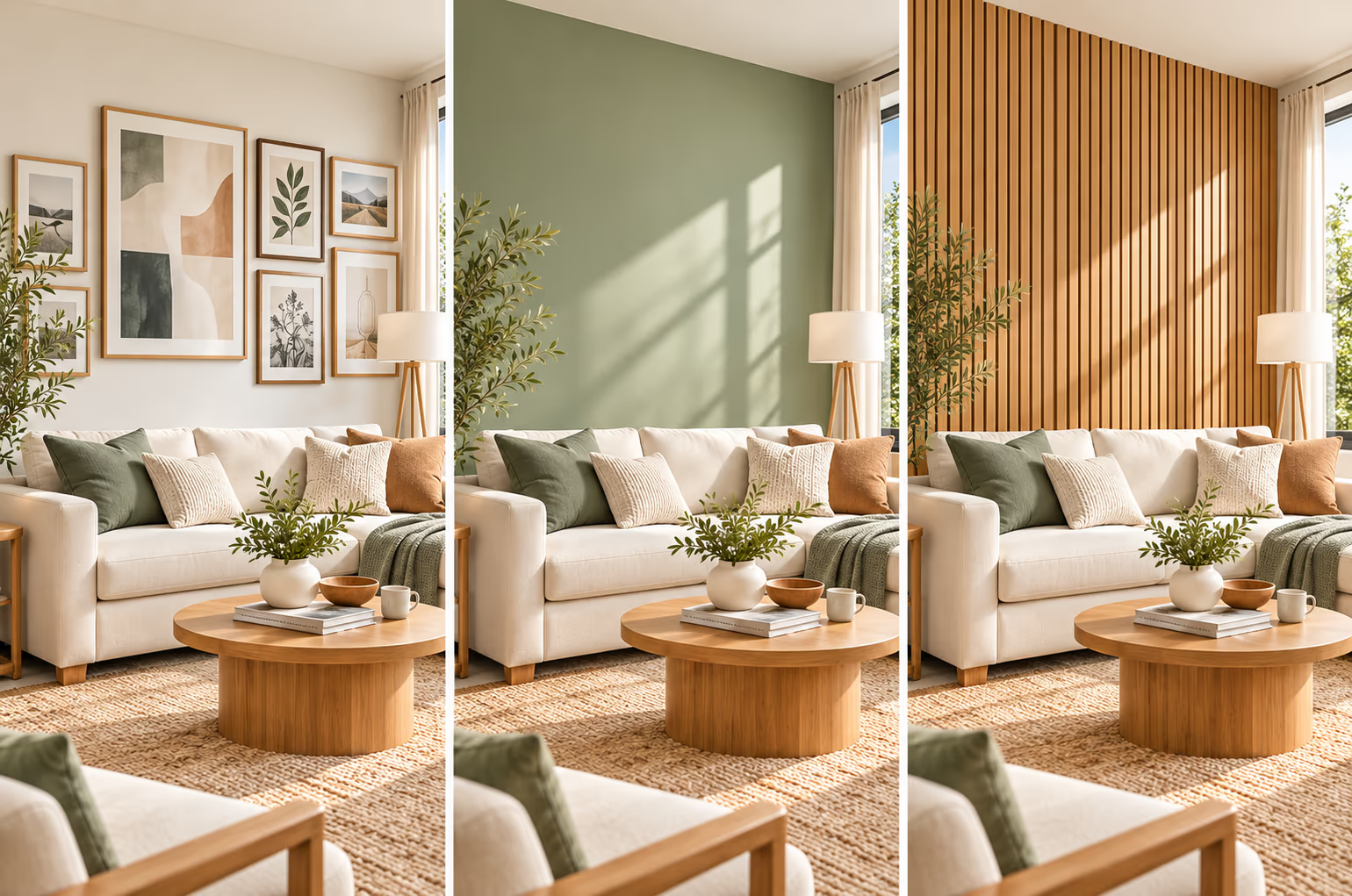
A plain wall can make a room feel empty, even with nice furniture. Adding artwork, changing the paint color, or using wall panels can give it a fresh look. But how do you know which design will look good before spending money?
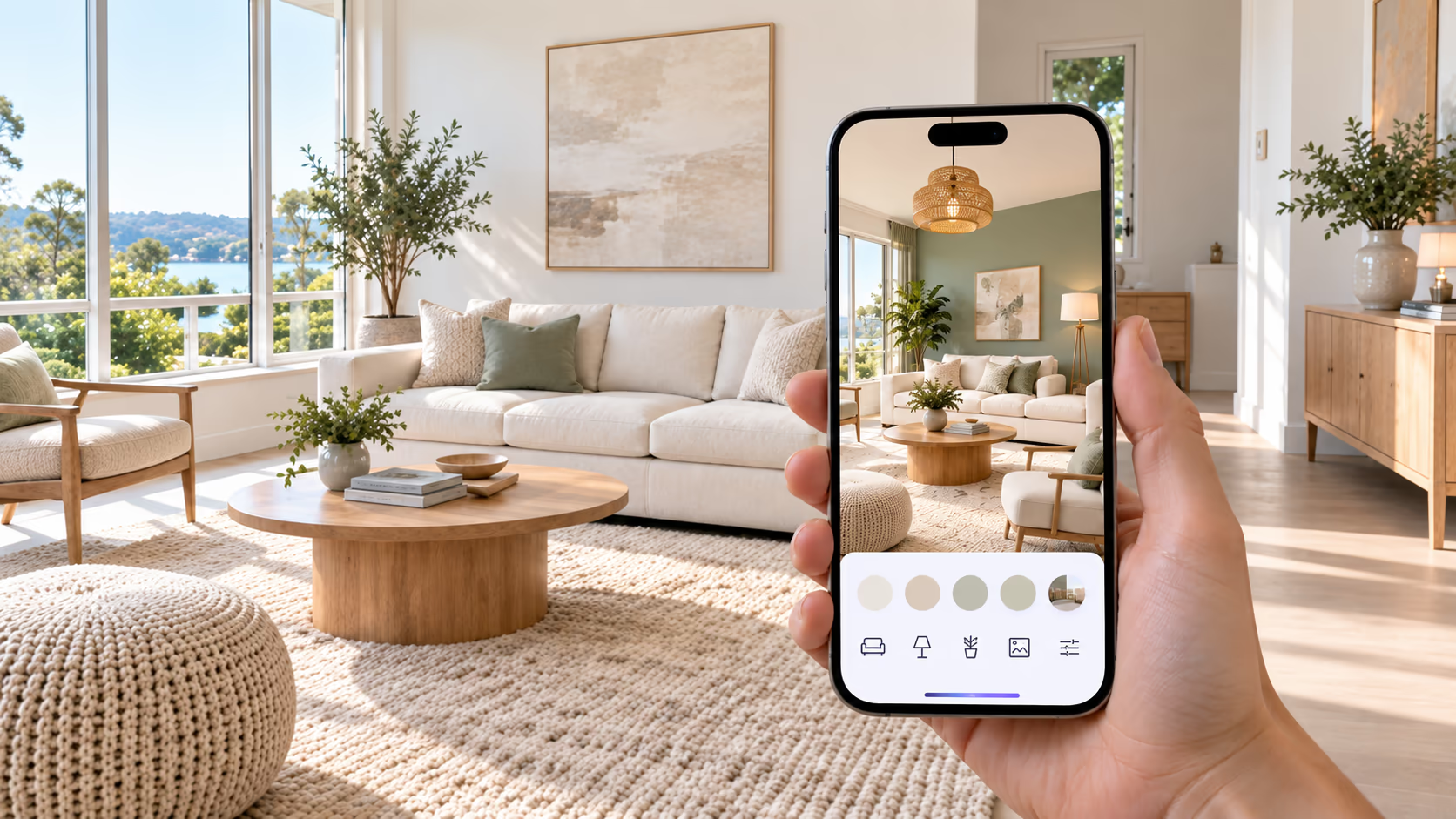
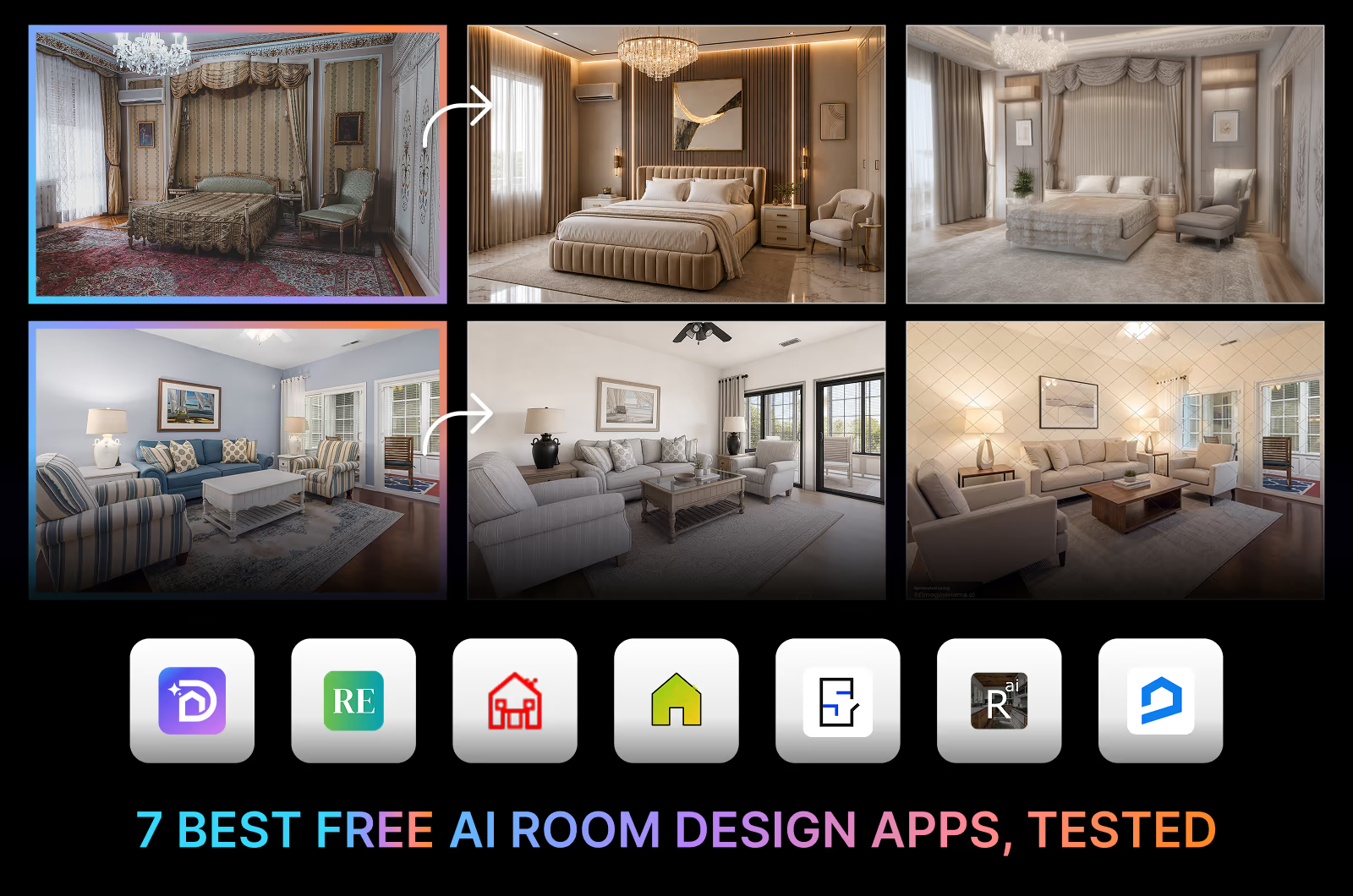
With AI wall decor, you can upload a photo of your room and try these changes on your own walls. See how new colors, picture frames, or panels fit with your furniture. DecorAI makes it easy to try different ideas without buying anything first.
In this guide, you'll learn about three ways to decorate your walls, ideas for different rooms, and how to use AI wall design tools to find a style you like.
Upload a photo of your room to DecorAI and try a new wall before you buy anything. Use Surface Painting to repaint the walls in a color you pick, and Magic Edit to add artwork, a gallery wall, or wood panels from a text prompt. Then check sizes and colors on the real wall, because AI previews are not exact.
What Is AI Wall Decor?
AI wall decor uses artificial intelligence to change the look of walls in a photo. It can add artwork, change wall colors, or show new patterns and textures.
Some tools also let you describe your ideas in text to get a design that matches your taste. For example, you can ask for a flower pattern, a brick wall, or simple shapes. The tool reads your instructions and creates a picture with changes.
Not every tool works the same way. Some only change wall colors, while others can add shelves, artwork, or wood panels. The results are useful for seeing new ideas, but the sizes and materials may not always be correct.
3 Ways to Change the Look of Your Wall
Wall art, paint, and decorative panels can each give your room a new look. Here is what each option does well and how to choose the right one for your home.
1. Add Artwork and Gallery Walls
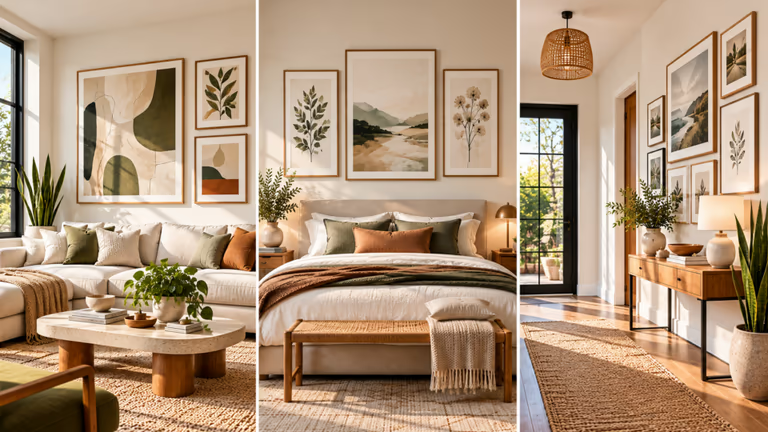
Wall art can make a plain wall more interesting. It can also show your personal style through colors, pictures, and frames. With an AI wall art tool like DecorAI, you can see how different artwork and frame arrangements might fit in your room.
Here are 5 ideas to try for artwork and gallery walls:
- Large abstract art: Hang one large painting above a sofa or bed to make the wall stand out.
- Gallery wall: Arrange framed pictures, photos, and drawings in a group.
- Simple artwork: Choose clean shapes and soft colors for a modern room.
- Nature prints: Add pictures of flowers, leaves, or mountains.
- Personal photo wall: Display family photos or travel memories in matching frames.
Before You Start: Check the size of your artwork before buying it. A small picture may look out of place on a large wall. Too many frames can also make a small space feel crowded.
2. Change Wall Colors With AI Paint Tools
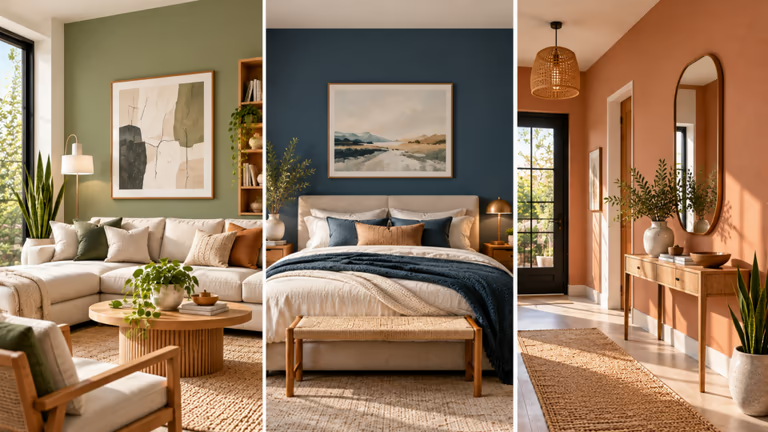
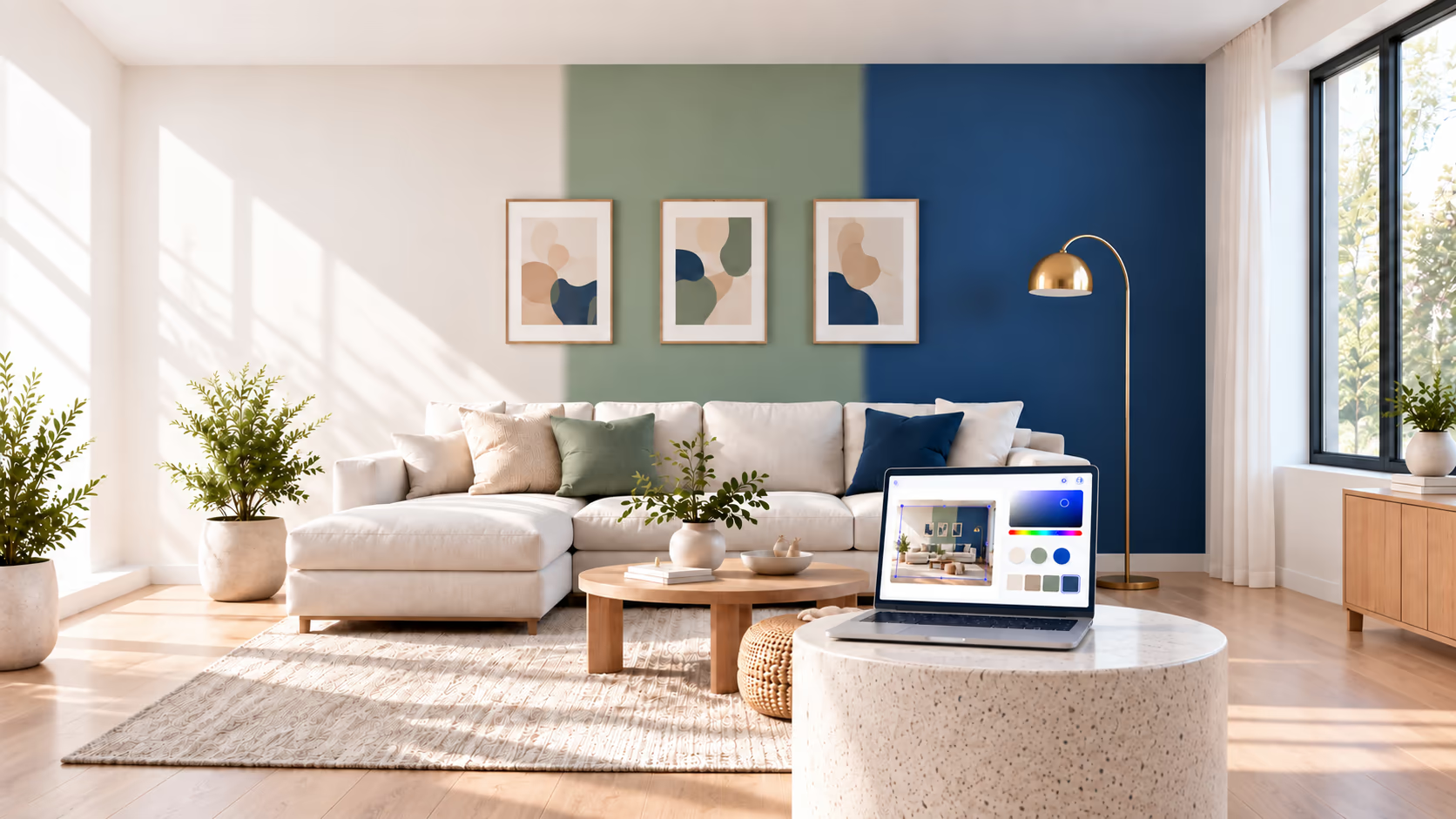
A new paint color can make a big difference in a room. Light colors can make it feel brighter, while dark colors can give it a bold look. With an AI wall paint tool, you can try different colors and see which ones go well with your furniture and floor.
Here are 5 wall colors to try:
- Warm white: Looks good with wooden furniture and colorful decor.
- Sage green: Adds a soft green tone that suits cream fabrics and natural wood.
- Deep blue: Creates a bold look for a bedroom or living room.
- Terracotta: Adds a warm orange-brown color to your walls.
- Soft beige: Gives the room a simple look that works with many styles.
Another idea is to paint just one wall in a different color. This is called an accent wall. It works well behind a bed, sofa, or reading chair.
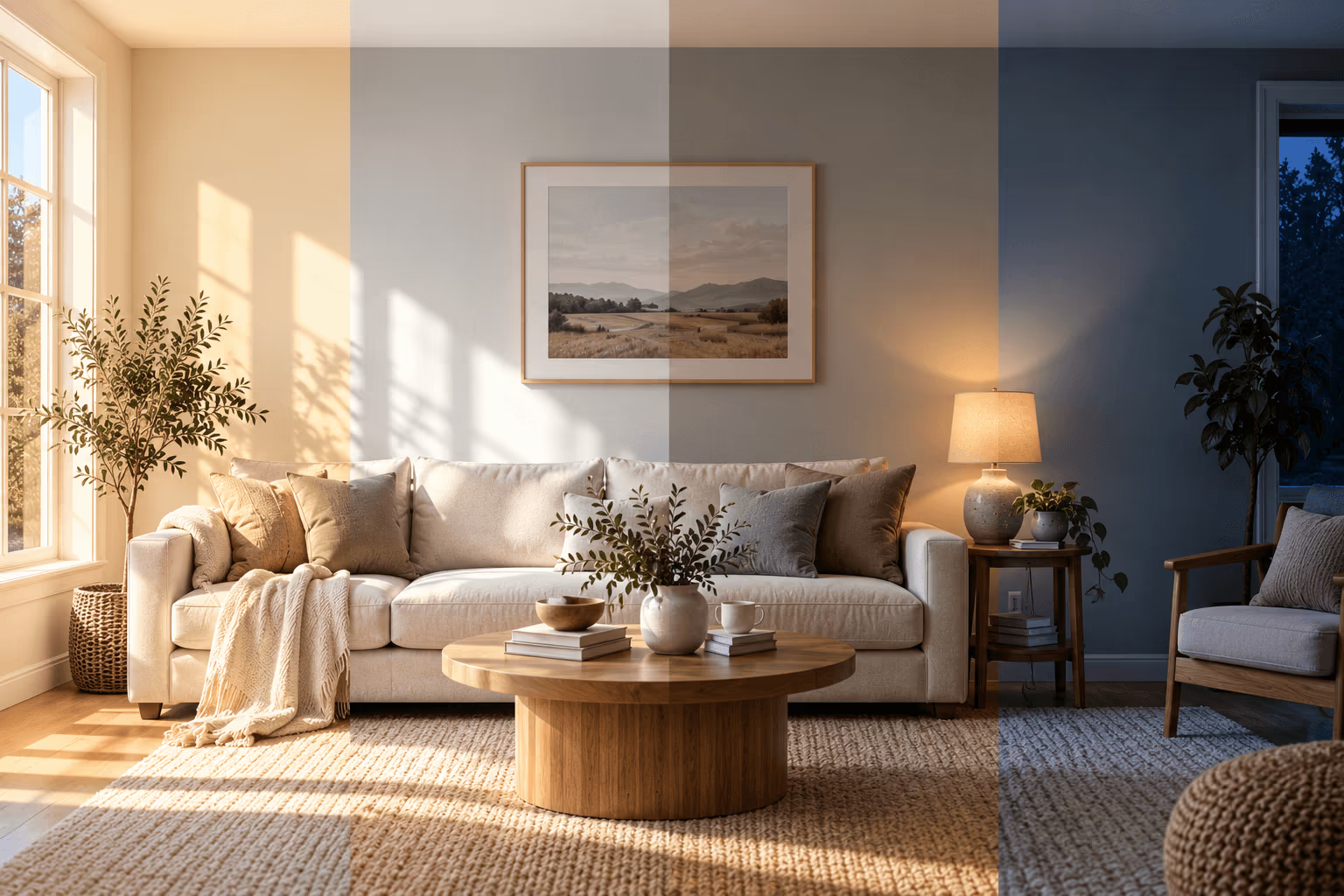
Before You Start: Check how daylight enters your room. The same paint color may look different in a bright room and a dark room. Test a small paint sample on your wall before painting the whole area.
For more tips, read our guide on how light affects paint color. To compare apps that put a paint color on a photo of your wall, see our paint color visualizer guide.
3. Add Decorative Wall Panels and Textures
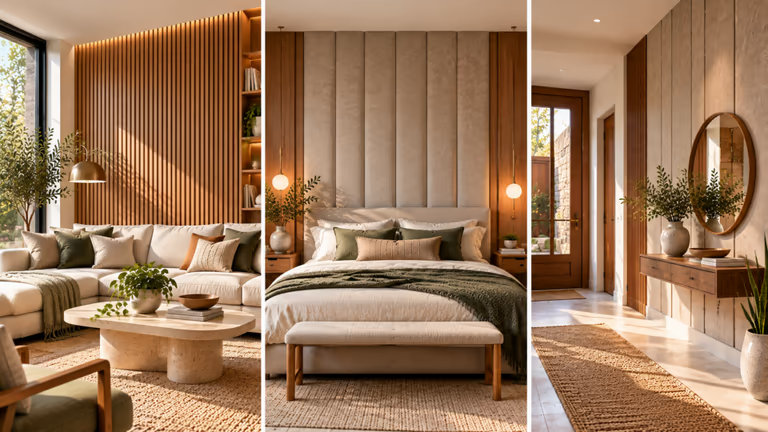
Decorative wall panels can make a wall look more detailed and stylish. They are a good choice if you want more than plain paint or framed art. With AI wall design tools, you can try different panel ideas and see what looks best in your room.
Here are 5 panel styles to try:
- Vertical wood slats: Add long wooden lines behind a bed or sofa for a clean look.
- Wall molding: Use simple raised shapes for a classic wall style.
- Fluted panels: Add narrow lines for a neat and finished look.
- Stone-look panels: Give your wall a stone style without using real stone.
- Geometric panels: Use repeated shapes to make the wall more eye-catching.
Before You Start: Choose a panel design that fits the size of your wall. Large patterns may look too busy in a small room. Also, check the position of doors, windows, and shelves before choosing a full wall design.
Art vs. Paint vs. Panels: Which Is Right for Your Room?
The best wall decor depends on your style, budget, and how much work you want to do. Artwork adds color, paint changes the feel of a room, and decorative panels add texture.
| Wall treatment | Best for | Things to consider |
|---|---|---|
| Artwork | Adding color and personal style | Frame size, placement, and spacing |
| Paint | Changing the room's look | Color, lighting, and wall condition |
| Decorative panels | Adding patterns and detail | Materials, wall size, and installation |
Artwork is easy to change later. You can move pictures, replace frames, or add new pieces without making big changes to your walls.
Paint is a good choice if you want a new color across the room. You may need to clean or prepare your walls before painting.
Decorative panels can give your walls a more detailed finish. Some panels are easy to put up, while others need special tools or professional help.
If you rent your home, check before painting walls or making holes. Removable wall decor may be a better choice. Heavy artwork and wall panels need strong supports to stay in place.
Not sure which option to choose? Use DecorAI Surface Painting to test wall colors, and compare artwork or panel ideas using your room photo.
How to Use AI to Decorate a Room
An AI room decor tool can help you try new wall designs using a photo of your own room. Follow these five steps to see how your ideas might look before making real changes.
Step 1: Take a Clear Photo of Your Room
Take a photo that shows the whole wall and some of the room around it. Use daylight if you can, and keep your camera straight. Move anything that blocks the wall so the tool can see it clearly.
Step 2: Choose the Wall to Change
Pick the wall you want to decorate. If your room has more than one wall, start with just one. Some tools let you select the part of the photo you want to change. This can help you keep the rest of the room as it is.
Step 3: Describe the Design Clearly
Give the AI clear instructions about the changes you want. Mention the location, color, material, and any details that matter to you.
For example: "Add three framed pictures above the sofa. Keep the furniture, windows, and floor the same." Clear instructions help the tool understand what you want.
Step 4: Generate and Compare the Results
Look closely at the generated image. If something doesn't look right, change your instructions and try again. Save the designs you like so you can compare them later.
Step 5: Check the Details Before Starting Work
Measure your real wall before buying paint, artwork, or panels. Make sure the items you choose will fit and work in your room.
AI room decorating tools can give you useful ideas, but the pictures may not show the right sizes or colors. Check the real details before starting your project.
AI Wall Decor Ideas for Different Rooms
Every room has different needs. The right wall design depends on its size, furniture, and how you use the space. Here are some AI room decor ideas to try in different parts of your home.
If you're planning more changes, check our guide to the best home decor AI apps for ideas beyond your walls.
Living Room
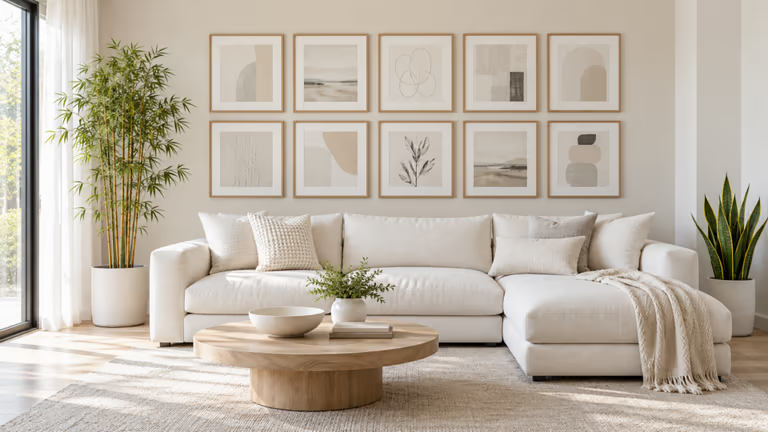
In a living room, consider the wall behind the sofa or the main seating area. A large piece of artwork can draw attention, while a simple accent wall can help define the space. For an open-plan home, use a different wall treatment to give the living area its own identity without making the room feel divided. You can also compare designs that suit your existing sofa, rug, and coffee table.
For more ideas, read our guide to living room decorating ideas.
Bedroom
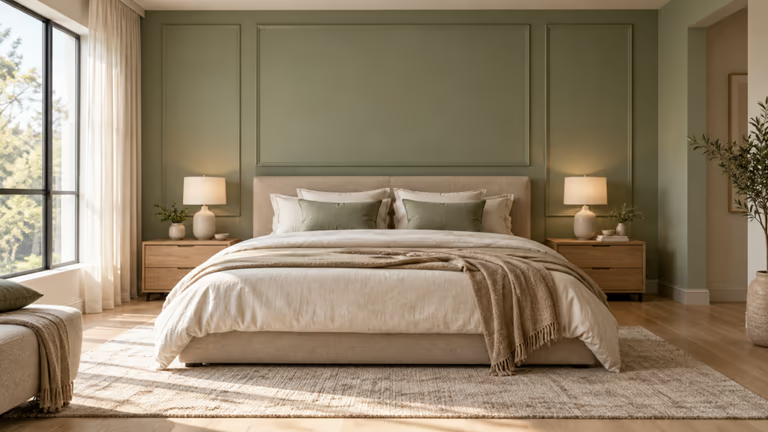
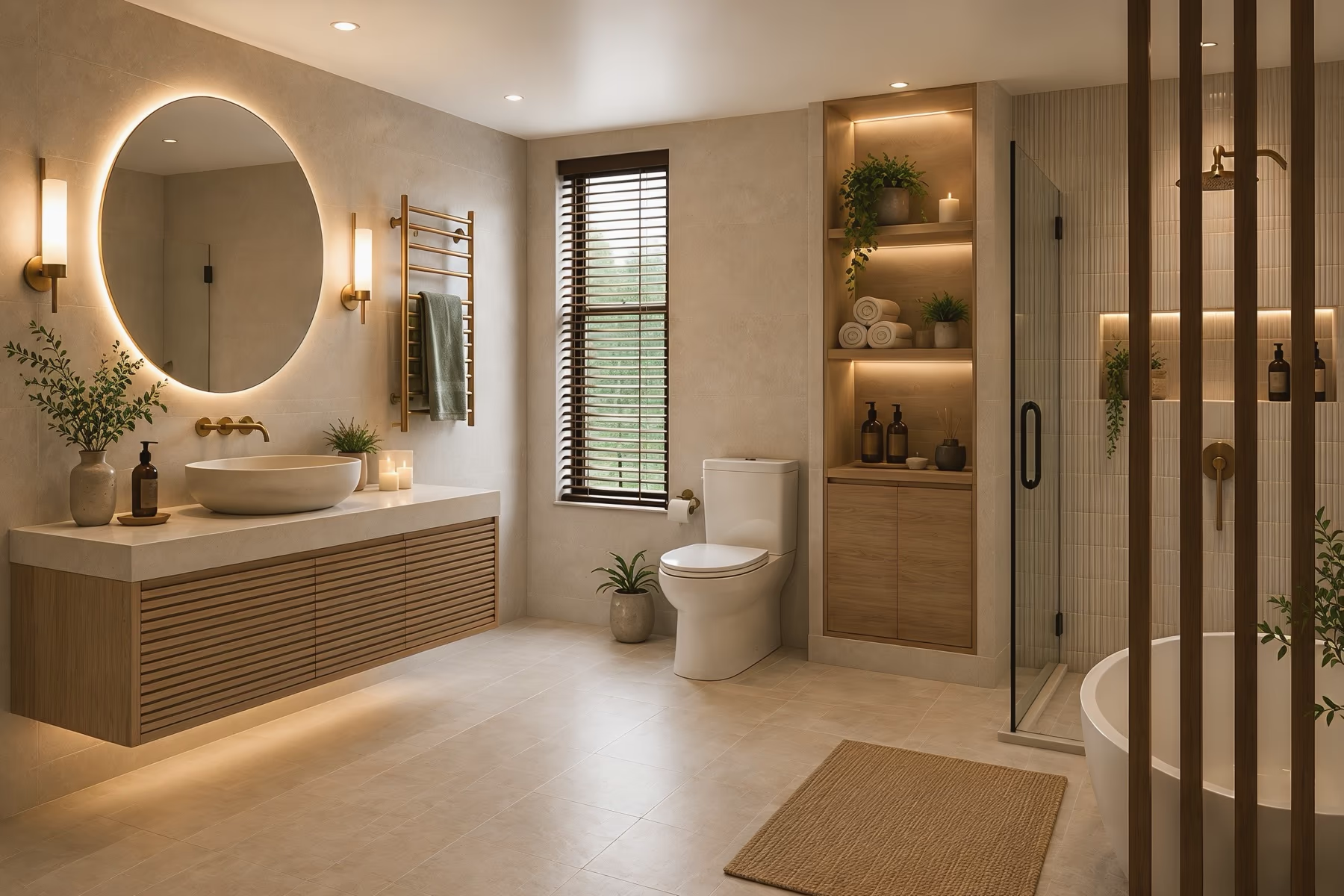
Your bedroom should feel calm and comfortable. Soft colors and simple wall designs can help create that feeling. Try a light wood finish behind your bed or a few matching pictures above it. Keep the rest of the room simple so the wall does not look too busy.
For more ideas, see our 25 bedroom design ideas for different styles and budgets.
Dining Room
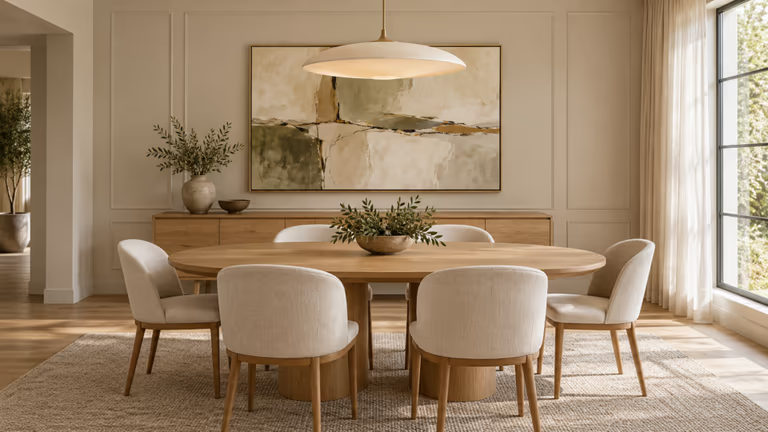
The wall near your dining table can make the eating area feel more welcoming. A large mirror can make a small dining room feel more open. You could also try a few matching pictures along one wall. Choose something that looks good with your table and chairs.
Home Office
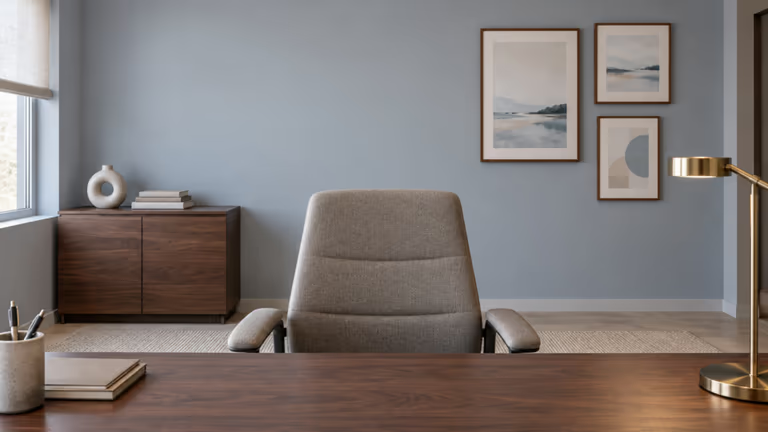
A home office wall can look more organized with a small gallery of prints, a calm paint color, or a simple textured finish behind the desk. If you make video calls, check how the wall looks behind you on camera.
Our guide to office interior design has more ideas for setting up your work area.
Hallway
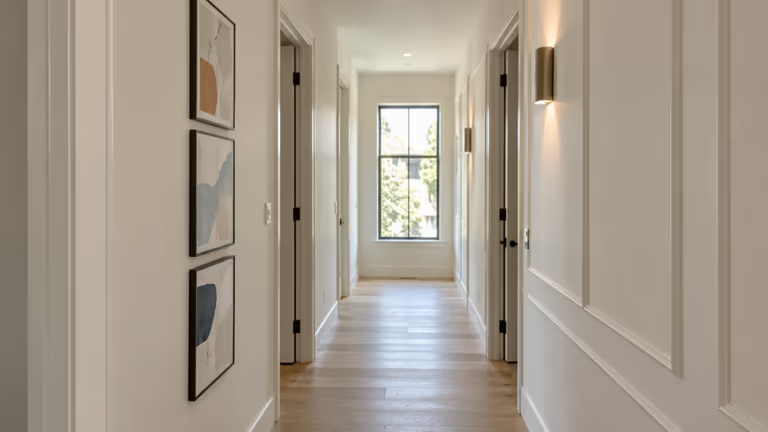
Hallways are often narrow, so it's better to keep the walls simple. A row of small pictures or a long mirror can work well without taking up floor space. Make sure nothing blocks the doors or makes the hallway hard to walk through.
AI Wall Decor Prompts You Can Copy
A good AI wall decor prompt tells the tool what you want to change, where to make the change, and what to keep the same. Copy these prompts and use them with an AI room design tool.
Prompt 1: Modern Gallery Wall
"Add five framed pictures above the sofa in my living room. Use black and light wood frames with simple art in beige, gray, and soft green. Place the pictures in a neat row with even spaces between them.
Keep the room bright with soft, warm daylight. Do not change the sofa, chairs, coffee table, curtains, rug, lamps, plants, or other decorations. Keep the windows, floor, walls, and room size the same.
Make the design look like a real photo. Keep the original image size and camera angle. Do not crop or stretch the picture."
Prompt 2: Sage Green Accent Wall
"Change only the wall behind my sofa to a soft sage green color. Use a smooth, flat paint finish with no patterns. Make the color look natural with the room's existing daylight. Keep the room warm and comfortable, not too dark.
Do not change the sofa, chairs, tables, curtains, rug, wall pictures, lamps, plants, or other decorations. Leave the other walls, windows, doors, and floor as they are.
Make the painted wall look real. Keep the original image size, room layout, and camera angle. Do not crop the photo."
Prompt 3: Natural Oak Wall Panels
"Add narrow vertical wood panels to the wall behind my bed. Use light brown oak wood with a natural finish. Make the bedroom feel warm and calm. Keep the wood panels straight and evenly spaced.
Use the same lighting as my original photo. Do not change the bed, pillows, blankets, bedside tables, curtains, rug, lamps, plants, or other decorations. Keep the windows, doors, floor, and room size the same.
Make the wood panels look like real wood. Keep the original image size and camera angle. Do not crop or stretch the picture."
You can change the colors, artwork, or wood finish to match your room. These prompts work best as a starting point. Always check the result because AI may change small details even when you ask it not to.
Design Your Wall With DecorAI
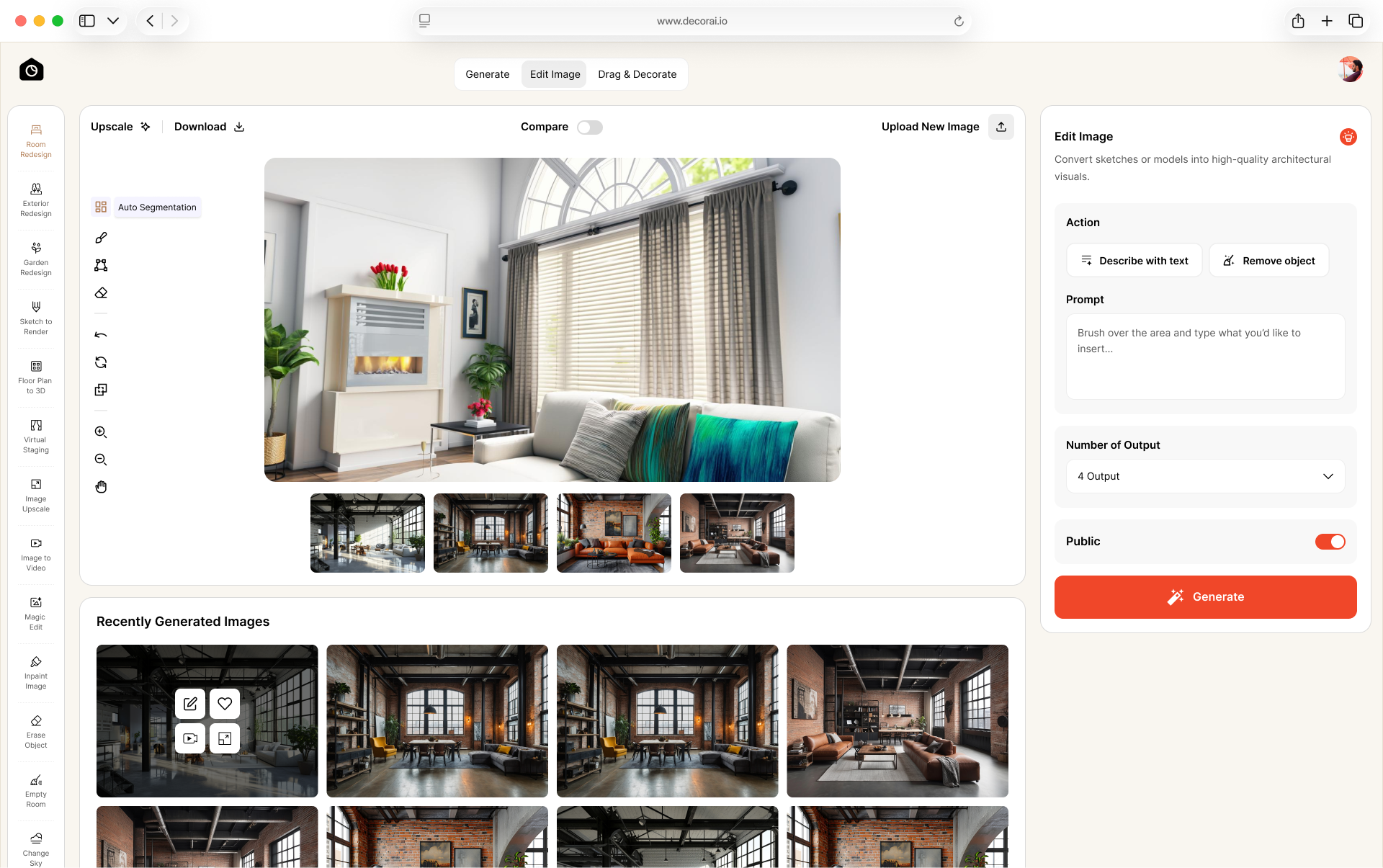
DecorAI works on a photo of your own room, so you see the new wall next to your real sofa, floor, and windows. Three of its tools cover most wall projects:
- Surface Painting: pick a color and repaint the walls, or only an area you mark, while the rest of the photo stays the same.
- Magic Edit: type what you want, such as "add three framed prints above the sofa", and it adds or replaces just that. The prompts above work here.
- Room Redesign: restyle the whole room in one of 54 interior styles when the wall is only part of the change.
Each run gives up to 4 designs in about 30 seconds, so you can put several versions of the same wall side by side.
The 1-day free trial includes 3 designs. A card is needed so your account keeps working when the trial ends, and the monthly plan is $24.
Final Thoughts
A good wall design doesn't have to be expensive or hard to plan. With AI wall decor, you can try new ideas before choosing artwork, paint colors, or panels for your home.
Think about what fits your room, what you like, and how much you want to spend. Choose a design that looks good with your furniture and feels right for your home. Before buying anything, check the real colors, sizes, and materials to make sure your plan will work.
Have a wall makeover in mind? Upload your room photo to DecorAI and start designing today.
Frequently asked questions
AI wall decor helps you try new wall designs using a photo of your room. You can see how paint colors, artwork, and wall panels might look before making any changes.
Yes. Upload a photo of your room to an AI room decor tool and try new wall styles. You see how they look with your own furniture and decorations.
Yes. DecorAI's Surface Painting tool repaints the walls in your photo, or only an area you mark, with a color you pick. Test a paint sample on the real wall before you buy, because screen colors can look different.
Yes. In DecorAI, Magic Edit adds wood panels, framed pictures, or a gallery wall from a text prompt. The results may not show exact sizes, so measure your wall before buying anything.
AI images can show how your ideas might look, but they are not always exact. Paint colors, artwork sizes, and wall details may look different in real life.
Light paint colors, simple artwork, and small wall designs are good choices. Try to avoid too many decorations that make the room feel crowded.
Yes. AI tools let you compare artwork, paint colors, and wall panels without buying them first. Save your favorite designs to help plan your room makeover.
DecorAI has a 1-day free trial with 3 designs. A card is needed, nothing is charged during the trial, and you can cancel at no cost. The monthly plan is $24.