Free AI Interior Design
for Your Real Space
Explore almost any interior style in your own space. Upload a photo and see different furniture, colors, materials, lighting, and design ideas on your actual walls before you buy or renovate.
How DecorAI Interior Design Works
Three steps and no design training. All you need is a photo of the room.

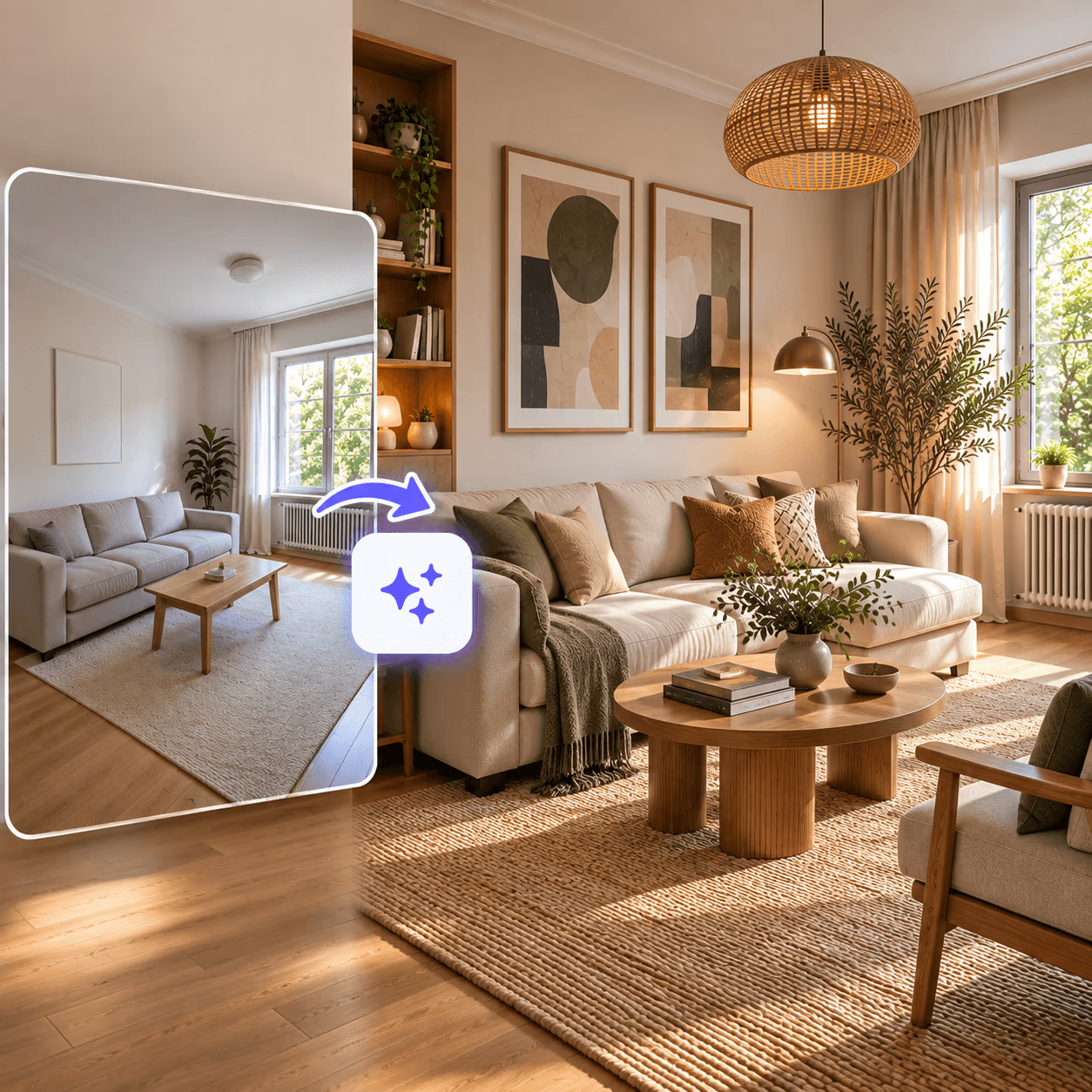
One Photo. Endless Interior Possibilities.
Your space can work in far more ways than you imagine. Explore different design styles, compare them, and refine your favorite until you find the perfect one for you.
Your Room Stays. The Design Changes.
Keep the walls, windows, proportions, and character of your existing space while giving it a completely new look. Your design is based on the room you already have, not a generic room imagined from scratch.
- Works with furnished, partly furnished, or empty rooms
- DecorAI keeps the height of your walls, windows, and ceilings as they are.
- Change a few details or give the whole space a new look.
- No measurements, blueprints, or 3D models are required.
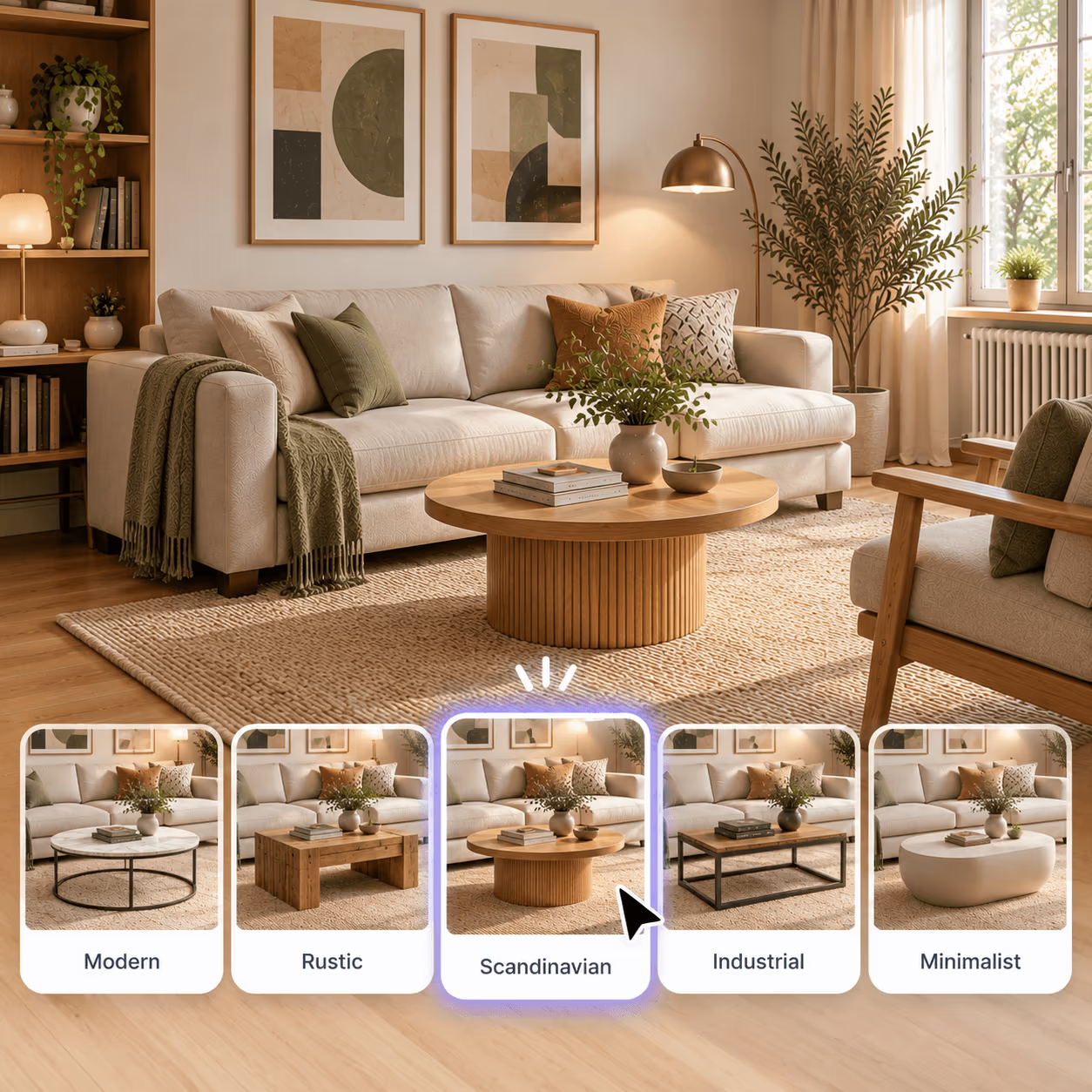
Compare Styles Before You Buy Furniture
Generate different styles from the same photo and compare them side by side to see how each one looks in your space.
- 54 styles, from Modern and Scandinavian to Art Deco and Wabi-Sabi
- Compare multiple styles side by side.
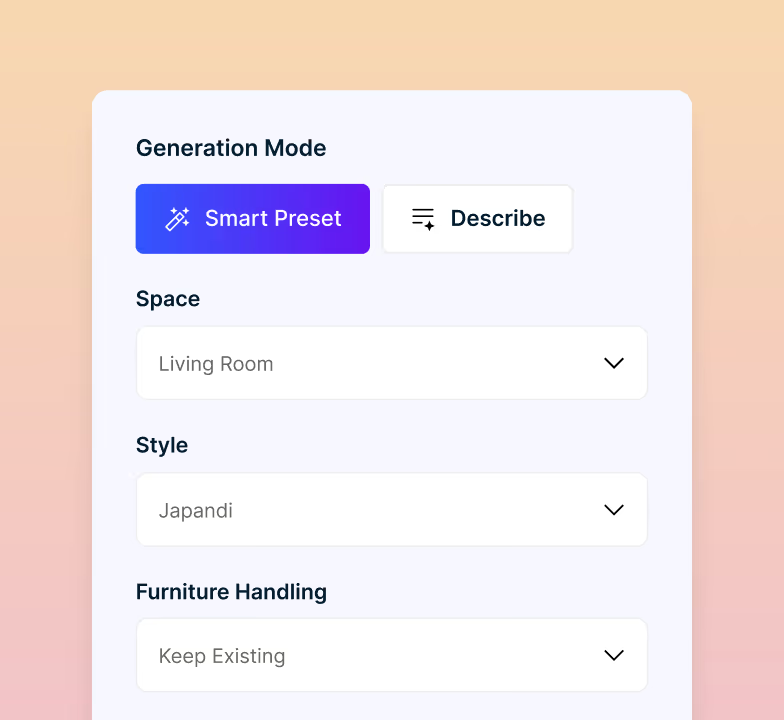
- Choose a preset style or describe your own design.
- 5 creativity levels, from staying close to your instructions to giving DecorAI more freedom.
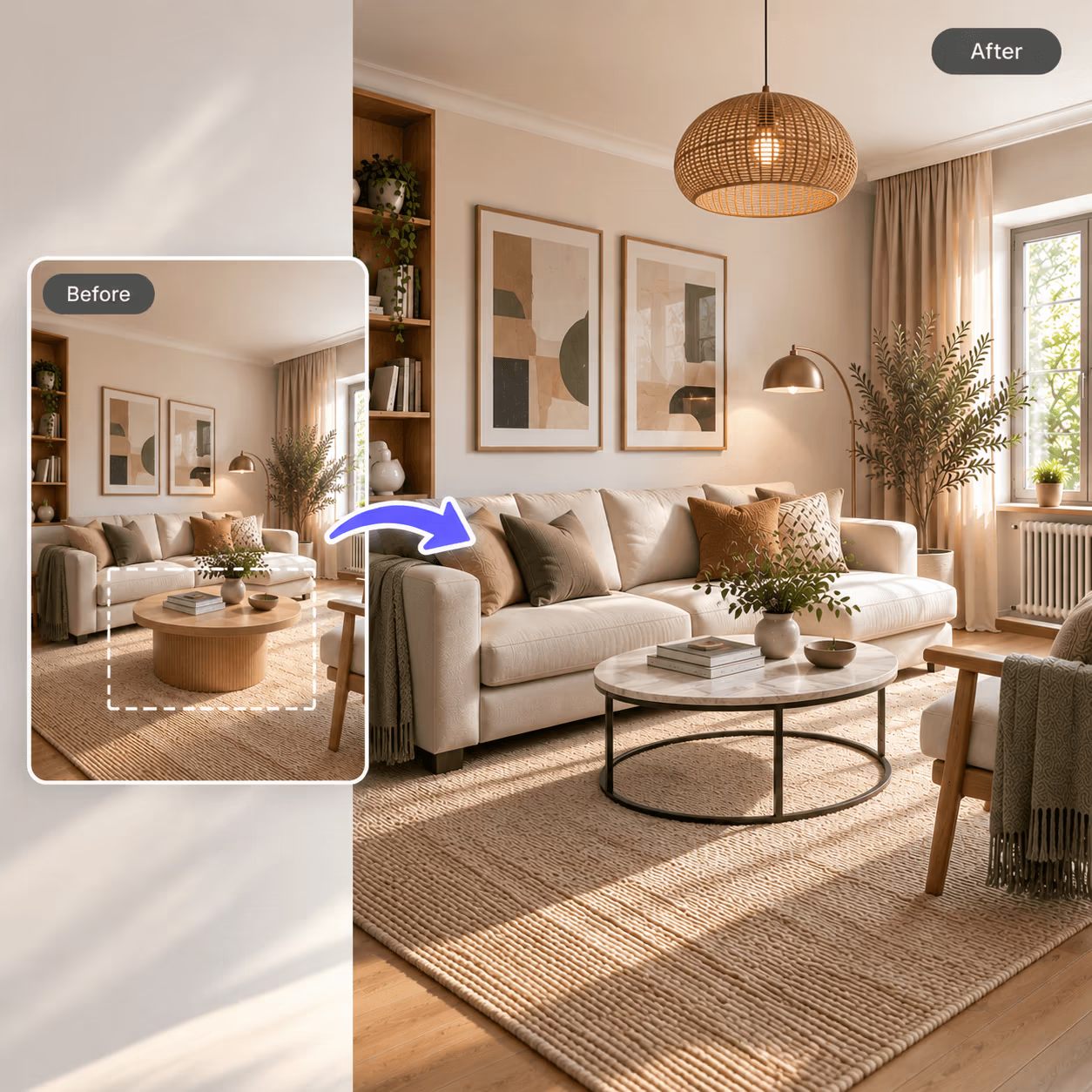
Change What You Want. Keep What You Love.
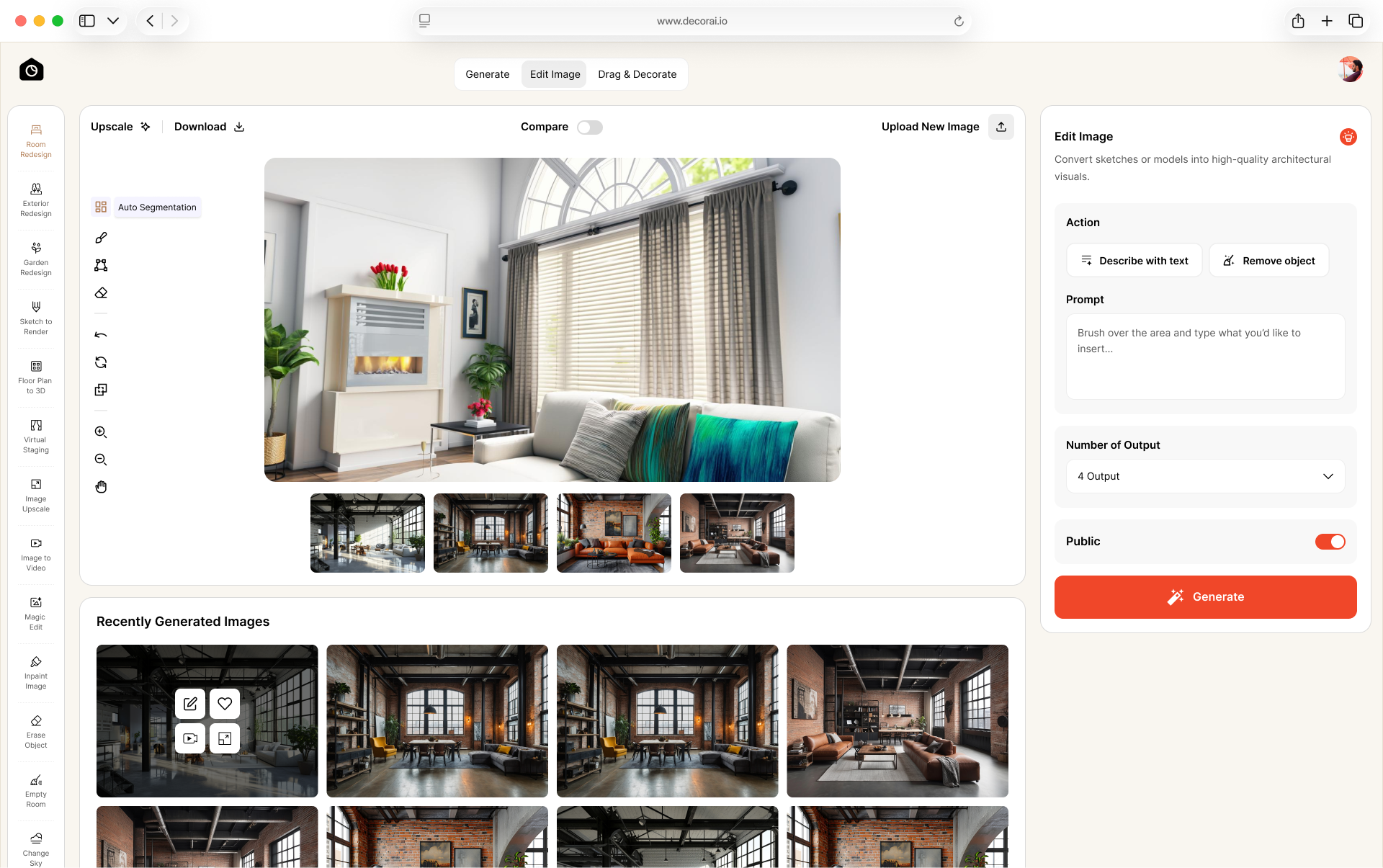
Don't start over when only one part needs changing. Select an area, make the adjustment you want, and keep the rest of your design intact.
- Remove furniture, decor, or anything you don't want
- Change colors, materials, and surfaces in specific areas
- Edit one part without redesigning the whole room
- Refine your favorite design until it feels right
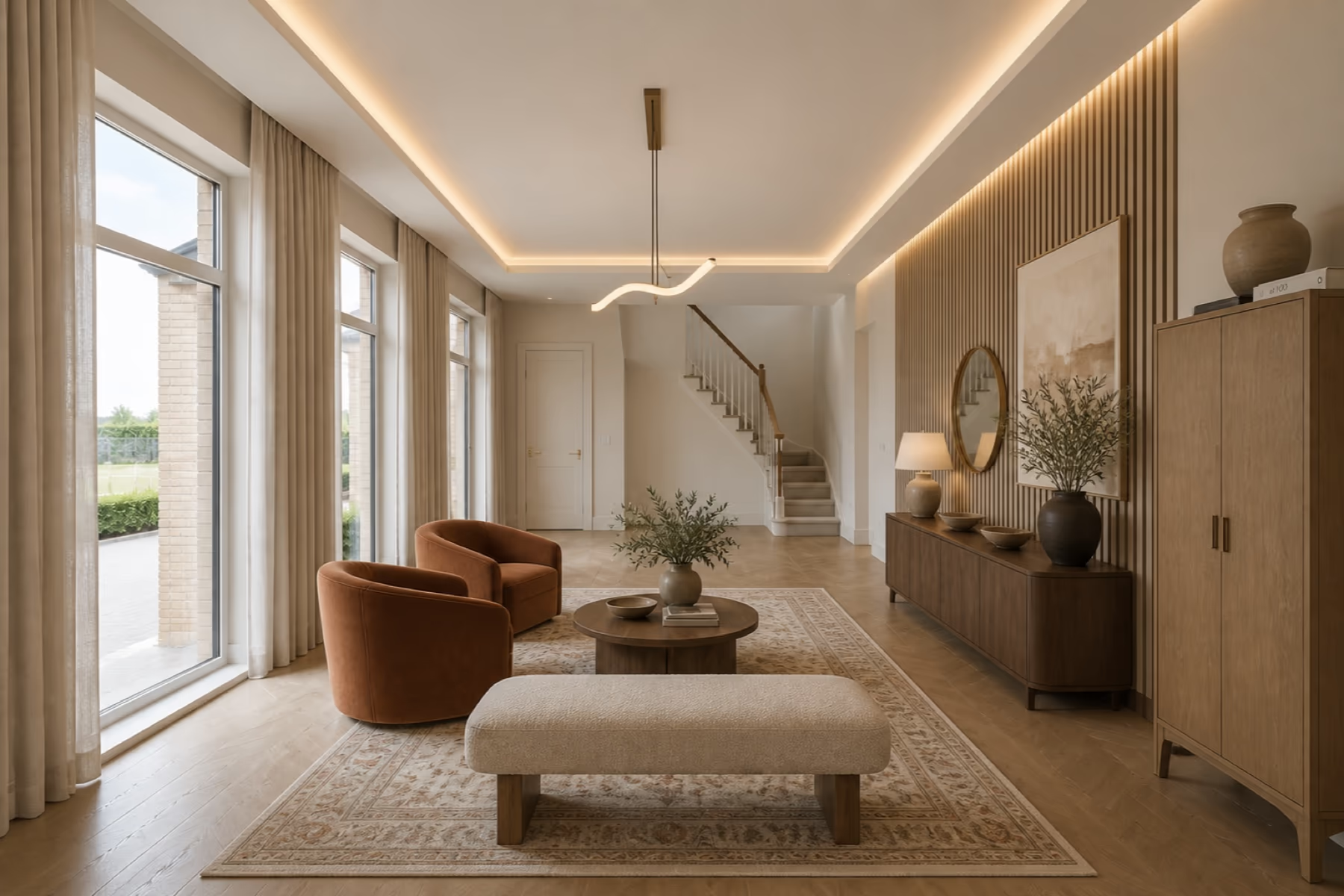
Redesign Every Partof Your Interior
DecorAI gives you the freedom to redesign every part of your space, just the way you want.
- 1FurnitureSofas, beds, tables, chairs and sideboards.
- 2Wall ColorsPaint, wallpaper, paneling and wall finishes.
- 3FlooringWood, tile, carpet and rugs to match the style.
- 4LightingLamps, ceiling lights and the mood they create.
- 5Layout IdeasDifferent furniture arrangements for the space you have.
- 6Decor & AccessoriesArtwork, mirrors, plants and cushions.
- 7Windows & CurtainsCurtains, blinds, shutters and window styles.
- 8StorageShelves, cabinets, wardrobes and built-ins.
Edit by Selecting Areas
Brush over any part of your design and tell DecorAI what you want there. The rest of the room stays untouched.
Add Something New or Take It Away
Add furniture, decor, or other elements, or remove things you no longer want.
Keep Your Favorite Pieces
Mark furniture or other items you want to keep, and DecorAI preserves them while you try new designs.
Swap Style or Texture
Keep everything else exactly the same. Just change the design style using a preset or a reference image.
Make Your Design Print-Ready
Increase your image to 4x the original resolution for sharper prints and presentations.
Expand the Frame
Shot too tight? Push the edges outward so the whole wall and the corner fit in the frame.
Change the Light
See the same design at midday and after dark. Light shifts a color further than a paint chip suggests.
Tell DecorAI What You Want
Prefer to skip preset styles? Describe your interior idea in your own words instead. AI follows your instructions to create a design based on what you want.
Start From a Past Design
Continue working from a design you created earlier. You do not need to add the original room image again.
How to Get Better Results From Your Interior Photo
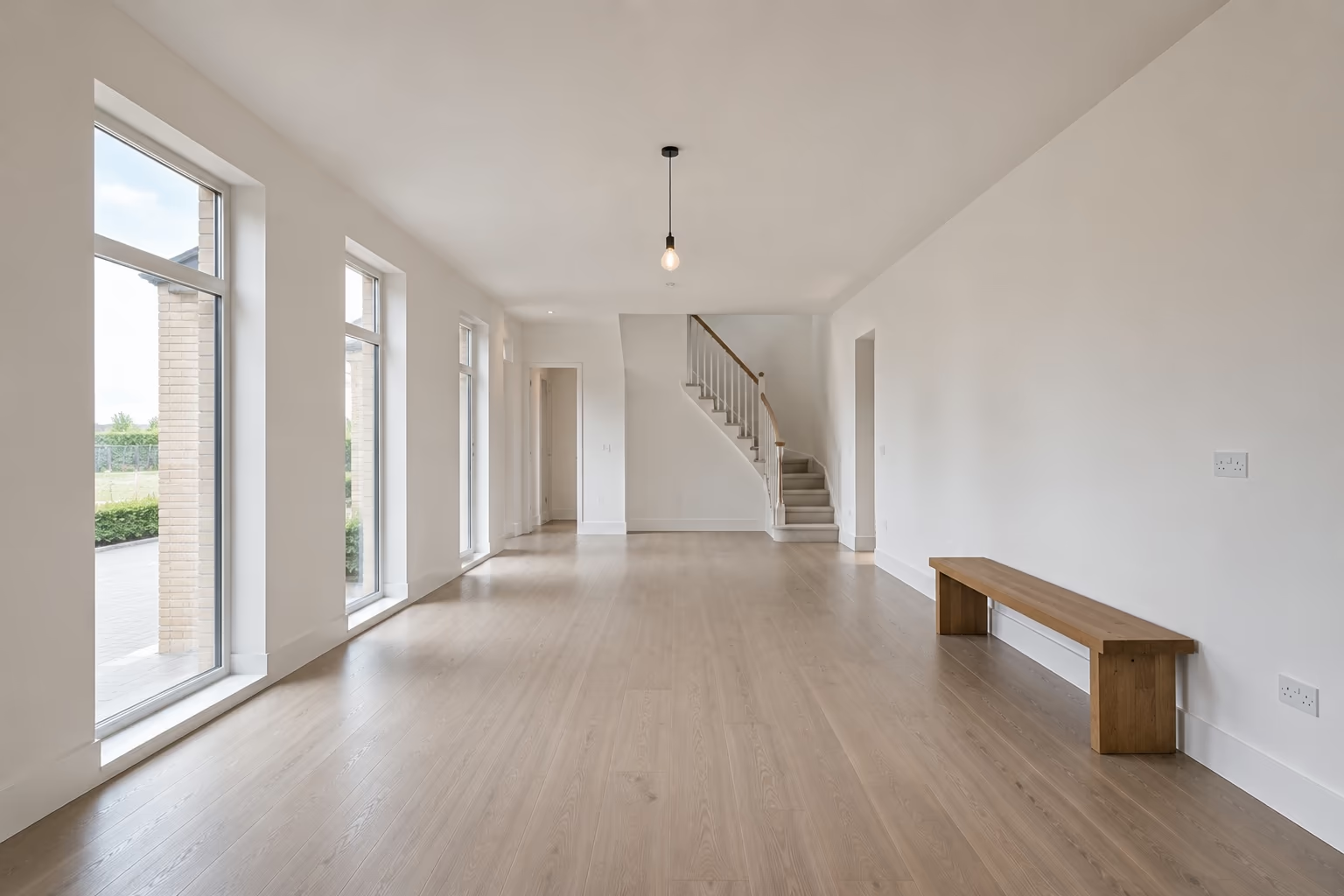
A clear, well-framed photo helps DecorAI understand your space and create a better design. Show as much of the room as you can, with the corners, walls, and main features clearly visible.
Take the Photo From a Corner
Stand in a corner and use 0.5x if your phone has it. This gives you a wider view and helps show each corner of the room.
Turn On the Lights
Turn on the room lights and open the curtains. A bright room makes the space and its details easier to see.
Select a Preset or Tell DecorAI What You Want
Pick a preset style or tell AI what you want. You can use either one or both.
Refine What You Like
After generating the design, make smaller changes to get the result closer to what you want.
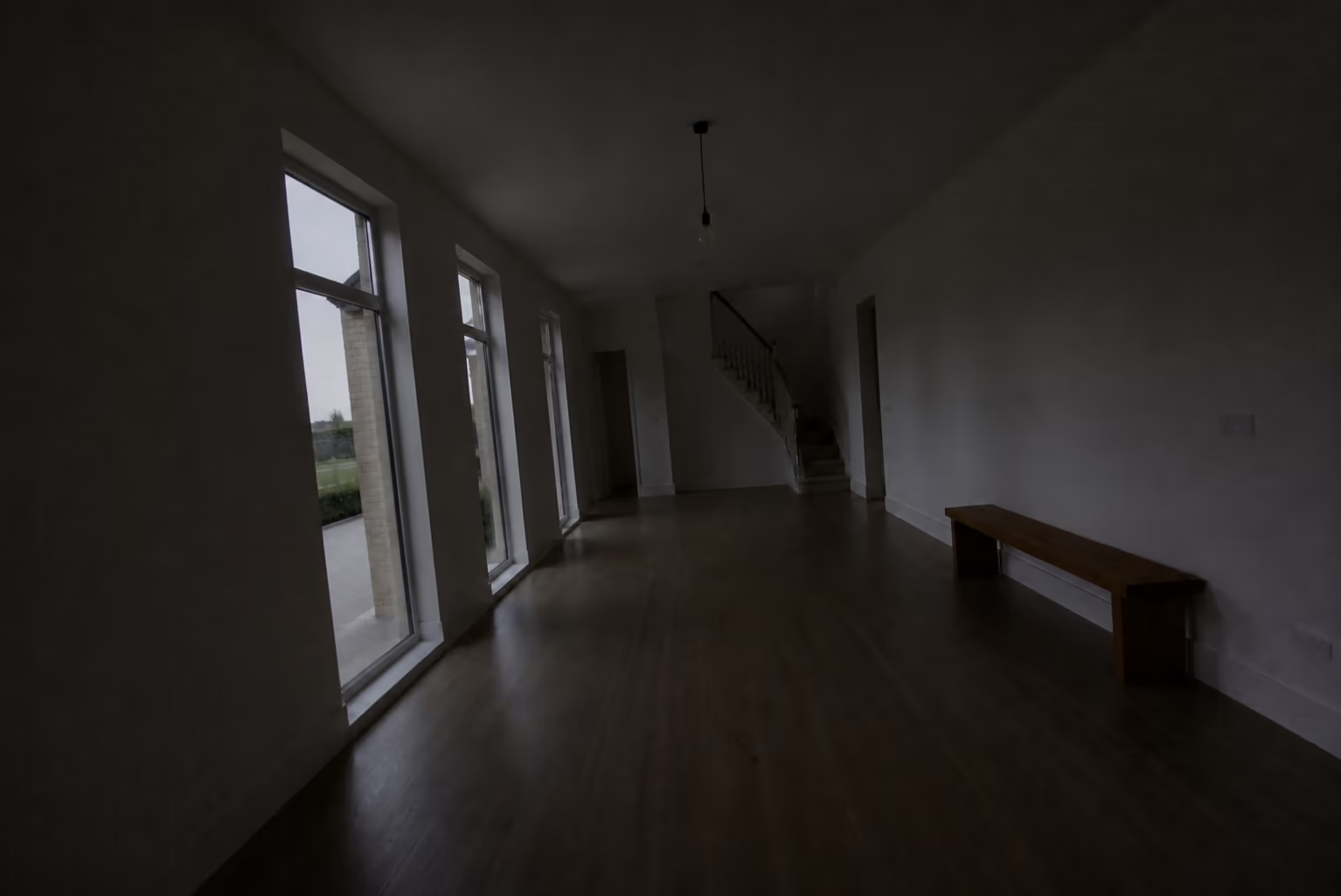 Poor photo
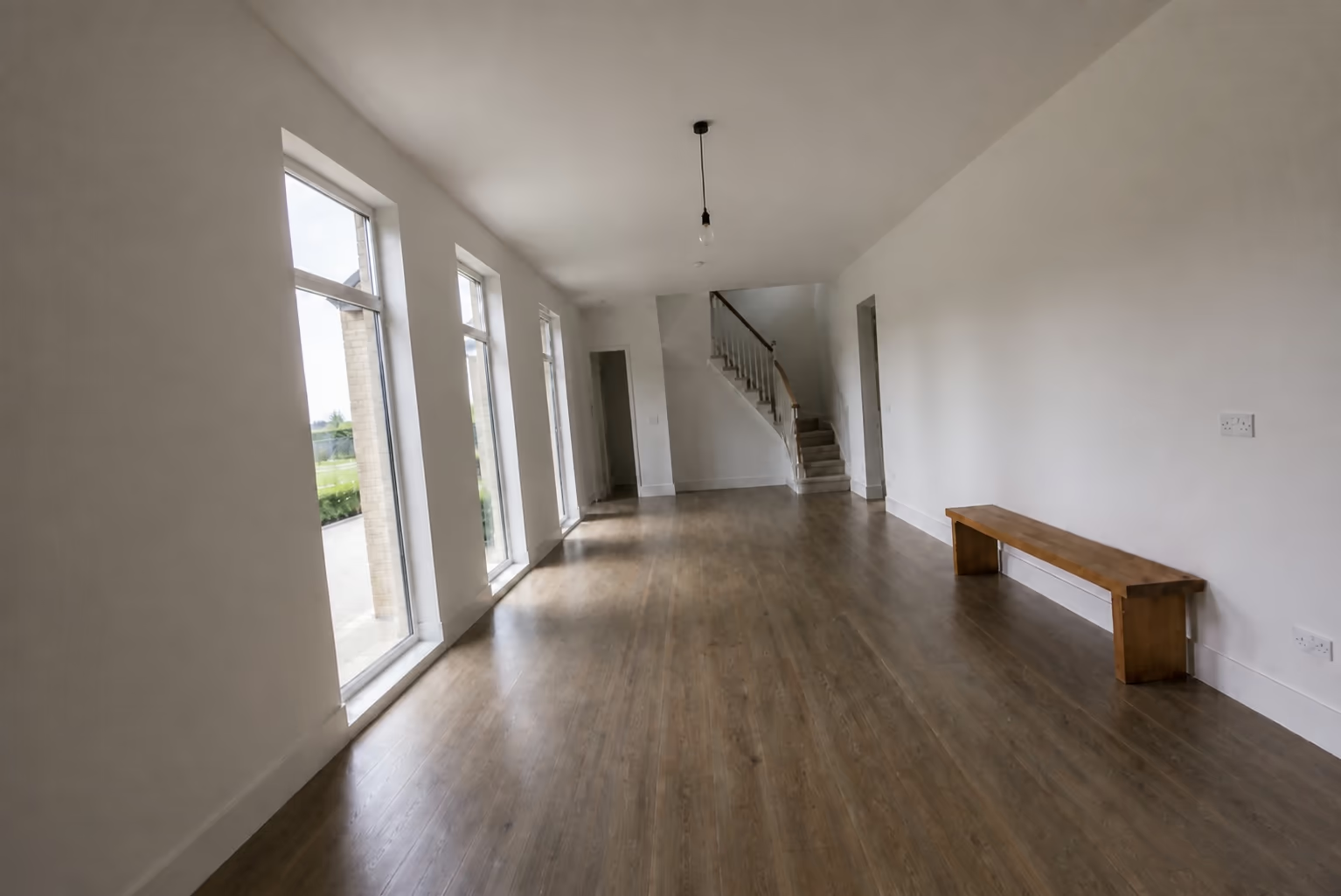 Good photo
AI Interior Design vs the Traditional Process
What you need
Interior designer
Pinterest and mood boards
See ideas on your own space
Explore many styles quickly
Concepts personalized to your room
Try ideas before buying furniture
First concepts in minutes
Low cost to explore
Photorealistic, not a collage
No design experience needed
Each column shows full support, partial support, or no support. Based on our own testing.
See Your Space Before You Spend
Turn your ideas into realistic interior designs before you buy, paint, or renovate. Explore different styles, furniture, colors, and materials on your own space, then choose what feels right.
Design every part of your home with AI
Kitchens and bathrooms get their own tools, because the choices there are cabinets and tile, not furniture.
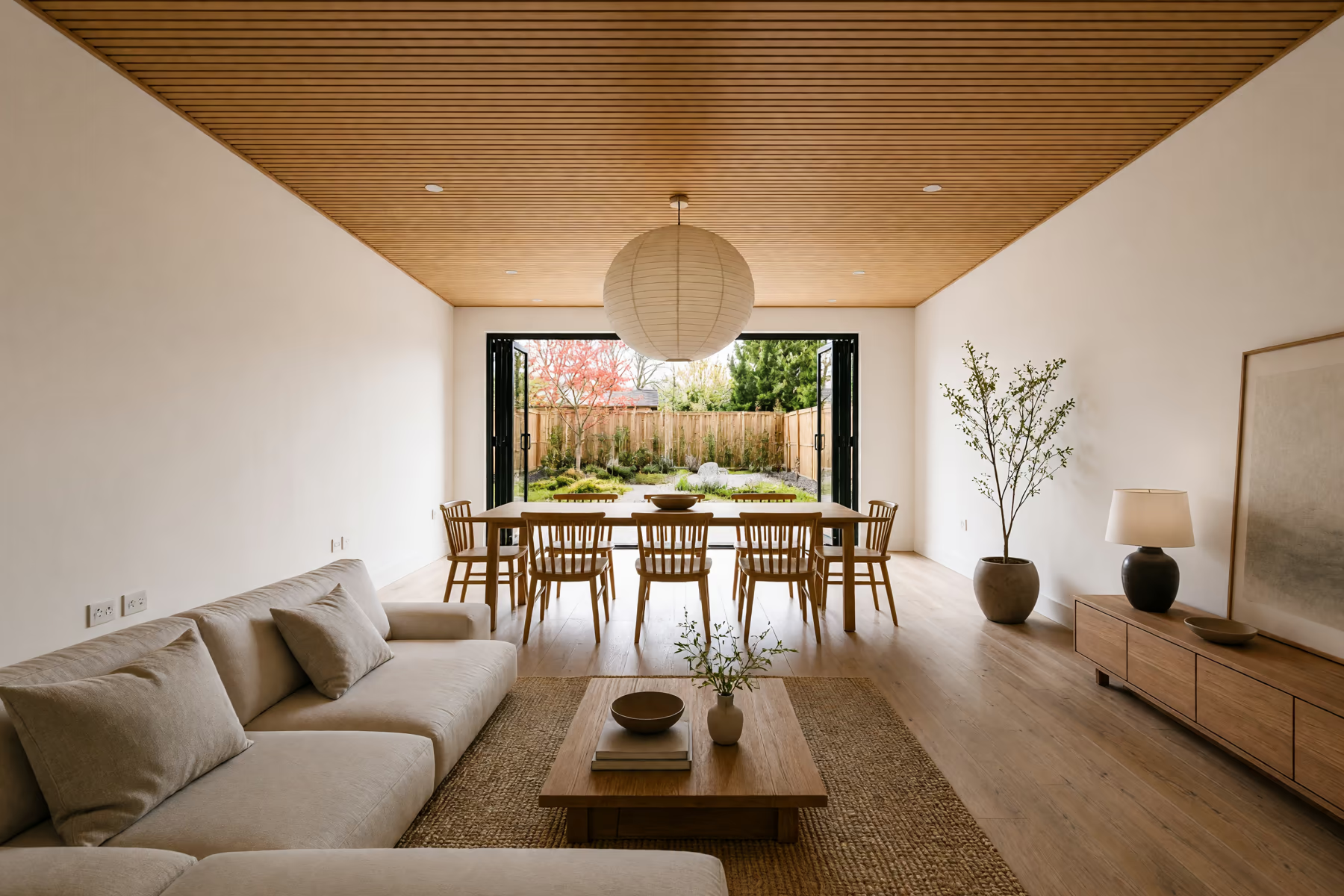
Home Design
Work through your whole home, from the living room to the front porch and backyard.
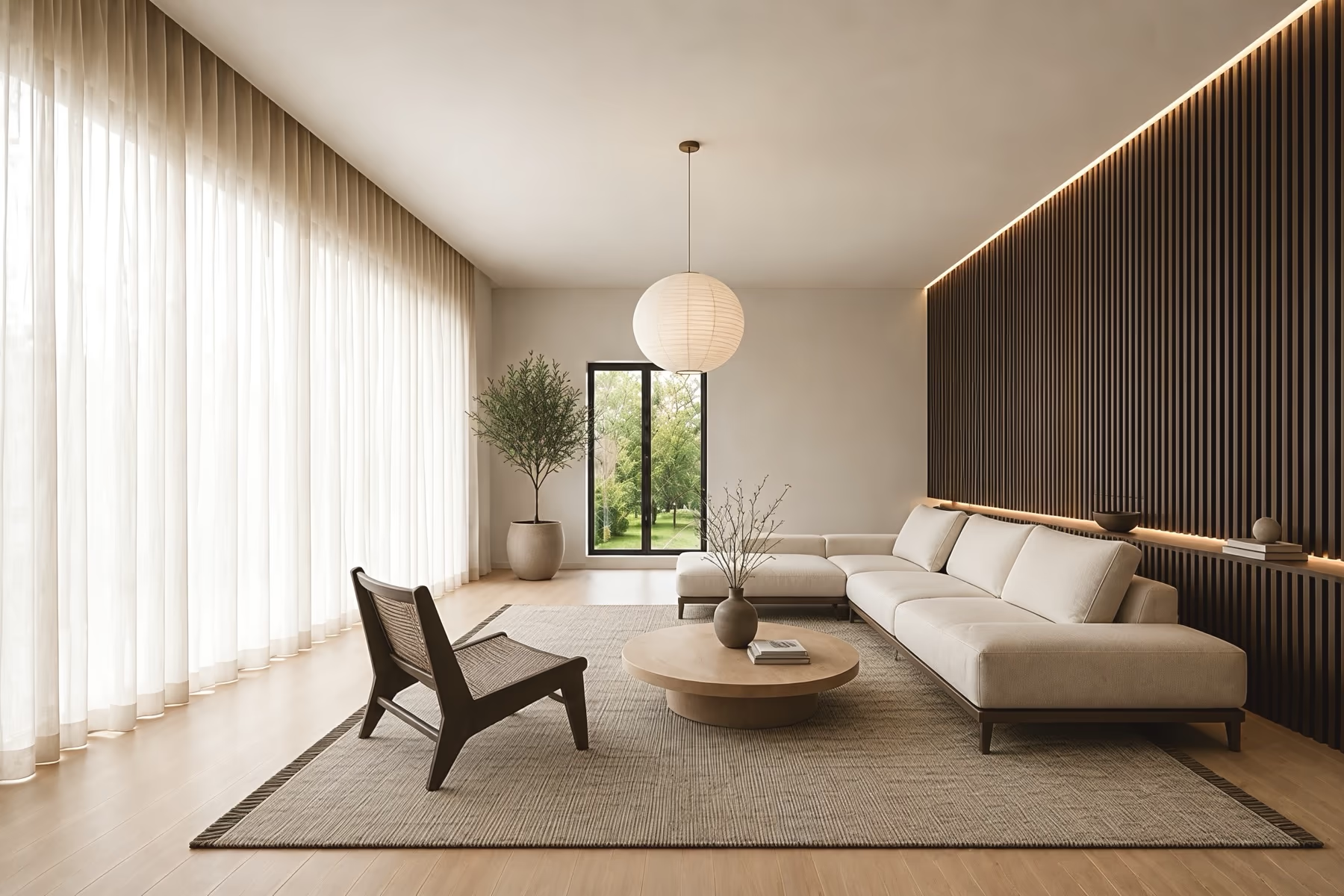
Room Design
Change one room at a time while the walls, windows and doors stay where they are.
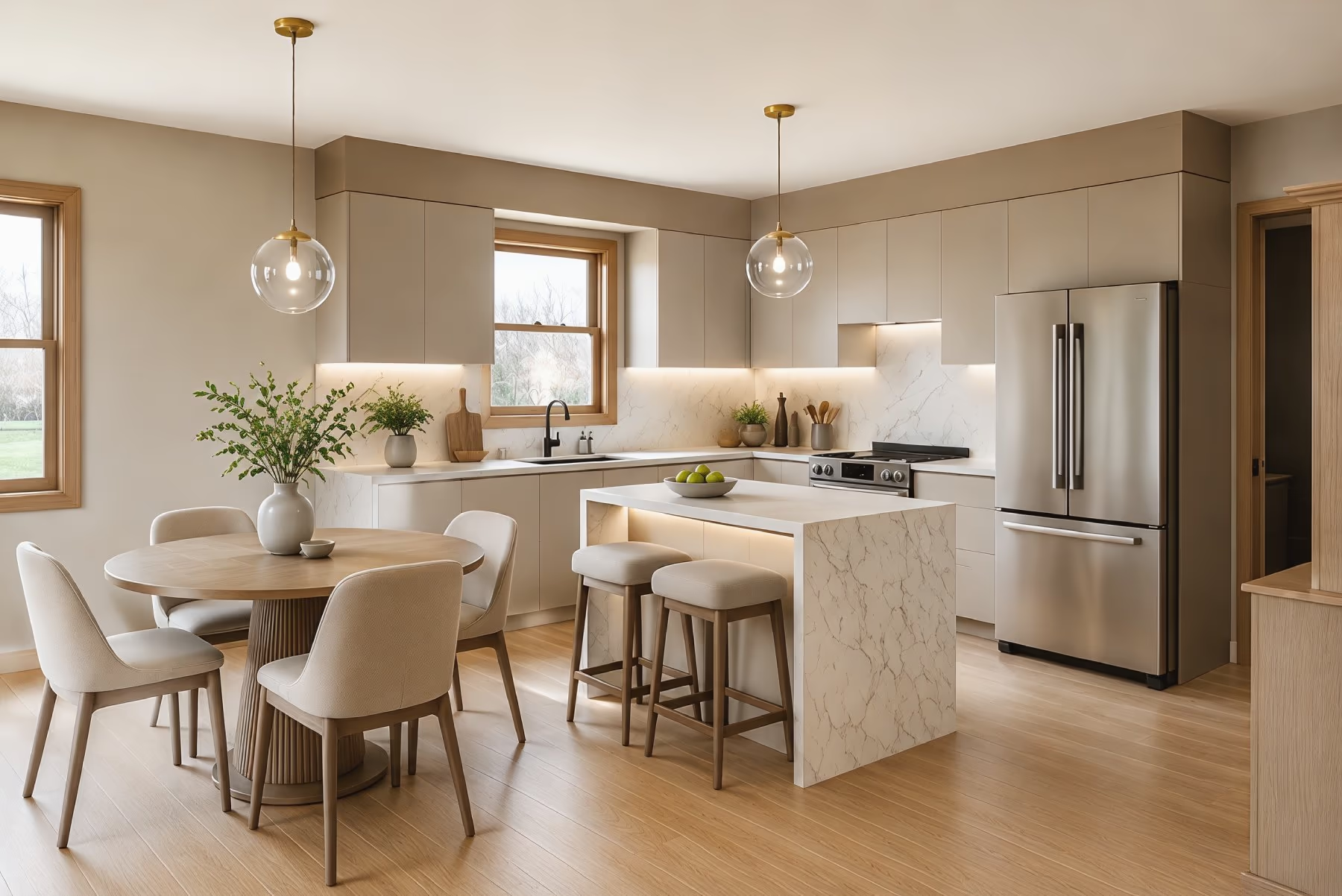
Kitchen Design
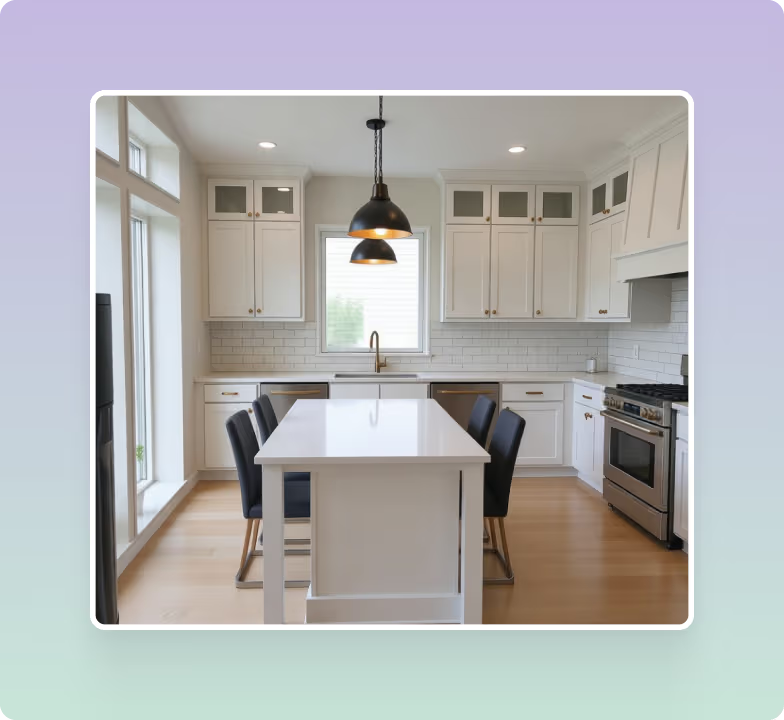
See new cabinet colors, countertops, backsplash tile and flooring in your own kitchen.
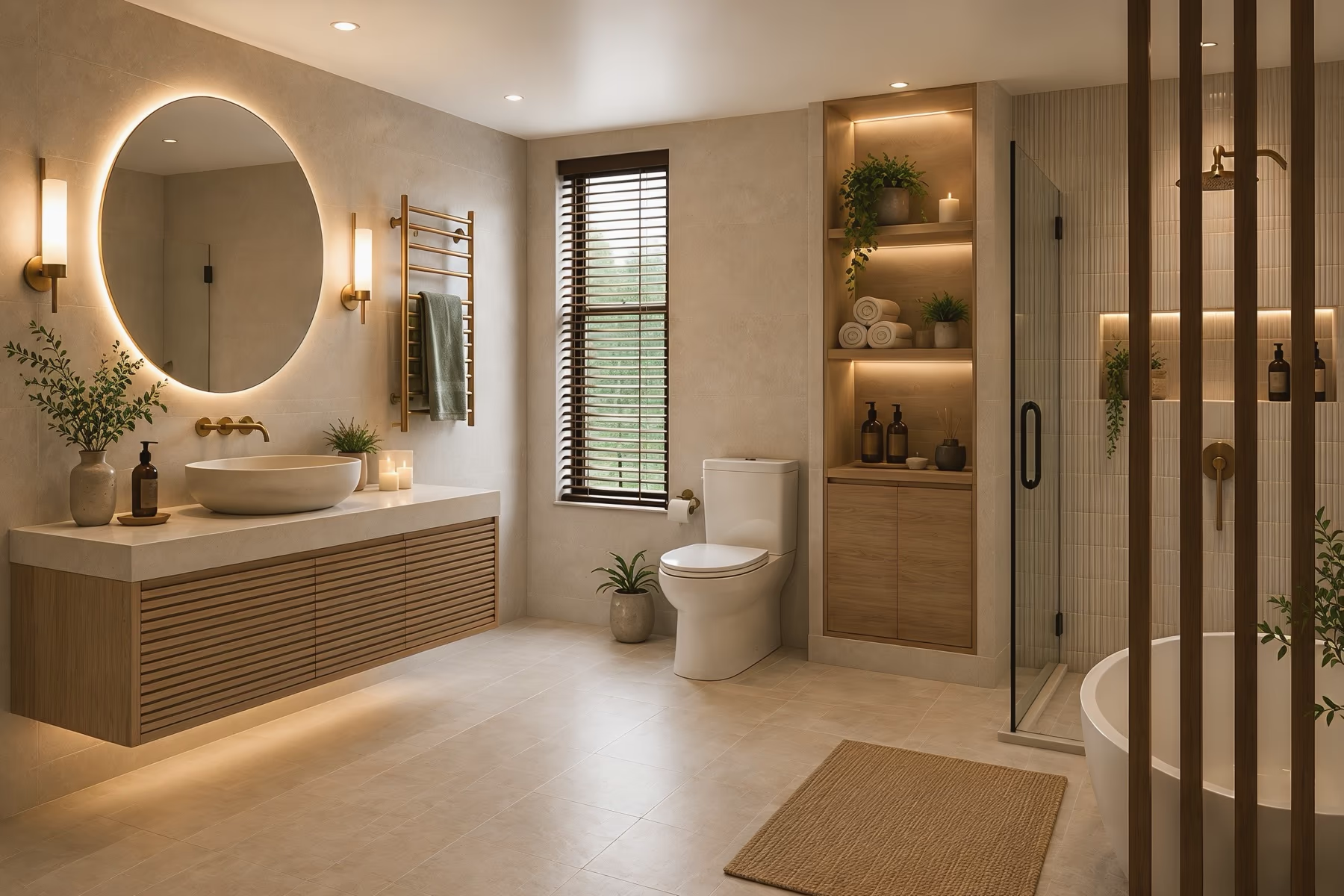
Bathroom Design
Pick a new vanity, wall tile, mirror and shower look before you start a remodel.
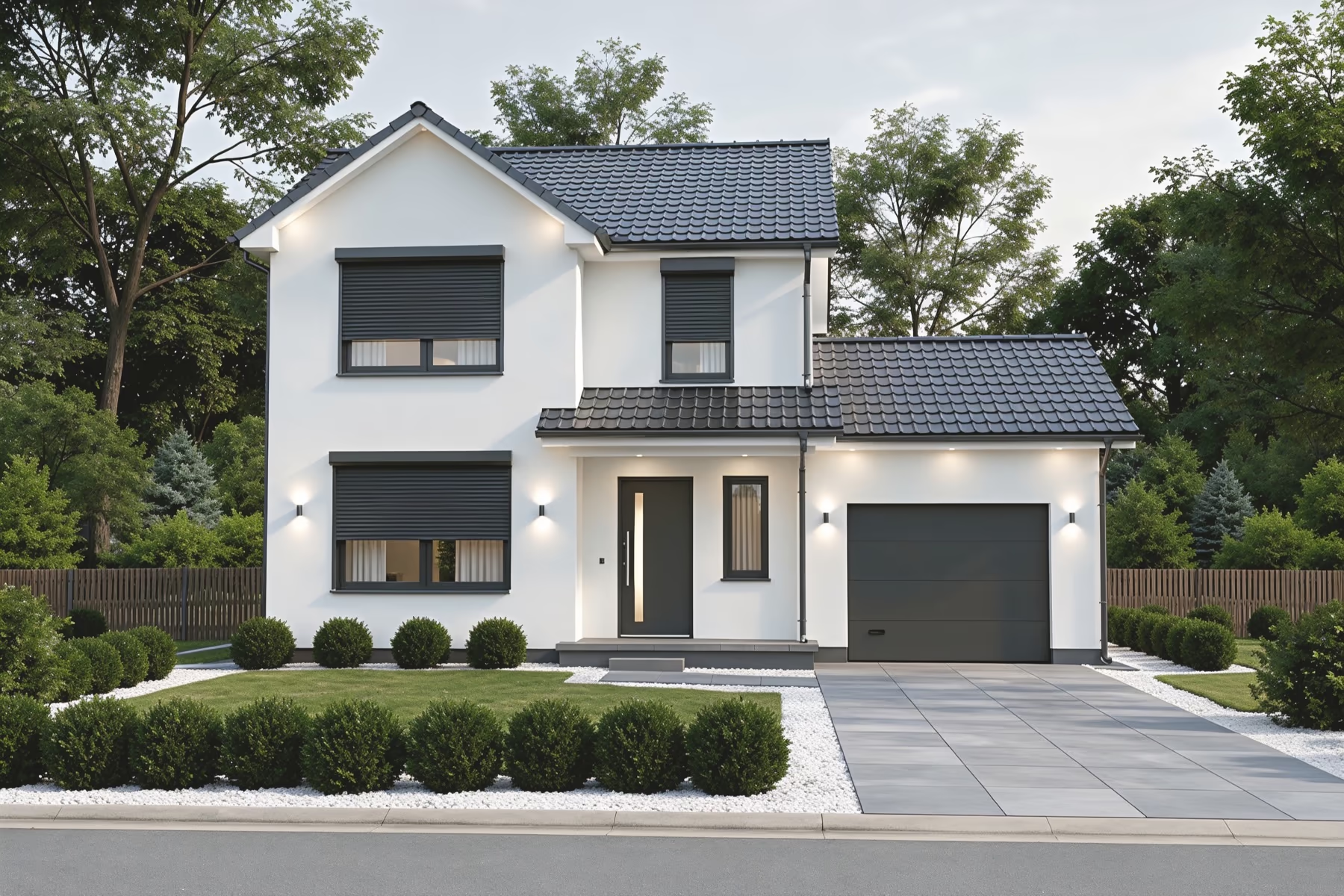
Exterior Design
Test siding, roof colors, paint and a new front door on a photo of your house.
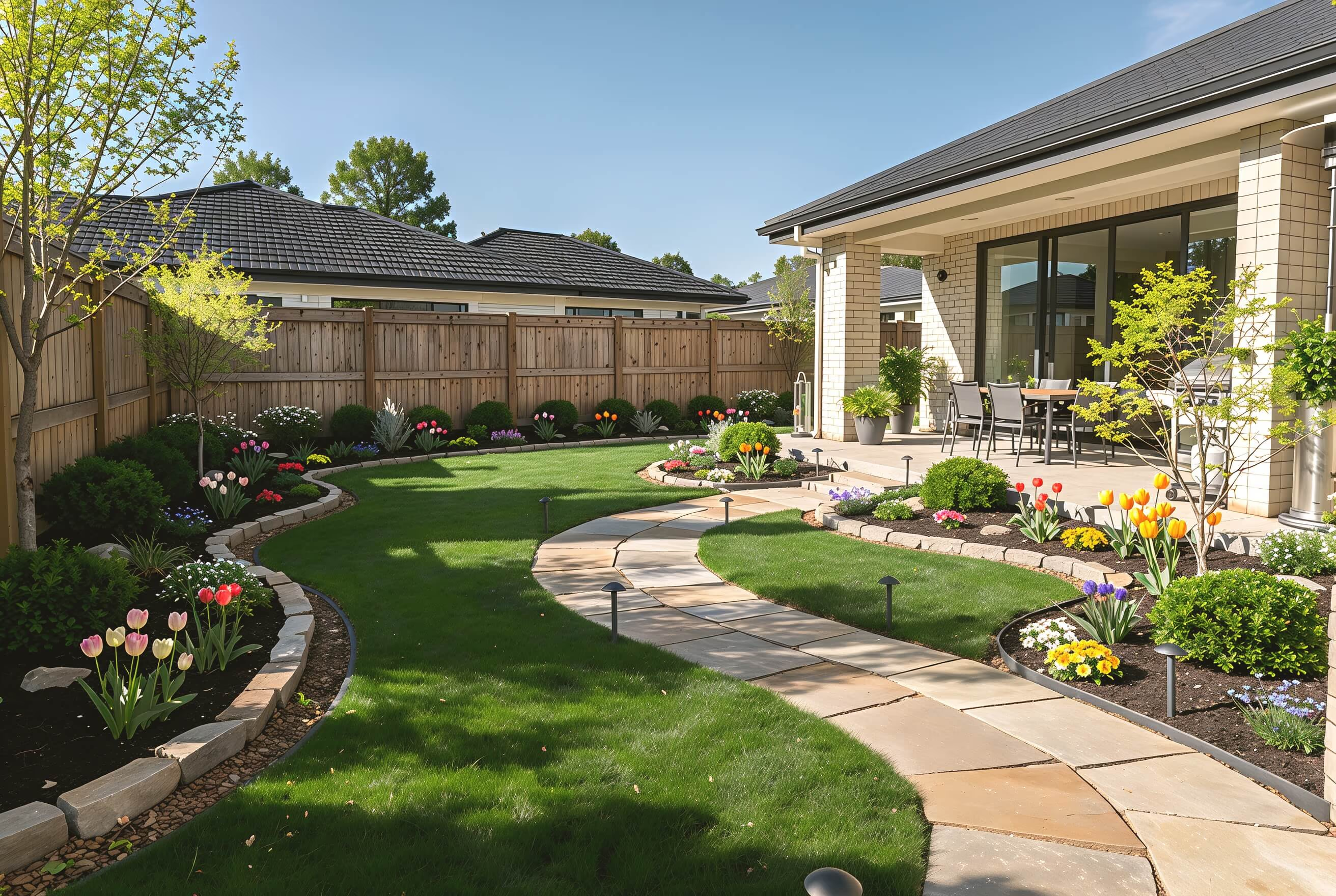
Landscape Design
Plan paths, patios, lawn and planting for your backyard or front yard.
Explore Interior Design Styles
Find an interior design style that matches your taste and space. Choose from 54 options, then adjust the colors, furniture, materials, and finishes to make the design feel personal.
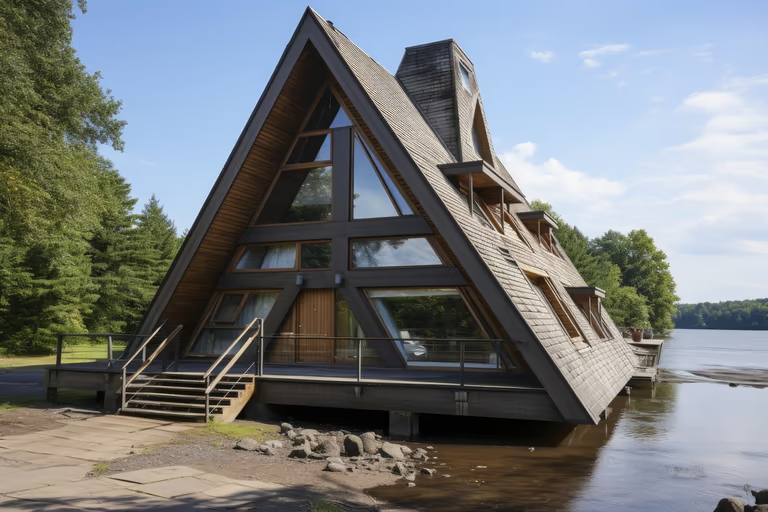 A-Frame
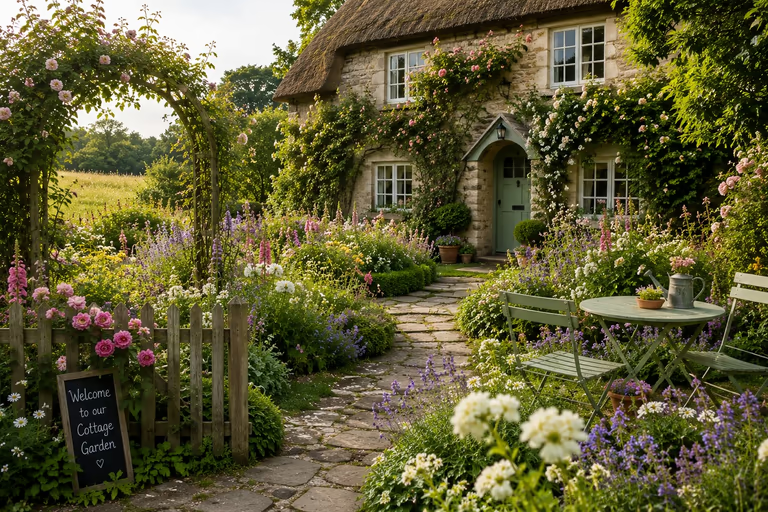 Cottage Garden
 English Garden
 Japanese Garden
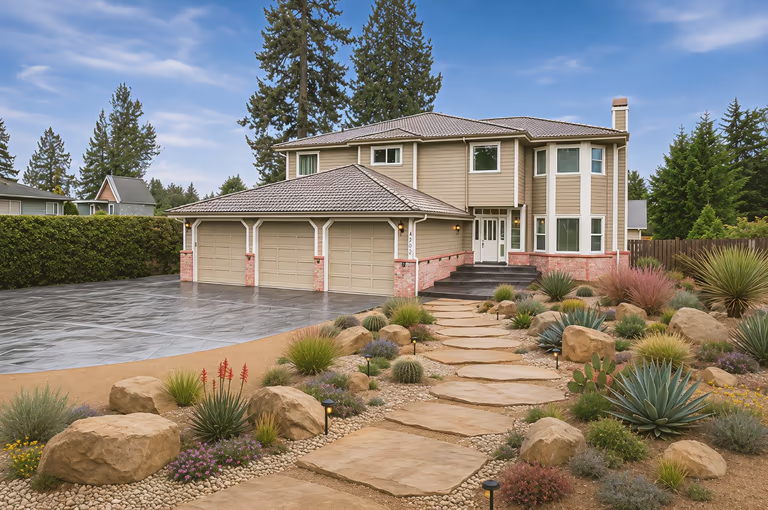 Xeriscape
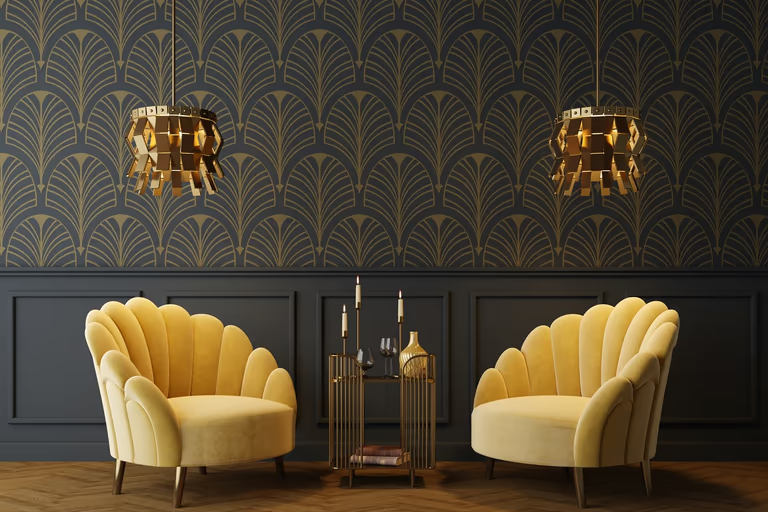 Art Deco
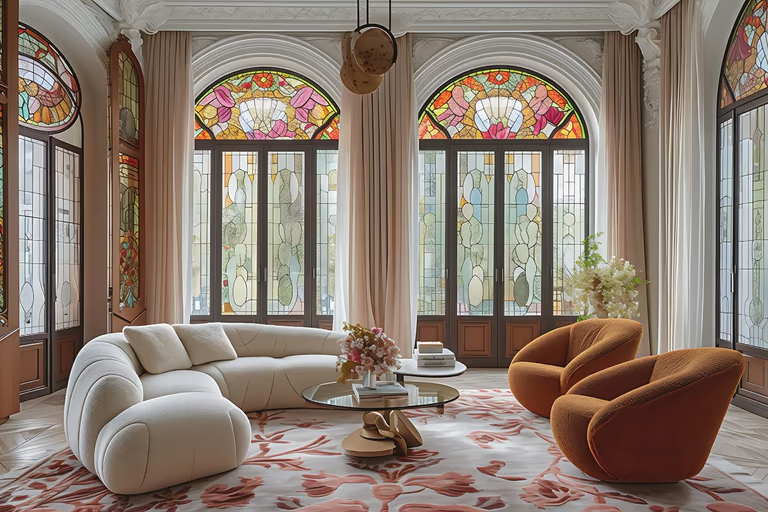 Art Nouveau
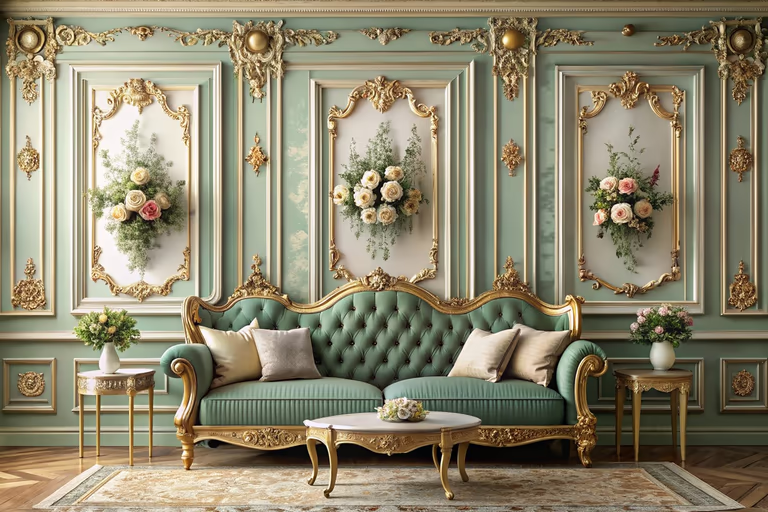 Baroque
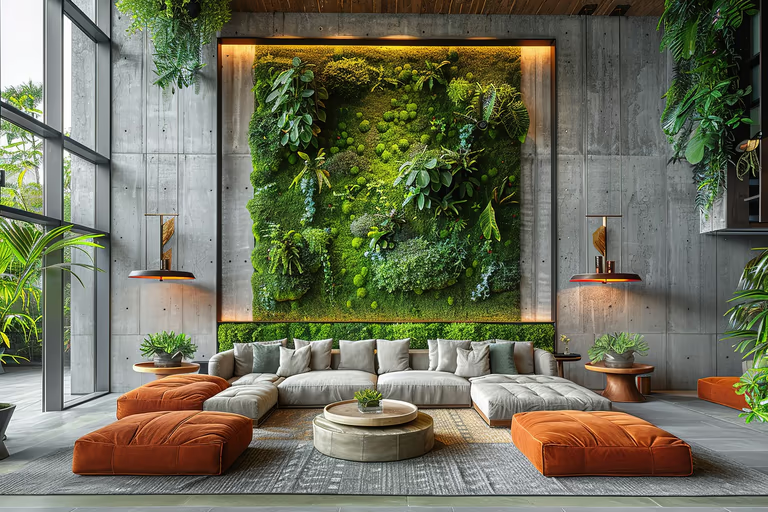 Biophilic
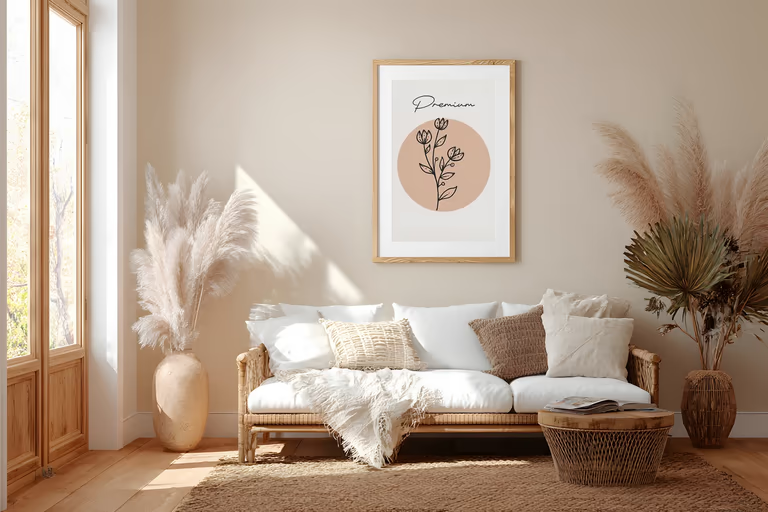 Bohemian
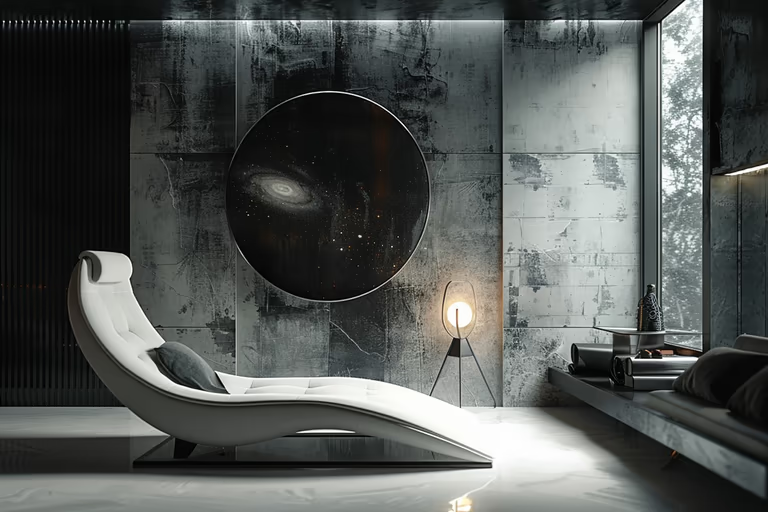 Brutalist
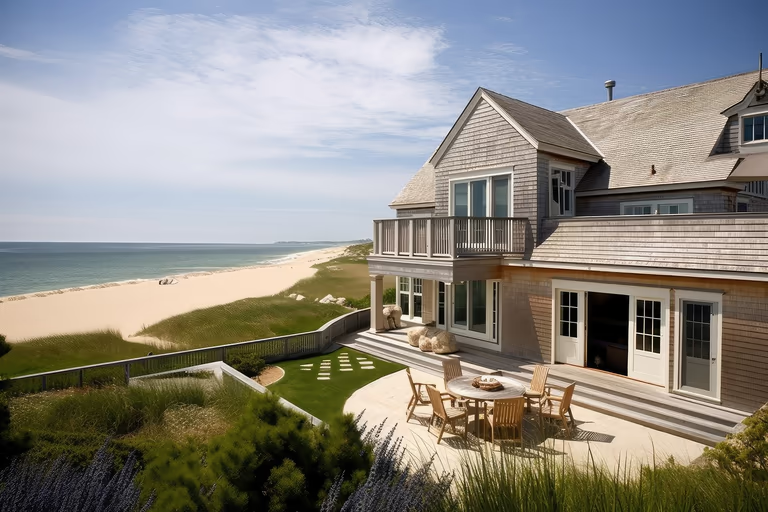 Cape Cod
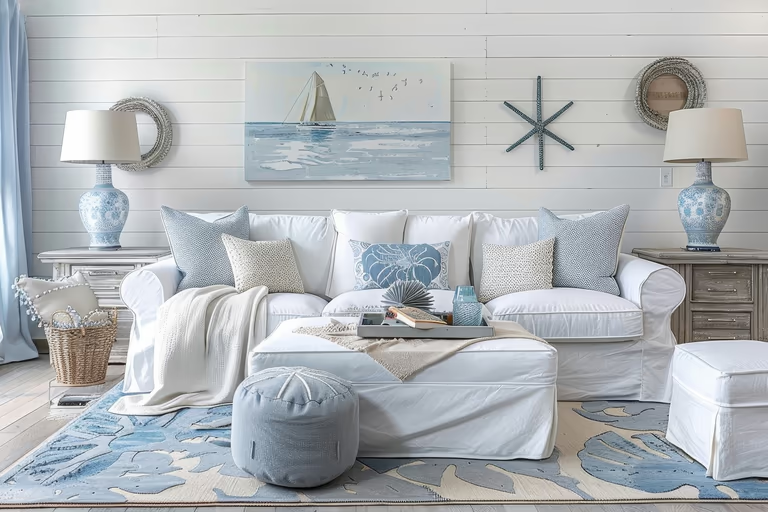 Coastal
 Colonial
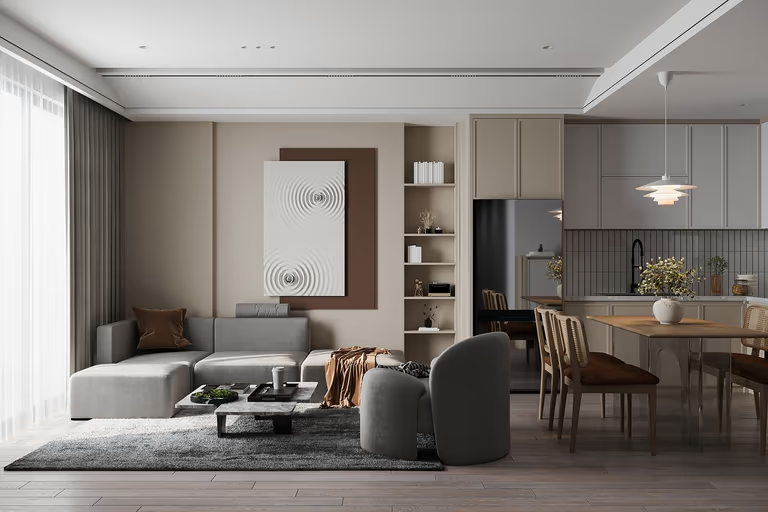 Contemporary
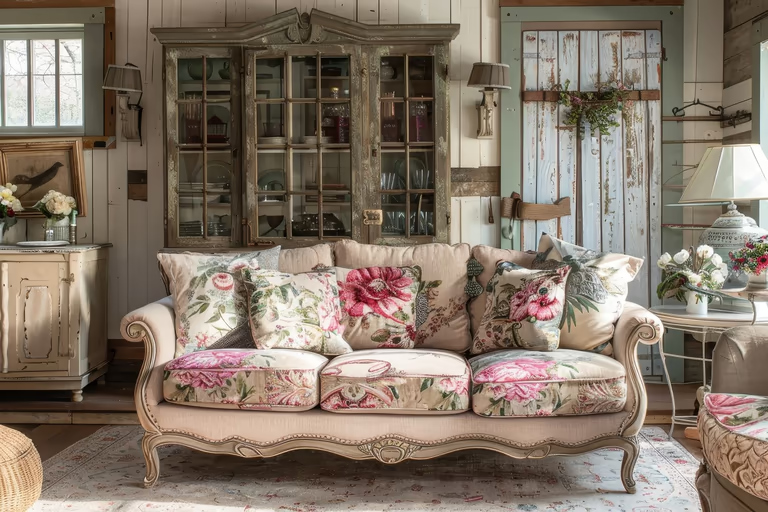 Cottagecore
 Craftsman
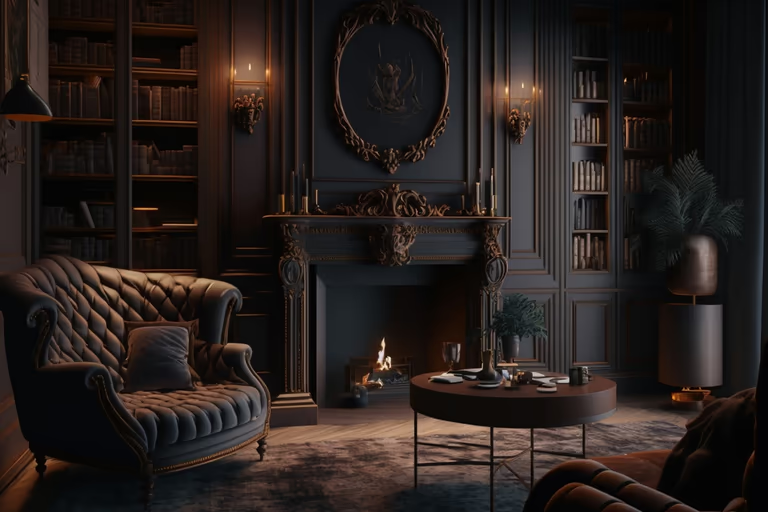 Dark Academia
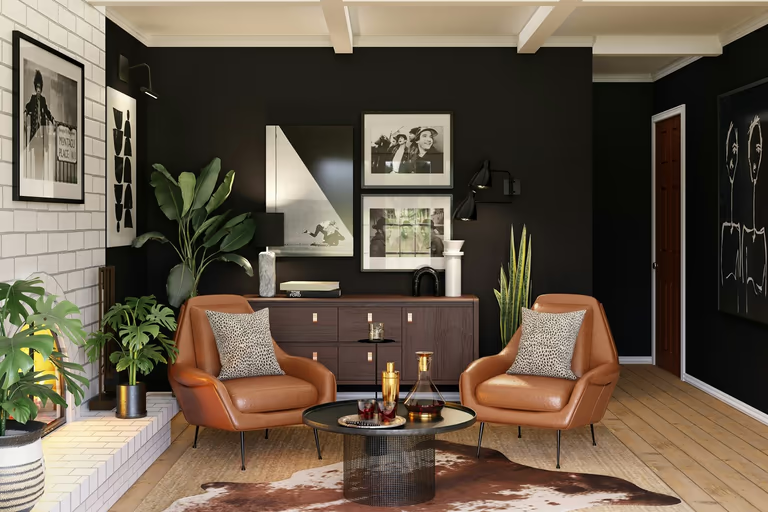 Eclectic
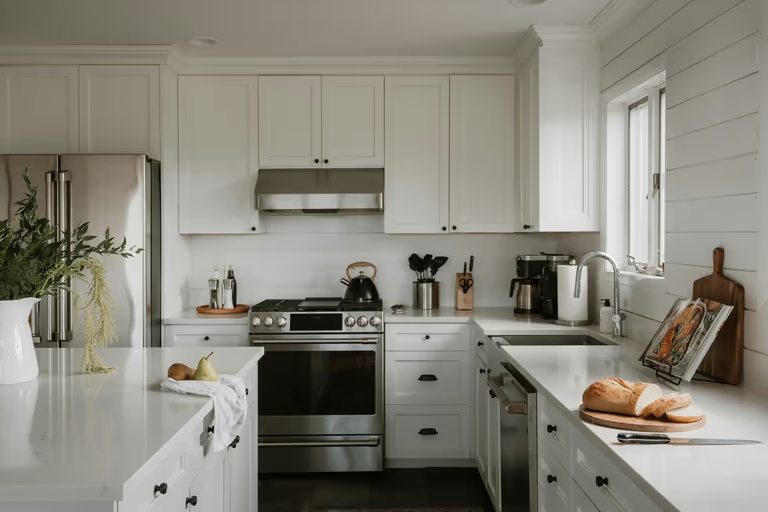 Farmhouse
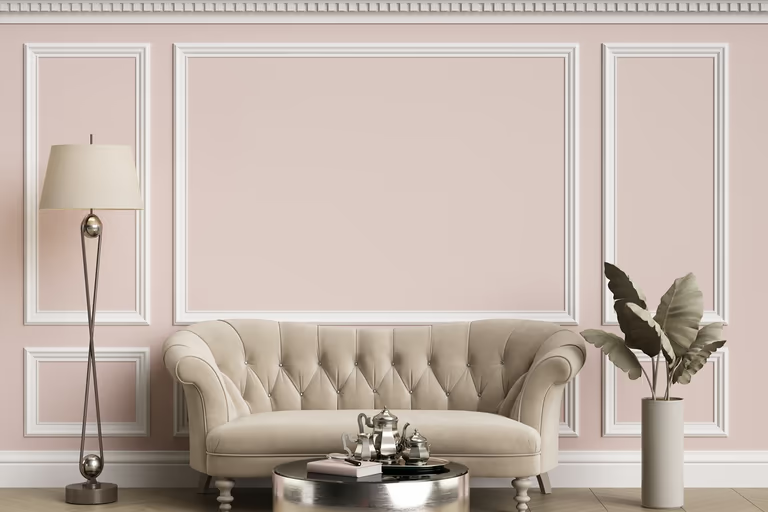 French Country
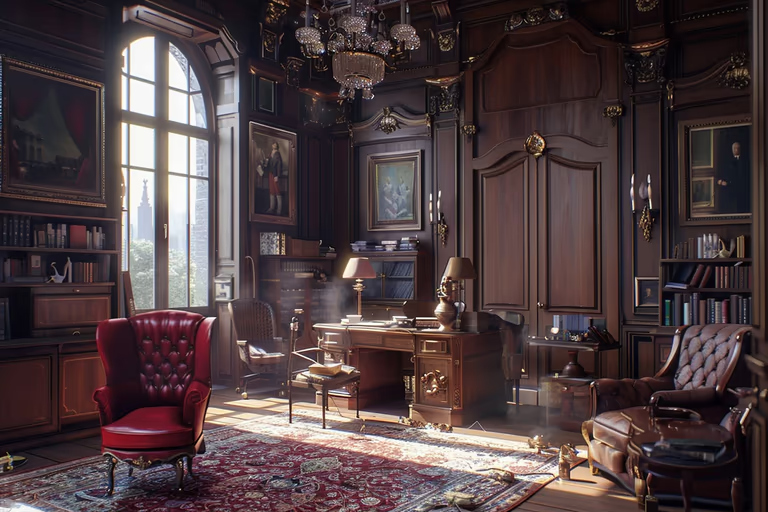 Gothic
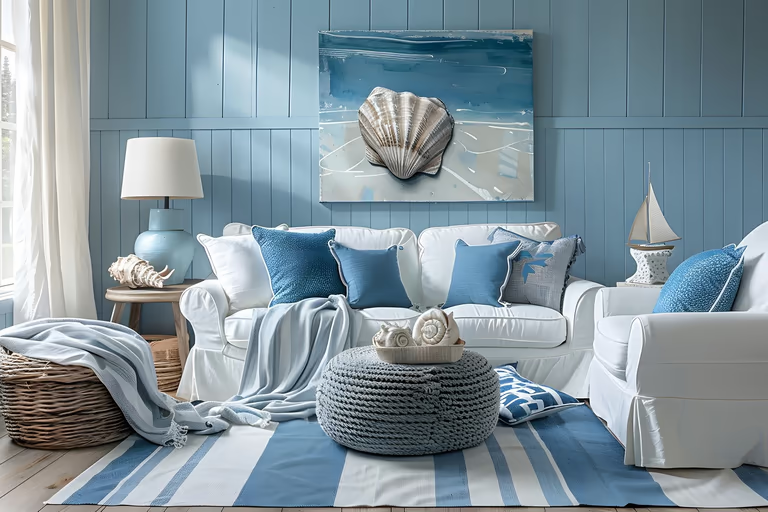 Hamptons
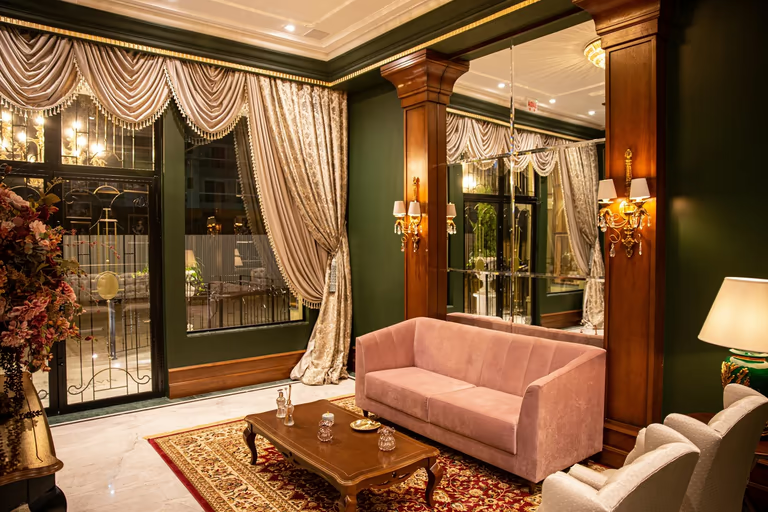 Hollywood Regency
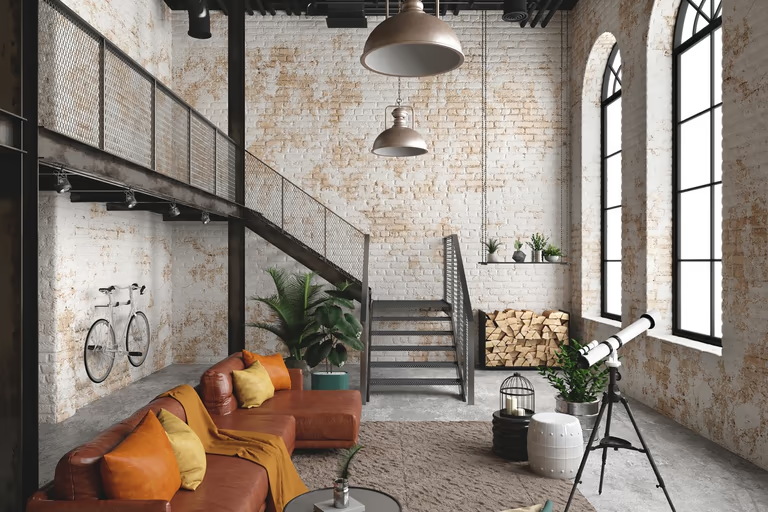 Industrial
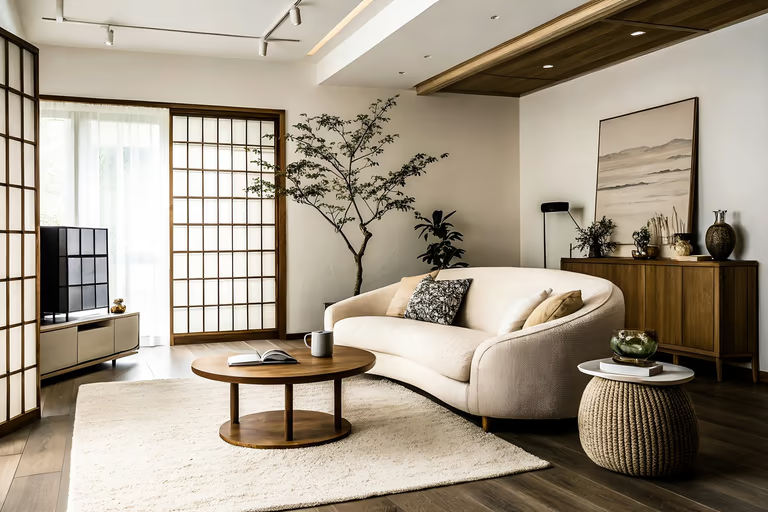 Japandi
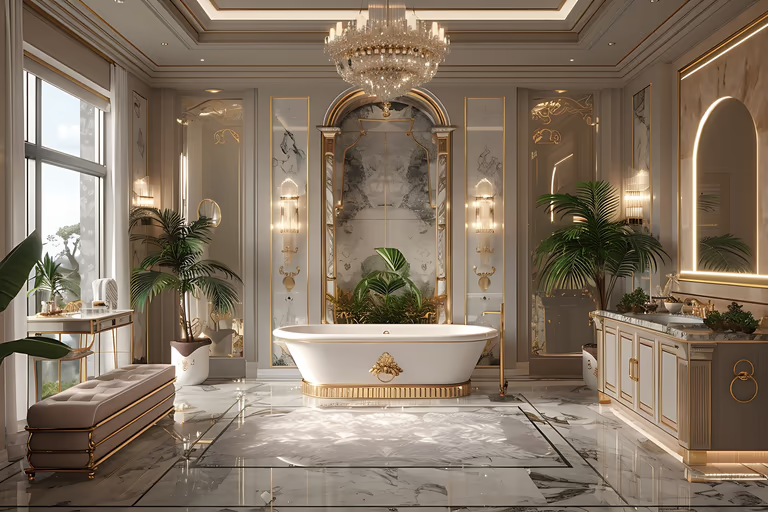 Luxury
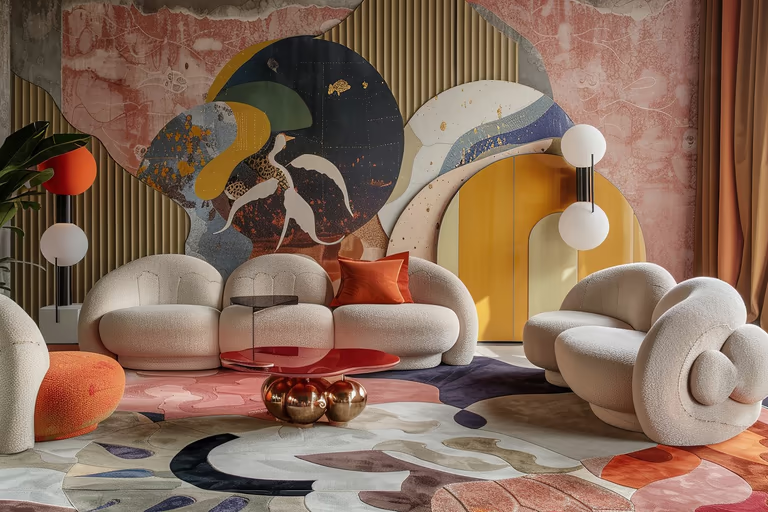 Maximalist
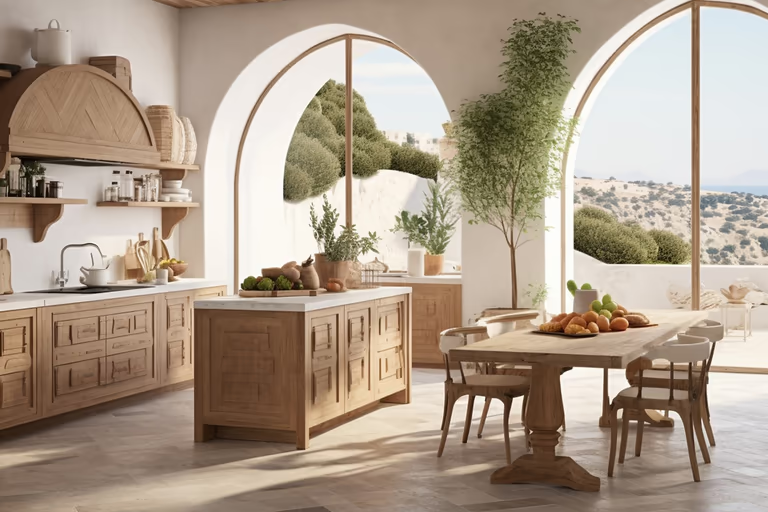 Mediterranean
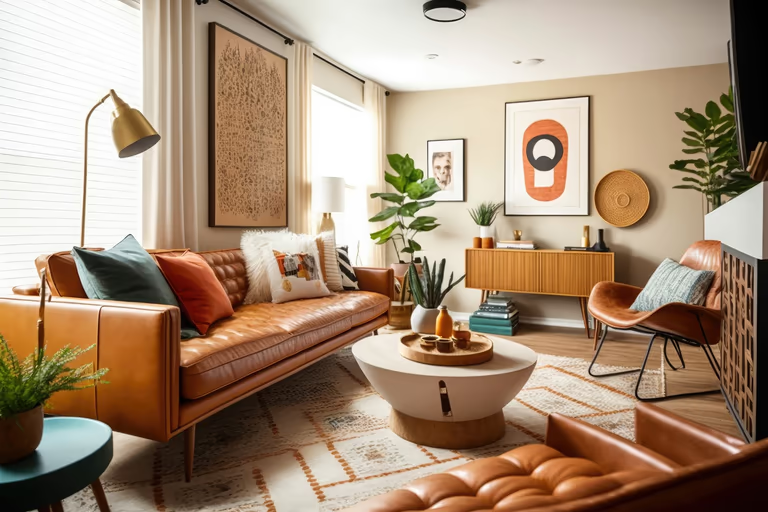 Mid-Century Modern
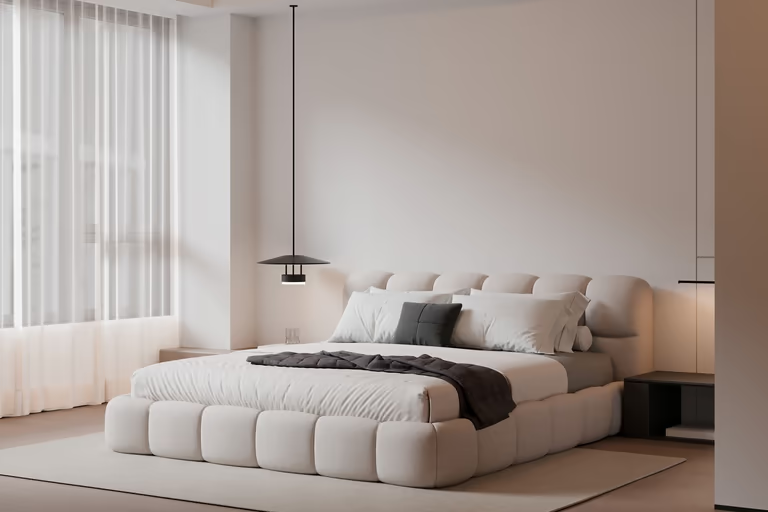 Minimalist
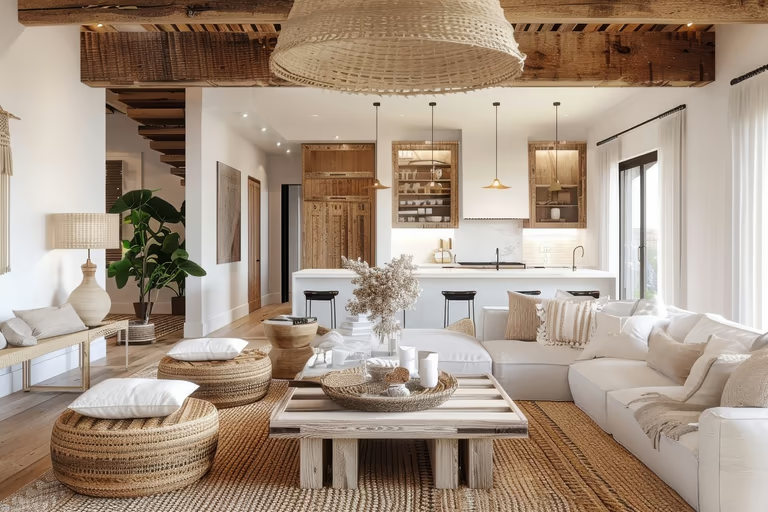 Modern Farmhouse
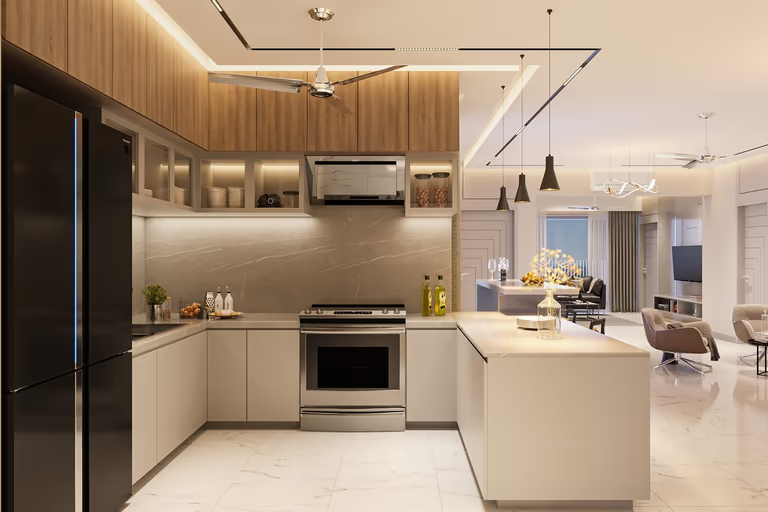 Modern
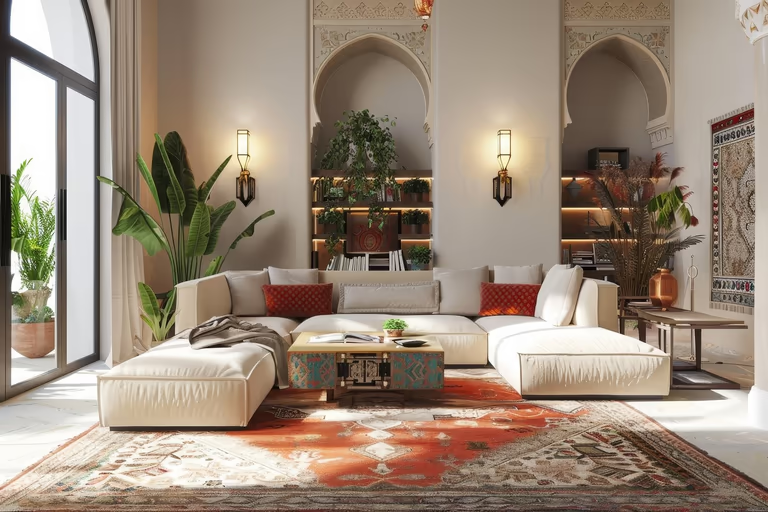 Moroccan
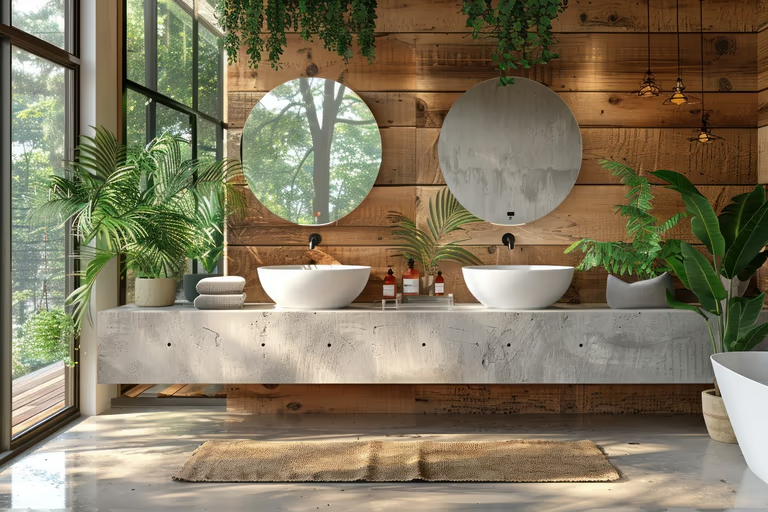 Organic Modern
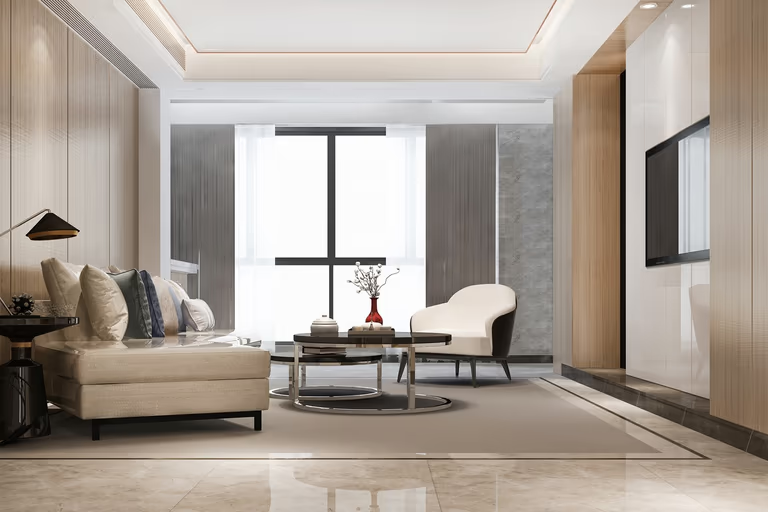 Quiet Luxury
 Ranch
Ranch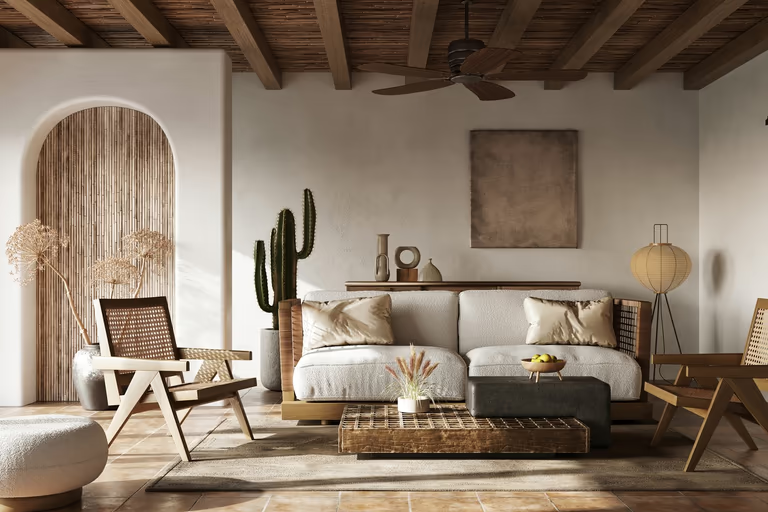 Rustic
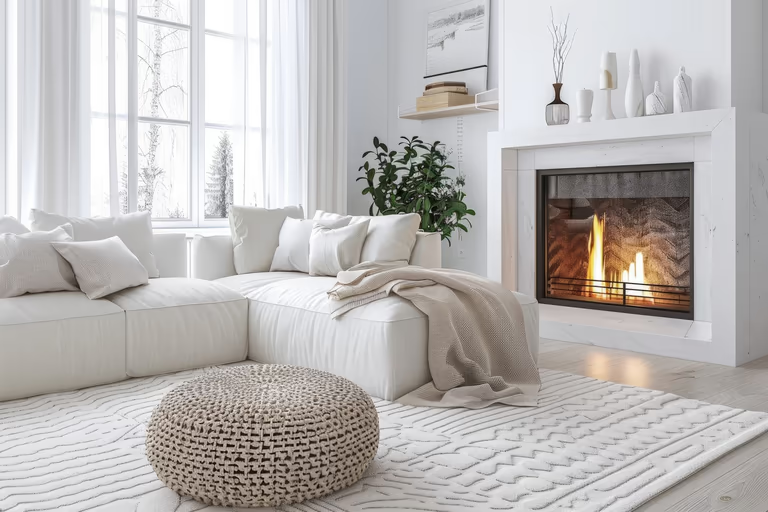 Scandinavian
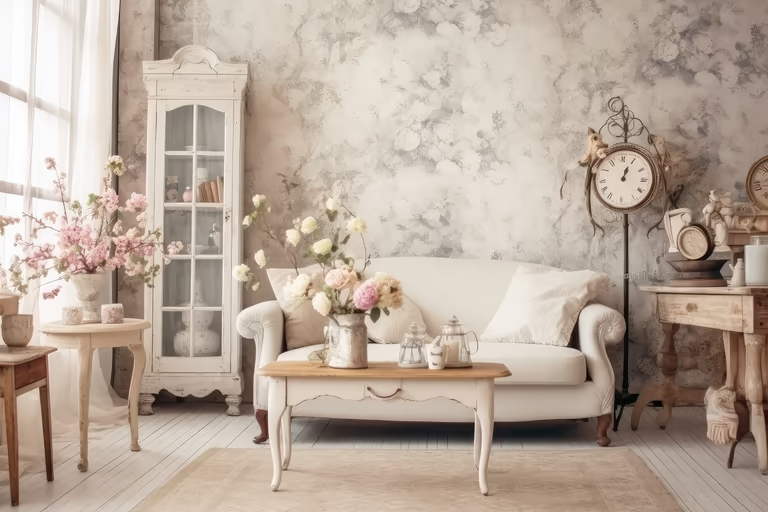 Shabby Chic
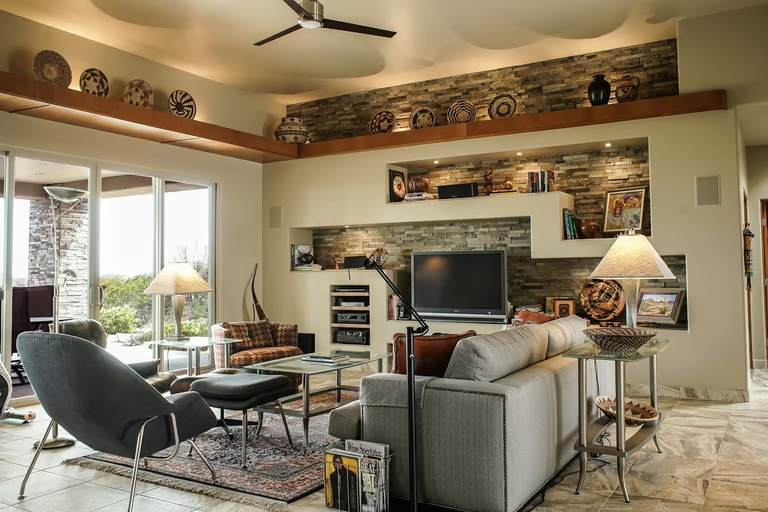 Southwestern
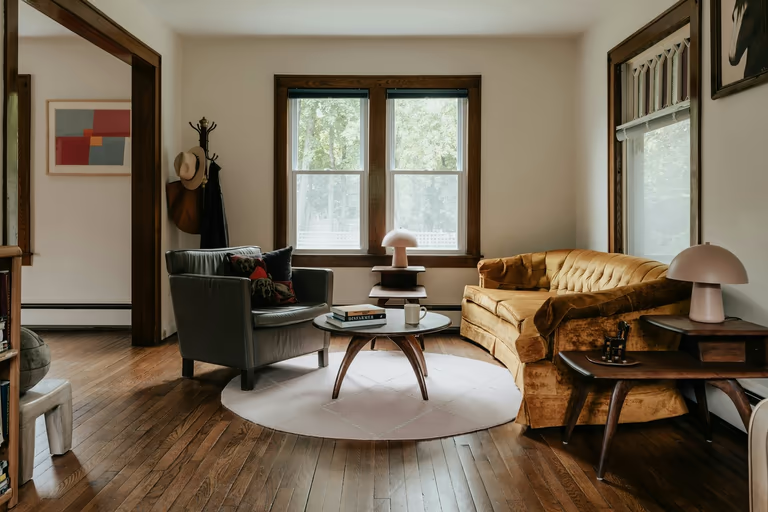 Traditional
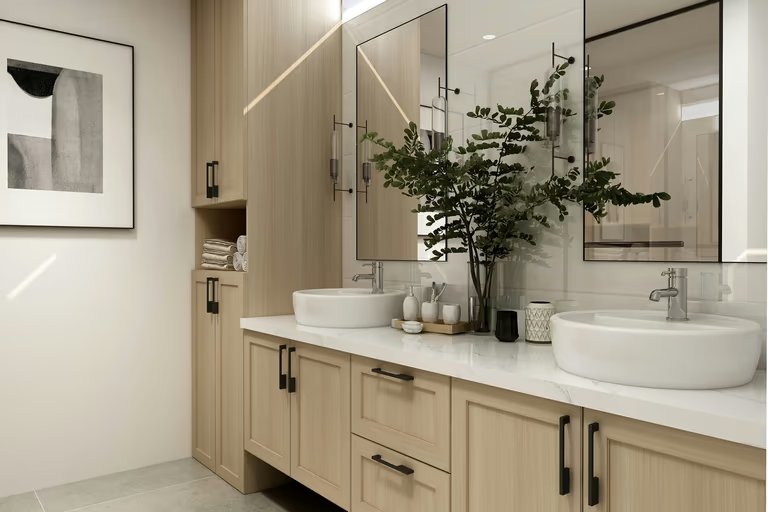 Transitional
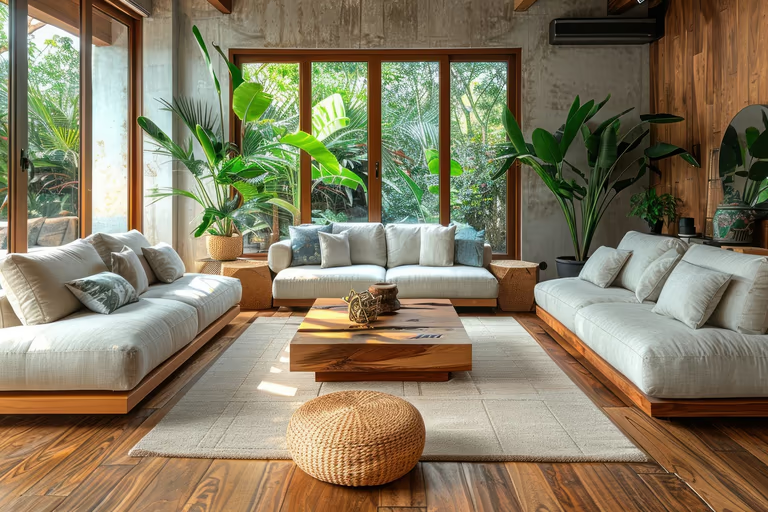 Tropical
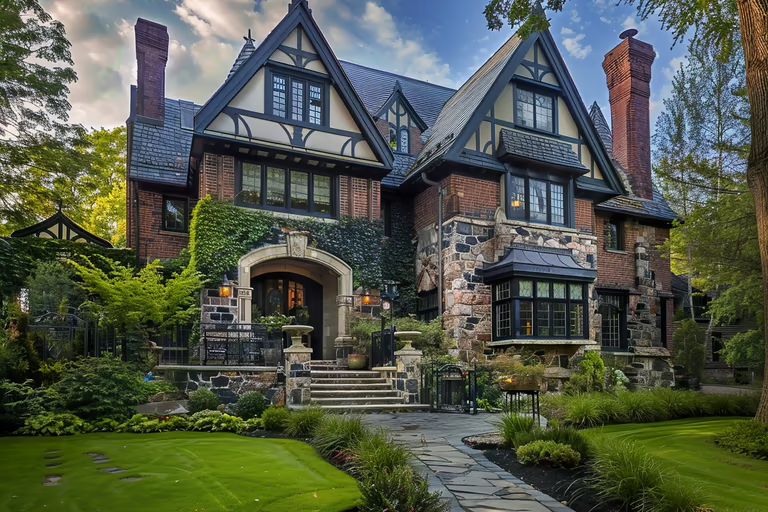 Tudor
Tudor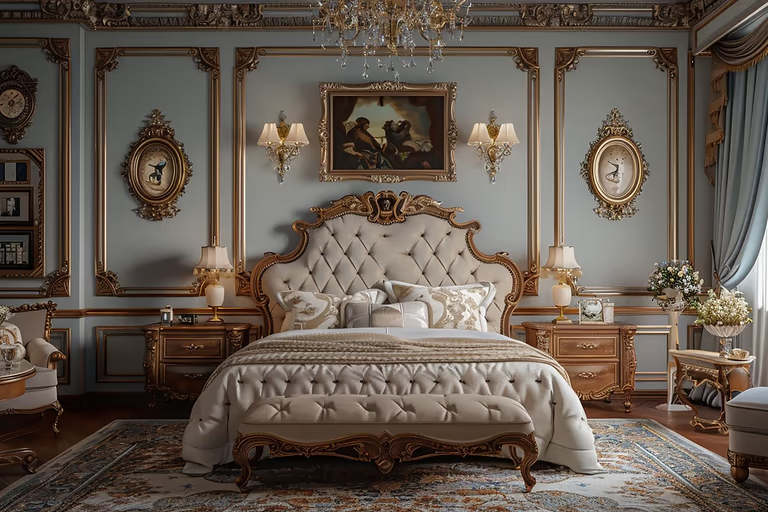 Victorian
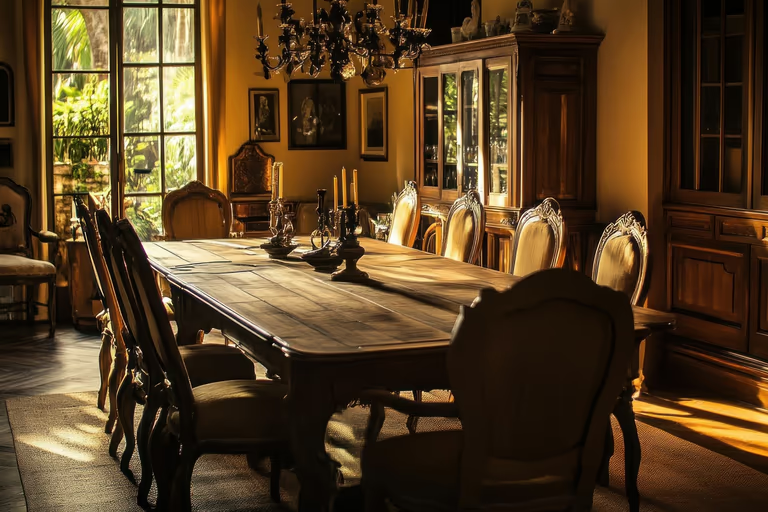 Vintage
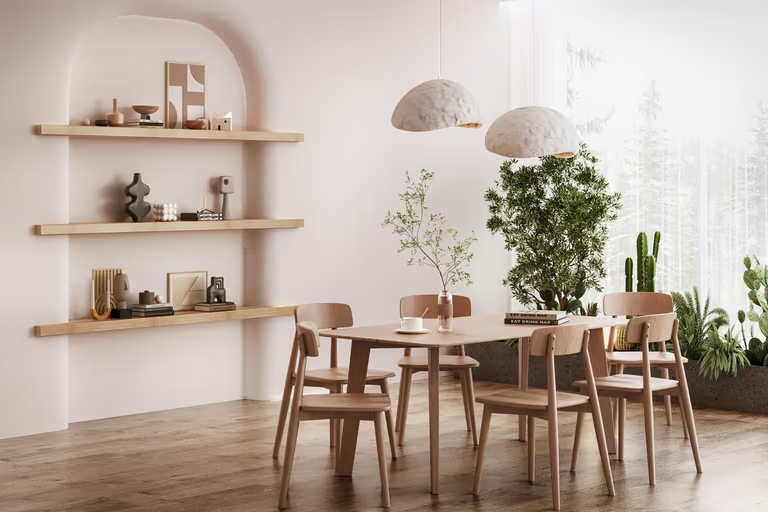 Wabi-Sabi
AI Interior Design FAQs
Have questions before redesigning your space? Find clear answers about interior design styles, images, editing tools, privacy, and getting better results with AI.
What Is AI Interior Design?
AI interior design shows how a space could look with different furniture, colors, materials, lighting, and styles. It creates new ideas from an image of your interior.
How Does DecorAI Design an Interior From an Image?
Add a clear image of your space and choose a style or describe the look you want. DecorAI uses these details to create a new interior design.
How Can AI Help Me Choose an Interior Style?
Apply different styles to the same space and compare the results. This helps you see which colors, furniture, and materials suit your interior.
Does the AI Interior Design Tool Work for Small Rooms?
Yes. DecorAI can create ideas for small bedrooms, offices, kitchens, and other compact spaces. A clear image helps AI understand the available area.
Is It Possible to Redesign an Entire Home?
Yes, but you redesign one space at a time. Start with one room, save the result, and then continue with the other parts of your home.
Which Commercial Spaces Does DecorAI Support?
DecorAI supports 51 commercial spaces, including offices, cafes, clinics, salons, stores, and hotel rooms. Choose the correct space type to guide the design.
How Many Interior Styles Are Available?
DecorAI includes 54 interior styles. Options include Modern, Scandinavian, Japandi, Mid-Century, Coastal, Art Deco, and many more.
Are My Images and Designs Private?
You can turn on private mode to make your images and designs visible only to you. Check this setting before creating your design.
How Do I Change One Detail Without Changing Everything?
Select the area you want to edit and describe the change. You can update a wall, floor, material, or furniture item while leaving the rest close to the original.
Should AI Replace an Interior Designer?
No. AI is useful for testing styles and creating early ideas. A professional designer is still important for measurements, technical planning, and major renovation work.

Try AI Home Design Free
Upload a photo of your space and redesign it with AI in seconds. Explore styles, change details, and visualize your ideas before you make them real.
Start Free Trial