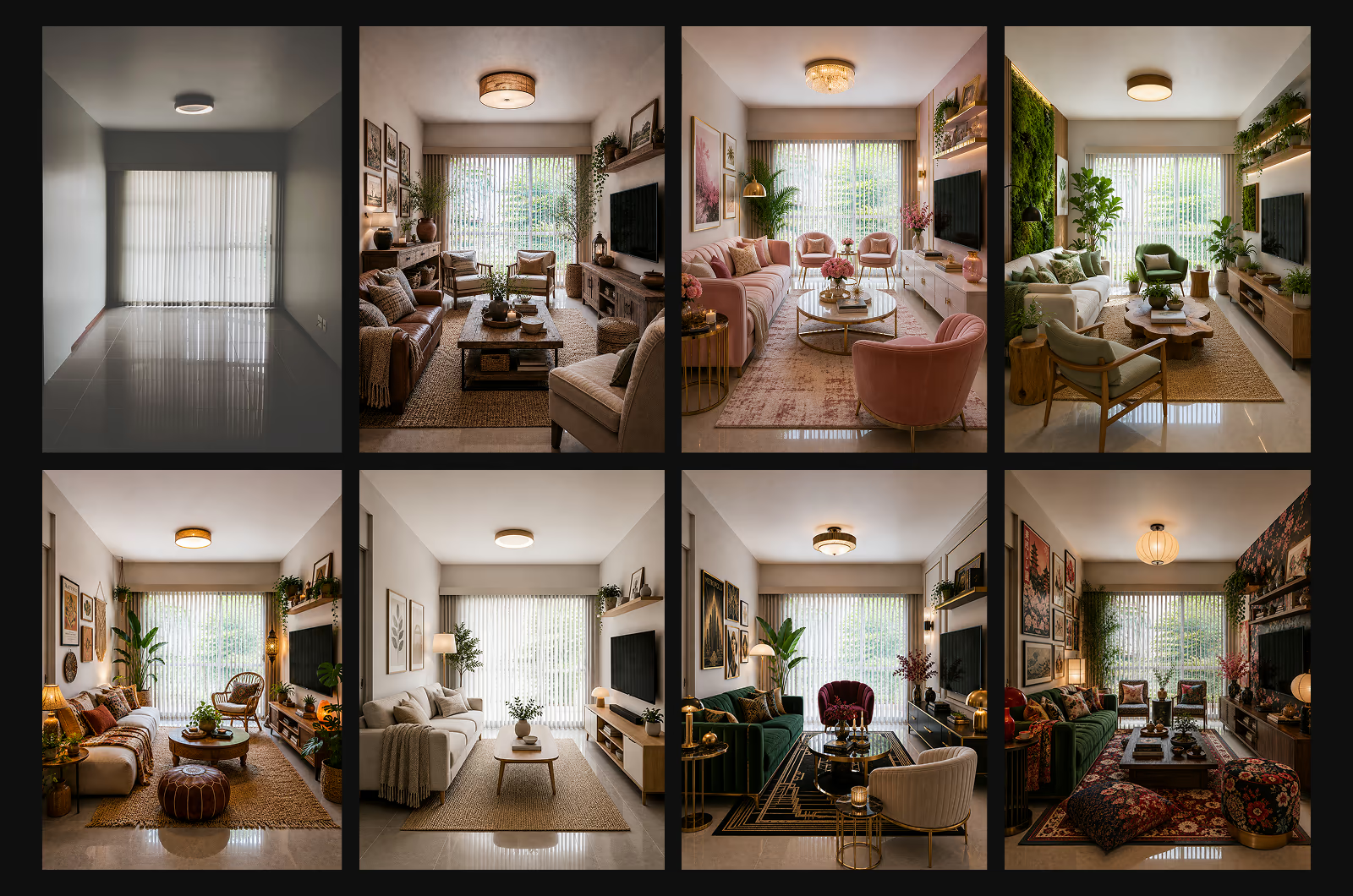
Most guides on virtual interior design explain one route and pretend the other does not exist. This one covers both. You can hire a designer remotely, or redesign the room yourself with AI, and they genuinely suit different people. Here are the real costs and timelines for each, so you can pick the one that fits your budget and your patience.
Virtual interior design offers two paths. A remote designer gives you a finished plan but costs $75 to $1,500+ per room and takes months. An AI tool delivers instant results with unlimited revisions for a fraction of the price. Use AI to explore directions fast, then bring in a designer to finalize.
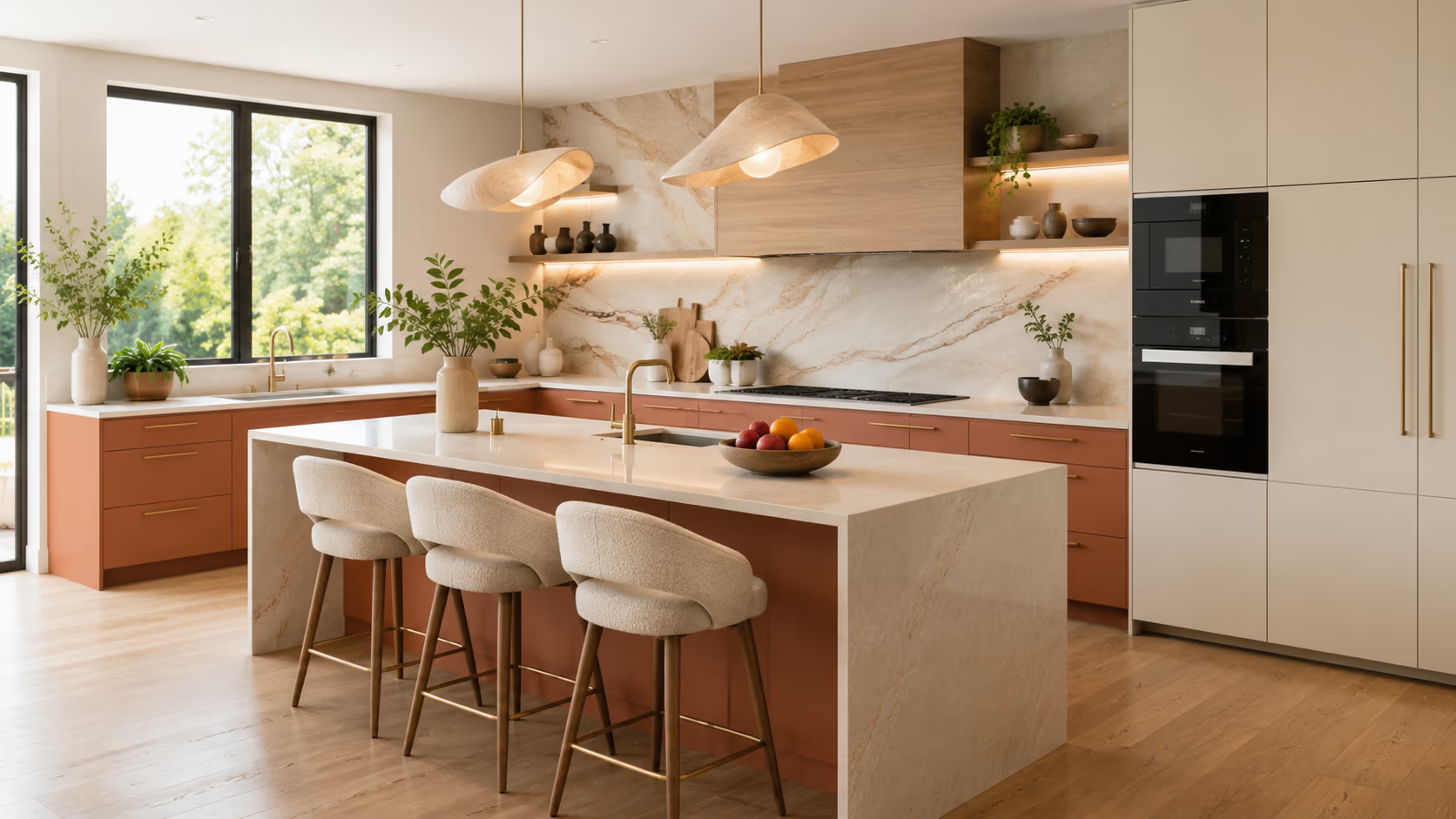
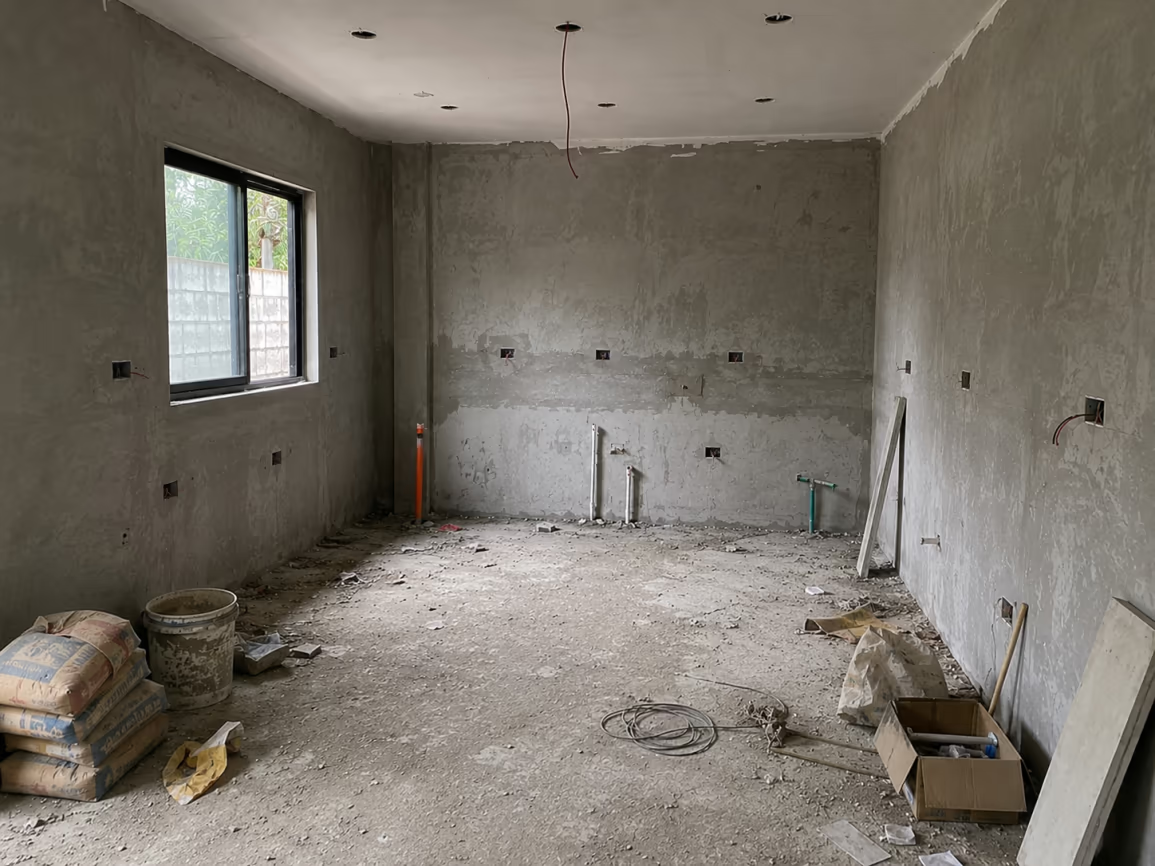
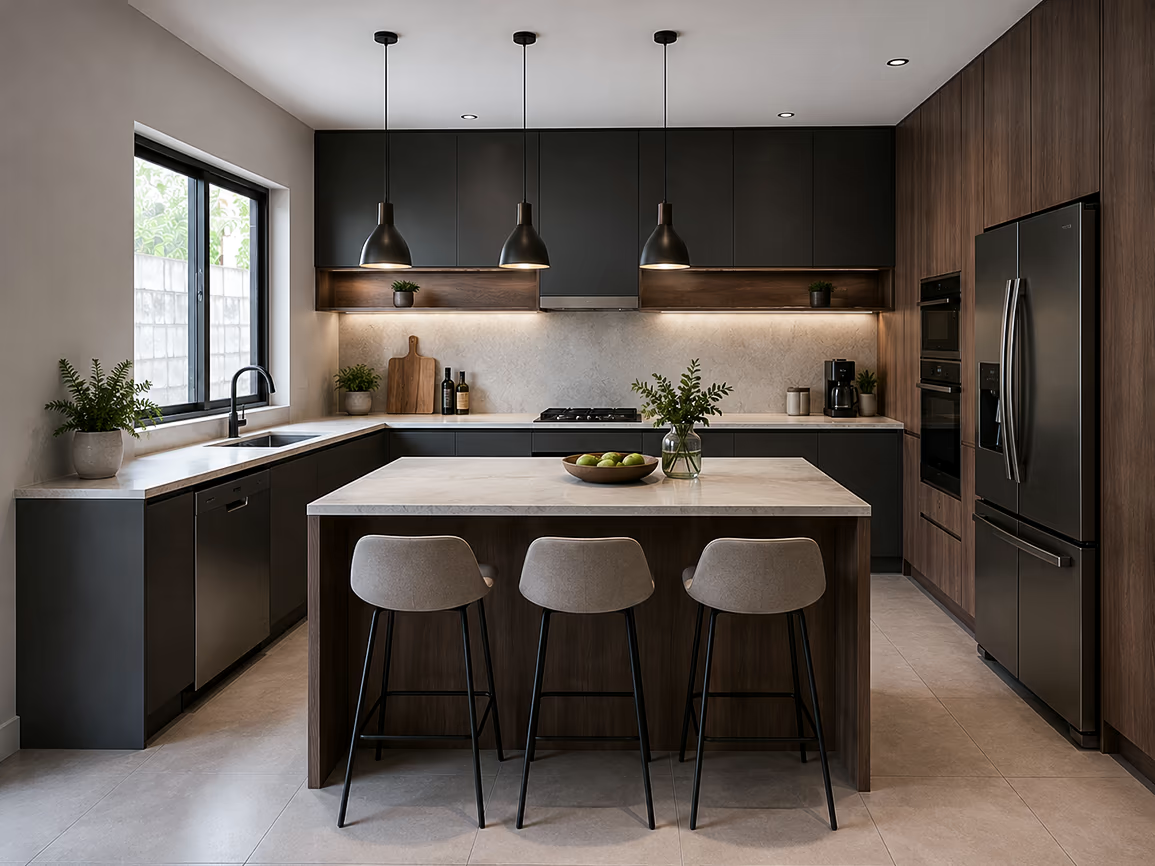
See how virtual interior design can stage a completely furnished modern kitchen design from a bare and unfinished room. Use the slider to compare the original photo and the staged design.
What Is Virtual Interior Design?
Virtual interior design is the process of planning and visualizing a room’s redesign online. It delivers a design plan, mood boards with design variations, 3D renders, and sometimes a shopping list. It comes in two forms: hiring a remote designer, or using an AI tool that designs your room from a photo.
Both give you design variations according to your choices. The difference is who does the work, how long it takes, and what it costs. The rest of this guide breaks them down.
Two Ways to Do It Online
There are two routes to get virtual interior design services:
1. Hiring a virtual interior designer: Hire a trained professional who works with you remotely. You give your references and budget; the virtual interior designer takes time and provides you with redesigns.
2. Do it yourself using an AI virtual interior design tool: With your preferences, the AI interior design tools can provide you with photorealistic redesigns in seconds.
They suit different people with different requirements. Here is how each one actually works.
#1 Hire a Virtual Interior Designer
This route is also known as E-design. It pairs you with an interior design professional who works entirely online. You fill out a style questionnaire and send photos and measurements of your room. Taking some time, the designer returns a tailored plan: a layout, mood boards, product recommendations, and a shopping list you buy yourself.
What makes it good: The strength here is human taste. A good designer curates specific products, solves awkward layouts, and brings an eye you cannot fully automate. Services like Decorilla, Havenly, and Studio McGee work this way.
The trade-off: Per-room packages typically run from around $75 for a light plan to well over a thousand for full service. A project commonly takes 3 to 4 months from start to finish. If you want a professional’s judgment and are not in a hurry, that is money and time well spent.
#2 Do It Yourself With AI
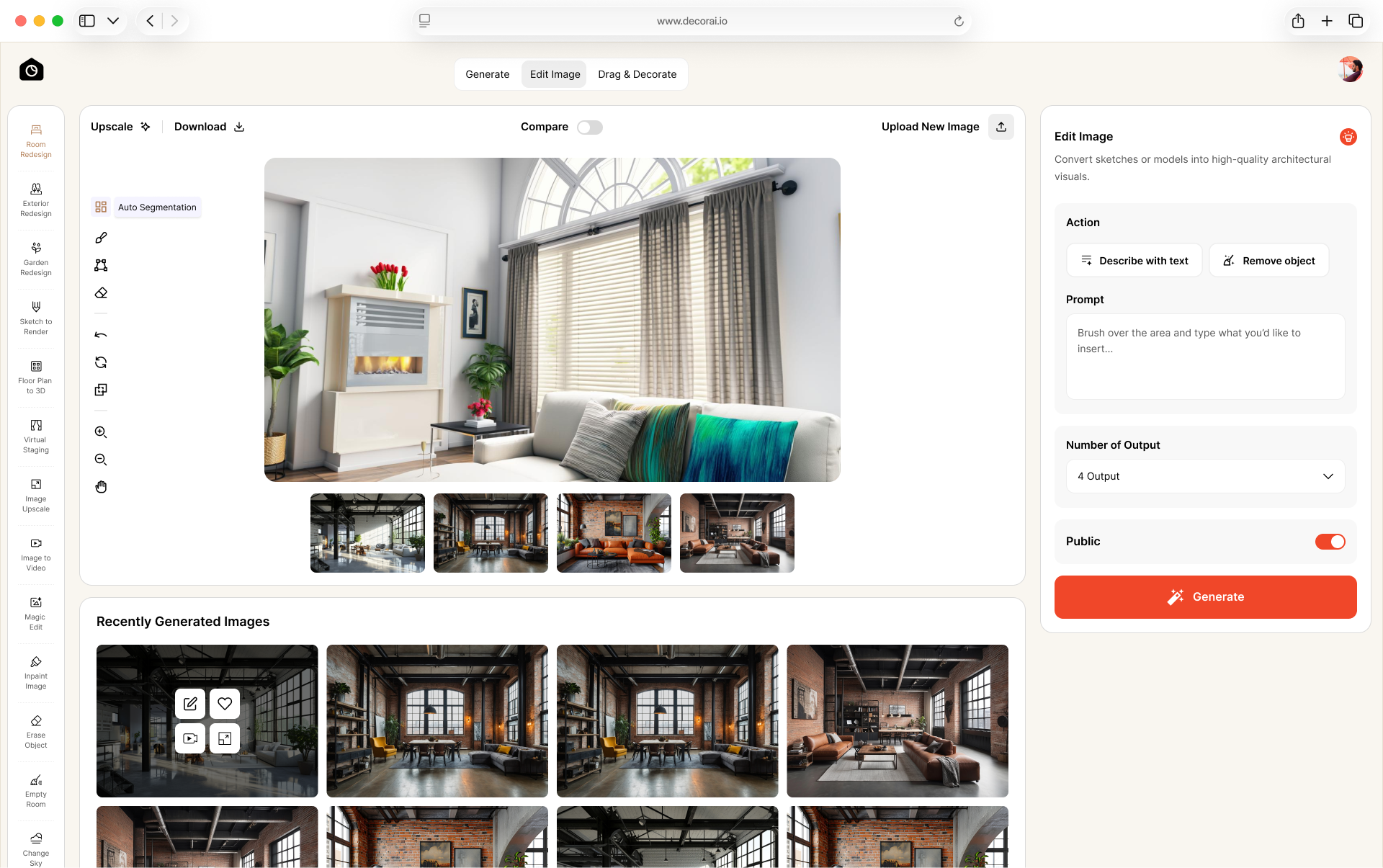
AI can be your Virtual Interior Designer. This route replaces an interior designer with an AI virtual interior design tool. You upload a photo of your room, choose a style or write a prompt, and the tool generates a photorealistic redesign in about 30s. There is no questionnaire and no wait, and you can try as many directions as you like.
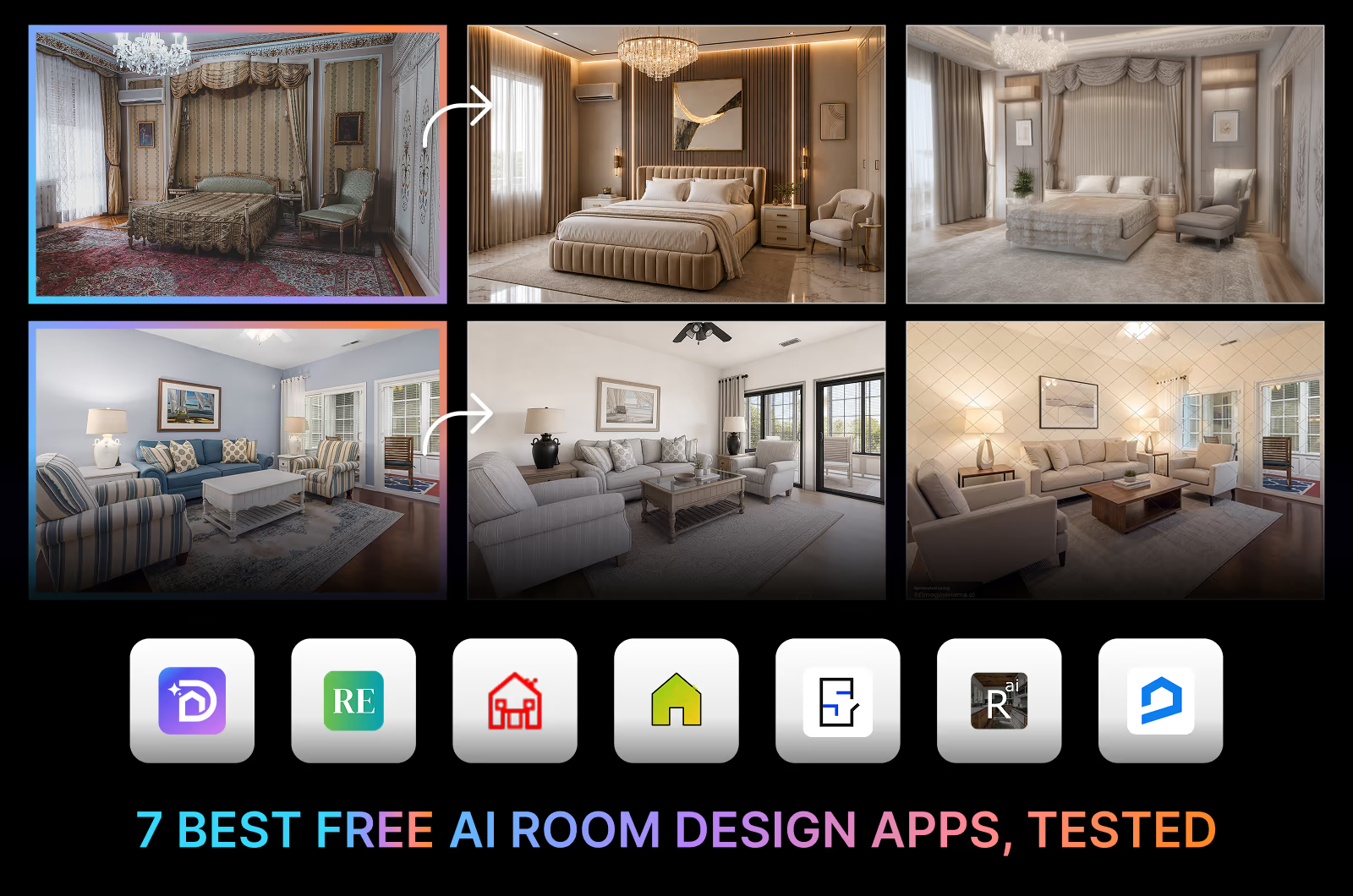
This is where DecorAI.io fits. It offers AI interior design tools that cover interiors, exteriors, and landscapes, with 175+ styles across 129 + spaces. You upload your room, pick a space and a style, and the Room Redesign tool returns several photorealistic options you can refine. Other AI tools work similarly, and you can see how the best AI interior design apps compare if you want the full field.
What makes it good: The strength of this route is speed, cost, and control. You get results instantly, iterate as many times as you like, and pay a fraction of a designer’s fee.
The trade-off: The taste is yours, not a professional's. So the result depends on your own eye and how well you direct the tool.
Want to test the idea on your own space right now? Start with a photo of your room and see it redesigned in seconds before you decide which route to take.
Virtual Designer vs AI: Cost, Speed, and Control
The honest comparison comes down to five things. A remote designer wins on curated taste and product sourcing. An AI interior design tool wins on speed, cost, and unlimited revisions.
| Feature | Virtual Designer | AI Tool |
|---|---|---|
| Cost | ~$75 to $1,500+ per room | $24 a month after a 1-day trial |
| Turnaround | 3 to 4 months | About 30s to a couple of minutes |
| Revisions | Limited by package | Unlimited AI designs |
| Curated products | Yes, hand-picked | You source your own |
| Deliverables | Design plan, mood boards, shopping list, 3D renders | Photorealistic images, 3D renders, up to 4x upscaling, commercial usage license |
| Whole-home redesign | Per-room fees add up; full home takes months | One subscription, unlimited rooms, instant redesigns |
| Best for | A polished, done-for-you plan | Fast, low-cost, hands-on visualizing |
If you want someone to hand you a finished plan and a shopping list, hire a designer. If you want to explore directions quickly and cheaply, and enjoy doing it yourself, an AI tool is the better fit. Plenty of people use both: AI to explore, then a designer to finalize.
Before you commit to any design route, try a free trial first. Most AI interior design tools, including DecorAI.io, offer a trial that lets you upload your room and see real redesigns in seconds. It costs you nothing, takes less than a minute, and gives you a clear idea of what the tool can do with your actual space. That way you know exactly what you are getting before you spend a dollar or book a designer.
How to Do AI Virtual Interior Design in 3 Steps
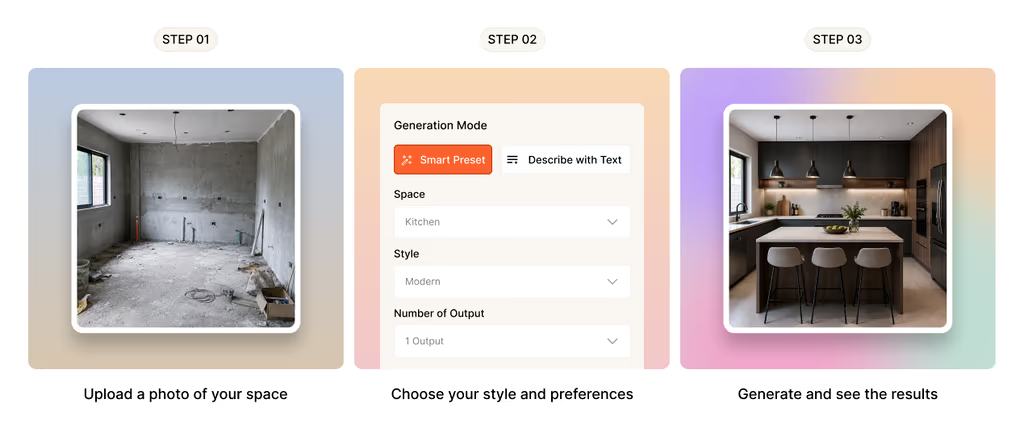
If you take the AI interior design route, the whole process fits into 3 steps:
- Upload a clear photo of your room, taken in daylight so the tool reads the space well.
- Pick a space and a style, or describe the look you want in your own words.
- Generate your redesigns. You get up to four variations per run so that you can compare directions side by side.
Real estate agents use the same approach for virtual staging, filling an empty listing with AI furniture so buyers can picture living there. Want ideas before you start? You can browse redesigned rooms by style and borrow palettes that already work.
What Virtual Interior Design Costs in 2026
Cost is the clearest difference between the two routes. Hiring a virtual designer means per-room packages, usually from around $75 for a basic plan to well over a thousand for full service, paid per project.
An AI tool is a subscription instead. DecorAI.io offers a 1-day free trial that includes 3 AI designs, then $24 a month for unlimited designs. Every plan includes an upscale tool that enlarges images up to 4x, watermark-free private renders, and a commercial usage license. You can see current pricing plans for the full breakdown. For anyone redesigning more than one room, the math usually favors the AI route quickly.
Who Virtual Interior Design Is For
Virtual interior design suits more people than just homeowners mid-renovation:
- Homeowners planning a redesign who want to see it before they buy.
- Renters who want to visualize changes without committing to anything permanent.
- Interior designers who need fast concepts to show clients early.
- Real estate agents staging empty listings so rooms sell faster. A 2019 report found it can cut staging costs by 97%.
If you fall into any of these, the online route saves you the two things an in-person process costs most: time and money.
3 Tips for Better Virtual Design Results
Whichever route you choose, a few habits improve the outcome:
- Start with a good photo. Take the photo in natural light, straight on, with the whole room in frame. The clearer the input, the better the result.
- Know your style words. Even a loose sense of “warm minimalist” or “modern farmhouse” gives a designer or an AI tool a much stronger starting point.
- Iterate before you commit. The whole point of designing online is that changing your mind is free. Try several directions before you settle.
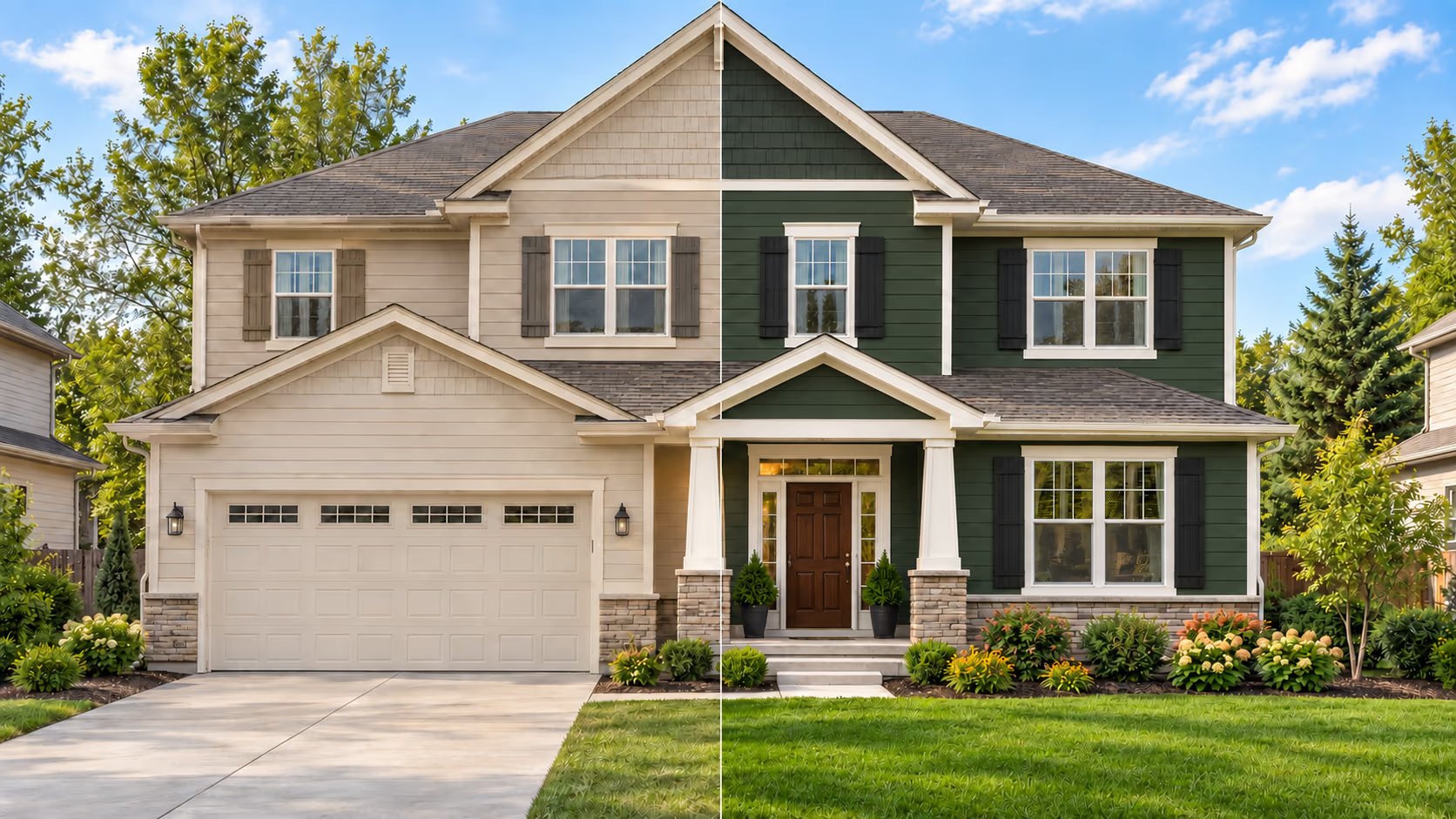
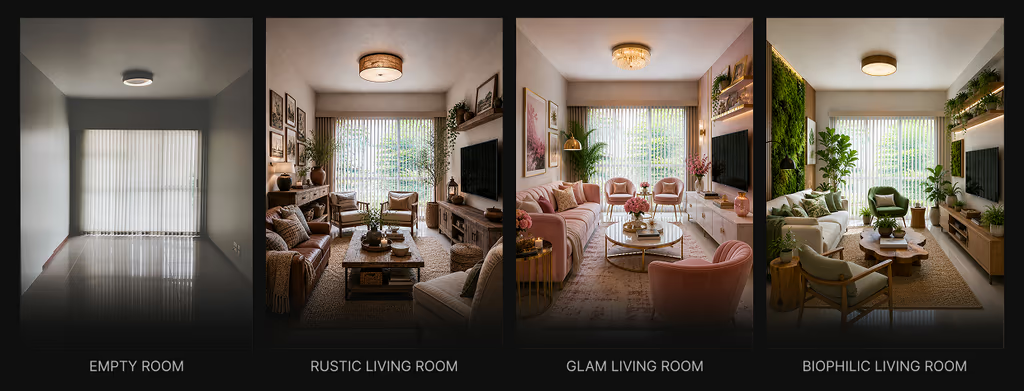
See how an empty room can be staged virtually with different styles and furnishing.
Frequently asked questions
Virtual interior design is redesigning a room online without an in-person designer. You either hire a designer remotely, sending photos and measurements to get a plan and shopping list, or you use an AI interior design tool that redesigns your room from a photo in seconds.
It depends which route you take. Hiring a remote designer usually costs from around $75 to over $1,000 per room, paid per project. An AI tool is a subscription instead: DecorAI.io runs a 1-day trial with 3 designs, then $24 a month for unlimited designs, which works out far cheaper if you are redesigning more than one room.
For most people, yes. It costs far less than an in-person designer and lets you see a room before spending on furniture or renovation. A remote designer is worth it when you want curated, done-for-you results. An AI tool is worth it when you want fast, low-cost visualizing you control yourself.
Yes. AI design tools let you upload a photo of your room, pick a style, and generate a photorealistic redesign in about 30 seconds, with no design experience needed. You can try it on your own room and refine the result until it looks right, then use it as your plan.
It depends who or what you are using. A remote designer typically takes 3 to 4 months from questionnaire to final plan. An AI tool takes about 30 seconds per redesign, so you can explore an entire room's worth of directions in an afternoon and refine from there.
The best tool depends on what you need. DecorAI.io covers interiors, exteriors, and landscapes with 175+ styles and fast photorealistic output, which suits most home projects. Others focus on narrower tasks. Comparing a few on your own room photo is the quickest way to find the right fit.
Most AI interior design apps offer free trials on virtual interior design. You get to try the tools to see yourself how they work. The free trials help you decide which ones to spend your money on.
Final Words
Virtual interior design gives you two honest paths to the same goal. Hire a remote designer when you want a professional’s taste and a finished plan, and you can wait a few months. Use an AI tool when you want to see your room redesigned in seconds, iterate for free, and keep control of the result. Either way, you get to see the space before you change it. Start with a photo of your room and find out which one fits you.