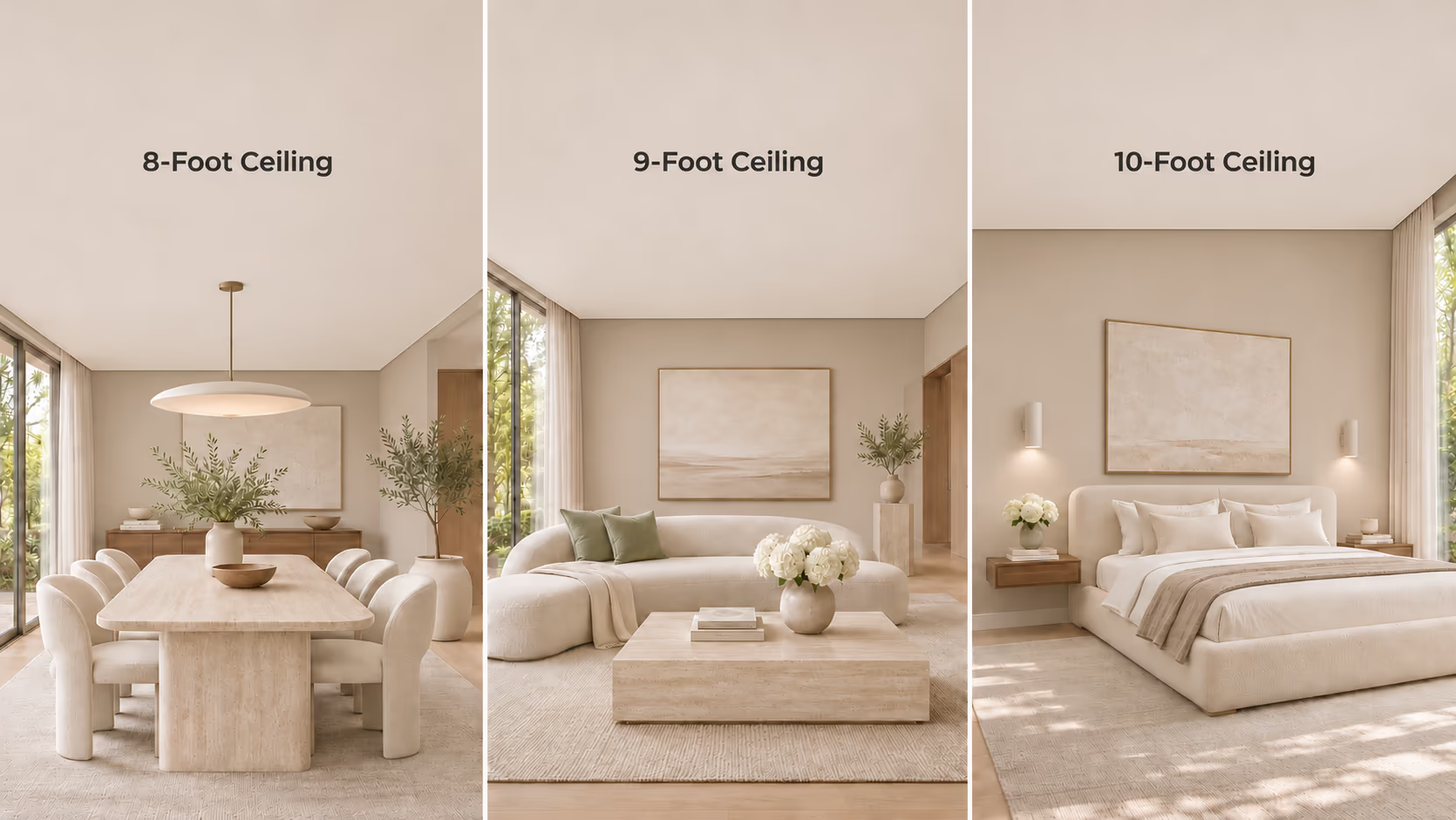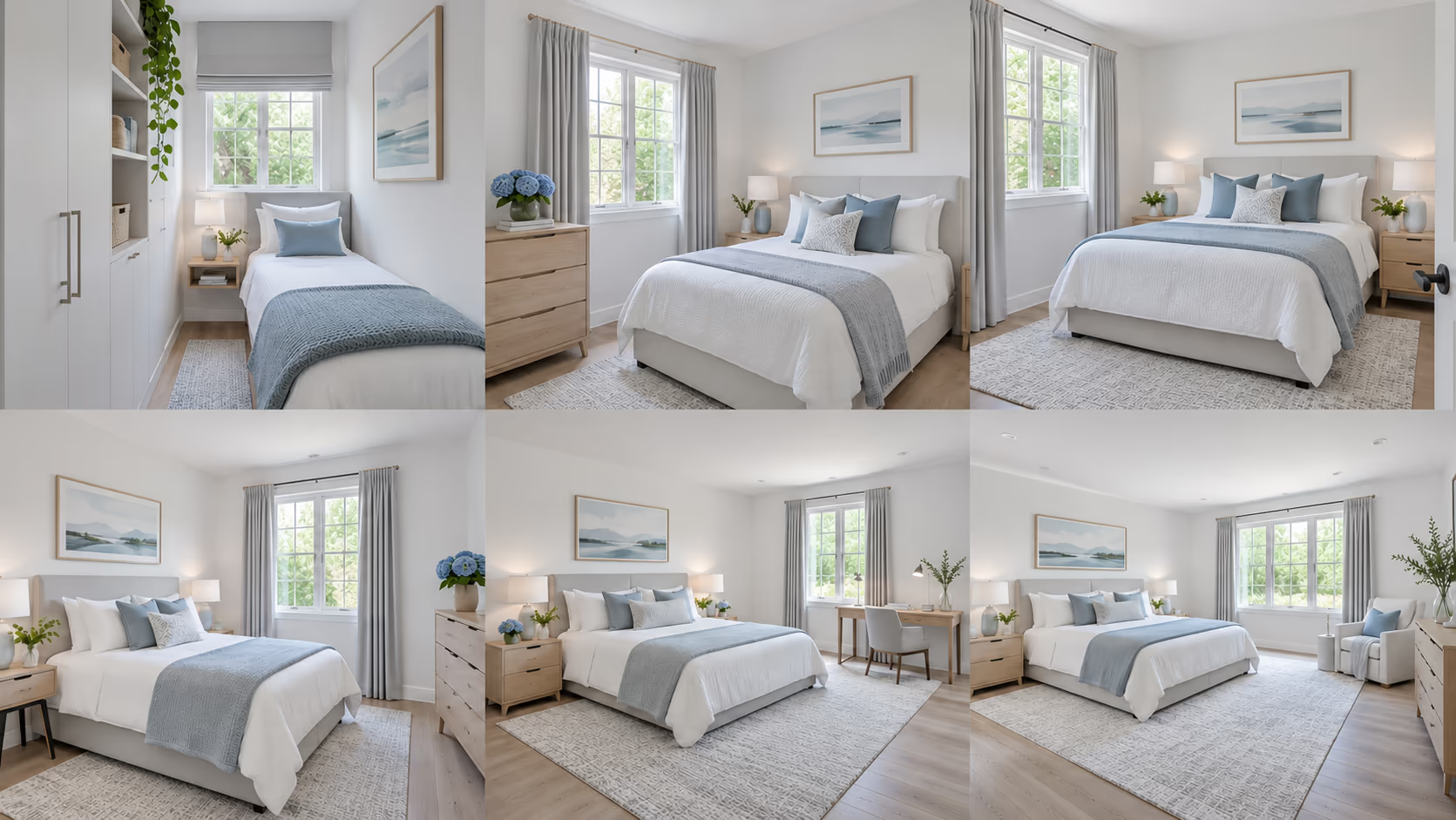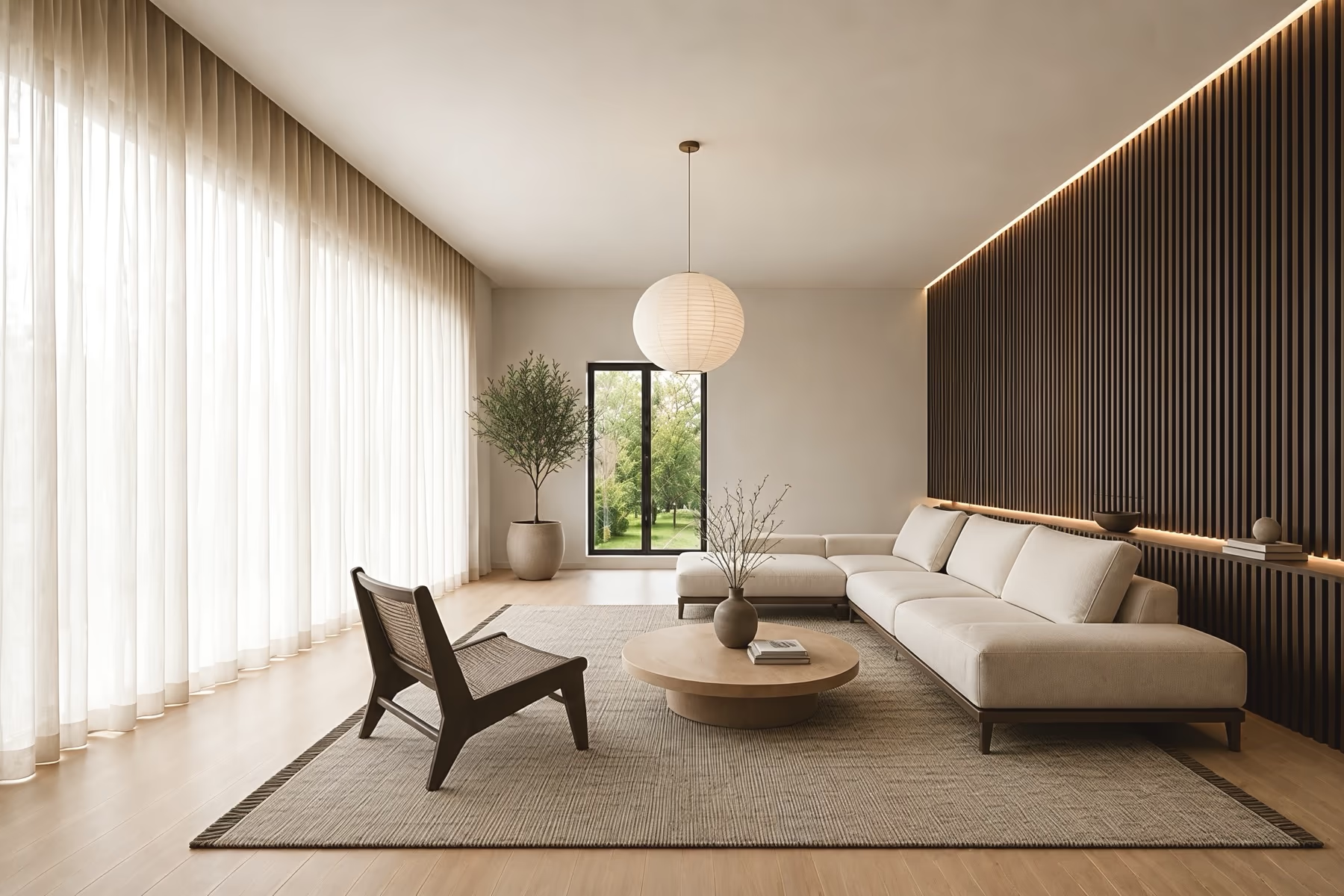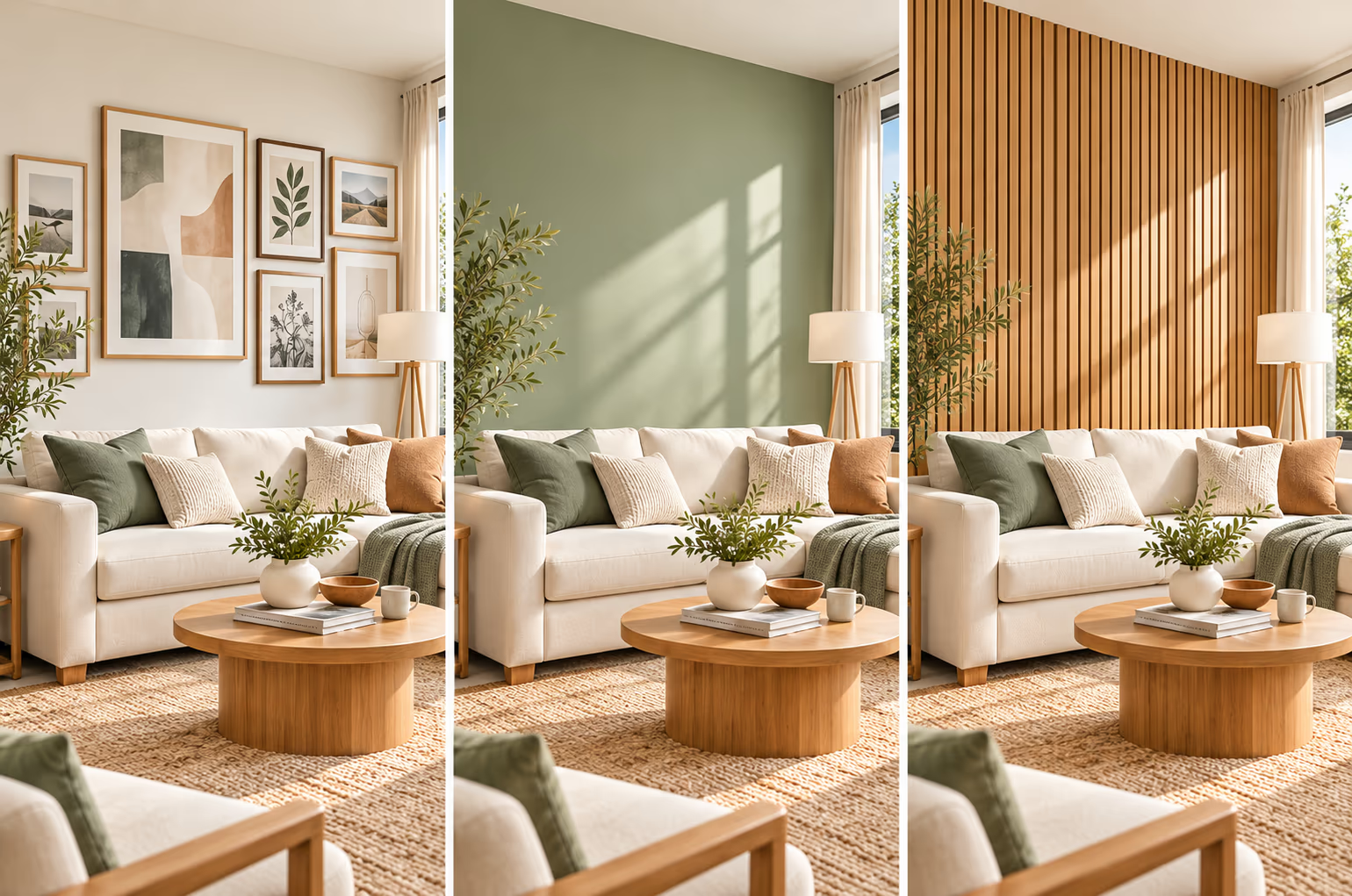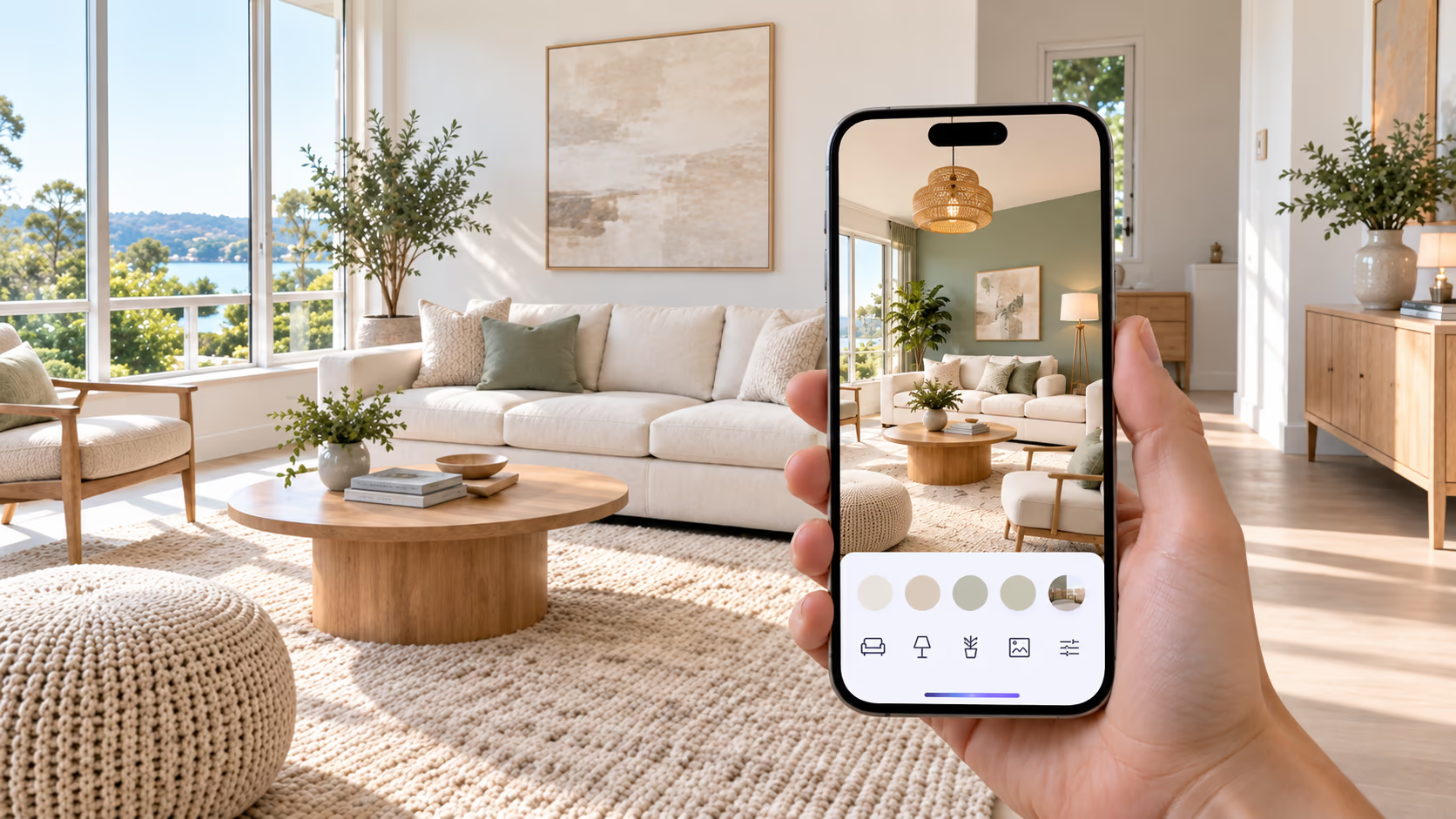
AI virtual staging is becoming a simple way to prepare real estate listing photos. Instead of moving real furniture into an empty property, agents can add furniture digitally and show buyers how a room could be used.
Some apps create a staged photo in minutes. Others also let you remove furniture, change the setup, or create several versions of the same room.
This guide compares the best AI virtual staging apps and services for real estate in 2026. We look at pricing, staging options, furniture editing, free trials, turnaround time, and the main limits of each option.
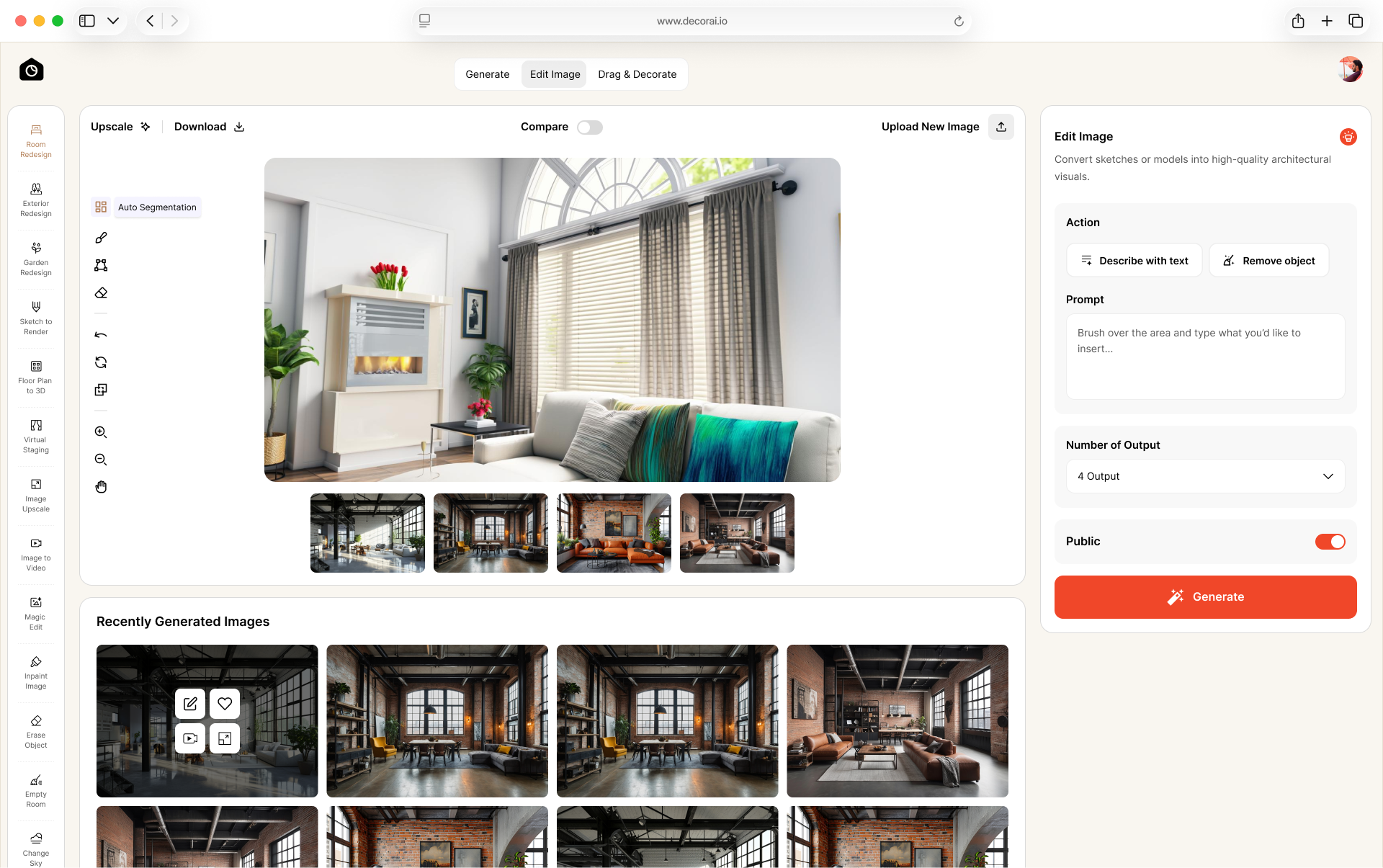
DecorAI combines room staging with other property photo editing tools. Apply Design offers controls for moving, resizing, and replacing furniture. Collov AI and REimagineHome also offer staging and property photo editing features. Virtual Staging AI is covered separately because we did not test its generated results.
Disclosure: DecorAI is our product, and this article is published on the DecorAI website. We used the same empty room photo when testing tools that allowed image generation without payment. Virtual Staging AI required a paid plan before generation, so we could not evaluate its staged output. The test results describe our experience at the time of testing.
How We Compared the Apps
We compared the tools using the same empty room photo where free image generation was available. We recorded the sign-up process, time to the first result, watermarks, and the visible output. We also reviewed published features and pricing.
Test times reflect our own sessions and may vary. Virtual Staging AI is listed separately because we could not generate a staged result without payment. We have not assigned numerical scores.
Quick Comparison: Best AI Virtual Staging Apps
| App or Service | Best For | Starting Price | Key Features | Main Limitation |
|---|---|---|---|---|
| DecorAI | Staging and other property photo edits | 3 free designs during a 1-day trial; $24/month | Room staging, furniture editing, and other image tools; 175 styles across the platform | Card required for the short trial; outputs are images, not measured plans |
| Apply Design | Automatic staging and manual furniture control | Automatic 2D staging from $10.50/image with a 20-coin minimum purchase | One-click staging, furniture removal, 2D and 360 staging, manual controls | Cost varies by coin purchase size and staging method |
| Collov AI | Staging and additional listing-photo edits | $19/month equivalent, billed $228 yearly | AI staging, furniture removal, photo enhancement, wall and floor changes, twilight and weather edits | Annual payment required for the quoted rate; advanced tools need higher plans |
| REimagineHome | Staging and guided property photo edits | 5 free designs; paid monthly credit plans | Staging, exterior edits, before-and-after designs, reference images, batch processing on higher plans | Essential uses legacy tools and excludes Pro's guided editing features |
Virtual Staging AI is covered separately because we could upload a photo but could not generate a staged result without payment. It is excluded from our tested recommendations.
Pricing Note: Prices, allowances, and billing terms can change. Check the provider's current pricing page before subscribing. Annual monthly equivalents require an upfront yearly payment.
What Is AI Virtual Staging?
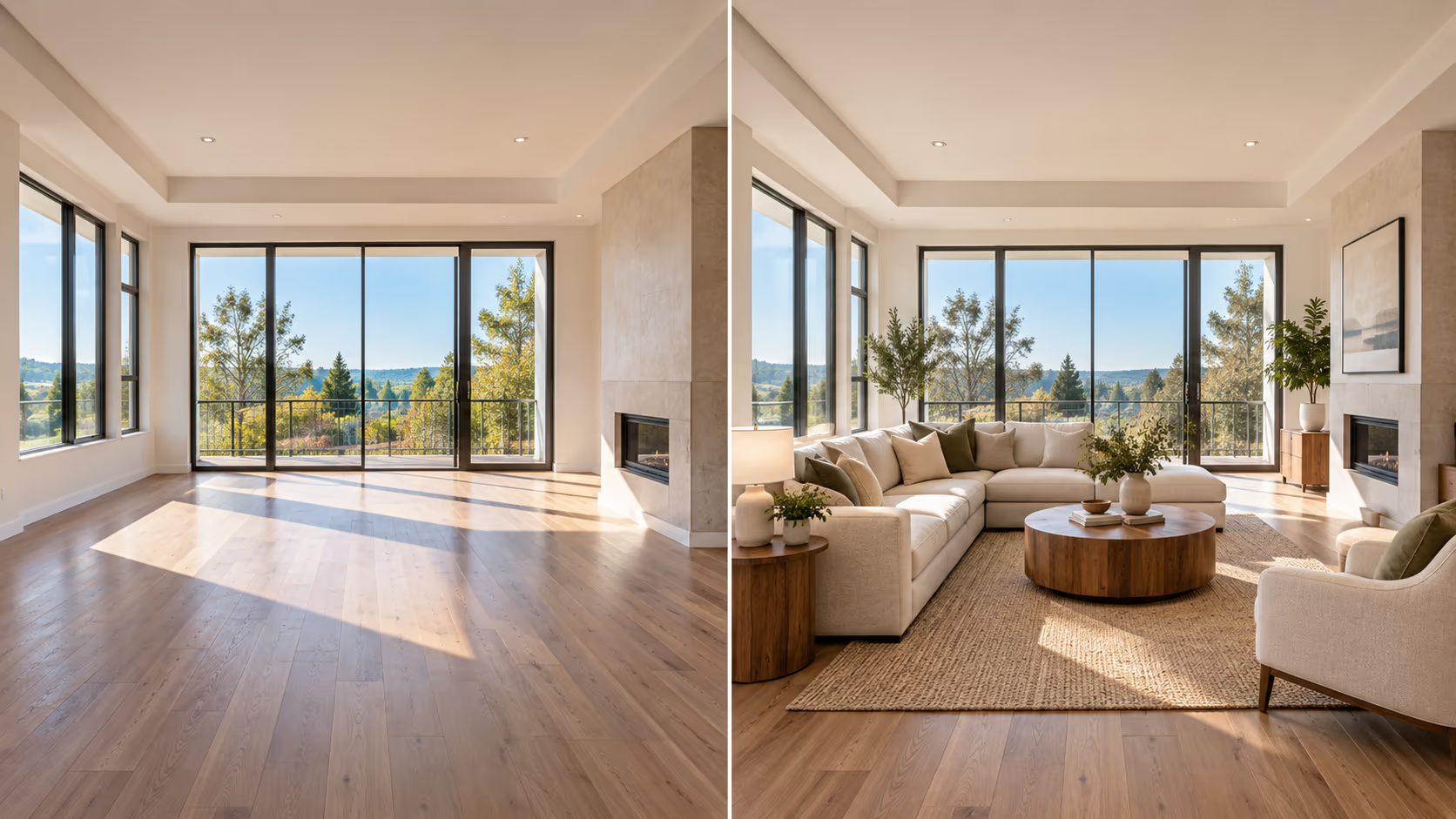
AI virtual staging adds digital furniture and decor to a real property photo. For example, an empty living room can be shown with a sofa, coffee table, rug, artwork, and other simple furnishings. An empty bedroom can be shown with a bed, nightstands, lamps, and decor. The furniture is added to the photo. It is not placed inside the real property.
This makes virtual staging useful for:
- Empty homes
- Vacant apartments
- New construction
- Rental properties
- Homes between tenants
- Properties with dated furniture
- Real estate listing photos
The main goal is simple: help buyers understand how an empty room could be used. Want to understand how staging differs from a full room redesign? Read our virtual interior design guide.
What to Look for in an AI Virtual Staging App
Not every staging app works the same way. Before choosing one, look at the parts of the service that matter to your listing work.
Image Quality
The furniture should look natural in the room. Watch for strange shadows, distorted objects, or furniture that appears to float.
Room Accuracy
The walls, doors, windows, floors, and other important parts of the property should stay recognizable.
Furniture Removal
This is useful when a property already has furniture that needs to be removed before adding a new setup.
Editing Options
Some apps only create a finished photo. Others let you make changes after the first version.
Style Choices
Look for enough furniture styles to match different types of properties and buyers.
Multiple Photos
If you are staging several rooms, check how the service handles multiple listing photos.
Turnaround Time
A quick AI tool may give you a result in minutes. Human editing services can take longer.
Total Cost
Do not look only at the starting price. Check how many photos are included and whether changes cost extra.
DecorAI: Best for AI Staging and Listing Photo Editing
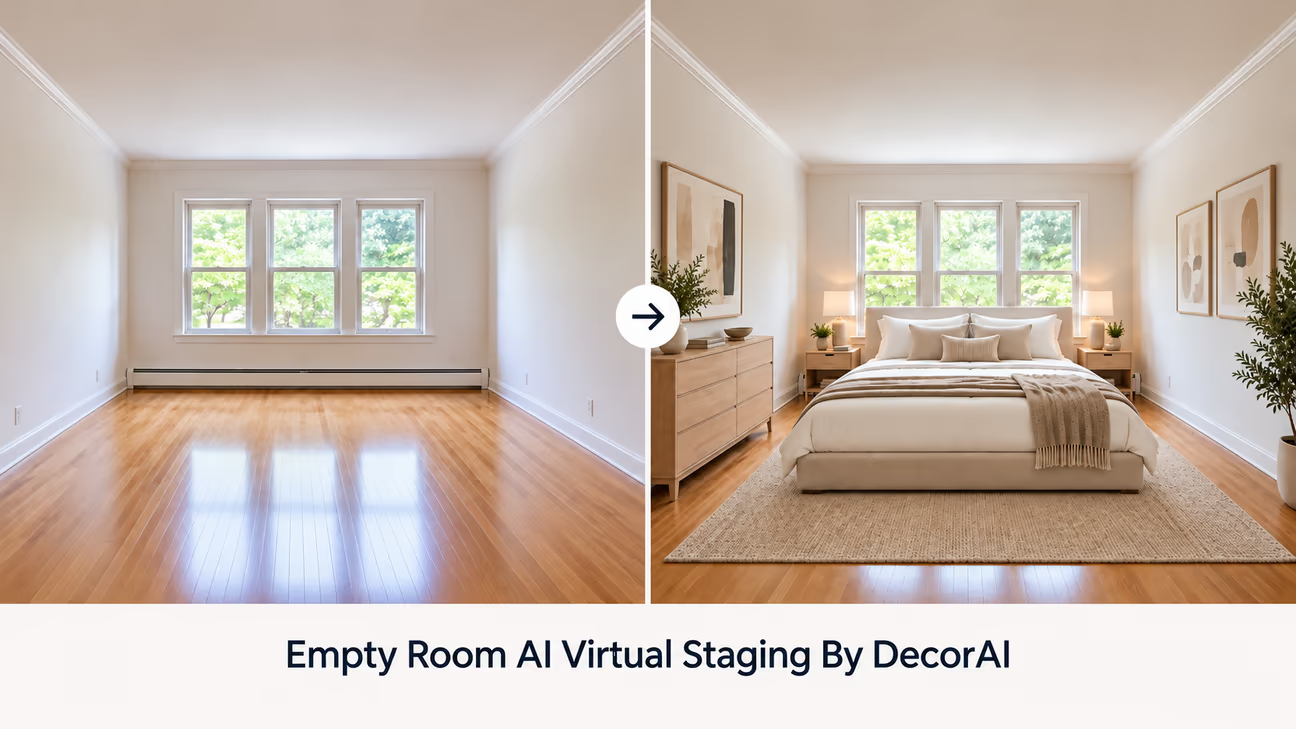
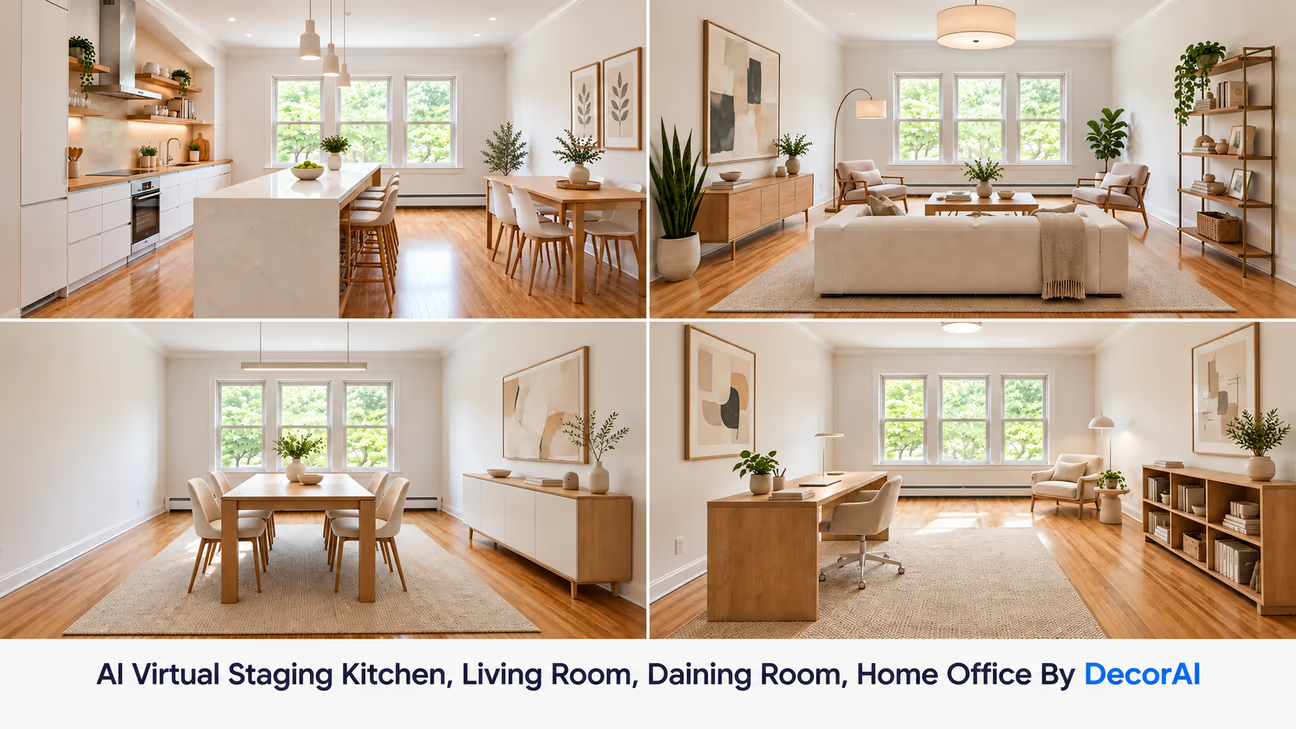
An empty room can be hard for buyers to picture as a home. DecorAI helps you show how it could look with furniture, giving buyers a clearer idea of how they might use the space.
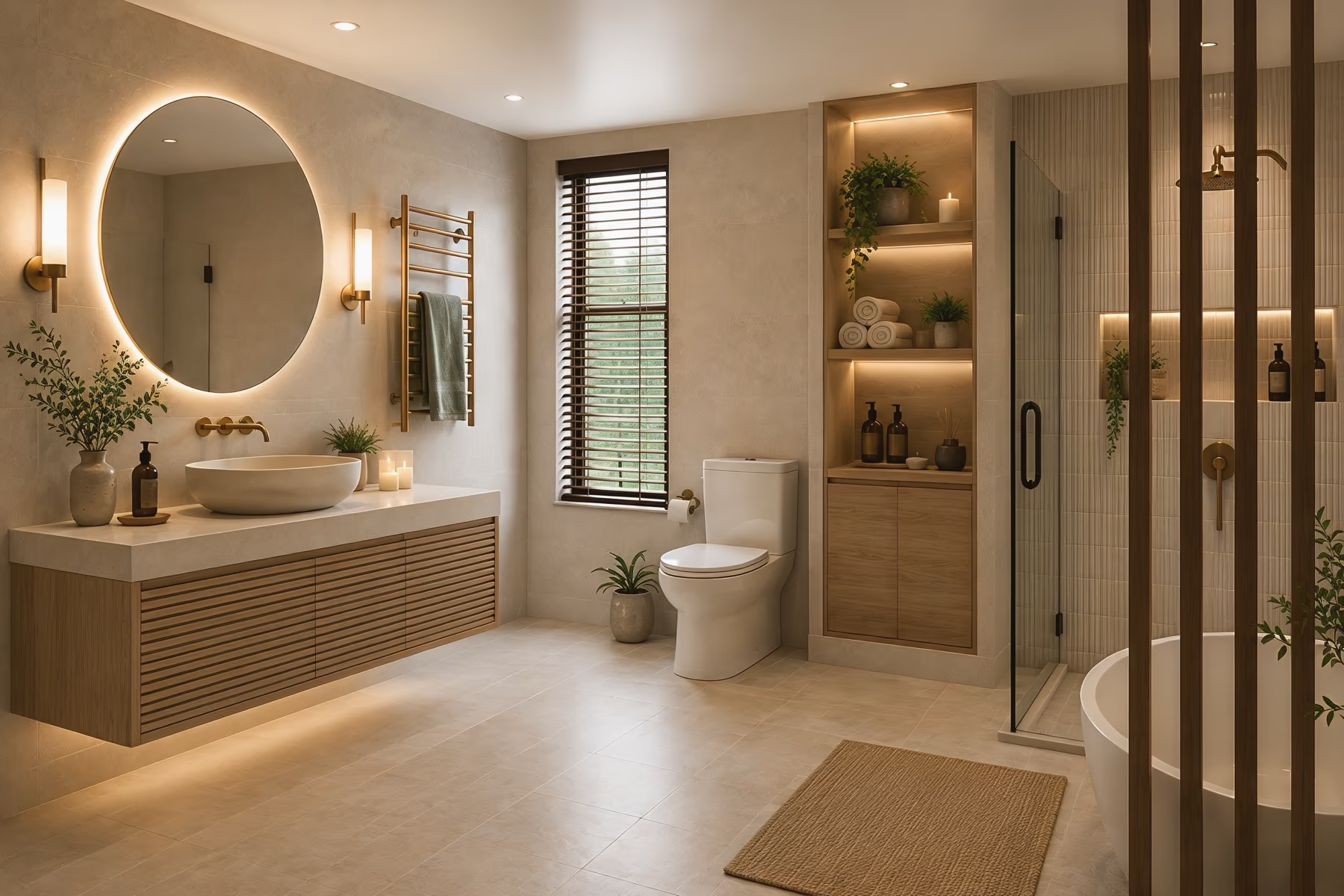
Use Room Redesign to furnish empty living rooms and bedrooms. For properties that need a fresh look, Kitchen Redesign and Bathroom Redesign help you show possible updates. These tools give agents more ways to present a property's possibilities to buyers and sellers.
What We Like
- Easy photo upload
- AI furniture staging
- 175 design styles
- Up to 4 versions at once
- No watermark
- Commercial use included
- More than 20 AI tools
- Unlimited AI image designs on the paid plan
Pricing
DecorAI offers a 1-day trial with 3 free AI designs and access to every tool. Trial images are watermark-free and include commercial usage rights. A payment card is required. The subscription renews at $24 per month unless you cancel before the trial ends. This is a short trial, not a permanent free plan. See DecorAI's plans and pricing for current terms.
Free Trial Experience
We tested DecorAI using the same empty room photo used for the other tested apps.
- Sign-up: We used Google login, which took only a few clicks.
- Time to Result: It took about 1.5 minutes from sign-up to the first result. Each room redesign took about 30 seconds to generate.
- Watermark: The generated images had no watermark.
- Test Experience: The process was simple from sign-up to the final result, with no major issues during our test.
Best For
Real estate agents, property photographers, property managers, and home stagers who want virtual staging plus other tools for preparing listing photos.
Where It Falls Short
The trial requires a payment card and lasts only 1 day, so there is limited time to evaluate the results before renewal. DecorAI creates visualization images, not measured plans. Check furniture fit and property details against the original photo and actual measurements.
Apply Design: Best for Furniture Control
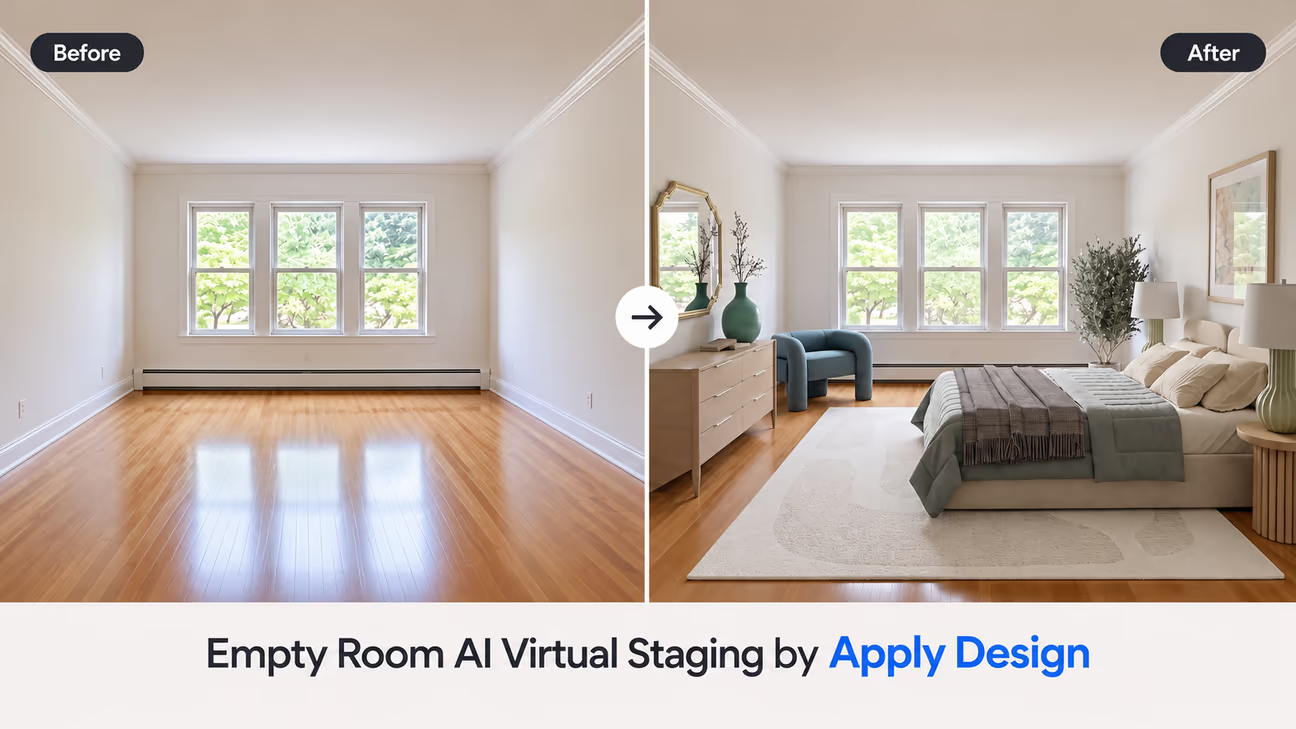
Apply Design offers one-click AI virtual staging for real estate listing photos. You can upload a room photo, choose your design preferences, and generate a furnished version. It also includes item removal and an option to make changes after the first result.
What We Like
- One-click AI virtual staging
- Furniture removal included
- 2D and 360° staging options
- DIY staging for more furniture control
- Realistic image generation
- Edit the result
- First image is free
- 15-minute stated turnaround
Pricing
Apply Design uses prepaid Apply Coins for automatic and DIY staging.
- 1 to 9 coins: $10 per coin
- 10 to 19 coins: $8 per coin
- 20+ coins: $7 per coin
Automatic 2D staging costs $10.50 per image at the lowest coin rate, which requires purchasing at least 20 coins. Smaller purchases have a higher effective cost per image. Apply Design also advertises the first image free. See Apply Design's pricing page for current rates.
Our Test
We uploaded the same empty room photo used for the other tested apps. Apply Design generated a furnished bedroom in about 6 to 10 minutes during our test. The result included a bed, dresser, armchair, rug, and lamps, while keeping the main room structure recognizable.
Best For
Real estate agents, photographers, and property professionals who want AI virtual staging with more control over furniture and listing-photo edits.
Collov AI: Best for Real Estate Photo Editing
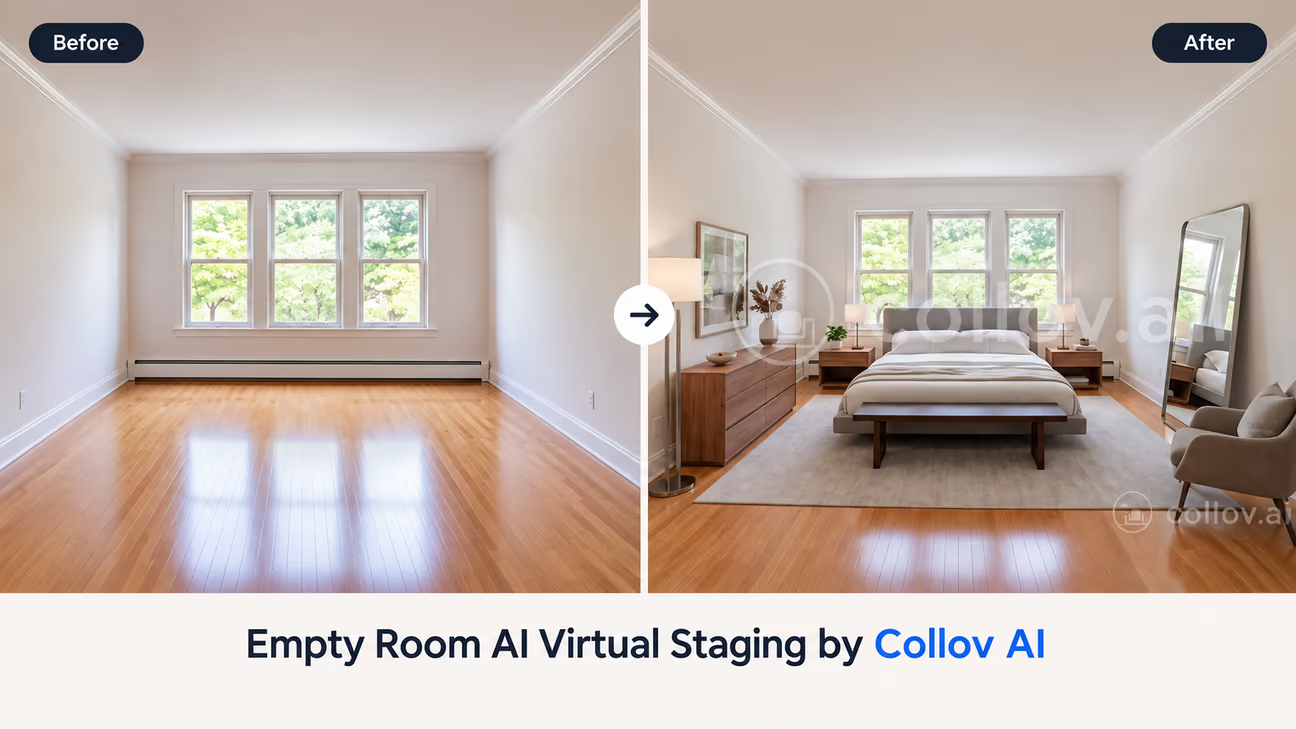
Collov AI is built for real estate professionals who want to stage property photos and make other listing-photo edits. Its tools include virtual staging, furniture removal, photo enhancement, material changes, twilight conversion, and other property-photo edits.
What We Like
- AI virtual staging for vacant rooms
- Furniture removal included
- Multiple room types and design styles
- Photo enhancement tools
- Wall and floor customization
- Twilight and weather editing
- Virtual tour tools on higher plans
- Multi-angle staging on higher plans
Pricing
Collov AI's displayed yearly-billed rates are $19/month for Standard, $49/month for Advanced, $79/month for Premium, and $127/month for Enterprise. These require upfront annual payments of $228, $588, $948, and $1,524 respectively. The plans include 60, 150, 263, and 526 photo credits per month. Monthly billing is also available; check the selected billing option before subscribing.
Our Test
We uploaded the same empty room photo used for the other tested apps. Uploading did not require an account, but generating a design required sign-up. During our test, we received 3 free designs with watermarks. Creating a design took about 2 minutes.
Best For
Real estate agents, photographers, property managers, and brokerages that need virtual staging plus additional tools for preparing and improving listing photos.
REimagineHome: Best for AI Staging and Photo Editing
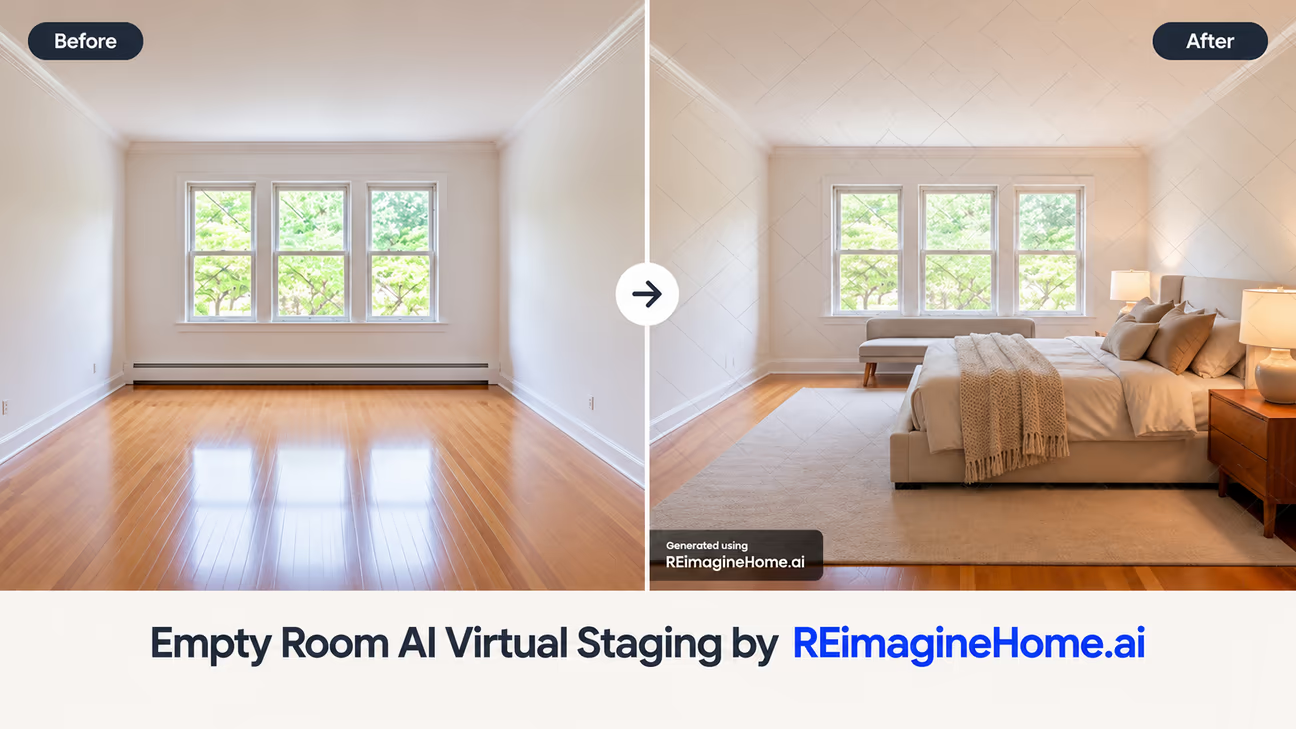
REimagineHome is an AI design platform that includes virtual staging for real estate. It can turn vacant rooms into furnished spaces and also offers tools for light redesigns, exterior edits, and other property-photo changes.
What We Like
- AI virtual staging for common rooms
- Vacant-to-furnished staging
- Before-and-after comparison
- Watermark-free images on paid plans
- Basic exterior and landscaping edits
- Reference photos on higher plans
- Make small changes on higher plans
- Batch processing for real estate on the Pro plan
Pricing
REimagineHome offers five free designs for new users. Paid plans use monthly credits:
- Essential: 30 monthly credits
- Pro: 200 monthly credits
- Advanced: 400 monthly credits
- Agency: 900 monthly credits
Check REimagineHome's pricing page for the current subscription price before purchasing. The Essential plan uses legacy tools, while Pro adds conversational editing, reference-photo guidance, and listing batch processing. Advanced and Agency provide higher credit allowances.
Our Test
We used the same empty room photo as the other tested apps. REimagineHome generated a staged image in about 40 seconds during our test. We could download the free result, but it included a watermark.
Best For
Real estate agents, property managers, and photographers who want virtual staging along with additional tools for editing and preparing property photos.
Not Tested: Virtual Staging AI
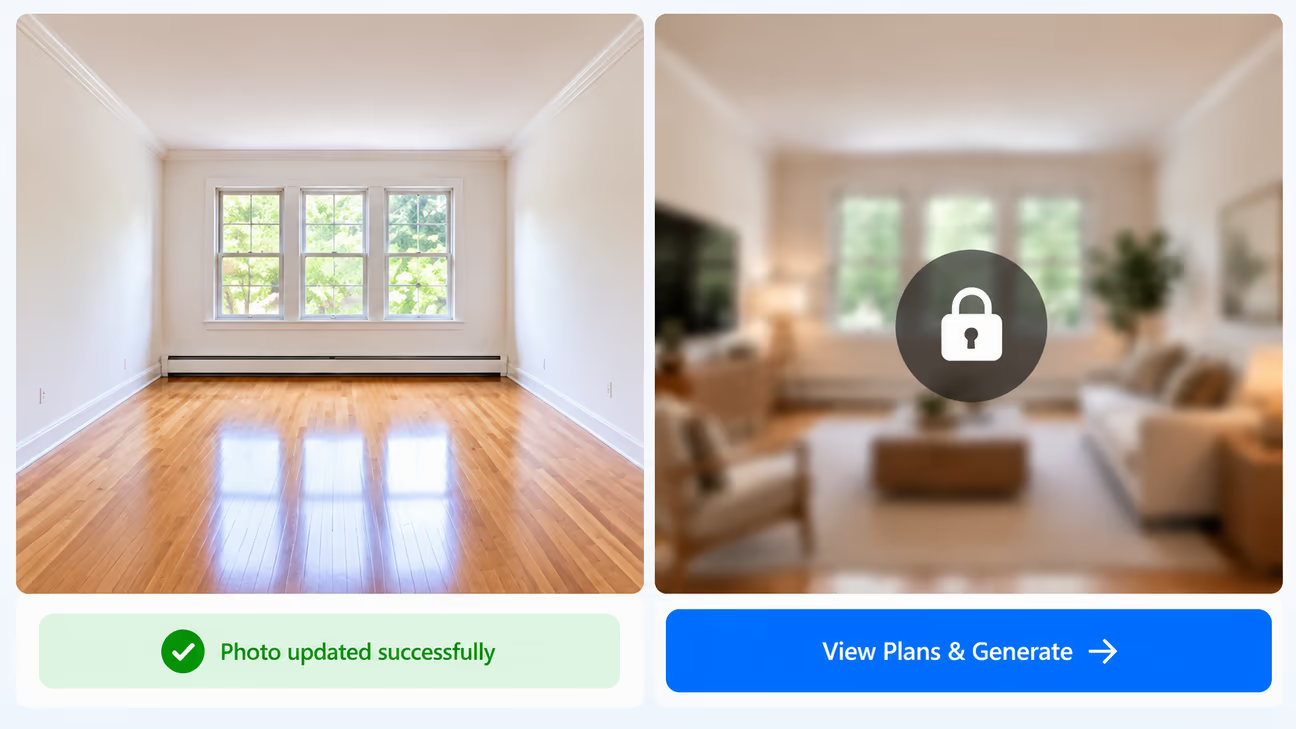
Virtual Staging AI is a dedicated service for furnishing real estate photos. Its published plans include furniture removal, multiple design styles, and unlimited revisions per image. We could upload our test photo, but generating a staged result required payment. We therefore excluded it from our ranked recommendations.
Published Features
- Furniture removal when combined with virtual staging
- Multiple design styles
- Unlimited revisions per image
- Watermark-free output
- Multi-angle room staging, listed as an early beta feature
Pricing
- Starter $25 20 photos
- Unlimited $39 Unlimited photos, subject to fair-use terms
- Studio From $49 50 photos at the starting tier
These are monthly subscription prices. Credits can also be used for listing videos, which reduces the number available for staging photos. Unused staging credits roll over for up to 3 months while the subscription remains active.
The Unlimited plan is intended for agents staging their own or their brokerage's listings. Studio supports work for other clients, including resale and white-label use. See the Virtual Staging AI official pricing page for current allowances and terms.
Our Test
We successfully uploaded the empty room photo, but generating a staged image required a paid plan. We did not purchase a plan, so we could not assess the generated image quality, generation time, or editing results.
Cost for 3 Property Listings
If you have 3 listings and stage 4 room photos for each, you need 12 staged photos. The table below compares purchase options that can cover this workload.
| Tool | Cost for 12 Photos | What You Pay For |
|---|---|---|
| DecorAI | $24 | One month of unlimited AI image designs |
| Apply Design | $140 | 20 Apply Coins; 12 automatic 2D images use 18 coins, leaving 2 coins |
| Collov AI | $228 with yearly billing | Standard annual subscription with 60 photo credits per month |
These examples cover 12 staged photos and exclude free trials. Extra editing tasks may use additional credits. Apply Design's example uses a 20-coin purchase, with 18 coins used and 2 remaining. Collov AI's quoted payment covers a full year, while DecorAI's covers one month.
AI Virtual Staging vs. Physical Staging
AI staging and physical staging solve the same basic problem in different ways. AI staging is especially useful when the main goal is to improve listing photos. Physical staging can still make sense when the property needs to be furnished for open houses, private showings, or other in-person visits. For some listings, agents may use both.
| AI Virtual Staging | Physical Staging |
|---|---|
| Adds furniture to a property photo | Places real furniture inside the property |
| No delivery or setup | Furniture must be delivered and arranged |
| Several furniture options can be created | Usually one setup at a time |
| Useful for online listing photos | Buyers can see the furniture during a visit |
| Does not change the actual property | Furniture is physically present |
| Easy to remove after the photo is created | Furniture must be removed later |
How to Get Better AI Virtual Staging Results
Use a clear photo and choose furniture that fits the home. Check the finished picture before adding it to your listing.
Take a Clear Photo
Show the floor, walls, doors, and windows. Hold the camera straight and take the photo in good light.
Move Small Items Away
Remove toys, bags, and other loose items. If there is furniture in the room, choose what to keep or remove from the picture.
Choose a Room and Style
Choose the room type, such as a bedroom or living room. Pick furniture that suits the home. Use a similar style in all your listing photos.
Check the Furniture
Make sure the furniture is the right size. Keep doors and paths clear. Check for chairs, tables, or other items that look strange. A staged picture does not confirm whether furniture will fit. Use real measurements and a free floor plan creator to check the space.
Make Room Photos Match
If you show the same room from different angles, make sure the furniture stays in the same place.
Show the Real Room
Compare the edited picture with the original. Make sure walls, doors, and windows have not changed. Do not hide damage or make the room look bigger or better than it really is.
Keep Both Pictures
Save the original and the edited picture. Tell buyers that furniture was added to the photo, and check your listing rules before sharing it.
Virtual Staging for Occupied Homes
Virtual staging is not only for completely empty properties. It can also help when a home has old, mismatched, or unwanted furniture. A common workflow is:
This can make an occupied room easier to present online. However, the edited image should not hide important parts of the property. Buyers should still be able to understand the actual room and its condition.
MLS Disclosure and Virtual Staging Rules
MLS stands for Multiple Listing Service, a system agents use to share property listings. Each MLS may have different rules for edited photos, so check your MLS and brokerage rules before uploading them.
CRMLS requires the original photo to appear immediately before or after the edited photo. The edited photo's description must clearly say that it was changed, using a label such as virtually staged or digitally altered. See the official CRMLS guidance.
Adding furniture is different from changing the property itself. CRMLS generally prohibits changes to permanent features such as walls, flooring, windows, paint colors, and landscaping. Its rule includes a limited exception when the property will match the altered image at closing as part of the listed price. Check the full rule and your broker's guidance before using these edits.
Keep the picture honest. Do not hide damage, make rooms look larger, or show features the property does not have. Buyers should understand what is real and what was added to the photo.
Before uploading a virtually staged image:
- Check your MLS rules
- Check your brokerage rules
- Keep the original photo
- Follow any required labeling
- Do not change permanent property features unless allowed
- Do not hide defects or important conditions
- Ask your MLS or broker if you are unsure
CRMLS is only one example. Do not assume its rules apply to every MLS.
Final Thoughts
AI virtual staging helps buyers picture how an empty property could look with furniture. It gives agents a way to show how rooms could be used without moving real sofas, beds, or tables into the home. Choose a tool that fits your budget and the number of photos you need.
Save the original photo and check that walls, doors, and windows have not changed. Tell buyers that furniture was added to the picture before using it in your listing.
Need ideas for your next property? Browse DecorAI's design inspiration to compare furnished rooms and find a style you like. Then try that look on your own property photo.
Frequently asked questions
AI virtual staging adds digital furniture and decor to a real property photo. It helps agents show buyers how an empty room could look when furnished. The furniture appears in the image, not inside the actual property.
Neither is always better. AI staging is useful for online listing photos and does not require furniture delivery. Physical staging places real furniture in the property for in-person showings. The right choice depends on how you plan to market the home.
Rules vary by MLS. Check your MLS and brokerage requirements before uploading digitally staged photos. Follow any rules about labels, original photos, and permitted edits.
Yes. Save both the original photo and the staged version. The original helps you check whether the edited image still represents the property accurately. Your MLS may also require it to appear alongside the staged image.
Some virtual staging apps include furniture removal. They can remove furniture from the photo before adding a different setup. Check whether your chosen tool includes this feature and whether it uses extra credits. It does not remove furniture from the actual property.
AI virtual staging tools may charge through monthly subscriptions, photo credits, or per-image fees. The total depends on the number of photos, the credits each task uses, and whether revisions cost extra. Check the current pricing and renewal terms before paying.
Virtual staging can affect how spacious a room appears, so review the result carefully. It should preserve the room's proportions and permanent features. Furniture in a generated image does not prove that the same items will fit in the actual room.
Yes, if the tool supports furniture removal or replacement. You can edit the furniture shown in the photo and create a different setup. Keep the original image and check that the result does not hide damage or misrepresent the property.
No. Virtual staging changes the photo, not the physical property. Digitally added furniture, decorations, or finishes will not be present during a property visit unless someone installs them.
Compare the staged image with the original. Check furniture scale, placement, room proportions, doors, windows, floors, and walls. Look for distorted objects or hidden defects. Follow your MLS and brokerage rules for labeling and sharing edited photos.