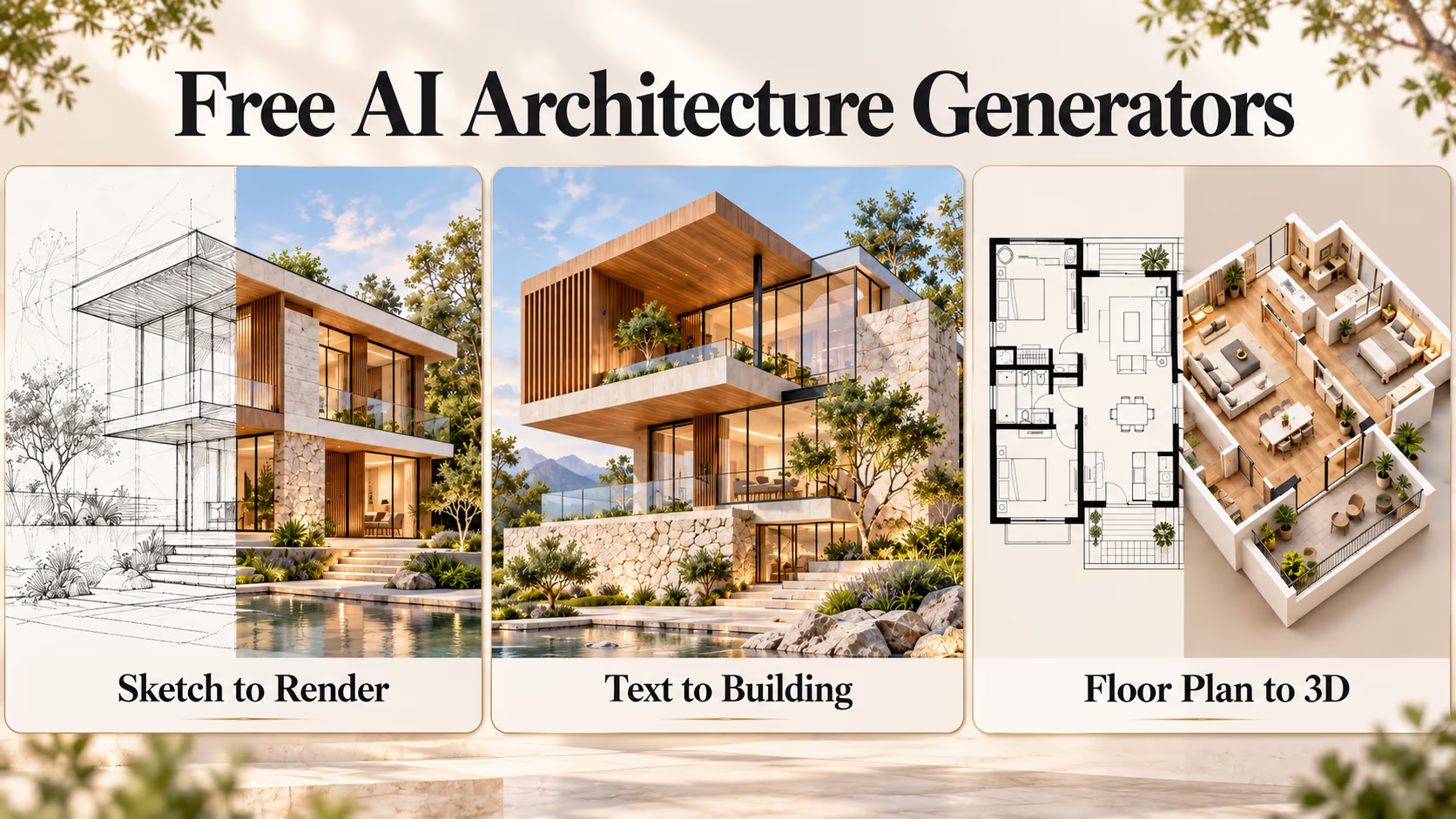
Looking for free AI architecture apps? Start with what you already have. If you have a hand sketch, try a tool that turns it into a rendered image. If you have a list of rooms, use a floor plan tool to see how they might fit together. You can also use a written description to create a first image of a building idea.
- To make a floor plan: Maket gives you 30 one-time credits, enough to create a single-floor layout and one render. Use Hypar's free Personal plan to practice space planning. It allows up to 3 owned projects and excludes professional work.
- To turn a sketch into a render: ArchiVinci offers 3 free renders, MyArchitectAI offers 10, and mnml.ai gives new users 100 credits that do not expire.
- To create a building image from an idea: LOOKX AI Basic includes 100 X-points without a card. Leonardo AI gives you 150 fast tokens per day, and images created on its free plan are public.
- To try a tool for a limited time: Veras offers a 14-day trial with 100 credits and requires no card. DecorAI offers a 1-day trial and requires a payment card to start.
Which AI Architecture Apps Can You Use for Free?
Every app in this guide lets you create at least one result before paying. Depending on the app, you can draw a floor plan, turn a sketch into a render, or create a building image from a written description.
Free access comes in four forms.
- Ongoing free plan: You can keep using the plan within its feature or project limits.
- Recurring free credits: You get a fresh allowance on a set schedule.
- One-time starter credits: You get credits when you sign up. Once you use them, the free allowance is gone.
- Time-limited trial: You can use the tool for a set period. Some trials require a payment card and renew as a paid subscription unless you cancel.
Free AI Architecture Apps at a Glance
Plan details are based on vendor information as of November 2026.
Disclosure: We make DecorAI, one of the apps in this guide. We compared the apps using public product pages, pricing pages, and help docs. Our DecorAI entry also explains where it falls short.
| App | What you can make | What's free and what to check |
|---|---|---|
| Maket | A floor plan for one level of a home and a picture of how it could look | You get 30 credits once. That's enough for one plan and one picture. You need a paid plan to download either as a file. |
| LOOKX AI | Pictures that show how a building idea might look | The free Basic plan starts with 100 X-points, which are credits you can use in the app. You can sign up without a card. Paid plans let you make unlimited images. |
| ArchiVinci | A picture based on a building drawing | You can make 3 pictures for free. |
| MyArchitectAI | A picture based on a sketch or a view from a 3D model | You can make 10 pictures for free. |
| mnml.ai | Different looks for a building based on a sketch or photo | You get 100 free credits when you sign up. They do not expire, and you can start without a card. You need a paid option that allows business use if you plan to use the pictures for work. |
| Leonardo AI | A picture of a building based on a written idea | You get 150 fast tokens, or credits, each day. Other people can see the pictures you make on the free plan. |
| Hypar | A rough layout that shows where rooms and work areas could go | The free Personal plan lets you own up to 3 projects at a time. You need a paid plan for professional work. |
| Veras | Pictures and short videos based on a building design | The 14-day trial gives you 100 credits without a card. Chaos says that's enough for about 10 standard-size pictures with one of its image tools or about 10 short videos. |
| DecorAI | Pictures from sketches or screenshots of 3D models, and rough floor plans from room lists | The 1-day trial includes 3 designs and requires a card. It renews at $24/per month unless you cancel before the trial ends. |
How We Reviewed These Apps
We read each app's website, pricing page, and help guides. We looked at what you can upload or enter, what the app can create, and what you can do before paying. We used the information the companies published for this comparison. We did not run hands-on tests for this guide.
AI Architecture Apps With Free Plans or Starter Credits
Maket for Single-Floor Home Layouts
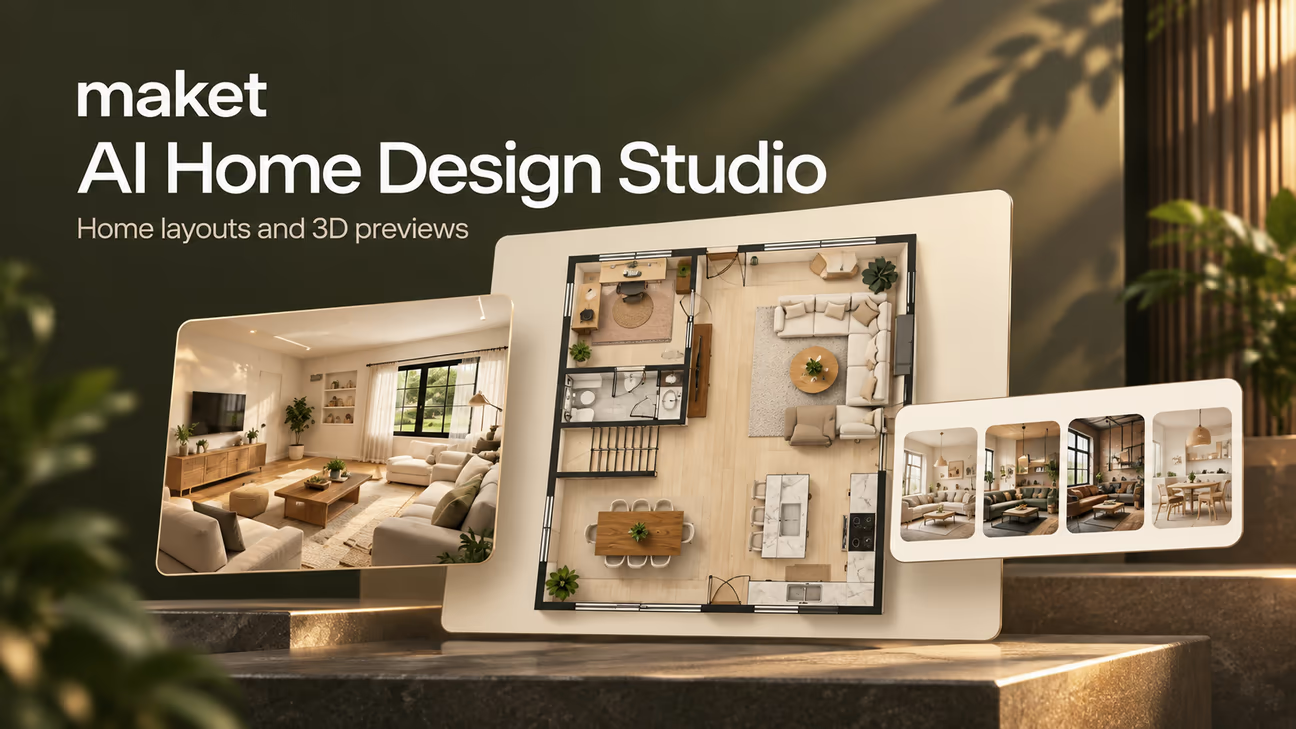
Maket helps you draw a house layout from scratch. You can draw it yourself or tell the app what rooms you need and let it suggest a layout. Once you have a plan, you can move walls or change room sizes by hand.
Best for: Comparing room layouts for a single-story home.
Free access: You get 30 credits when you sign up. That's enough to make one floor plan and one preview image. You can move walls and resize rooms by hand without using credits. Maket plans and credits
Keep in mind: You can share a link to your plan for free. You need a paid plan to have Maket read a floor plan you upload, create a layout for more than one floor, or download your plan or preview image.
LOOKX AI for Building Design Ideas
Start with a sketch, a short description, or a picture you like with LOOKX AI. If you're planning a cafe, you can use the same sketch to see how the front might look with brick, wood, or painted walls.
Best for: Comparing visual styles for the same building idea.
Free access: The Basic plan gives you 100 X-points, which you can use to make images. You can sign up without a card. Check LOOKX AI pricing plans here.
Keep in mind: Check the limits of the Basic plan if you need to make several images or enlarge a finished image.
ArchiVinci for Turning Drawings Into Pictures

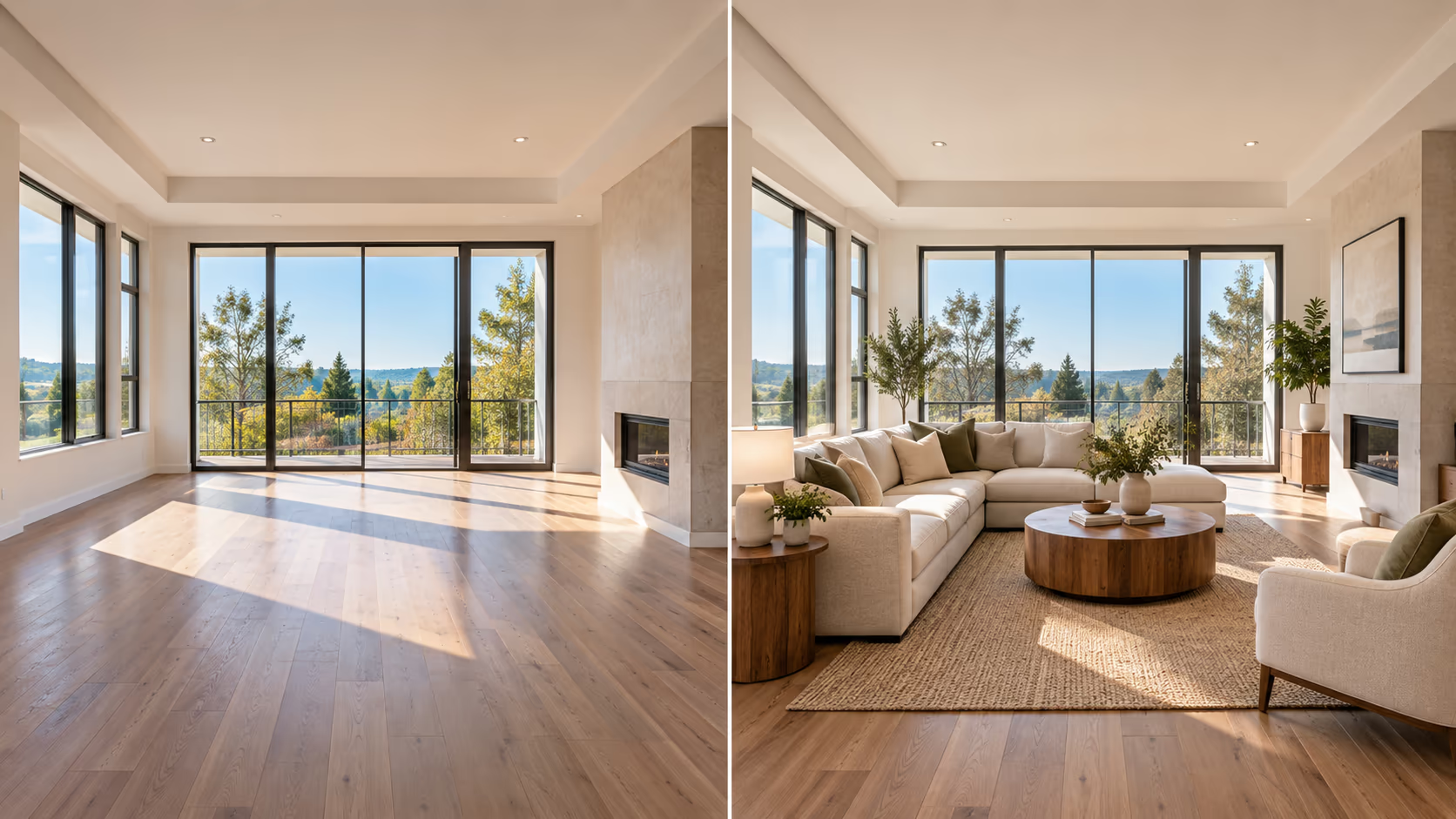
ArchiVinci turns a drawing, building photo, floor plan, or screenshot of a 3D model into a finished image. You can use it to show how an empty room might look with furniture or how a yard might look with new paths and plants.
Best for: Showing someone how a building or room could look based on a drawing you already have.
Free access: You can create 3 pictures for free. Check here ArchiVinci FAQ.
Keep in mind: Before planning a presentation around the free renders, check whether you can save them without an ArchiVinci mark on the image.
MyArchitectAI for Sketches and Model Views
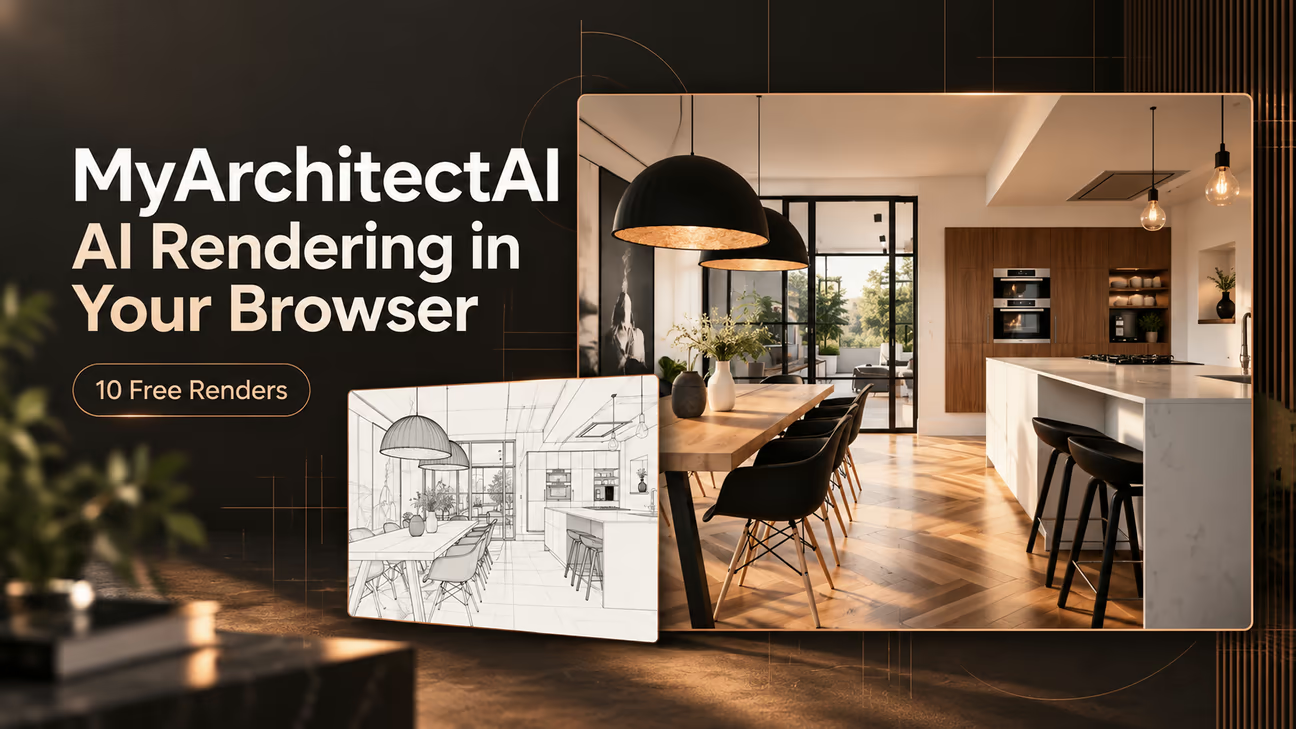
MyArchitectAI works in your web browser. Upload a sketch or a picture from your design software, then describe the look you want. For example, you could take a simple drawing of a kitchen and see how it might look with pale wood cabinets and warm lighting.
Best for: Turning a drawing you already have into a picture that shows how the space might look.
Free access: You can make 10 pictures for free. Check here MyArchitectAI Sketch to Render.
Keep in mind: Choose a view that shows the walls and features you want to see in the finished picture. For a kitchen, a view from the doorway can show the cabinets, counters, and windows together.
mnml.ai for Comparing Building Designs

Upload a sketch or a photo of a building. You can use the same image to see how the building might look with a different paint color or finish.
Best for: Reviewing several versions of the same design with someone else.
Free access: You get 100 free credits when you sign up. They do not expire, and you can start without a card.
Keep in mind: Different tasks can use different numbers of credits. If you want to use the pictures for business or client work, choose a paid option that allows business use.
Leonardo AI for Building Ideas From Text

Describe a building you have in mind, such as a small brick house with a green front door. Leonardo AI turns that description into a picture.
Best for: Early building concepts, facade ideas, and architectural mood images.
Free access: The free plan gives you 150 fast tokens each day. You spend some of these tokens each time you make an image.
Keep in mind: Other people can see the images you make on the free plan. Leave out client names, addresses, and details from private projects when you describe your idea.
Hypar for Planning Room Space
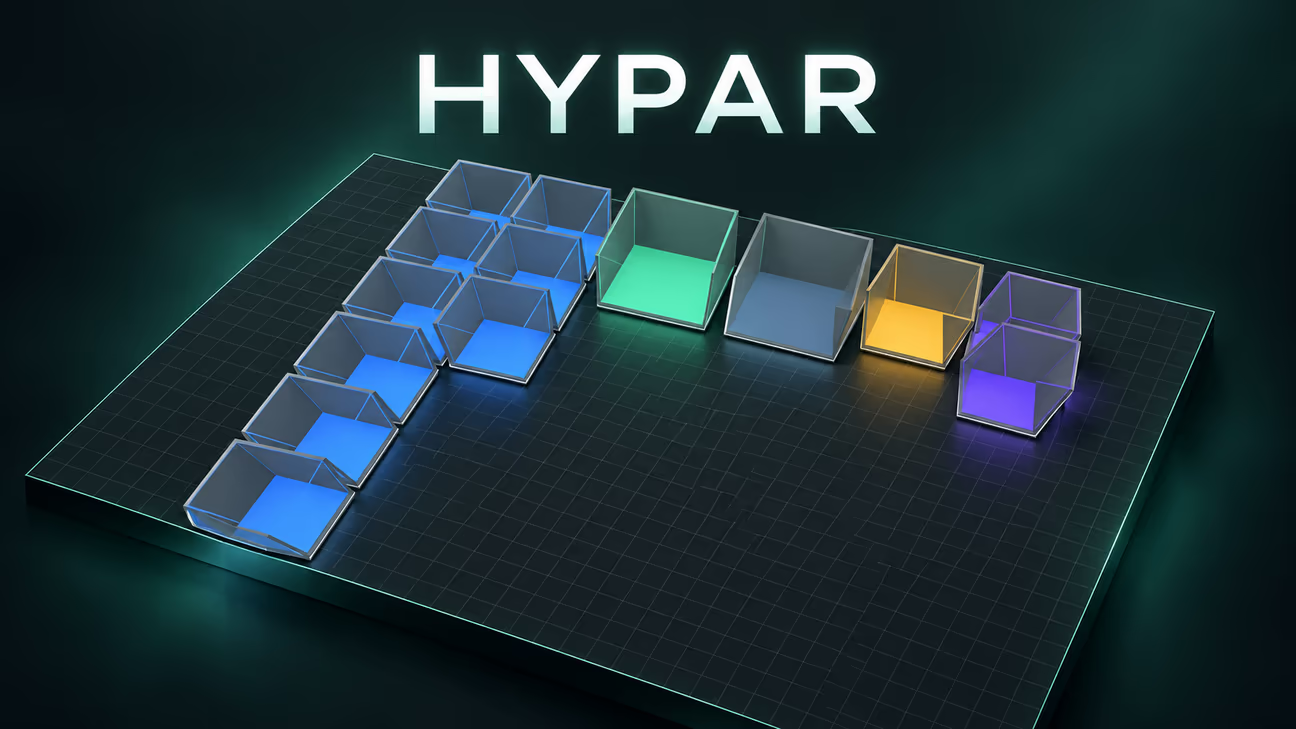
Hypar supports early space planning by turning room requirements into a space program. Enter the spaces you need and the total project area, then review the allocated spaces in 2D and 3D. Among architecture apps, it suits planning room areas and arrangements rather than creating presentation images.
Best for: Architects and designers developing space programs and reviewing area allocations.
Free access: The Personal plan is free and lets you own up to 3 projects at a time. You can sign up without a card
Keep in mind: You need a paid plan to use Hypar for professional work, including client projects.
Veras for Trying Different Looks on a Building Design
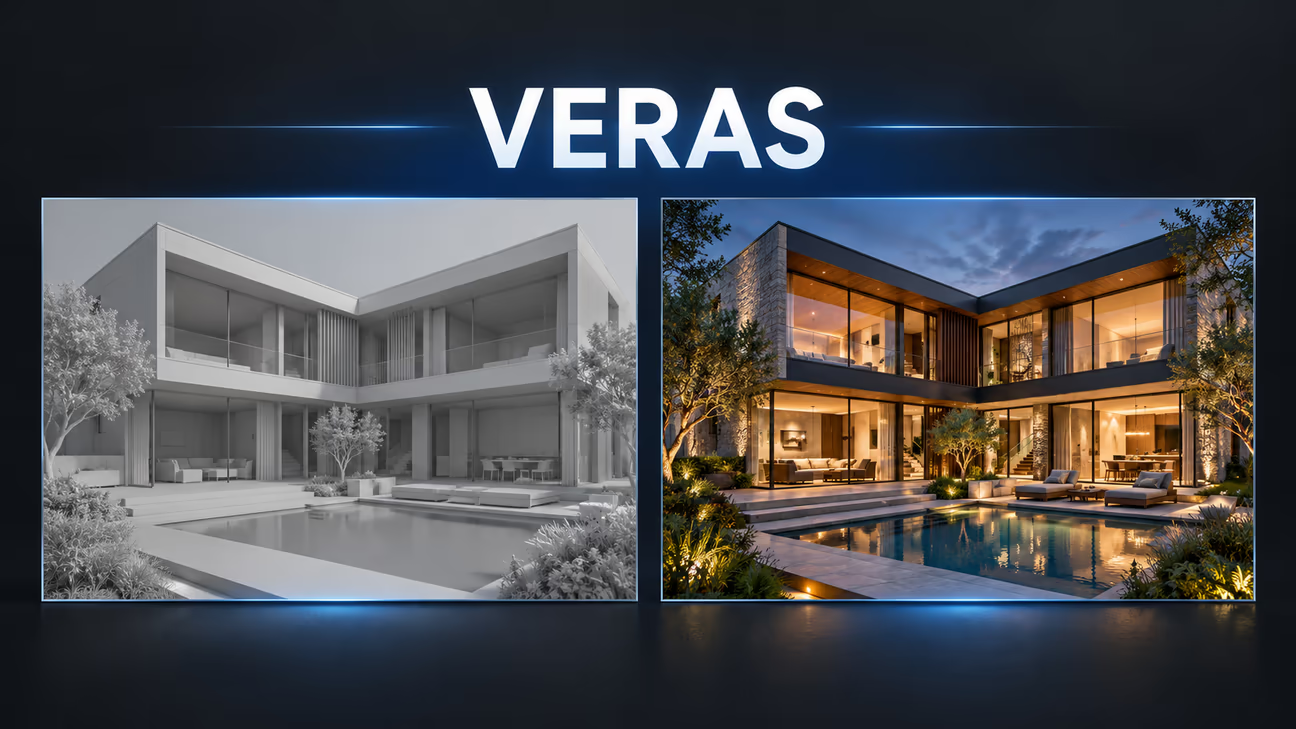
Open Veras in your browser and upload a sketch or a screenshot of your design. You can see how the same building might look with a different roof color or wall finish.
Best for: Architects testing materials, visual concepts, and selected-area changes using existing drawings or design images.
Free access: The 14-day trial gives you 100 credits and requires no card. Chaos says the credits cover about 10 standard-size images with one of its image tools or about 10 short videos.
Keep in mind: Images and videos use the same credits. If you need both, make the images you want to keep first. Then check how many credits you have left for video.
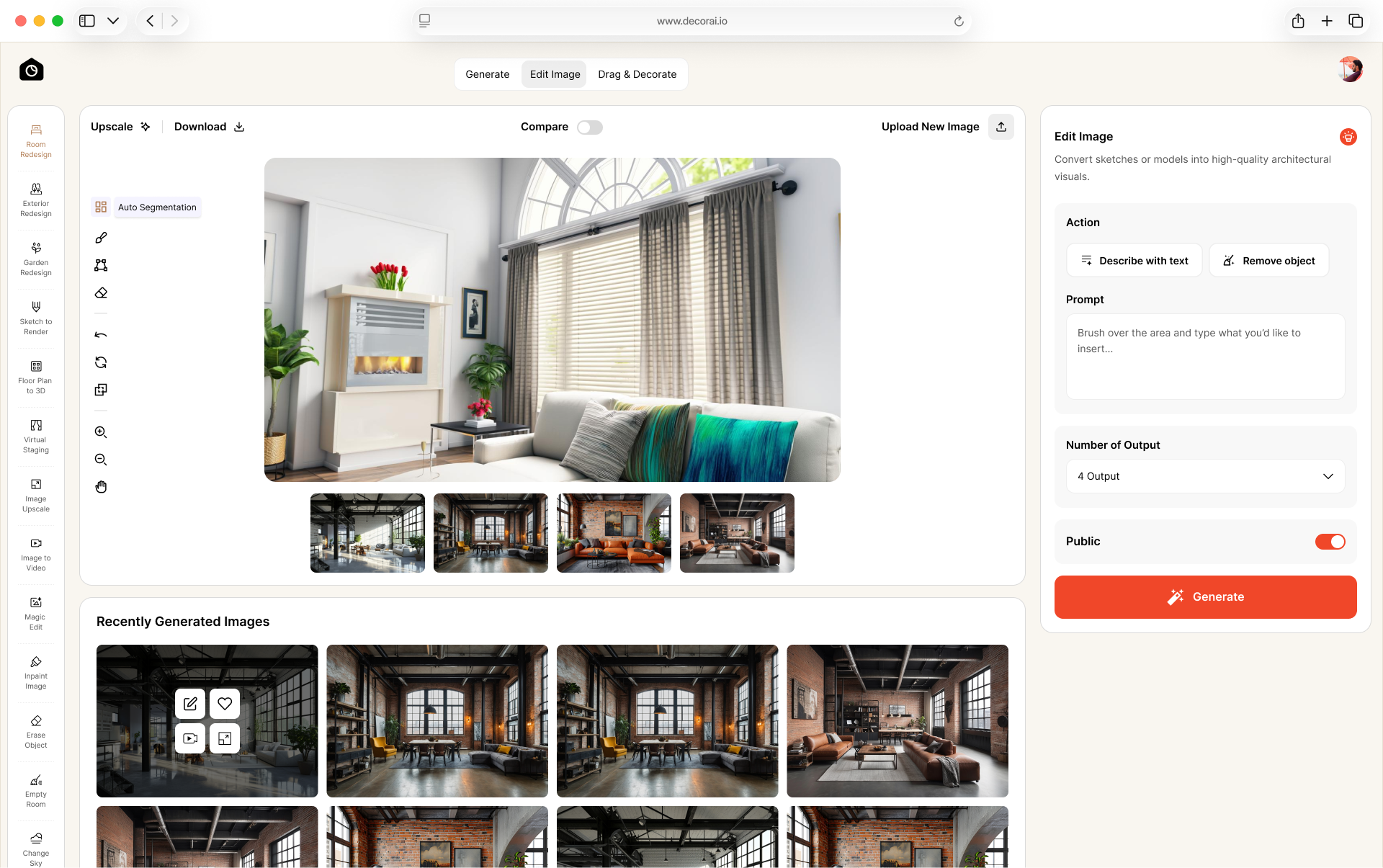
DecorAI for Sketch and Floor Plan Previews
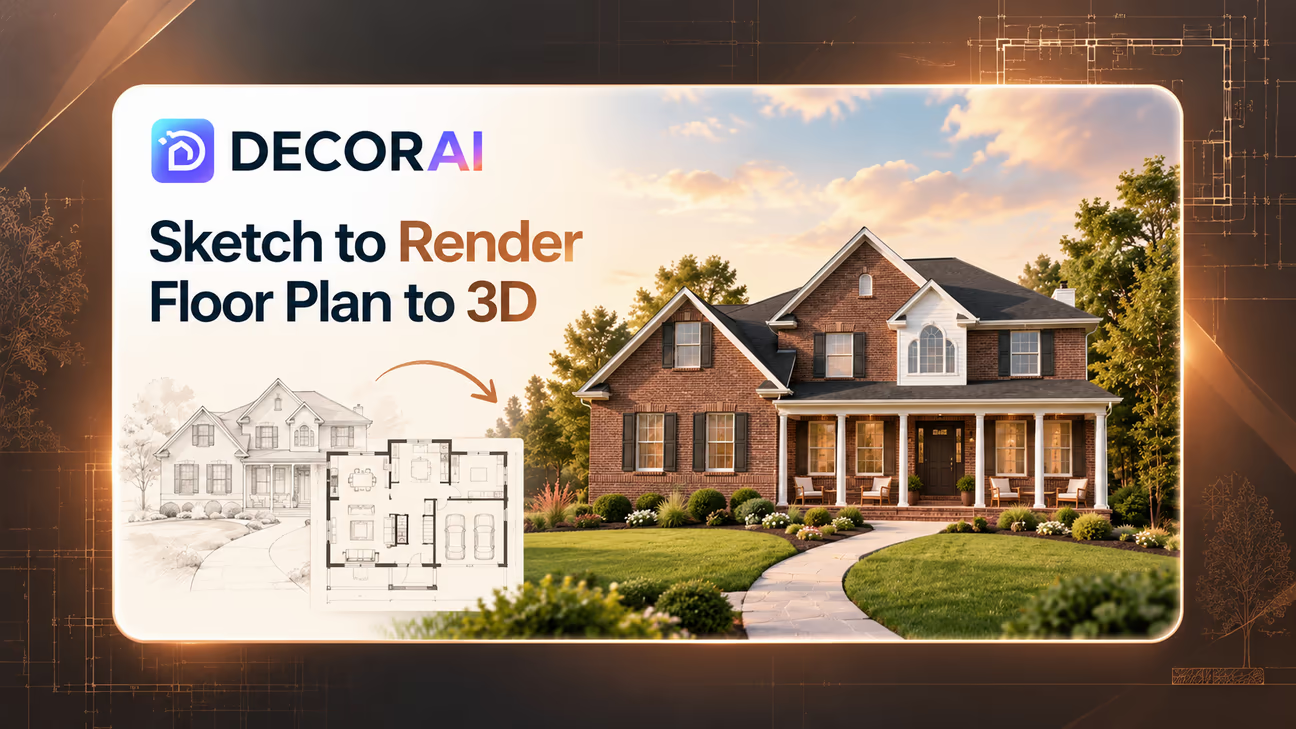
Start with a rough drawing of a house. DecorAI’s Sketch to Render turns it into a picture so you can see how the house might look with brick walls, wood siding, or a different roof color. If you already have a floor plan, Floor Plan to 3D shows how the rooms might look in 3D. If you still need to draw or change the layout, see our free floor plan creator guide.
For a house that’s already built, upload a photo to DecorAI Exterior Design to try new paint colors and siding.
Best for: Seeing how a house sketch or floor plan might look before choosing a design.
Trial access: The 1-day trial includes 3 designs. Your designs are private, and you can use them for business or client work. The trial renews at $24/per month unless you cancel before it ends. Check DecorAI pricing plans.
Where it falls short: You need a payment card to start the trial. The pictures and rough layouts help you see an idea. If you need a measured floor plan you can edit, use a drafting tool.
Which Tool Matches What You Have?
| What you have | Tools to try | What you can make |
|---|---|---|
| A hand-drawn sketch | ArchiVinci, MyArchitectAI, mnml.ai, or DecorAI Sketch to Render (trial) | A picture that shows how your sketch could look as a finished design |
| A written description | LOOKX AI or Leonardo AI | A first picture of a building idea you haven't drawn yet |
| A list of rooms you need | Maket or DecorAI Floor Plan Generator (trial) | A plan you can edit in Maket or a rough layout based on room sizes and counts in DecorAI |
| An existing floor plan | DecorAI Floor Plan to 3D (trial) or ArchiVinci | A picture that helps you see how the space might look |
| A screenshot of a 3D model | MyArchitectAI, Veras (trial), or DecorAI Sketch to Render (trial) | A picture that shows how the model could look with different materials or lighting |
| A photo of a house | mnml.ai, ArchiVinci, or DecorAI Exterior Design (trial) | A preview of changes to the outside, such as new paint or siding |
How to Choose a Free AI Architecture App
Start With One Small Task
Pick one change you want to see. For a kitchen photo, ask for lighter cabinet doors and leave the rest of the room as it is. A small task makes it easier to see whether the app follows your request.
Check What You Can Save and Share
Think about what you'll do with the result. If you want to print it, check whether you can save it at a size that looks clear on paper. If you plan to show it to a client, check who can see your uploads and whether the app allows you to use the result for paid work.
If you're comparing two apps, give both the same starting image and the same instructions. Save each result with the app name so you can compare them later.
What to Check in an AI Architecture Render
Open the new picture beside your original sketch, photo, or model view. Start with the shape of the building, then look at the smaller details.
Check the Building Shape
Count the floors and look at the roof. Check whether the picture has added a floor, widened the front of the house, or changed the shape of the roof.
Look at Doors, Windows, and Paths
Count the doors and windows and check where they sit. Look for a missing entrance, stairs that lead to the wrong place, or plants that block a path.
Zoom In on Materials and Details
Look closely at corners and places where two materials meet. Brick may turn into wood halfway across a wall, or the gaps in a railing may change from one end to the other. Fix changes that could give someone the wrong idea about your design.
What a Render Can Help You Decide
Use the picture to compare choices you can see, such as light or dark siding. Use the original plan for room sizes and exact measurements. Ask a qualified professional to check whether a change can be built safely.
Final Thoughts
Free AI architecture apps can help you see what you like before you spend money on a design. Save your favorite picture and write down what you'd keep, such as the brick around the front door or the open space between the kitchen and dining room. Those notes give you something clear to share with your family or designer.
Want to see how your own idea could look? Try DecorAI and make a picture you can share.
Frequently asked questions
It depends on what you want to make. Maket is a starting point if you need a floor plan you can edit. ArchiVinci is an option if you already have a drawing and want to see how the design could look.
Yes. Hypar has a free Personal plan for personal projects. Leonardo AI has a free plan that gives you fresh credits each day.
Yes. Maket's starter credits cover one floor plan for a single level. You can edit the plan by hand and share a link for free. You need a paid plan to download the plan as a file.
Yes. ArchiVinci lets you make 3 pictures for free. You can also use DecorAI Sketch to Render during its 1-day trial. DecorAI requires a card to start the trial.
DecorAI offers a 1-day free trial with 3 designs. The subscription renews at $24/ per month unless you cancel before the trial ends.
It depends on the app and plan. Check who can see the files you upload and the pictures the app makes. Some plans, such as Leonardo AI's free plan, make the finished pictures public.