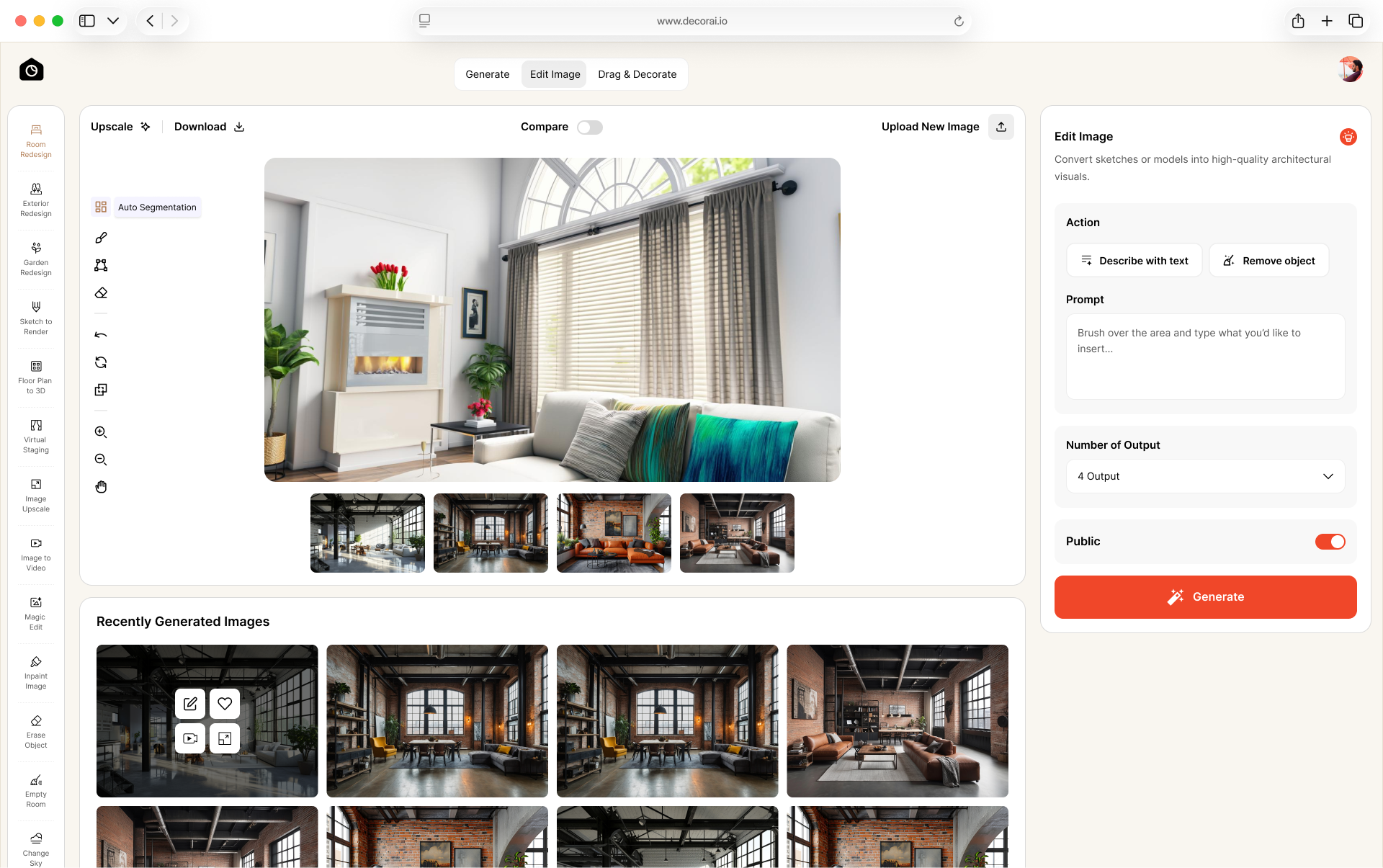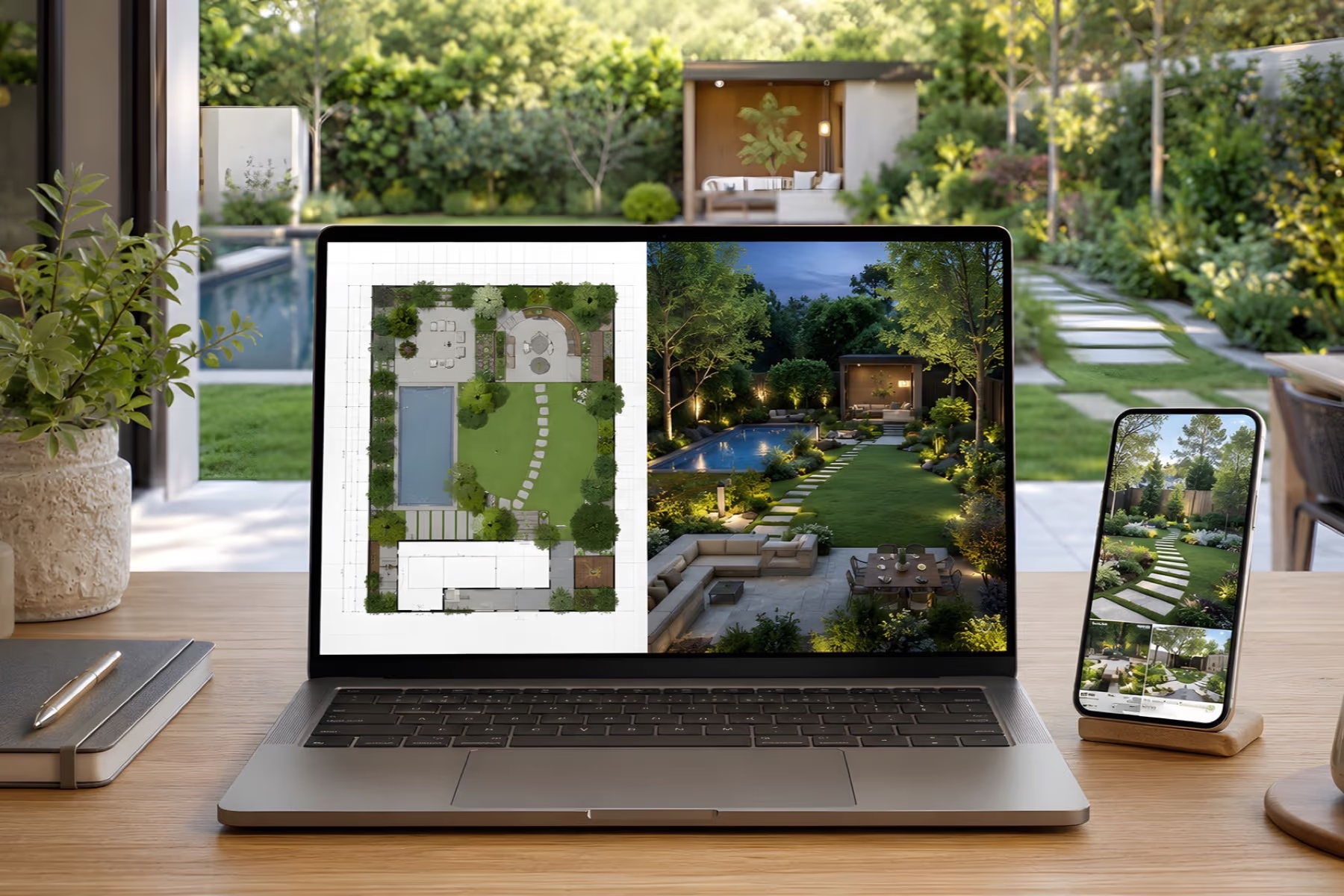
Choosing landscape design software depends on what you want to create. A homeowner comparing patio or garden ideas may need a simple visual tool, while a landscape professional preparing planting plans or construction documents needs more advanced features.
This guide compares eight of the best landscape design software options in 2026. The list includes an AI visualizer, a mobile app, standalone desktop software, CAD and BIM tools, and professional design suites. Each option is reviewed for the type of project and user it suits best.
Realtime Landscaping Pro is a practical choice for homeowners who want detailed 2D and 3D yard planning. DecorAI suits quick landscape ideas created from a property photo, while iScape is better for mobile visualization. Professional users should choose a CAD, BIM, or 3D platform based on whether they need technical plans, client presentations, or business management tools.
What Is Landscape Design Software?
Landscape design software helps you plan or visualize a garden, yard, or outdoor space before starting the work. Depending on the tool, you may be able to add plants, patios, paths, fences, pools, buildings, lighting, and other landscape features.
Photo-based AI visualizers create quick design concepts from a property image but usually do not provide construction-ready measurements. Planning software can create scaled 2D layouts, 3D models, planting plans, and technical documents. Professional CAD and BIM platforms offer more control for detailed design, coordination, and construction planning.
Best Landscape Design Software at a Glance
| Software | Best for | Type | Pricing | What to know |
|---|---|---|---|---|
| Realtime Landscaping Pro | Detailed DIY yard planning | Windows desktop software | $279 one-time | No subscription; includes detailed 2D and 3D planning |
| DecorAI | Fast concepts from a property photo | AI landscape visualizer | $24/month, $120/6 months, or $240/year | Creates visual concepts rather than measured plans |
| iScape | Visualizing ideas in a real yard | Mobile landscape app | Limited free access; Pro costs $29.99/month or $299.99/year | Available on iOS and Android, but some design features are iOS-only |
| Vectorworks Landmark | Landscape architecture and BIM | Professional CAD and BIM software | $170/month or $1,530/year | Annual billing equals $127.50/month; designed for professional site planning and documentation |
| Land F/X | Planting and irrigation plans | CAD and BIM plugin platform | Detail F/X $295/year; Planting F/X $695/year; Irrigation F/X $995/year | Requires compatible CAD software; F/X CAD costs an additional $775/year if needed |
| DynaScape | Professional design and business workflows | Professional software suite | Creator $119/month; Design $158/month or $1,599/year | Prices cover Creator or Design; visualization and business-management products may cost extra |
| PRO Landscape+ | Contractor designs and proposals | Professional landscape design software | Subscription; check the official order page for the current price | Combines photo imaging, CAD, 3D rendering, takeoffs, and proposals |
| Structure Studios Vip3D | High-end 3D presentations | Professional outdoor design software | $197/month or $167/month billed annually, plus a $95 setup fee | Designed for professional visualization and construction documentation |
Pricing was checked on each vendor’s official website in September 2026. Plans, prices, trials, and included features can change, so confirm the latest details before purchasing.
How to Choose the Right Landscape Design Software
Use these steps to choose software that matches your project, experience, device, and budget.
- Decide between visualization and measured planning: Choose a photo-based visualizer when you want to compare styles and general ideas. Choose measured planning software when dimensions, layouts, quantities, or construction documents matter.
- Match the software to your experience: A homeowner may prefer simple drag-and-drop controls or photo-based tools. Designers, contractors, and landscape architects may need CAD, BIM, takeoffs, proposals, or project-management features.
- Check whether it works alone: Some programs are complete standalone products. Others are plugins that require AutoCAD, Revit, SketchUp, or another supported platform. Include the required host software when comparing features and costs.
- Confirm device compatibility: Check whether the software works on Windows, Mac, a web browser, iOS, or Android. Also review the processor, memory, graphics card, storage, and internet requirements.
- Calculate the total cost: Look beyond the starting price. Include subscriptions, setup fees, required host software, add-ons, extra users, training, upgrades, and paid exports.
- Review export and collaboration options: Confirm that you can save, print, download, or share the formats you need. Professional users may require PDFs, CAD files, 3D models, plant schedules, proposals, or construction documents.
- Test it with a real project: Use your property photo or actual measurements during the free trial. Check the editing controls, accuracy, image quality, saving options, exports, and learning time before paying.
How This Comparison Works
We reviewed each product’s official website, feature pages, pricing information, system requirements, and current product documentation. We did not complete the same hands-on project in every tool, so this comparison does not claim to be a controlled performance test.
We compared the software by ease of use, visual output, measurement and planning tools, supported devices, presentation features, business tools, pricing structure, and suitable project types. Because these products serve different purposes, we focused on what each option is designed to do rather than ranking them by feature count alone.
The Best Landscape Design Software in 2026
The numbers below organize the tools and do not represent a ranking. Choose an option based on your project, experience, device, and required output.
1. Realtime Landscaping Pro: Best for Detailed DIY Plans
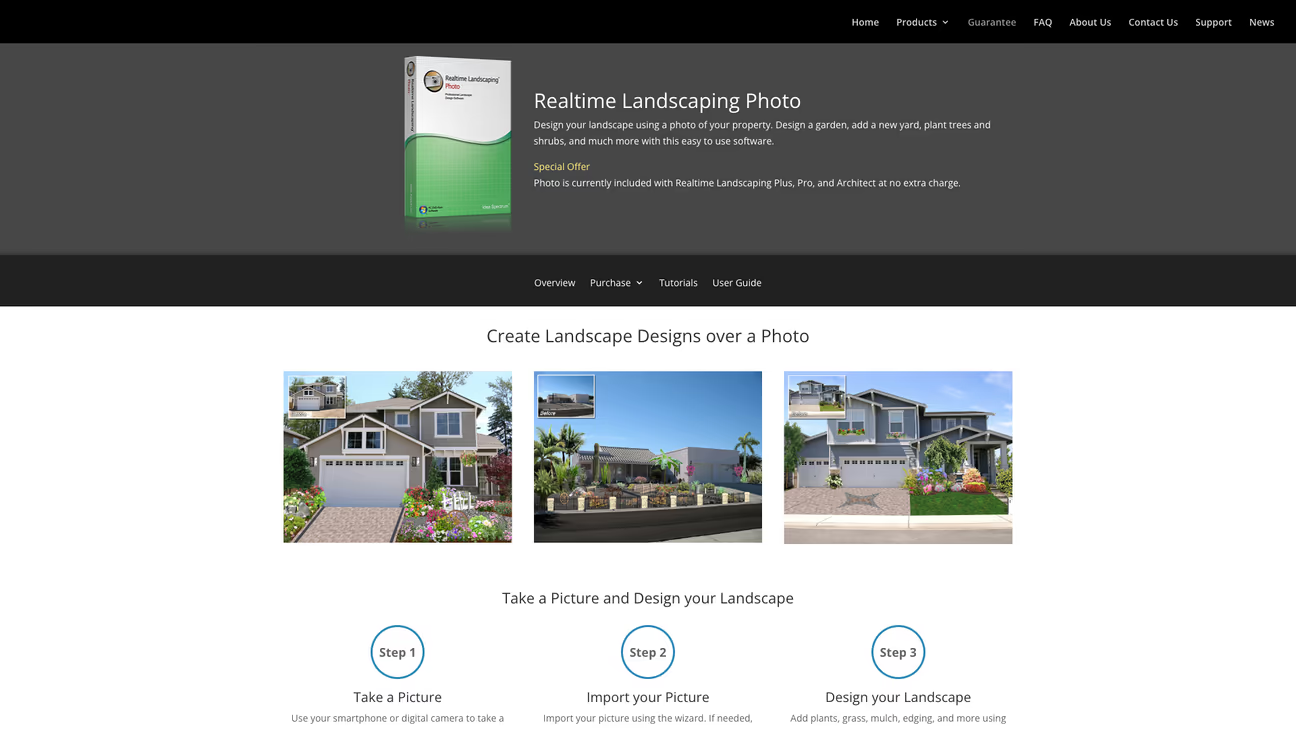
Realtime Landscaping Pro is a Windows desktop program for homeowners and aspiring landscape designers. You can plan plants, patios, paths, pools, buildings, fences, terrain, materials, and other outdoor features, then view the design from different angles in 3D.
The software provides more planning control than a photo-based visualizer, but its range of tools may take time to learn. It is most useful for larger DIY projects that you want to develop and update over time.
Realtime Landscaping Pro current version costs $279 as a one-time purchase with no monthly subscription. A free trial is available, but check its saving and export limits before beginning a complete project.
Choose it if: You want detailed 2D and 3D yard planning without paying for an ongoing subscription.
Keep in mind: It requires a 64-bit Windows 10 or 11 computer and may provide more features than you need for a small garden bed or patio update.
2. DecorAI: Best for Landscape Concepts from a Photo
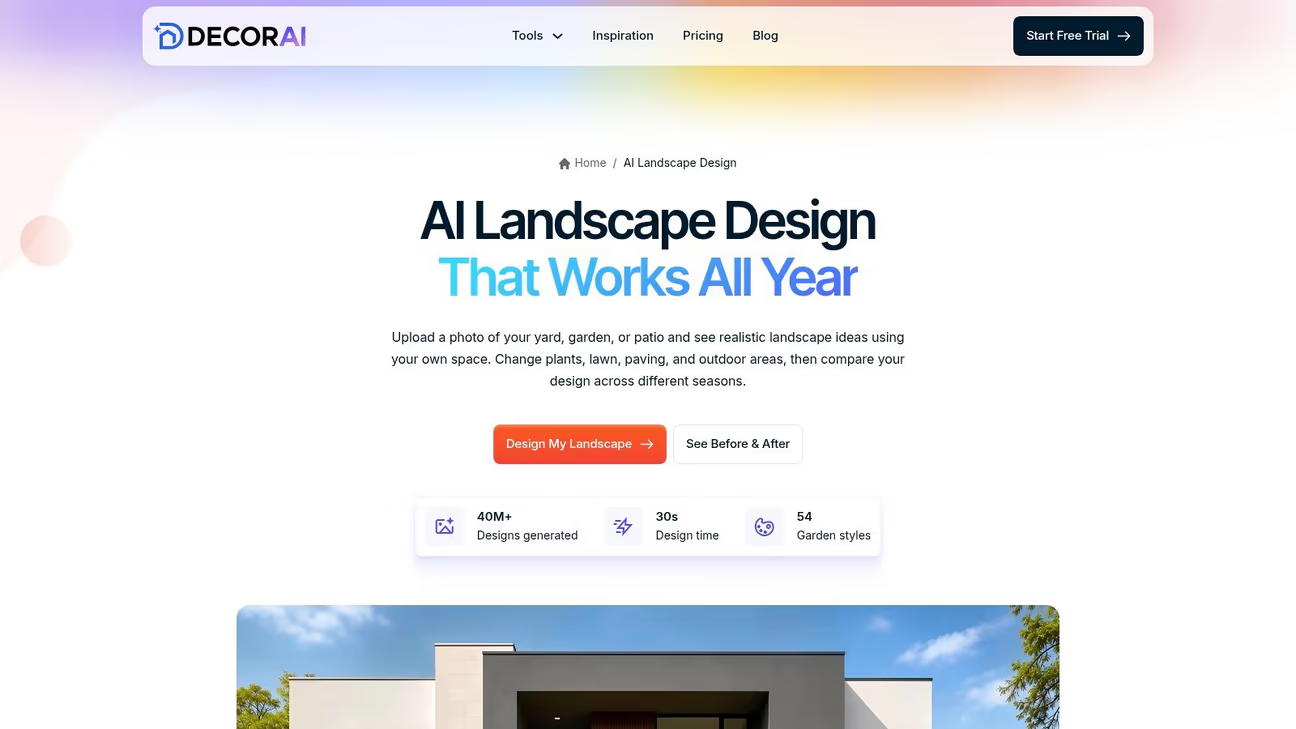
DecorAI is useful when you have an outdoor space but are unsure which style to choose. Upload a photo of your yard, garden, or patio and try different landscape styles. You can compare ideas before spending money on plants, furniture, paving, lighting, or building work.
This AI landscape design tool works differently from traditional landscape planning software. You do not need to draw the full yard by hand. It uses your photo to create visual ideas quickly. You can then choose which ideas to develop into a measured plan.
Pricing notes: DecorAI's official pricing page shows $24/month, $120 every 6 months, or $240/year on the official site. New users receive a one-day free trial with 3 watermark-free designs. The trial then changes to the $24 monthly plan unless it is cancelled. See the DecorAI pricing page for the current plan details.
DecorAI supports 54 landscape and garden styles, 11 outdoor space types, four seasons, 5 creativity levels, and up to 4 results per generation. A design usually takes about 30 seconds seconds.
Choose it if: You want fast, photo-based ideas and an easy way to compare landscape styles.
Keep in mind: DecorAI creates visual ideas, not measured building plans. It does not check drainage, land levels, property lines, permits, plant suitability, or structural safety. For a large project, use accurate measurements and ask a qualified professional to review the plan.
You can browse landscape design inspiration on DecorAI or upload your own photo to create a landscape redesign with your own photo.
3. iScape: Best for Visualizing Ideas in the Yard
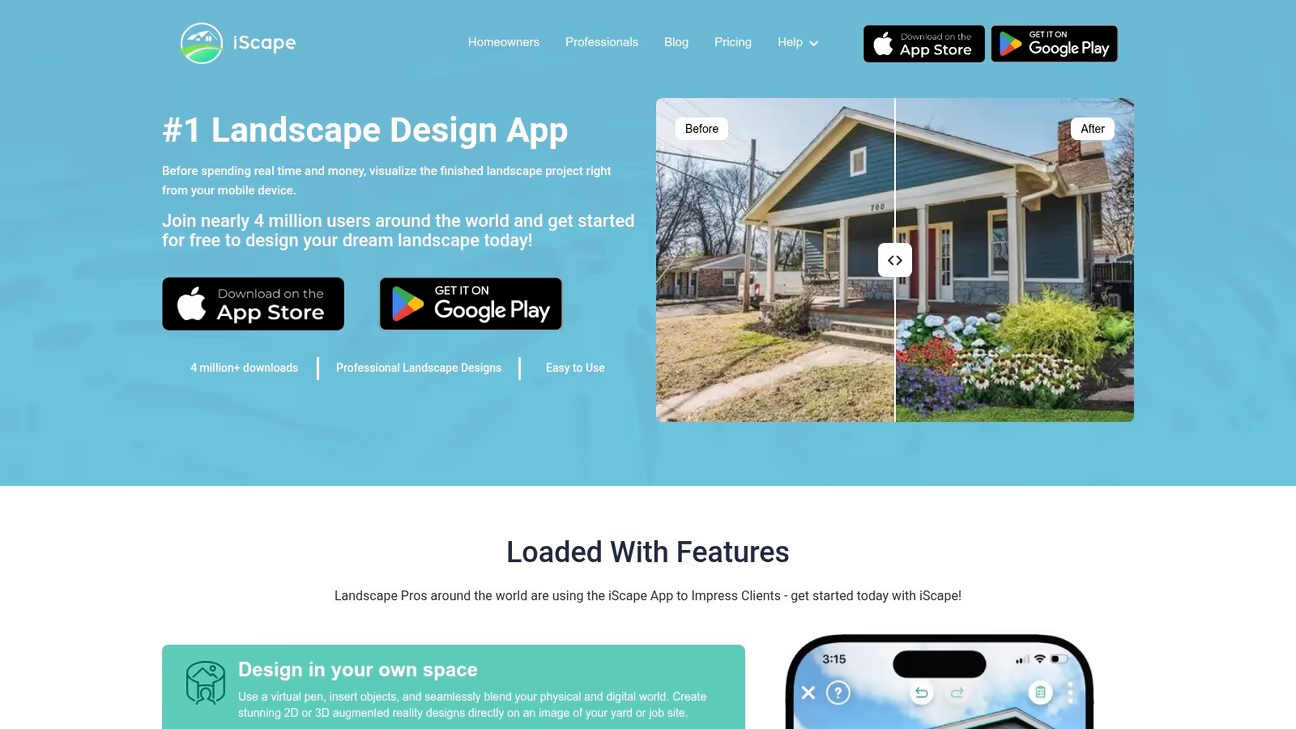
iScape is a mobile landscape design app for homeowners and professionals. You can use a property photo to test plants, lawns, paths, patios, hardscapes, and other outdoor features without creating a detailed desktop plan.
The app is available for iOS and Android, but its capabilities differ by platform. Android users can create photo-based landscape visualizations. The official pricing page identifies 2D and 3D design as iOS-only, while augmented-reality features also require a supported iPhone or iPad.
iScape is free to download and try with limited features. The Pro plan currently costs $29.99 per month or $299.99 per year.
Choose it if: You want to create and share landscape ideas from a phone or tablet.
Keep in mind: Check the features available on your device before subscribing. The app is useful for visualization, but it does not replace a measured site plan or technical construction documents.
4. Vectorworks Landmark: Best for Landscape Architecture and BIM
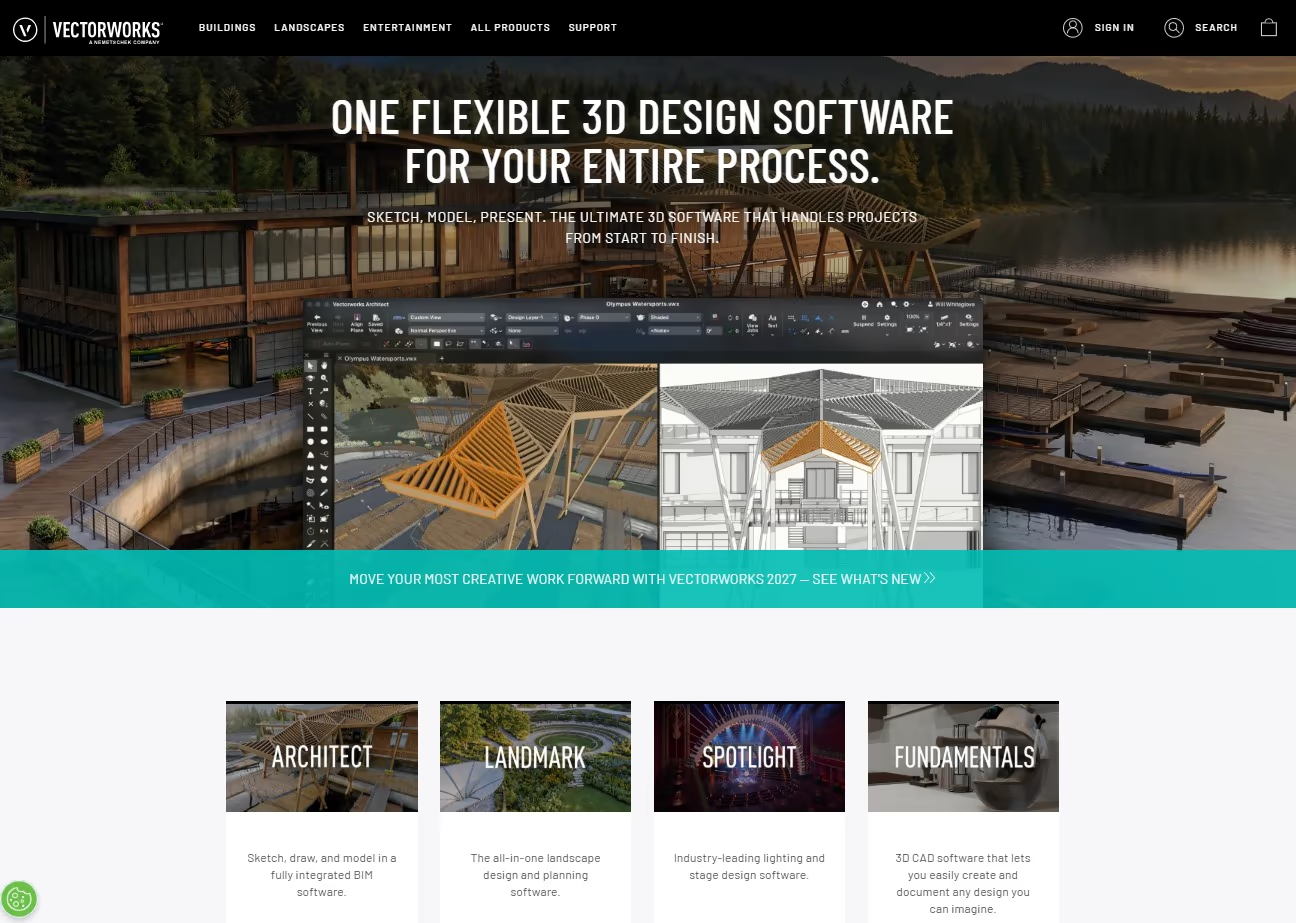
Vectorworks Landmark is professional CAD and BIM software for landscape architects, designers, and site-planning teams. It connects 2D drawings, 3D site models, planting plans, schedules, quantities, and project documentation within one environment.
The platform includes tools for terrain, grading, planting, hardscapes, drainage analysis, material takeoffs, and client presentations. When the model changes, related drawings and schedules can be updated within the same project. This makes it suitable for residential developments, parks, campuses, public spaces, and other detailed landscape projects.
Vectorworks Landmark is available for Windows and macOS. Current US pricing is $170 per month or $1,530 per year, equal to $127.50 per month when billed annually. A free trial is available.
Choose it if: You need professional site modeling, landscape BIM, technical documentation, and visualization in one platform.
Keep in mind: It has a professional learning curve and may be too advanced or expensive for a simple homeowner project.
5. Land F/X: Best for Planting and Irrigation Plans
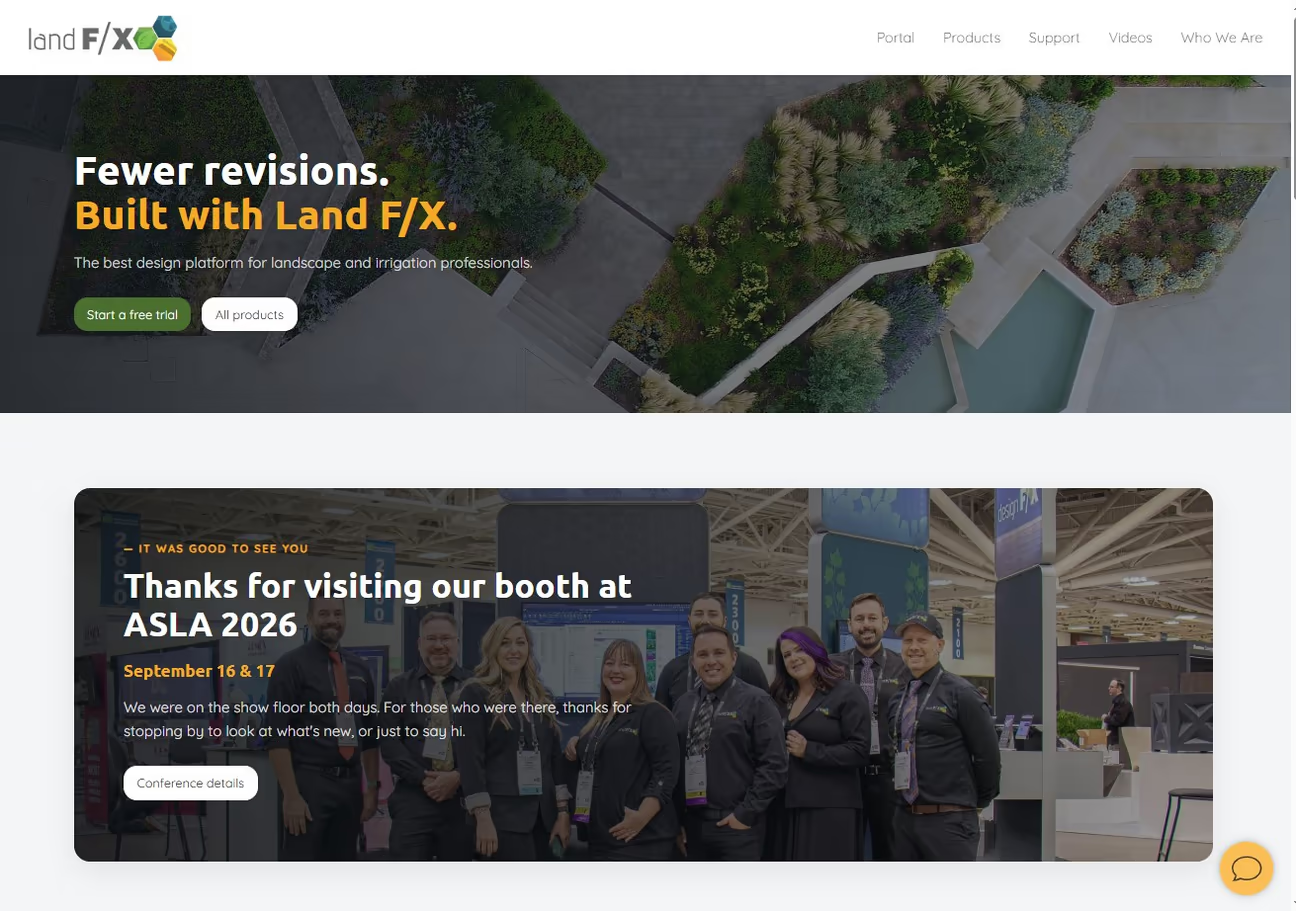
Land F/X provides professional tools for landscape architects, planting designers, and irrigation specialists. Its products automate plant schedules, irrigation calculations, details, labels, quantities, and other documentation used in landscape projects.
Planting F/X focuses on planting plans, while Irrigation F/X supports irrigation design. Detail F/X manages construction details and reference notes. These CAD plugins require a compatible AutoCAD installation or F/X CAD. F/X CAD is available separately for $775 per year when a user does not already have suitable CAD software.
Land F/X also offers Planting F/X for Revit. Supported connections can move landscape data into SketchUp or Rhino for 3D workflows, but not every Land F/X function works the same way in each application.
Choose it if: You already use professional design software and need detailed planting, irrigation, schedules, quantities, and documentation.
Keep in mind: Plugin and host-software costs are separate. Confirm which Land F/X product and design platform your workflow requires before purchasing.
6. DynaScape: Best for Professional Landscape Design Workflows
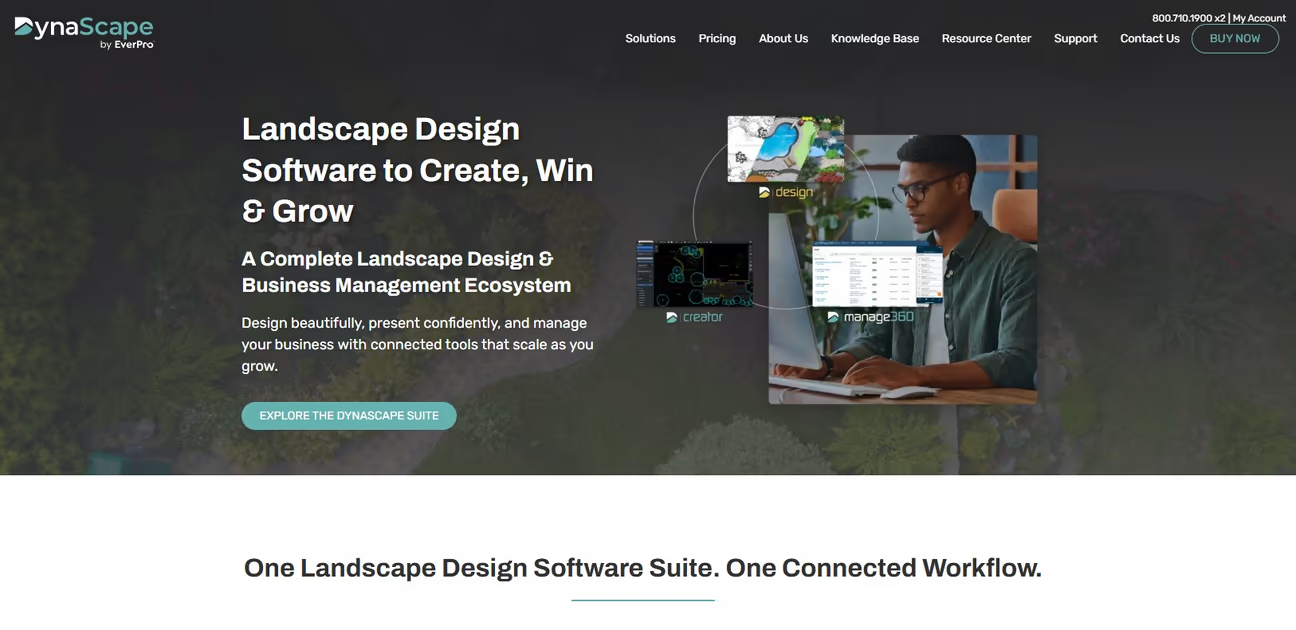
DynaScape is a group of connected products for professional landscape design, visualization, estimating, scheduling, and job management. Each product covers a different part of the workflow.
DynaScape Design provides Windows-based CAD tools for scaled plans, plant and material takeoffs, and construction documentation. DynaScape Creator is a browser-based design platform that works on Windows and Mac. Color adds presentation color and texture, while Sketch3D connects designs with SketchUp for 3D visualization. Manage360 handles estimates, proposals, scheduling, job costs, accounting connections, and profitability reports.
Creator currently costs $119 per month. Design costs $158 per month or $1,599 per year. Color, Sketch3D, and Manage360 are separate products or add-ons and are not included in every Design or Creator subscription.
Choose it if: You run a landscape design or contracting business and want tools that can connect design with estimating and operations.
Keep in mind: The complete workflow may require several subscriptions, so calculate the combined cost before purchasing.
7. PRO Landscape+: Best for Landscape Contractors
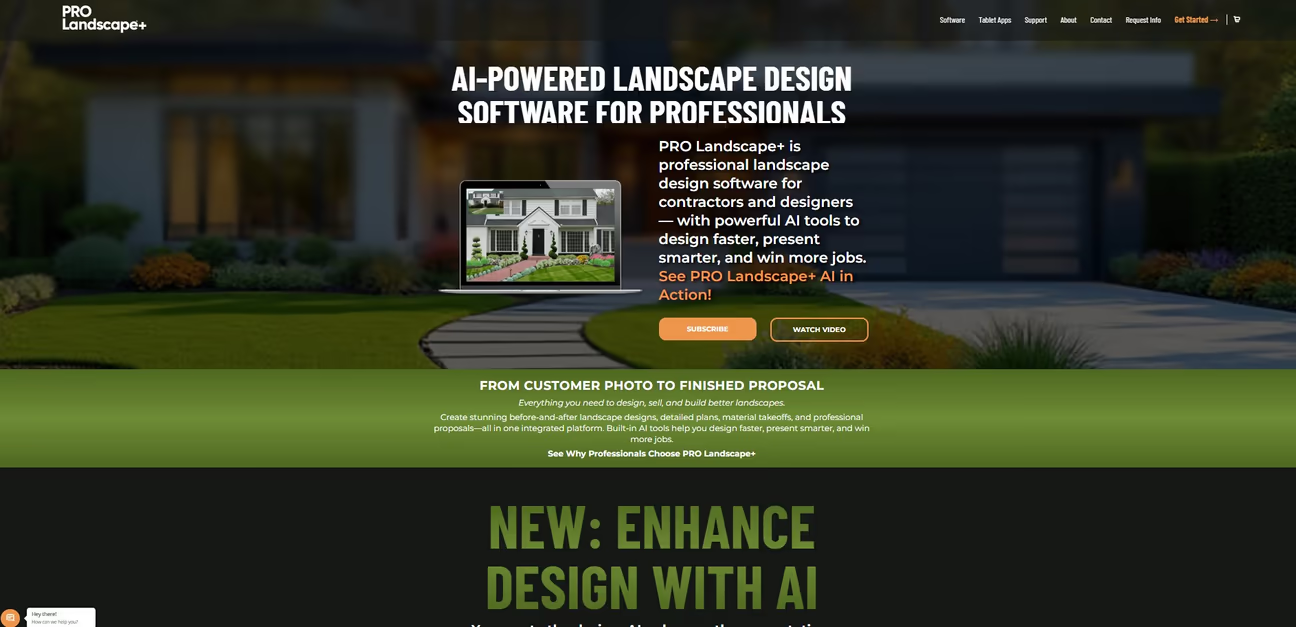
PRO Landscape+ is professional landscape design software for contractors, designers, garden centers, and educators. It combines photo imaging, CAD plans, 3D rendering, lighting design, material takeoffs, and customer proposals.
You can begin with a customer’s property photo, create a before-and-after concept, prepare a detailed plan, calculate materials, and build a proposal. According to the company, its AI presentation tools are designed to improve the appearance of an existing design while preserving the selected plants and layout.
A PRO Landscape+ subscription includes the Companion app for one iPad or Android tablet. This allows users to create or present designs while meeting customers. The main desktop software is a Windows application. Mac users need Windows running through Parallels Desktop or a similar setup.
Choose it if: You want to connect landscape design, customer presentations, takeoffs, and proposals.
Keep in mind: Check the current subscription price and system requirements before ordering. The company supports PRO Landscape+ but not the third-party setup used to run Windows on a Mac.
8. Structure Studios Vip3D: Best for Professional Presentations
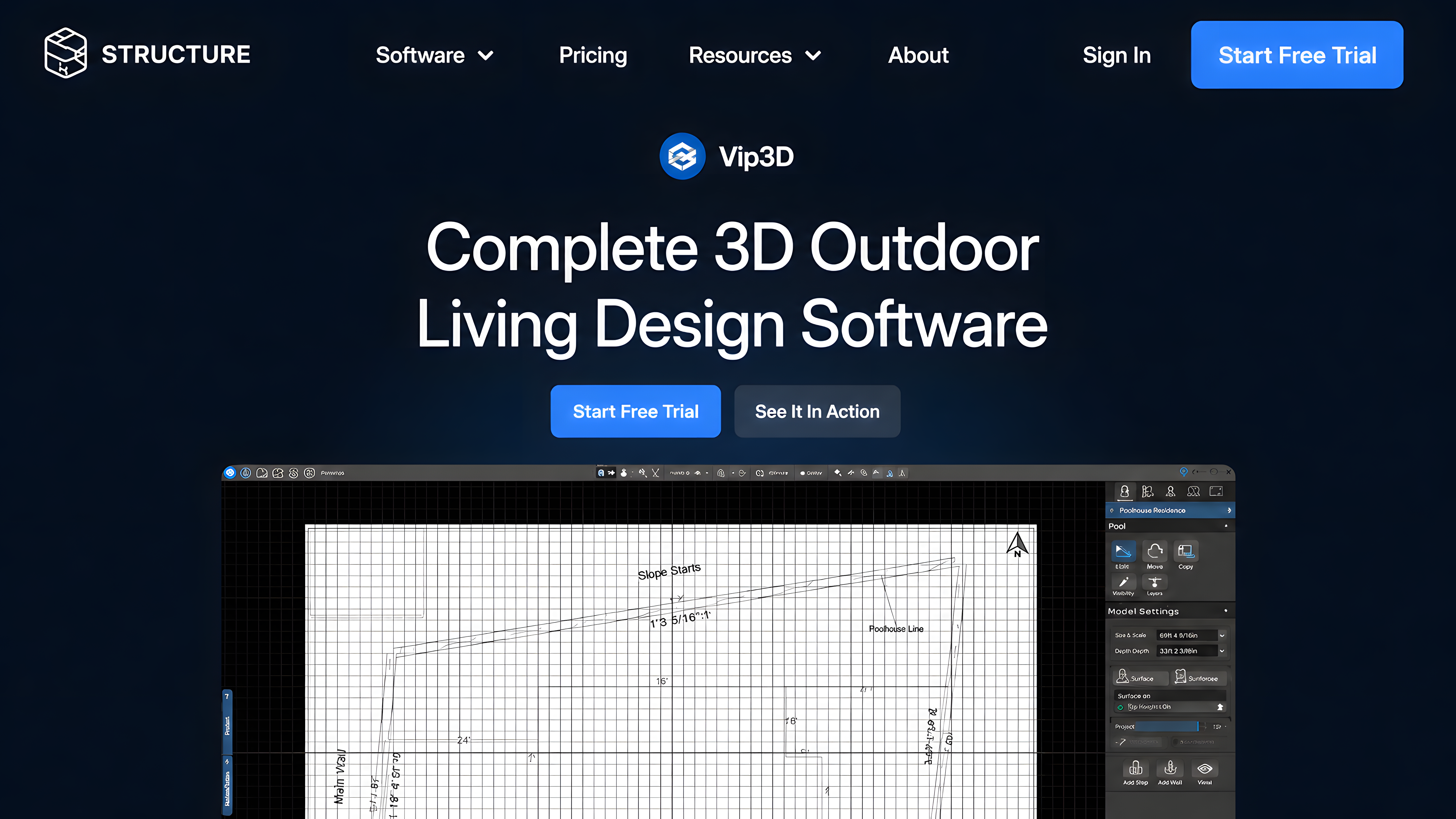
Vip3D is professional outdoor design software for landscape designers, pool designers, and design-build companies. It combines detailed 2D planning with immersive 3D presentations and construction-ready drawings.
The software supports landscapes, pools, outdoor kitchens, patios, driveways, decks, pergolas, fire features, lighting, terrain, and other outdoor-living elements. Designers can present projects through realistic 3D views, virtual reality, 360-degree images, and automatic specification sheets. This makes Vip3D more focused on high-end visualization and sales presentations than BIM coordination or business management.
Vip3D runs on Windows and benefits from a capable graphics card. It costs $197 per user each month or $167 per user each month when billed annually. A one-time $95 setup fee applies, and a 30-day free trial is available.
Choose it if: Realistic client presentations and construction documentation are central to your workflow.
Keep in mind: Its cost, hardware requirements, and learning time may be difficult to justify for an occasional homeowner project.
AI Landscape Software vs Traditional Planning Software
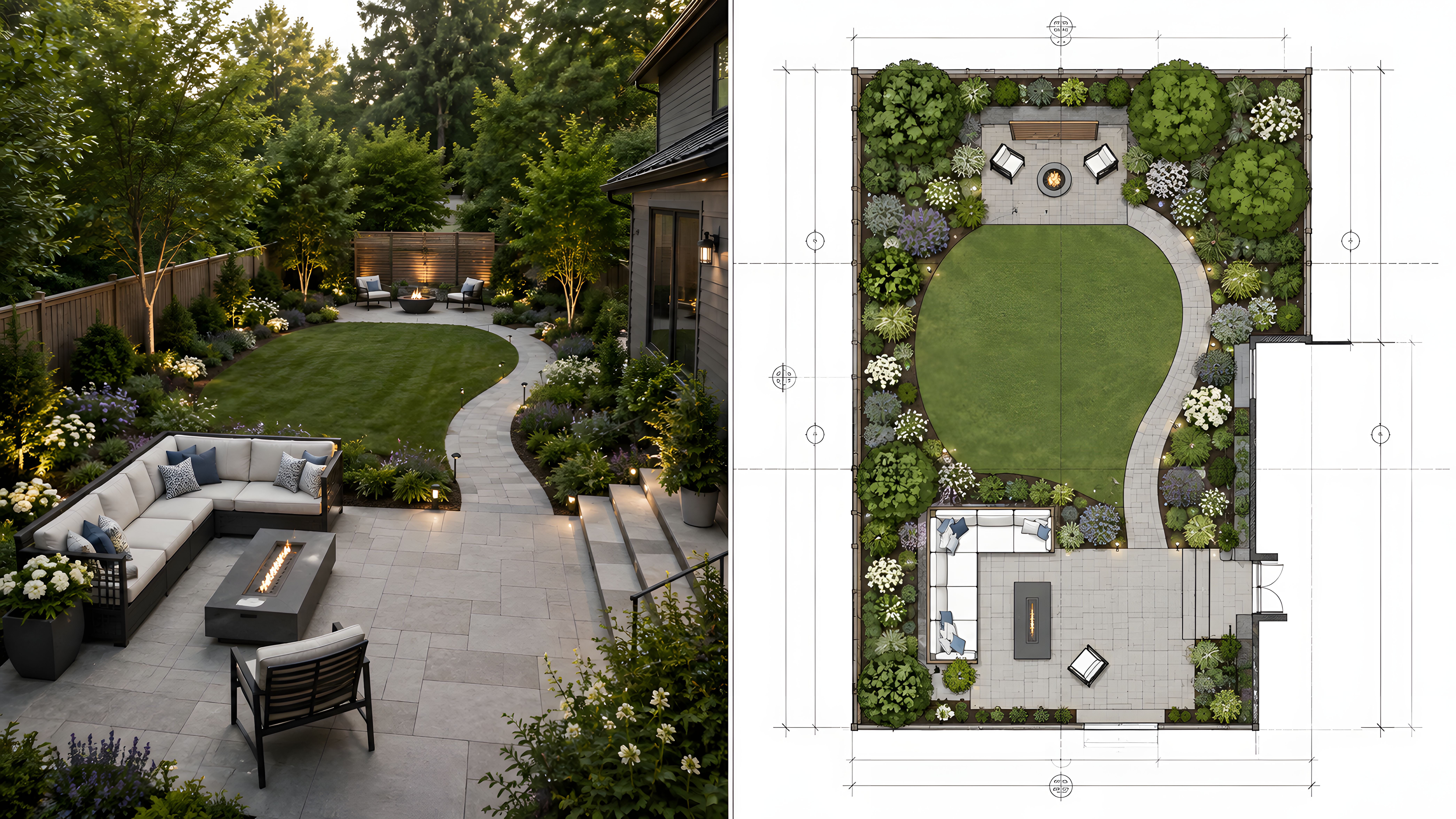
AI visualizers and traditional planning software support different stages of a landscape project. A photo-based AI tool can quickly show possible styles, plants, paving, lighting, and outdoor living ideas. Traditional planning software provides more control over measurements, terrain, placement, quantities, and technical documents.
You do not always need to begin with AI. If you already have a property survey, measured base plan, or clear design direction, you may be able to start directly with CAD, BIM, or other planning software. If you are still deciding how the space should look, an AI visualizer can provide a useful starting point.
When both types of tools are useful, follow this process:
- Create a few visual concepts: Upload a clear property photo and compare different landscape directions.
- Choose a practical idea: Select a concept that fits your property, budget, maintenance needs, and preferred style.
- Measure the site: Record the property dimensions, levels, existing structures, utilities, paths, trees, and fixed features.
- Build a measured plan: Recreate the selected idea in planning, CAD, or BIM software using accurate site information.
- Review the technical requirements: Check drainage, grading, plant suitability, property boundaries, HOA rules, permits, and construction needs.
- Ask for professional review when needed: Consult a qualified professional before work involving structures, retaining walls, major grading, irrigation, utilities, or permits.
Local Conditions Matter More Than the Image
A realistic design image does not confirm that the plan will work on your property. Software may not understand the local conditions that affect plant health, drainage, construction, and long-term maintenance.
Before buying plants or materials, check:
- Daily sunlight and shade
- Soil type and drainage
- Local rainfall and watering restrictions
- USDA Plant Hardiness Zone
- Wind exposure and seasonal weather
- Land slope and water flow
- Mature plant size and spacing
- Existing trees, utilities, and structures
- Property boundaries and easements
- HOA rules and permit requirements
- Access for workers and equipment
A plant that suits a dry, sunny yard may struggle in a shaded property with heavy soil and frequent rain. Use landscape software to develop the design, then confirm plant suitability, measurements, drainage, and local requirements before starting work.
How to Test Landscape Design Software Before Paying
Product demonstrations can make any tool look impressive. Test the software with your own property, project requirements, and device before paying.
Check the following during the trial:
Use a real photo or measured plan
Upload your property image or enter actual dimensions instead of relying only on sample projects.
Complete one practical task
Try planning a patio, garden bed, path, fence, planting area, pool, or client presentation.
Test the editing controls
Check how easily you can move objects, adjust dimensions, change materials, revise plants, and correct mistakes.
Check saving and exporting
Confirm whether the trial lets you save projects and export finished work.
Review watermark and resolution limits
Find out whether free or trial exports include a watermark or have lower image quality.
Confirm the available file formats
Check whether you can export the PDFs, images, CAD files, 3D models, schedules, or proposals you need.
Check device and system requirements
Confirm that the software works on your operating system and that your computer meets its memory, processor, storage, and graphics requirements.
Identify required software
Find out whether the product works alone or requires AutoCAD, Revit, SketchUp, Windows, or another host platform.
Review subscription terms
Check the trial length, payment-card requirement, renewal price, setup fees, add-ons, cancellation process, and refund policy.
Check project access after cancellation
Confirm whether you can still open, view, or export saved projects after the subscription ends.
Test sharing and collaboration
Make sure you can send the design to a client, contractor, colleague, or family member in a usable format.
Common Landscape Design Software Mistakes to Avoid
The best landscape design software should match your project, device, and planning needs. Avoid these common mistakes before choosing a tool.
-
Choosing software only for realistic images: A beautiful 3D render or AI landscape design can show how a yard may look, but it is not an accurate measured plan.
-
Expecting one tool to manage the full project: AI visualization, 2D and 3D planning, plant selection, and construction documents require different features. You may need more than one tool.
-
Ignoring platform compatibility: Confirm that the landscape design software works on your device. Some advanced programs are Windows-only, while browser and mobile apps work across more devices.
-
Planning without accurate measurements: Add the correct size of your yard, paths, patios, fences, and garden beds. Wrong measurements can make a good design difficult to build.
-
Following AI plant suggestions without research: Confirm each plant’s climate zone, sunlight, water needs, mature size, safety, and local availability before buying it.
-
Paying for features you will not use: A simple garden planner may be enough for a small planting bed. Professional landscape software is more suitable for detailed plans, client presentations, and larger projects.
-
Ignoring save and export options: Make sure you can download, print, or share the plan. Your contractor or landscape designer may need clear measurements and project details.
Which Landscape Design Software Should You Choose?
The best landscape design software depends on the result you need. Choose a photo-based or mobile visualizer for quick ideas, measured planning software for accurate layouts and documentation, or a professional platform for client presentations, proposals, and business management.
A visual concept can help you choose a direction, but it does not replace a measured plan when dimensions or construction details matter. Match the software to the current stage of your project instead of paying for features you do not need.
Want to compare ideas using your own yard? Upload a property photo to DecorAI and create several landscape concepts before planning the final layout.
Frequently asked questions
It depends on your project. Realtime Landscaping Pro suits detailed DIY plans, DecorAI creates ideas from photos, Planner 5D supports flexible layouts, and Vip3D is made for professional work.
DecorAI is useful for quick visual ideas, while Planner 5D and SmartDraw help with layouts. Realtime Landscaping Pro offers more control for detailed DIY projects.
Yes. GARDENA myGarden is free, while Planter, Planner 5D, and iScape offer limited Free plans. Review the feature and export limits before choosing one.
AI landscape tools create visual ideas, not accurate construction plans. They cannot confirm measurements, drainage, plant suitability, permits, or structural safety.
Vip3D is a strong option for professional 2D plans, 3D presentations, and construction documents. The right choice depends on the project and required output.
Some tools support Mac or work in a browser, but detailed programs such as Realtime Landscaping Pro and Vip3D are Windows-focused. Review the current system requirements before buying.
Yes. DecorAI and OutdoorBrite can create landscape ideas from a photo of your yard. Use real measurements before turning an image into a building plan.
Prices range from free to hundreds of dollars. Costs depend on whether the tool uses a Free plan, subscription, one-time license, or professional pricing.
Planter is useful for raised beds, plant spacing, and growing dates. GARDENA myGarden is better for simple garden layouts and sprinkler planning.
Create a photo concept or measured layout to explain your idea. Confirm dimensions, drainage, utility lines, local rules, and the documents the contractor needs.