AI Home Design
for Your Space
Want to give your room a new look? AI Home Design helps you see new ideas for your space. Upload a photo, pick a style, and DecorAI creates new designs for you.
Turn Your Ideas Into Home Designs
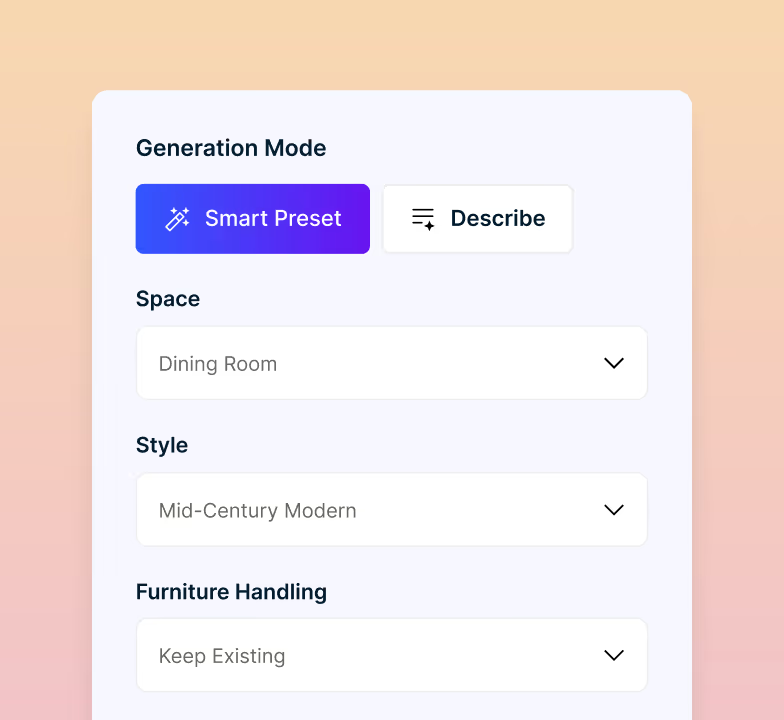
No need to special skills or software. Just upload a photo of your room and try new furniture, colors, decorations, and more. Pick a style, and DecorAI will create a new look.

Inside, Outside, and the Plot It Sits On
A home design tool should cover more than rooms. Use one simple tool to redesign the inside, outside, and outdoor areas of your home. Give your whole property a new look without paying for three different tools.
Give Your Home a Fresh New Look
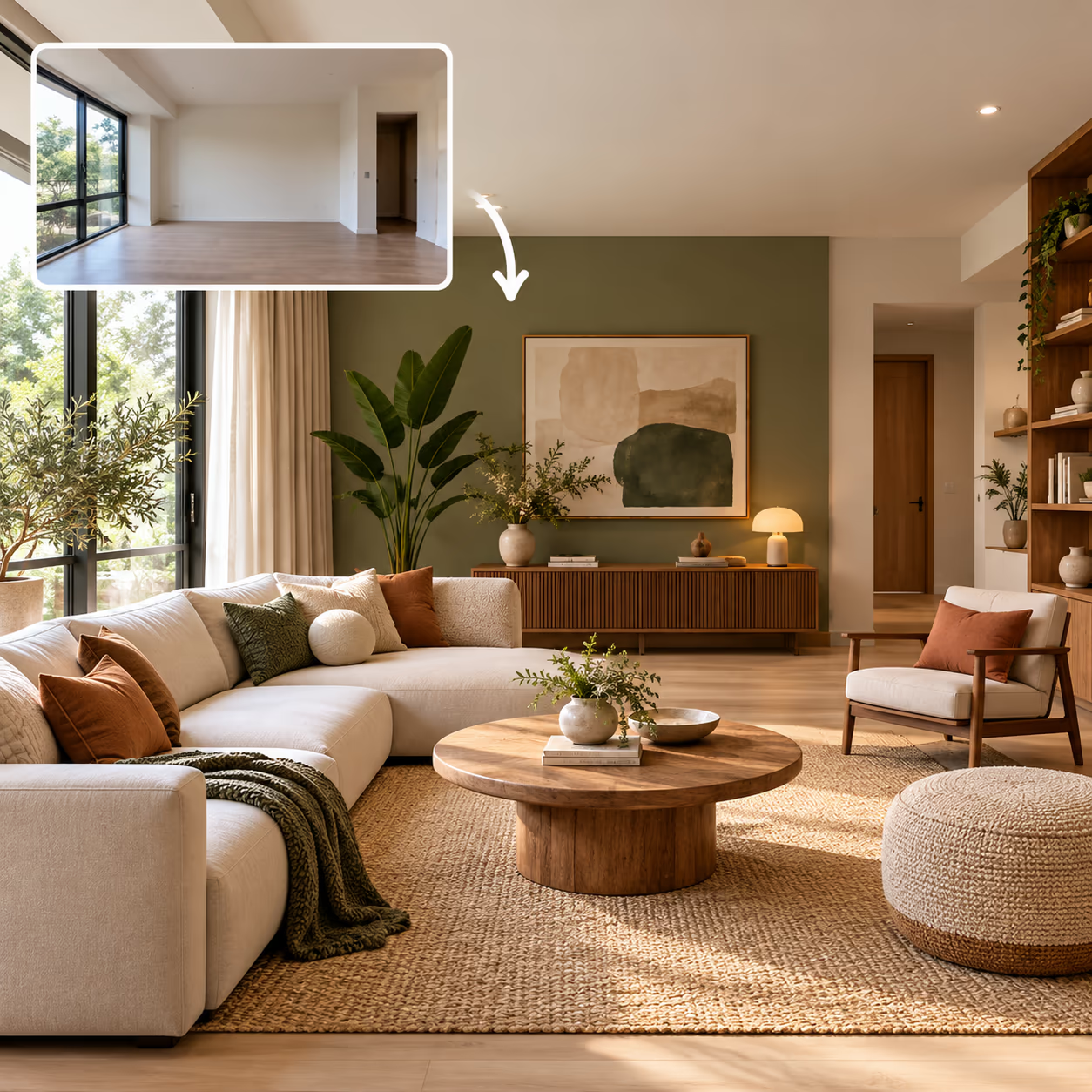
You do not need to start from scratch. Upload a photo of your room and try new ideas for furniture, colors, and decor. DecorAI gives you new designs in about 30 seconds.
- Try new ideas for furniture, colors, and decor
- Keep your walls, doors, windows, and room shape
- Choose from 175 styles for different design ideas
- Get up to 4 design results each time
Find a Style You Love
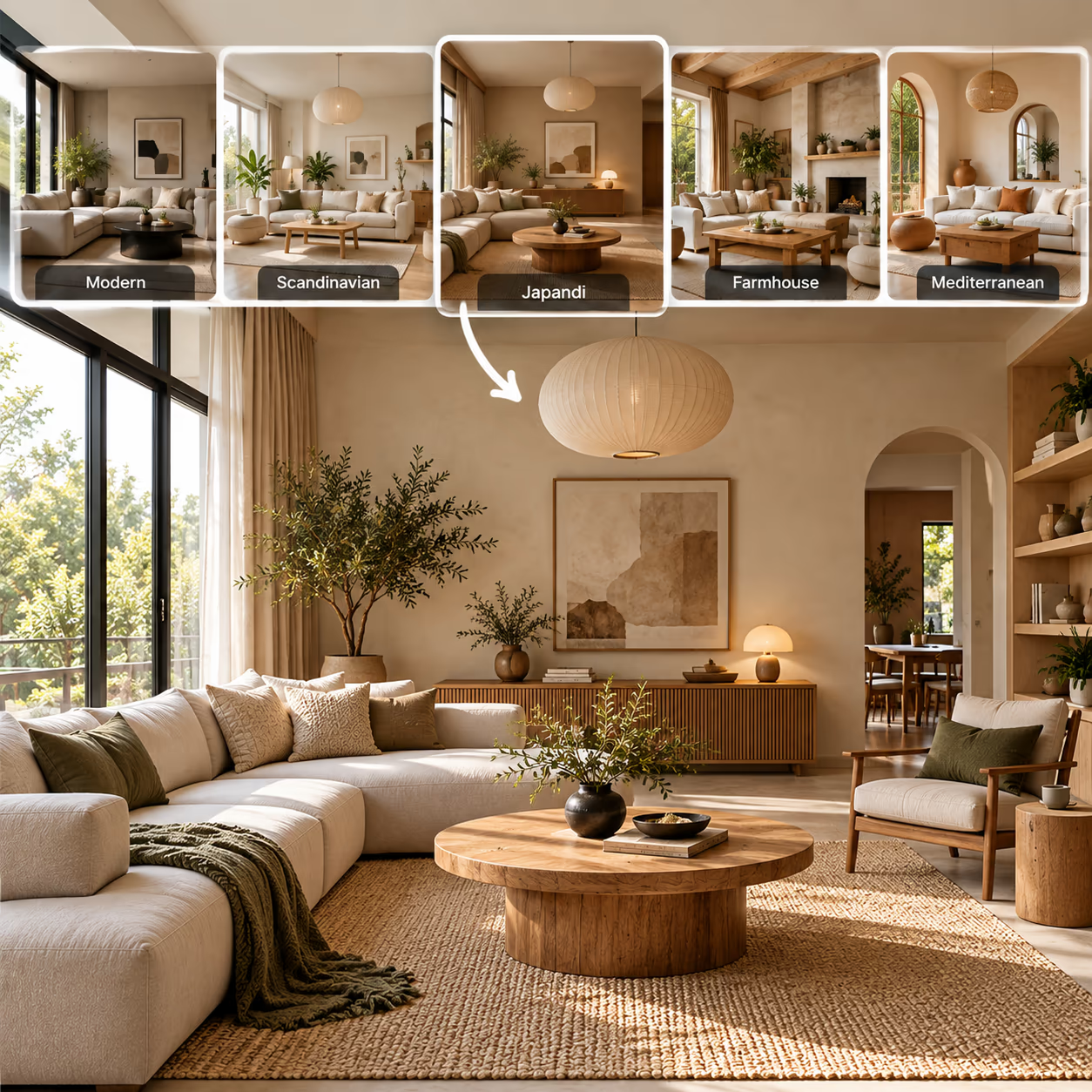
Not sure which style you like? Try different looks and see what feels right. DecorAI has 54 interior styles to help you create an attractive home.
- 20 AI tools for rooms, facades, and outdoor spaces
- 129 space types for homes, businesses, and events
- 175 styles for interior, exterior, and garden design
- Design different spaces with one subscription
Design Every Room in Your Home
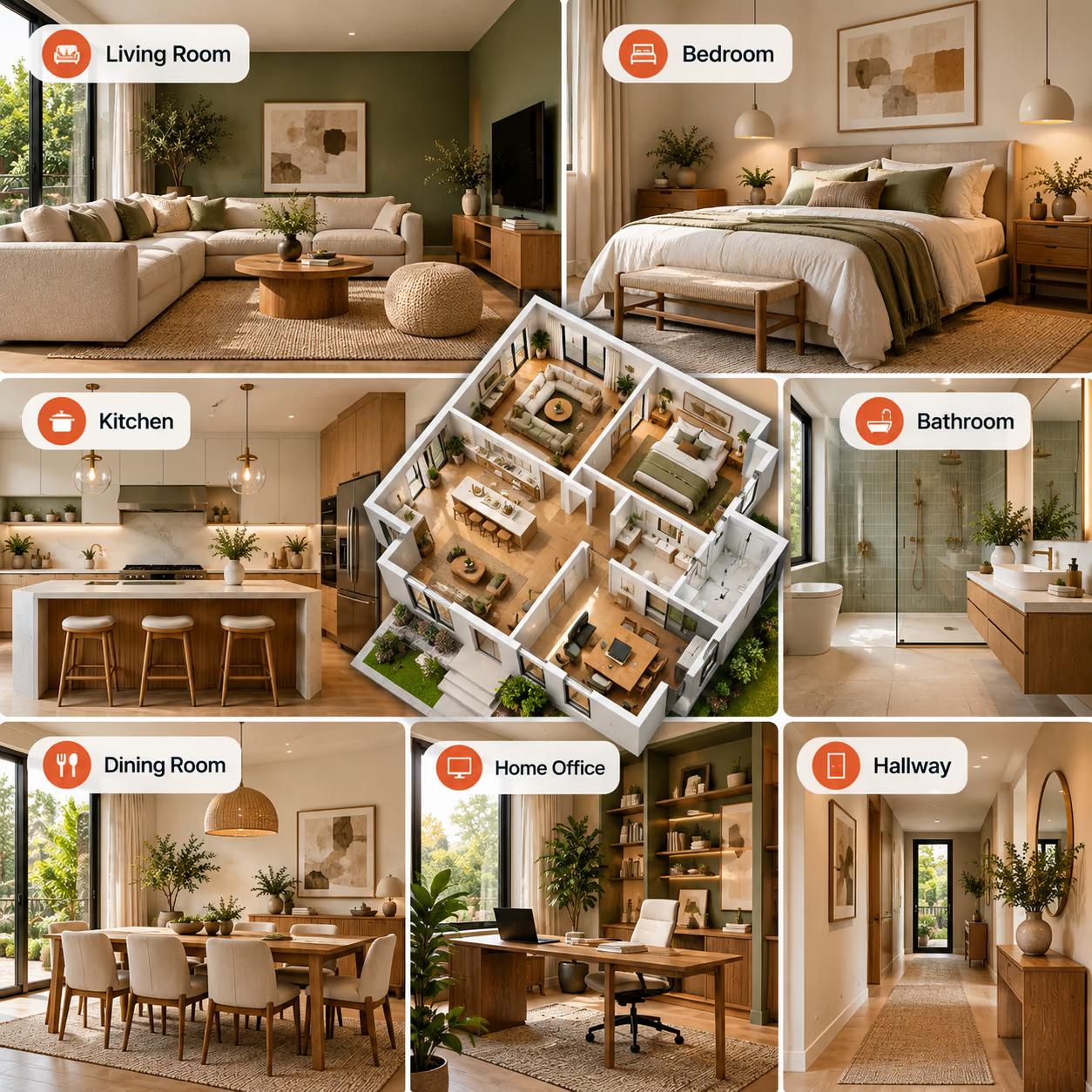
You do not need to redesign your whole home at once. Start with one room, then move on to the kitchen, bedroom, bathroom or other spaces at your own pace.
- Create a comfortable and useful living room
- New furniture and colors in your bedroom
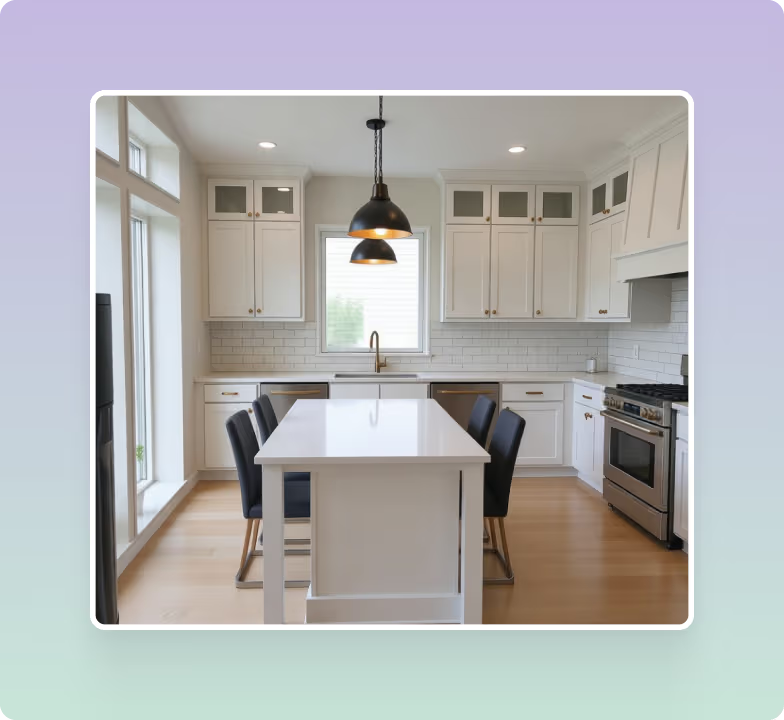
- Update kitchen cabinets, counters, backsplashes, and floors
- Generate ideas for offices, dining rooms, and hallways
See Your Ideas Before You Buy
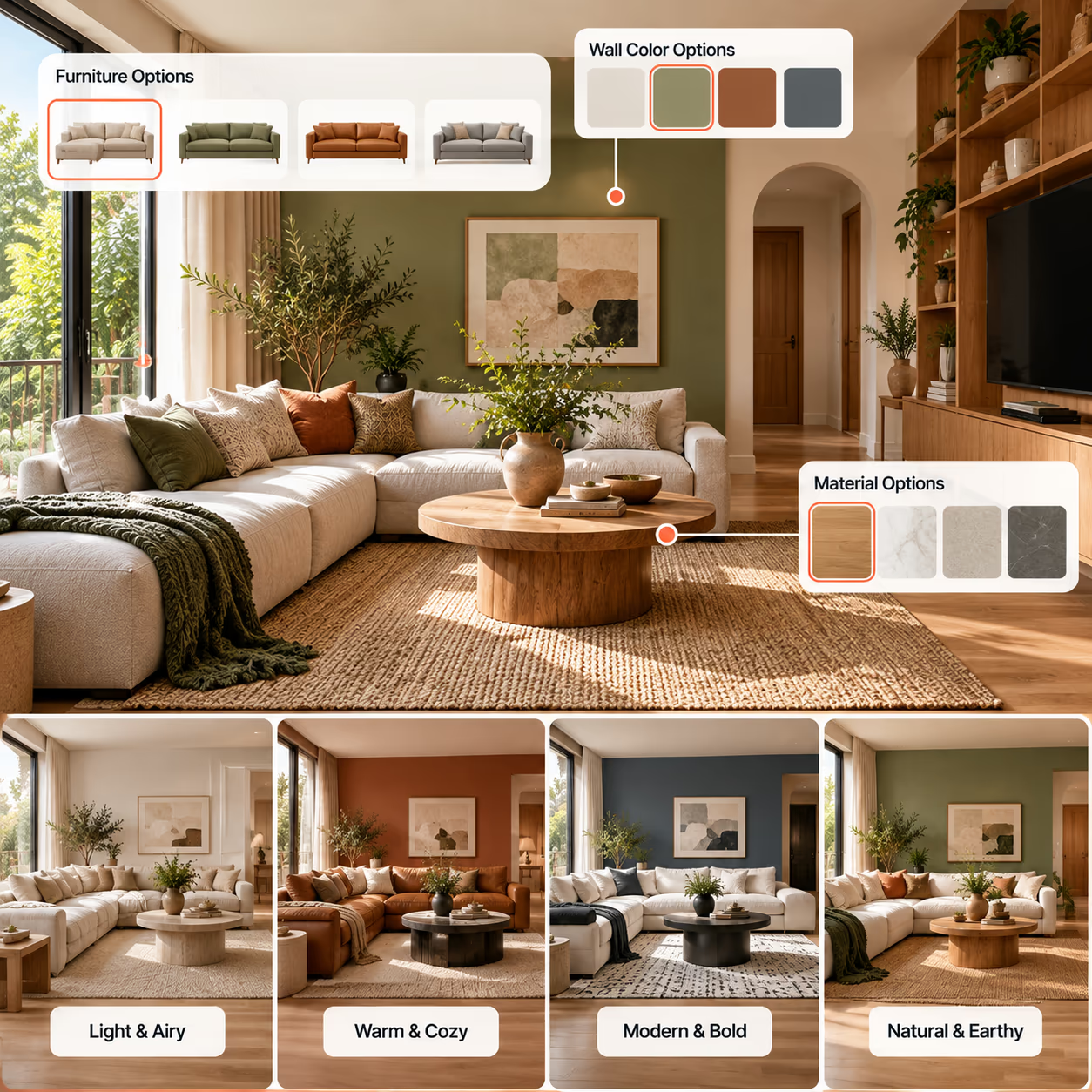
It is not always easy to picture a new item in your room. Create a design first and see how it may look in your space before you buy or change anything.
- Try a new furniture before you buy it
- Test wall colors for a brighter feeling
- Use different materials for walls and floors
- Choose what looks best for your space
Design Room by Room, Then Step Outside
Start with any room and use home design AI to try new ideas. Create different looks for your kitchen, bathroom, bedroom, or living room, then work on your exterior and outdoor spaces.
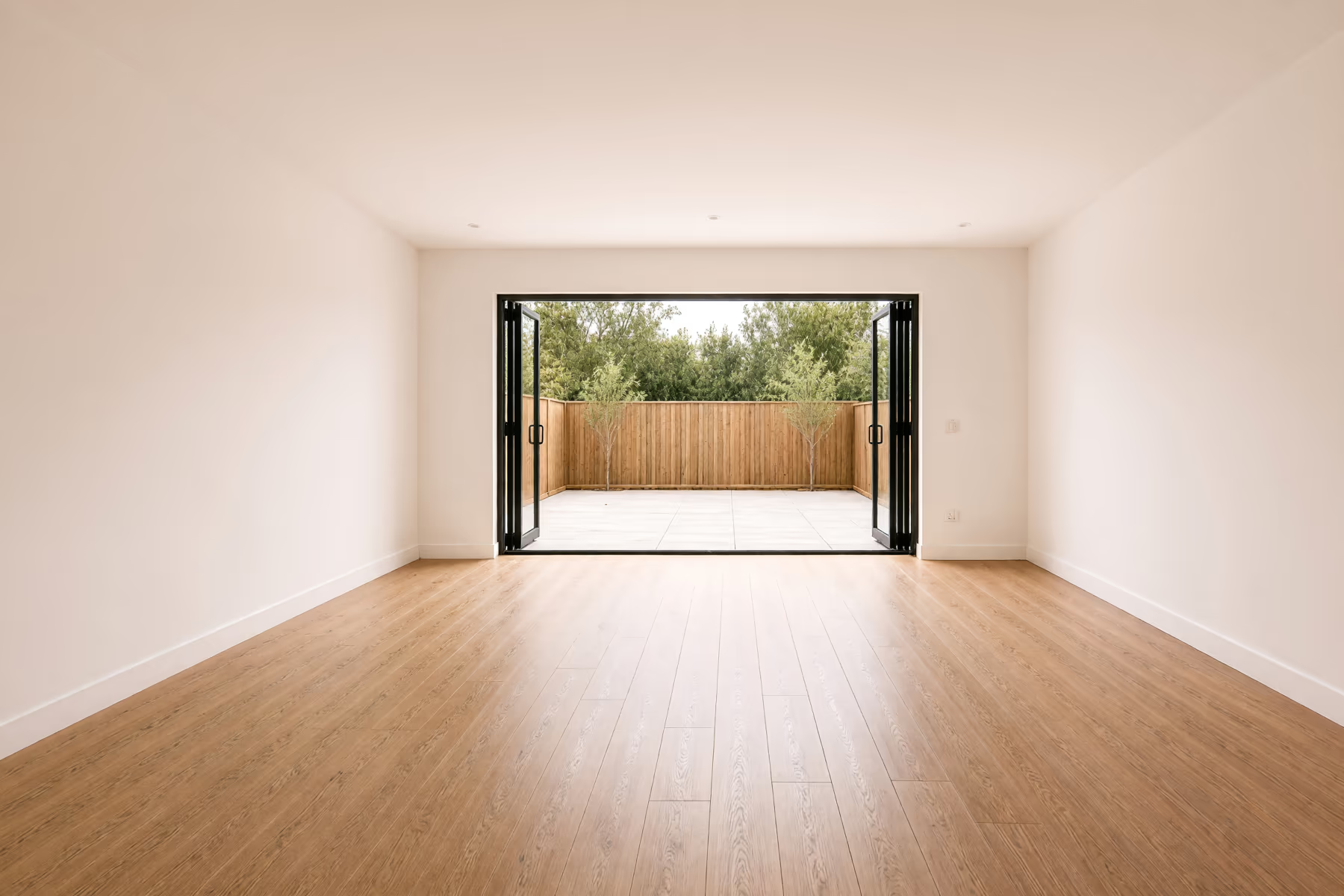
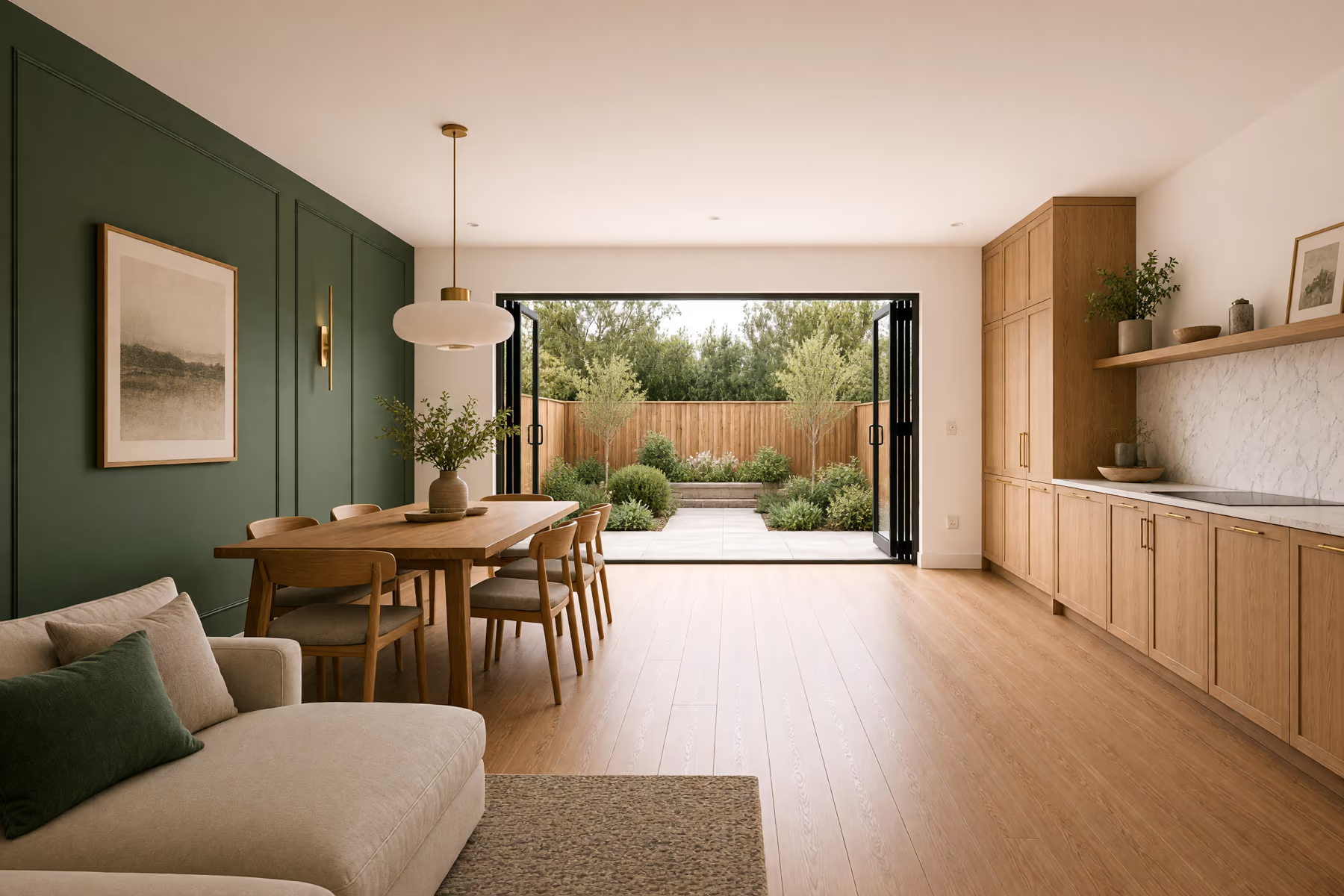
- 1CeilingBeams, slats, coffers and color
- 2WallsPaint, panelling, wallpaper and brick
- 3LightingPendants, chandeliers and spots
- 4GardenPlanting, paving and boundary
- 5KitchenCabinets, worktop and splashback
- 6Dining AreaTable, chairs and seating style
- 7Living AreaSofas, chairs, rugs and tables
- 8FlooringTimber, tile, stone and concrete
Magic Edit Brush
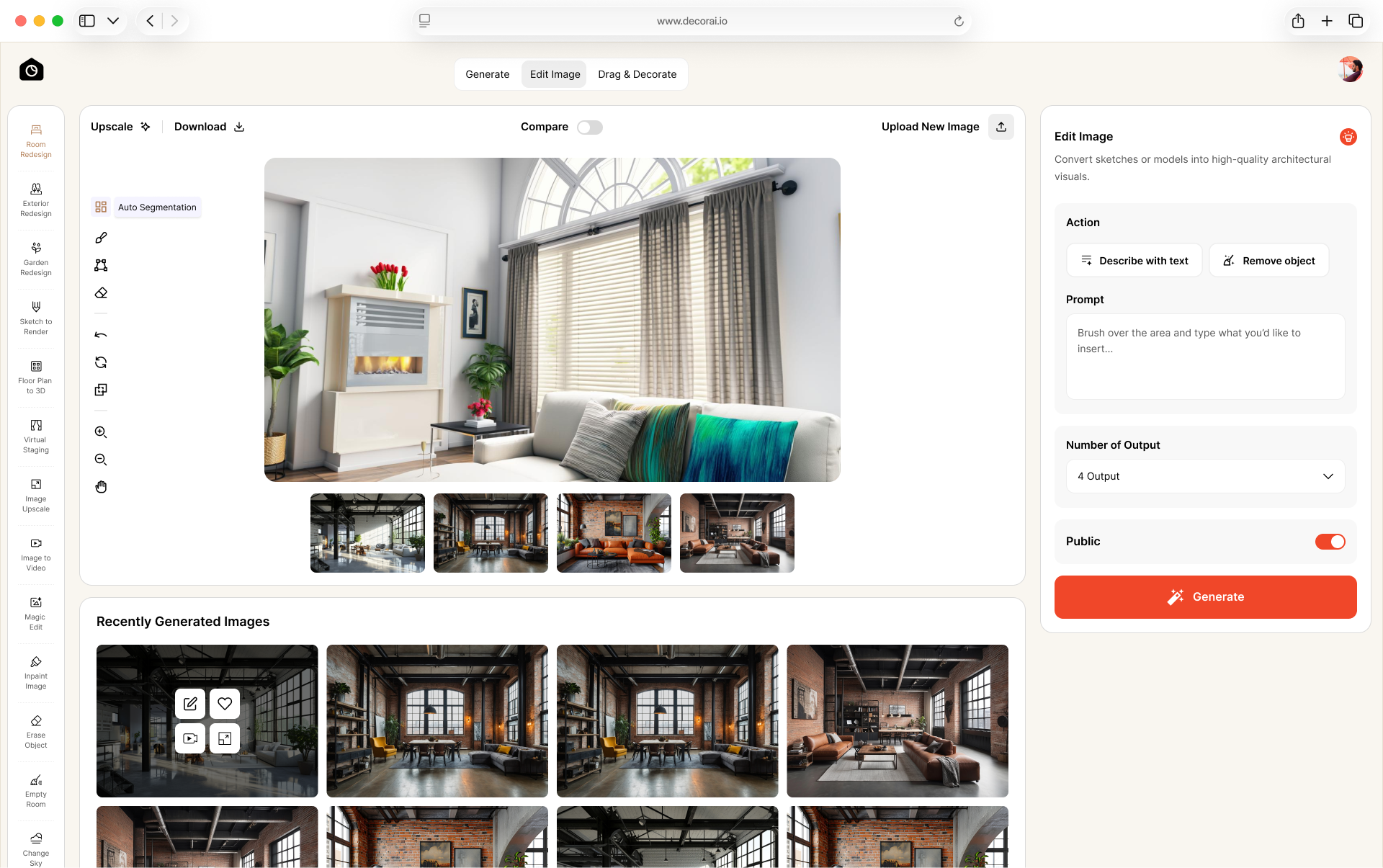
Brush over a wall, countertop, or other part of your image. Tell DecorAI what you want to change, and it will update that area.
Add or Remove Items
Select an area to add a new item or remove something you no longer want. No editing experience is needed.
Empty the Room
Remove everything from a room with one click. Start again with empty walls and floors, then create a fresh design.
Turn a Sketch Into a Render
Upload a hand-drawn sketch or 3D model and turn it into a photorealistic architectural render.
Upscale to Print
Increase any design to 4x resolution for printing, sharing with a contractor, or adding to a client presentation.
Expand the Frame
Extend the border of a tight photo to show more of the space. You do not need to take another picture.
Create Video
Create a short video from your home design with smooth camera movement. Show your space from different views and bring your design to life.
Create a Panorama
Create a wider panoramic view from your room image with DecorAI. Show more of your space in one image.
Keep Your Designs Private
Use private mode on paid plans to keep your room images and designs visible only to you in your DecorAI account.
Make Your Room Feel Like Yours
Good photos and clear instructions can help you get better results with AI for home design. Before you upload a photo, take a few simple steps to show your space clearly.
Use a Clear Photo
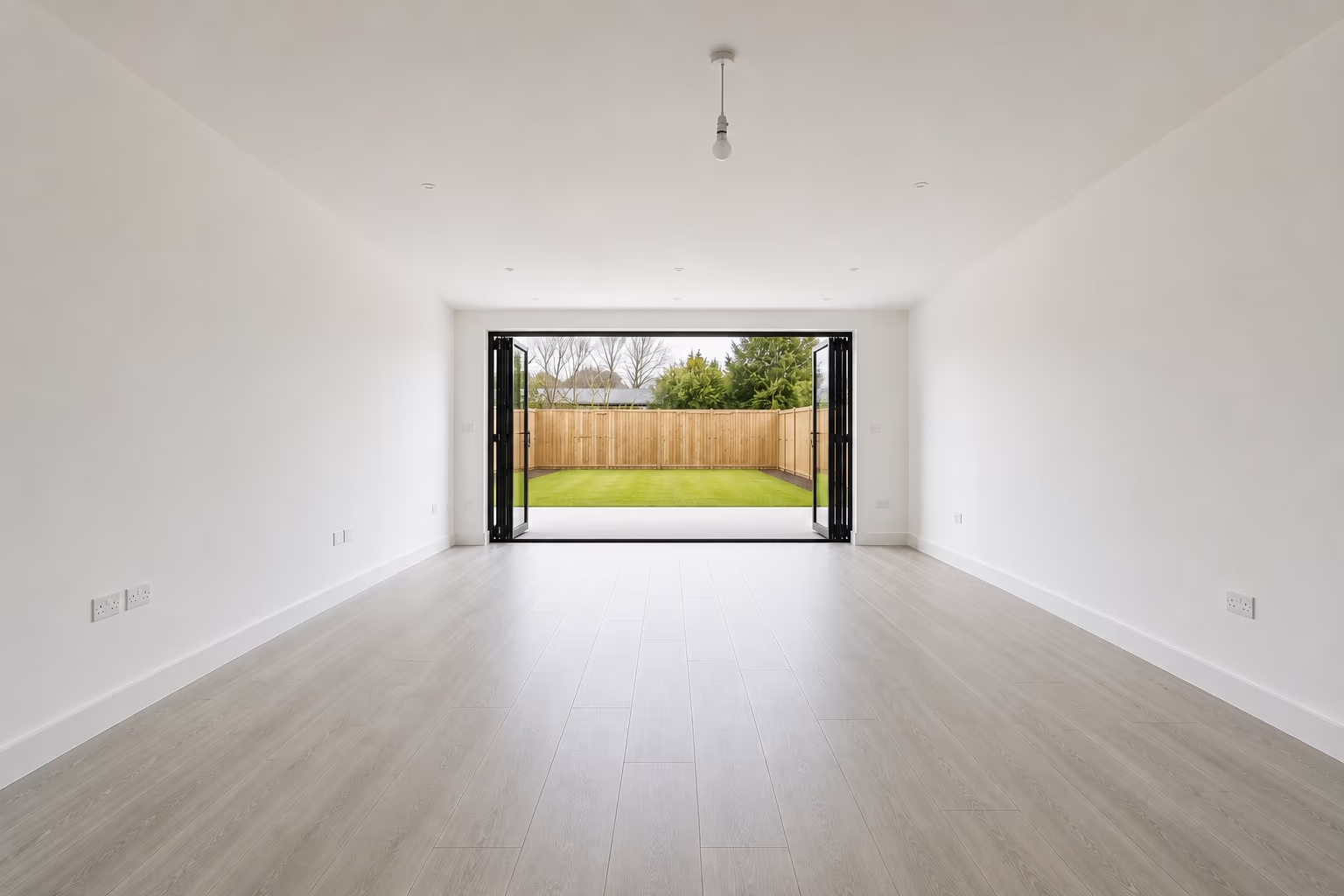
Take a clear photo of your room. Use daylight when you can. Make sure the photo is not dark, blurry, or too small.
Take a Wide Photo
Stand where you can see most of the room. Take a wider photo and try to show the walls, floor, windows, doors.
Remove Extra Clutter
Move bags, boxes, toys, and other small things out of the way. Keep the main parts of the room easy to see.
Describe Your Idea
Tell DecorAI what you want to change. You can say what you want to keep, remove, or add.
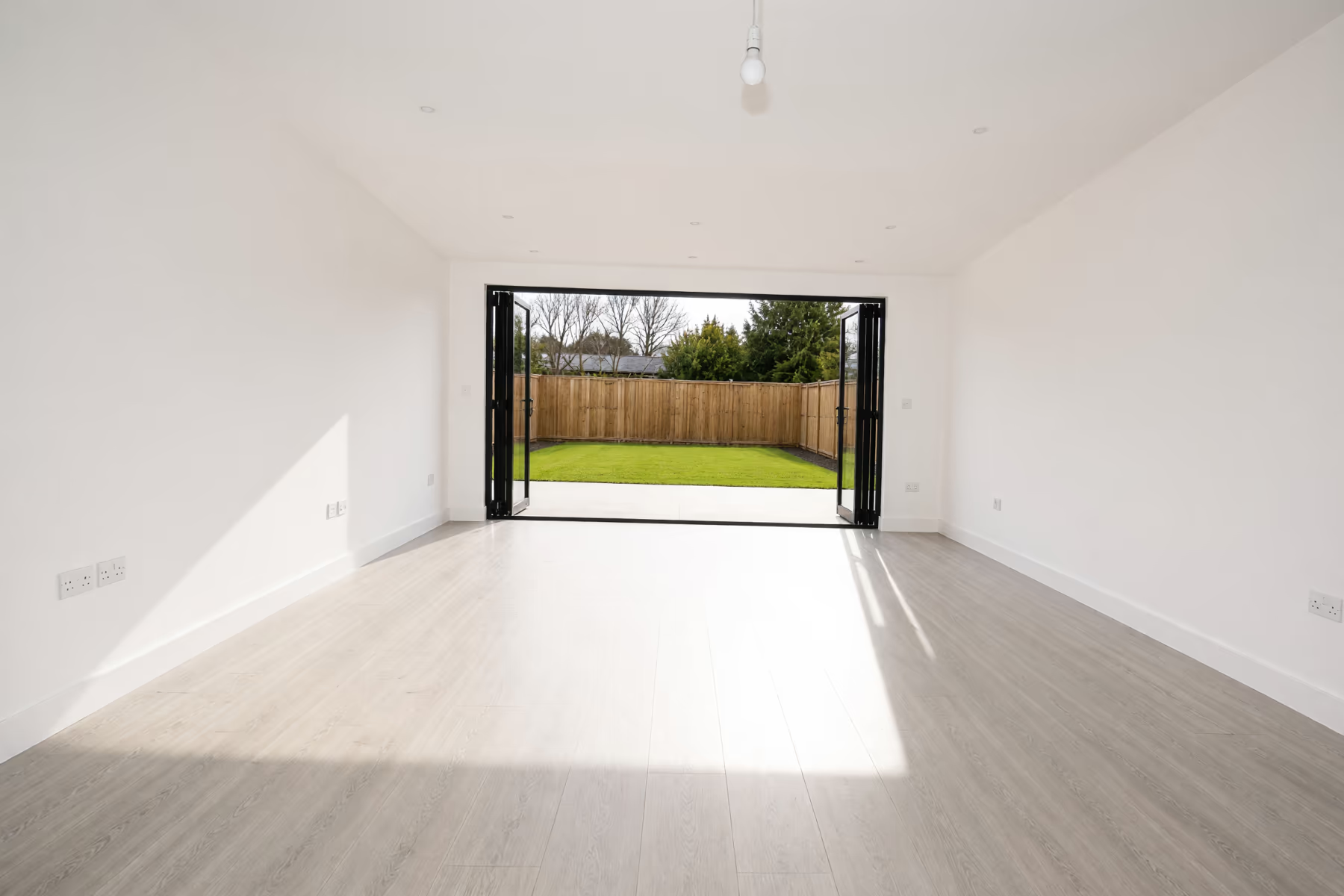 Poor photoGood photo
AI Home Design vs Software and Designers
What you need
Floor plan and 3D software
Hiring a designer
Works from a phone photo
No floor plan required
First result in under a minute
Covers interiors and exteriors
Nothing to install or learn
Commercial license included
Try ideas before setting a budget
Every version stays in your account
Each column shows full support, partial support, or no support. Based on our own testing.
The whole house, one subscription.
Rooms, facades and gardens on the same account. For drawings and construction you still want a professional.
Every tool for the home, in one place
Each part of the property has a tool tuned to the decisions that actually come up there.
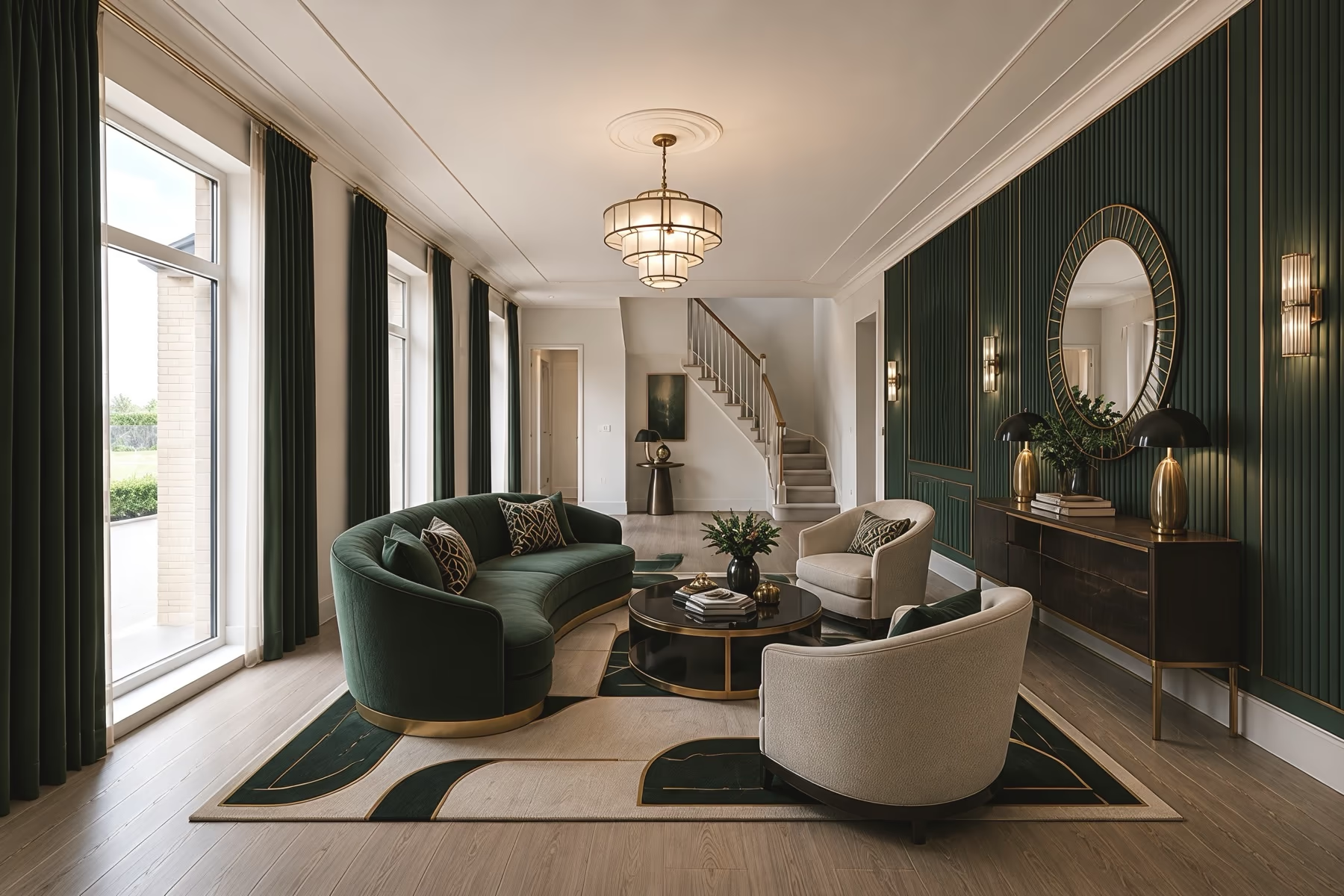
Interior Design
Try new furniture, wall colors and materials in the rooms you already live in.
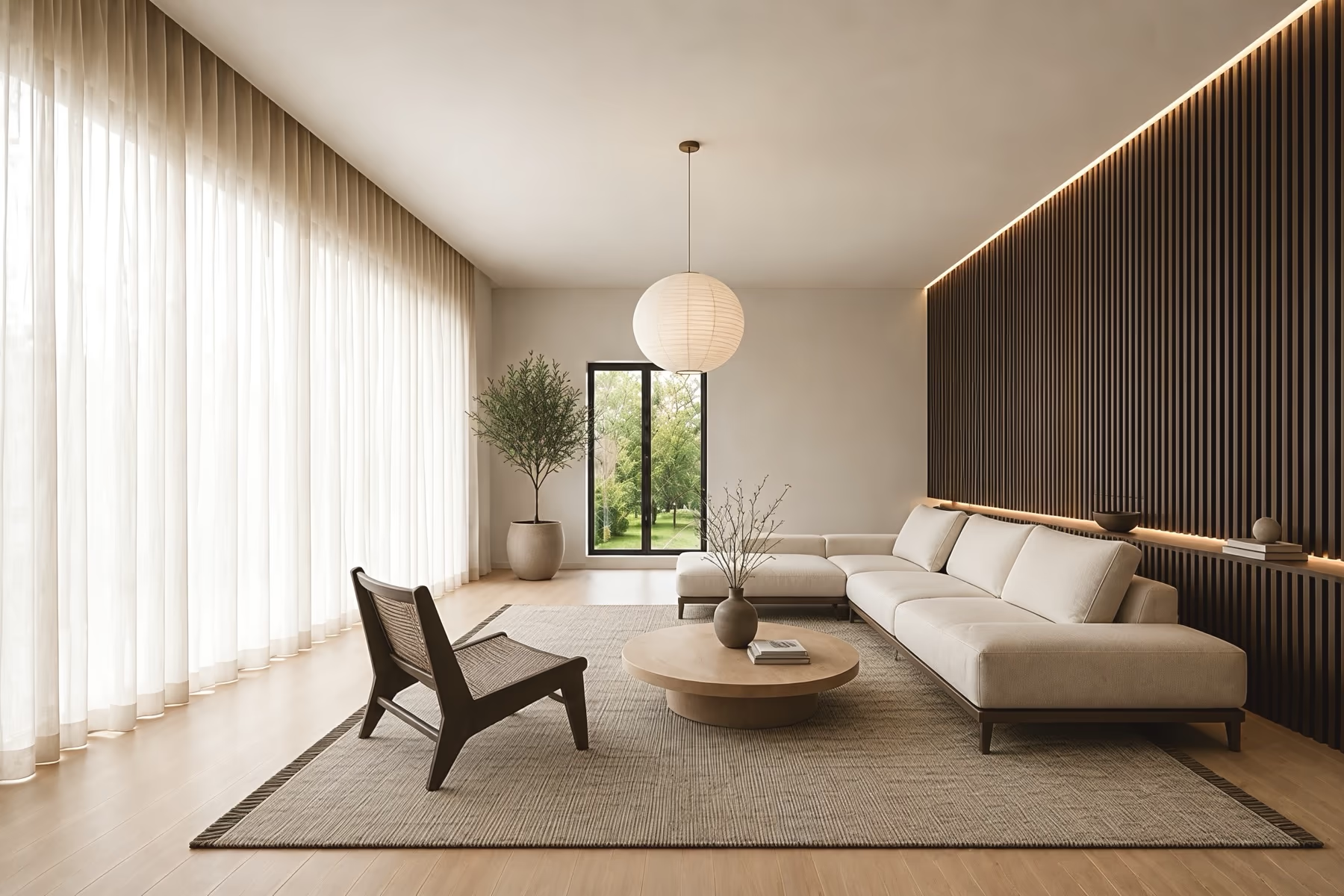
Room Design
Change one room at a time while the walls, windows and doors stay where they are.
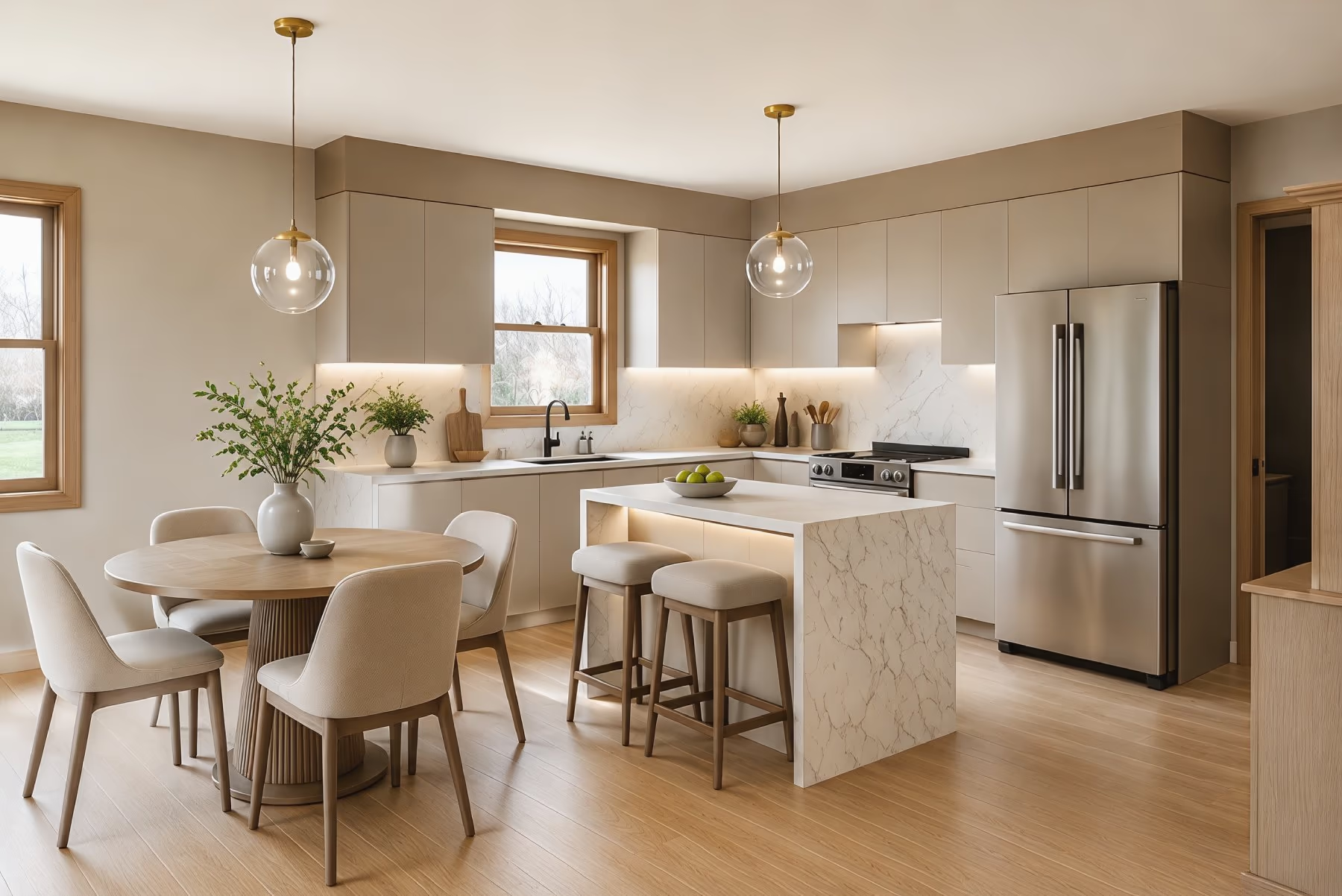
Kitchen Design
See new cabinet colors, countertops, backsplash tile and flooring in your own kitchen.
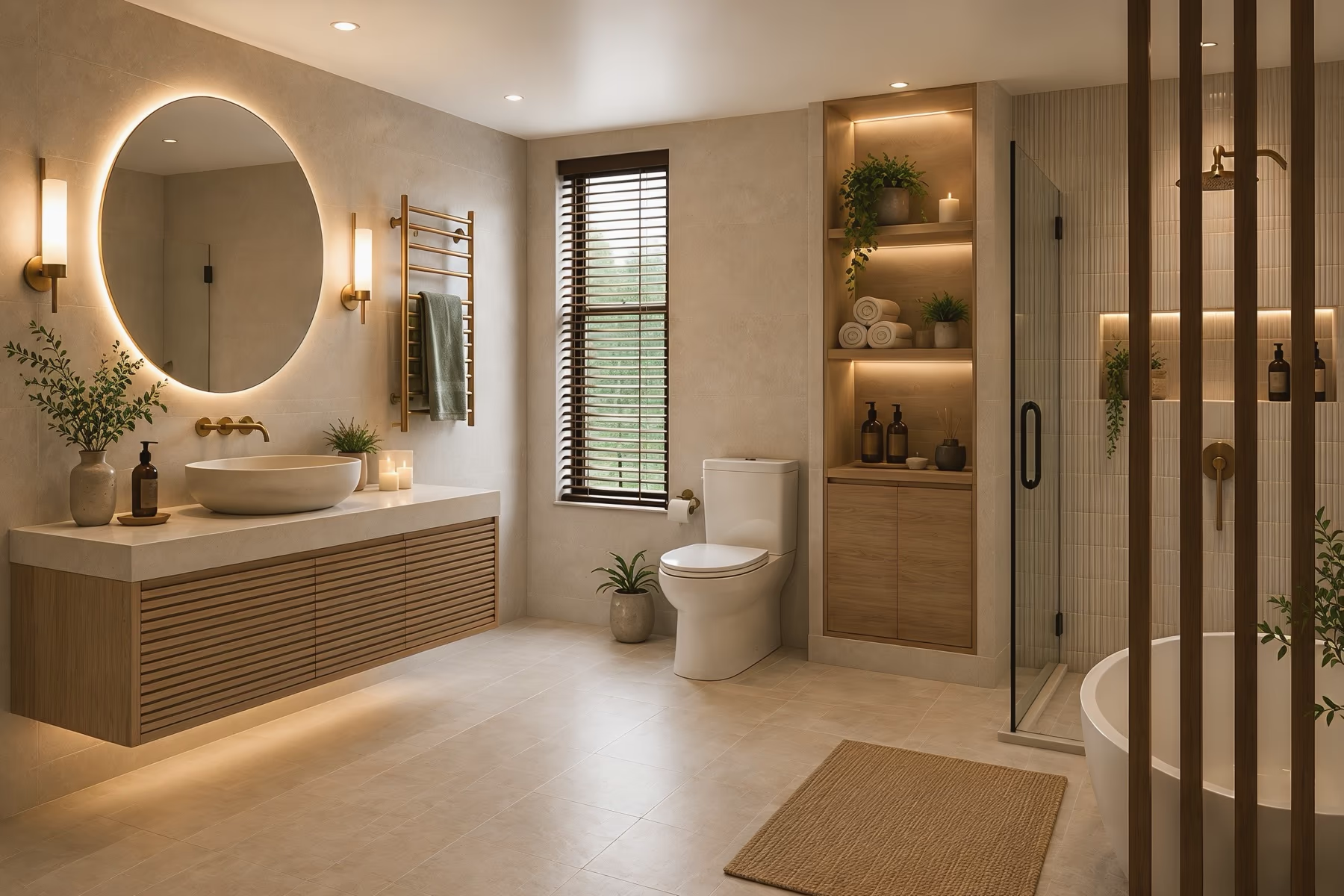
Bathroom Design
Pick a new vanity, wall tile, mirror and shower look before you start a remodel.
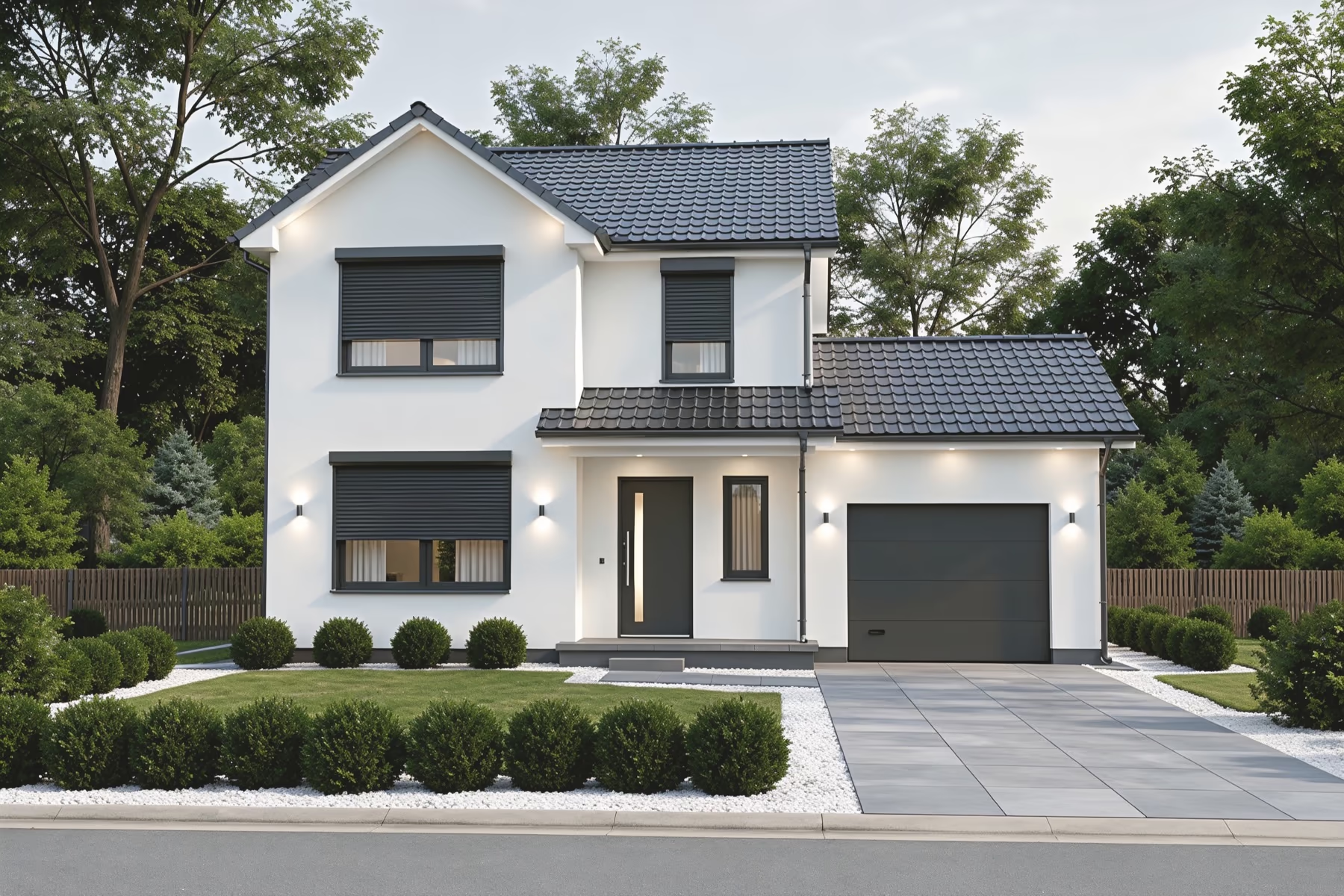
Exterior Design
Test siding, roof colors, paint and a new front door on a photo of your house.
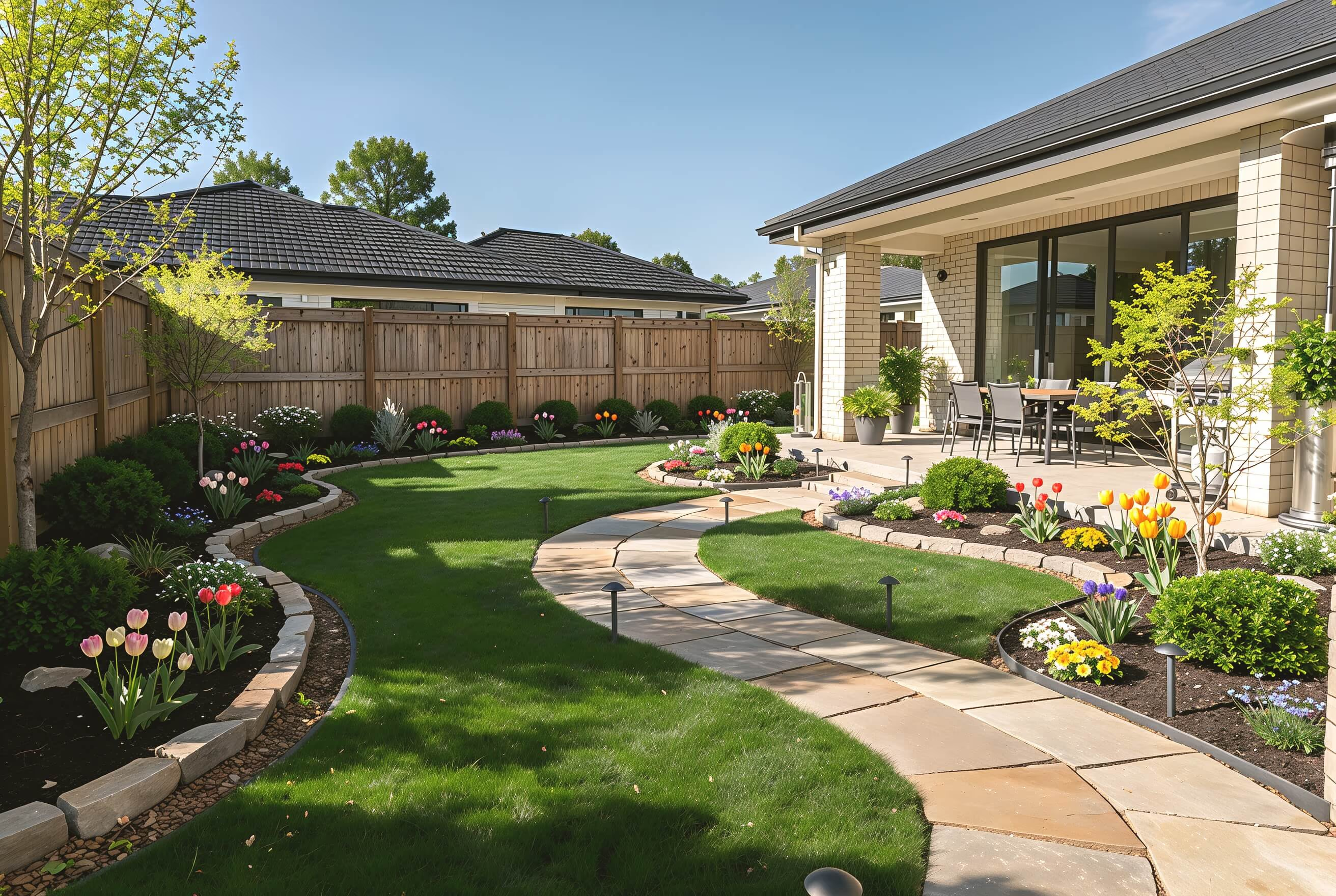
Landscape Design
Plan paths, patios, lawn and planting for your backyard or front yard.
Find Different Design Styles
Pick from 175 styles for interiors, home exteriors, and gardens. Try different looks in your space and see which one you like best.
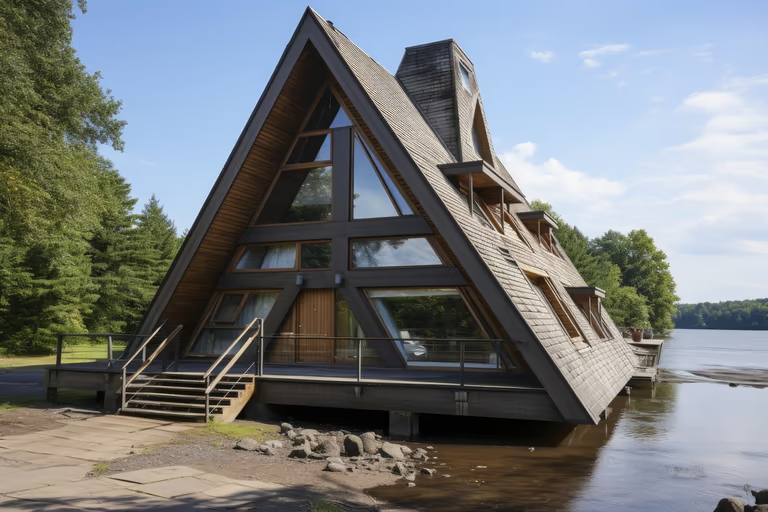 A-Frame
 Cottage Garden
 English Garden
 Japanese Garden
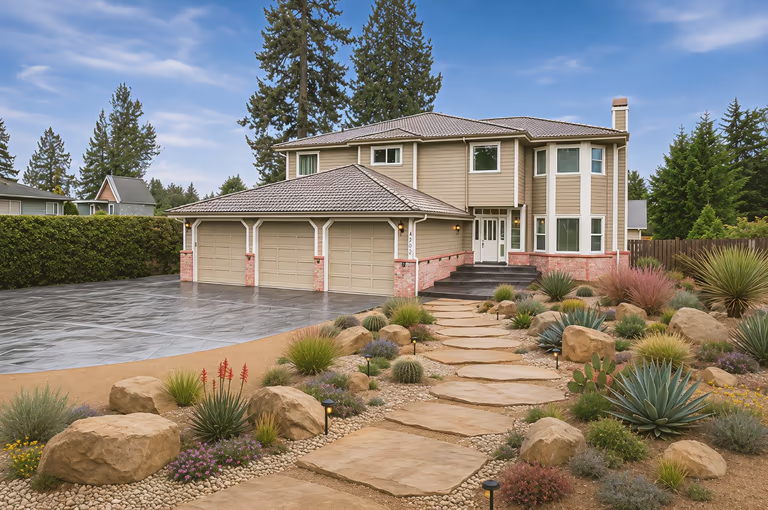 Xeriscape
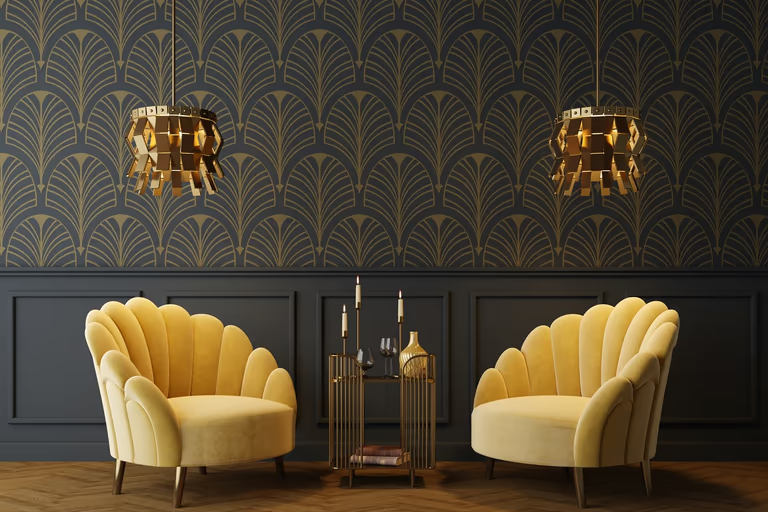 Art Deco
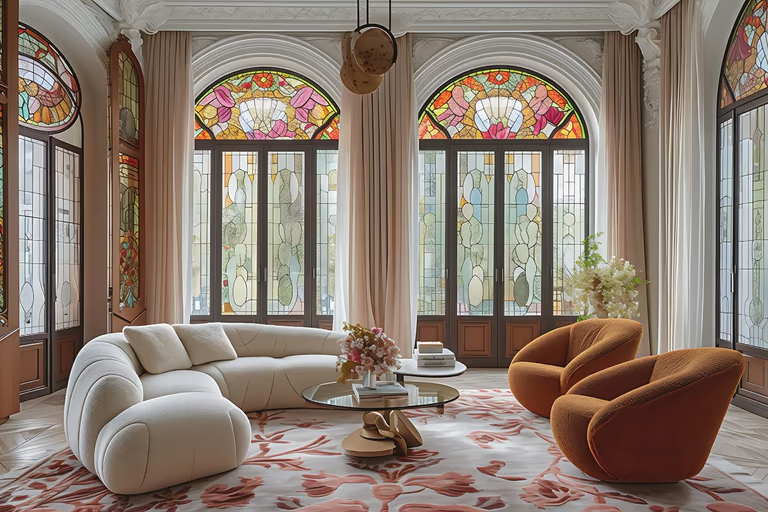 Art Nouveau
 Baroque
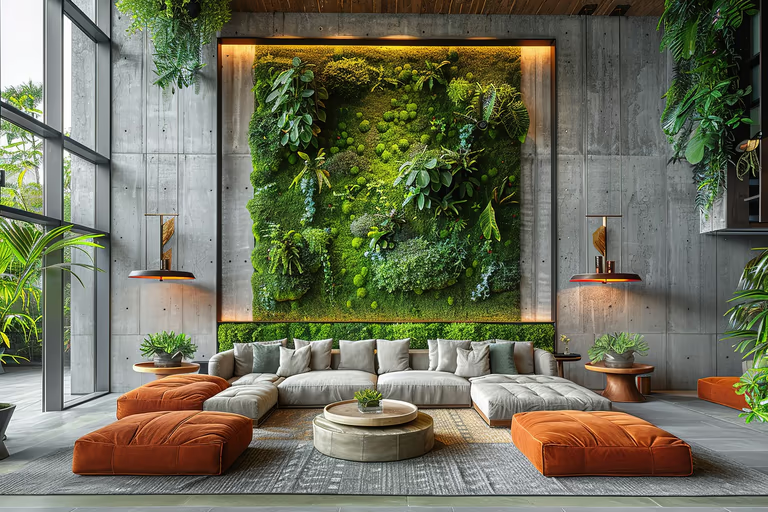 Biophilic
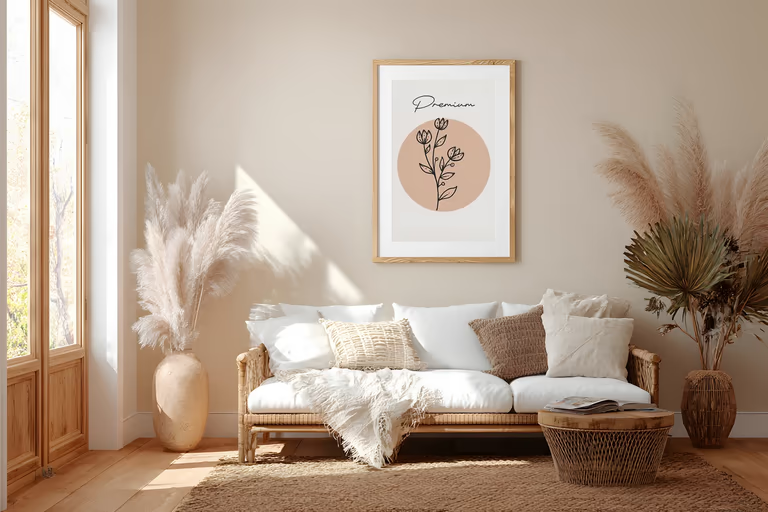 Bohemian
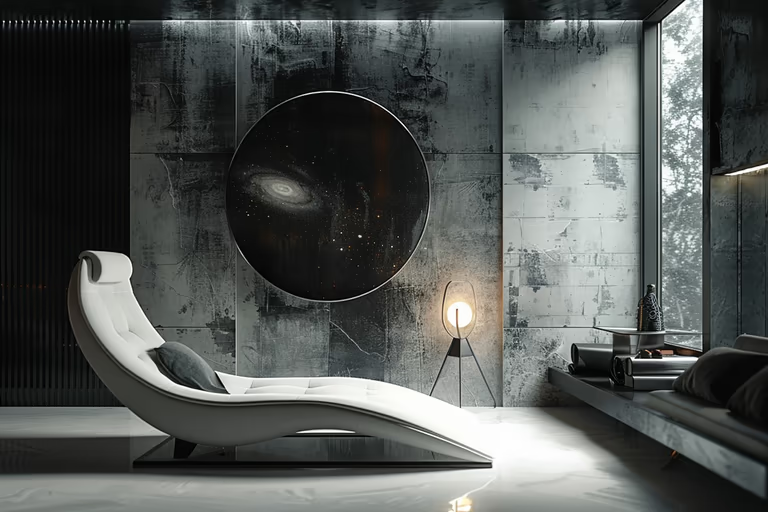 Brutalist
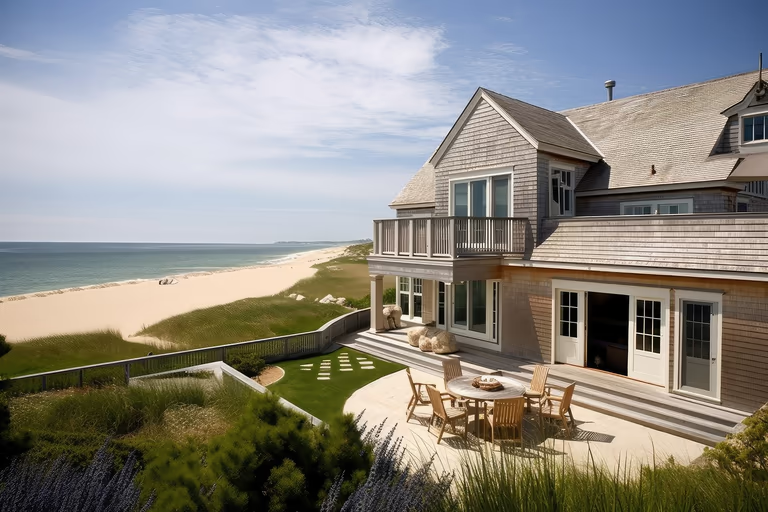 Cape Cod
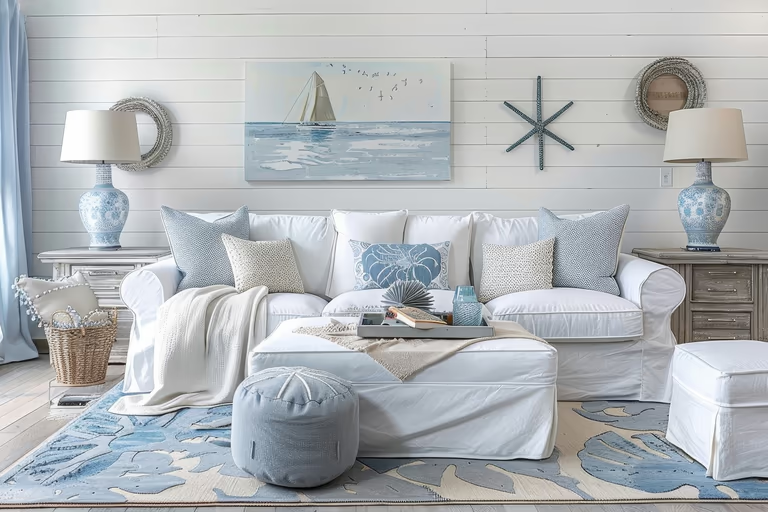 Coastal
 Colonial
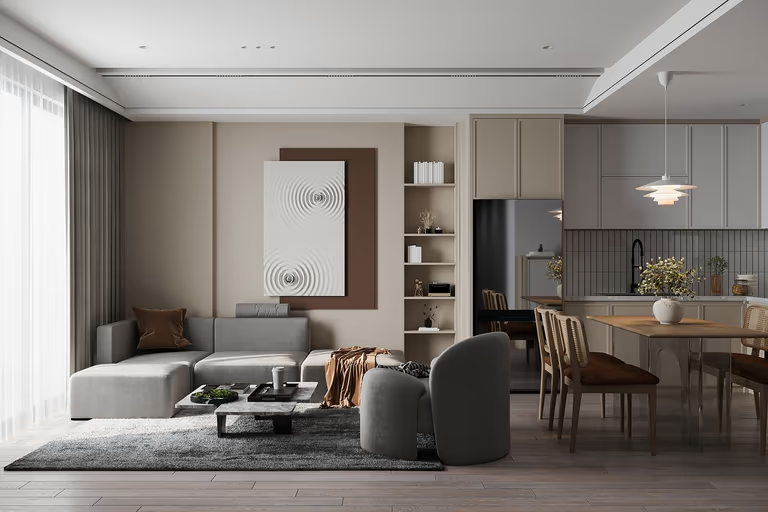 Contemporary
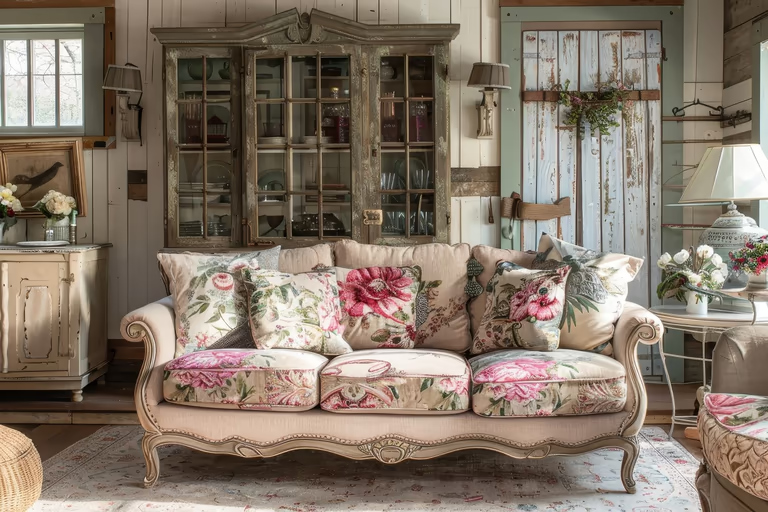 Cottagecore
 Craftsman
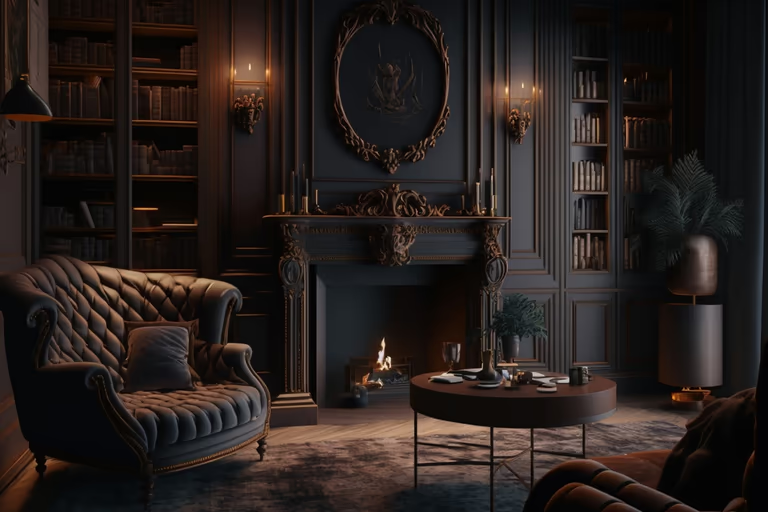 Dark Academia
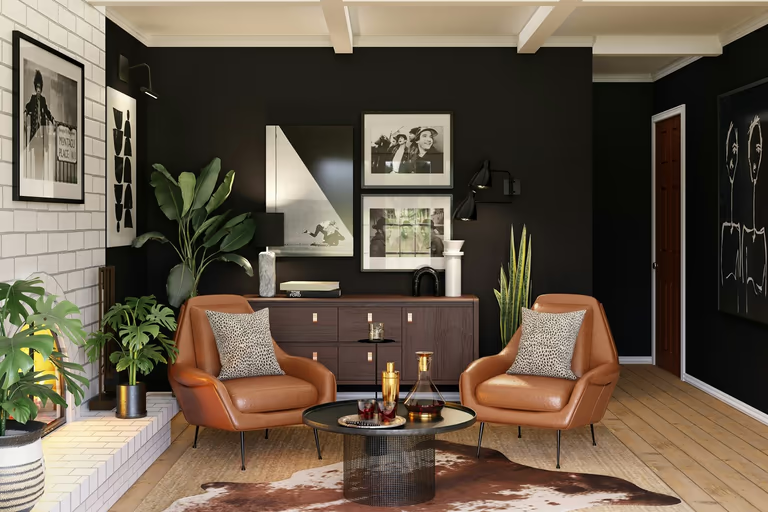 Eclectic
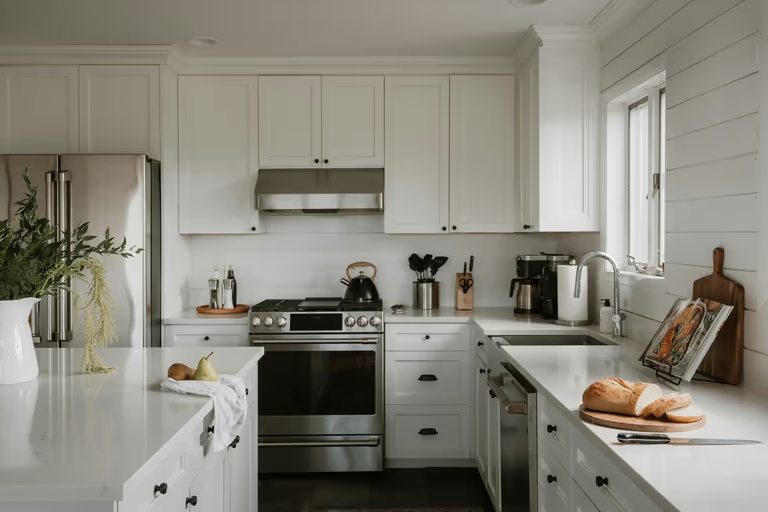 Farmhouse
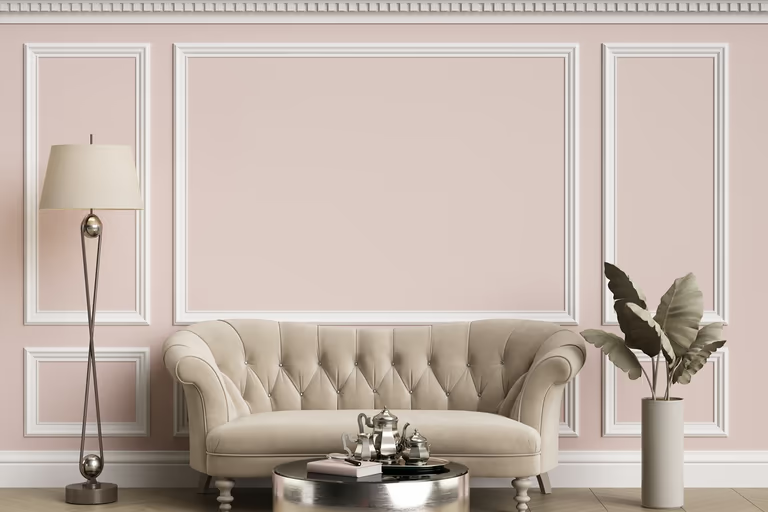 French Country
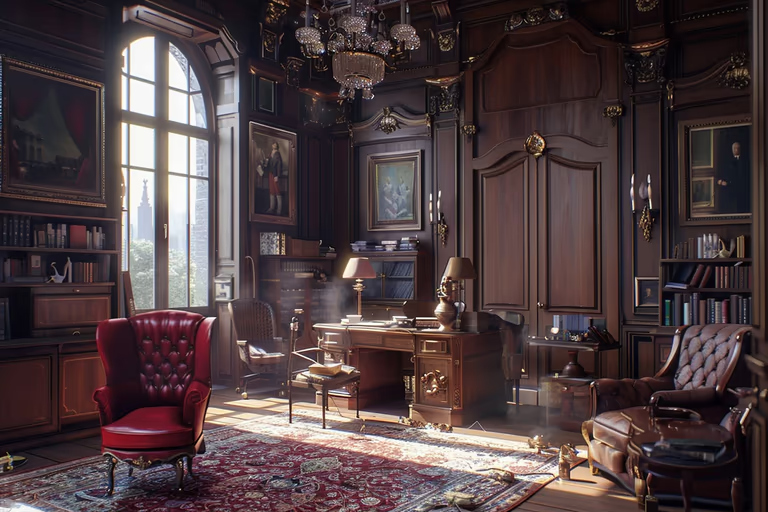 Gothic
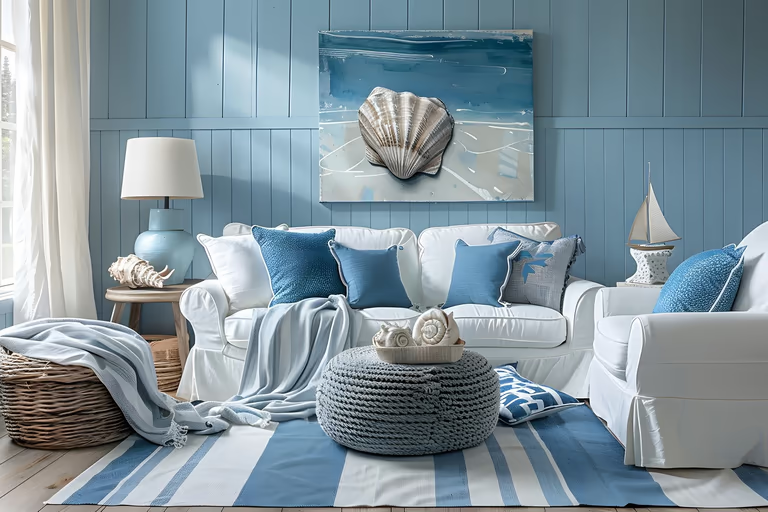 Hamptons
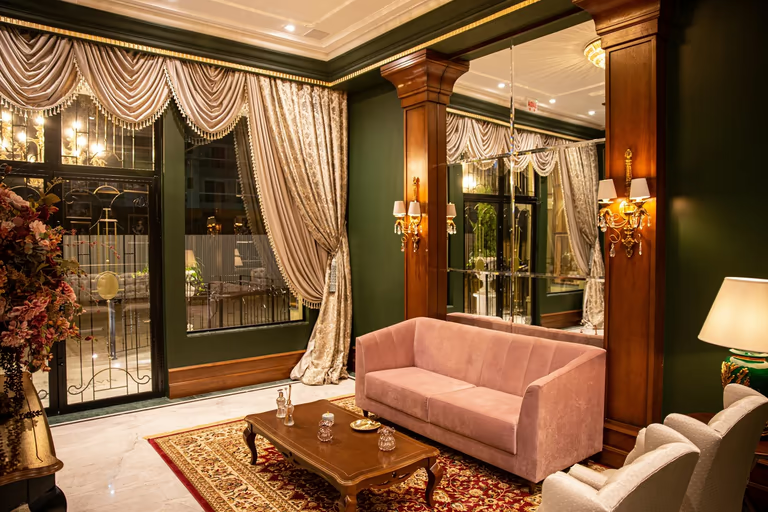 Hollywood Regency
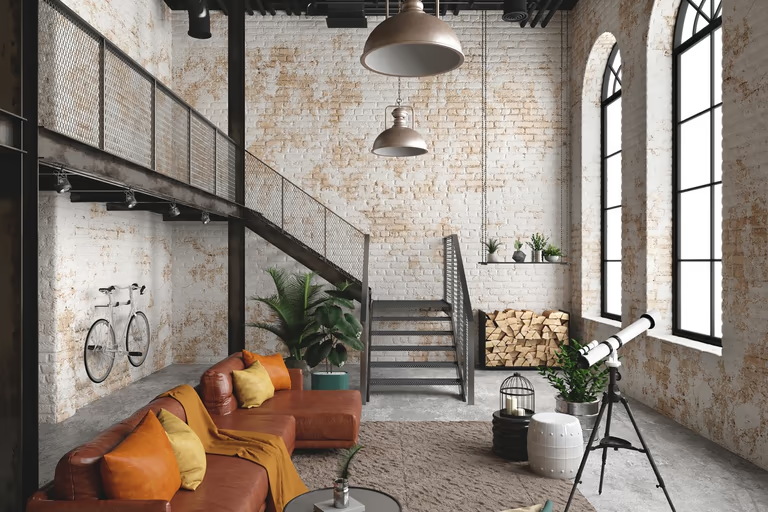 Industrial
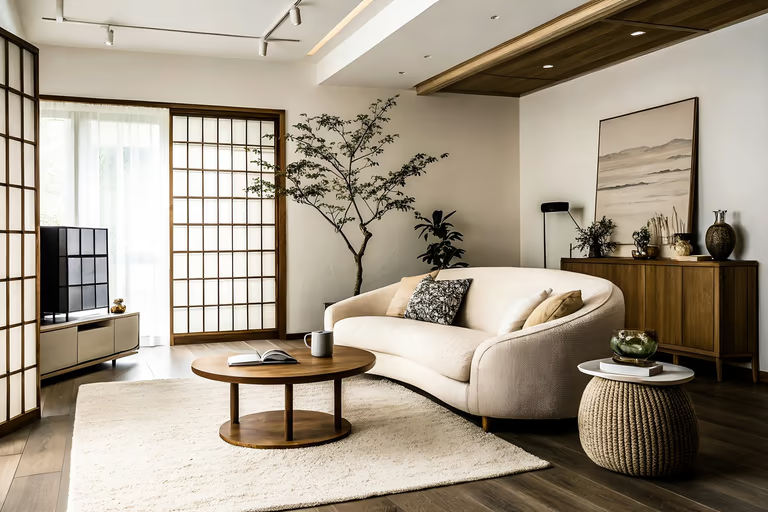 Japandi
 Luxury
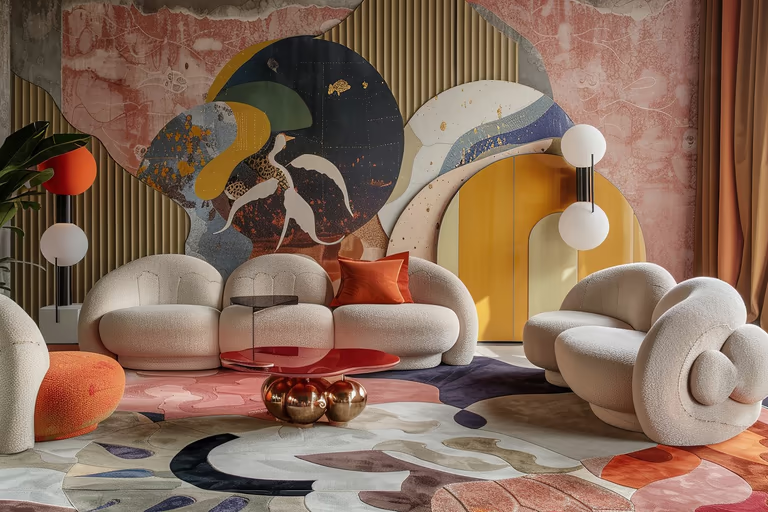 Maximalist
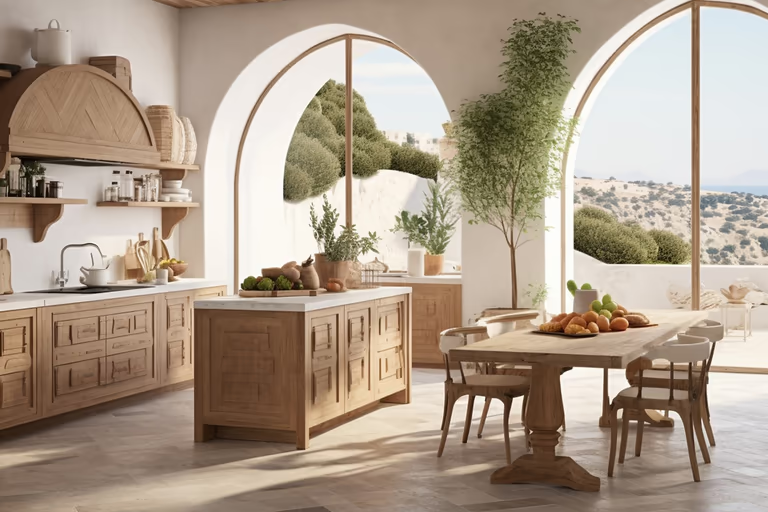 Mediterranean
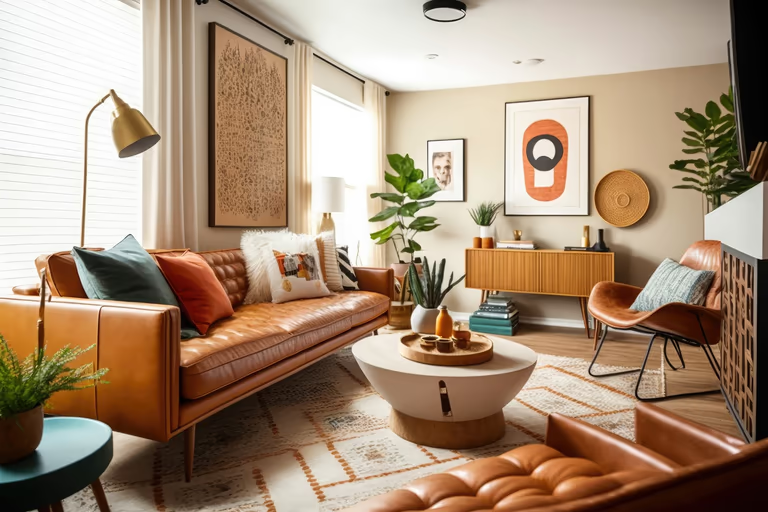 Mid-Century Modern
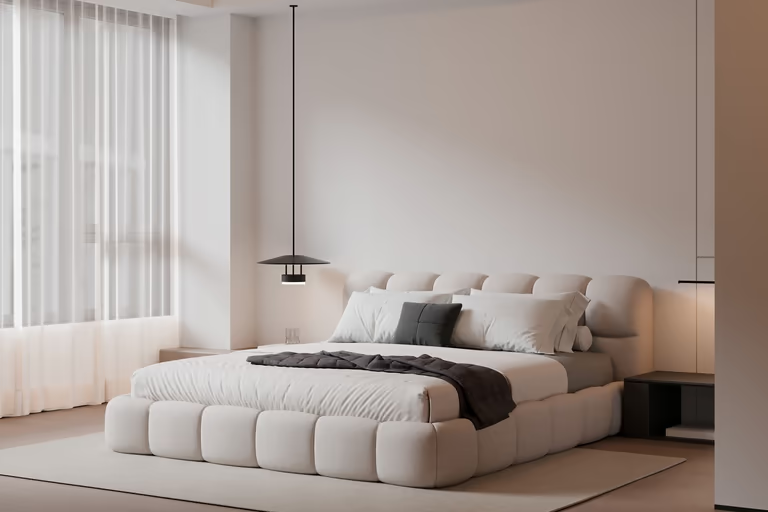 Minimalist
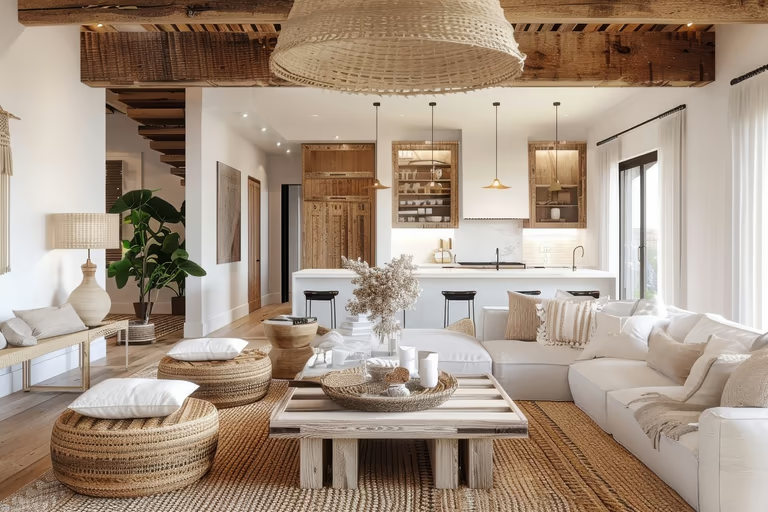 Modern Farmhouse
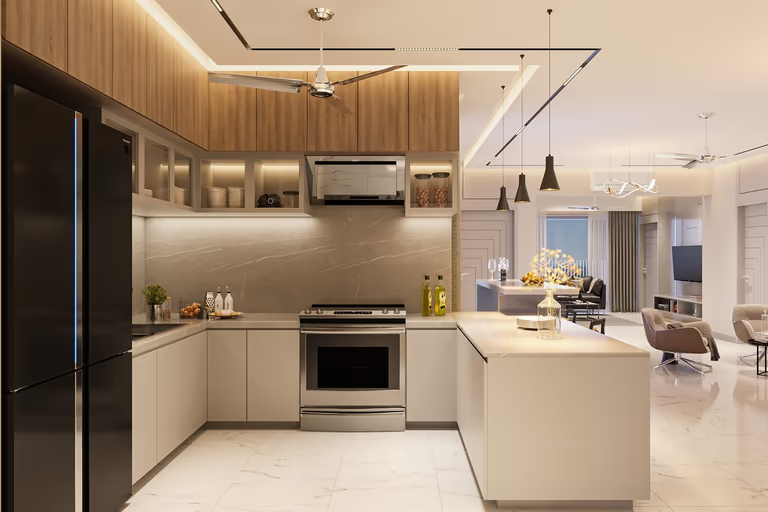 Modern
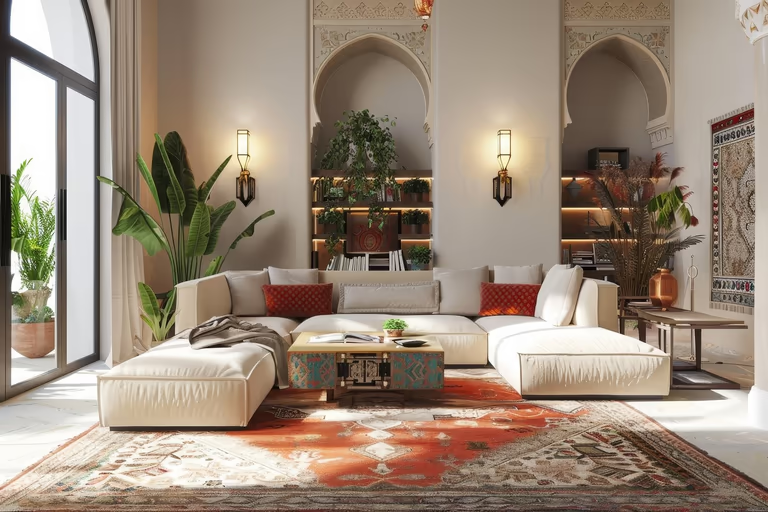 Moroccan
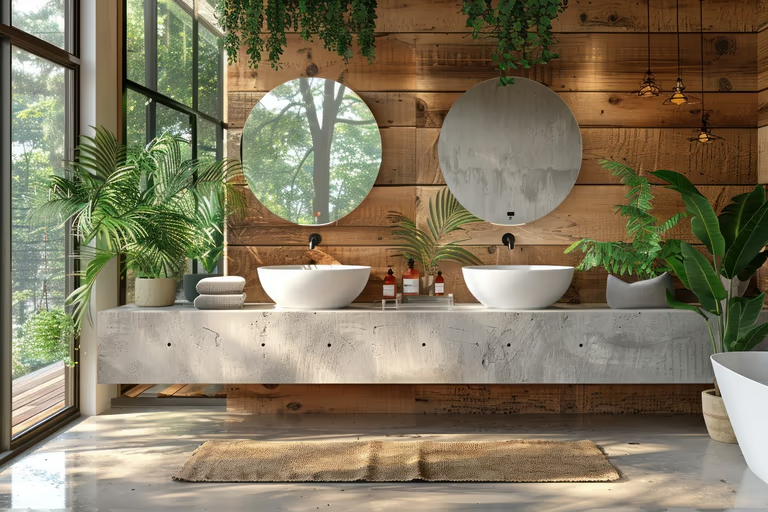 Organic Modern
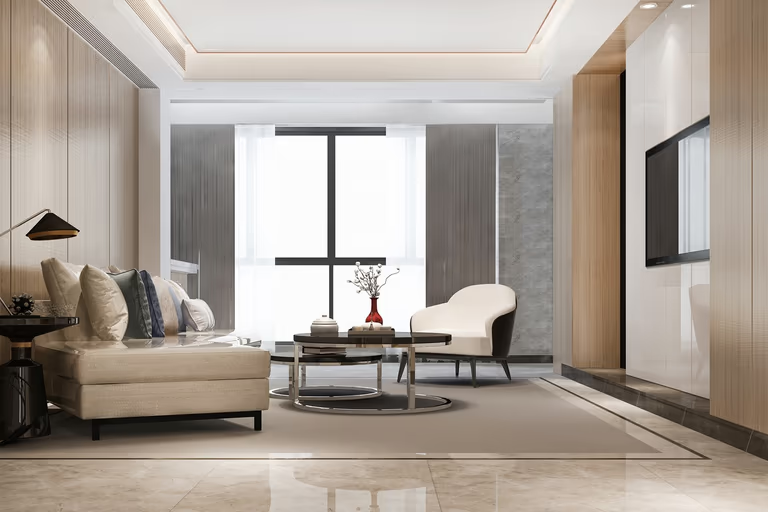 Quiet Luxury
 Ranch
Ranch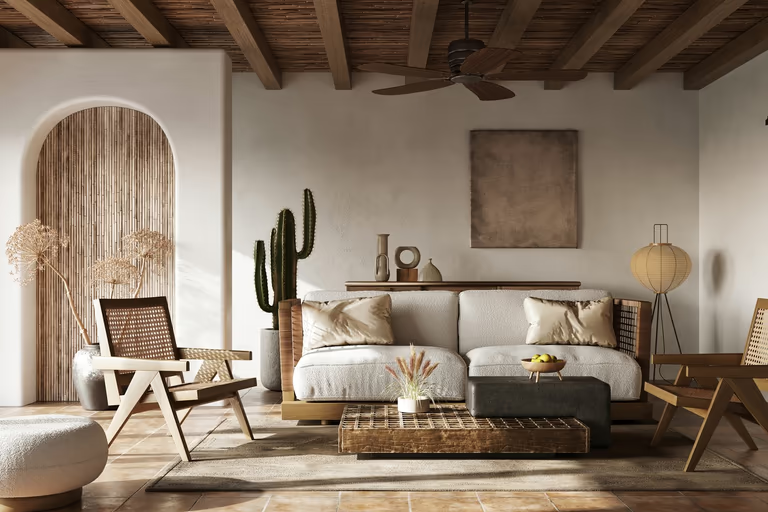 Rustic
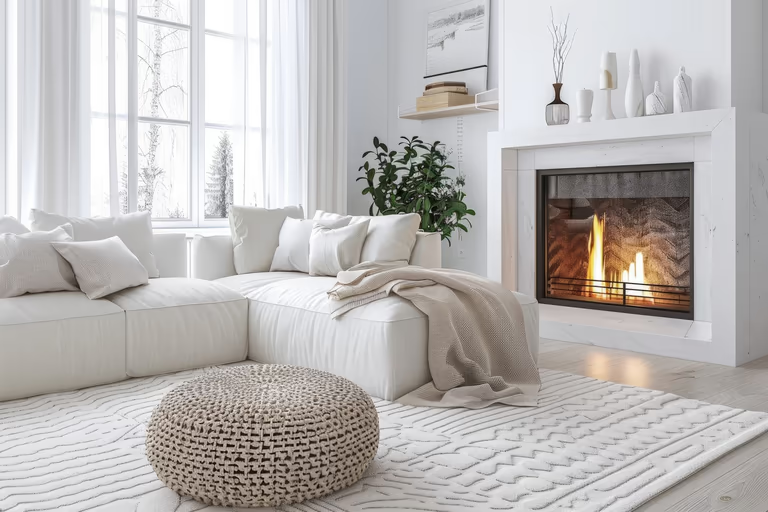 Scandinavian
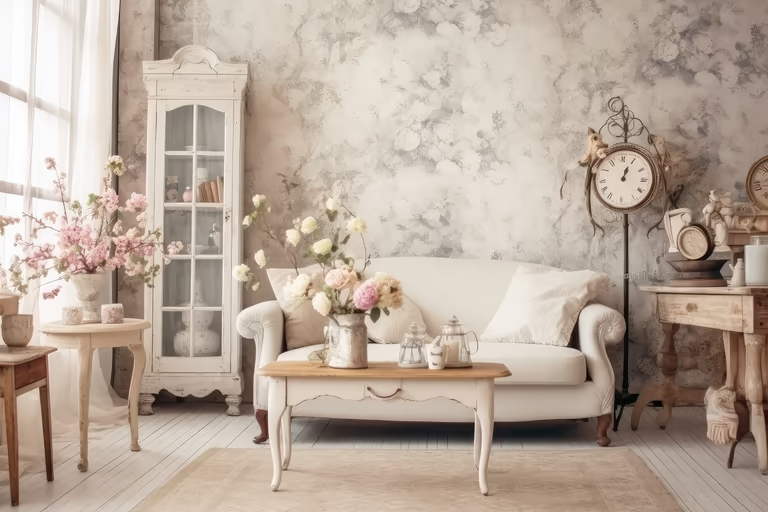 Shabby Chic
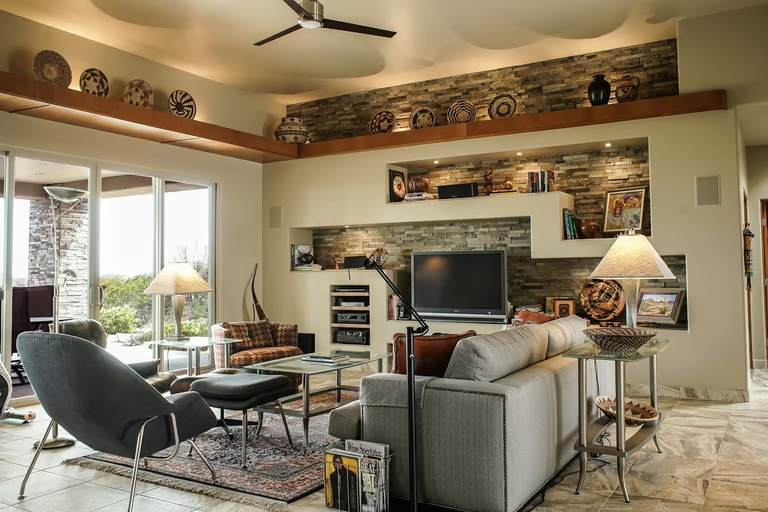 Southwestern
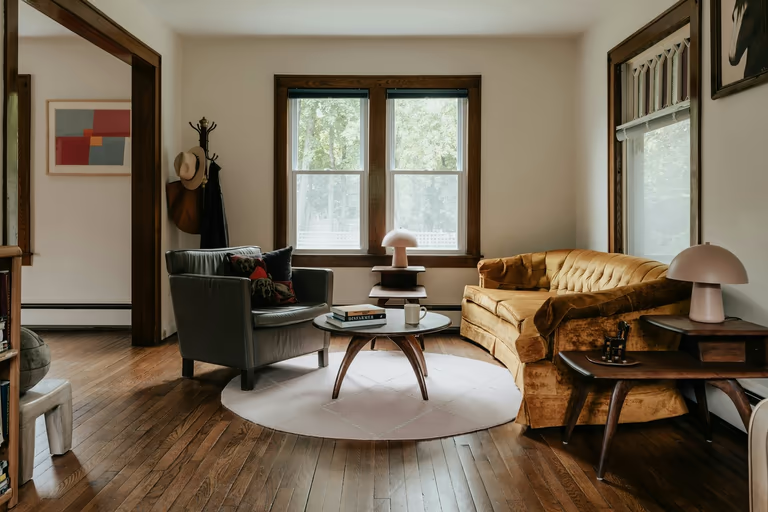 Traditional
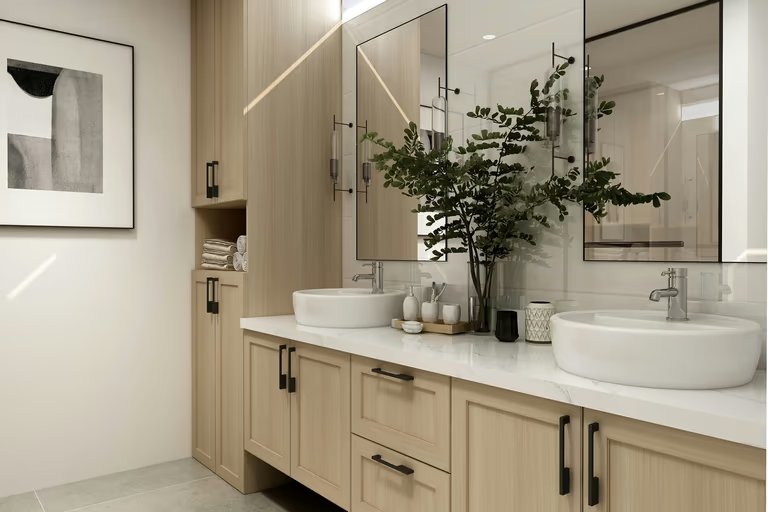 Transitional
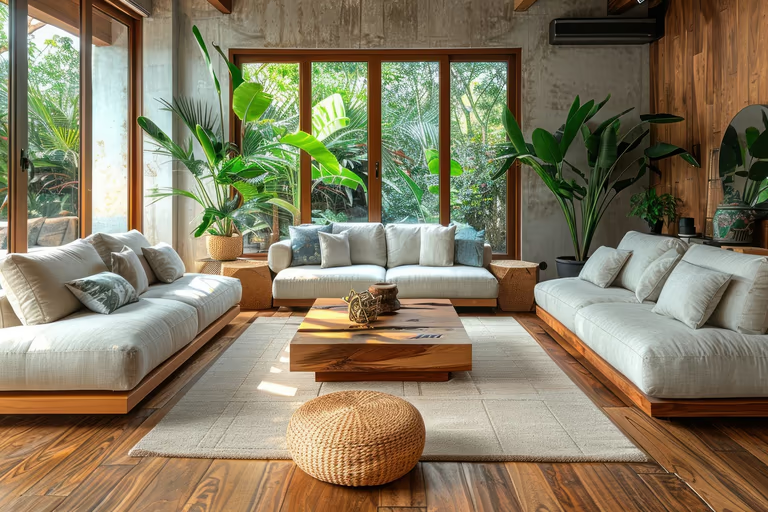 Tropical
 Tudor
Tudor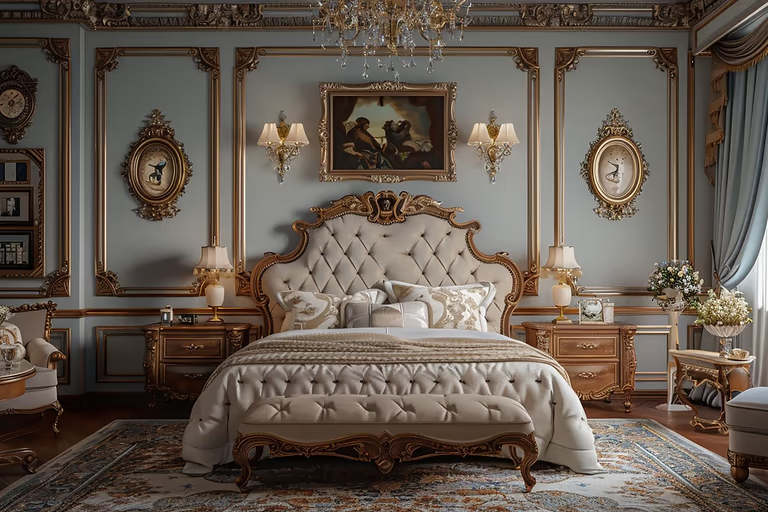 Victorian
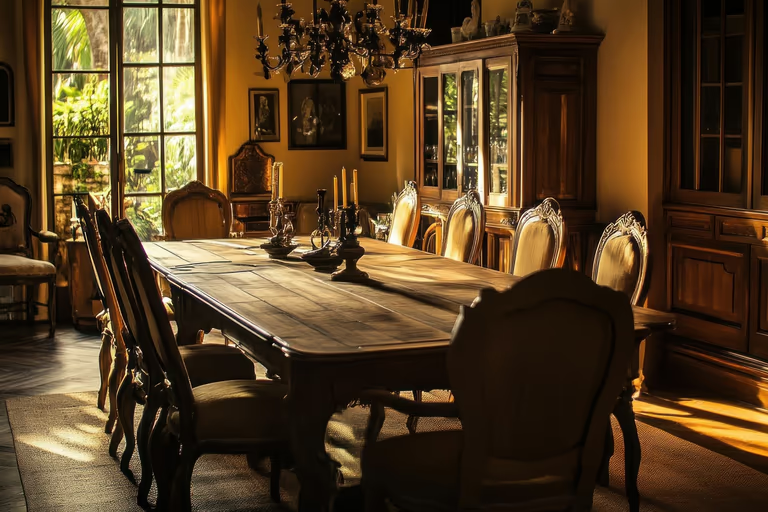 Vintage
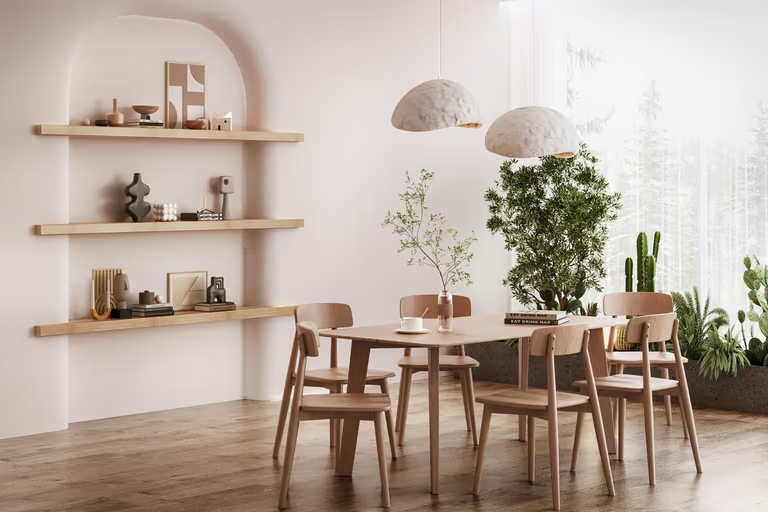 Wabi-Sabi
AI Home Design FAQs
Have questions about AI home design? Learn how AI can help you make new designs for your rooms, house, garden, and home projects.
What is AI home design?
AI home design is the use of artificial intelligence to create new design ideas for an existing home. You can start with a photo and explore different furniture, colors, materials, and interior styles.
Which AI is best for home design?
It depends on how much of the home you are changing. An interior design tool may be enough for one room. For a whole-home project, DecorAI lets you redesign rooms, home exteriors, and gardens from one account.
Can I use a photo of my own home?
Yes. You can upload an image from your device, use an image link, or choose a previous image from your DecorAI creations.
Can I use AI home design for free?
Some tools give you a few free designs or credits. DecorAI's new users get a 1-day trial with 3 designs. A payment card is required to start the trial.
Can AI make a floor plan?
Yes. DecorAI can create a starting floor plan from your room needs, preferred sizes, and plot details. Check the room sizes, doors, windows, stairs, and hallways because the plan may contain mistakes. You can also use DecorAI's Floor Plan to 3D tool to turn an existing floor plan into a 3D design.
Can AI design both the inside and outside of my house?
AI can help with rooms, house exteriors, gardens, and floor plan ideas. You may need more than one tool for a complete house project. The designs are ideas, not building plans.
Can AI home design replace an architect or a designer?
No. AI can help you find and compare ideas. An architect, engineer, or interior designer can check measurements, safety, building rules, materials, and construction details.
Does AI home design create floor plans?
Some platforms include an AI floor plan generator, while others only redesign photos. DecorAI can generate a floor plan from your requirements, but you should check all dimensions with a qualified professional before using it for construction.
How realistic are the results?
The results can look realistic when you use a clear, well-lit photo. DecorAI uses your photo as the starting point, so the new design can follow the same lighting, room shape, and camera angle. AI may still change some details, so always compare the result with the original photo.
Do I need design experience to use DecorAI?
No. You can start with a photo and choose simple options such as your space, style, furniture settings, and colors. You do not need to be an interior designer, special skills or software.

Try AI Home Design Free
Upload a photo of your space and redesign it with AI in seconds. Explore styles, change details, and visualize your ideas before you make them real.
Start Free Trial