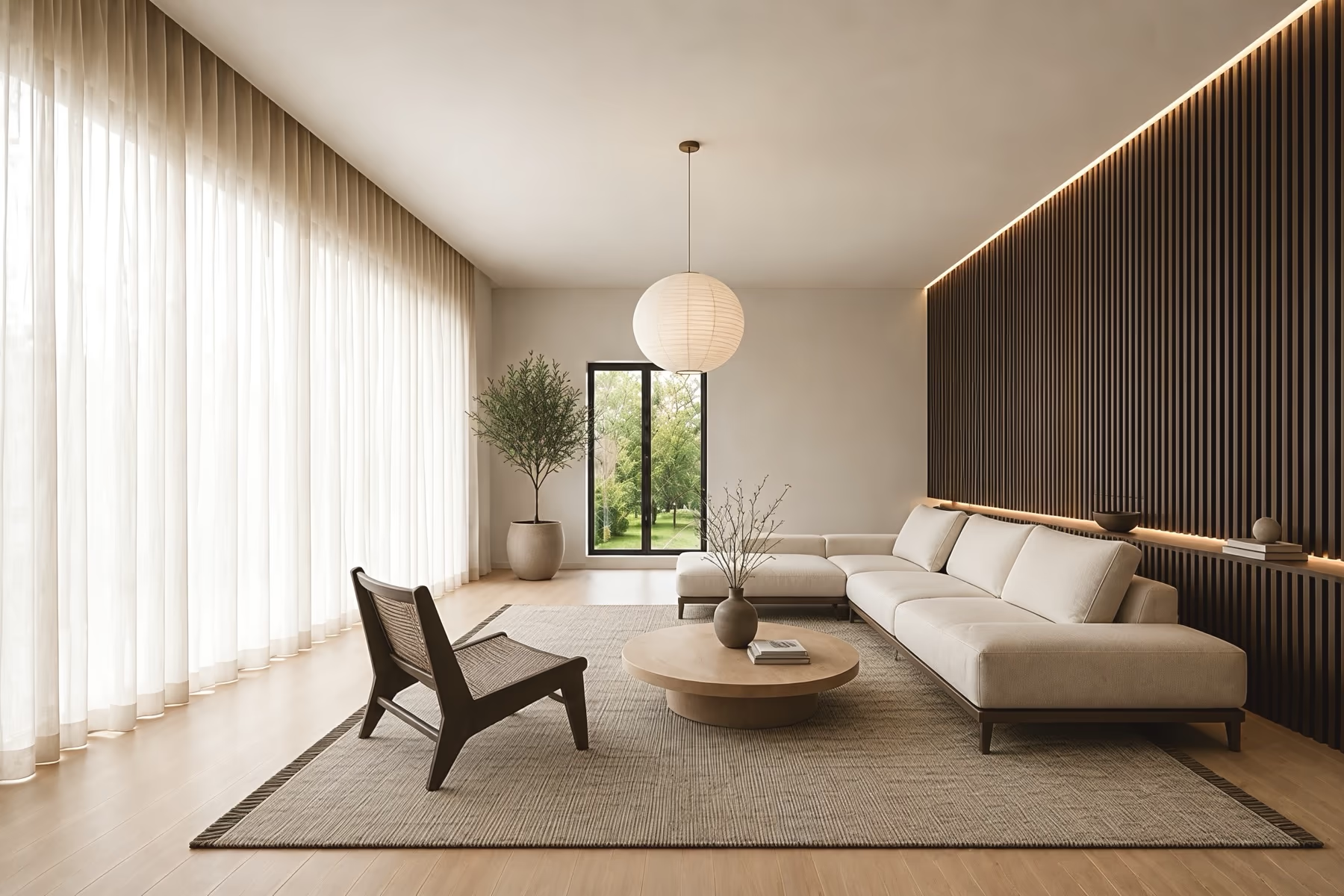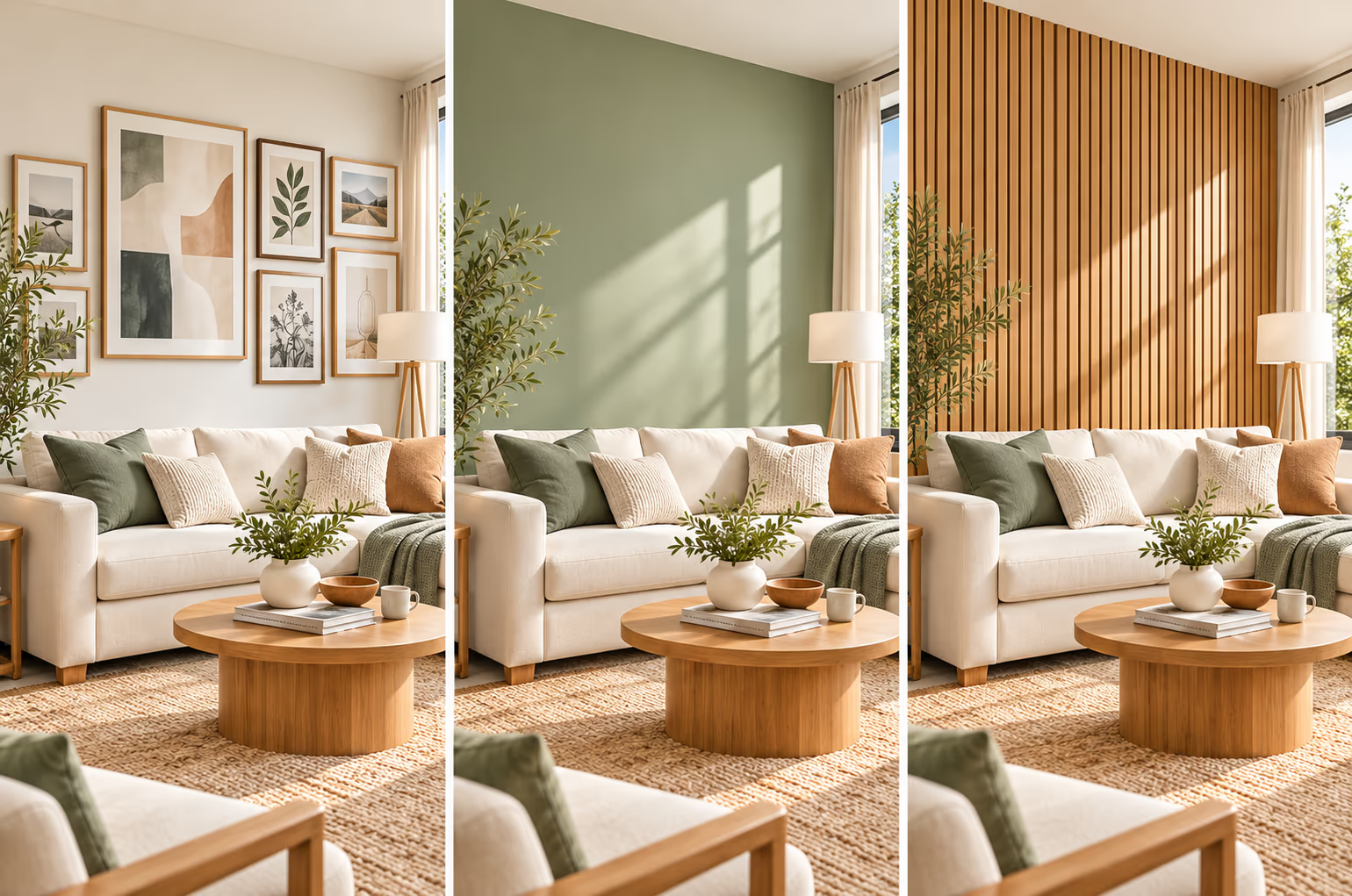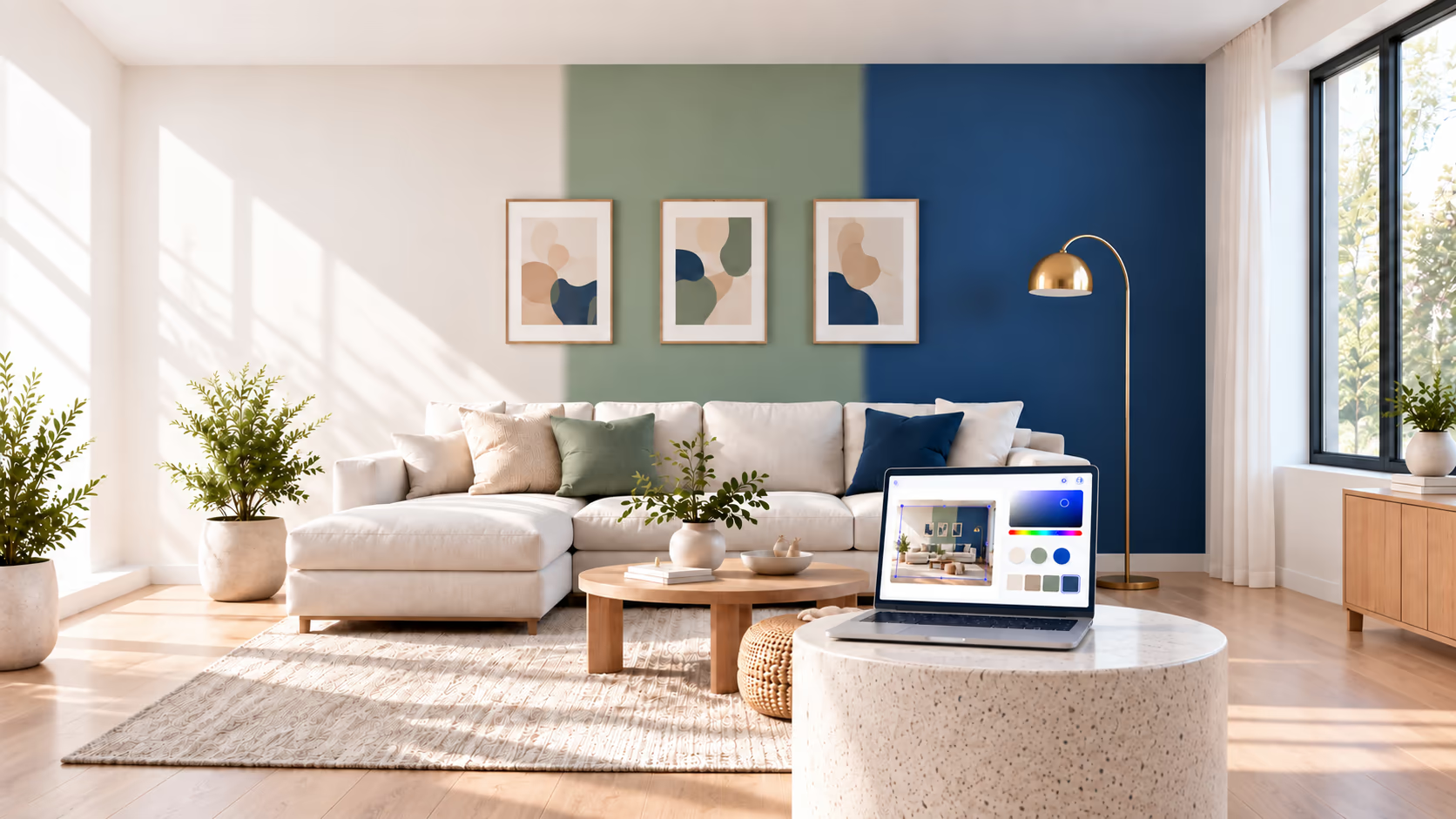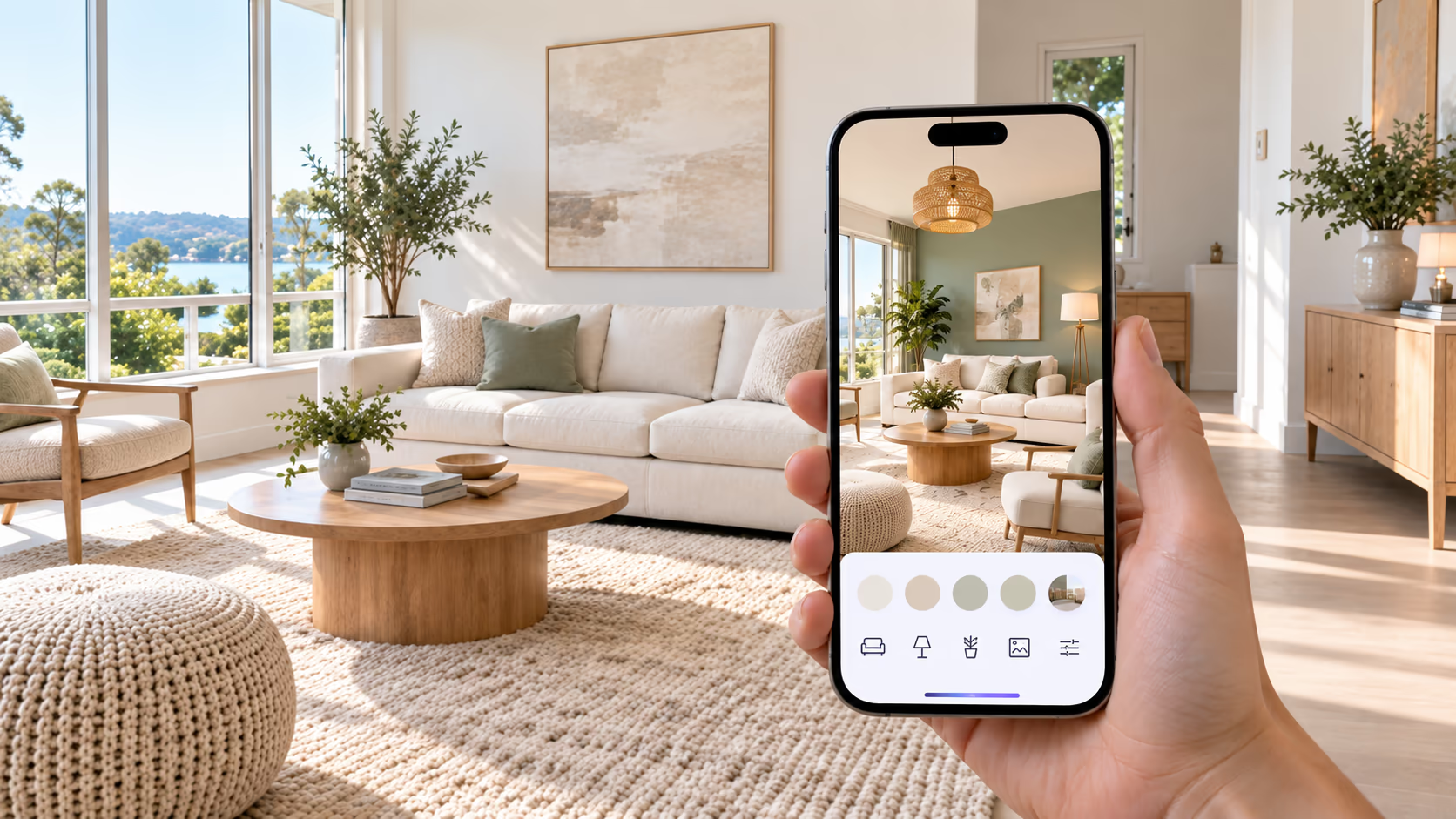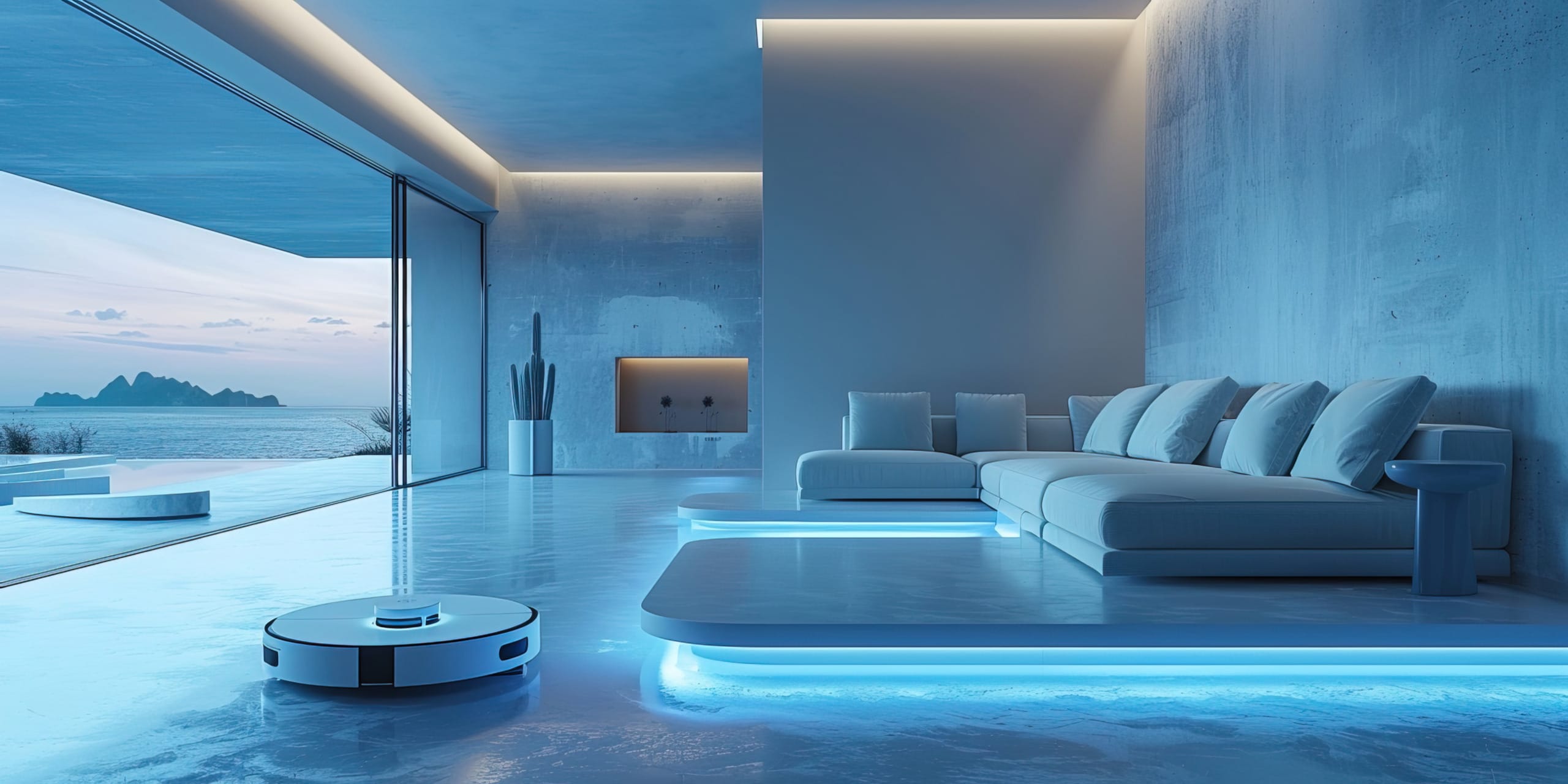
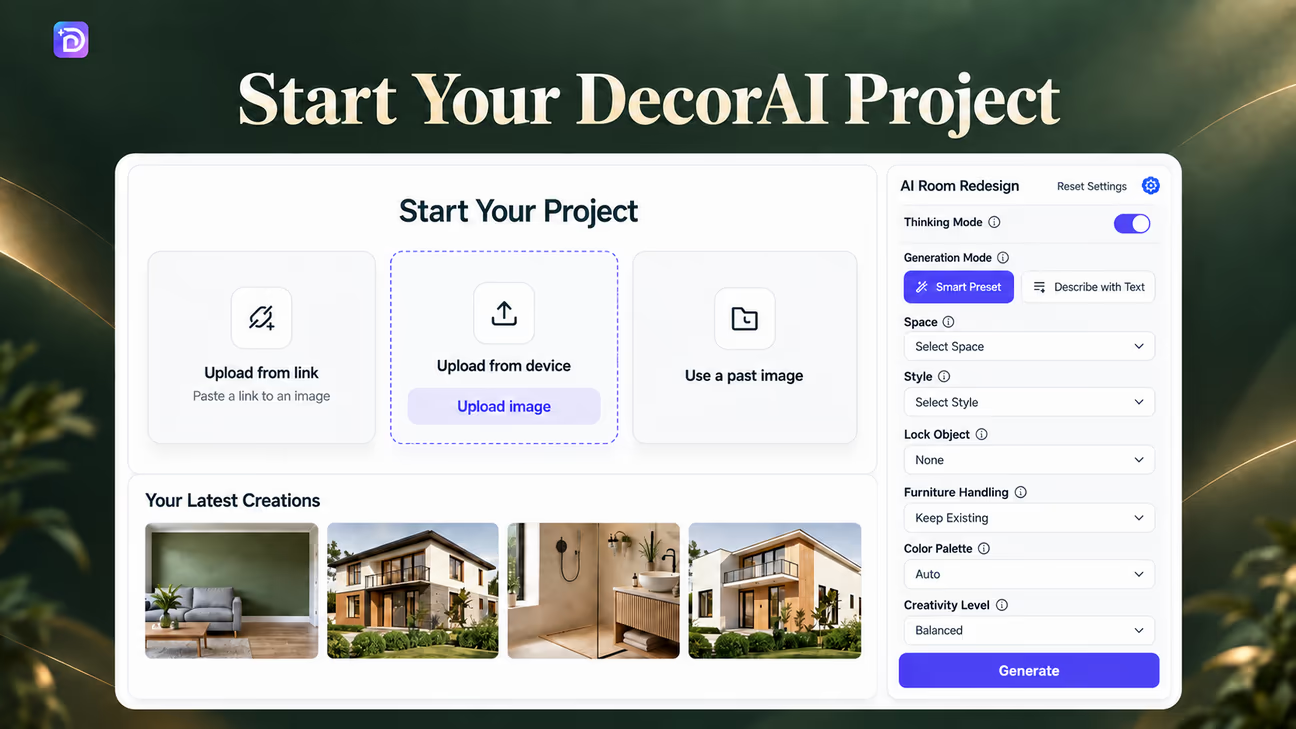
Vuoi imparare ad arredare con l'AI nel 2026? Carica la foto della tua stanza su DecorAI e prova colori, mobili e stili diversi prima di comprare qualsiasi cosa.
Questa guida ti mostra come creare un'anteprima, controllare cosa è cambiato e usare le tue idee preferite. Scoprirai anche cosa l'AI non può confermare e cosa controllare prima di fare acquisti.
Per arredare con l'AI, scegli una modalità di design, seleziona uno stile e genera un'anteprima della stanza in DecorAI. Tieni le idee che ti piacciono e controlla che non ci siano modifiche indesiderate. Verifica misure, dettagli dei prodotti e campioni dei materiali prima di comprare.
Scegli come vuoi arredare con l'AI
Parti da una foto della stanza, da uno spazio vuoto, da uno schizzo o da una planimetria. Scegli la modalità di DecorAI in base al punto di partenza e a cosa vuoi cambiare. La foto di una stanza arredata va bene per provare un nuovo look, mentre la foto di una stanza vuota ti dà una base per le idee sui mobili. Uno schizzo o una planimetria servono per vedere un progetto che non hai ancora realizzato.
Ti serve ispirazione prima di iniziare? Sfoglia la Galleria di ispirazioni DecorAI per stili di stanze, colori e disposizioni dei mobili.

Ecco alcuni esempi delle diverse opzioni di design di DecorAI:
1. Sketch to Interior
Trasforma uno schizzo approssimativo in un'anteprima di una stanza arredata. Carica il tuo disegno per vedere idee su mobili, illuminazione, colori e finiture. Confronta il risultato con lo schizzo e decidi quali dettagli vuoi sviluppare.
2. Room Redesign
Prova un nuovo look nella tua stanza così com'è. Carica una foto e confronta colori delle pareti, mobili e decorazioni diversi senza spostare nulla. Parti da un obiettivo chiaro, come sostituire dei mobili scuri o provare una palette di colori più calda.
3. Empty Room to Interior
Guarda come potrebbe apparire arredata una stanza vuota. Aggiungi una foto, scegli uno stile e valuta idee per sedute, contenitori, tappeti e illuminazione. Usa l'anteprima per scegliere i tipi di mobili, poi misura lo spazio disponibile prima di scegliere i pezzi reali.
4. Freestyle Interior
Non sai quale look vuoi? Prova Freestyle Interior per idee di arredamento diverse. Salva i colori, i mobili e le disposizioni che ti piacciono. Un risultato potrebbe suggerirti un abbinamento a cui non avevi pensato, come un tappeto fantasia accanto a mobili semplici.
5. Style Changer
Confronta uno stile diverso usando la foto della tua stanza. Prova lo stile scandinavo, boho, minimalista o l'interior design industriale e vedi quale direzione fa per te. Guarda i dettagli specifici, come le finiture del legno, i tessuti e l'illuminazione, per decidere cosa tenere.
6. Floorplan to Interior
Usa una planimetria per creare un'anteprima degli interni. Valuta la disposizione dei mobili e le finiture, poi confrontale con le misure originali prima di fare progetti. Considera l'immagine generata come un riferimento visivo, non come una pianta con misure o un disegno tecnico.
Confronta ogni immagine generata con l'originale. Finestre, porte e altri dettagli della stanza possono cambiare, anche quando volevi solo un nuovo stile di arredamento.
La tua stanza, la tua scelta
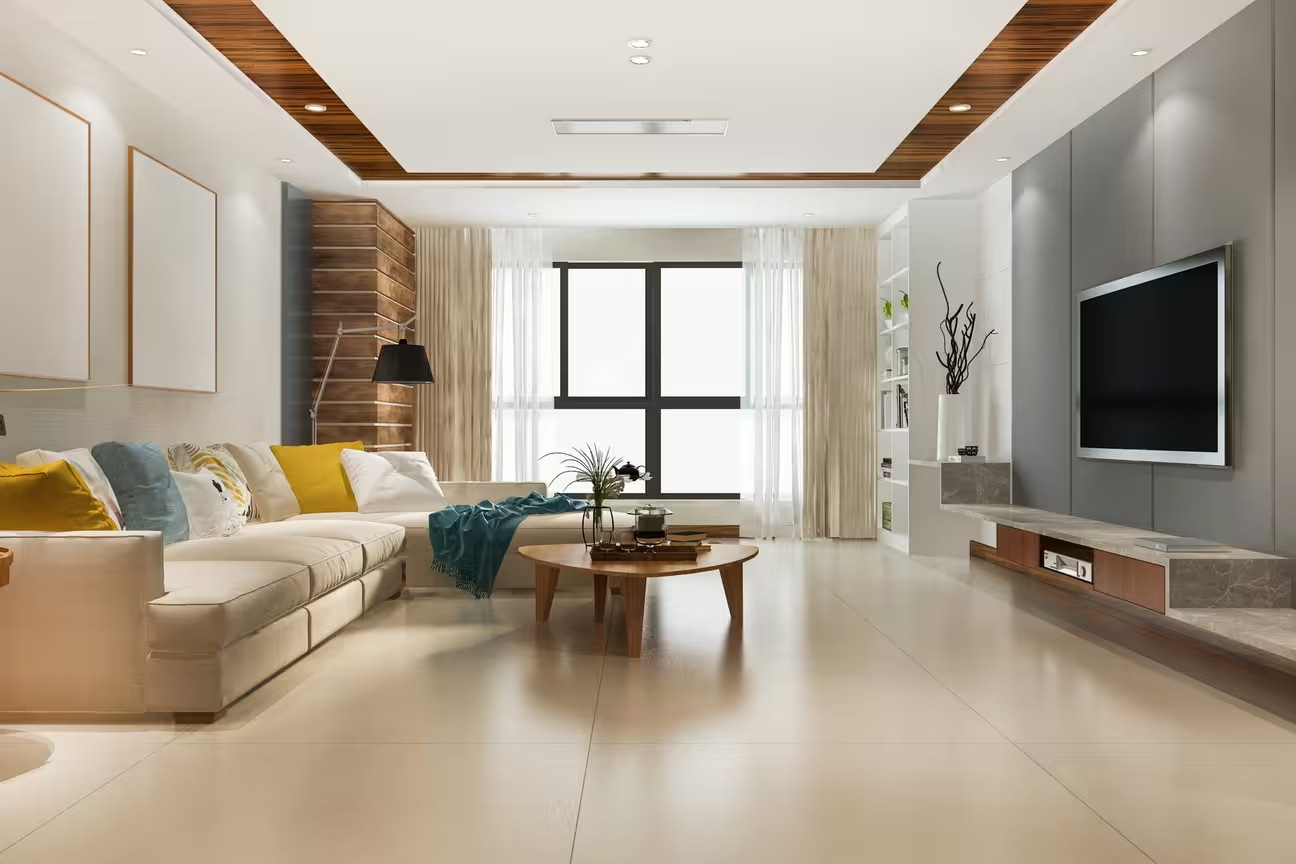
Scegli la stanza che vuoi rinnovare e decidi cosa cambiare. A una camera da letto potrebbero servire colori più caldi, una cucina potrebbe guadagnare con finiture diverse dei mobili, o un bagno potrebbe aver bisogno di un nuovo abbinamento di piastrelle.
DecorAI supporta 129 tipi di spazi e 54 stili d'interni. Carica la tua foto tramite Arredamento stanze con AI e usa queste opzioni come punto di partenza:
- Camera da letto: prova biancheria da letto, colori delle pareti, mobili e illuminazione in stili come scandinavo, minimalista o contemporaneo. Scegli una direzione dalla libreria di stili d'interni.
- Soggiorno: confronta divani, tappeti, contenitori e illuminazione. Prova look moderni, boho o industriali usando la stessa foto della stanza.
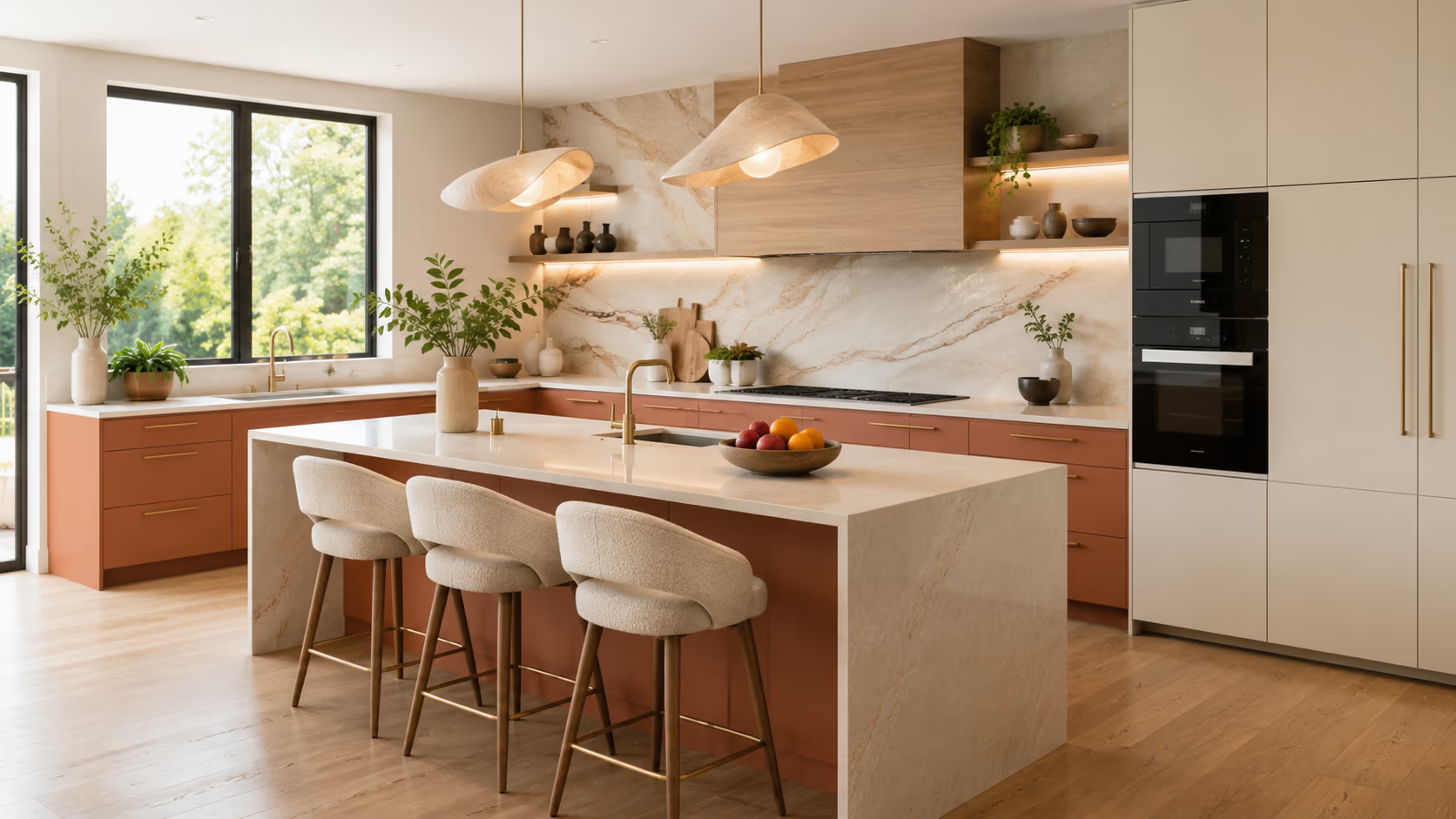
- Cucina: scegli tra 7 tipi di cucina e 10 stili di cucina. Confronta 15 colori dei mobili, 7 stili di mobili, 11 opzioni per il piano di lavoro, 8 opzioni per il paraschizzi e 9 opzioni per il pavimento.
- Studio: prova scrivanie, scaffali, sedute e illuminazione con uno stile d'interni semplice o più decorativo.
- Sala da pranzo: prova forme di tavolo, stili di sedie, tappeti e lampade a sospensione. Confronta finiture che si abbinano al soggiorno o alla cucina vicini.
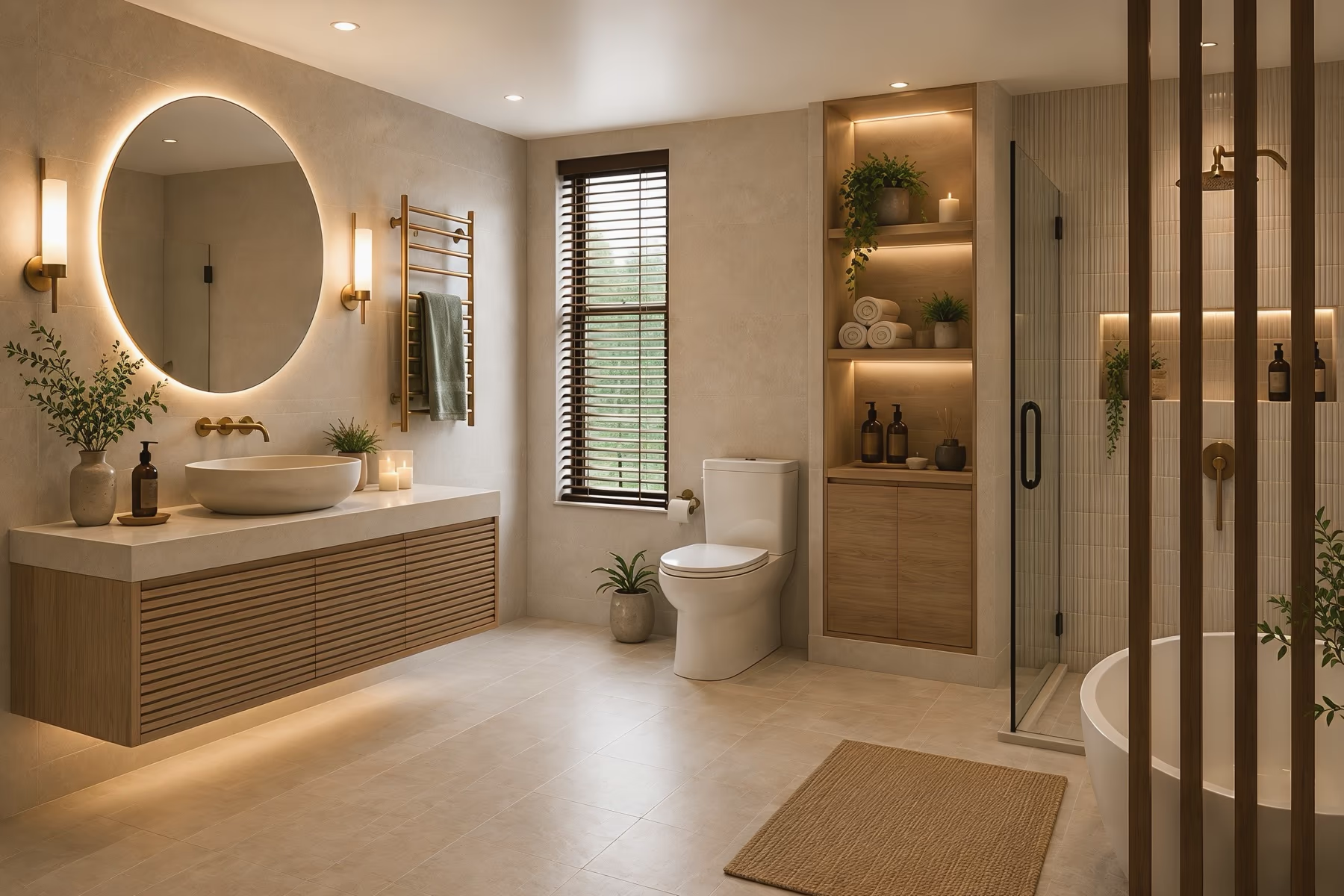
- Bagno: scegli tra 6 tipi di bagno, 7 stili di bagno, 6 stili di piastrelle e 5 temi di colore. Le impostazioni del bagno includono anche 3 livelli di intervento.
Scegli tra 54 stili d'interni
Scegli uno stile in base ai colori, ai materiali e ai mobili che ti piacciono. DecorAI offre 54 stili d'interni, così puoi confrontare look diversi usando la foto della tua stanza.
Inizia con alcune opzioni che ti interessano:
- Scandinavo: colori chiari, legno naturale e mobili semplici e comodi.
- Moderno: linee pulite, colori neutri e mobili dalle forme semplici.
- Minimalista: meno oggetti decorativi, superfici sgombre e una palette di colori ridotta.
- Industriale: mattoni a vista, dettagli in metallo, legno e finiture materiche.
- Boho: tessuti sovrapposti, fantasie, piante e un mix di stili di mobili.
- Contemporaneo: forme di mobili attuali, materiali misti e dettagli decorativi semplici.
Preferisci lavorare senza uno stile preciso? Scegli Nessuno stile. Confronta il risultato con la foto originale, perché questa opzione non garantisce che la disposizione o ogni dettaglio della stanza restino invariati.
Salva i dettagli che ti piacciono in ogni versione. Potresti preferire i colori scandinavi con mobili contemporanei invece di seguire un solo stile in tutta la stanza.
Personalizza i mobili fin nei dettagli
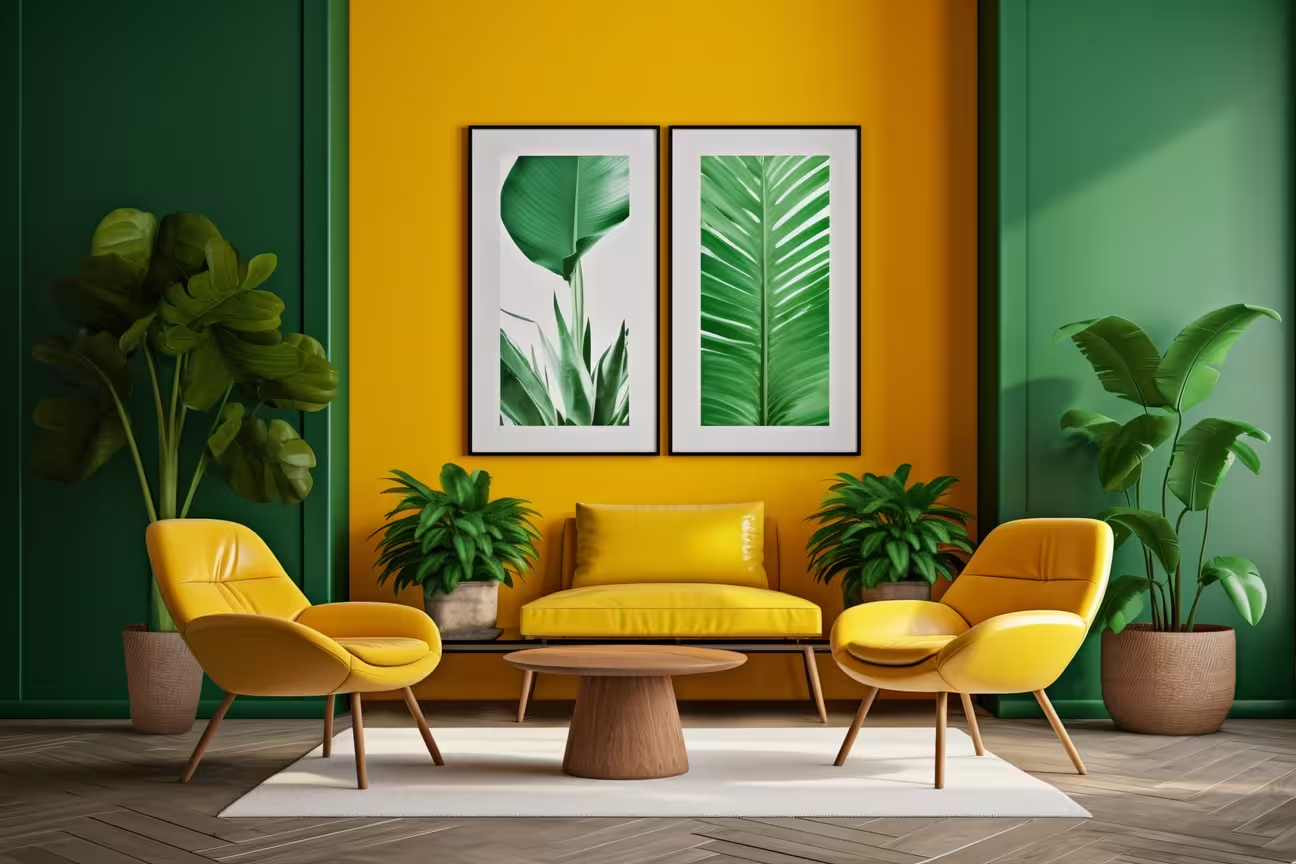
Confronta le idee per i mobili prima di decidere cosa tenere o sostituire. Un divano, un letto o un mobile contenitore diverso può cambiare il look di una stanza, ma forse ti basta cambiare pochi pezzi. DecorAI include 16 opzioni di mobili. Parti dai pezzi più importanti per la tua stanza, poi valuta come stanno insieme colori, forme e finiture.
- Scegli i tipi di mobili: prova letti, divani, tavoli, contenitori e altri pezzi adatti a come usi la stanza.
- Carica immagini di mobili: guarda come potrebbe stare un pezzo accanto al tuo arredamento attuale. L'immagine non conferma le sue dimensioni né se ci sta.
- Confronta le disposizioni: prova diverse posizioni dei mobili e decidi quali idee preferisci. Controlla a parte le dimensioni della stanza, lo spazio per passare e l'apertura delle porte.
- Salva i dettagli utili: tieni gli abbinamenti che ti piacciono come riferimento quando fai acquisti o quando parli della stanza con un designer.
Risultato finale del design con strumenti AI intelligenti
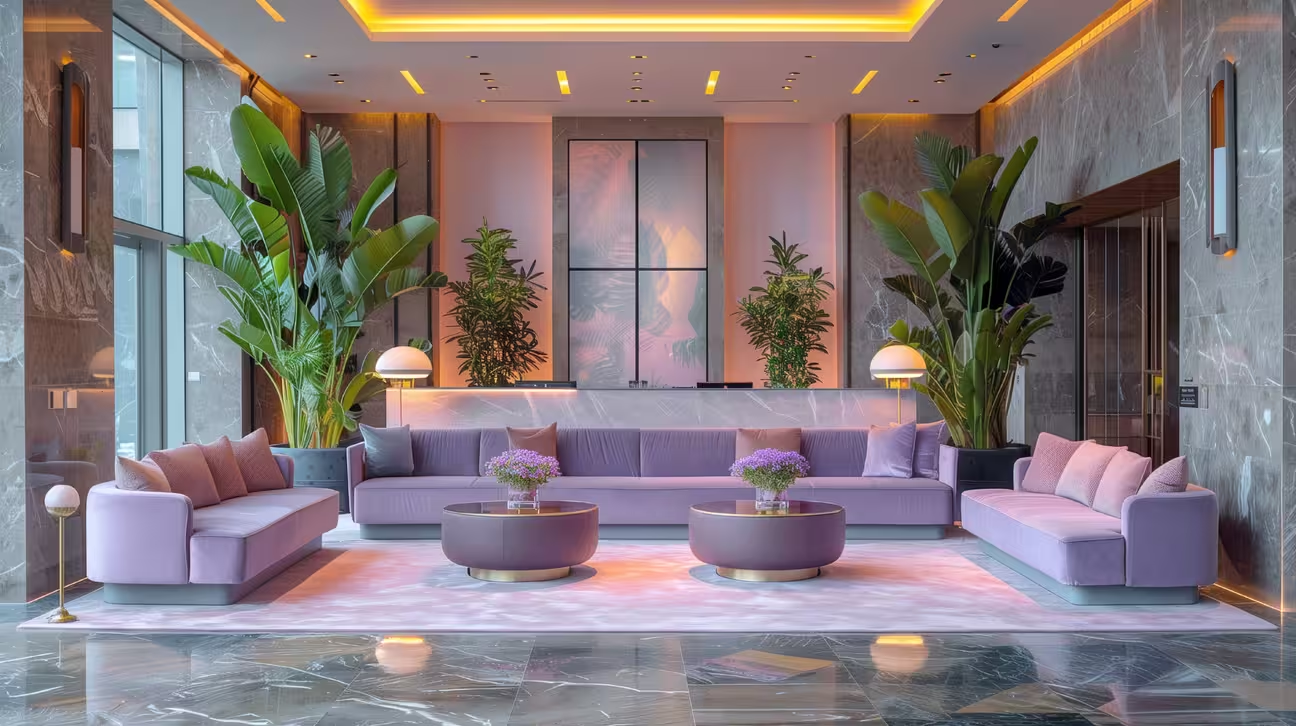
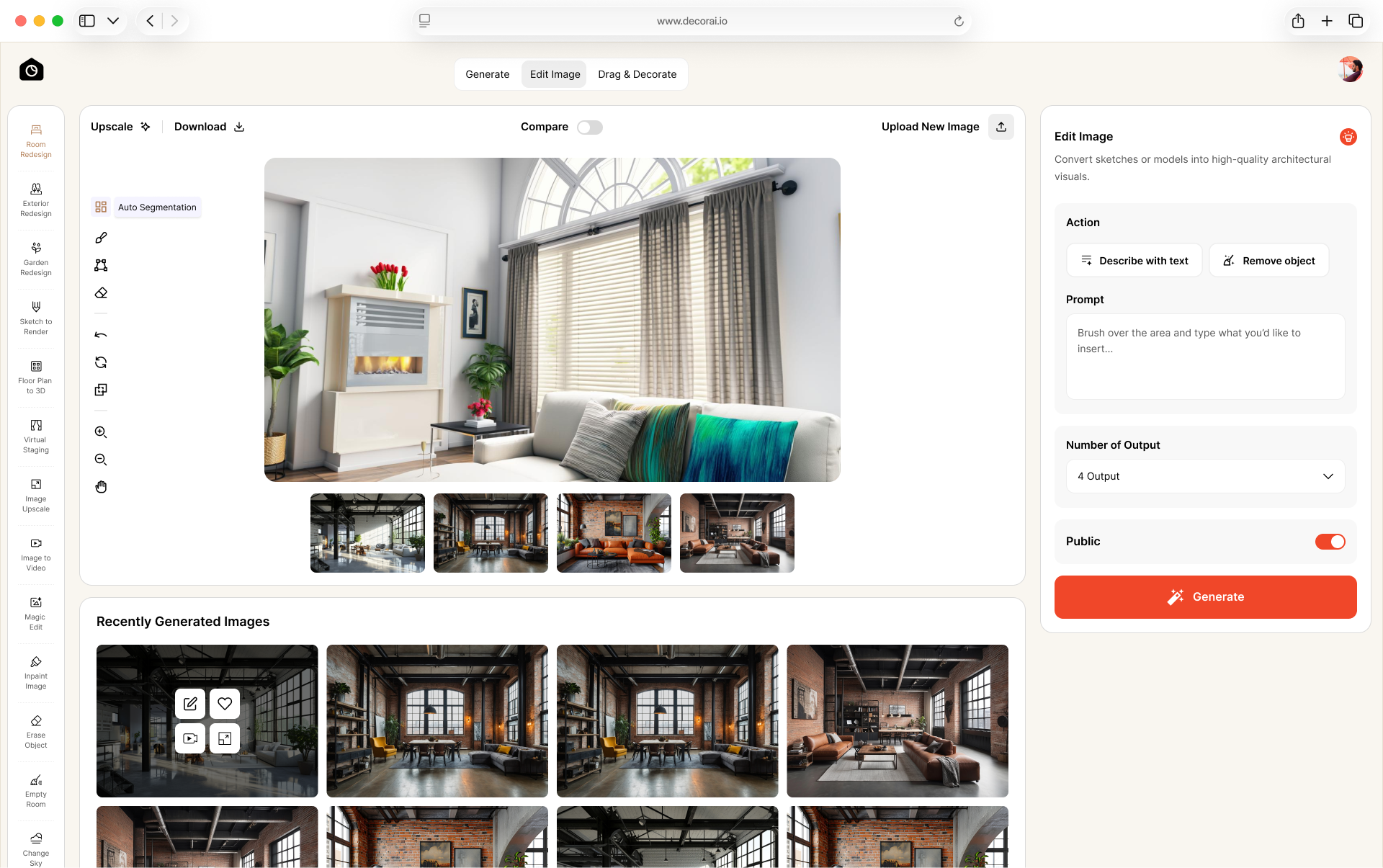
Quando hai un'anteprima che ti piace, controlla i dettagli della stanza prima di salvarla. Confronta finestre, porte, linee del soffitto ed elementi su misura con la foto originale. Correggi le modifiche indesiderate prima di preparare l'immagine da condividere.
1. Posiziona i mobili: visualizza i mobili scelti nella stanza e controlla il loro aspetto e la loro posizione. Verifica a parte le dimensioni reali prima di comprare.
2. Upscale: aumenta la risoluzione dell'immagine se ti serve una versione più grande. Controlla che il risultato non abbia cambiato texture e piccoli dettagli.
3. Scarica: salva il risultato preferito per confrontare le idee o condividerlo con un designer. Tieni accanto la foto originale, così le modifiche proposte sono chiare.
Perché scegliere DecorAI?
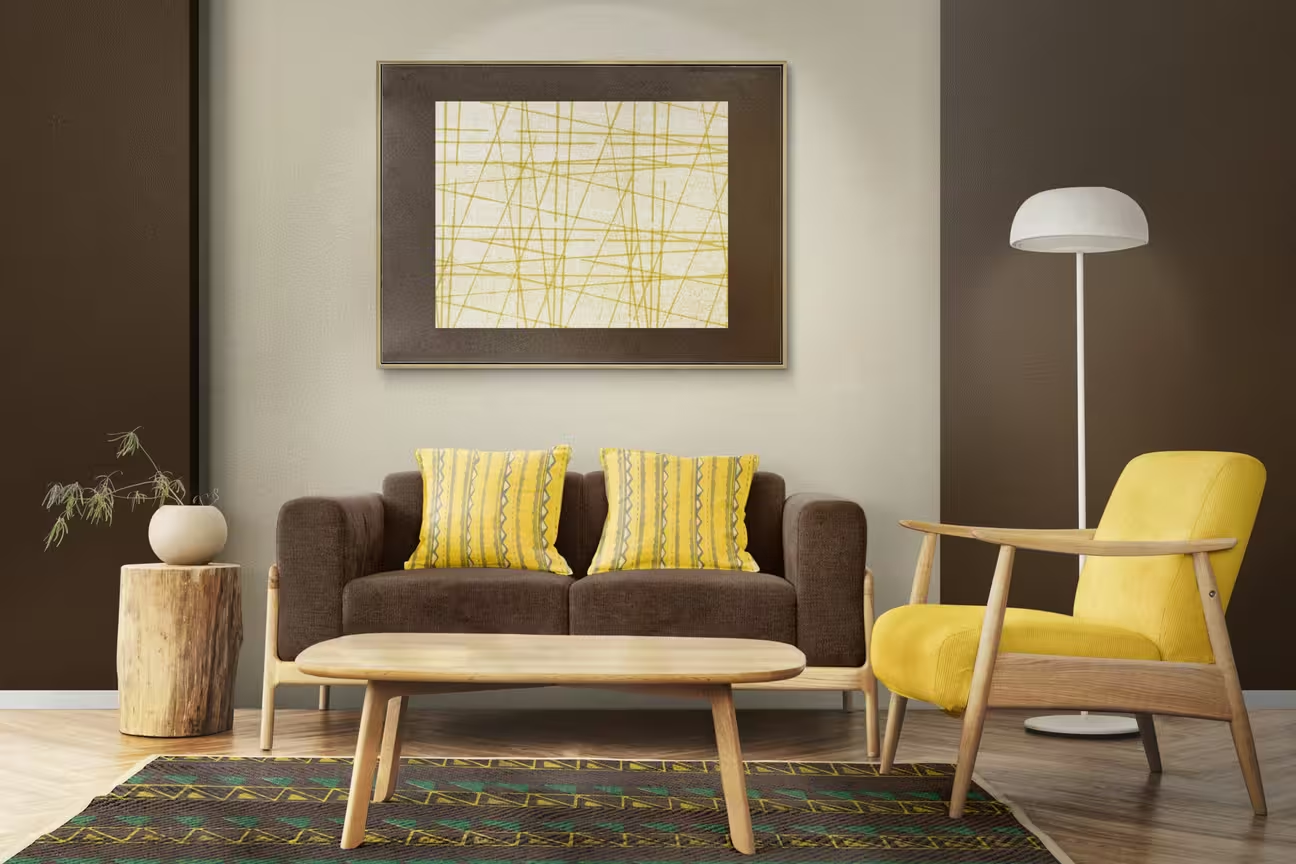
DecorAI unisce le anteprime delle stanze a strumenti per modificare dettagli specifici. Prova un'idea di arredamento, poi usa Magic Edit, Erase Object, Surface Painting o Relight Image per altre modifiche.
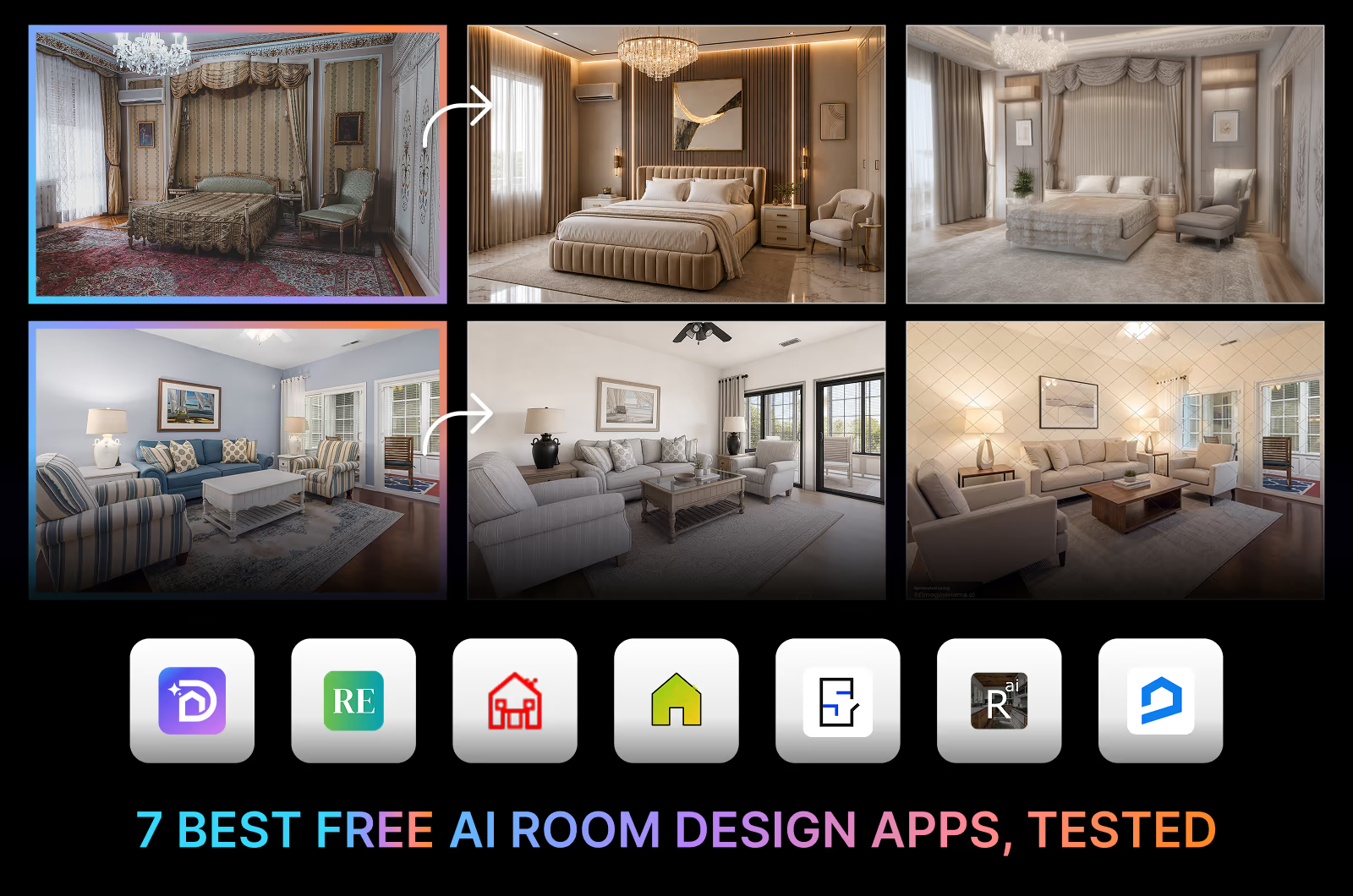
Chi possiede una casa può confrontare le idee prima di fare acquisti. Gli interior designer possono usare le anteprime per parlare di mobili, colori e finiture con i clienti. Per alternative e risultati sul mantenimento della disposizione, leggi il nostro confronto tra strumenti AI di interior design.
I vantaggi di DecorAI
- Confronta prima di decidere: prova diverse idee di arredamento prima di spendere soldi in mobili o materiali.
- Ottieni subito una prima anteprima: il tempo tipico di generazione è di 30 secondi, anche se alcuni risultati possono richiedere più tempo.
- Parti dalla tua stanza: usa la tua foto e le tue preferenze come punto di partenza, invece di affidarti solo a immagini di ispirazione di altre case.
- Crea un brief di progetto più chiaro: salva i dettagli che ti piacciono e condividili con un designer, un decoratore o chi vive con te.
- Segui un processo semplice: carica una foto, scegli le impostazioni e genera un'anteprima. Controlla il risultato prima di decidere cosa usare.
Prezzi flessibili per ogni tipo di progetto
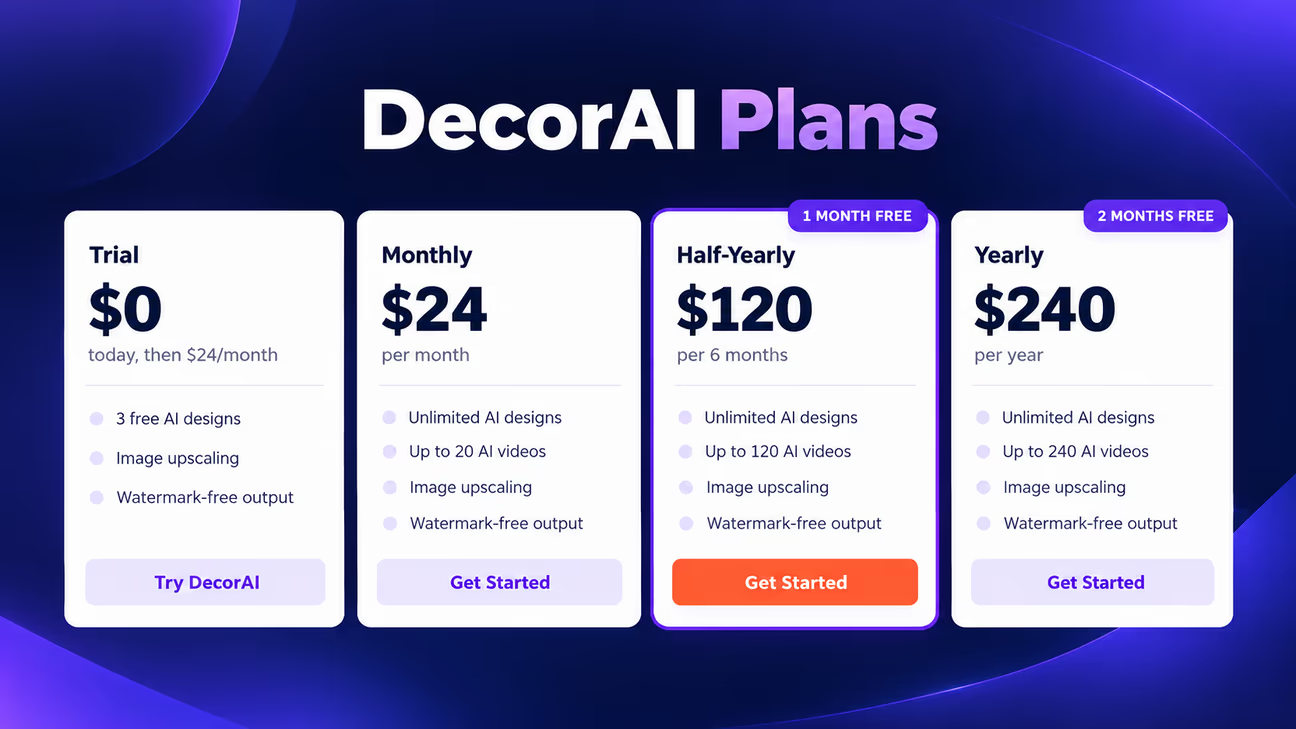
Inizia con la prova per testare la foto della tua stanza, oppure scegli un abbonamento per un uso continuo. Consulta la pagina dei prezzi di DecorAI per le funzioni e le condizioni di fatturazione attuali.
Prova di 1 giorno
La prova include 3 crediti. Usali per provare l'app e valutare i risultati prima di scegliere un piano a pagamento. Per iniziare la prova serve una carta di pagamento; controlla quando parte la fatturazione e come annullare.
Piano mensile: $24/mese
Il piano mensile include design di immagini AI illimitati e 20 video AI. Scegli questa opzione se preferisci la fatturazione mensile mentre lavori sulle tue idee di arredamento.
Piano semestrale: $120
Il piano semestrale include design di immagini AI illimitati e 120 video AI. Valutalo se pensi di usare DecorAI per diversi mesi. Controlla il calendario dei pagamenti e le condizioni di rinnovo prima di abbonarti.
Piano annuale: $240
Il piano annuale include design di immagini AI illimitati e 240 video AI. La fatturazione annuale è adatta a chi pianifica il rinnovo di più stanze e agli interior designer con progetti in corso. Usalo per confrontare idee di arredamento, riprendere i design salvati e fare altre modifiche man mano che i tuoi piani prendono forma. Un anno intero di accesso ti dà il tempo di lavorare su spazi diversi con i tuoi ritmi.
Usa una foto nitida e senza filtri, con la fotocamera dritta e senza disordine. Descrivi cosa vuoi cambiare e cosa deve restare. Tieni la stessa foto e cambia un'impostazione alla volta, poi controlla che il risultato non abbia modifiche indesiderate.
Cosa non possono fare i design di stanze con AI
Un'anteprima della stanza mostra un'idea di arredamento, ma non può confermare condizioni nascoste, la disponibilità dei prodotti o che ogni dettaglio della stanza sia rimasto invariato.
L'AI non vede i dettagli nascosti della stanza
L'AI usa ciò che è visibile nella tua foto. Dietro le pareti e sotto i pavimenti, dettagli importanti restano nascosti. Una foto potrebbe non mostrare bene:
- Cavi elettrici e tubature nascosti
- Supporti strutturali dentro le pareti
- Danni da umidità o perdite nascoste
- L'estensione dei danni alle pareti
- Dislivelli del pavimento
- Lo stato dei materiali sottostanti
L'AI può creare prodotti che non esistono
Mobili, lampade e pensili in un'immagine AI potrebbero non essere prodotti reali. Usali come riferimenti di stile e cerca articoli disponibili con forme, colori e materiali simili. Segui i controlli prima dell'acquisto nella sezione successiva prima di ordinare.
L'AI può cambiare parti della stanza
Confronta l'immagine generata con la foto originale. Controlla finestre, porte, camini, armadi a muro, linee del soffitto, scale e forme delle pareti per vedere modifiche che non hai chiesto.
Come usare l'AI prima di comprare mobili o materiali
1. Scegli le tue idee preferite
Crea due o tre anteprime della stanza e salva le forme dei mobili, i colori e le finiture che ti piacciono. Unisci dettagli di risultati diversi invece di copiare esattamente un solo design.
2. Misura la stanza
Annota la lunghezza delle pareti, la posizione di porte e finestre e lo spazio libero sul pavimento. Lascia abbastanza spazio per passare e per aprire porte, cassetti e ante. Misura l'altezza del soffitto per mobili alti o lampade a sospensione. Controlla a parte le dimensioni dei mobili rispetto allo spazio disponibile. Misura anche il percorso di consegna attraverso porte, corridoi e scale.
3. Controlla i prodotti prima di ordinare
Trova prodotti reali che corrispondono alle idee scelte. Verifica per ogni prodotto:
- Dimensioni
- Materiali e finitura
- Prezzo
- Disponibilità in magazzino
- Dettagli di consegna
Chiedi campioni di vernice, pavimento o tessuto quando sono disponibili. Controllali nella tua stanza e salva i link dei prodotti insieme alle anteprime.
Inizia oggi ad arredare con l'AI
Ora che sai come arredare con l'AI, metti alla prova le tue idee. Prova un nuovo colore delle pareti, una nuova disposizione dei mobili o un nuovo stile sulla foto della tua stanza con DecorAI. Salva ciò che ami, poi controlla misure e campioni prima di comprare.
Carica la tua foto e crea la tua prima anteprima della stanza
Domande frequenti
Carica una foto della stanza, scegli una modalità di design e uno stile, poi genera un'anteprima. Controlla il risultato, salva le idee che ti piacciono e verifica le misure prima di comprare.
Scegli in base a cosa ti serve: anteprime della stanza, posizionamento dei mobili o planimetrie con misure. Il nostro confronto tra strumenti AI di interior design riporta funzioni e risultati delle prove pratiche.
Le anteprime AI possono sembrare realistiche, ma possono cambiare alcuni dettagli della stanza o mostrare mobili nella scala sbagliata. Confronta il risultato con la foto originale e controlla le misure reali prima di comprare.
Sì. Carica una foto nitida e seleziona le modifiche che vuoi. Confronta l'anteprima con l'originale per notare qualsiasi cosa che non avevi chiesto di cambiare.
DecorAI permette di caricare immagini di mobili per le anteprime visive. Controlla a parte le dimensioni reali del prodotto: l'aspetto nell'immagine non conferma che ci stia.
L'AI è utile per idee di arredamento e riferimenti visivi. Un interior designer può valutare le esigenze pratiche e pianificare i dettagli. Per i lavori strutturali, elettrici e idraulici serve il parere di un professionista qualificato.